Wiring harness design in CATIA V5 - 3D modeling Week 4 Challenge
Download required Cad files of cnnectors and clip, equipments required.
Define each file as electrical components and give required properties acording to part.
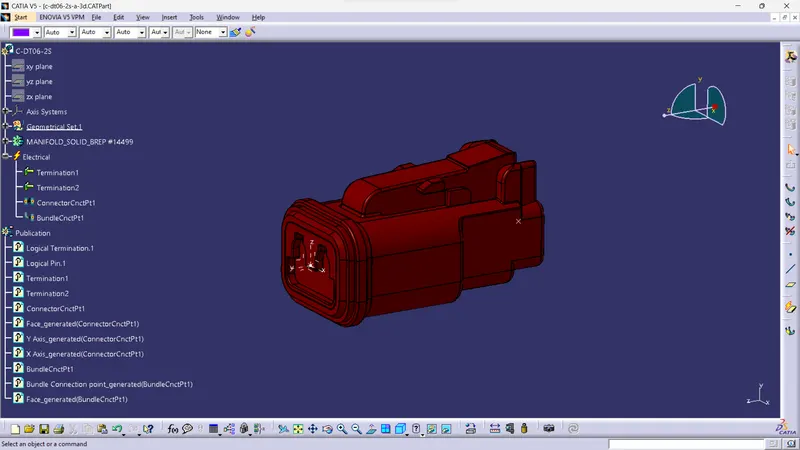
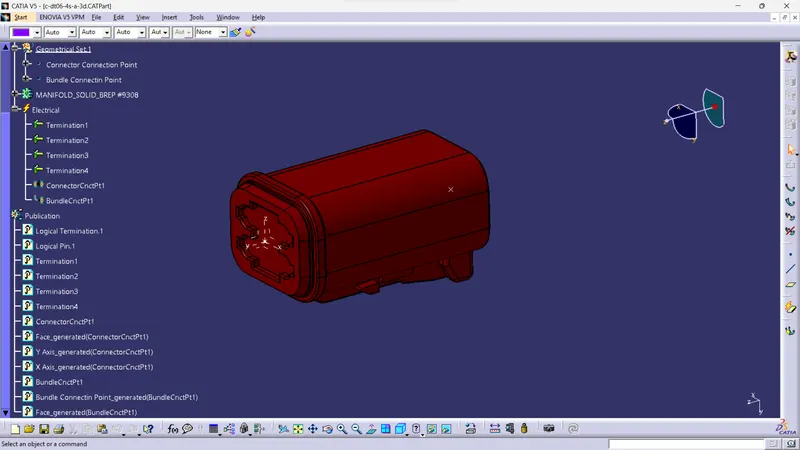
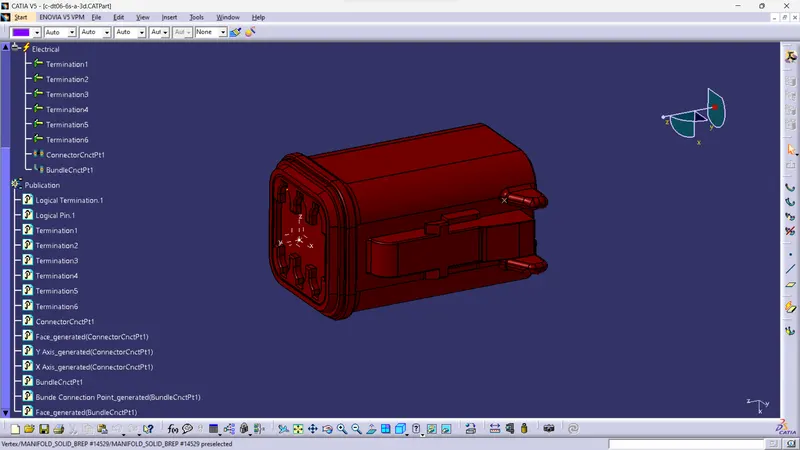
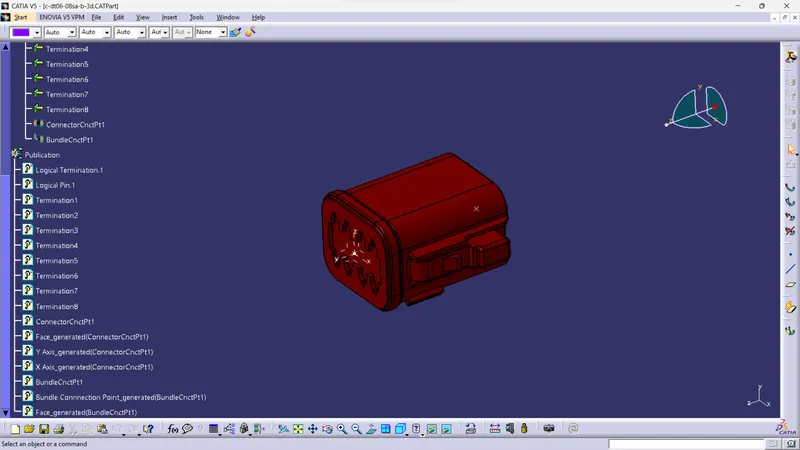
then ceate new product file name as assembly wring harness contex and add sub product asgeometrical bundle.
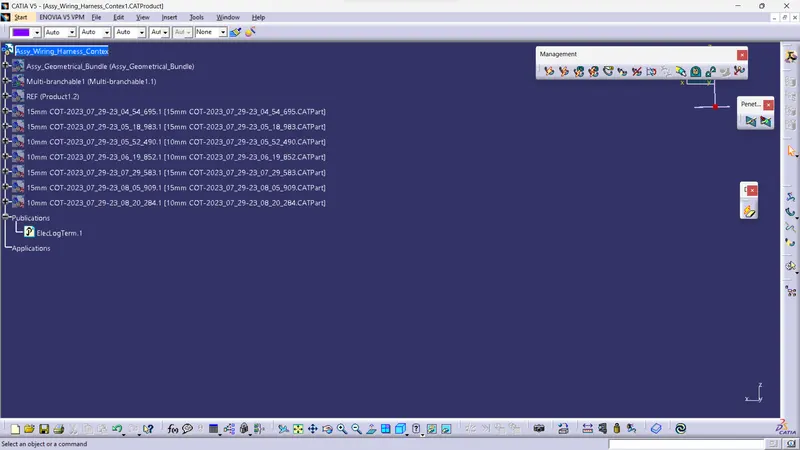
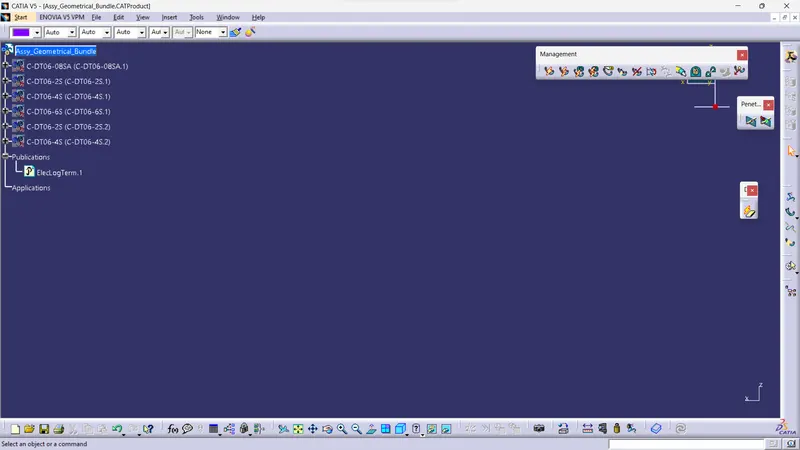
add required Connectors in geometrical bundle
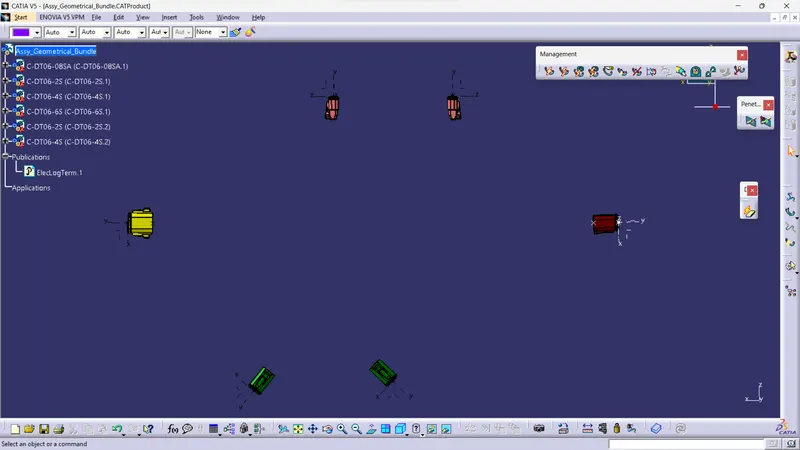
Definne assembly geometrical bundle as electrical assembly using geometrical bundle command
ensure all connectoor should be elecricaly defined
then arrange all connectors as given diagram or at required place using manuplation command.
open mechanical assembly into electrical harness assmbly
click multi branahable command and select product.
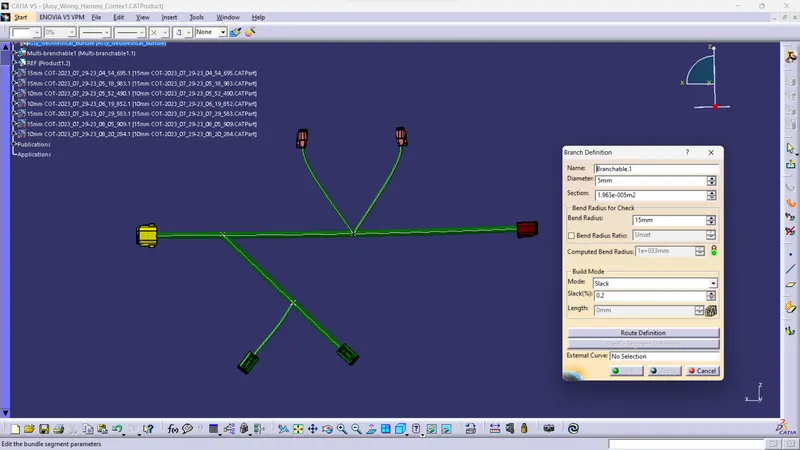
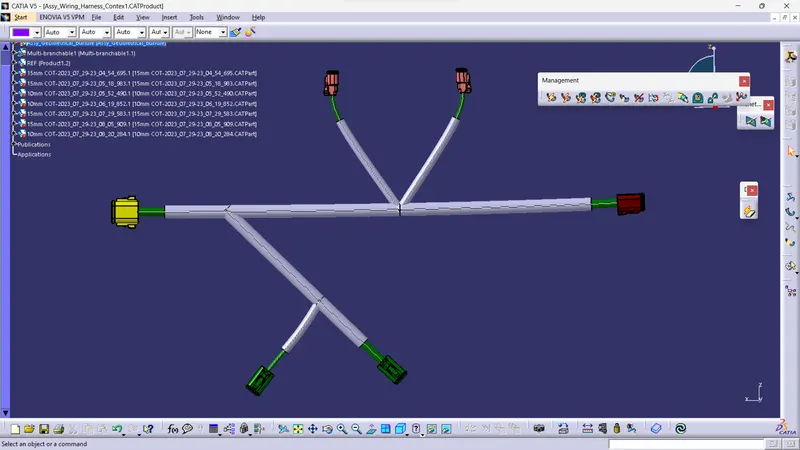
give branch defination and rout bundle within connectors define branch point and give routing of branchs
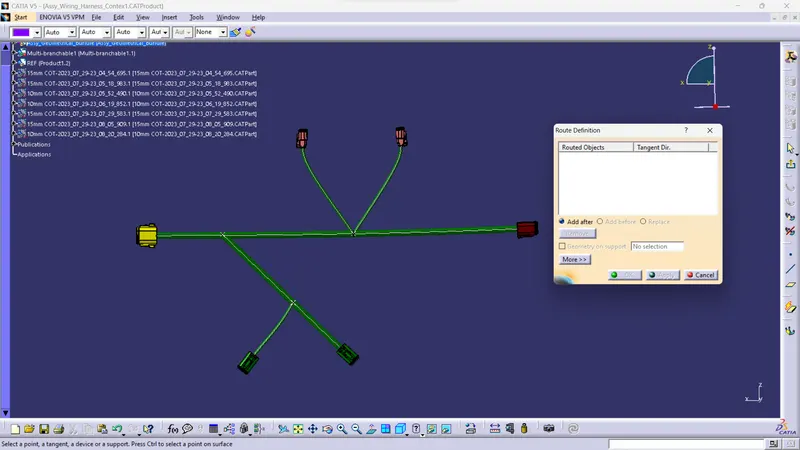
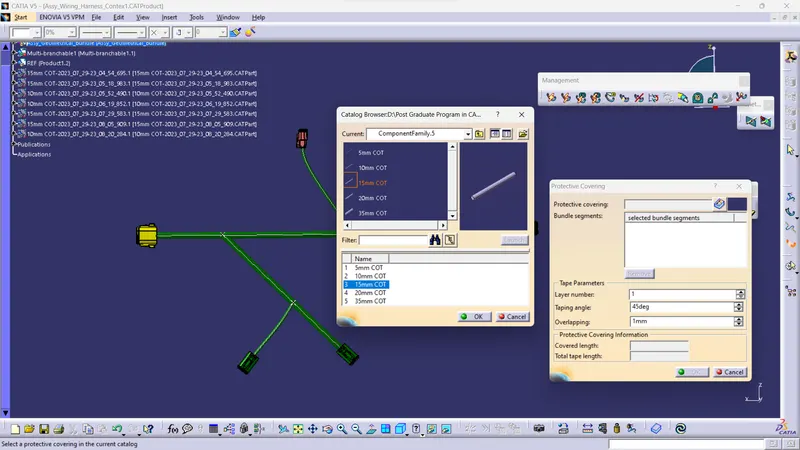
exit from multibranchable and define protactive covering.