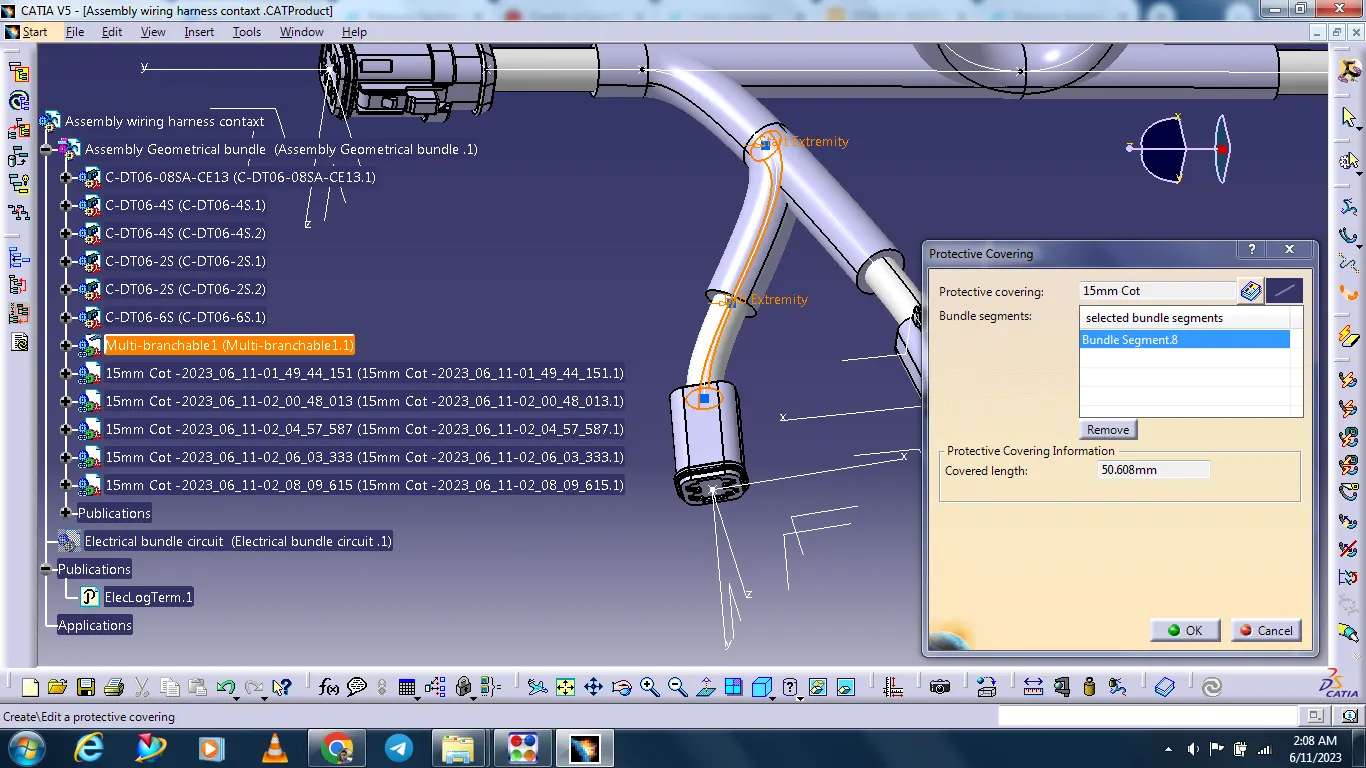
Wiring harness design in CATIA V5 - 3D modeling Week 4 Challenge
First we all download the required file for connectors from te.com
All connectors Define the Mechanical connectors electrically
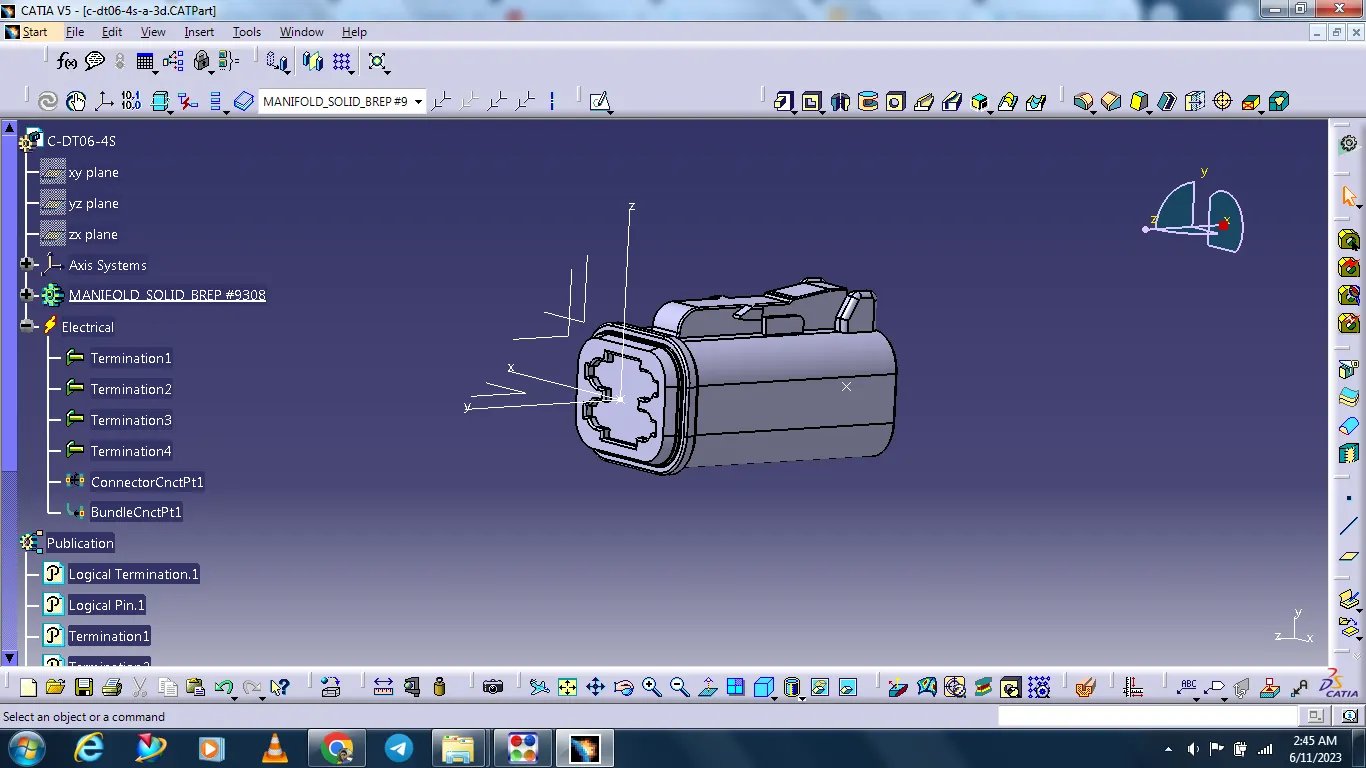
- DT06-4S
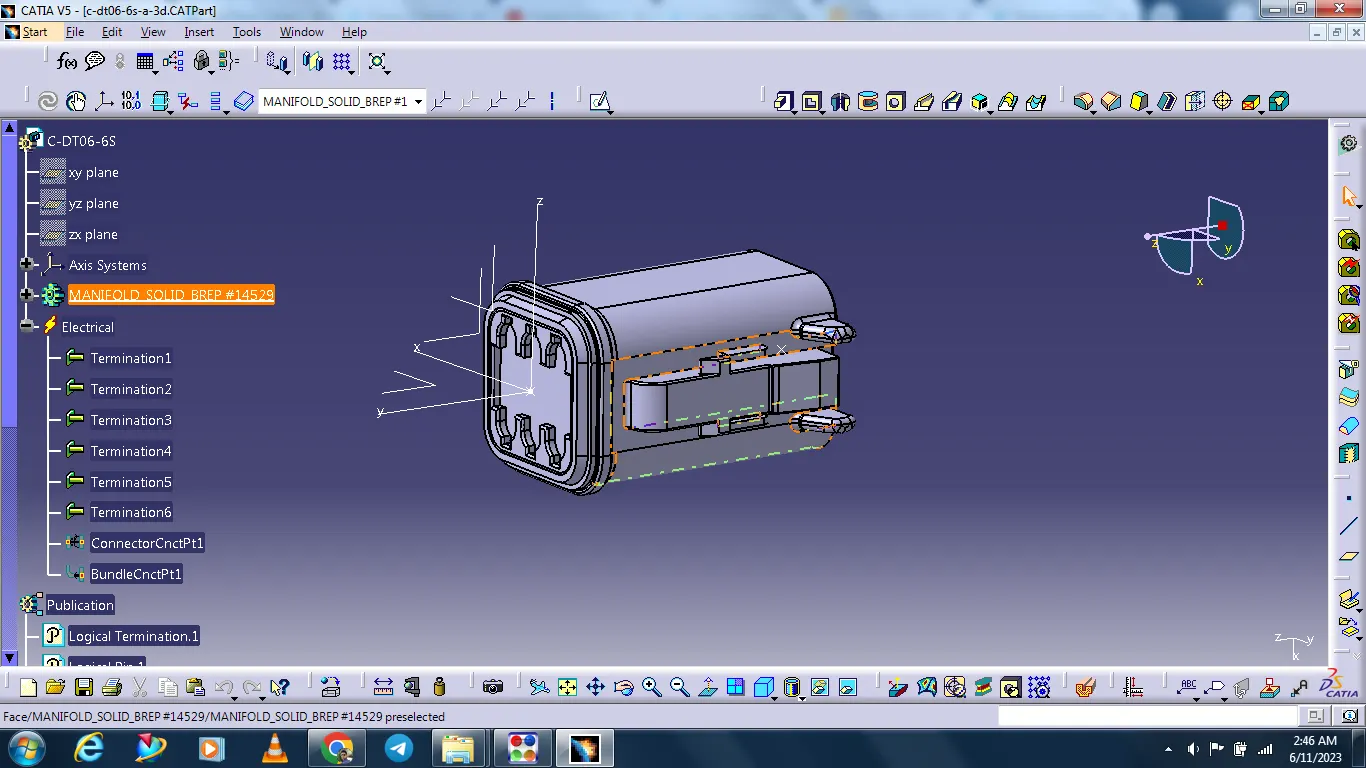
- DT06-6S
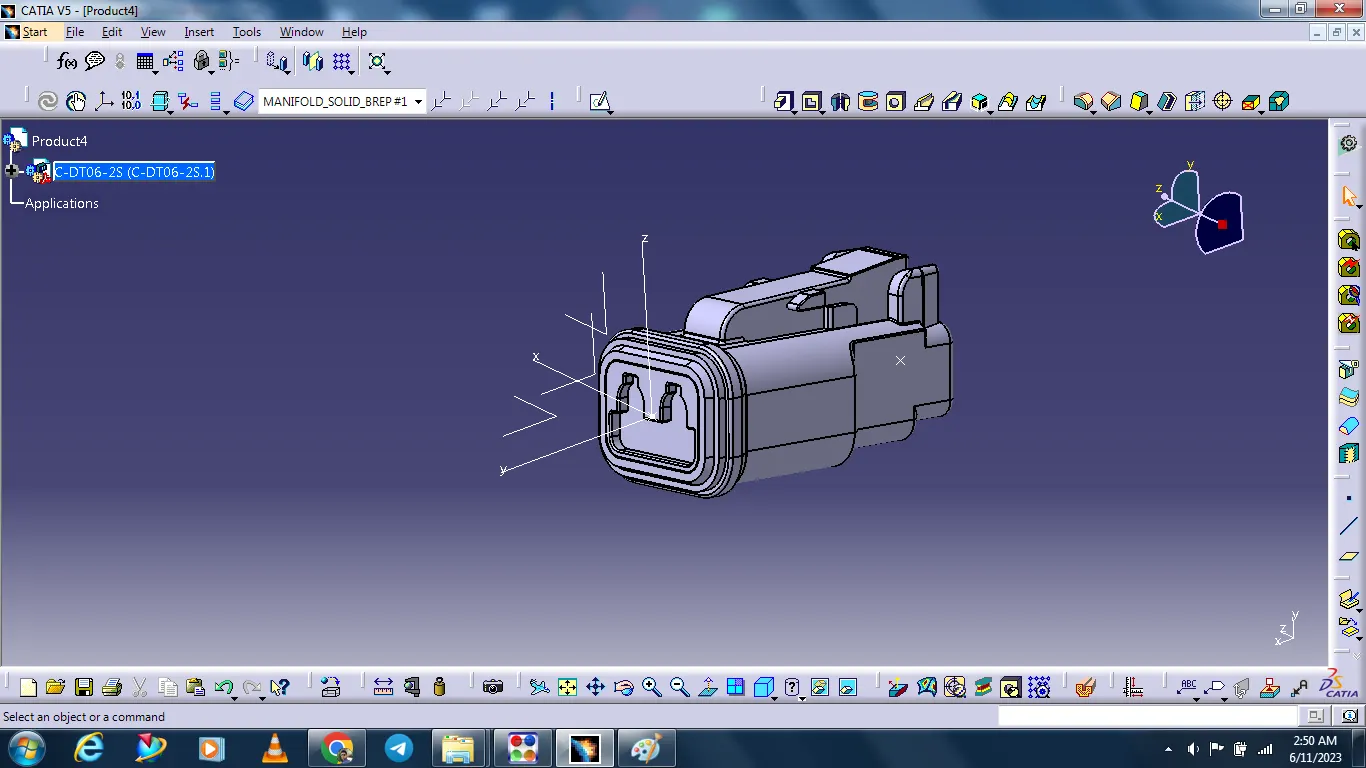
- DT06-2S
- DT06-08SA
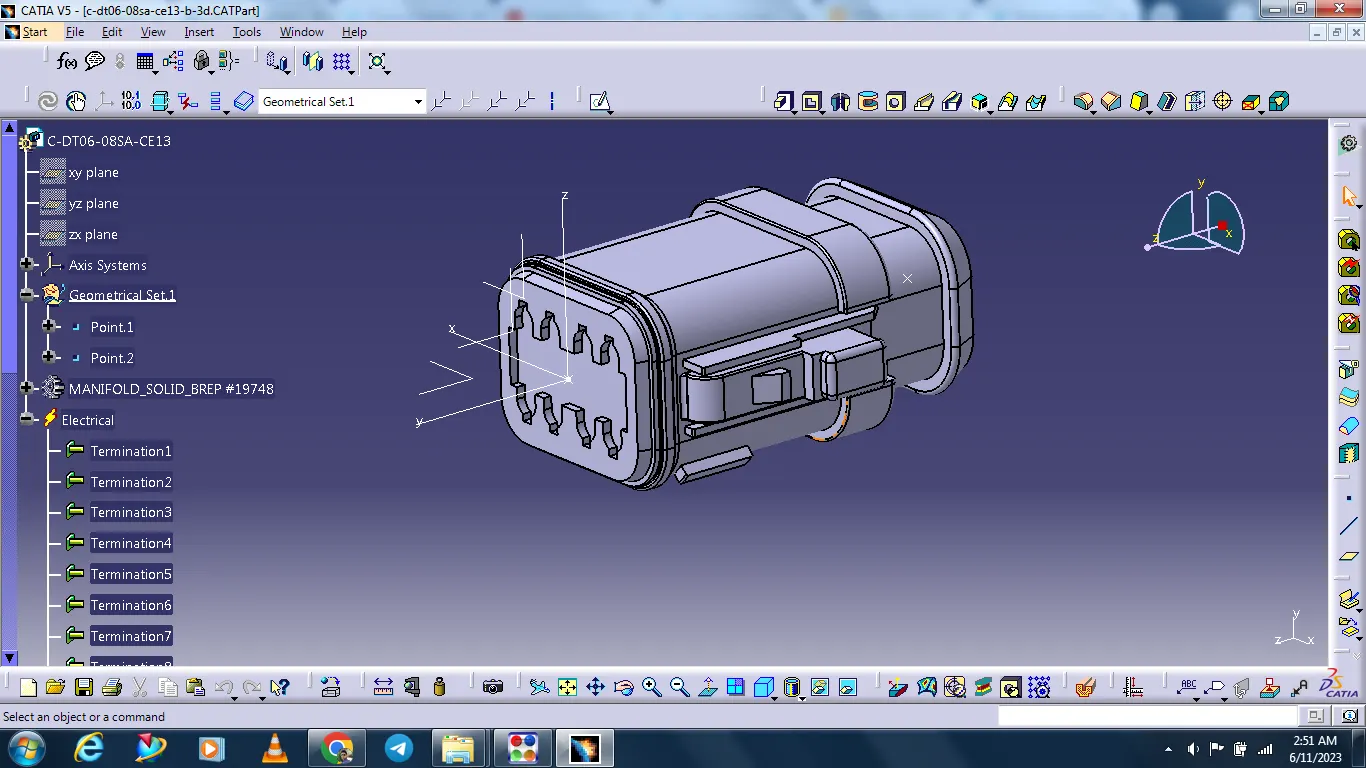
All connectors are arranged as per given design with the help of the manipulation command.
Geometrical bundle assembly
Geometrical bundle assembly is complated.
All components are placed at desired location.
All type of electrical connection constrations are defined.
Background geometry data is available & assembled in geometrical bundle context assembly.
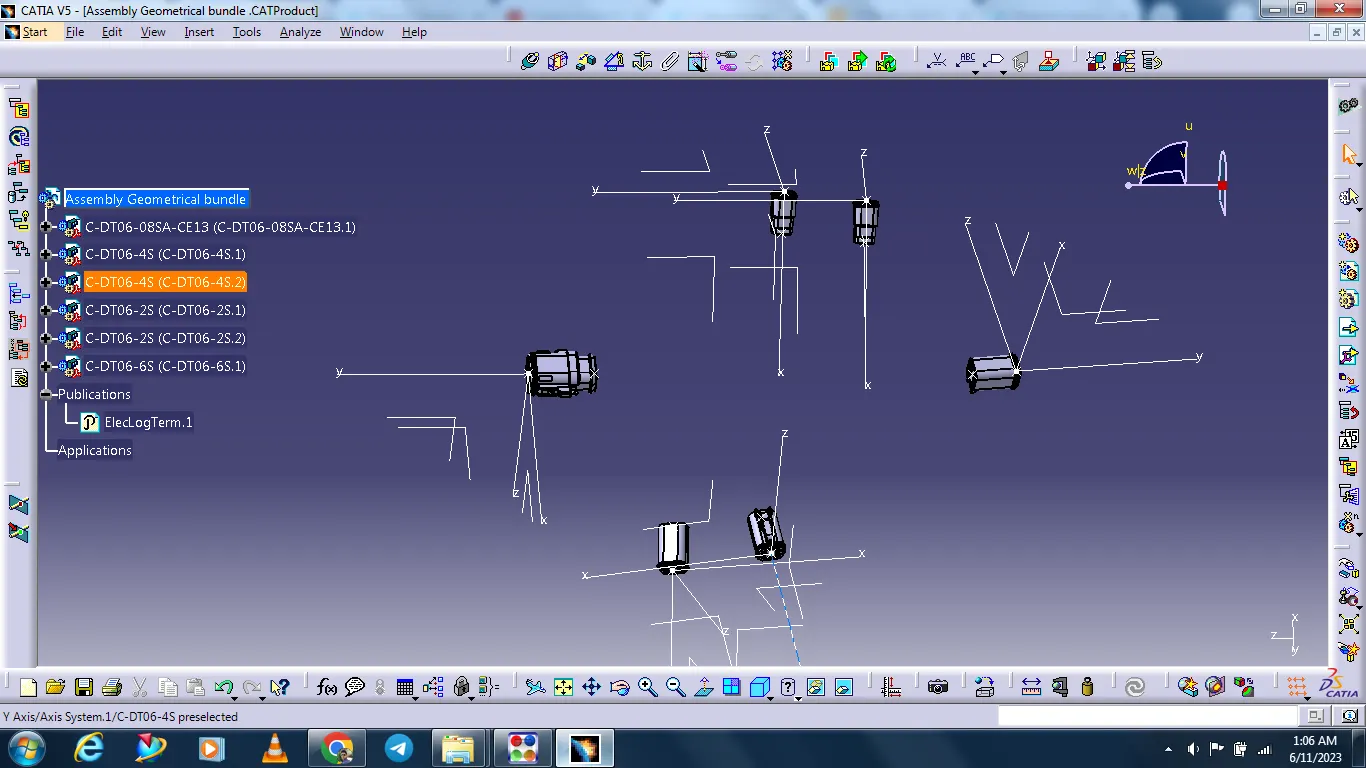
Creating wire harness bundle segment
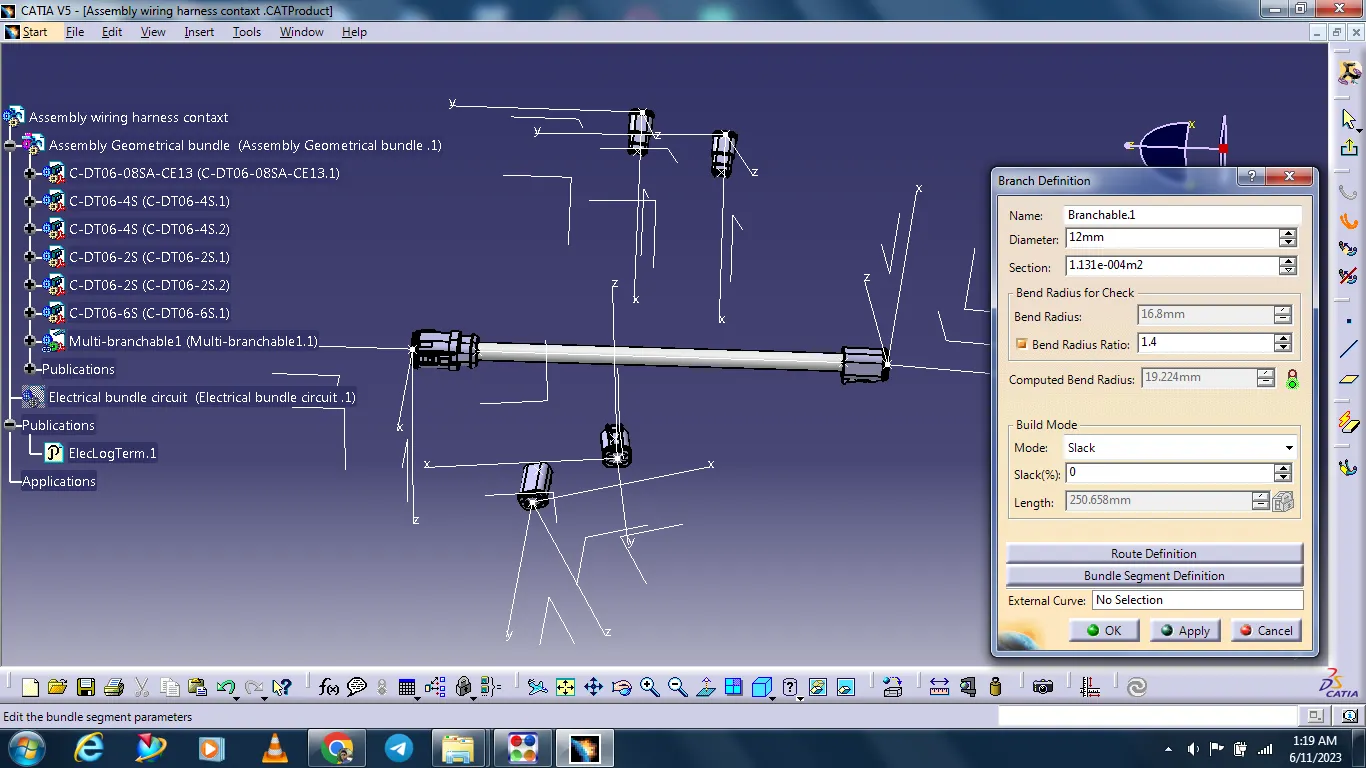
Switch to the electrical harness assembly workbench.
Ensure that you have your harness geometrical bundle highlighted.
Select the multi branchable document
In the branch definition box input all the required parameters.
Ensure that the bend radius ratio is set to 1.4 or 1.5 and that the check box is on.
Ensure that the build mode is set to stack.
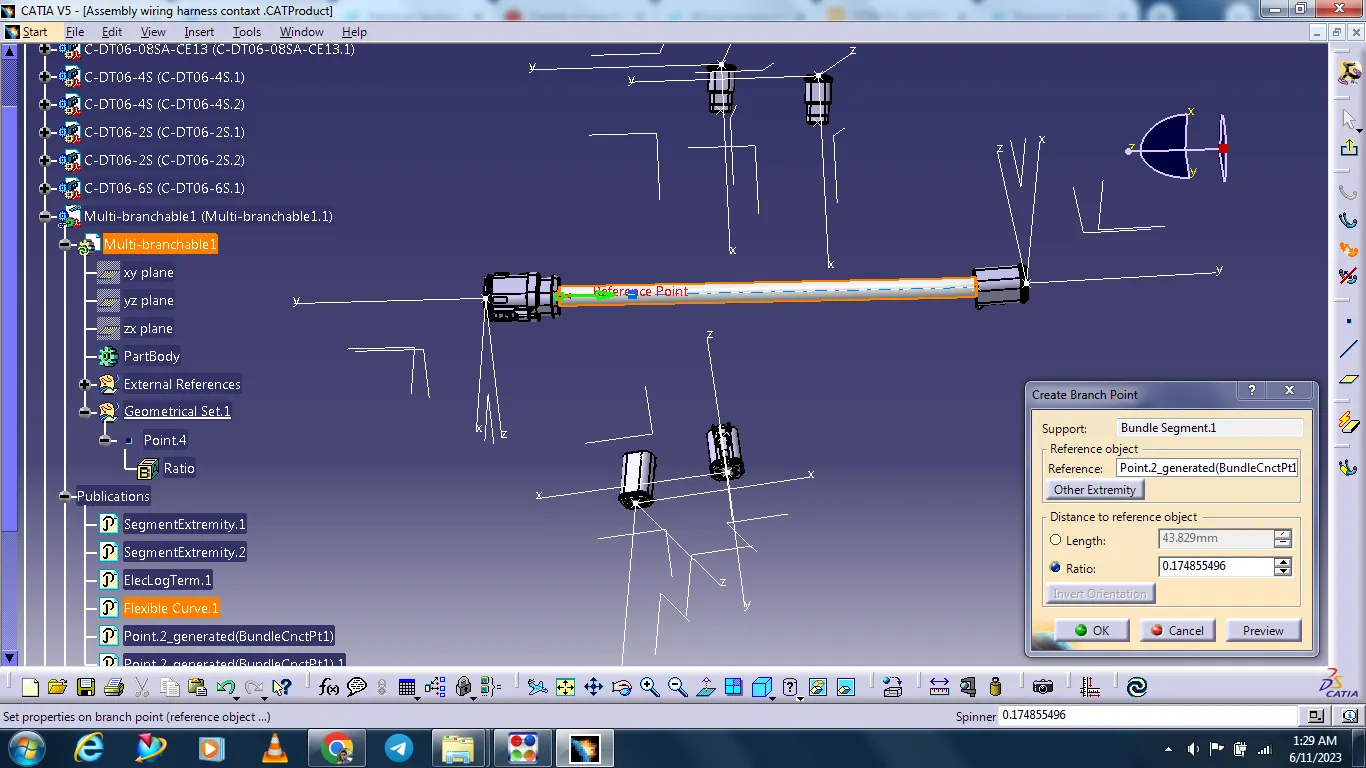
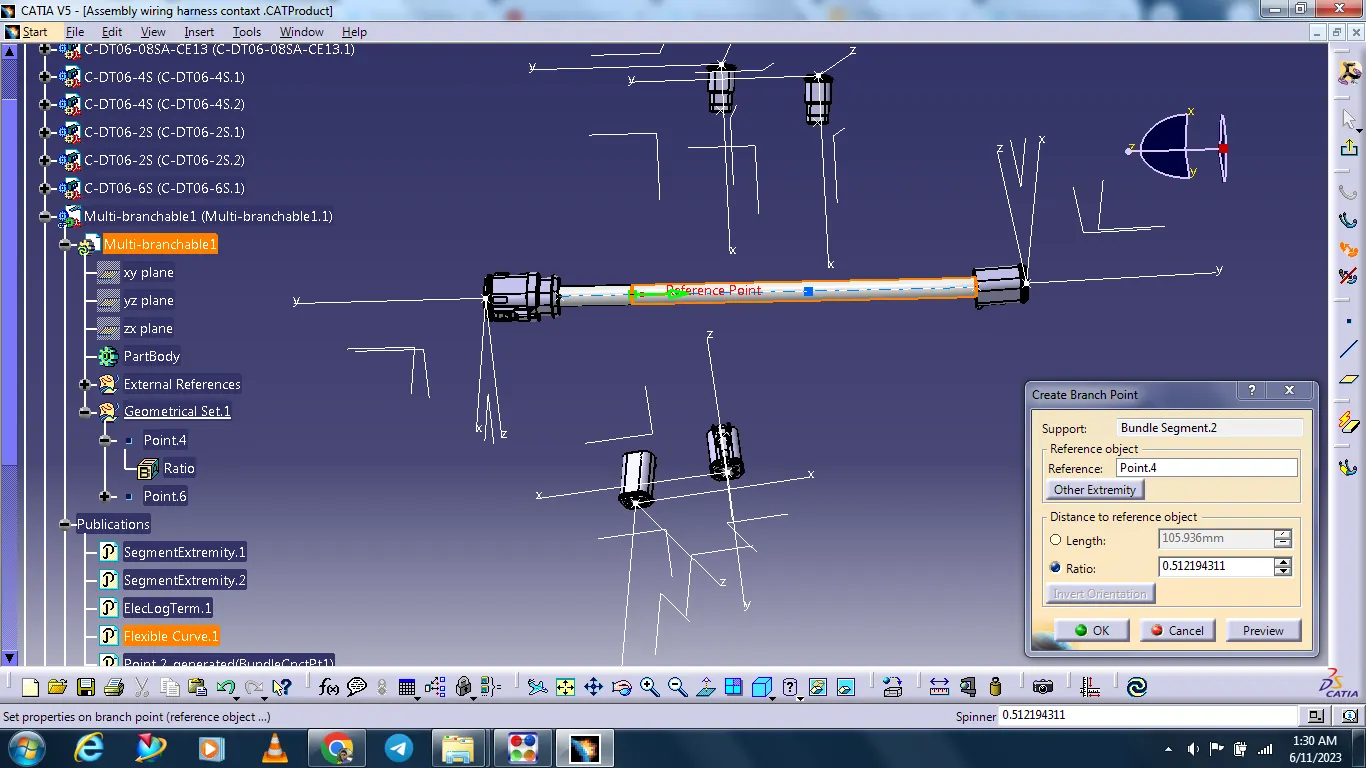
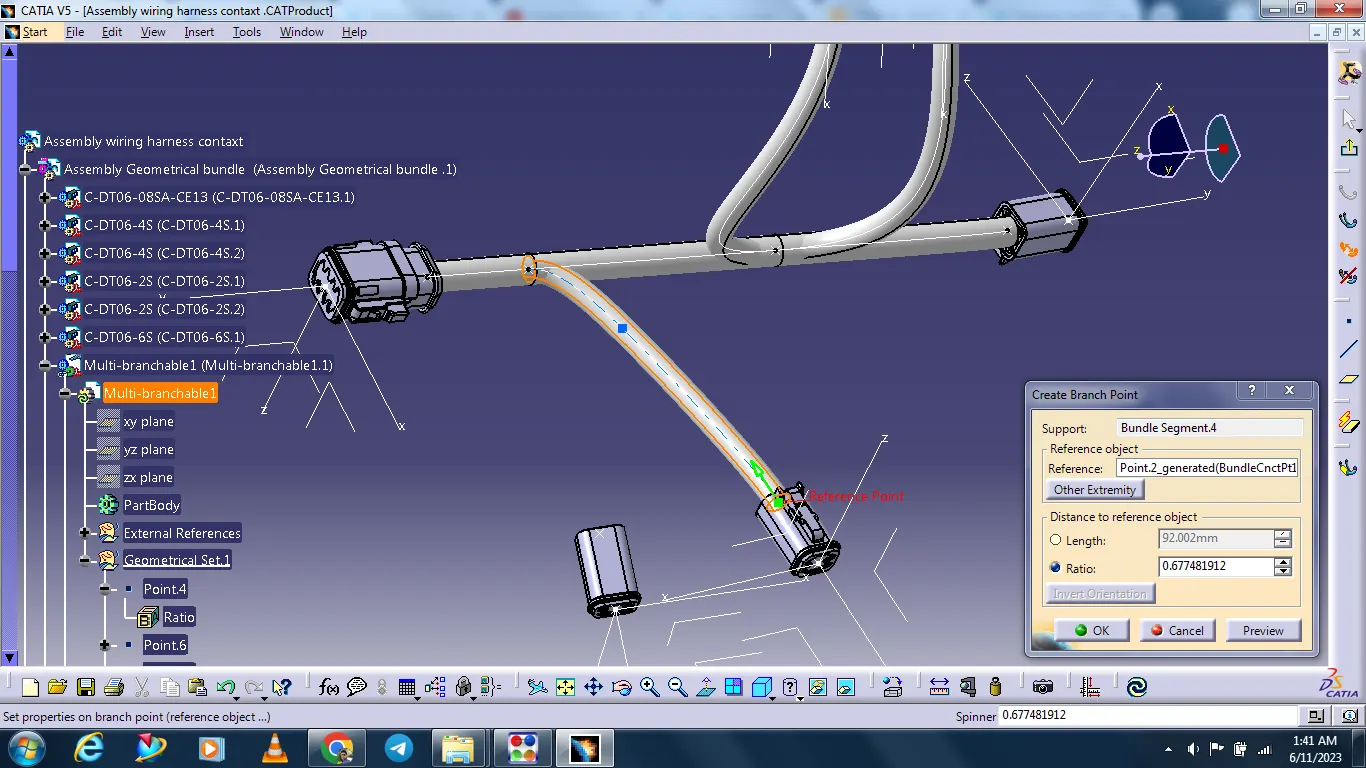
Creating the branch point for routing other connectors.
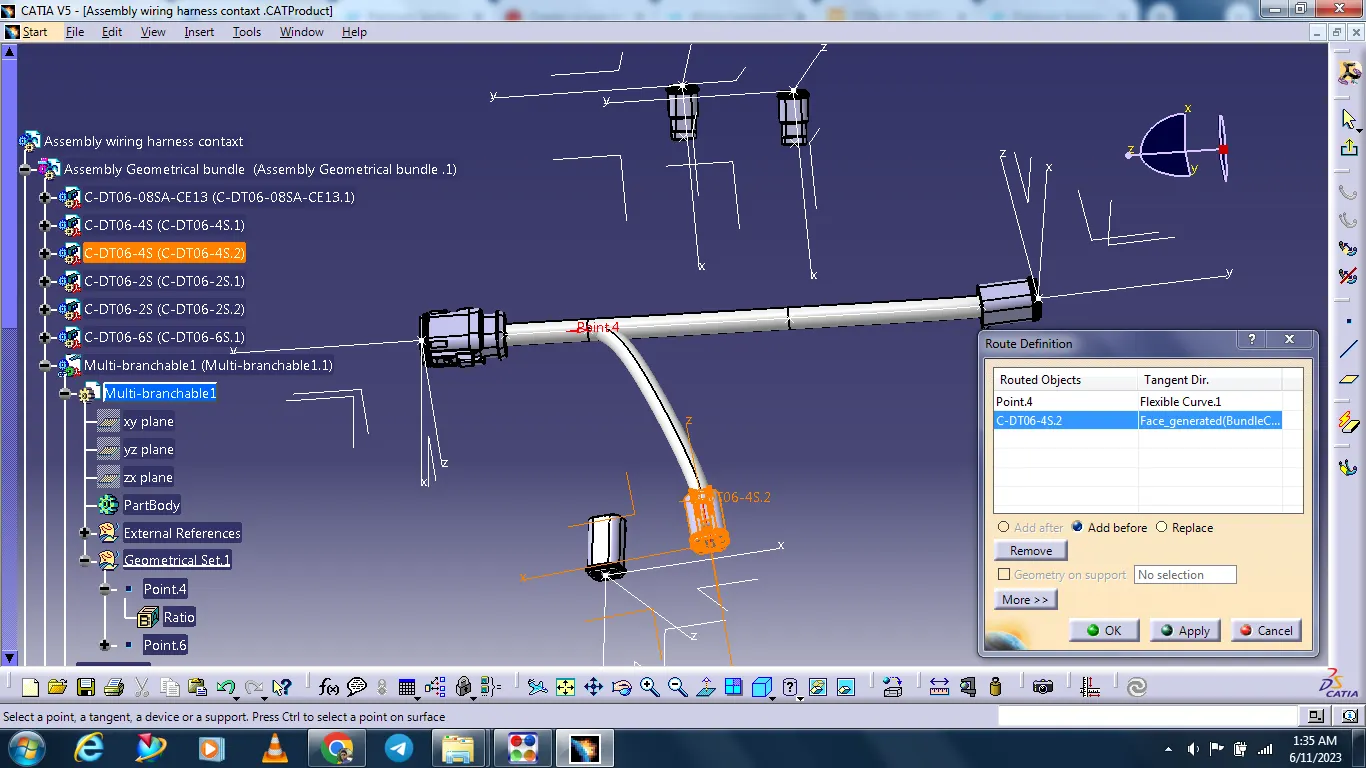
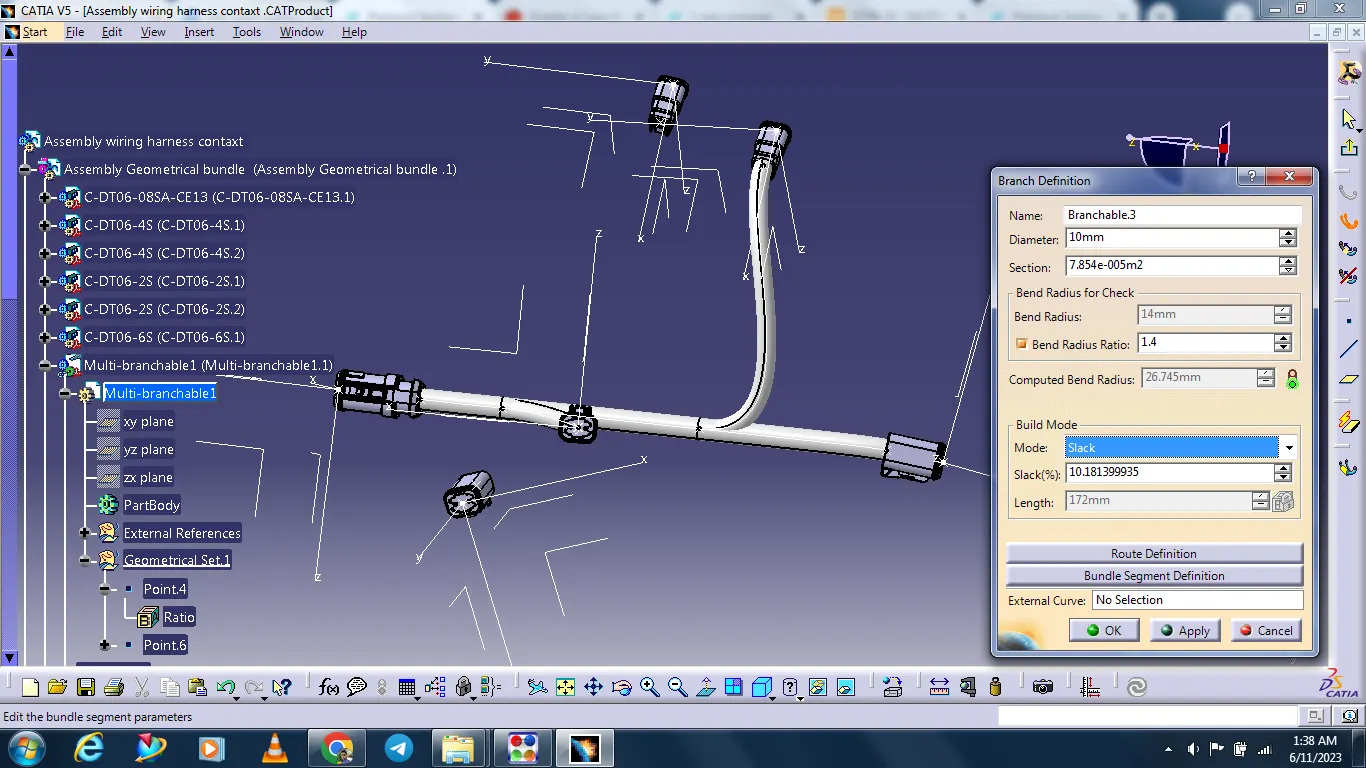
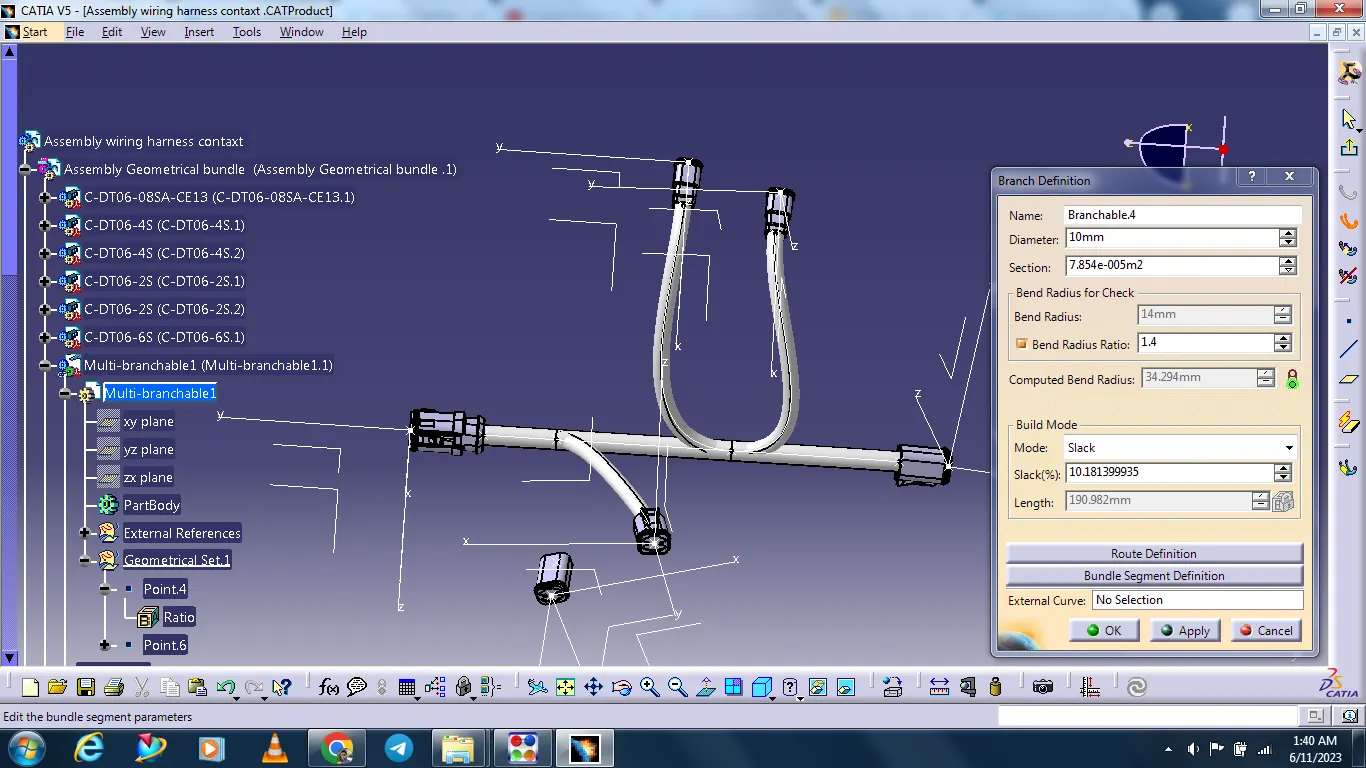
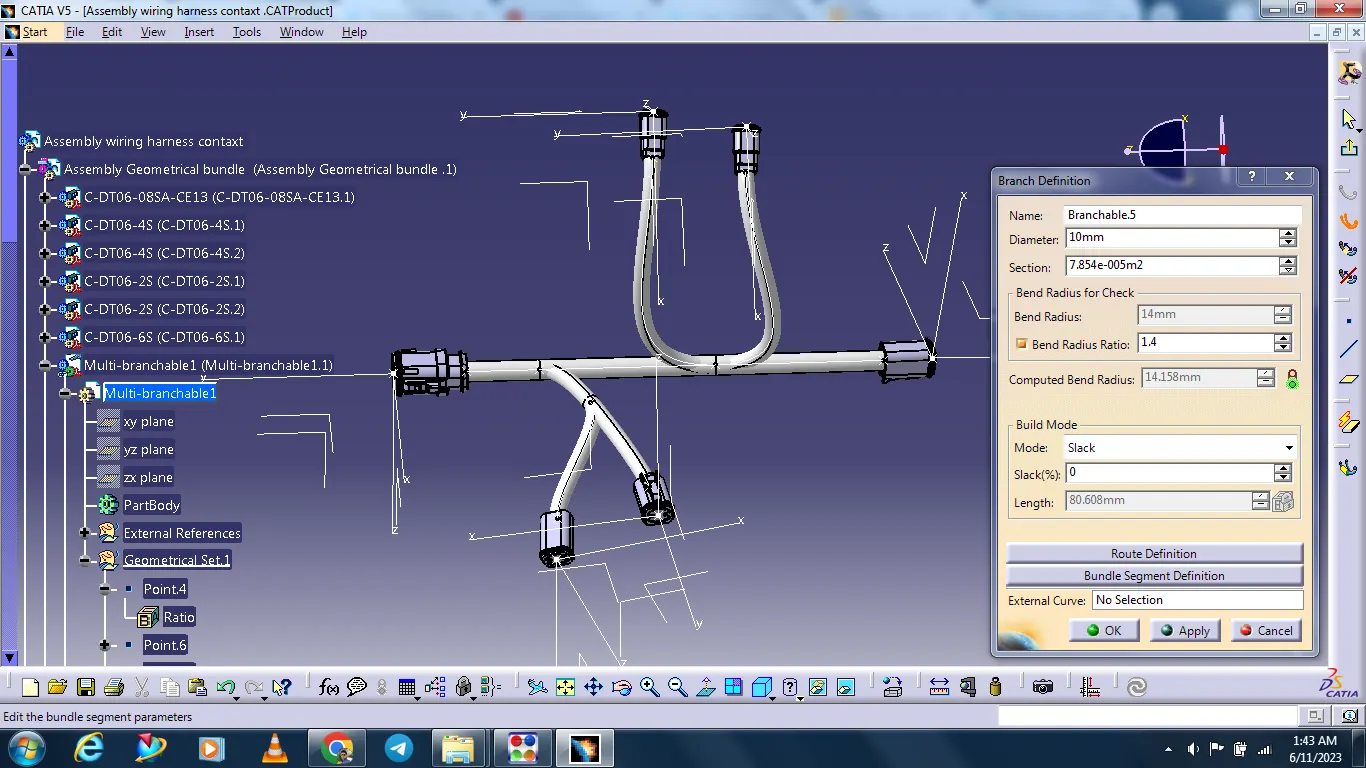
Final wire harness assembly is complated.
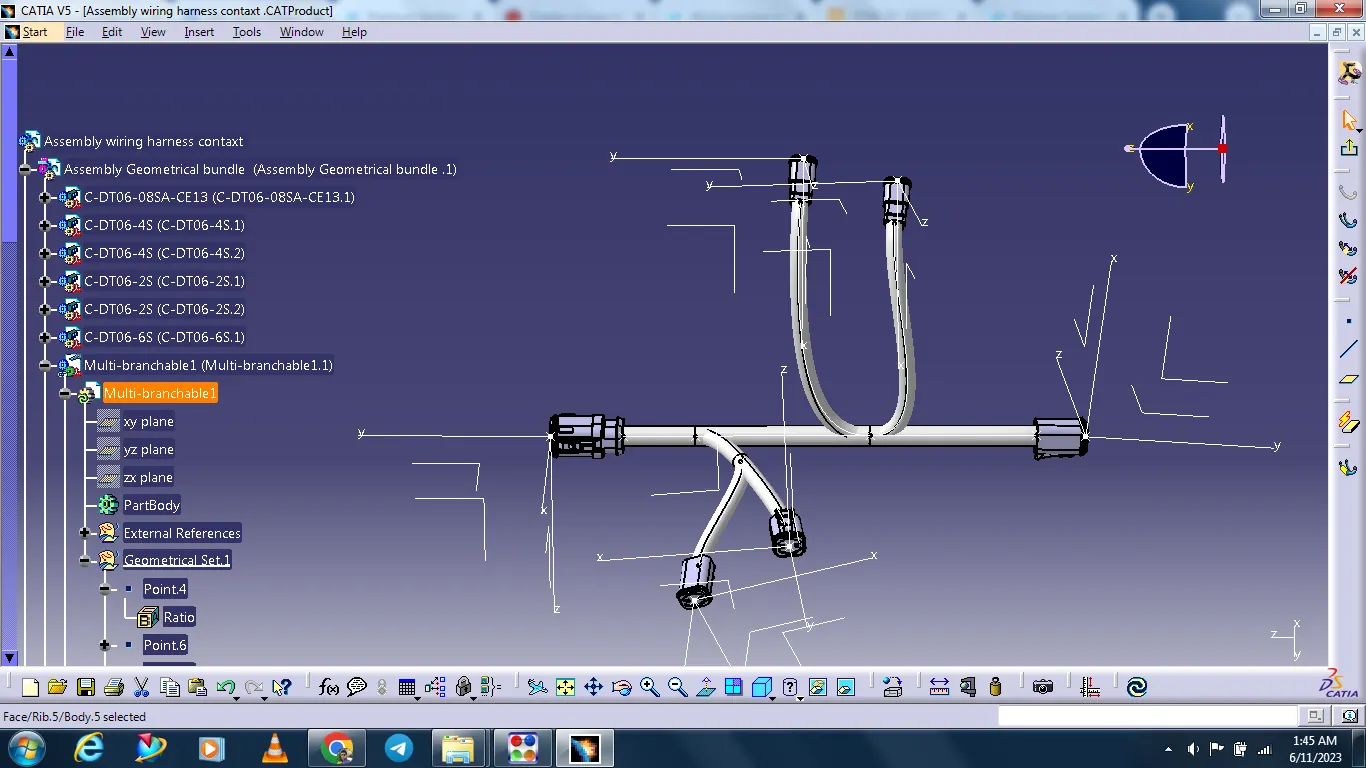
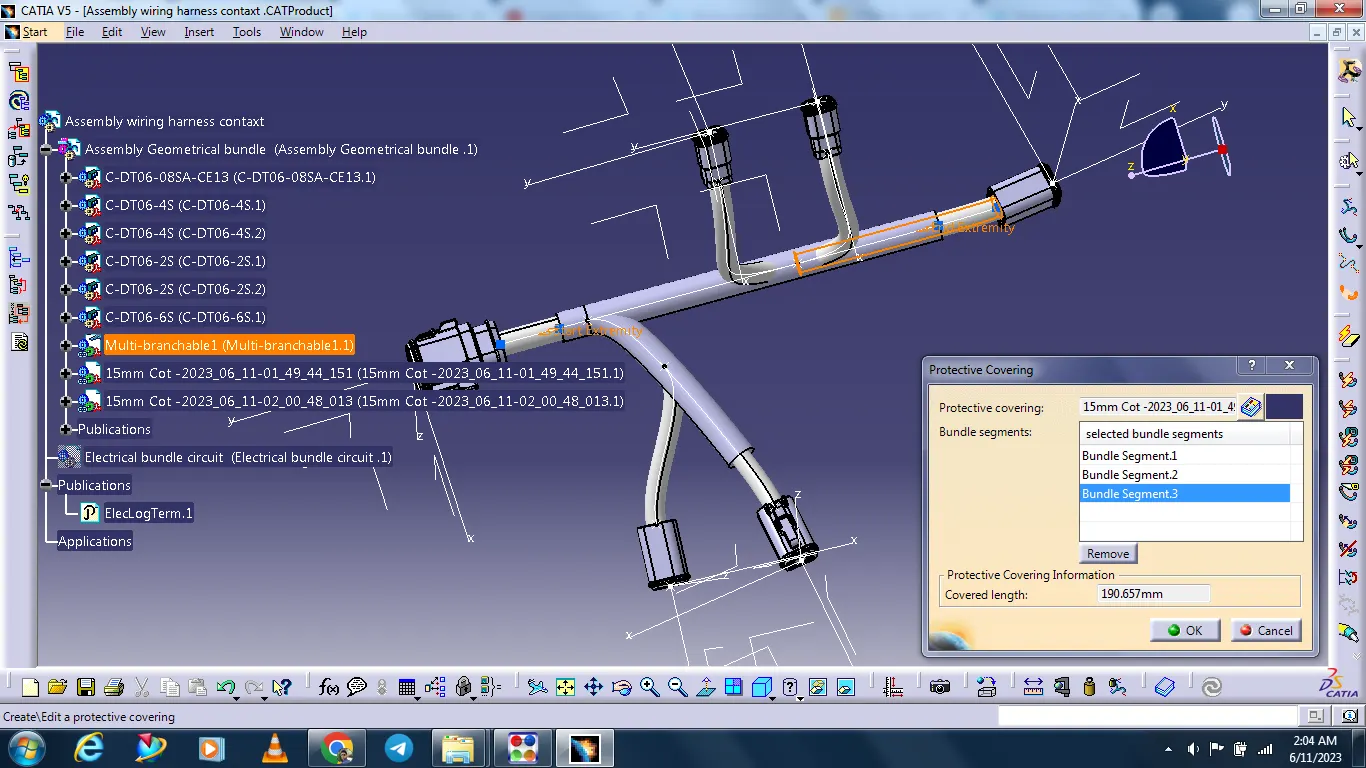
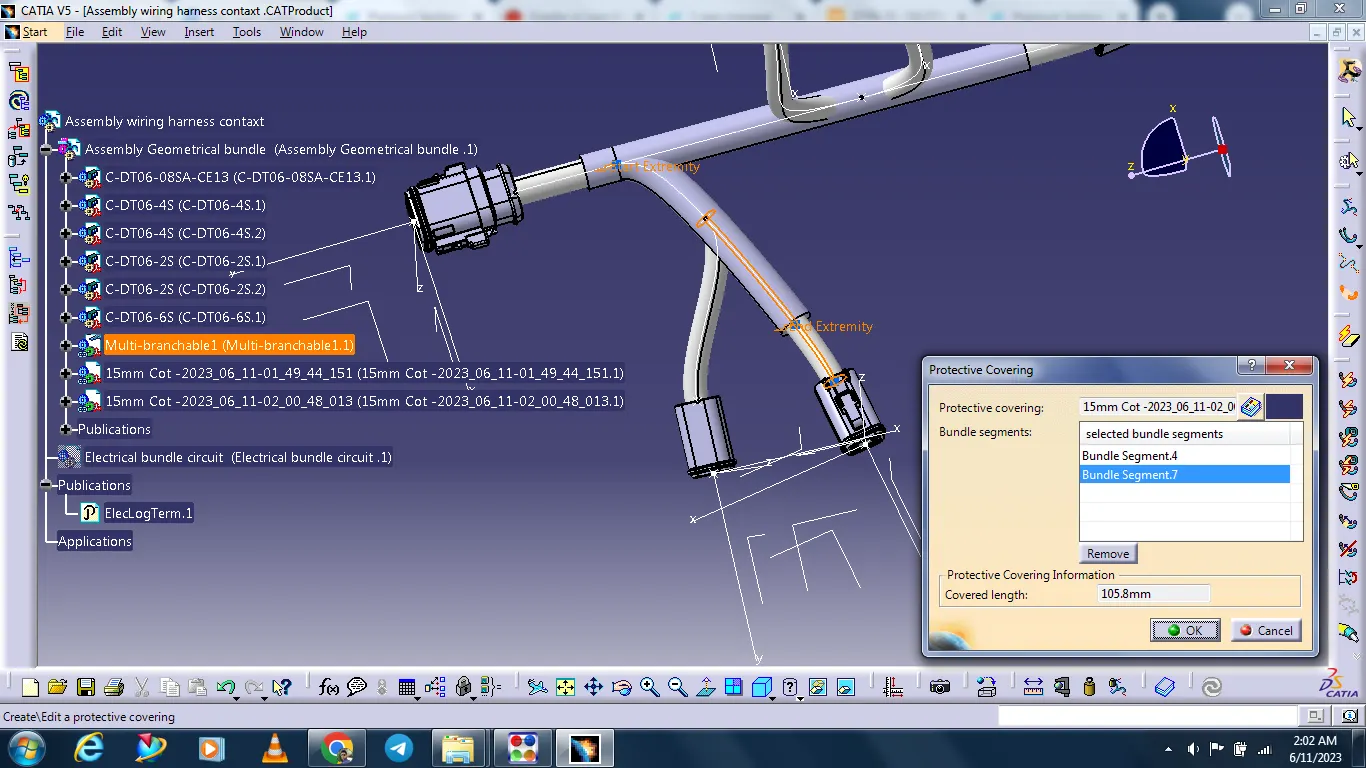
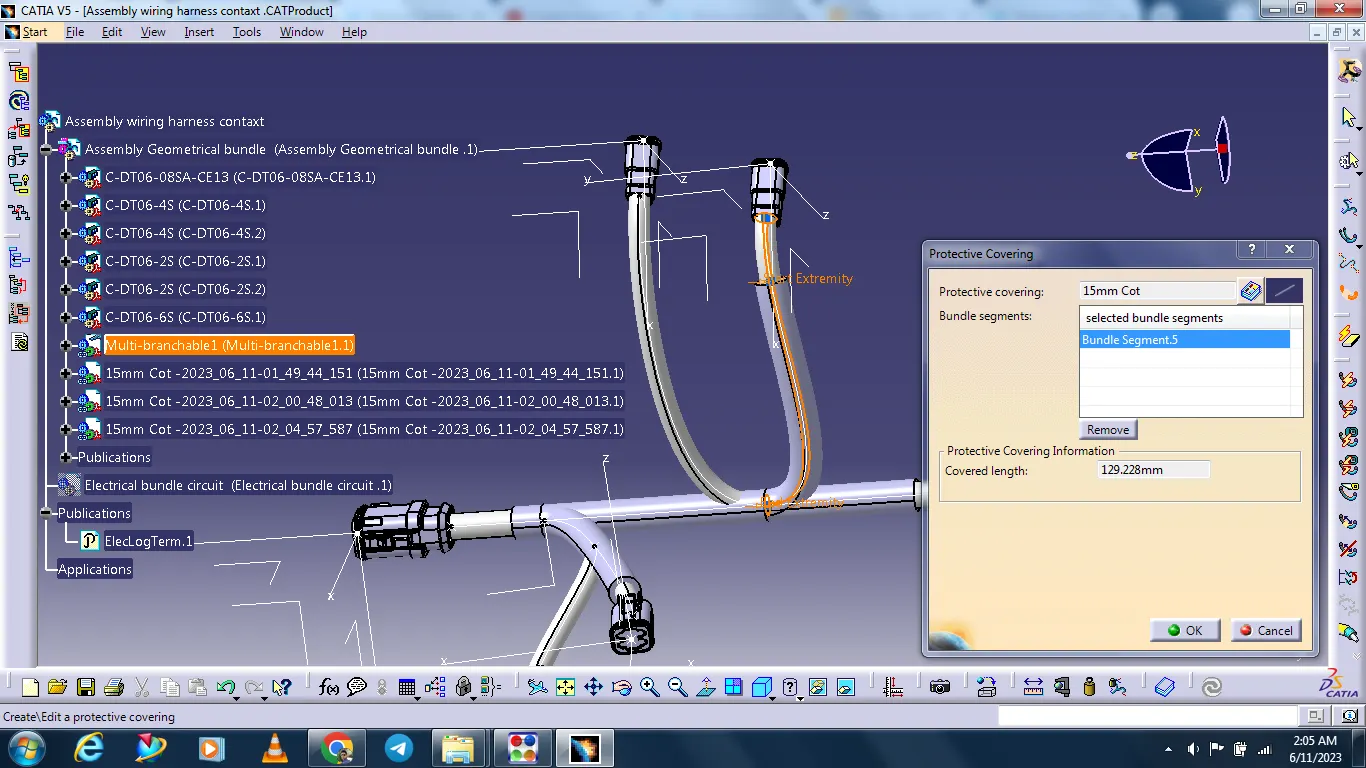
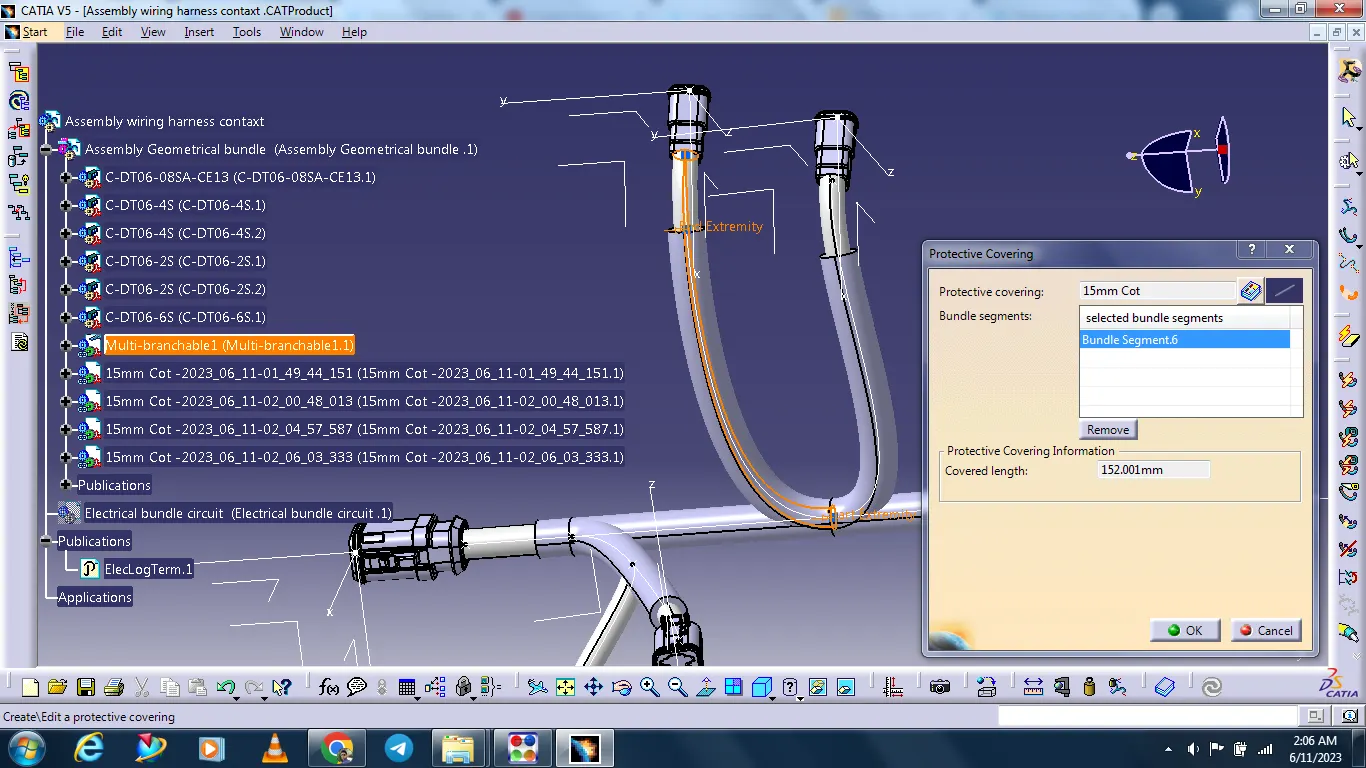
After adding protective covering with the help of catalogue.