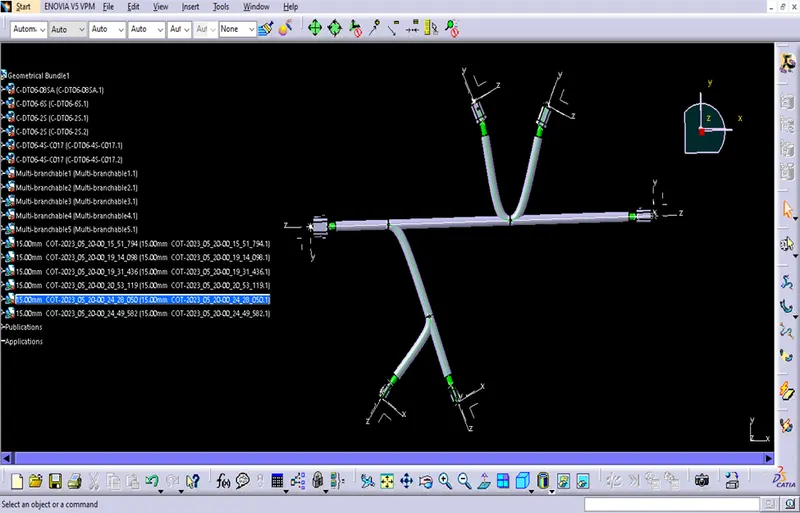
Wiring harness design in CATIA V5 - 3D modeling Week 4 Challenge
Attempted
Week 4 Challenge
Wiring harness design in CATIA V5 - 3D modeling Week 4 Challenge
Q1. Route the following harness layout in Electrical workbench. Make assumption for harness bundle diameters. Use Following connectors as shown in layout diagram.
Add protective covering on all branches connected to DT06-2S & DT06-4S connectors. Keep end extremity at 30mm (from connectors end)
Download connector 3D data from www.te.com
- DT06-4S
- DT06-6S
- DT06-2S
- DT06-08SA
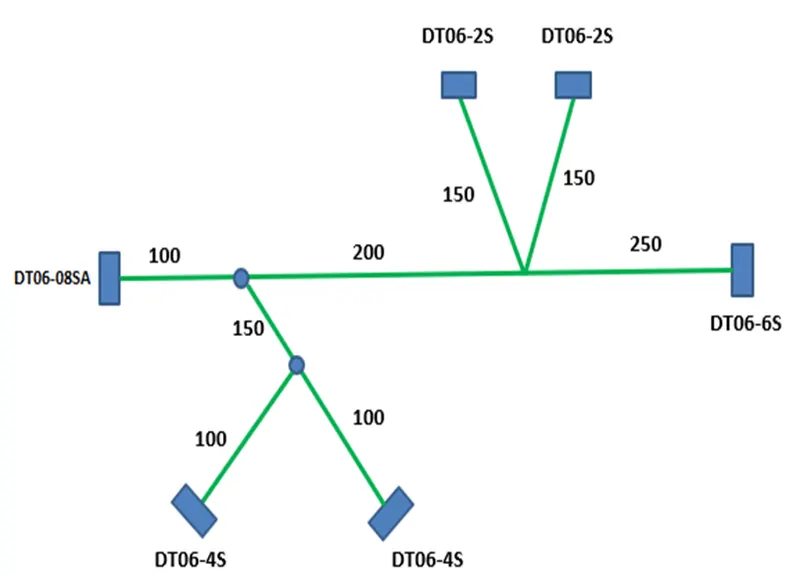
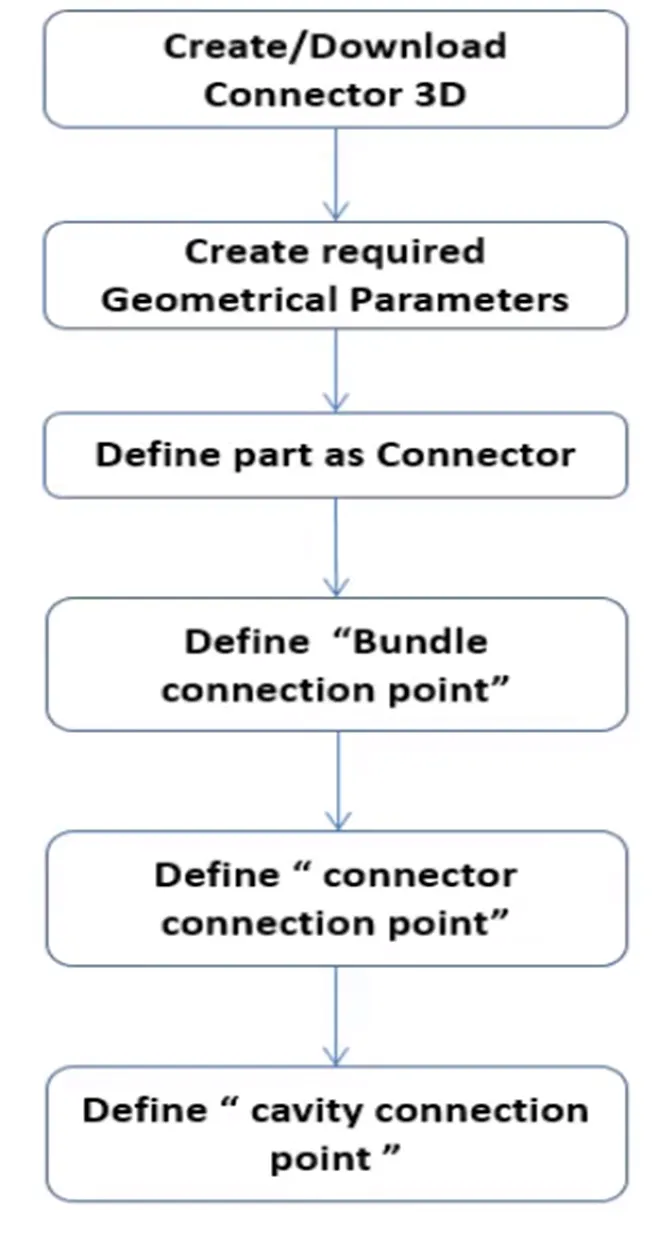
Steps:
- Open the Electrical workbench.
- Import the connector 3D data.
- Create a new harness.
- Add the connectors to the harness.
- Route the wires between the connectors.
- Add protective covering to the branches connected to DT06-2S & DT06-4S connectors.
- Keep the end extremity at 30mm (from connectors end
Here are the assumptions for harness bundle diameters:
- DT06-4S: 6mm
- DT06-6S: 8mm
- DT06-2S: 4mm
- DT06-08SA: 10mm
Here is the routing of the harness:
- The harness starts at the DT06-4S connector.
- The wires from the DT06-4S connector are routed to the DT06-6S connector.
- The wires from the DT06-6S connector are routed to the DT06-2S connector.
- The wires from the DT06-2S connector are routed to the DT06-08SA connector.
- The protective covering is added to the branches connected to DT06-2S & DT06-4S connectors.
- The end extremity is kept at 30mm (from connectors end
Conecting the Mechanical part into the Electrical part
- DT06-2S
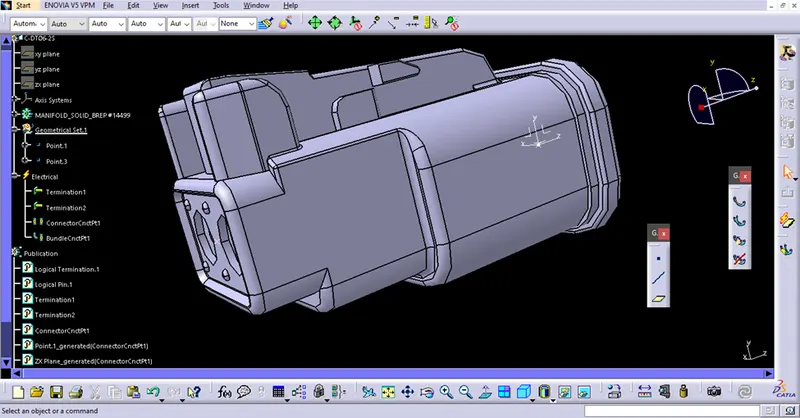
- DT06-4S
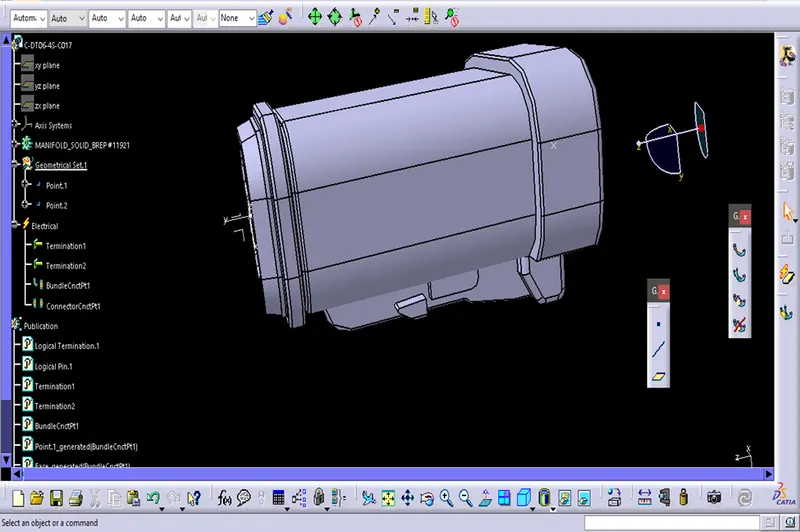
- DT06-6S
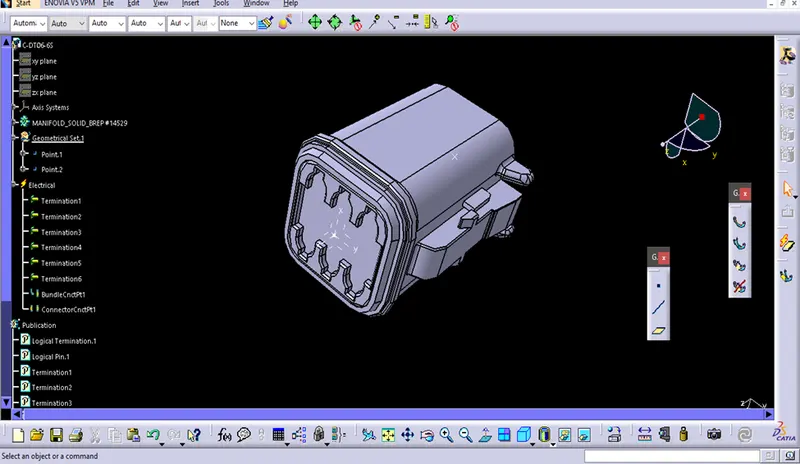
- DT06-08SA
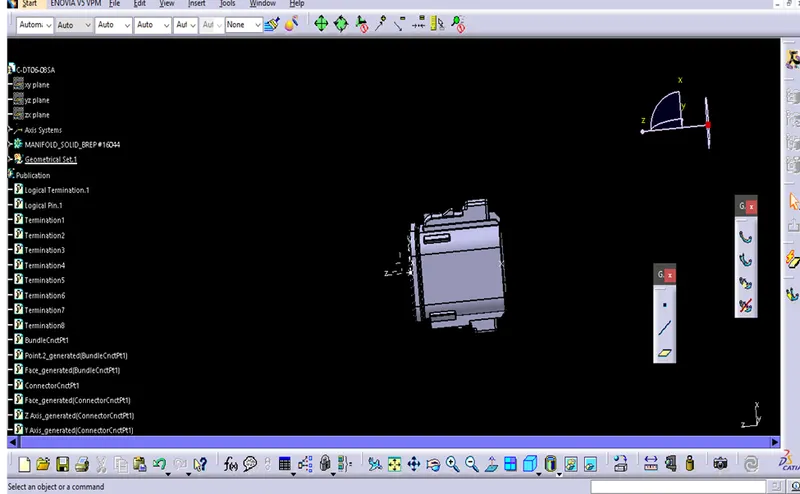
Creating the path
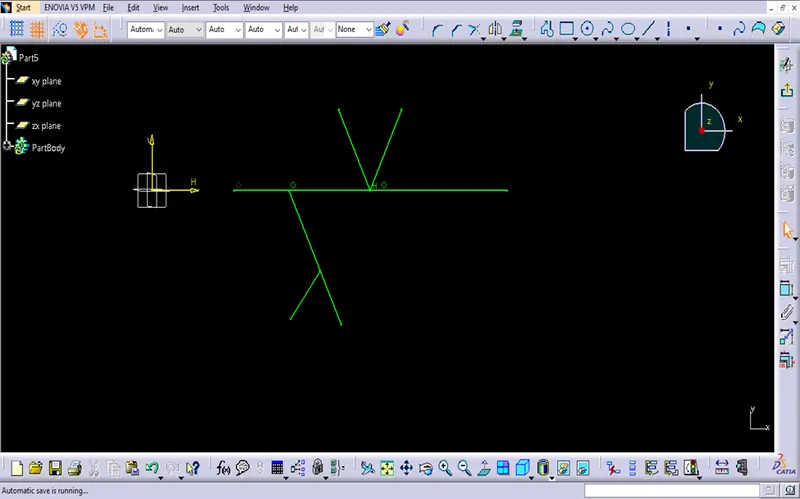
Protective covering on all branches connected to connectors