Wiring harness design in CATIA V5 - 3D modeling Week 4 Challenge
Q1. Route the following harness layout in Electrical workbench. Make assumption for harness bundle diameters. Use Following connectors as shown in layout diagram.
Add protective covering on all branches connected to DT06-2S & DT06-4S connectors. Keep end extremity at 30mm (from connectors end)
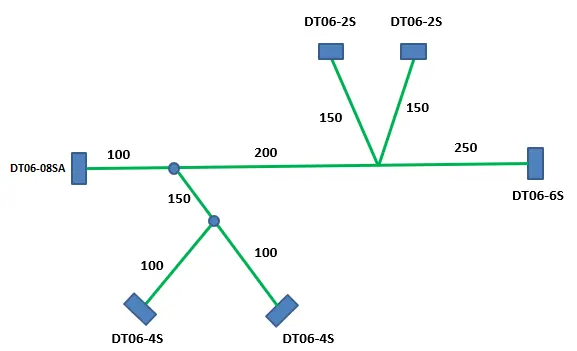
Aim
- To Route the following harness layout in the Electrical workbench.
- Add protective covering on all branches
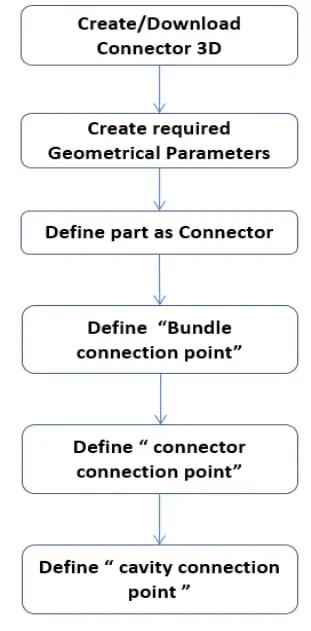
Step -1: Define connector
Converting the Mechanical part into the Electrical part:
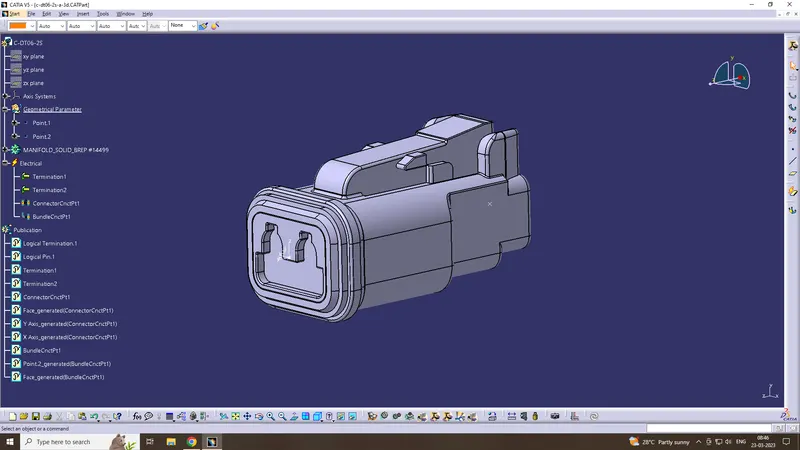
DT06-2S
This connector is downloaded from www.te.com, electrical parameters are defined
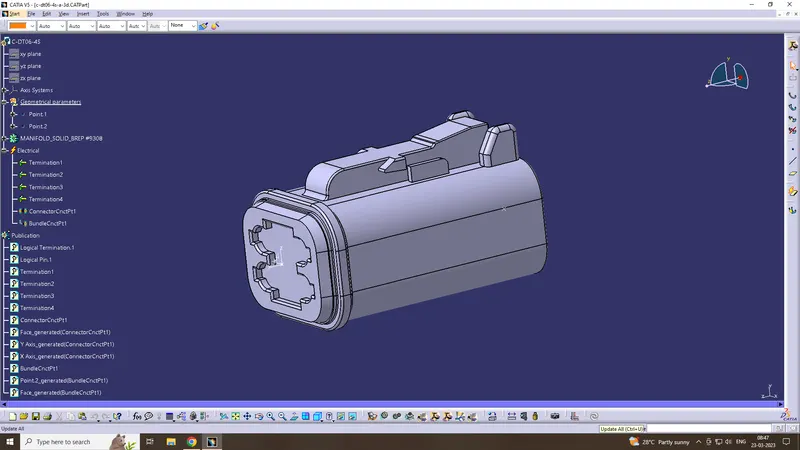
DT06-4S
This connector is downloaded from www.te.com, electrical parameters are defined
DT06-6S
This connector is downloaded from www.te.com, electrical parameters are defined
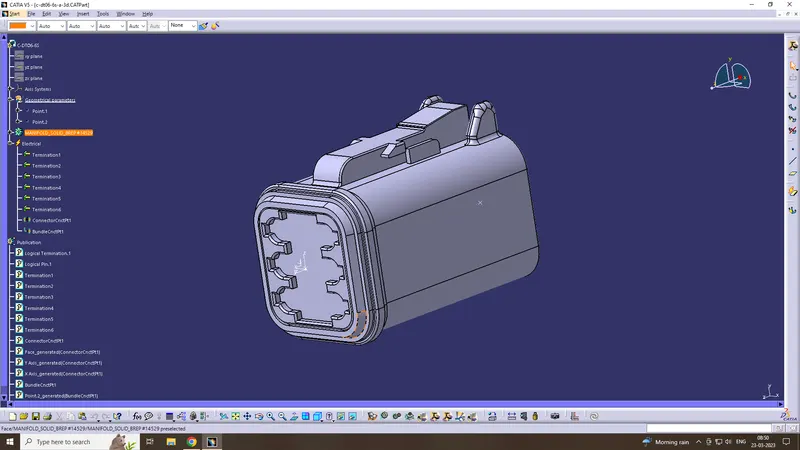
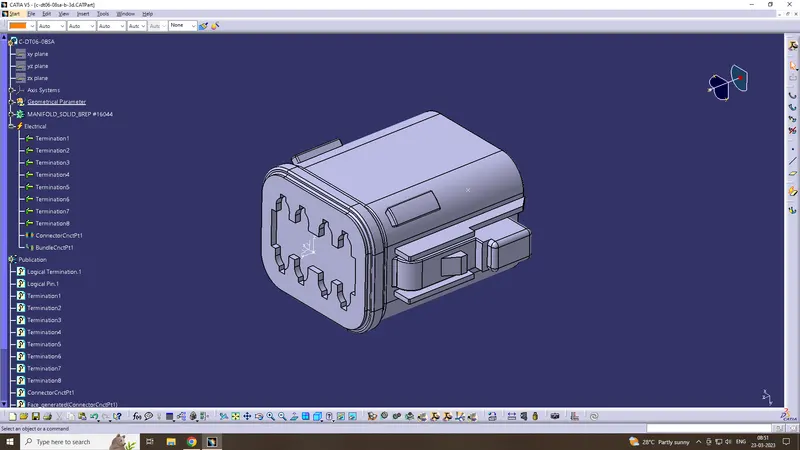
DT06-08SA
This connector is downloaded from www.te.com, electrical parameters are defined
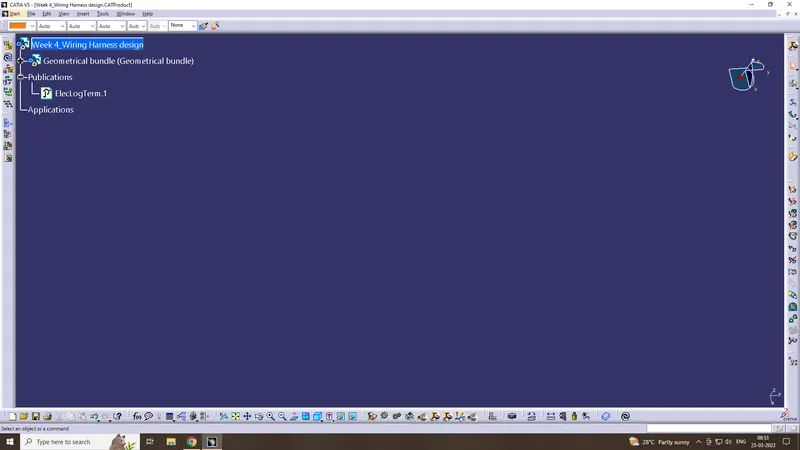
Step -2: Create Product file
create a new product file and create component as Geometrical bundle & define it as electrical.
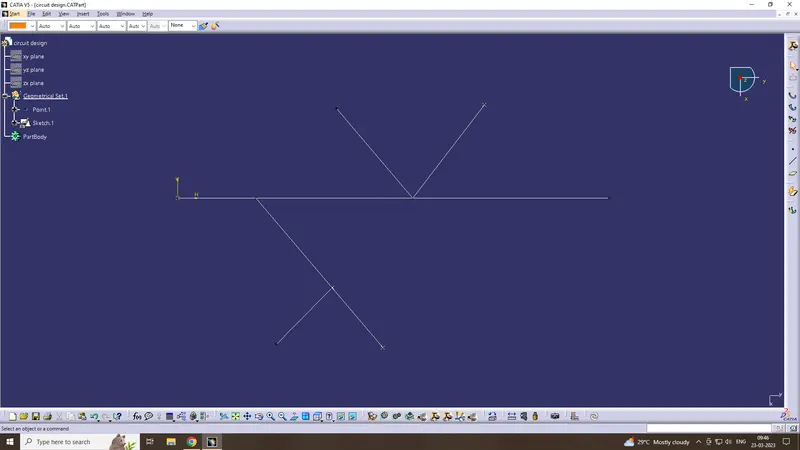
Step -3: Create a bundle layout
create a sketch as per the layout diagram
Step -4: Add Connectors & Arrange them
Add the required connectors to the Geometrical bundle and arranged as per the layout diagram using smart move tool
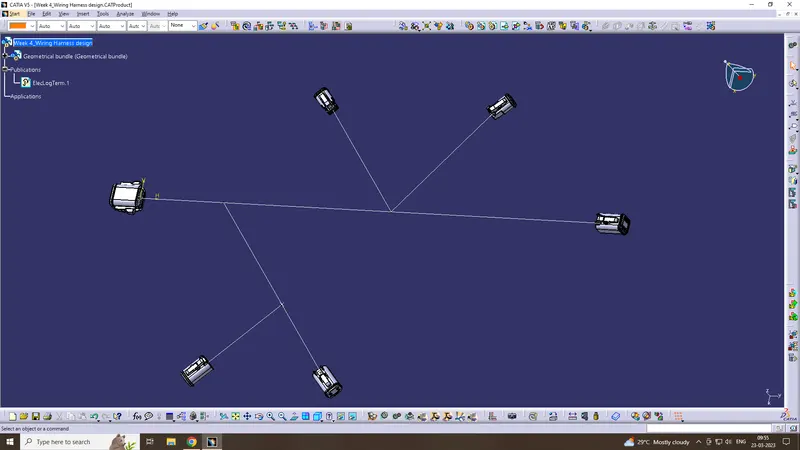
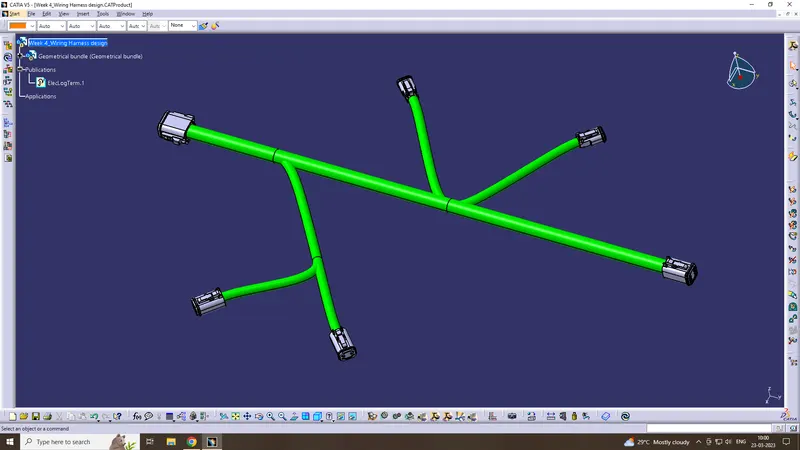
Step -5: Create Multi branching
Create bundle using multi branch command, Assume bundle diameter is 15mm & sub branch is 10mm
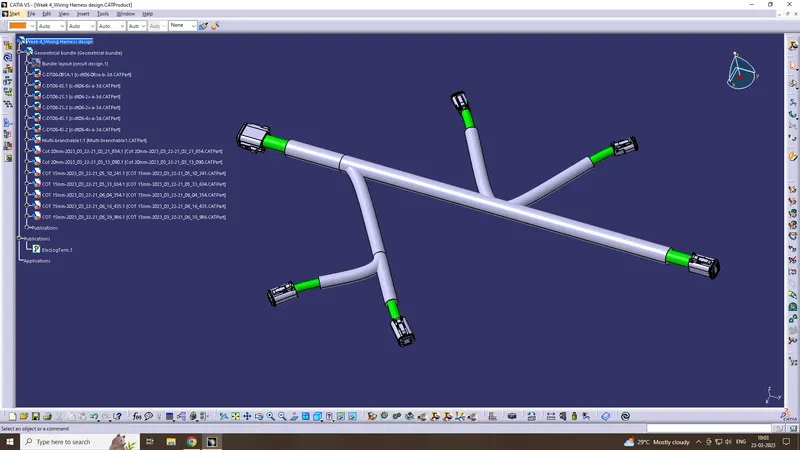
Step -6: Create protective cover
Create protective cover & keep end extremity at 30mm. In this Corrugated tubes used for protection cover
Conclusion
Routing the Given harness layout in the Electrical workbench have thus been concluded.