Wiring harness design in CATIA V5 - 3D modeling Week 4 Challenge
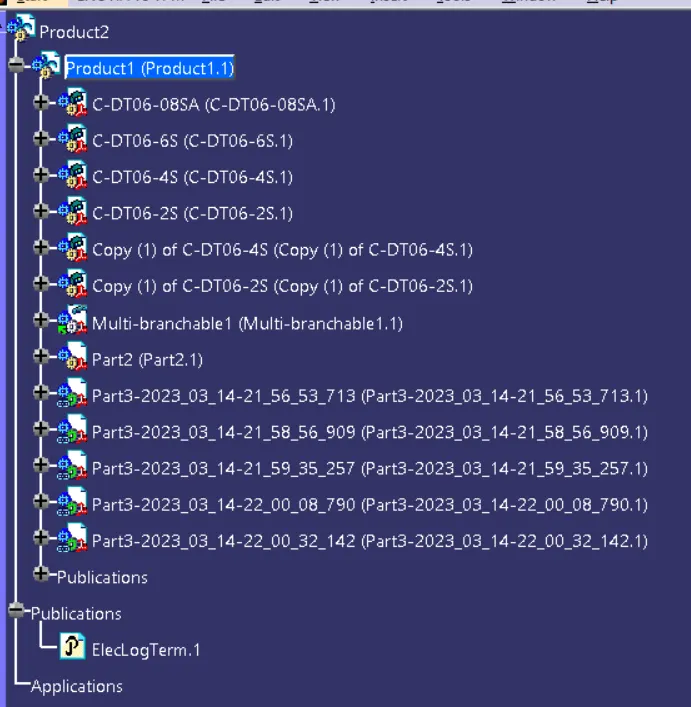
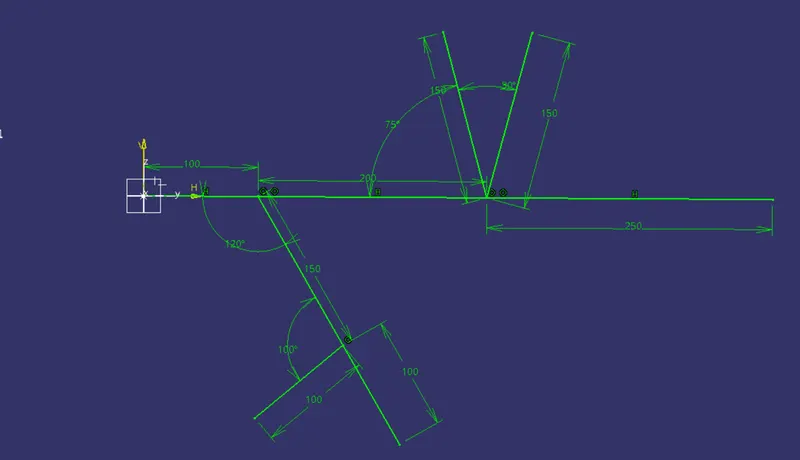
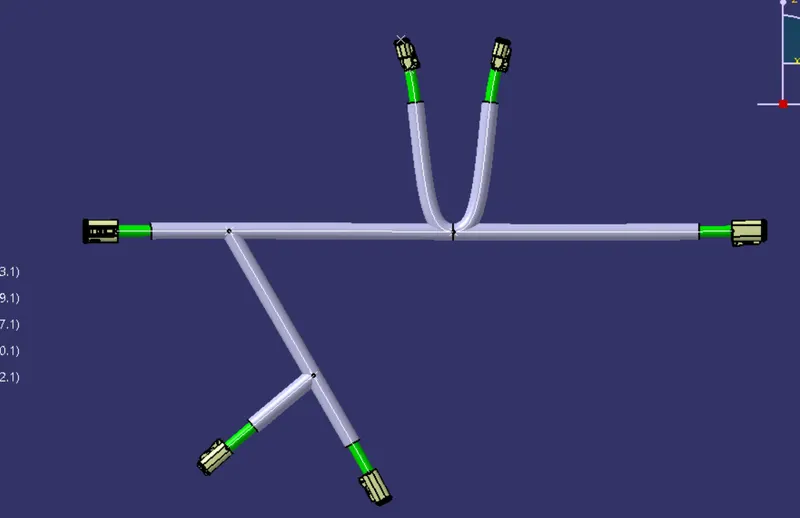
REPORTS ON THE ROUTING:
- AIM:
- To rout wiring harness in "ELECTRICAL HARNESS ASSEMBLY" workbench with the followng given data.
- Add protective covering (COT Tube), which I build in the last session.
- INPUT:
- Connectors-
- DT06-4S
- DT06-6S
- DT06-2S
- DT06-08SA
- COT Tube.
- Connectors-
- PROCESS:
- Download Connector CAD data:
1st I downloaded the connectors CAD data from www.te.com. After downloading the CAD data I just opened it in CATIA and saved those as a .CATPart. - Define as an electrical part:
Then I desined the connectors one by one as a electrical part. In every connector I created the ponts and the axis and I defined the bundle and connector connection points for the connectors one by one.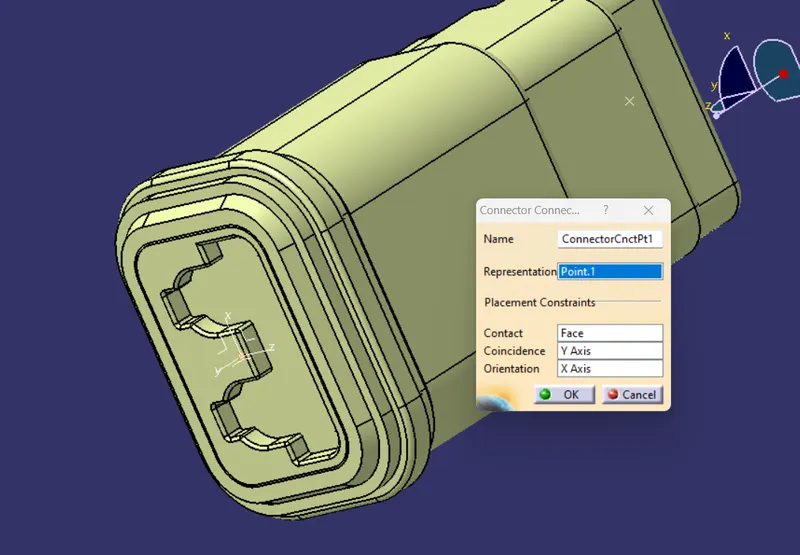
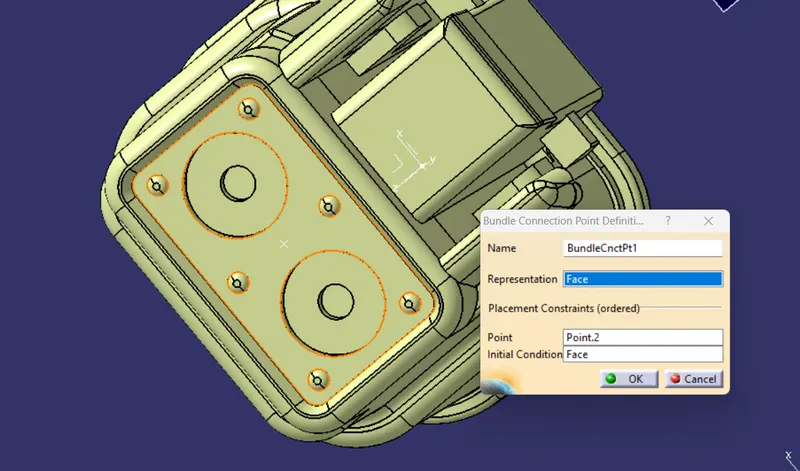
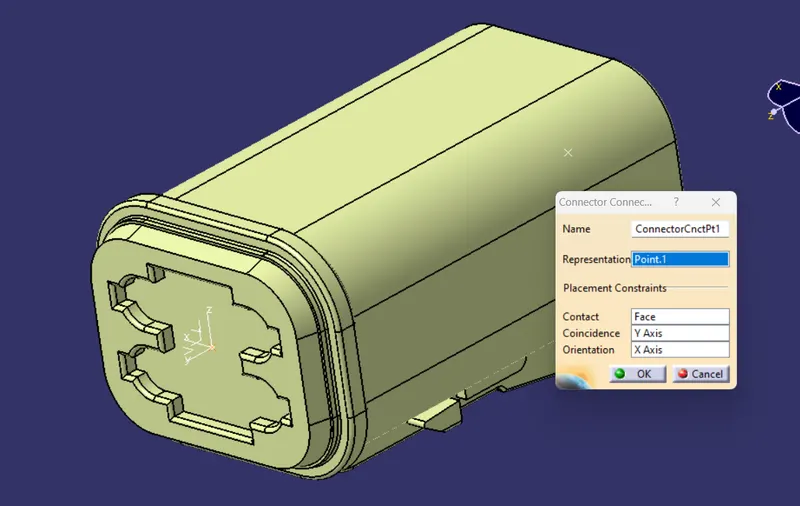
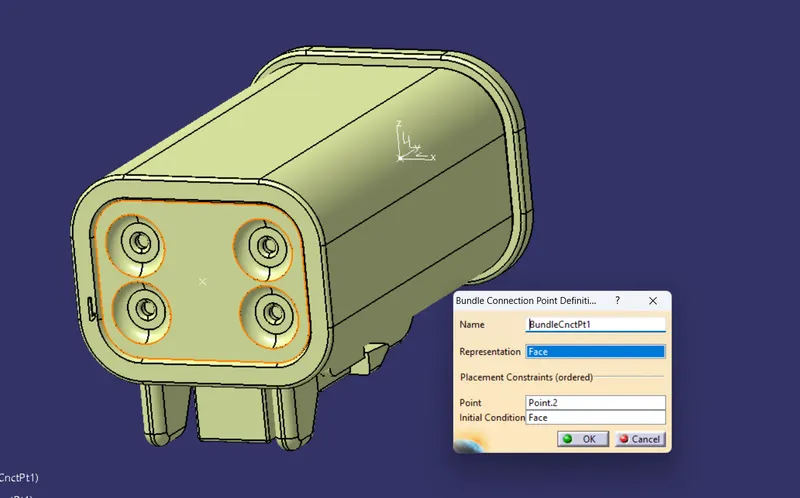
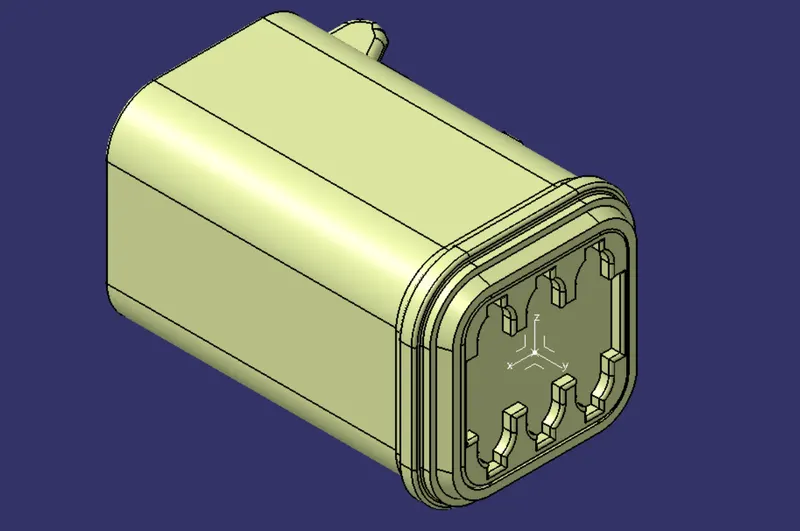
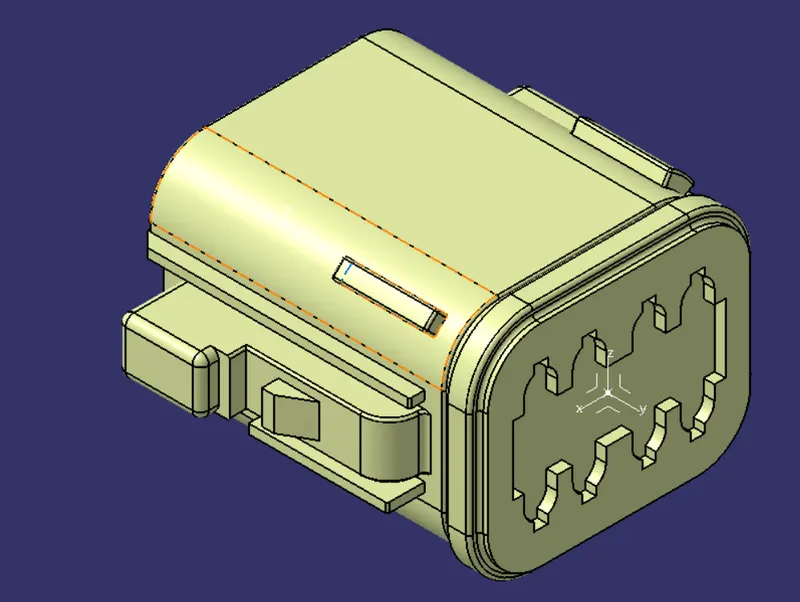
- Adding Multi-Branchable: After defining the connector I created a new product file. After creating I added all the connector and snap to them at the required parameter. After doing that I defined the product file as a Geometrical Bundle. Then I just did the branches.
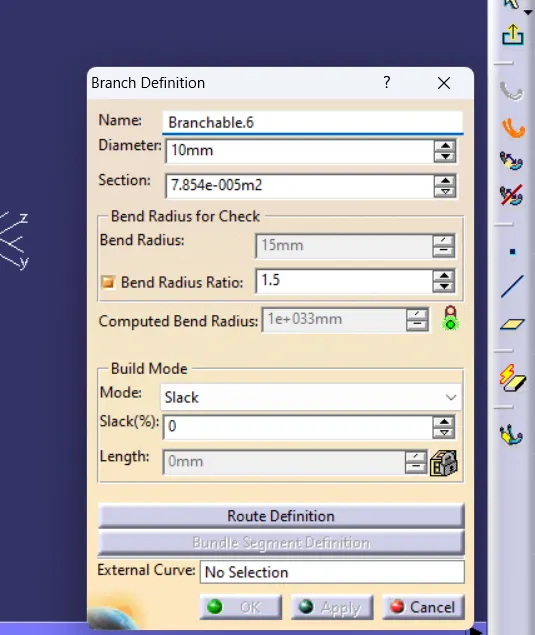
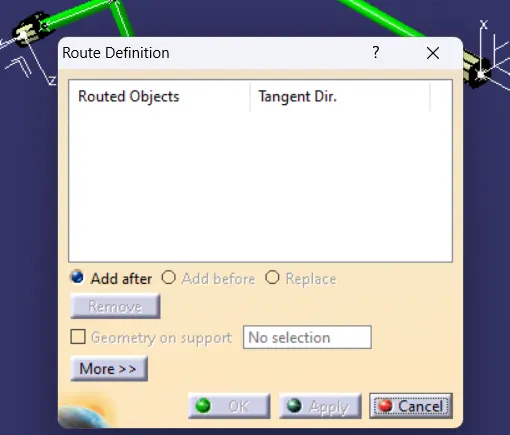
Rout definition for doing the branches....
After adding the Main branch I created branch points.
After adding the branch points I created the other branches which are from the main branch of the routing. - COT Tube: After copleteting the branches I did the protection covering for the branches by using the browse CATLOG command.
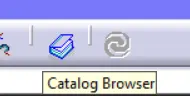 From the CATLOG I inserted the COT Tubes.
- Download Connector CAD data: