Wiring harness design in CATIA V5 - 3D modeling Week 2 Challlenge
After Downloadin follow the below steps to define the mechanical parts to electrical parts:
1. Open the part and open the electrical part design workbench
2. Next use define equipment or the if your part is connetor or clip define the part with specified commad
3. Your mechanical part is desfined as the electrical part,so for the connector you have to define the connector connection point and bundle enrty point.
4. To definr these point select the point option and insert a point in middle using diagnal points as reference and between option in point dailog box
5. After creating the point insert axis system and adjust the axis the correct orientation as shown in below pictures
6. Now select the define the connector connection point using the commad and in the similar way create the Bundle entry point and Cavity mounting point for the mounting clips as shown in the below pictures
1. CONNECTOR 1
DEFINED CONNECTOR CONNECTION POINT
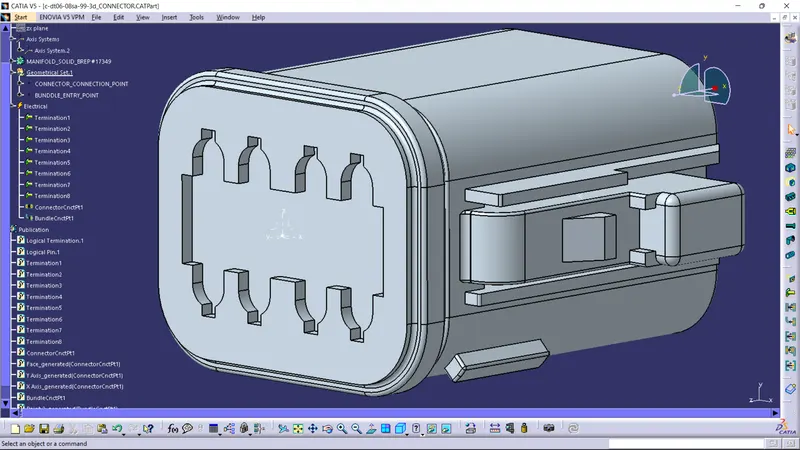
DEFINED BUNDLE ENTRY POINT
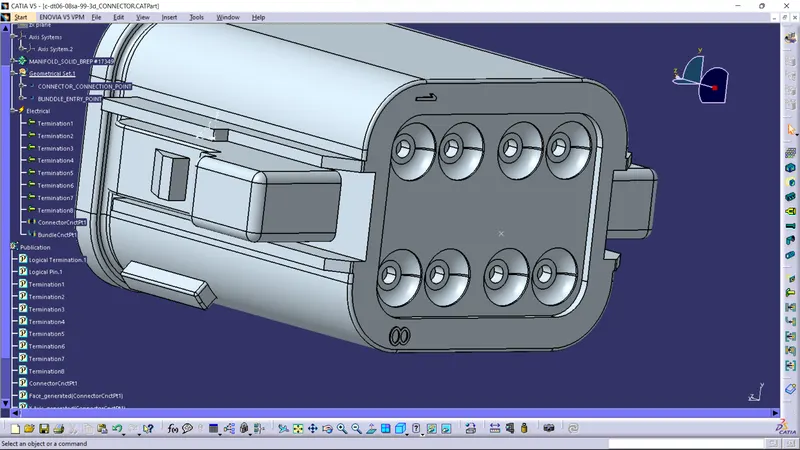
CONNECTOR 2 DEFINATIONS
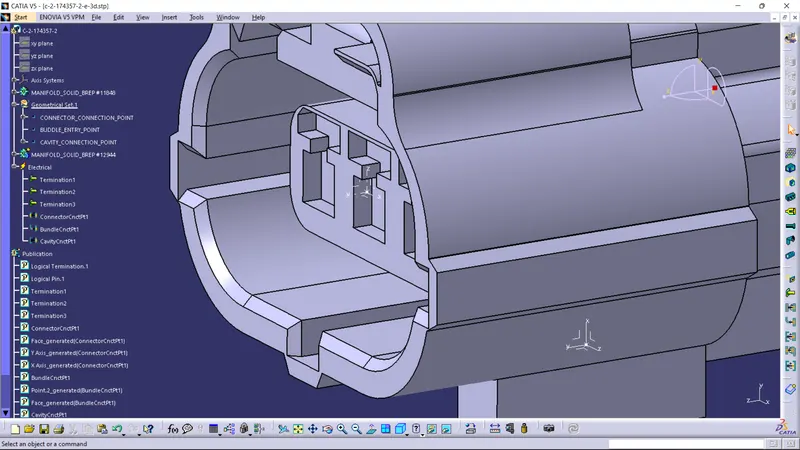
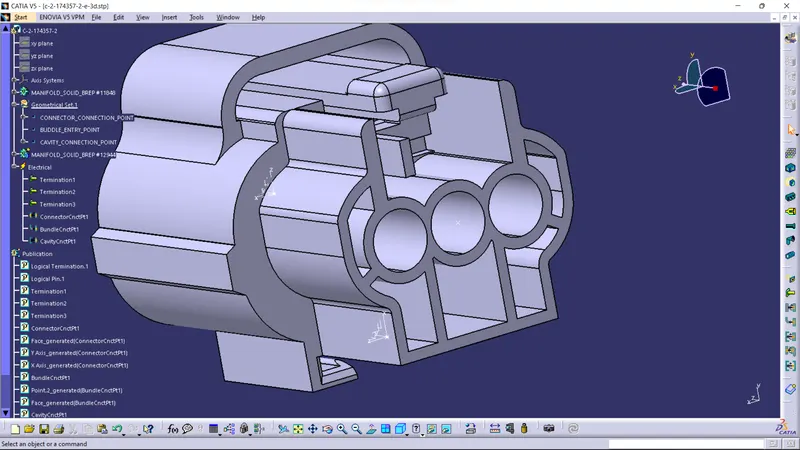
CAVITY MOUNTING POINT
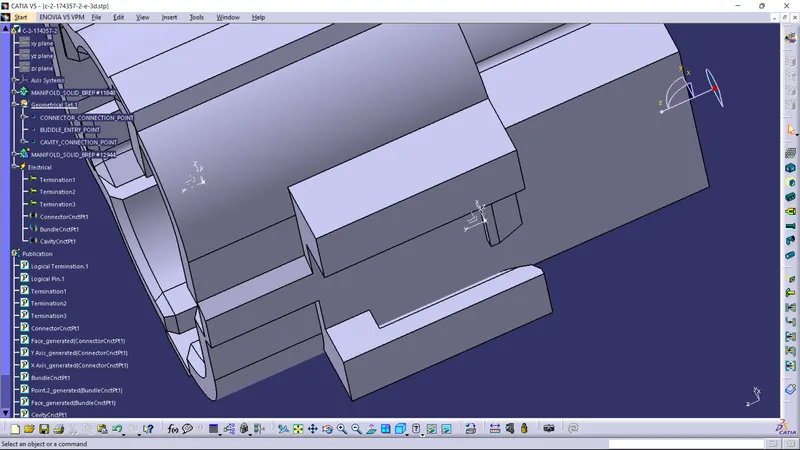
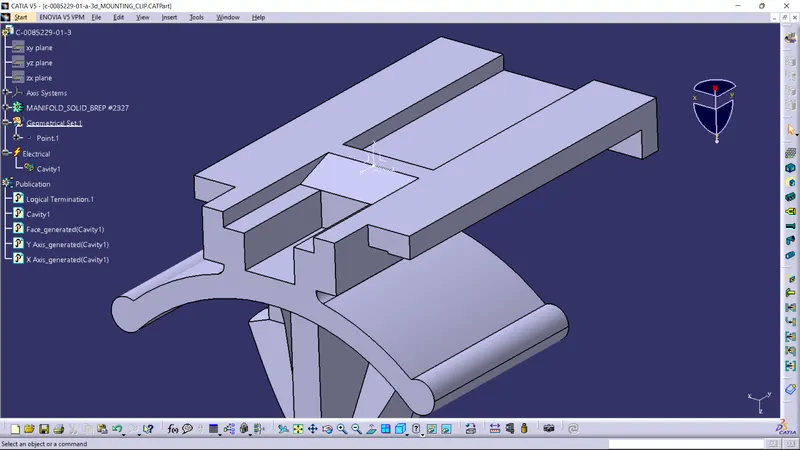
MOUNTING CLIP
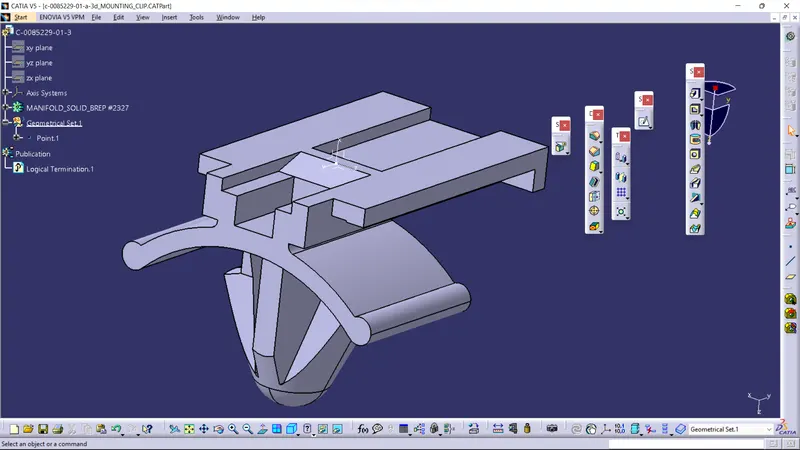
DEFINED AS CAVITY FOR ASSEMBLY TO CONNECTOR