Wiring harness design in CATIA V5 - 3D modeling Week 2 Challenge
|
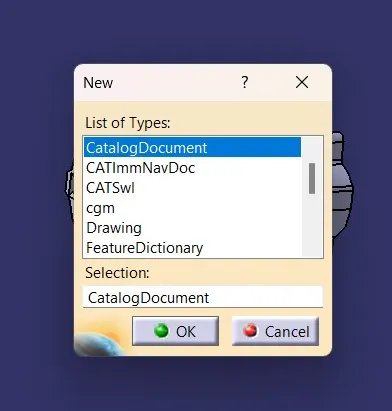
Electrical definition and Catalogue creation In this challenge we have to download CAD part from the electrical connector manudacturer website here we are using the website "te.com" After downloading the file we have to unzip it and open it in catia and save it on desired location Then we have to create a catalogue of the connector in catia using the Catologue document option with family given as "electrical"
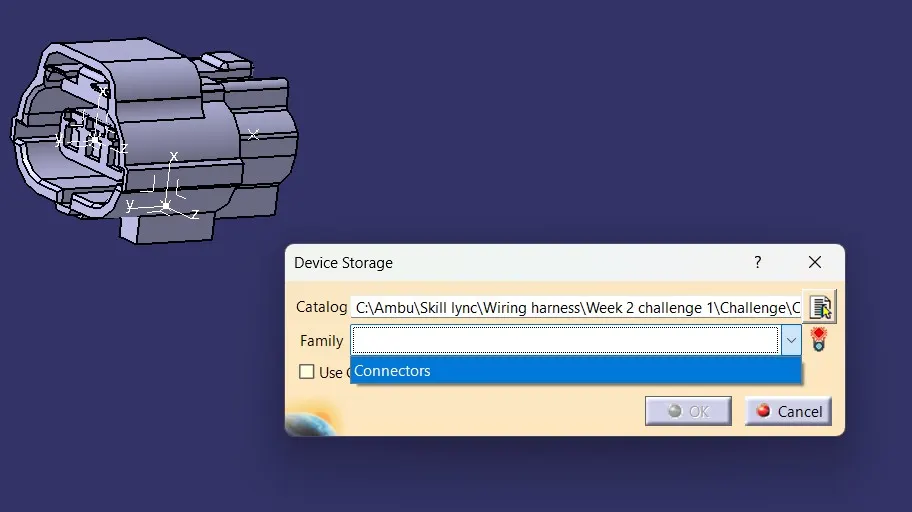
After Creation of the catologue add the CAD parts of the connectors inside the catologue using store device option in "catia electrical part workbench"
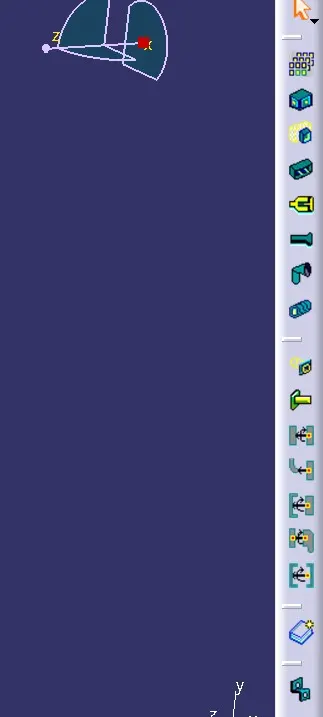
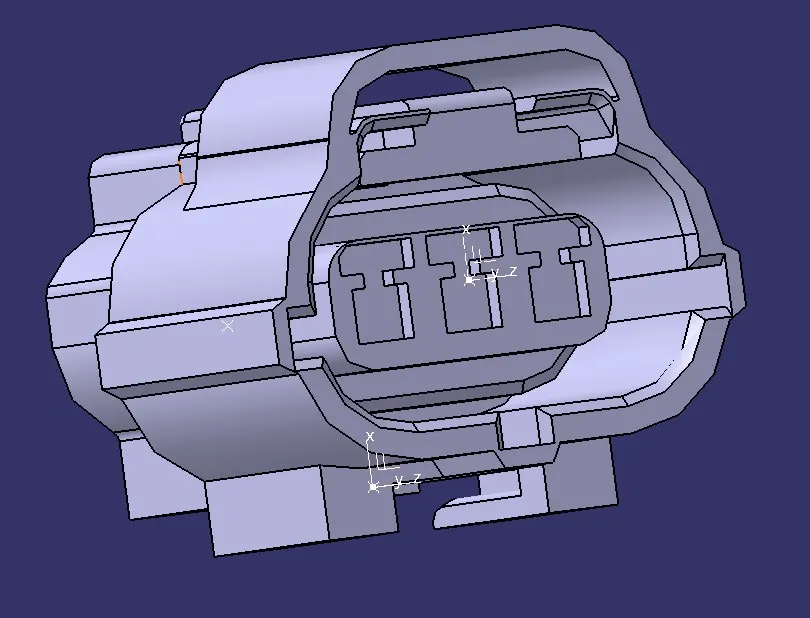
After adding the CAD parts to the catalogue we need to define the CAD paets with required design datas for electrical parts, So we need to open the parts individually and start adding the features on the 3D model wthere the Bundle is joint and other mating parts Some of the important definitions we need to provide is Cavity,Termination,Connection point,Bundle connection point,Cavity connection point, Back shell connection point and shell connection point So in order to define any connection we have dedicated command in catia
The basic concept is each definition requires a center point, face and axis so according to the command's requirement we have to create center point , axis on the exact location on the CAD part and define so that the features is used for the further assembly of the parts, Also the axis should be defined in a standard way so to avoid confusion
Kerep Y axis in the direction of mating and Z axis in the mating face plane and X axis in the 3rd direction to be kept asd orientation reference. All the CAD parts with electrical definitin and catalogue is attached as zip file Thanks Regards Ambu R |