Wiring harness design in CATIA V5 - 3D modeling Week 2 Challenge
Dear Team,
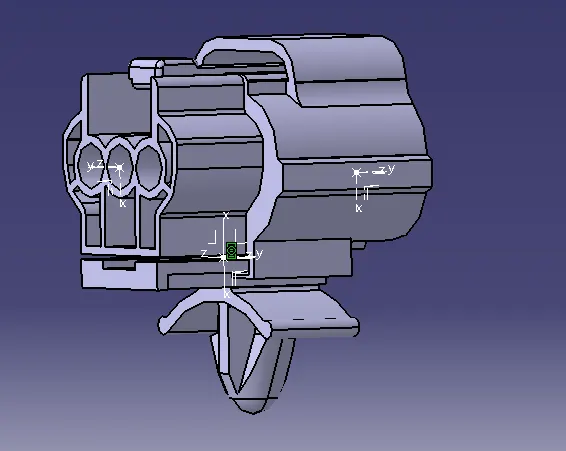
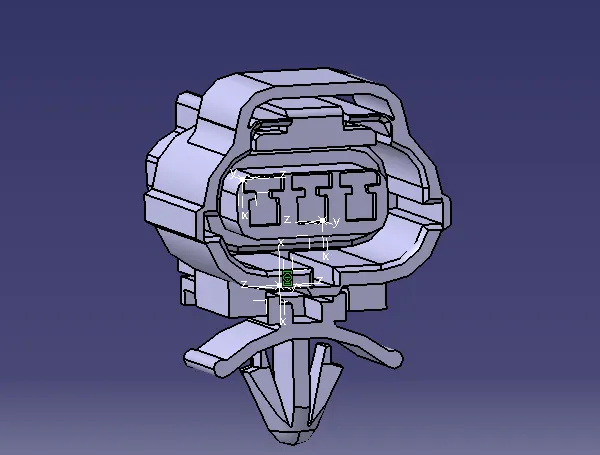
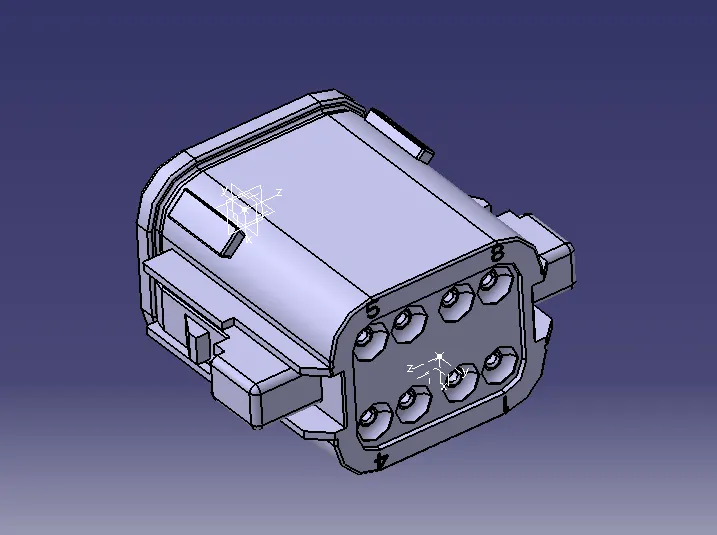
Please find the attached Cad Part and images for your reference.
Creating Catalogue :
Catalogue files are used to store the parts ( connectors and other parts) which others or ourself to use it in future. It is saved with particular code name or common name which is used to identify the suitable connector .
I created the catalogue file by selecting new in home page and then created the new catalogue document in desired folder. and added it to the family .
Downloading the Cad Part:
I downloaded the connectors and clip from the TE website .
Creating Geometry Features:
I created the connector connecting point and bundle connecting point and cavity connecting point using part design.
Define connector:
I defined the connector using define connector tool . for this I selected the part and number of terminals .
Define bundle connection point & Connector connection point :
I defined the bundle connection point using bundle connection point option . selected the point which i created earlier and selected the proper coincidence axis and orientation axis. Same I did for Connector connection point using connector connection point option.
Define cavity connection :
I identified the connector and clip mating position and created the point and axis same for two parts. I defined as the clip as mounting equipment and as well as cavity . and in the electrical assembly I added it to the proper position using the connect electrical devices option.