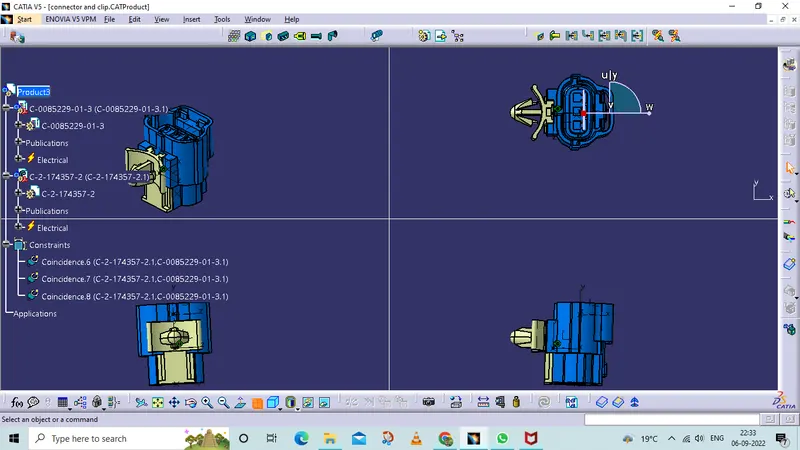
Wiring harness design in CATIA V5 - 3D modeling Week 2 Challenge
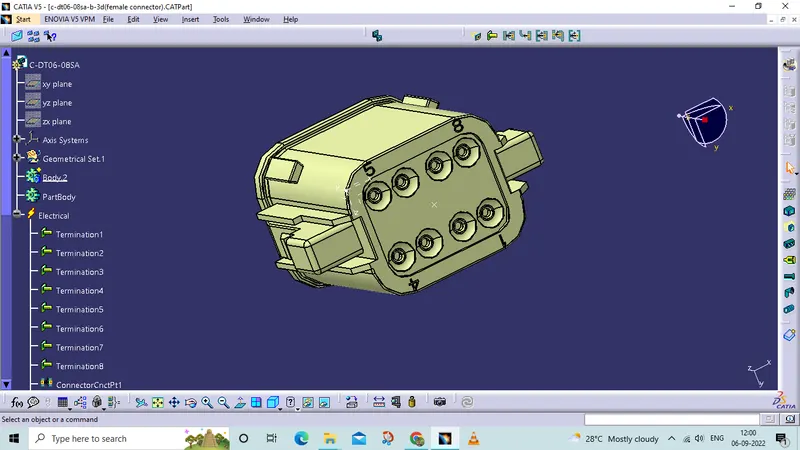
. Deutsch DT06– 08SA
- Open a file on the website and downloaded a file in isg format
- Opened in part design workbench
- To create a points and axis system.
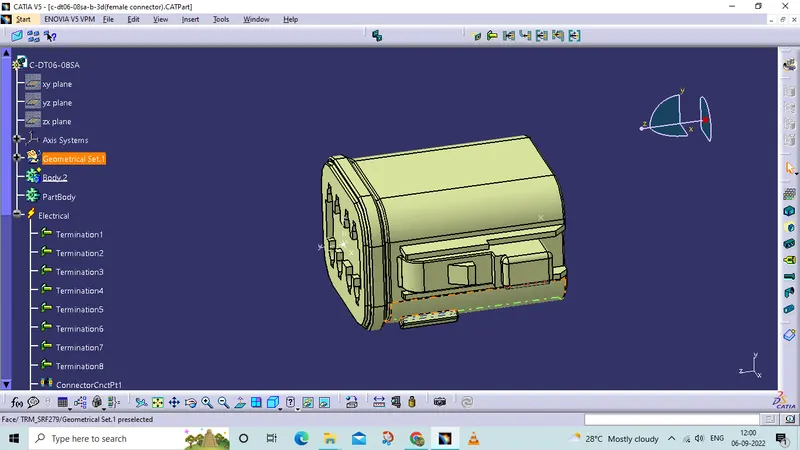
switch to electric part design
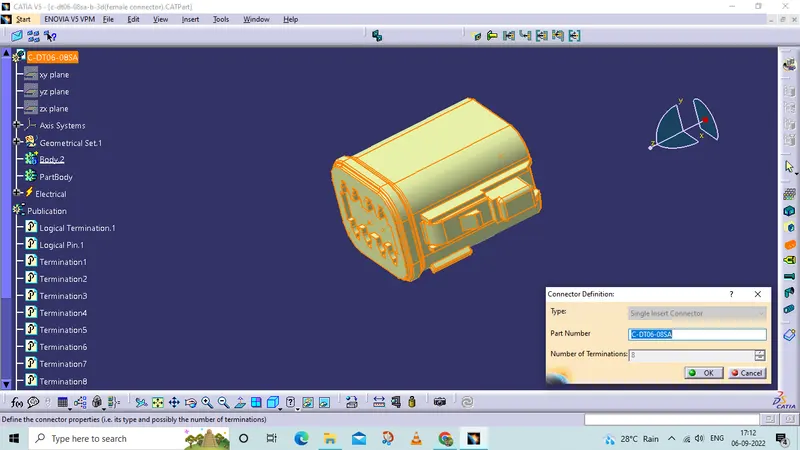
- the first step is to define the connector
- select the connector in the w/b
- mention the type, name, and terminals
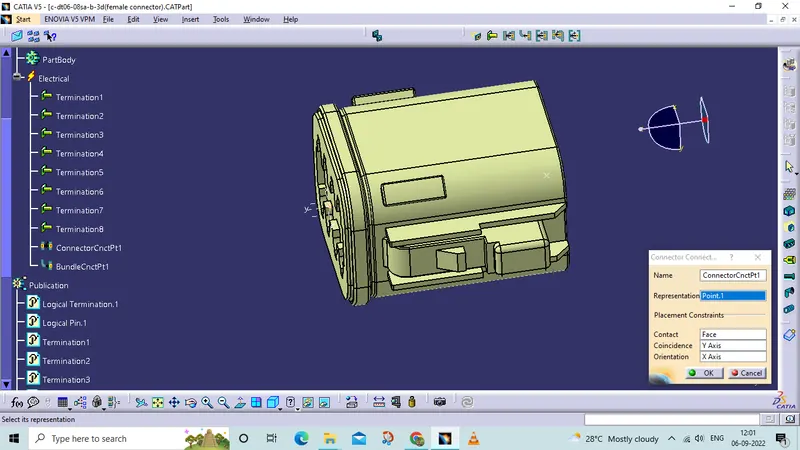
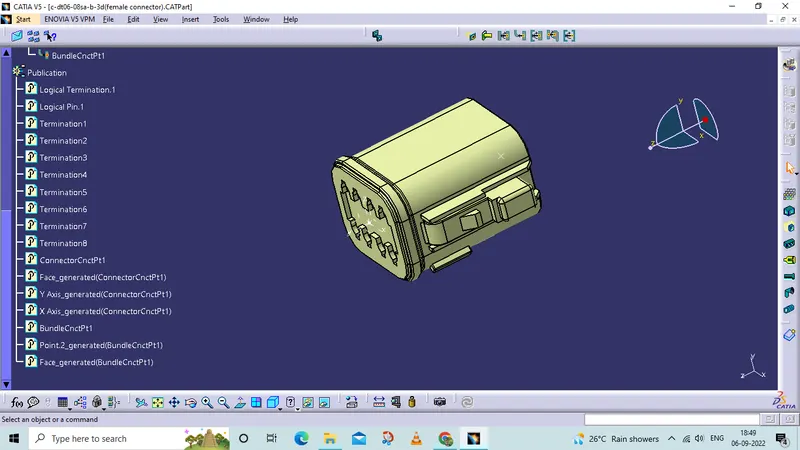
connector connection point
create a connector connection point in which the female connector going to assemble
define with the connector contact poind, coincedience axis,with orientation.
tree structure
2.Tyco 174357-2
- Open a file on the website and downloaded a file in isg format
- Opened in part design workbench
- To create a points and axis system.
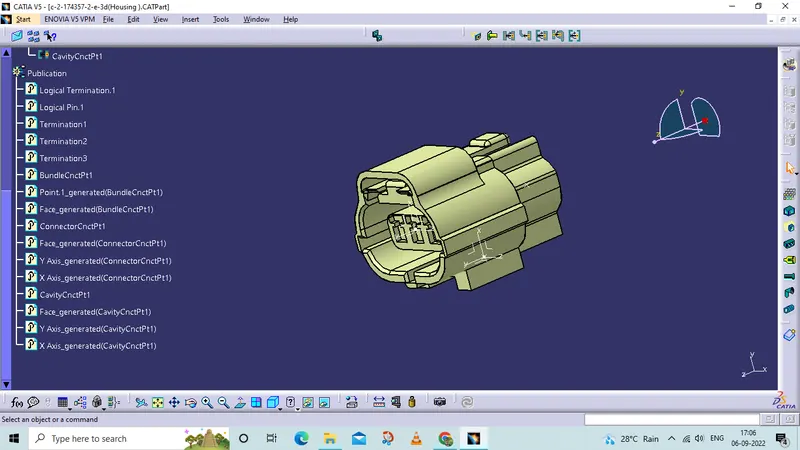
connector connection point
define connector connection point
with the point and axis system
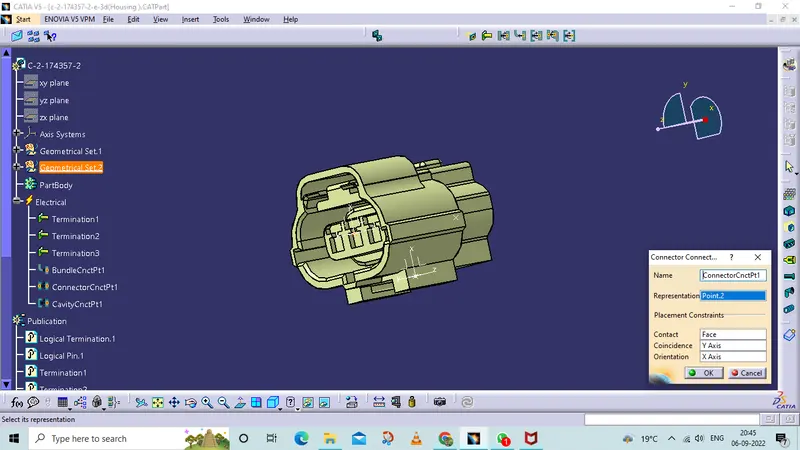
Bundle connective
define bundle connection
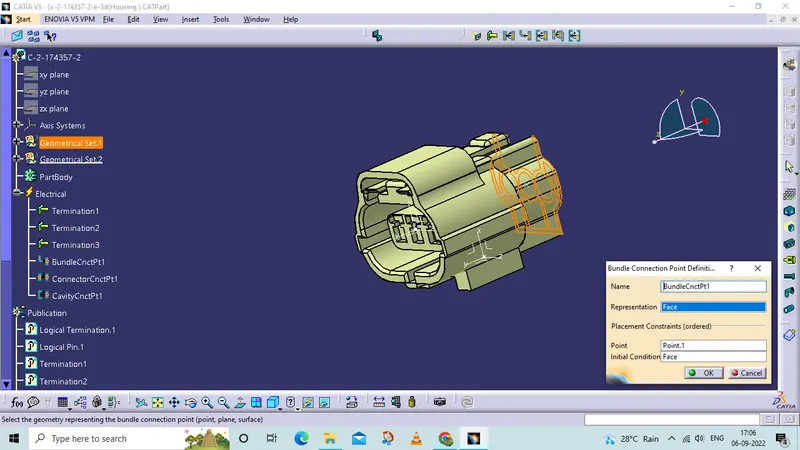
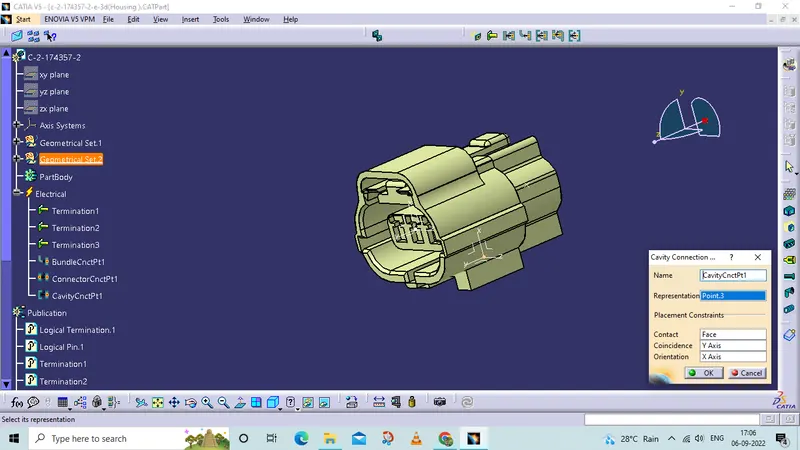
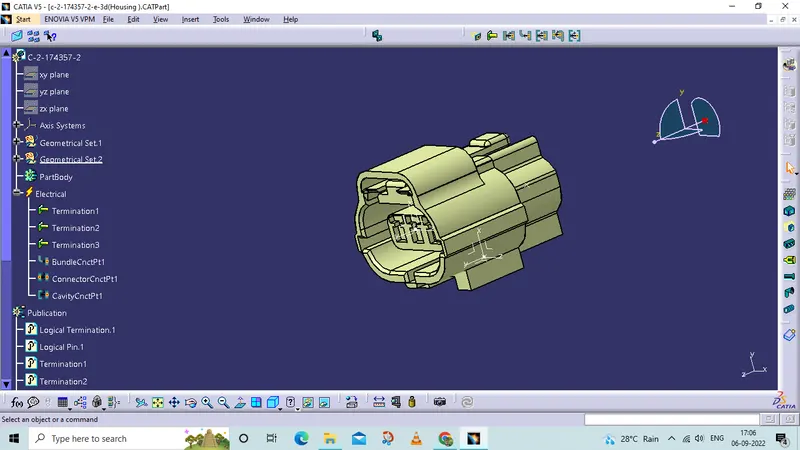
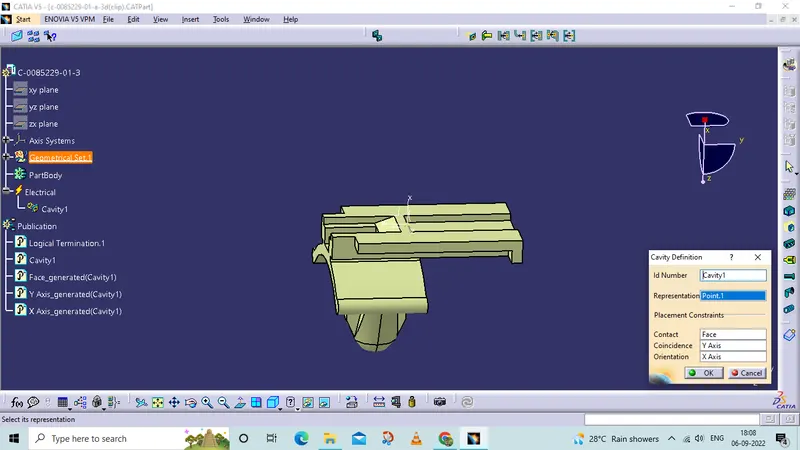
cavity connection
where a clip is going to assemble there we have to define.
3. Tyco 85229-1
- Open a file on the website and downloaded a file in isg format
- Opened in part design workbench
- To create a points and axis system.
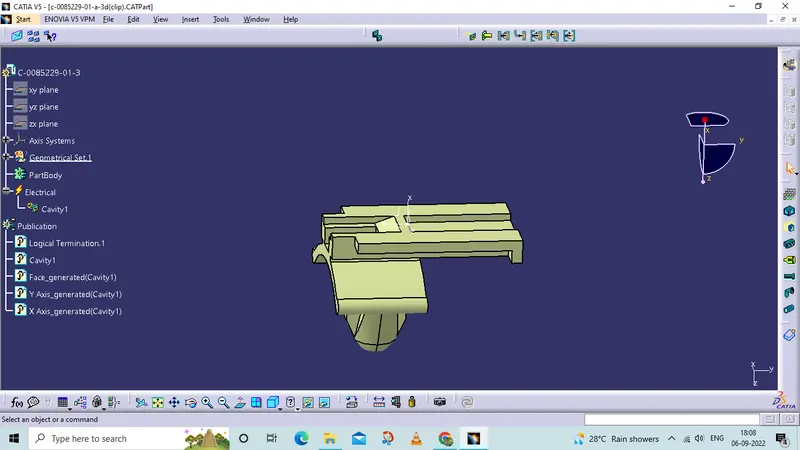
tree structure
Define the cavity point with the
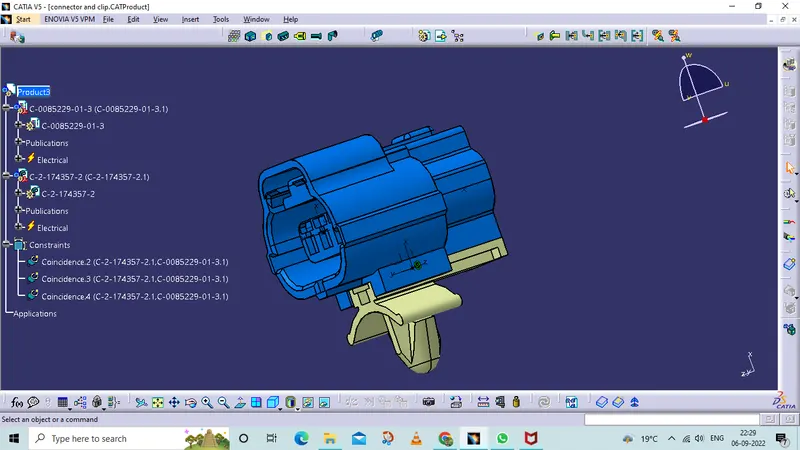
Assemble of Connector and Clip
assemble use the cavity point in clip andconnector.
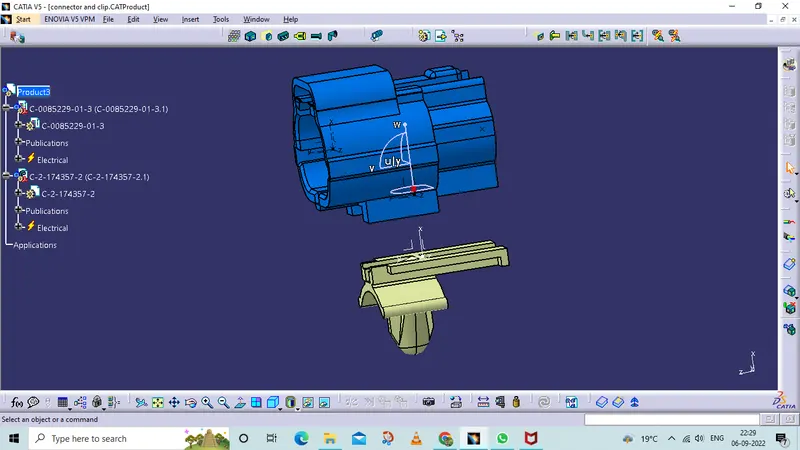
By conect electrical devices.
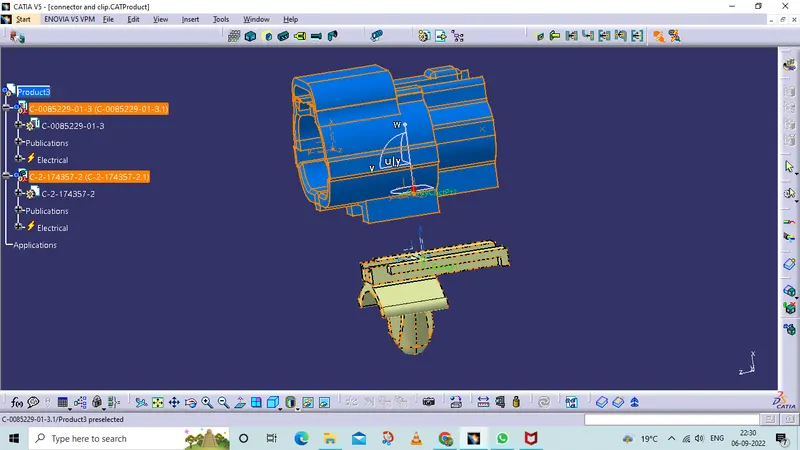
tree structure