Wiring harness design in CATIA V5 - 3D modeling Week 2 Challenge
Catalogue Creation
A new CatalogueDocument file is created in the catia. In the catalogue, a family of connectors and family of mounting clips, defined as electrical type are created. And the file is saved in the folder.
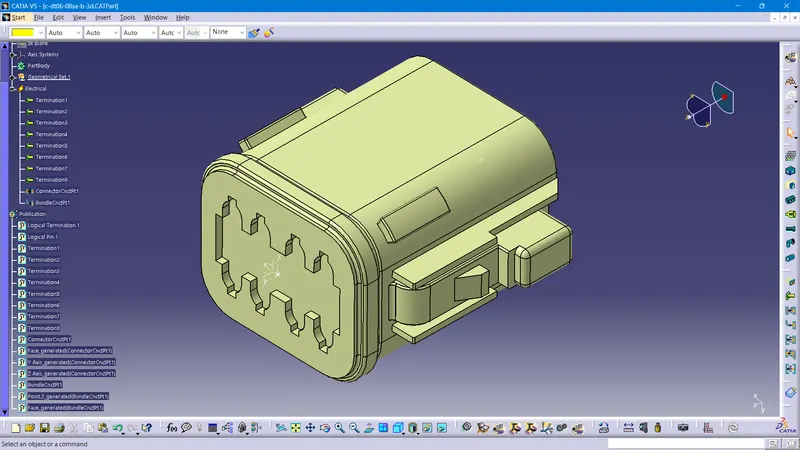
Deutsch DT06 – 08SA
The .igs file is downloaded from the link and opened in CATIA V5. The necessary reference points and axis systems are defined to define the connector connection point and bundle connection point. In the electrical part design workbench, the part is defined as electrical connector. Then with the help of the previosly created axis systems and points, connector connection points and bundle connection points are defined. The part is added to catalogue to connector family.
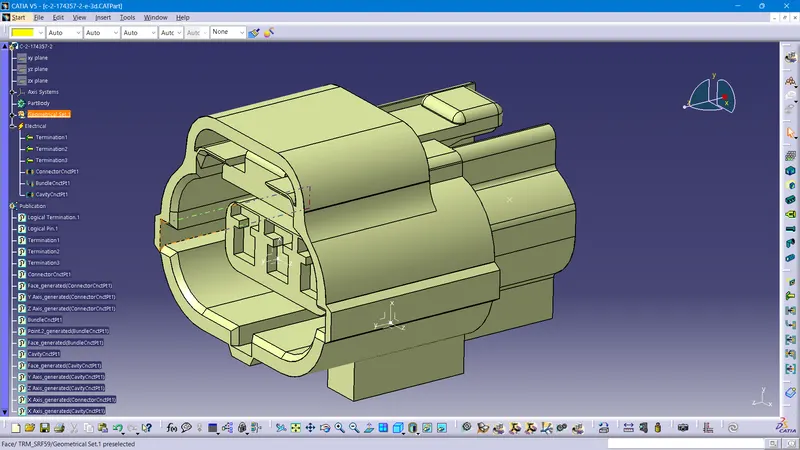
Tyco 174357-2
The .igs file is downloaded from the link and opened in CATIA V5. The necessary reference points and axis systems are defined to define the connector connection point, cavity connection point and bundle connection point. In the electrical part design workbench, the part is defined as electrical connector. Then with the help of the previosly created axis systems and points, cavity connection point, connector connection points and bundle connection points are defined. The part is added to catalogue to connector family.
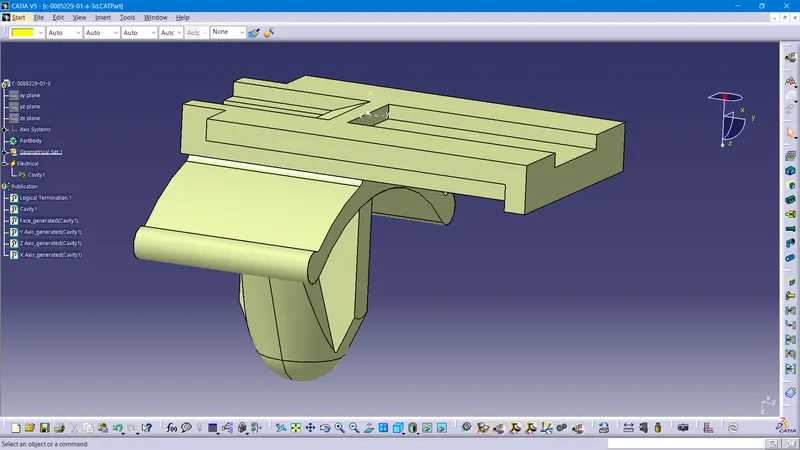
Tyco 85229-1
The .igs file is downloaded from the link and opened in CATIA V5. The necessary reference point and axis system are defined to define the cavity. In the electrical part design workbench, the part is defined as electrical mounting equipment. Then with the help of the previosly created axis system and point, cavity point is defined. The part is added to catalogue to mounting clip family.
Assembly
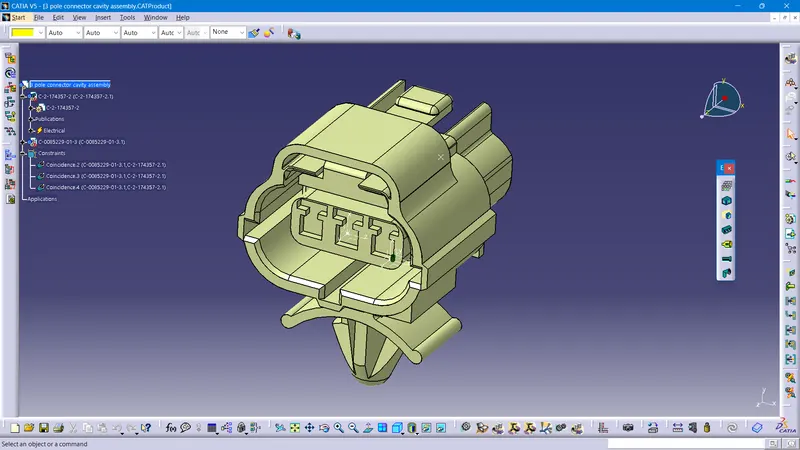
A product file is created and the connector and the mounting clip that are defined as the electrical parts are imported into the product. In the Electrical Assembly Design work bench,using the Electrically connect tool, both the connector and the mounting clip is assembled.