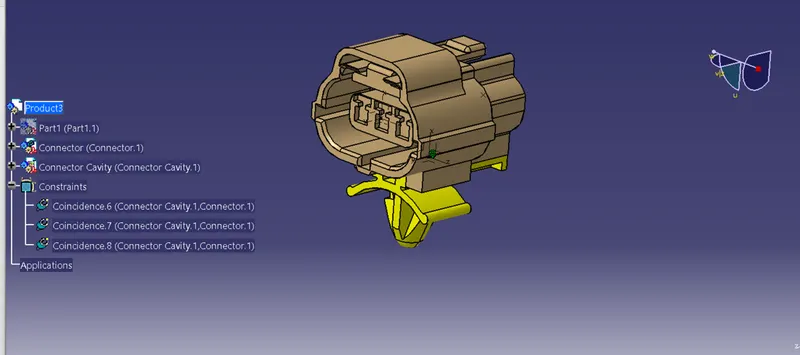
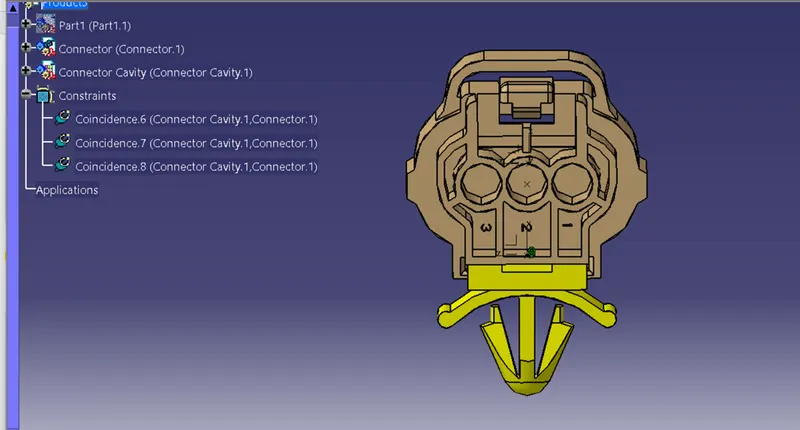
Wiring harness design in CATIA V5 - 3D modeling Week 2 Challenge
Procedure:
Creating a catalog for connectors:
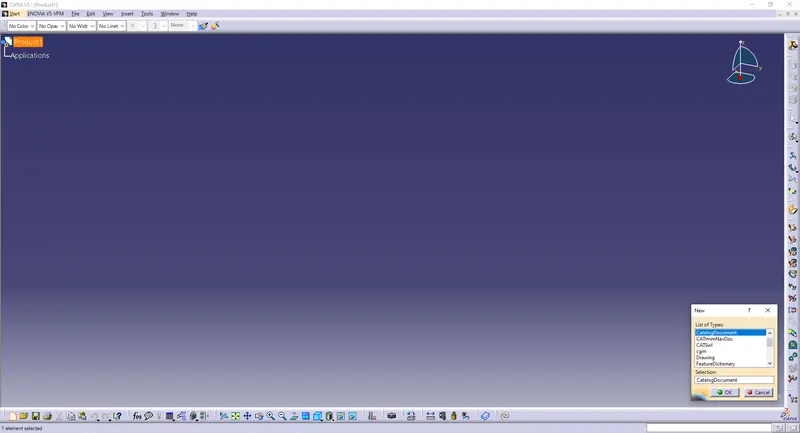
Go to File>New>CatalogDocument
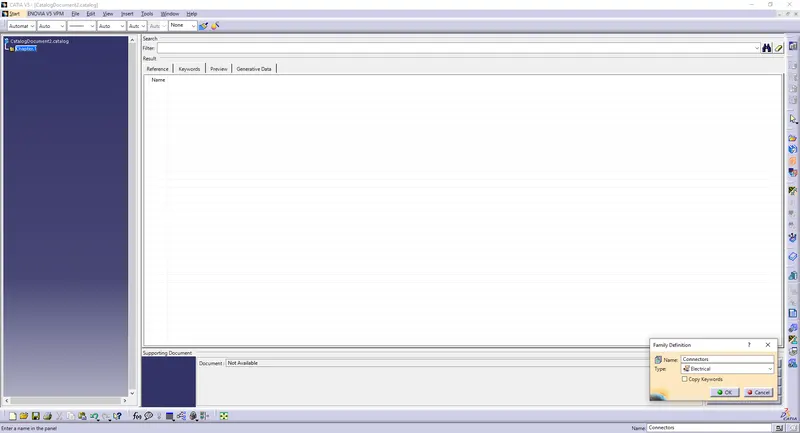
Name it Connectors
Type: Electrical
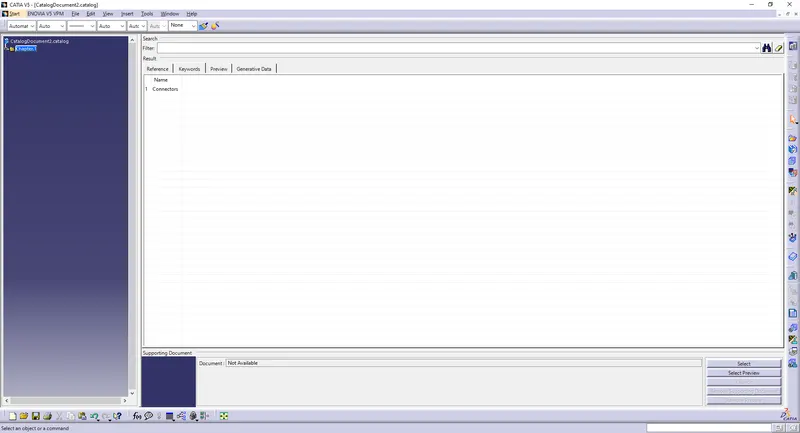
Save it to the desired location.
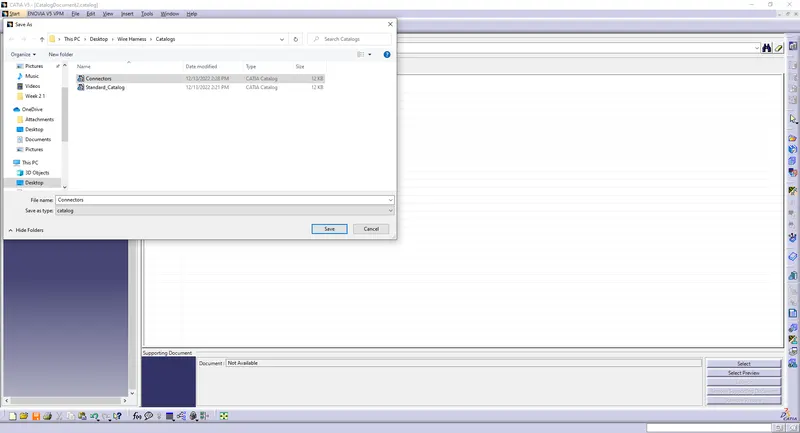
Now, we can save the imported or downloaded connector in the connectors catalog to use it in the future.
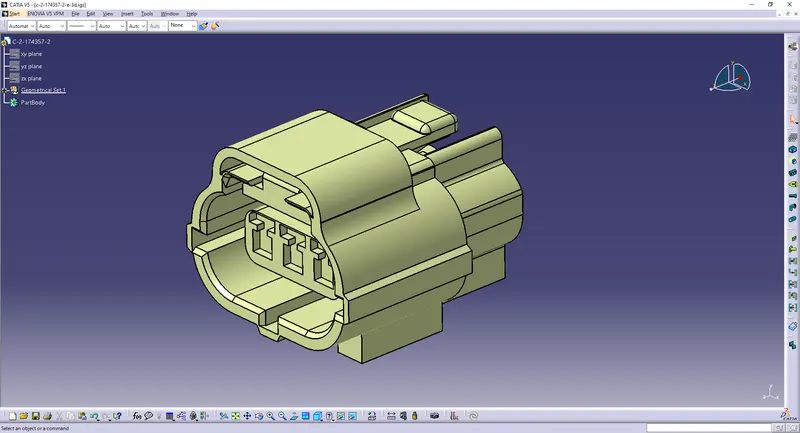
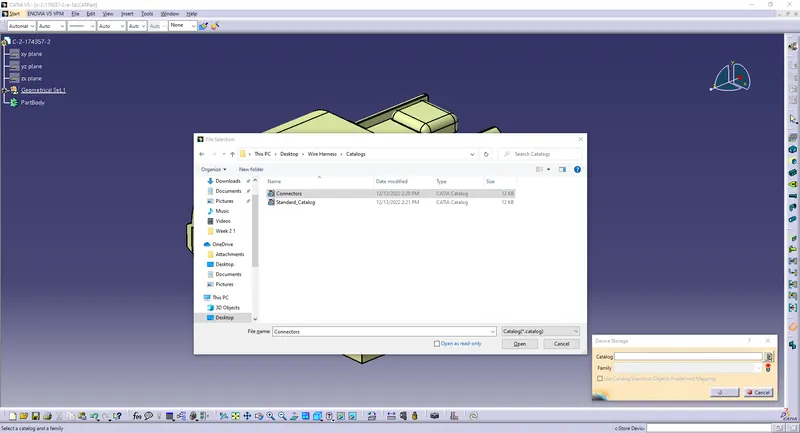
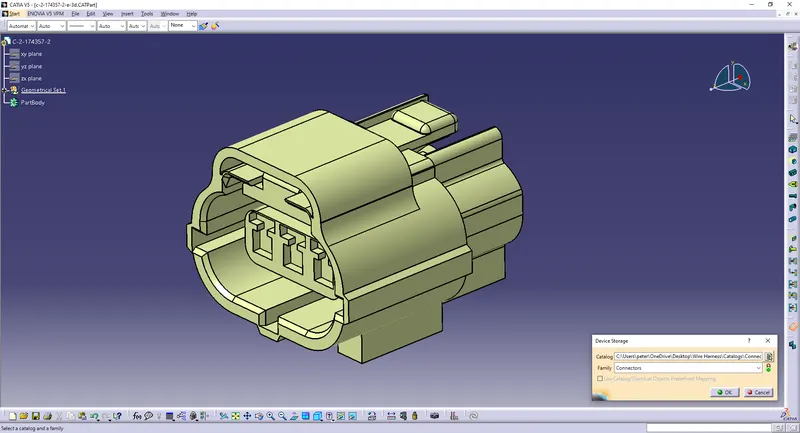
Import the three given files in CATIA V5.
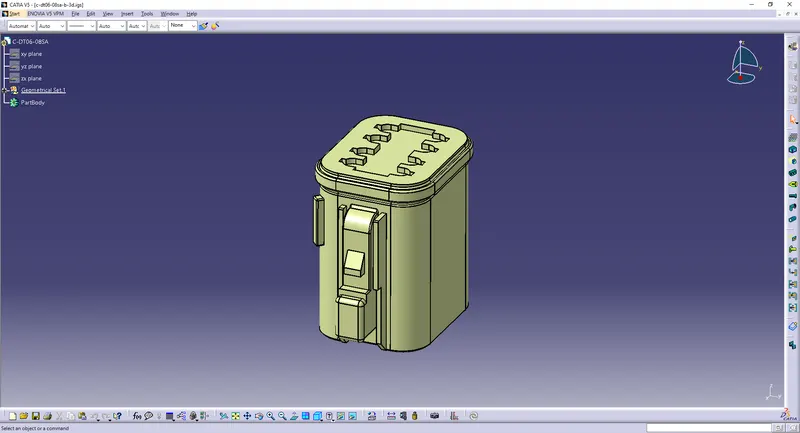
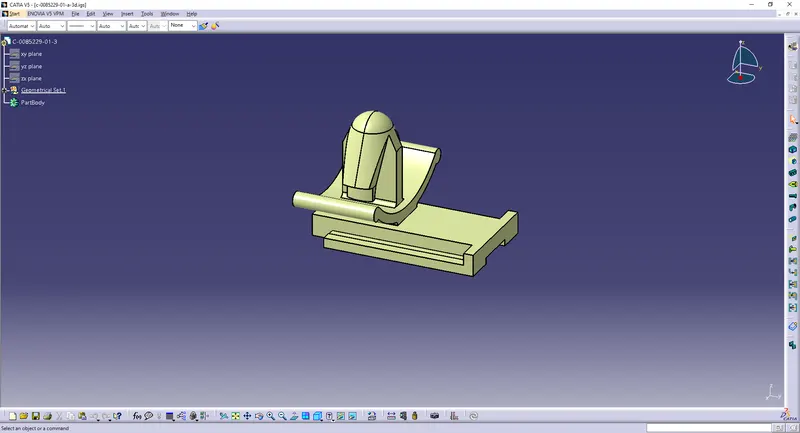
CONNECTOR DEFINATIONS IN CATIA V5
1. Deutsch DT06 – 08SA
Connector connection point:
A. Create midpoint on the contact face
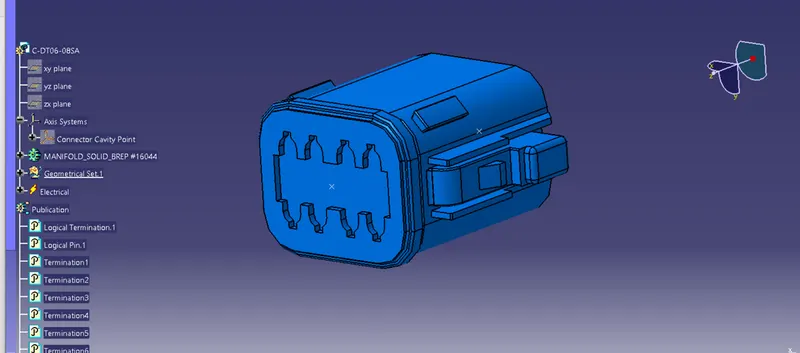
B. Craete Axis System with respect to the point which we have created and defining the axis direction as shown below,
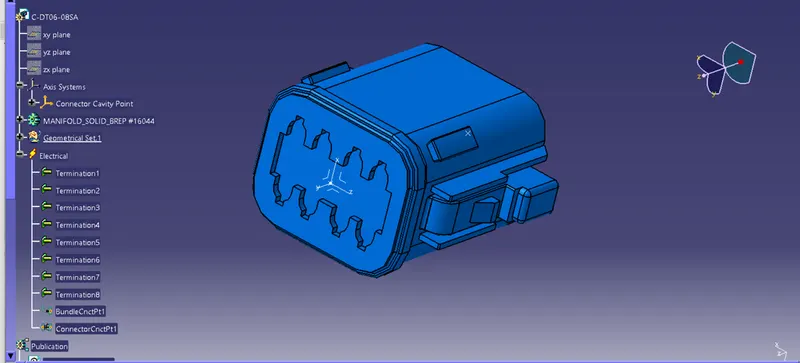
Bundle connection point:
Create a point at the back as the bundle entry point.
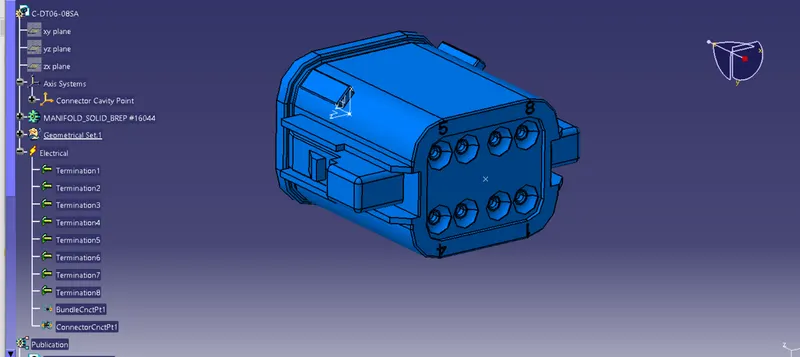
2.Tyco 174357-2 :
- Create midpoint
- create Connector connection point
- create Connector connection axis system
- create cavity connection point
- create cavity connection axis system
- Switch to Electric part design and define part as connector
- Define Connector connection point and cavity connection point
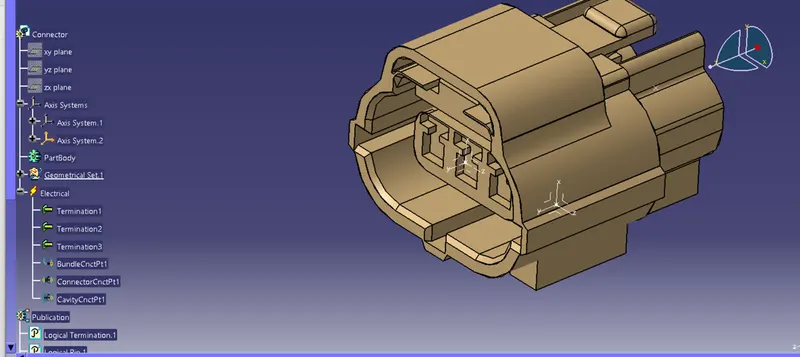
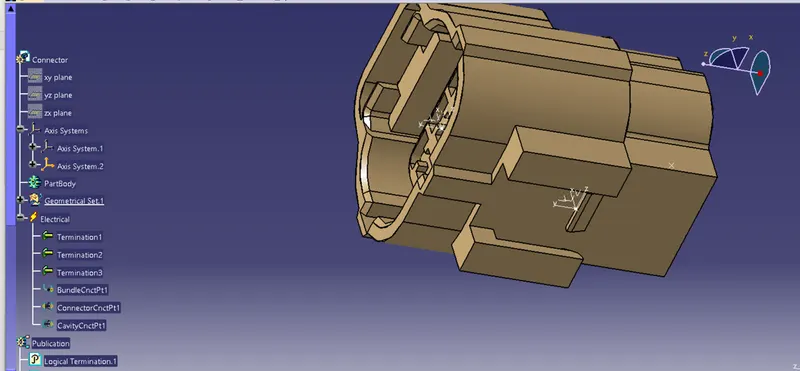
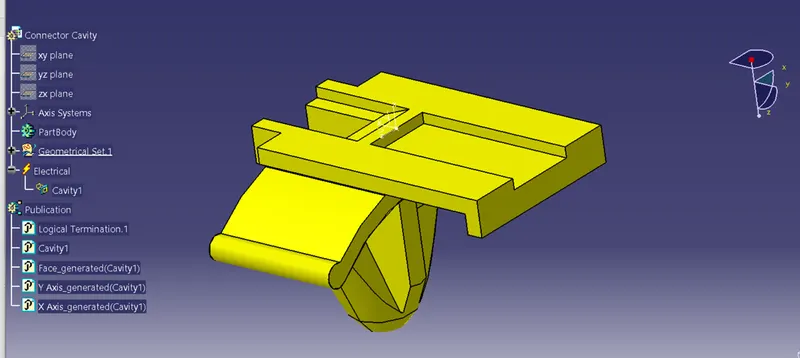
3. Tyco 85229-1 :
- Create midpoint
- create cavity connection point
- create cavity connection axis system and orientation should be same as in connector
- Switch to Electric part design and define part as Mounting Equipment
- Define cavity connection point
Electric Assembly Design
- Import Connector and cavity / mounting clip.
- Select Defing Eelectric connection
- select cavity and then connector.