Wiring harness design in CATIA V5 - 3D modeling Week 2 Challenge
In Catia, to make wiring harness, mainly Electrical harness disciplin which contains several electrical workbenches is used.
Here, we have currently used "Electrical part design workbench." Under this workbench, we can define different electrical parts before assemblying them.
The assembly consist of Electrical connectors and clips which are used to support the connectors as mounting equipement.
To define a clip as an electrical part, we choose the option to "define mounting equipement" > "Define cavity". Thus the clip/mounting body will be defined as an electrical part and ready to be used as an assembly.
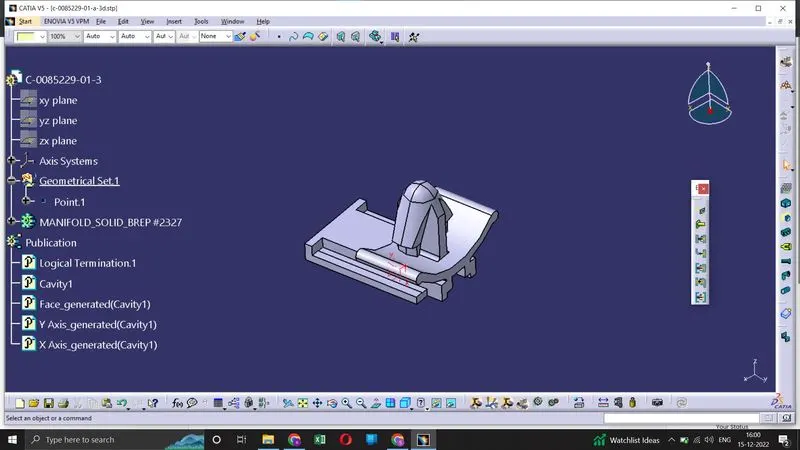
To define a connector as an electrical part, we have to first give an axis syetem to the connector body. Axis system is created to make sure the parts are quickly assembeled in the assembly workbench.
Next, we define the connector from "electrical device defination" toolbar. Here we also specify the number of terminations in connector.
Then we define "Connector connection point" and "bundle connection point" on the connector for it to mate with other connectors and wires.
Then we define "Cavity connection point" so that mounting equipements can be assembeled onto the connectors.
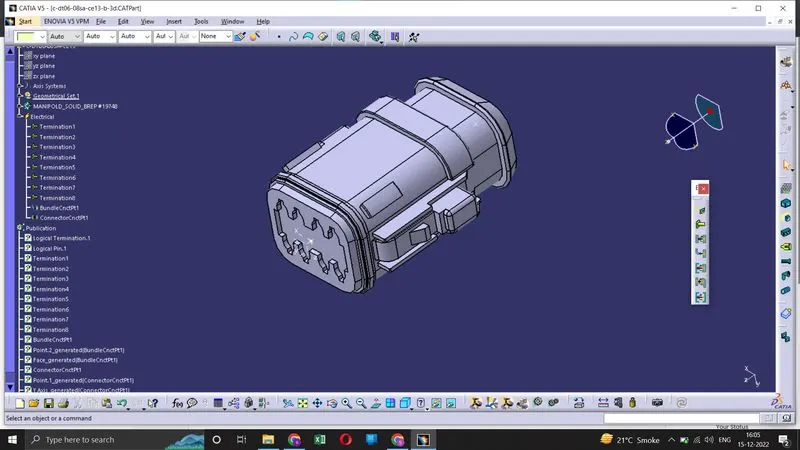
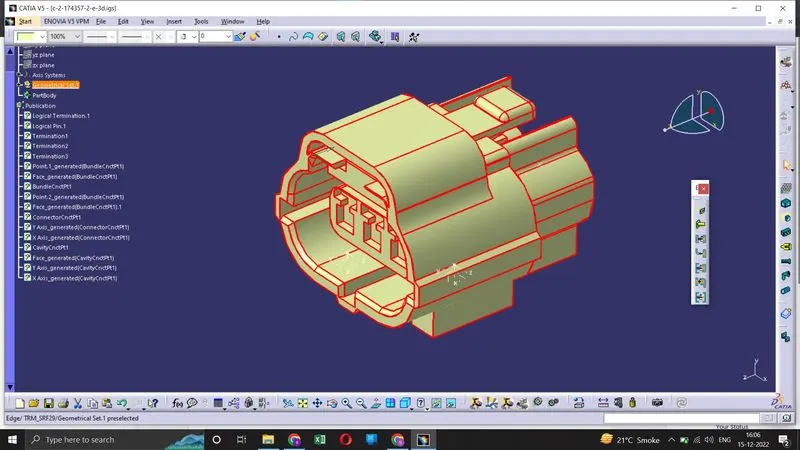
We have to make sure to use correct axis system for both the mating connectors in order for quick and correct assemble of connectors.