Wiring harness design in CATIA V5 - 3D modeling Week 2 Challenge
Introduction:
Defining the following connectors & Connector clip cad data as Electrical Connector using Electrical Part.
- Deutsch DT06
- Tyco 174357-2
- Tyco 85229-1
Procedure:
- Insert the .iges or .stp file of Tyco 174357-2 Connector to Catia V5 software.
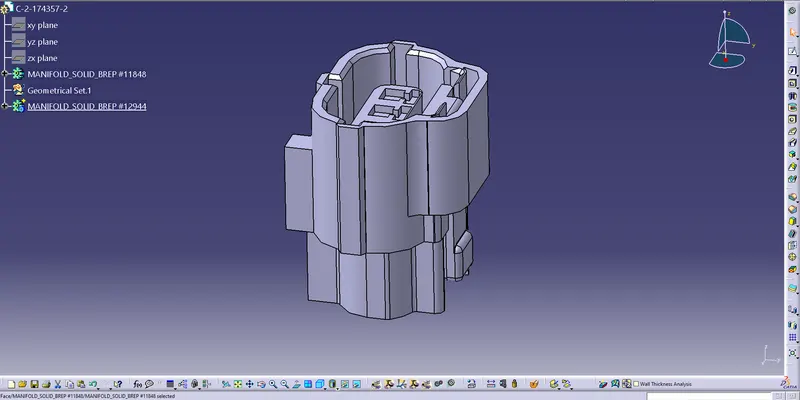
- Once the file is inserted, Using part design create a point for Bundle entry point and Connector connection point.
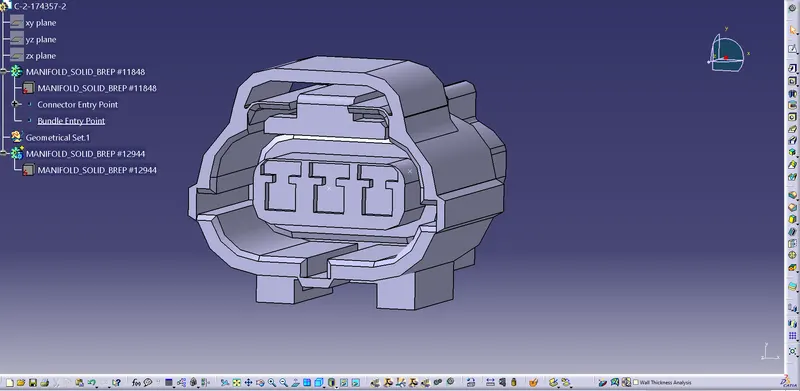
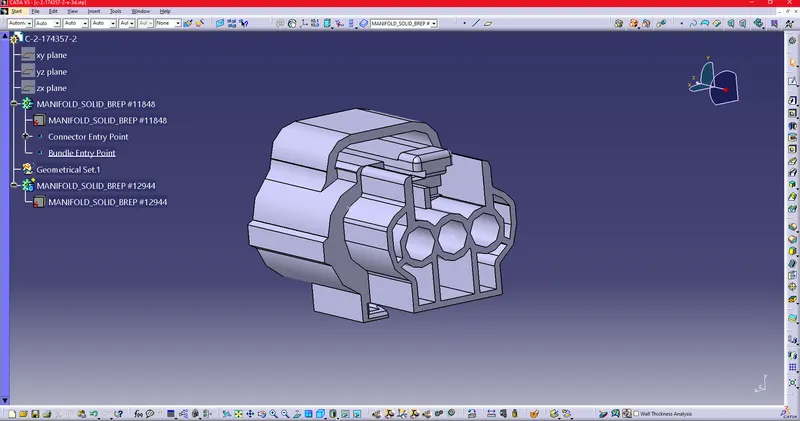
3. After creating the point, define the axis to Connector connection point.
Axis creation:
- X-axis – Pointing towards the Lock
- Y-axis- Pointing towards the front (Connector End)
- Z-axis across the connector (Left to right)
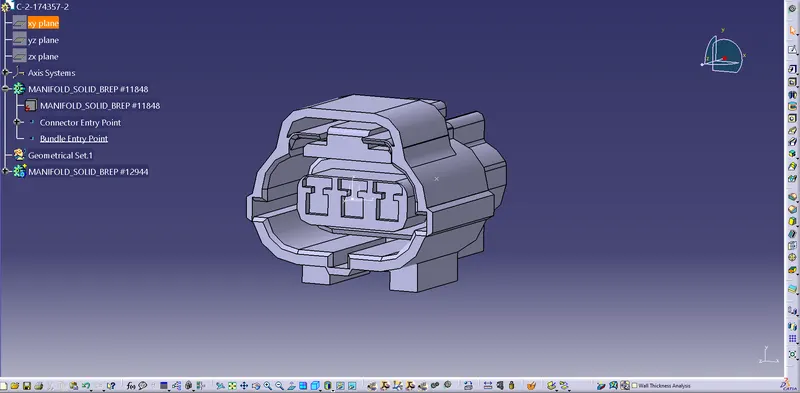
- Change part design to electrical part design to define electrical properties to the Connector.

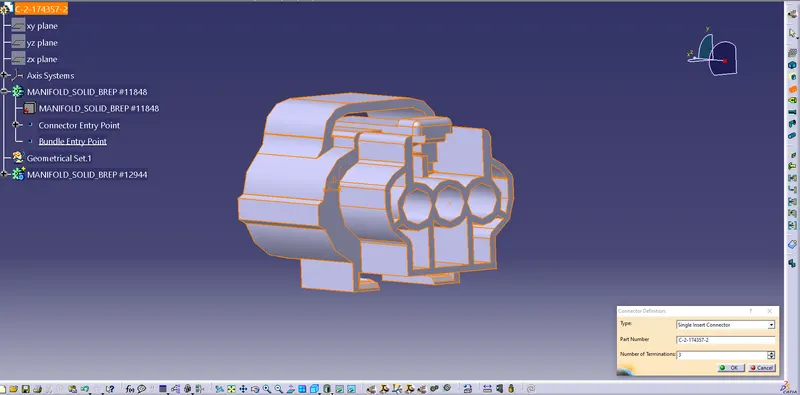
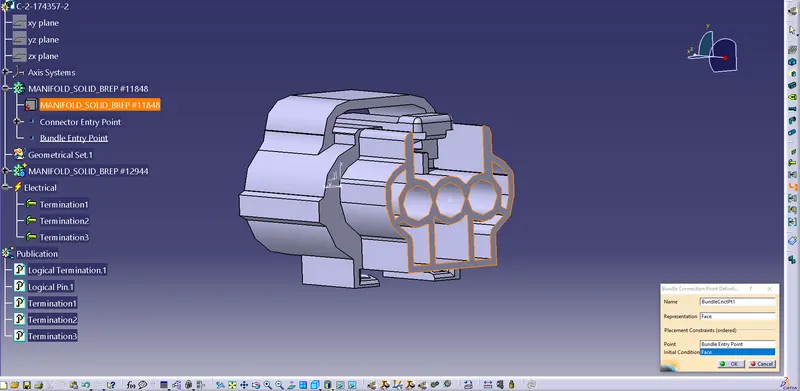
- For defining the connector, use the icon “Define Connector” and give number of termination as 3.
- For defining the bundle Connection point, use the Icon “Define Bundle Connection Point” and give the following details in the dialog box.
Representation- Face
Point- Bundle entry point
Initial condition- Face
- For Defining Connectors Connection point, use Icon “Connectors Connection point” and add the following details.
- Representation- Point
- Contact- Face
- Coincidence- Y axis
- Orientation- X axis.
Once the following parameters are given the part is changed to electrical part with properties and publications.
- Create A point in lock to define cavity point and provide the axis as same as the above.
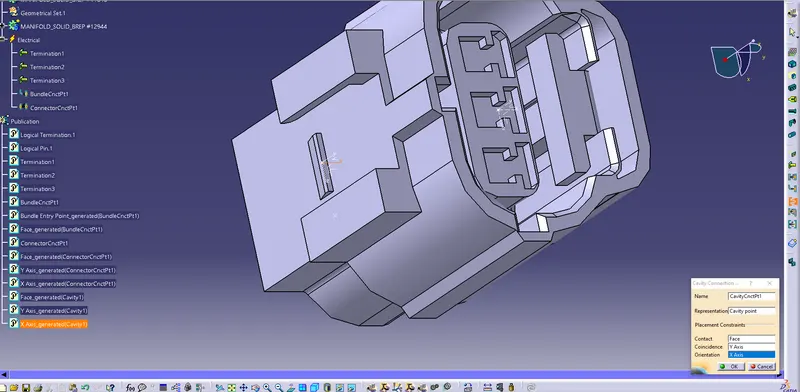
Using Cavity Connection point to generate the Properties of the Cavity.
- In new window Inset the Clip and provide the axis in lock of the clip. And define the clip as Equipment definition in Electrical Part design.
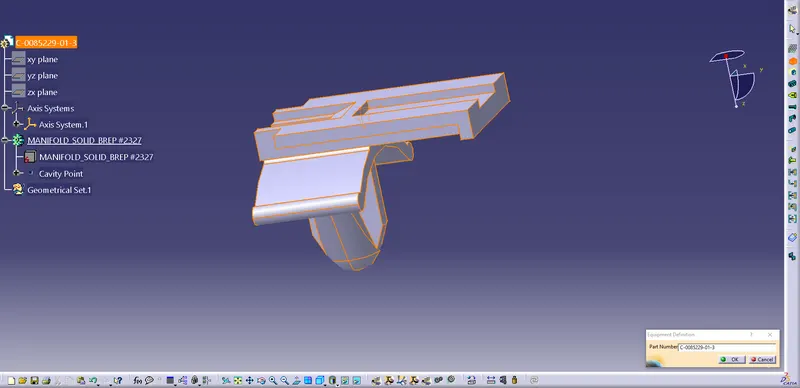
Note: The axis parameter must be same as the connector.
- Define the Cavity Point to the clip.
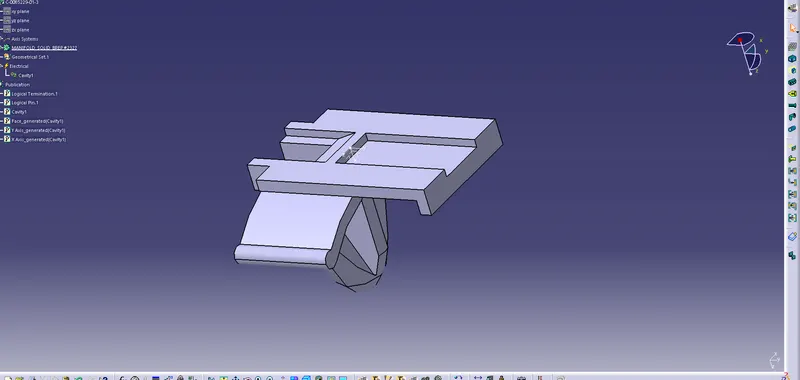
- Representation- Point
- Contact- Face
- Coincidence- Y axis
- Orientation- X axis.
- Copy the Connector and Clip, Paste them in Electrical Assembly to mate the Connector and Clip.
Using the Command connect electrical Design select both the axis.
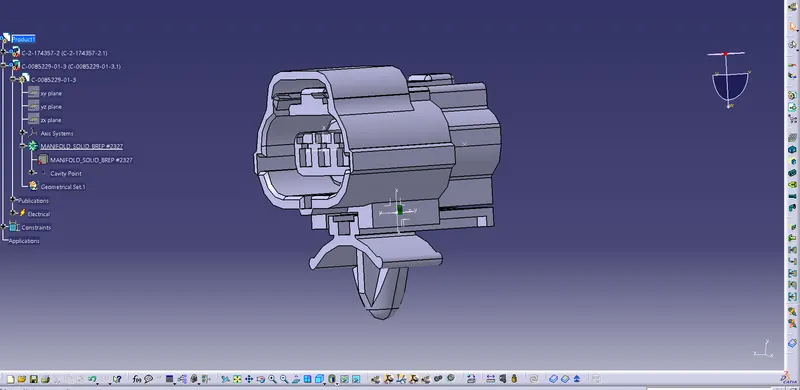
- Follow the same procedure for the Connector Tyco 85229-1 to define the part as Electrical properties and Publications