Week - 9 - Reflecting the geometry
Objective:
To write the TCL/TK commands to reflect the elements of one component to other which are mirror components.
The execution of the commands should be constrainted with the following rules,
Inputs - original component, reflected component, original FE components.
Also name of the reflect component should be compiled form of its name and thickness given by the user.
Procedure:
INPUTS:
Get the reflect component name and store them in the argument "name". Using hm_getstring command the name for new component is obtained from the user itself.
*createmarkpanel command is used to select the original component, target component and FE component suppose to be reflected consecutively. Store the mark id of those selected components for the further usage(to create centriod for those elements). hm_getmark command is used to execute the above operation.

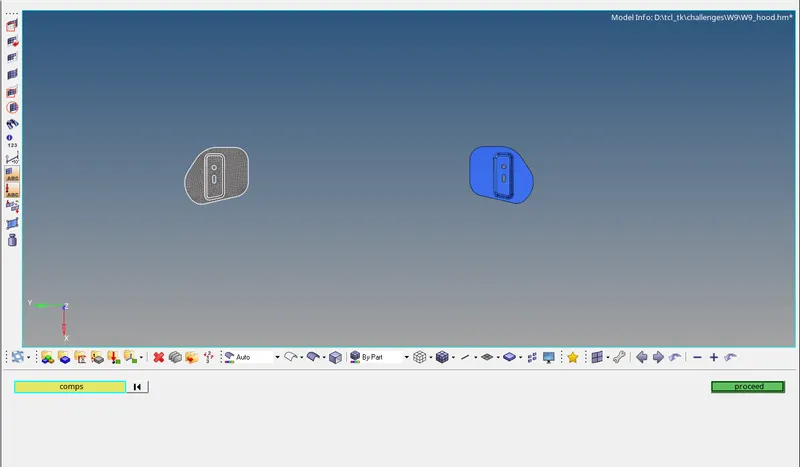 Selection of original components.
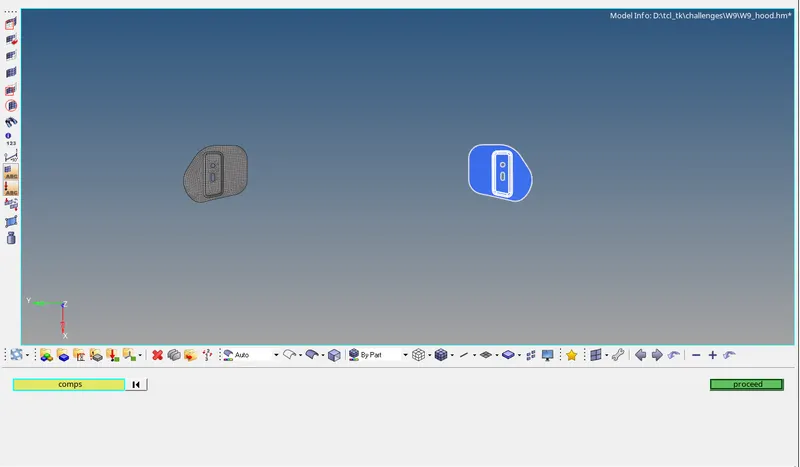 Selection of target components.
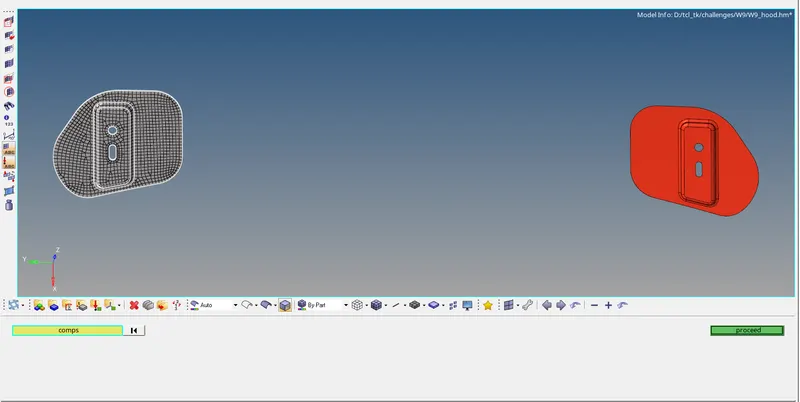 Selection of FE components.
Get Thickness and info of original entity:
Get the information of solver by using hm_getsolver command to execute the command properly.
Now create another argument and store the id details of components containing FE. To extract thickness, hm_getthickness command is used on the original component where the thickness property is assigned to it.
Using hm_entityinfo command, entity informations are stored in a separate argument and *displaycollectorwithfilter command is used to display only the original component and hide all other that exist.
Creating Centriods:
Select the surface(component) using *createmark and get centriod for the original component, target component consecutively using hm_getcentroid command and store in an argument. At that centroid node is created by extracting the x,y,z co-ordinates using lindex command and store the mark id of those nodes in separate argument.
Intercepts:
Similarly intercepts were created which are in future used to create plane based on which the elements are going to be reflected.
Reflect:
*createplane option is used to select the plane based on which the elements are supposed to be reflected and *reflectmarkwithoption command to reflect the elements.
Equivalence:
*equivalence command to equivalence the nodes which are not combined.
Results:
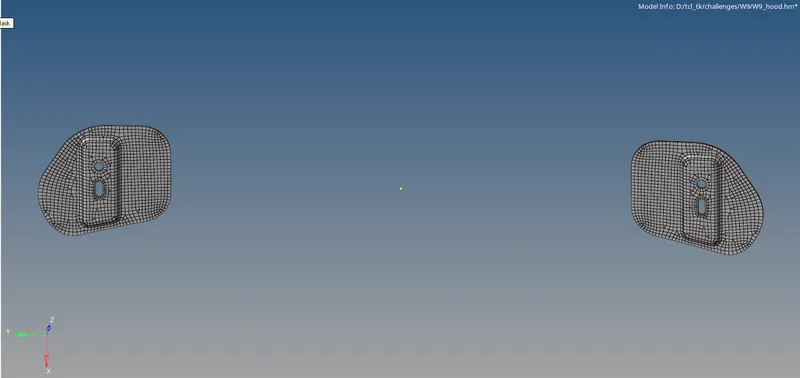
Final reflection of original component on target componet with the creation of centroids and intercepts.
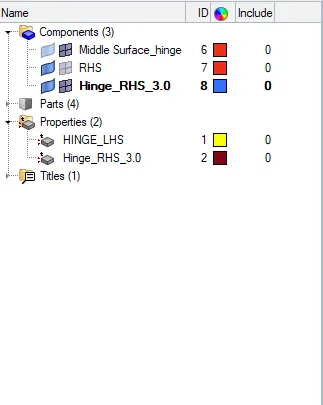
Component creation based on user inputs.