Week 9 - Project - Master Section Development
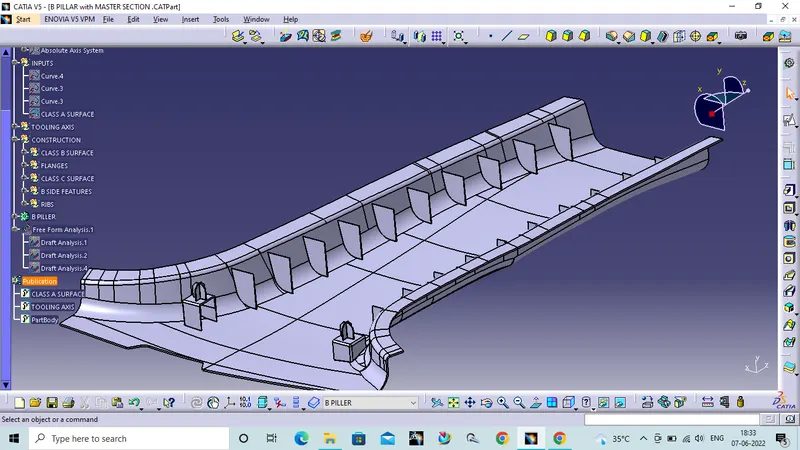
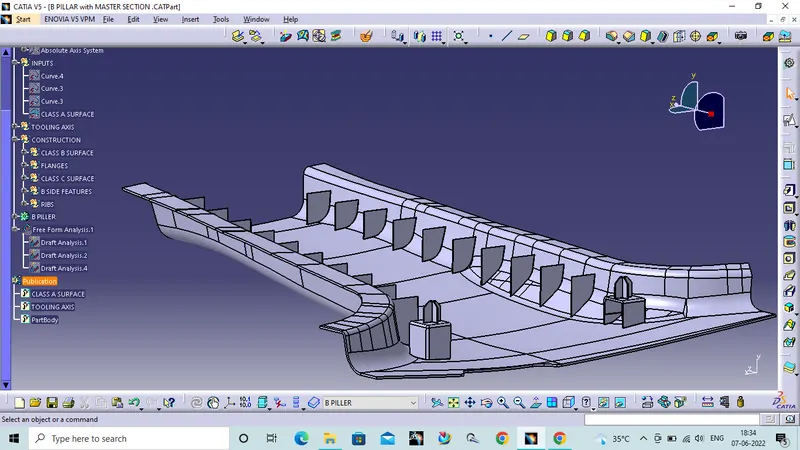
AIM: To design B piller class B and class C surfaces from the given data. To begin with the tooling axis and create the dog house, four way locater from given master section and create Ribs for the B piller.
Check the class A surface:
Check the given class A surface for any discontinuties and irragularities in the surface.
Tooling axis:
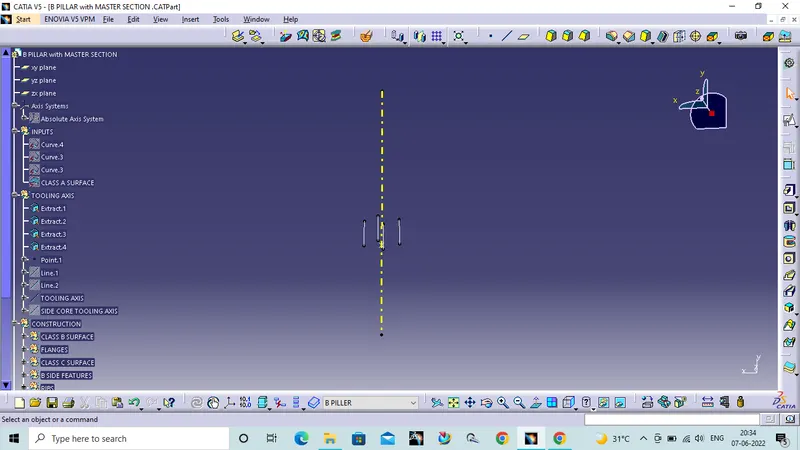
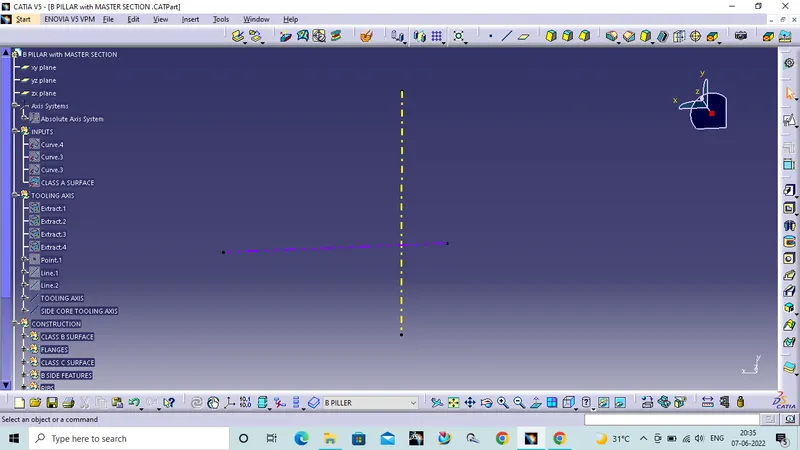
To create tooling in this case i take referances from the master section and created the tooling axis using bisecting method.
Draft Analysis for class A surface:
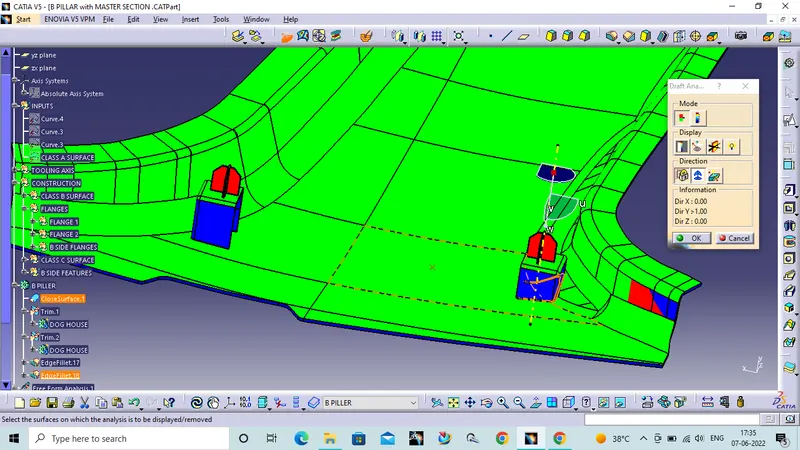
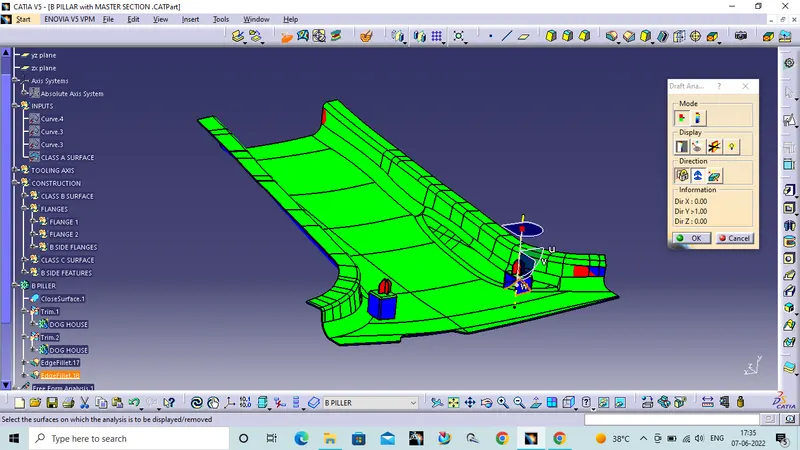
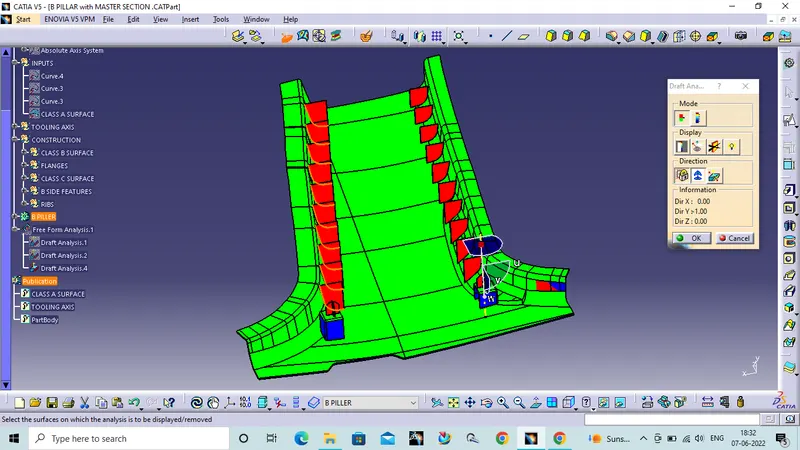
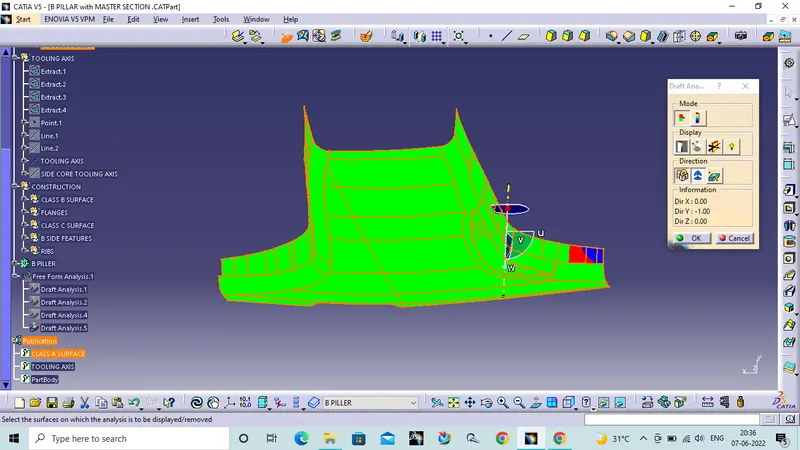
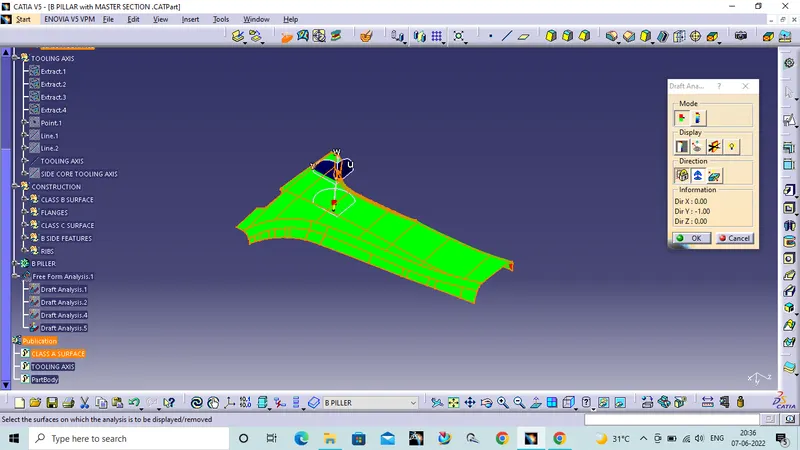
After creating tooling axis perform draft analysis on the class a surface. If the result is green colour the face of the Class A surface has 3 degree draft angle.
Class B surface :
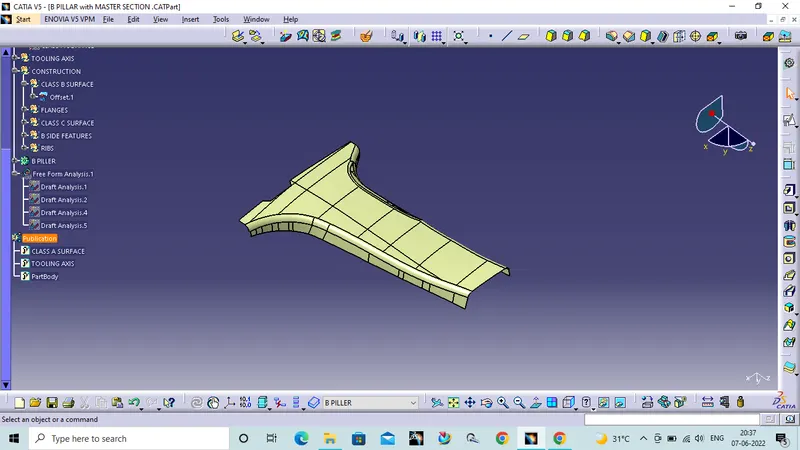
I this case we directly offset the Class A surface with 2mm distance.
Flanges:
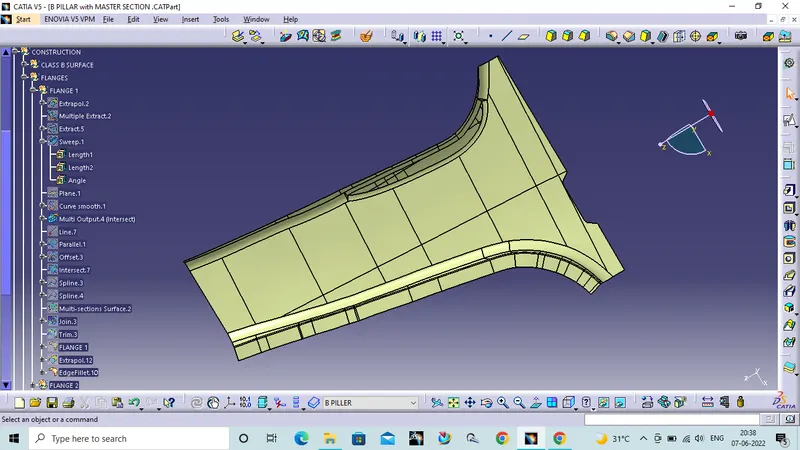
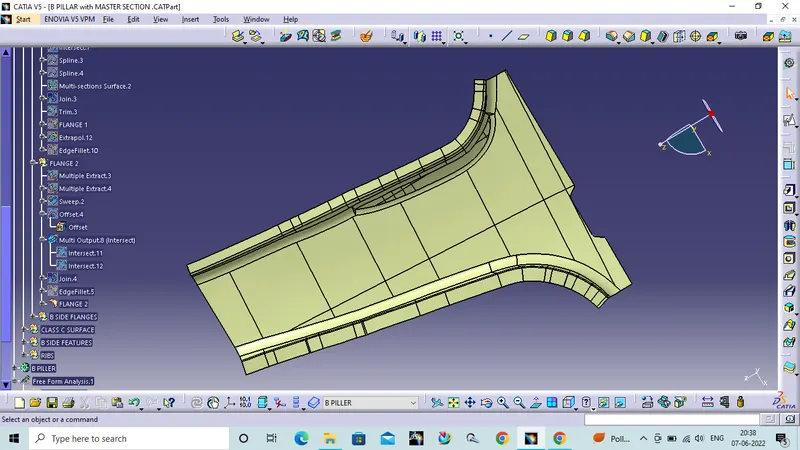
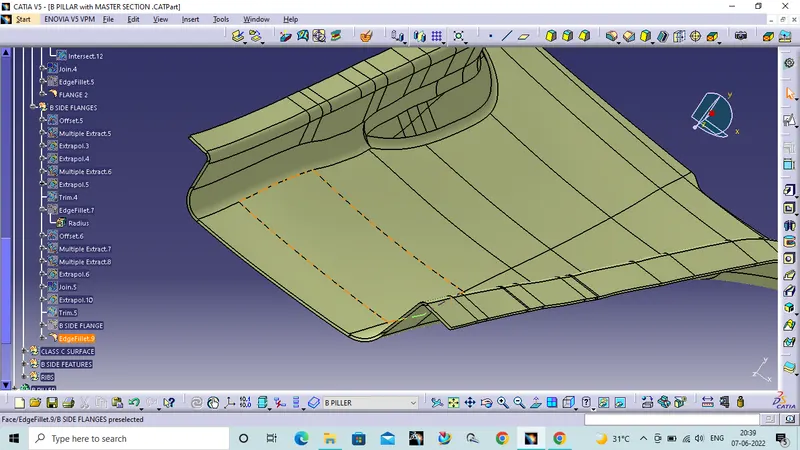
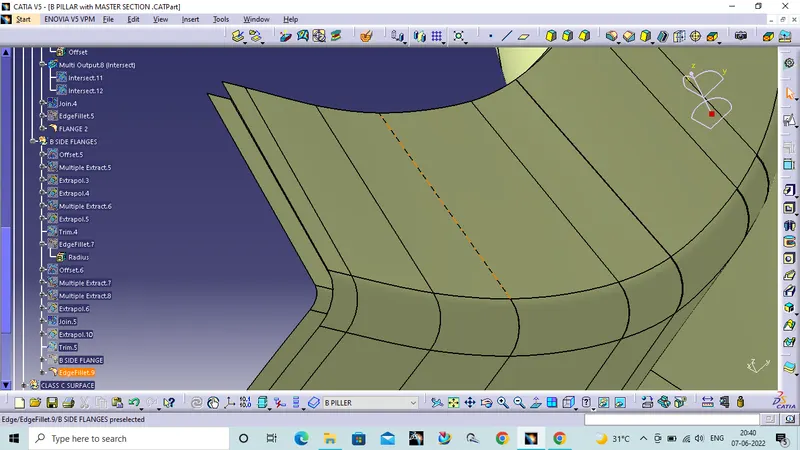
In the master section we have flanges to create. To create the flanges we extract the edges of the class A surface and extract the adjucent face to the extracted curve and create a sweep with the referance surface. Join sweep with the class A surface.
Repeate the same with the class B surface.
Class C Surface:
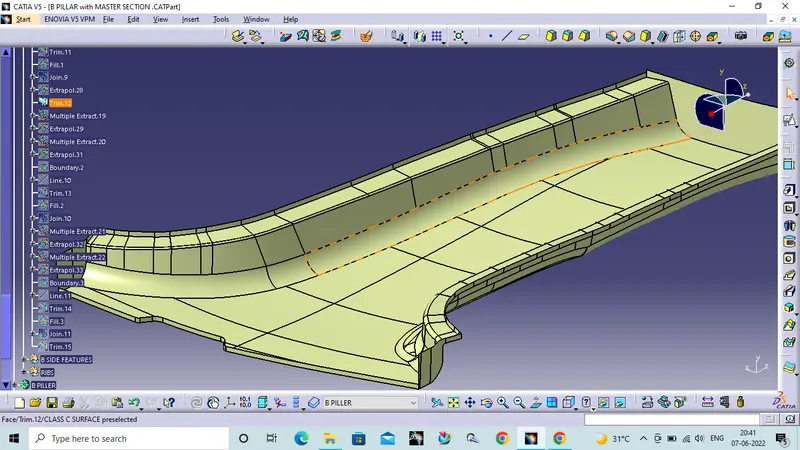
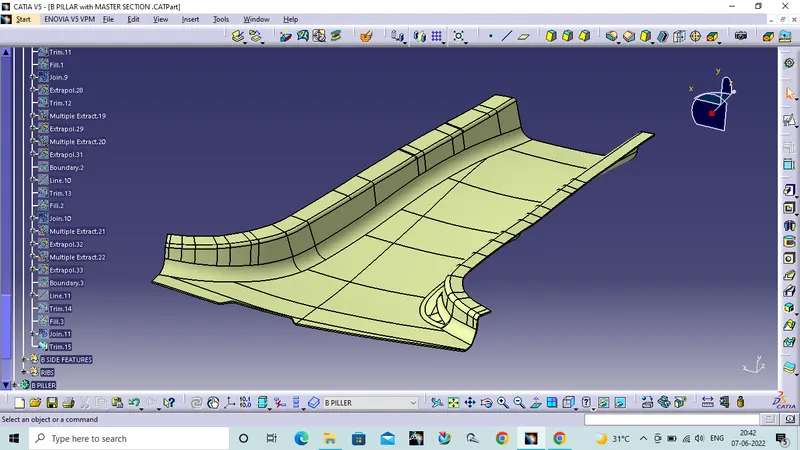
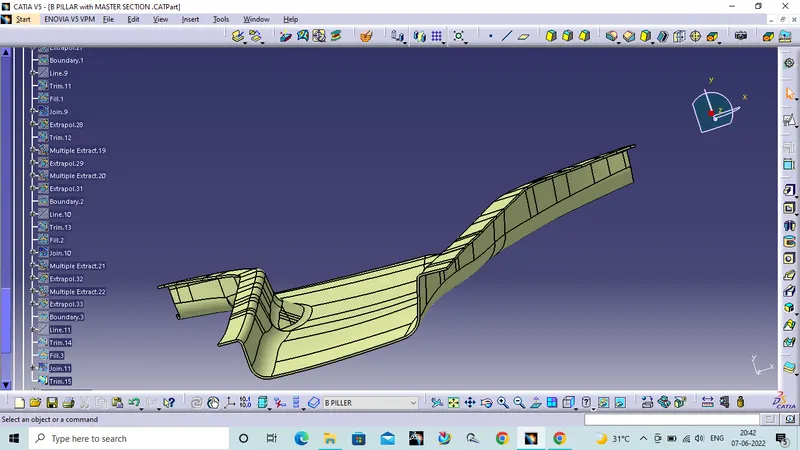
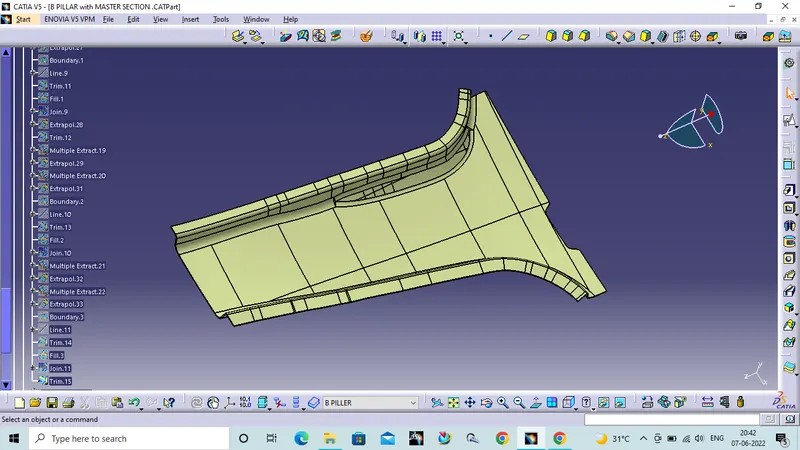
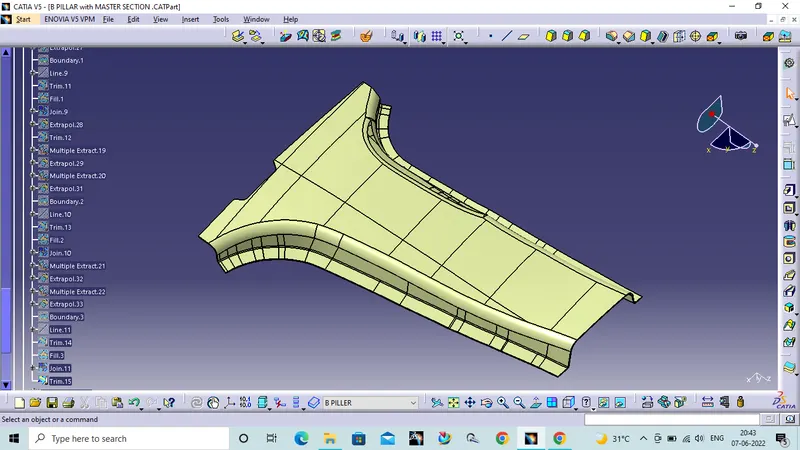
To create class C Surface Use sweep command with draft as referance give 3 degree angle and tooling axis. Join Class A with flanges to the sweep.
Now trim the joined surface with the class B surface to get final component.
Dog house and Four way locater:
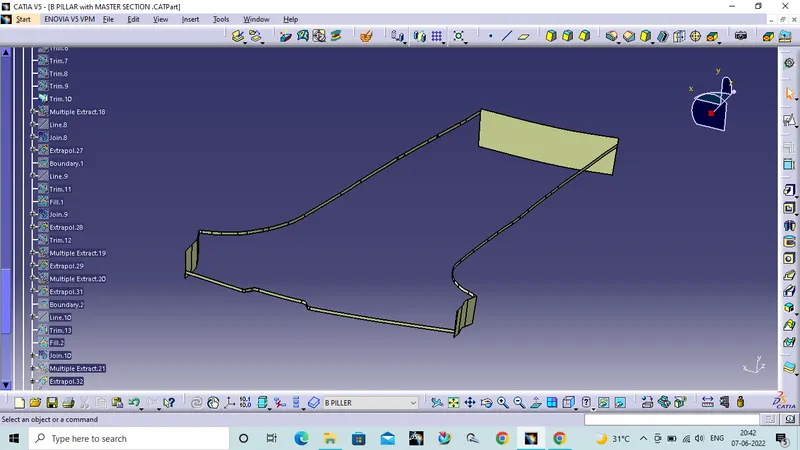
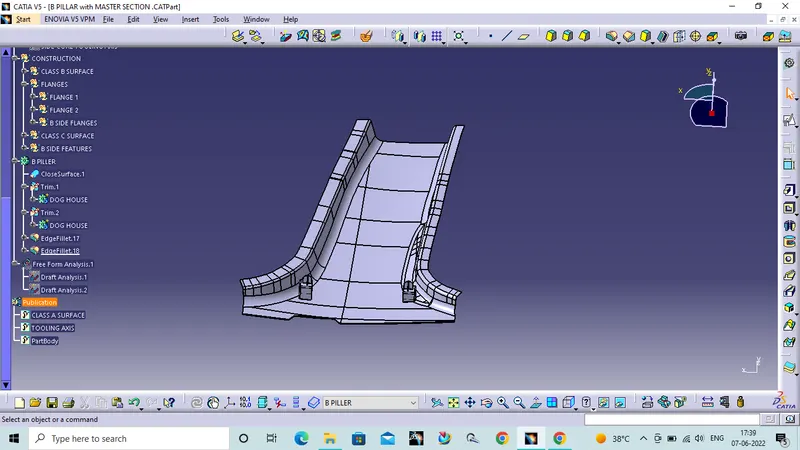
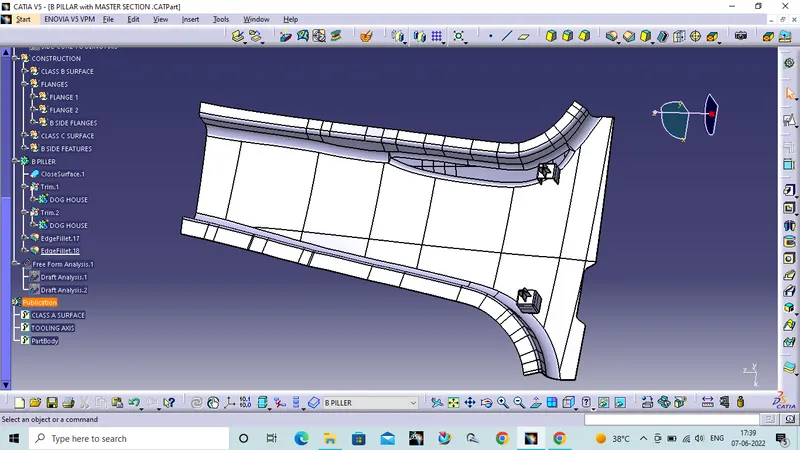
From the given master section create the dog house as per the rules. Create four way locater on the dog house add them togather and add to the final component.
Ribs creation:
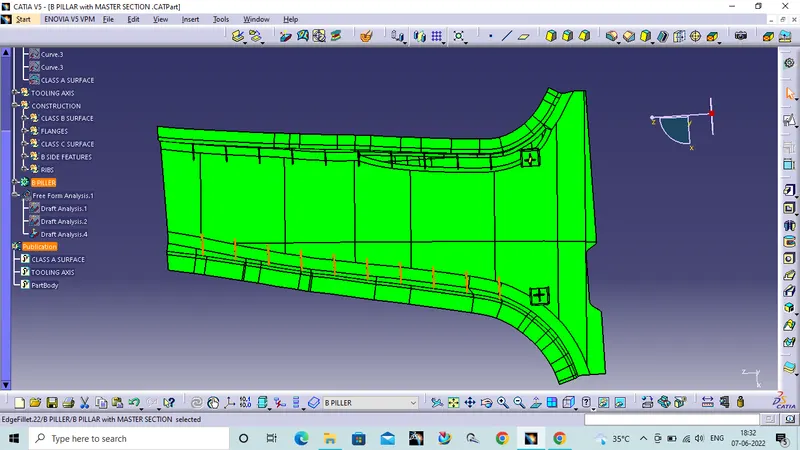
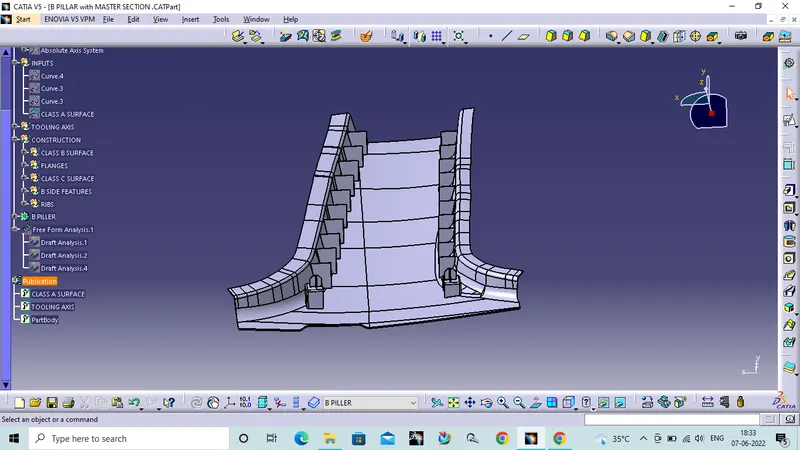
In this case to create Ribs we dont have any data. So take 20mm from the component and placed at a distance of 50mm fro each of the rib.
Draft analysis of the final component:
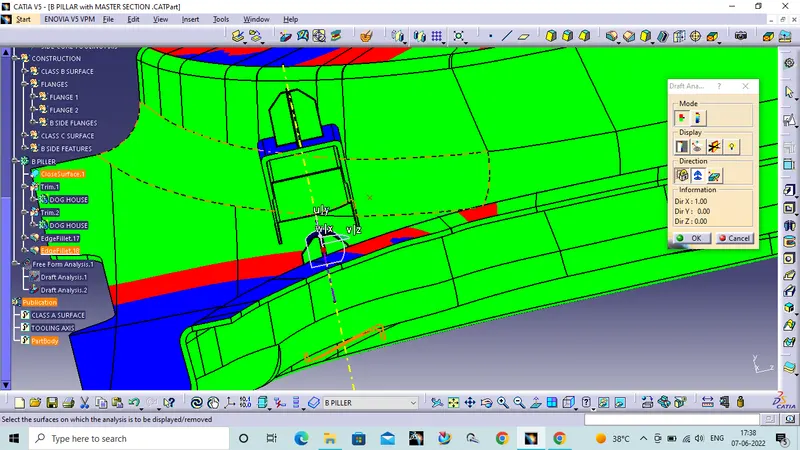
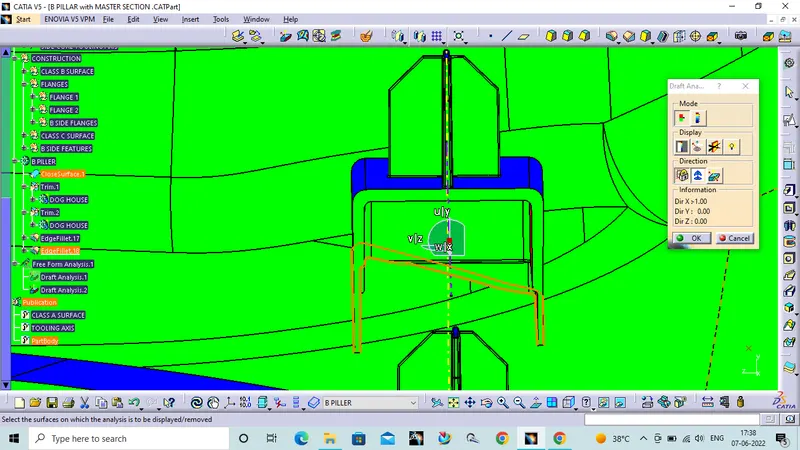
I performed draft analysis on component in two directions one with main tooling axis and one with side core tooling axis. Component clears with both the tooling axises.