Week 9 - Project - Master Section Development
Aim : Create class b, class c surface using master section and performed draft analysis.
creation of B pillar
step followed
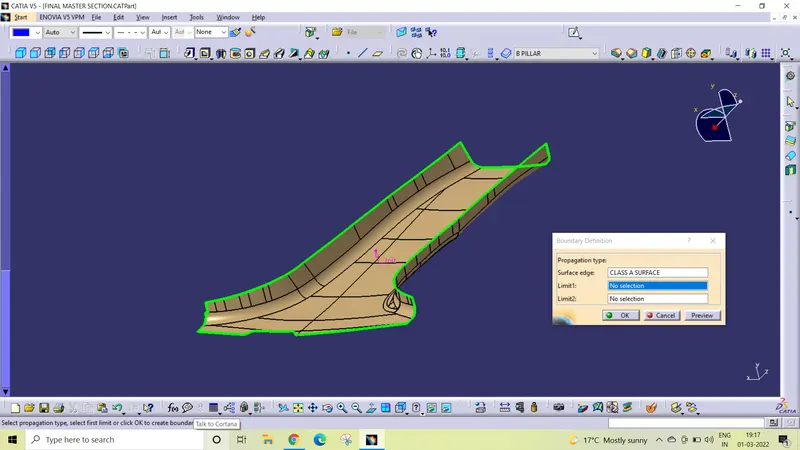
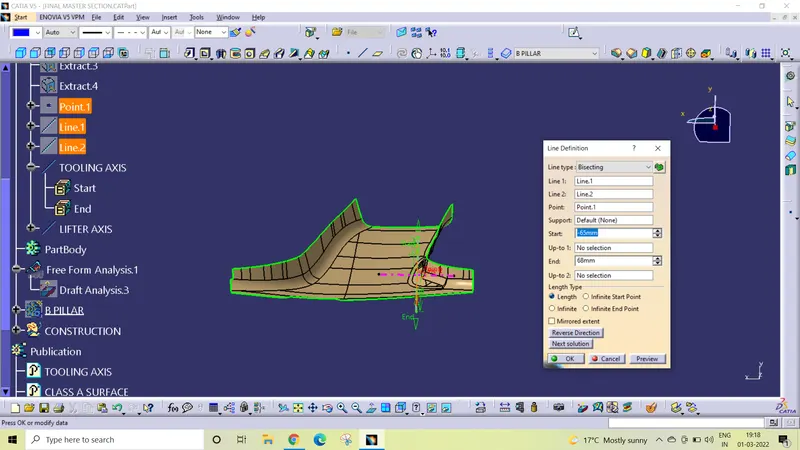
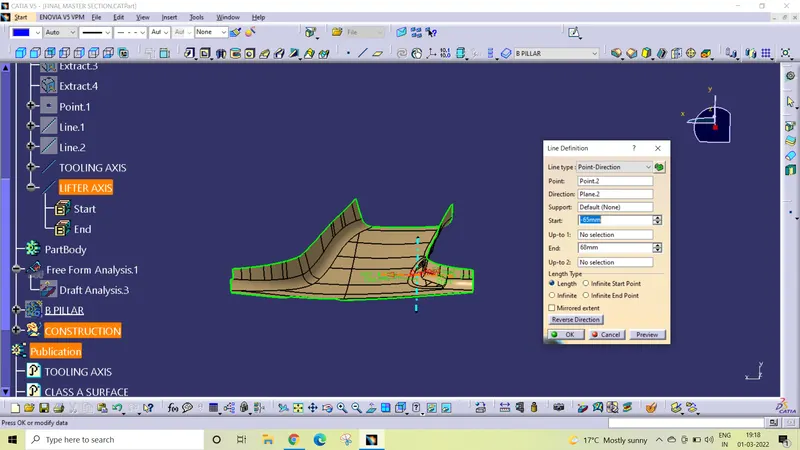
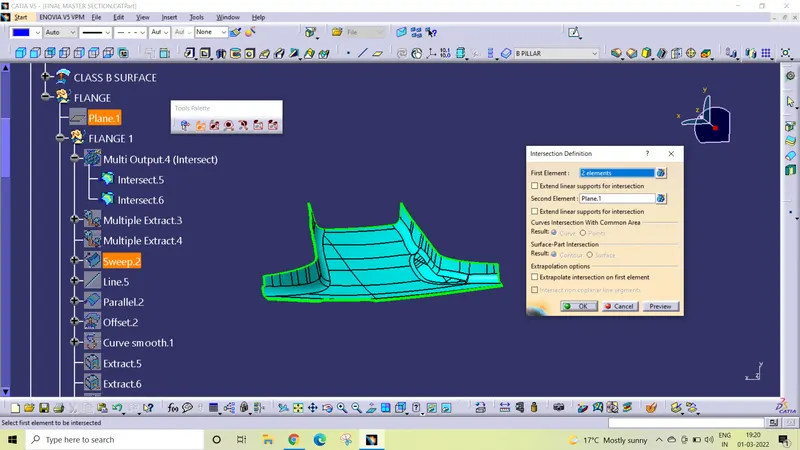
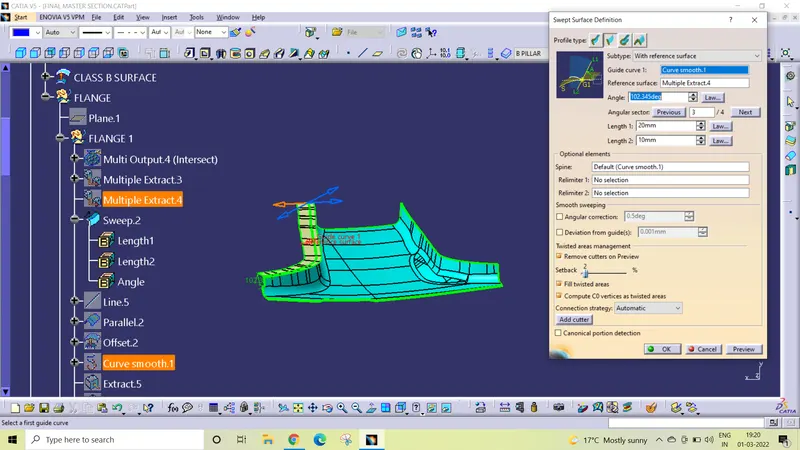
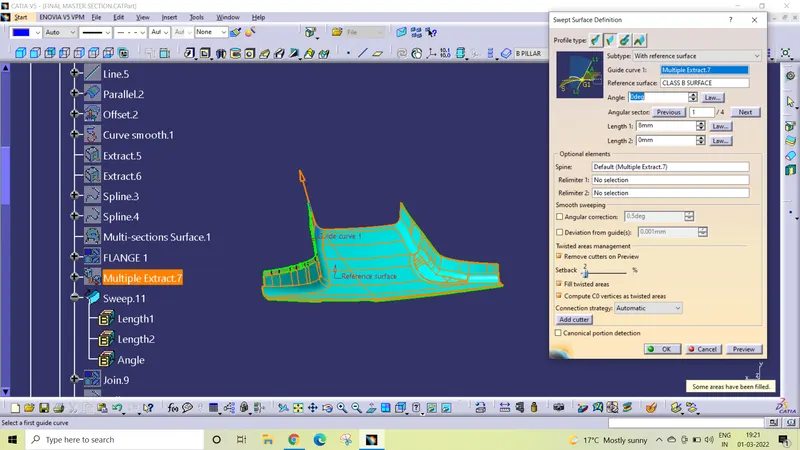
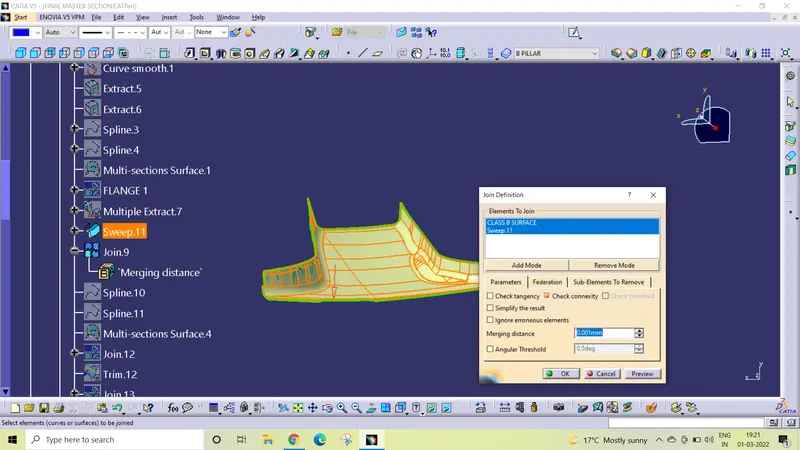
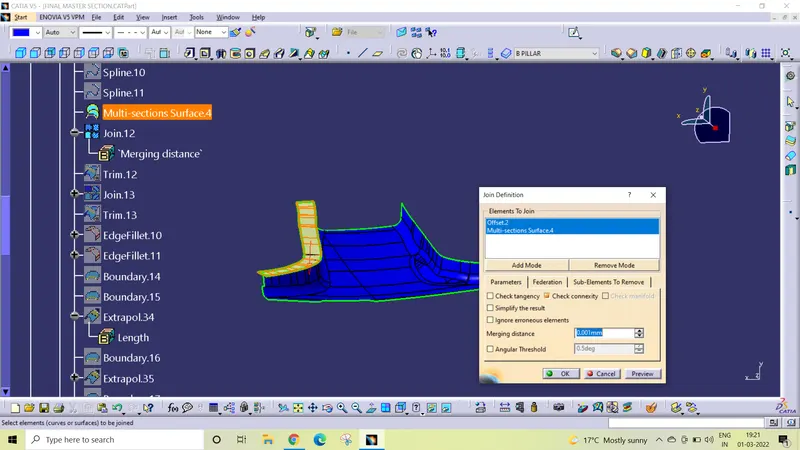
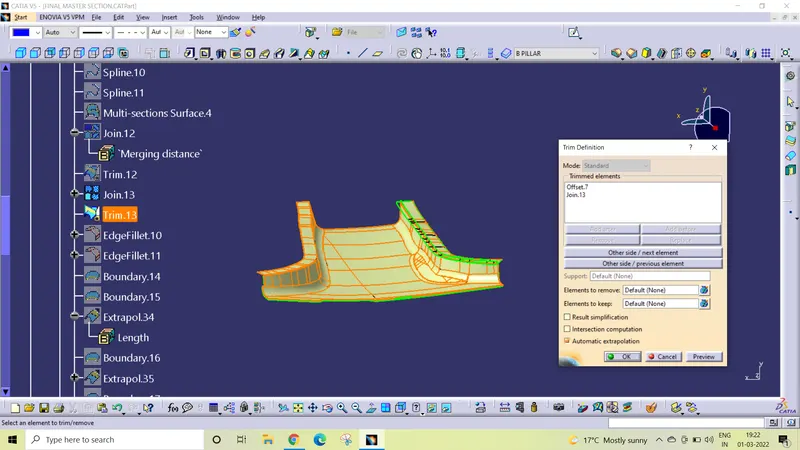
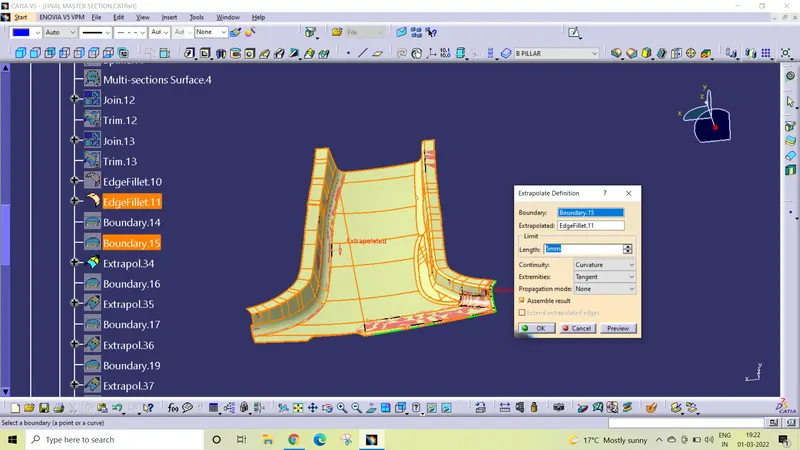
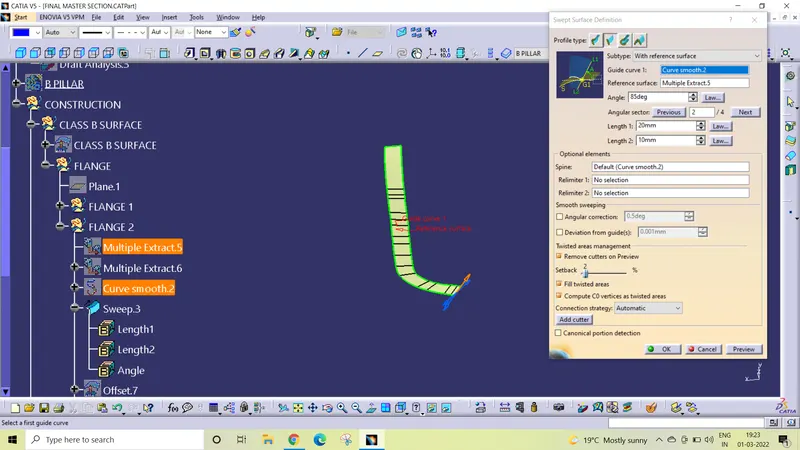
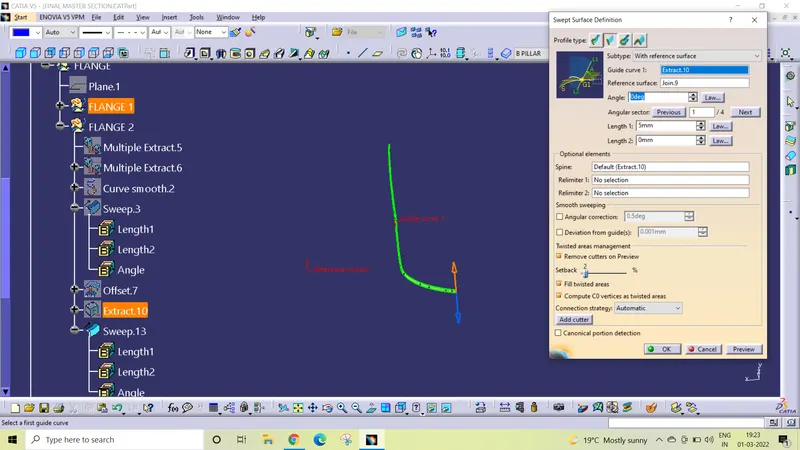
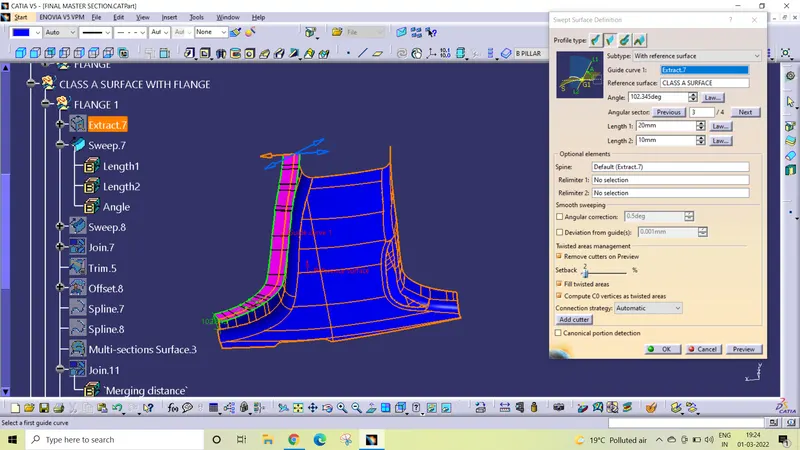
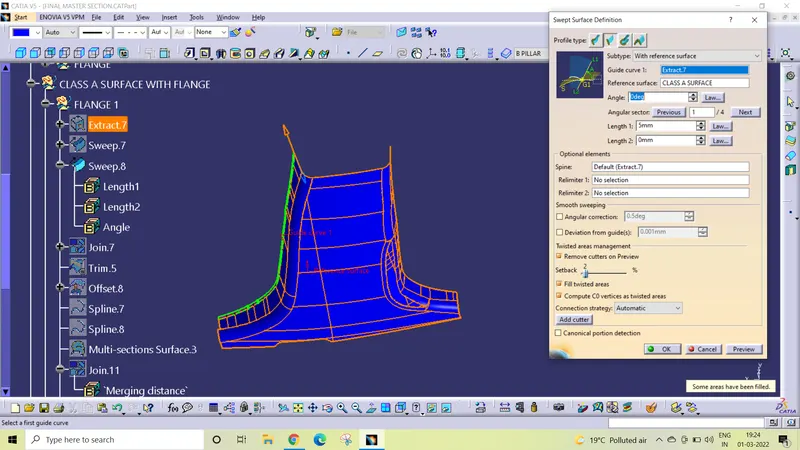
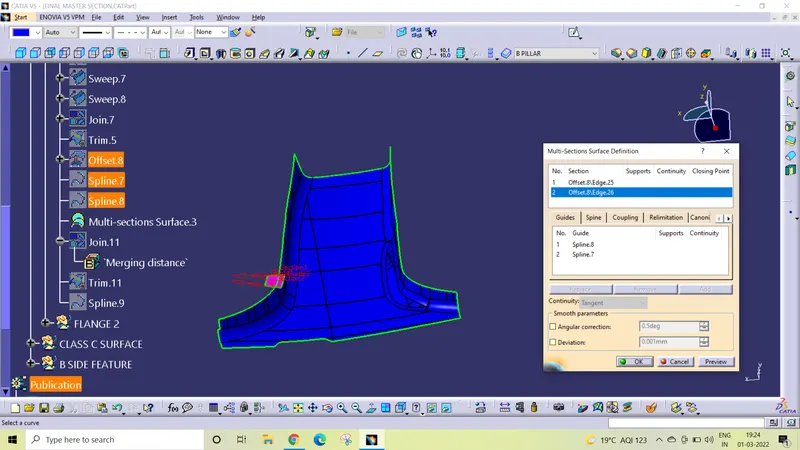
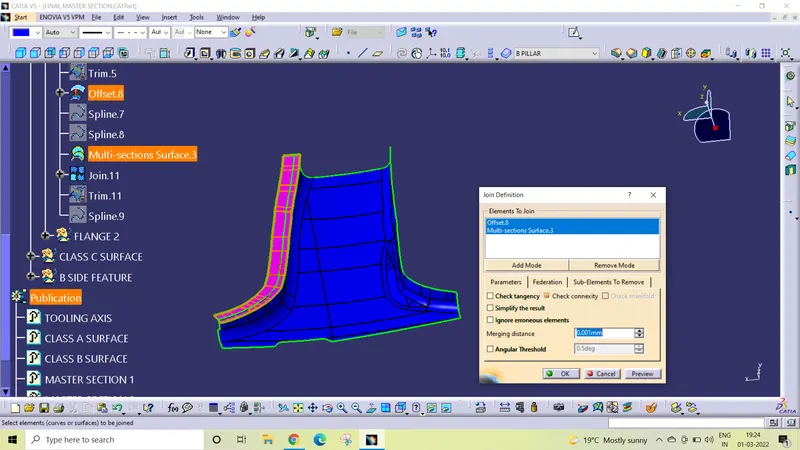
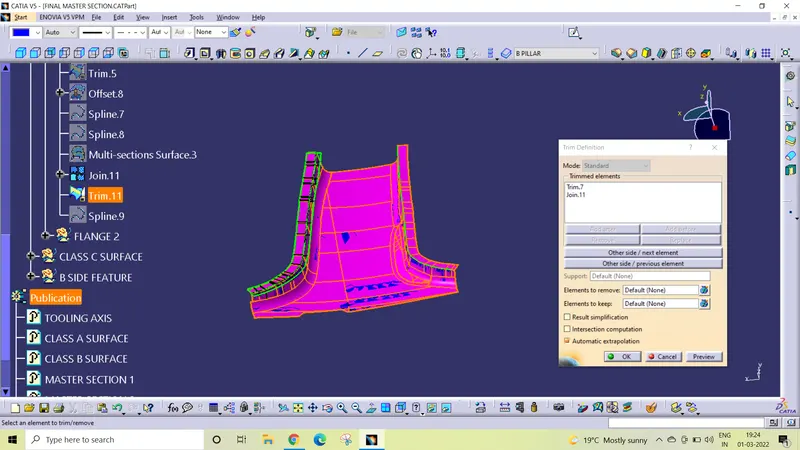
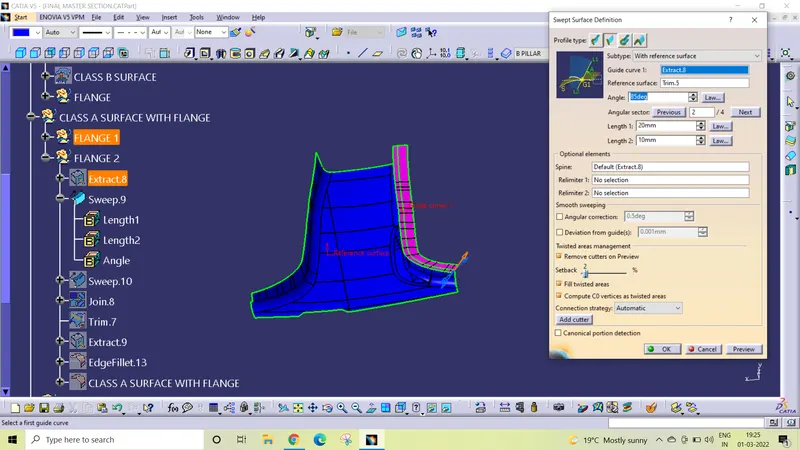
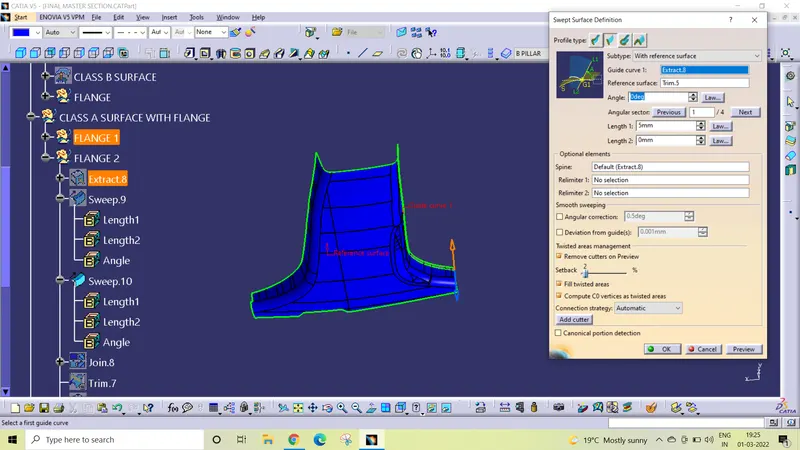
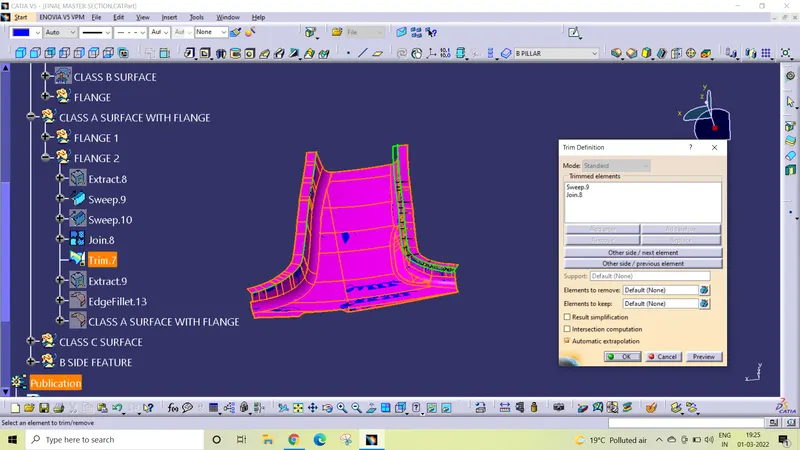
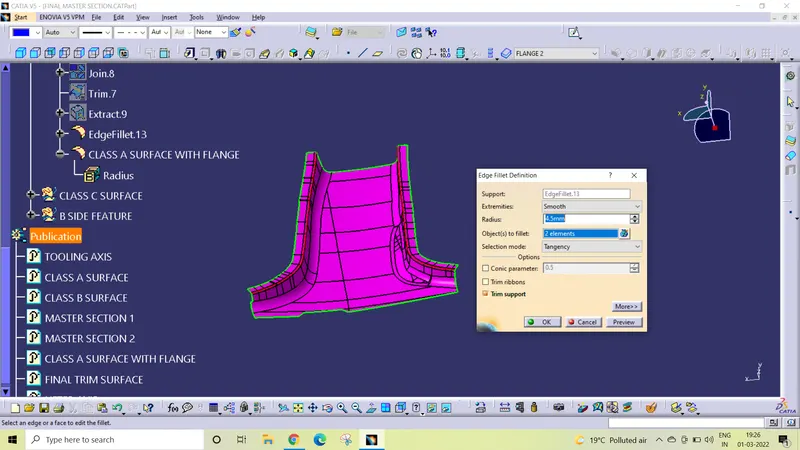
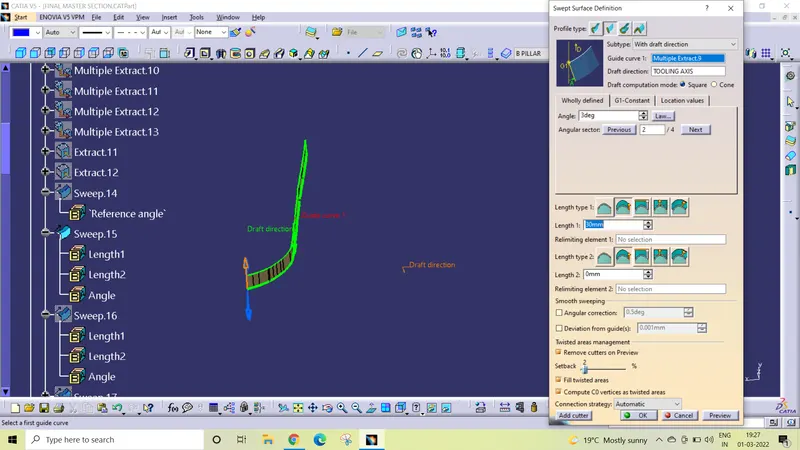
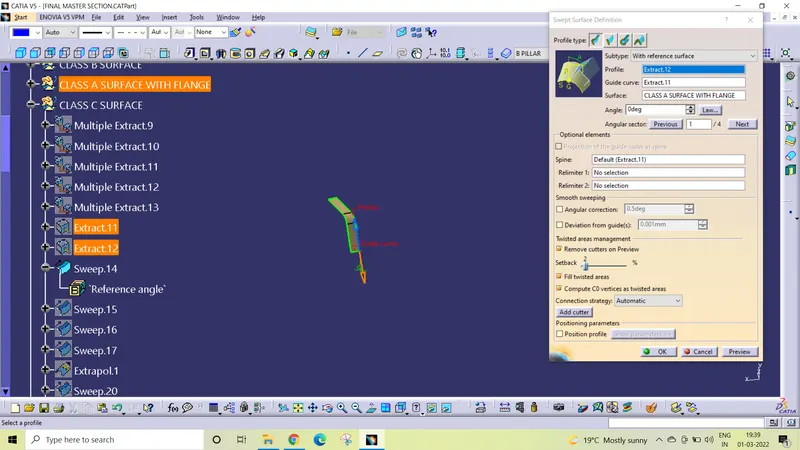
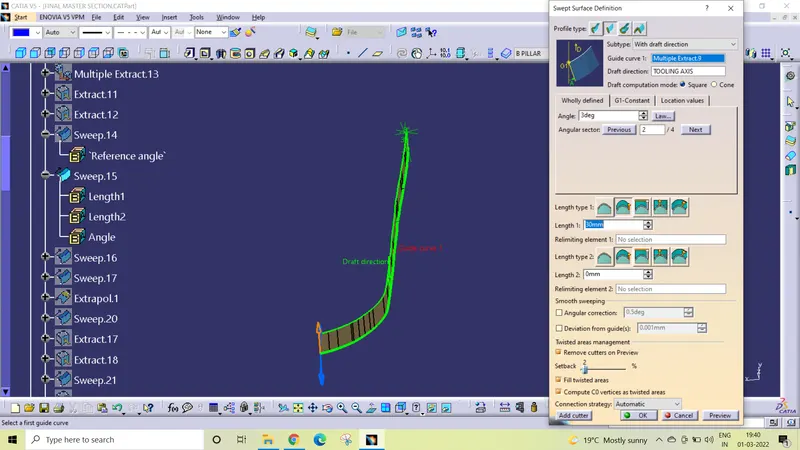
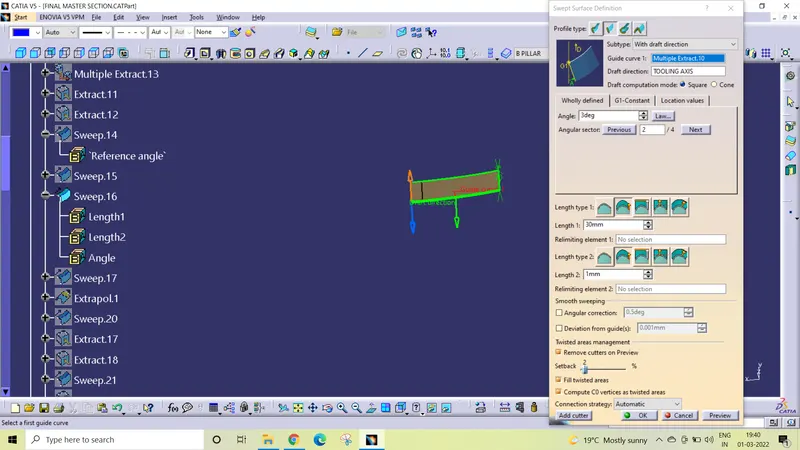
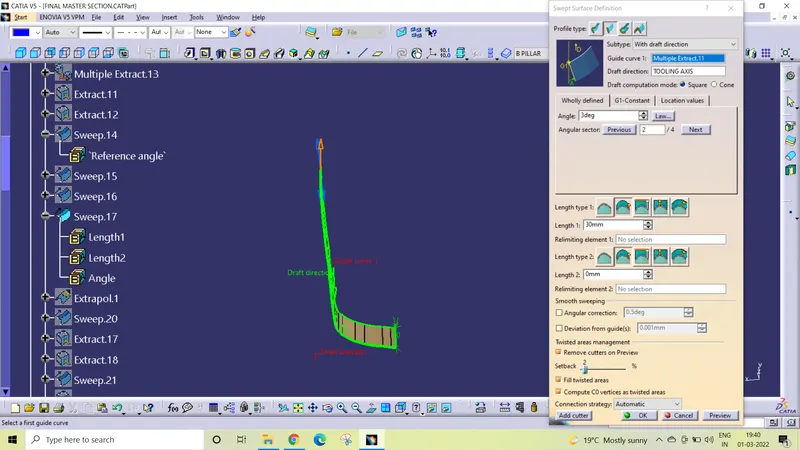
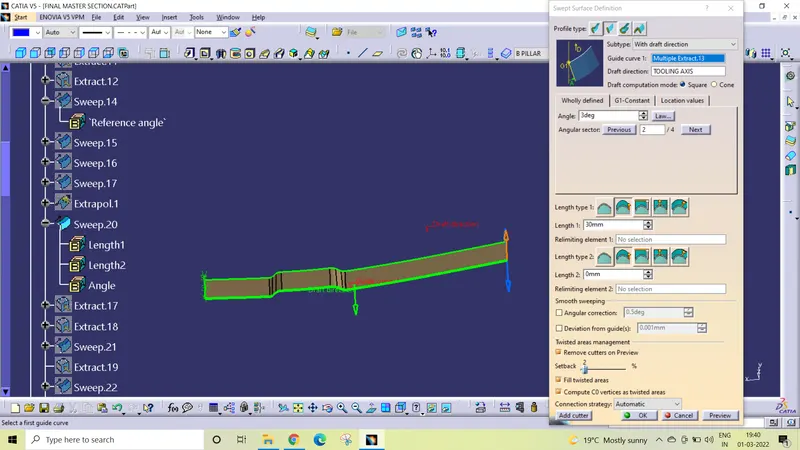
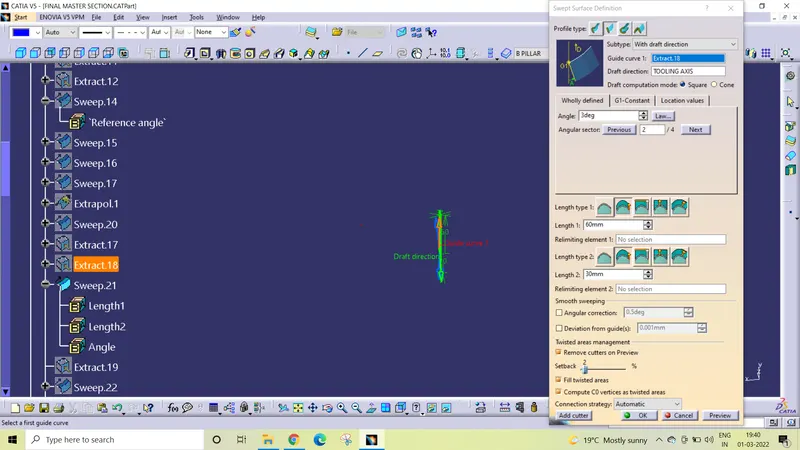
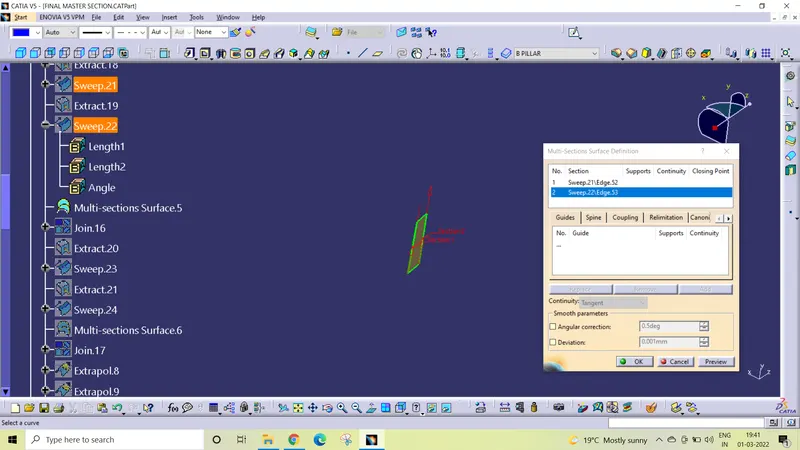
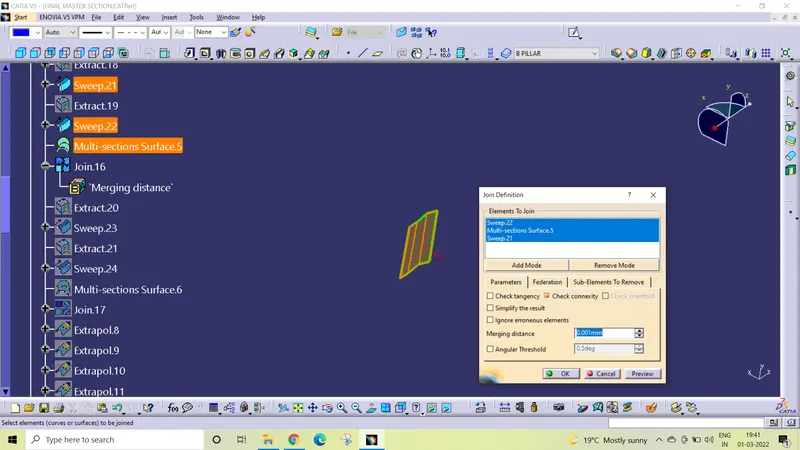
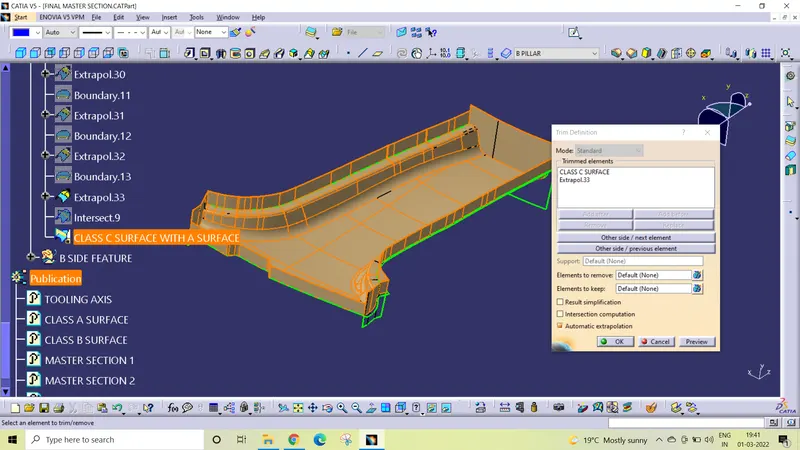
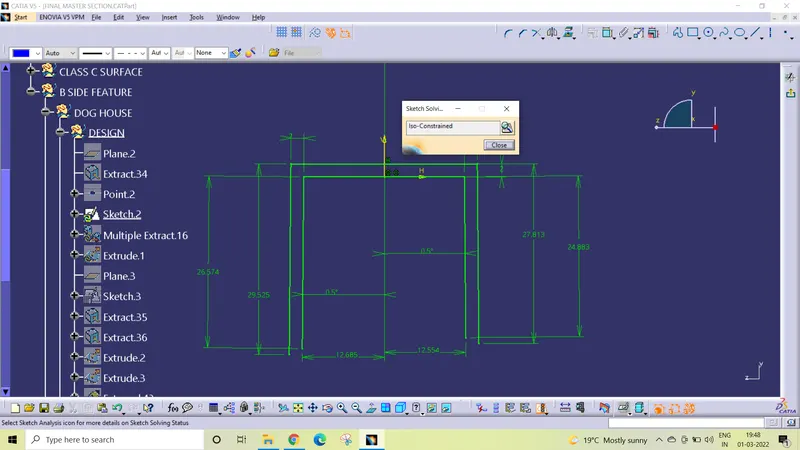
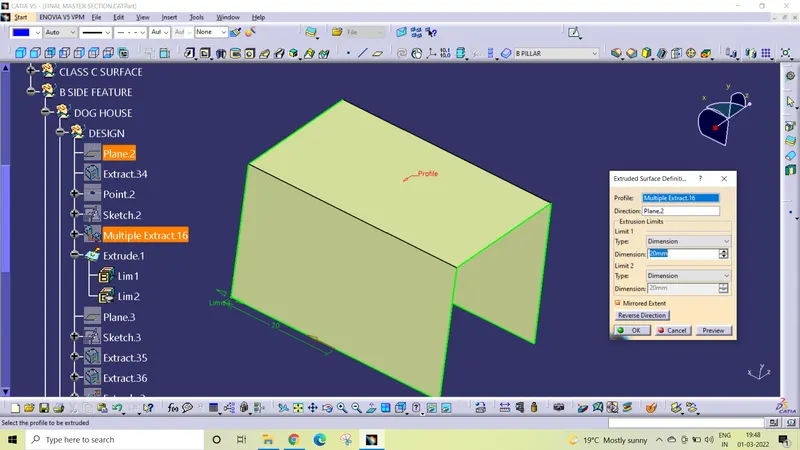
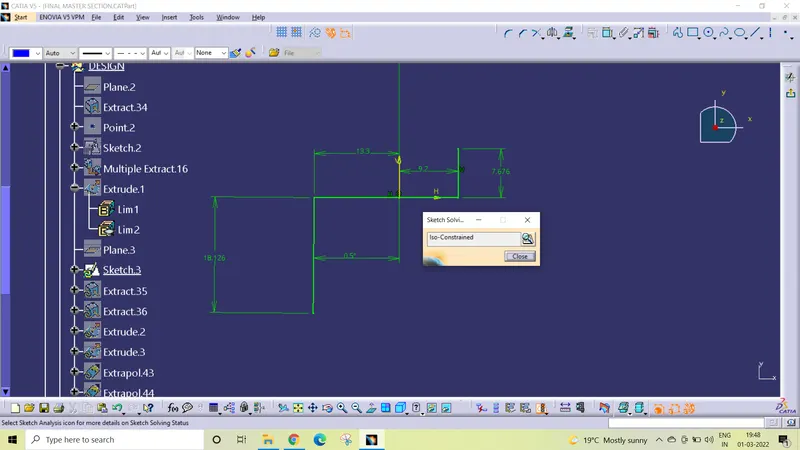
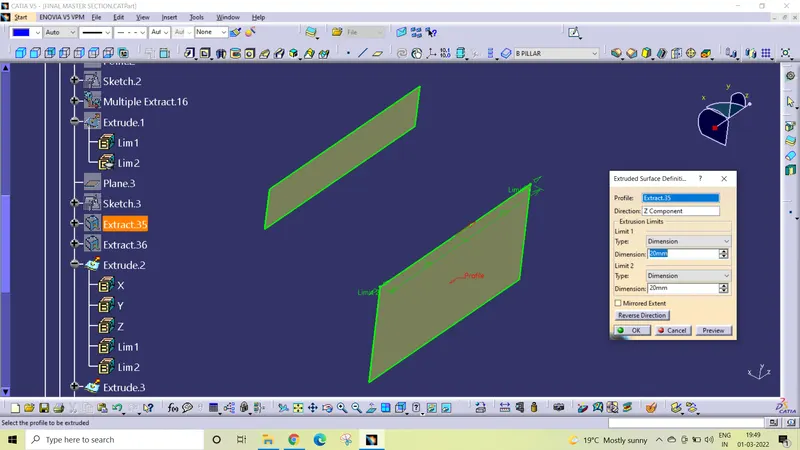
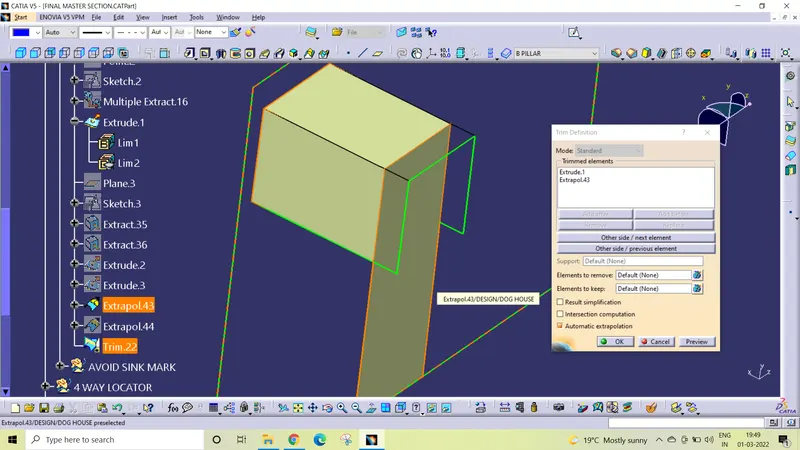
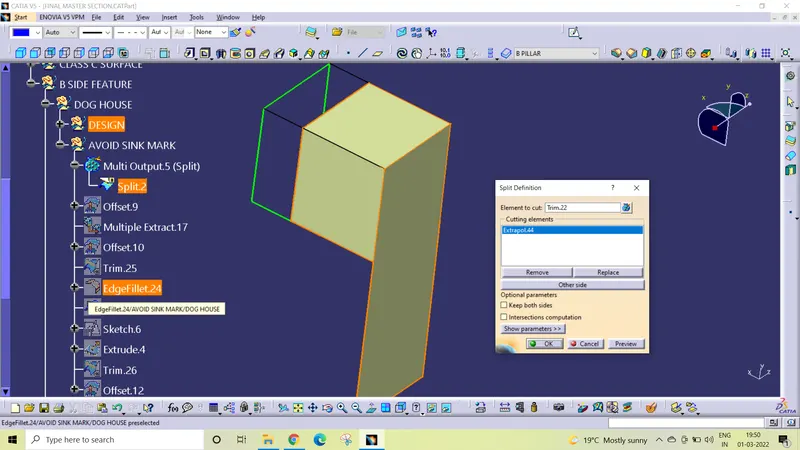
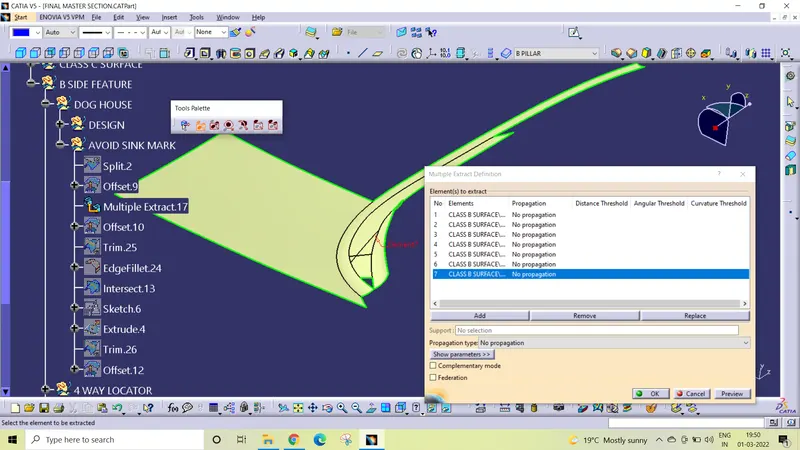
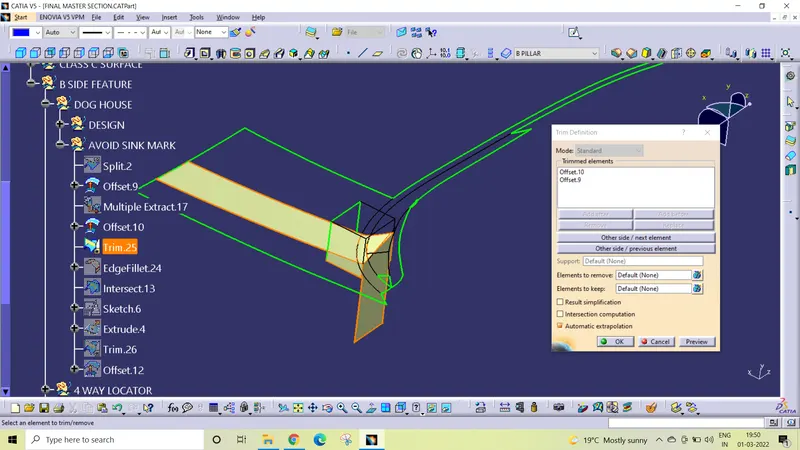
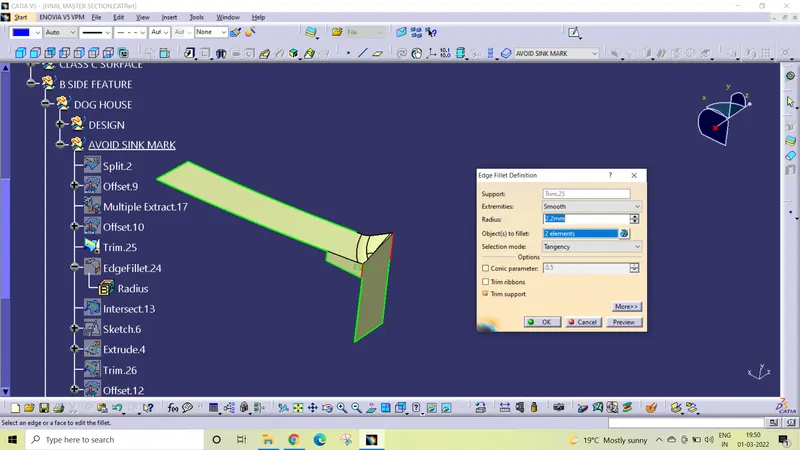
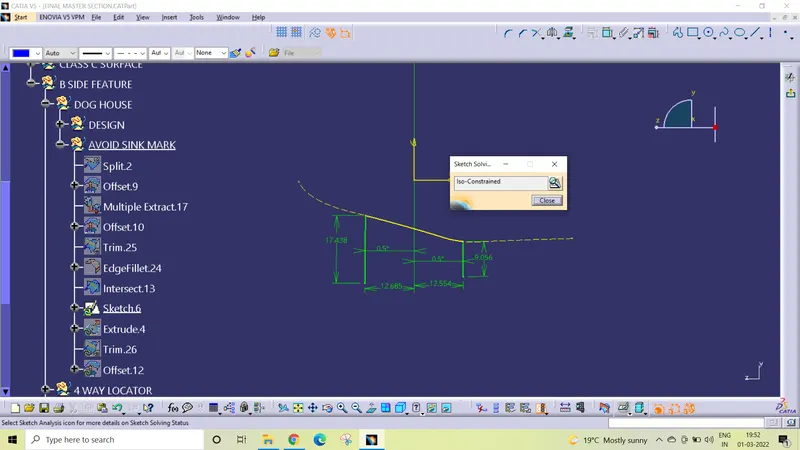
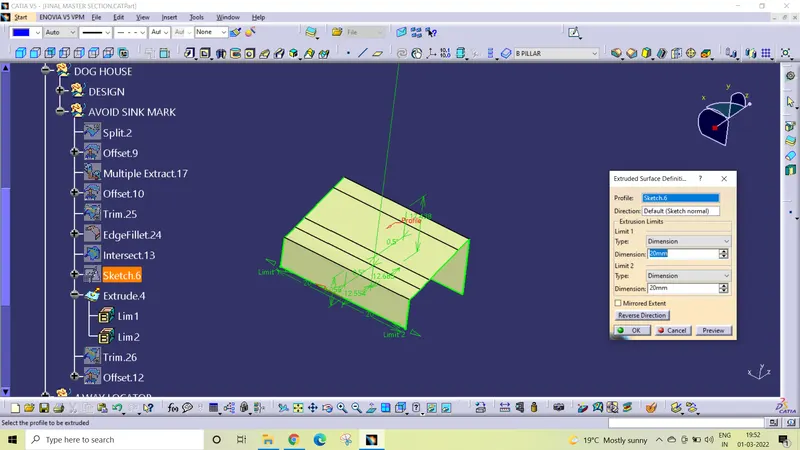
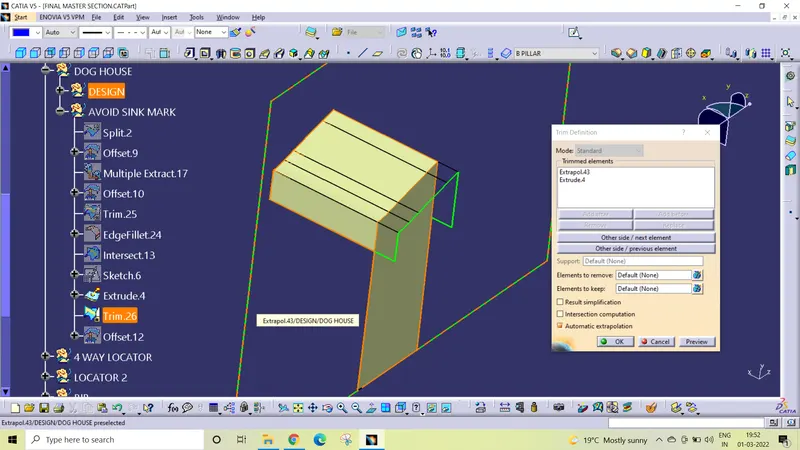
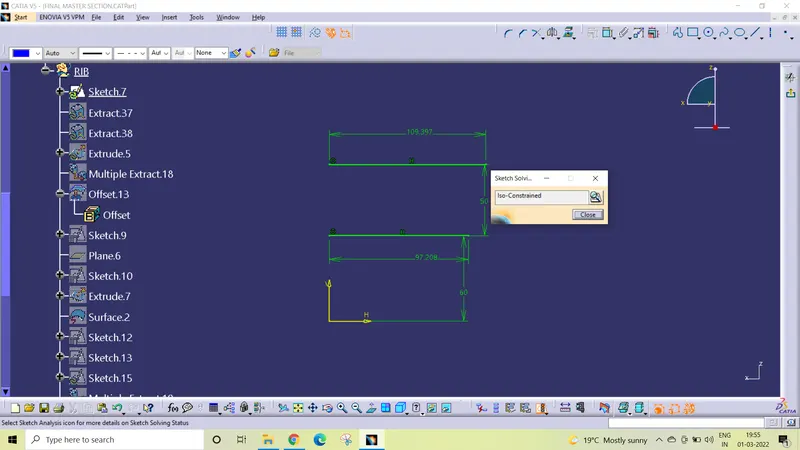
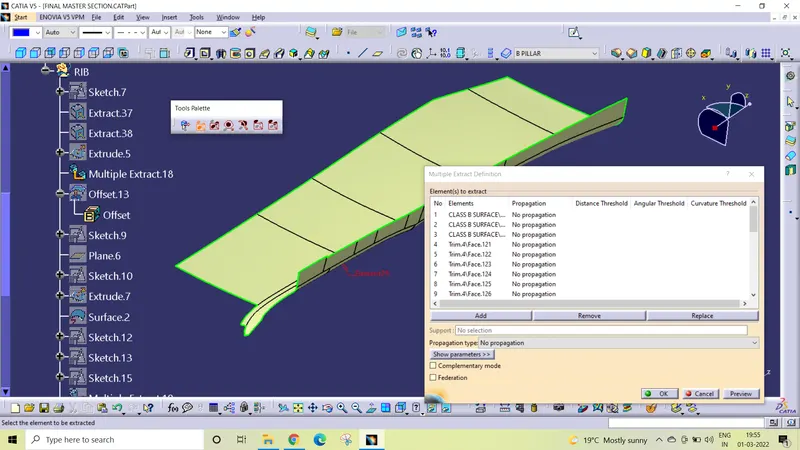
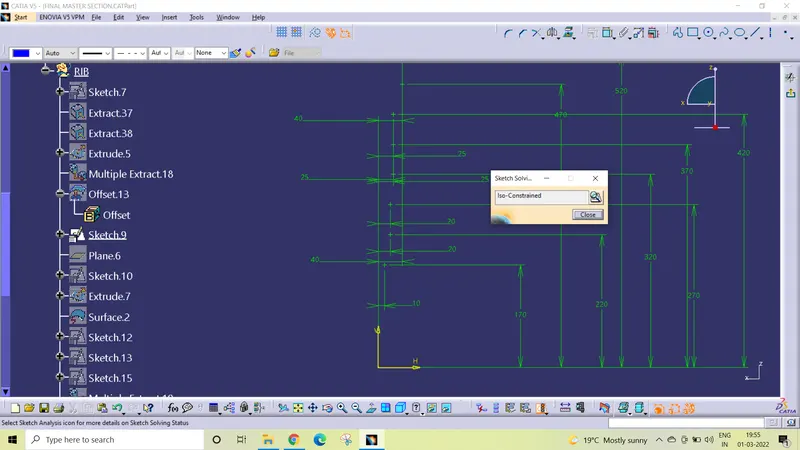
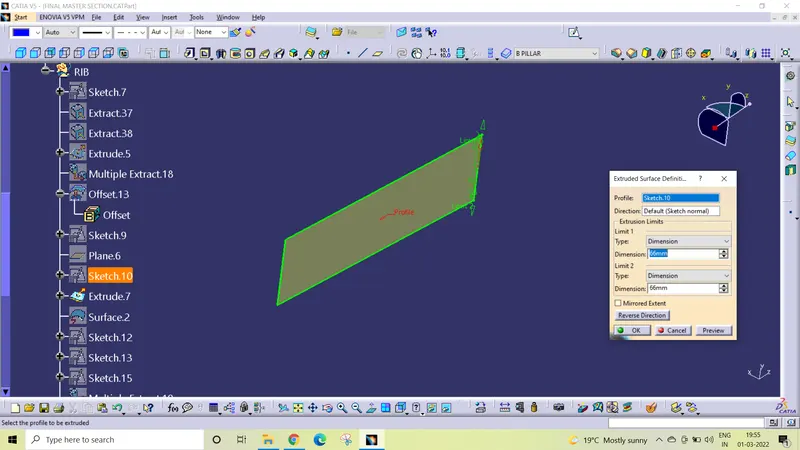
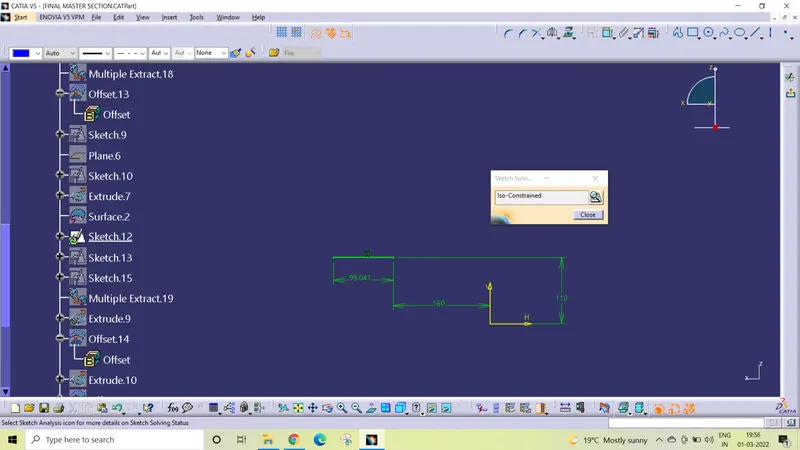
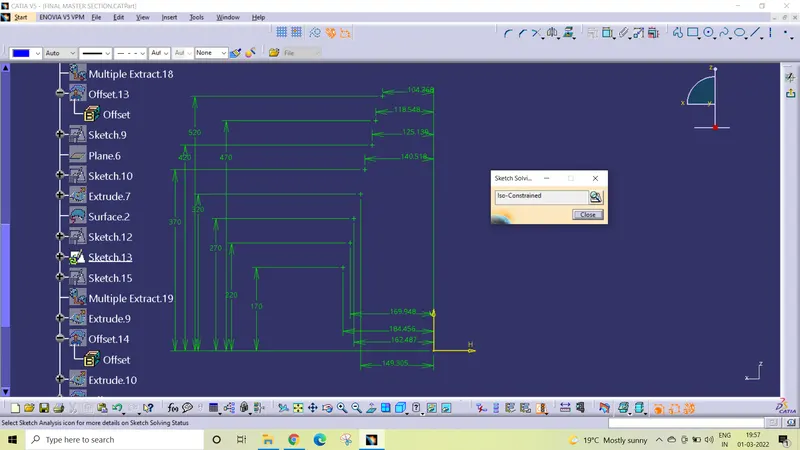
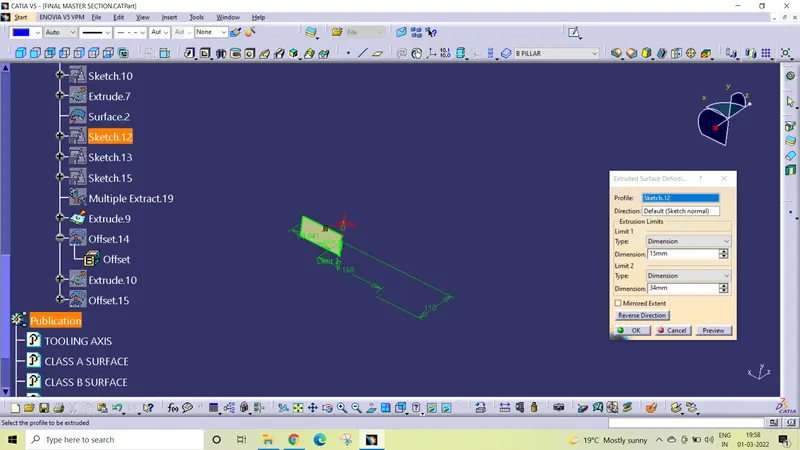
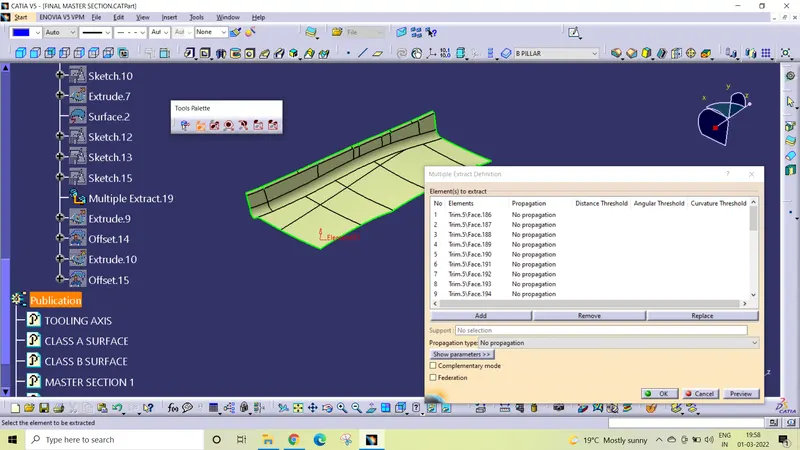
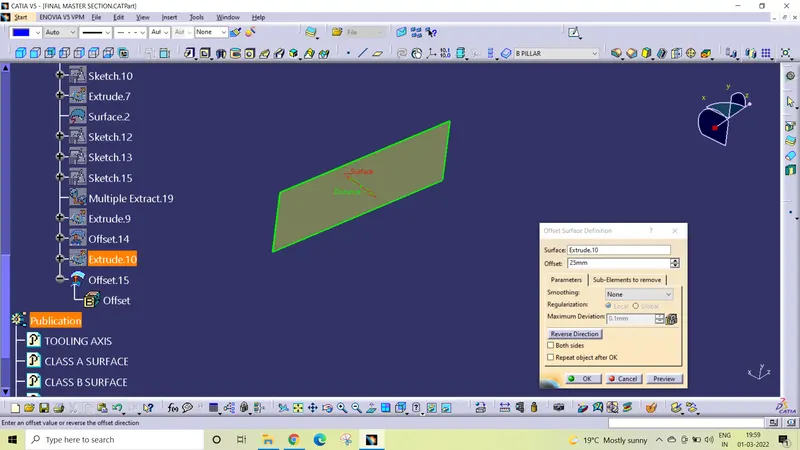
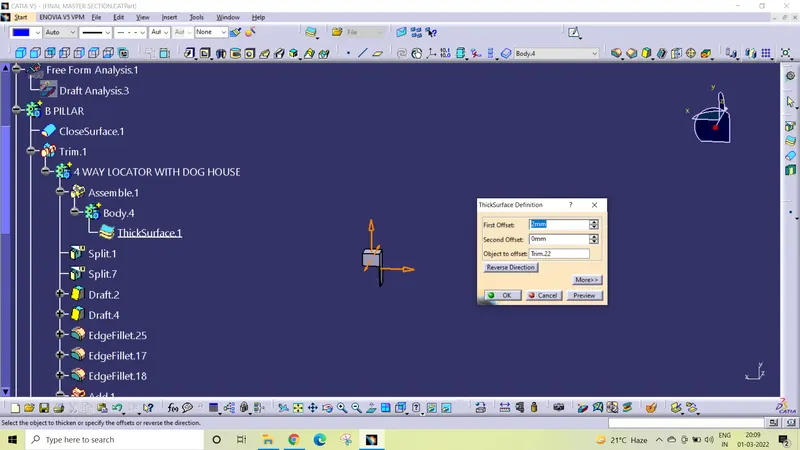
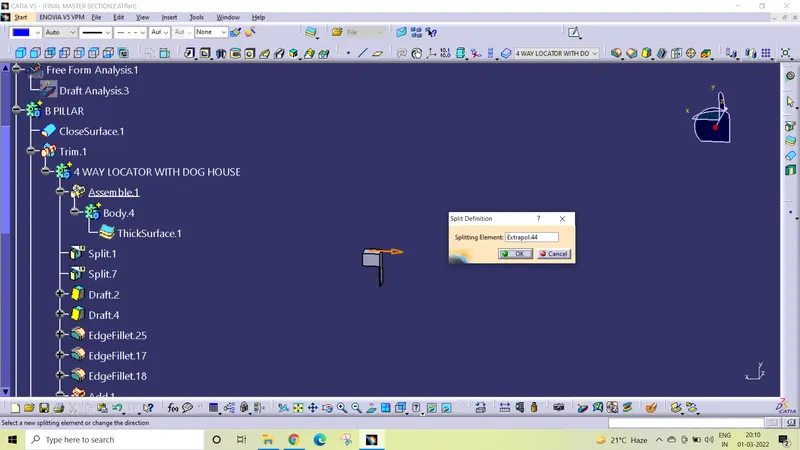
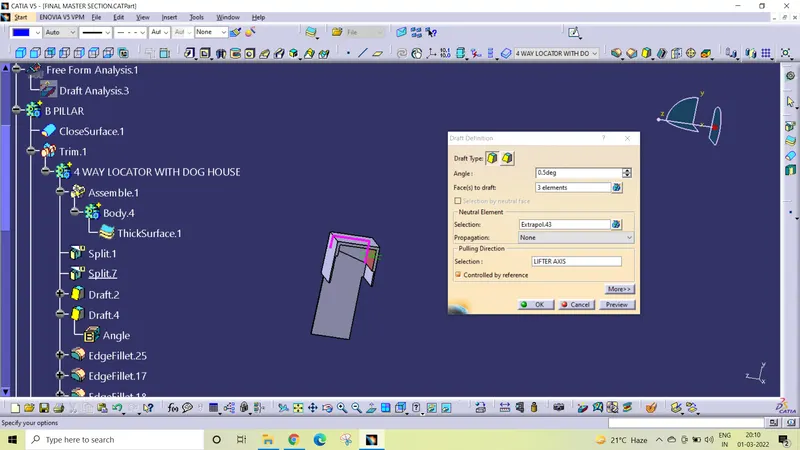
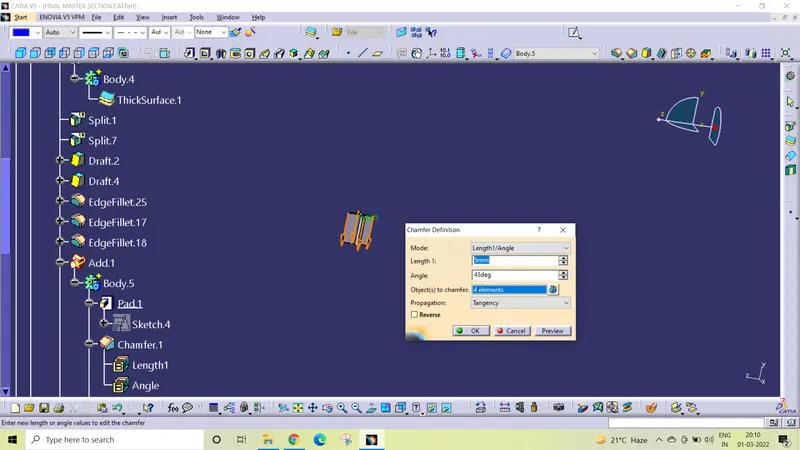
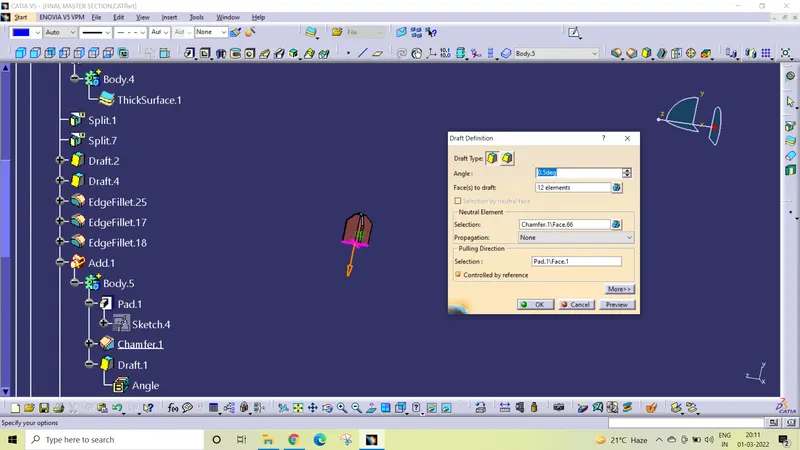
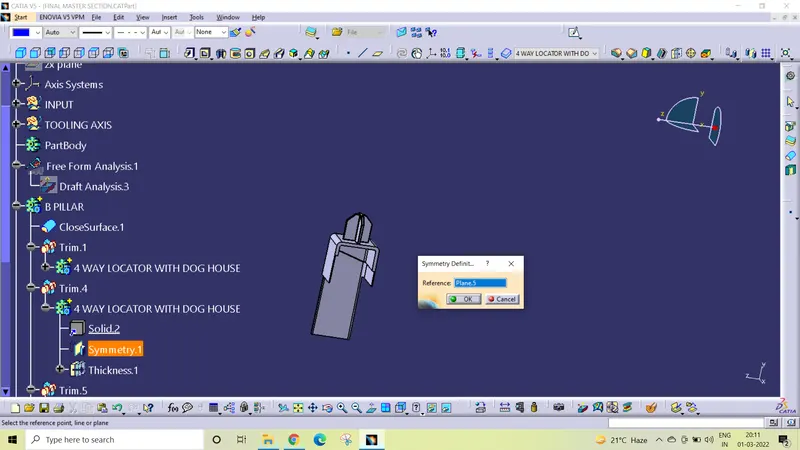
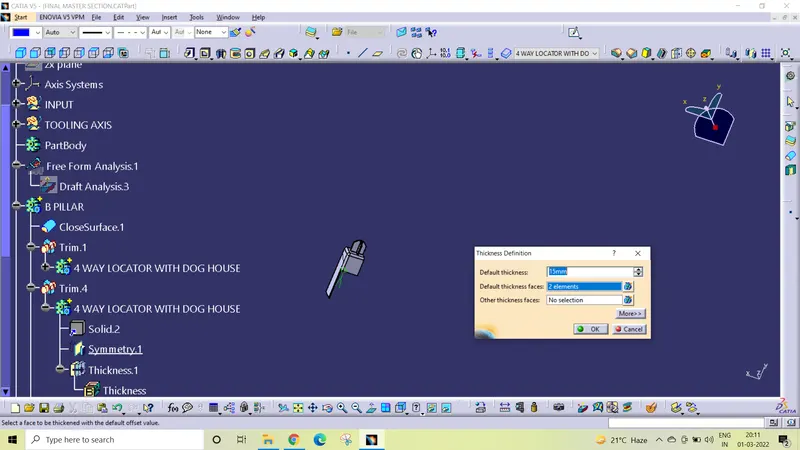
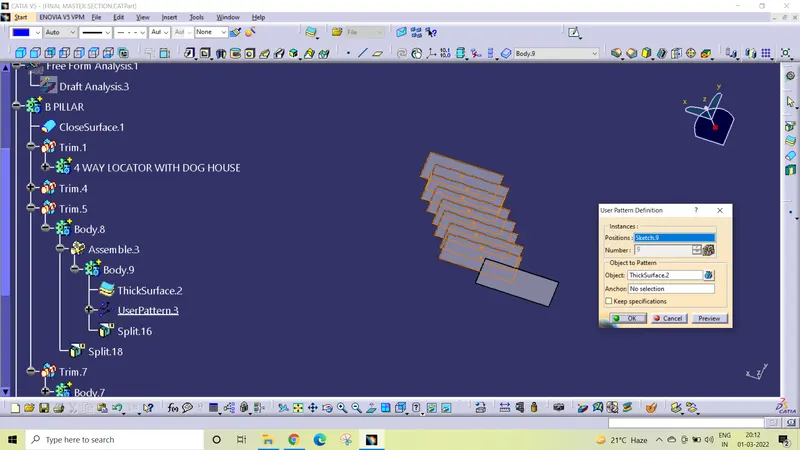
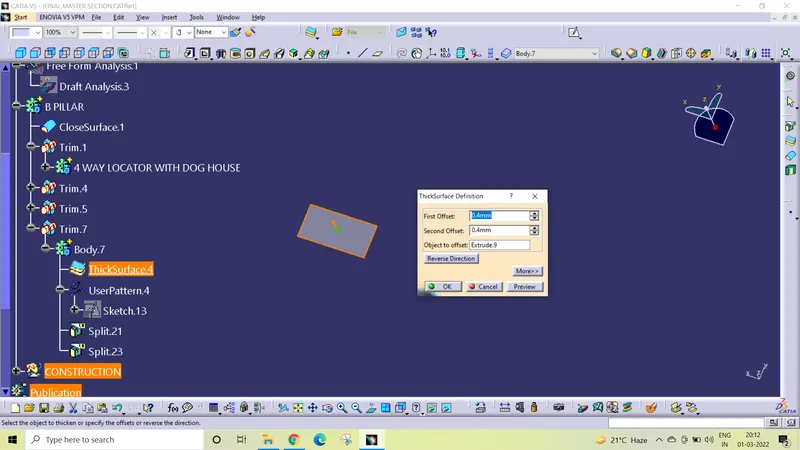
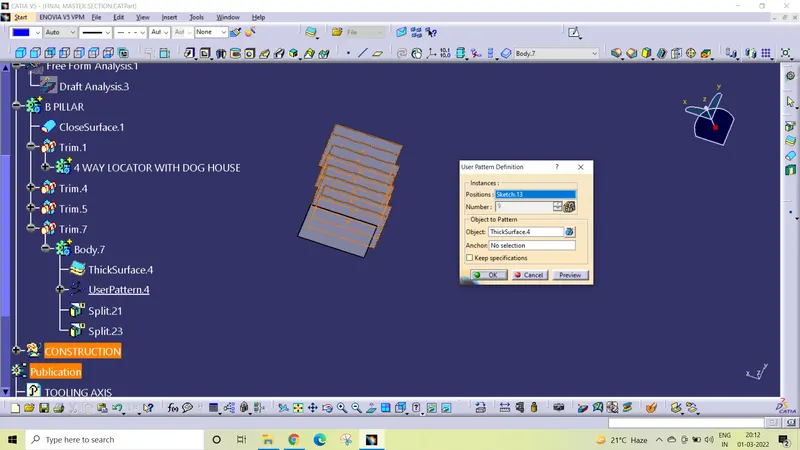
ISO VIWS
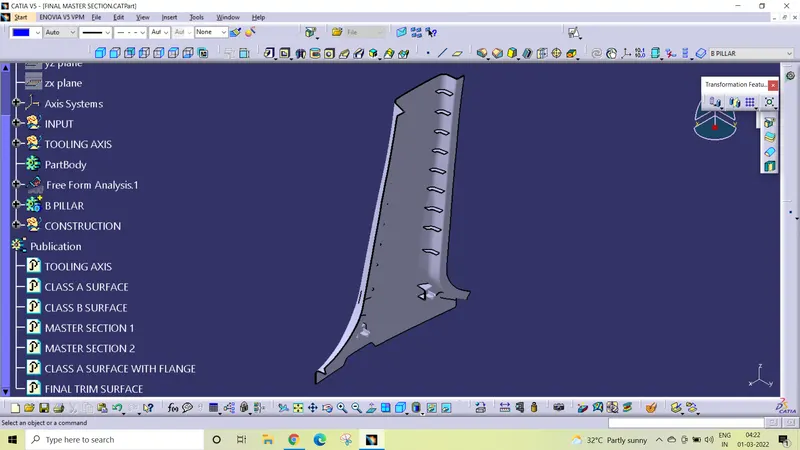
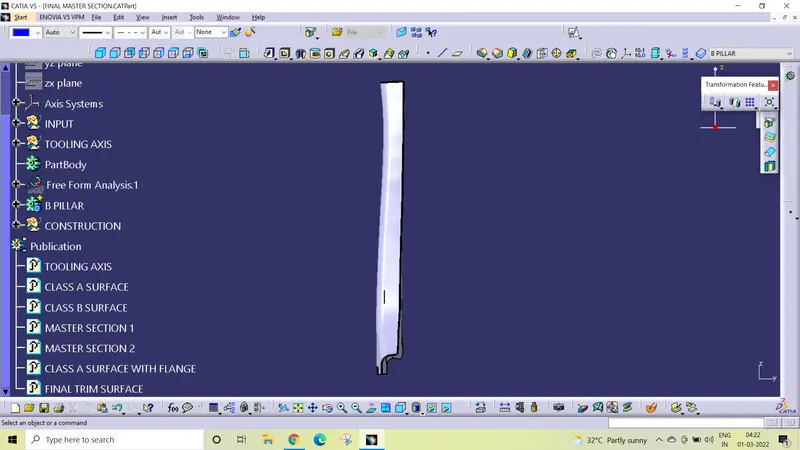
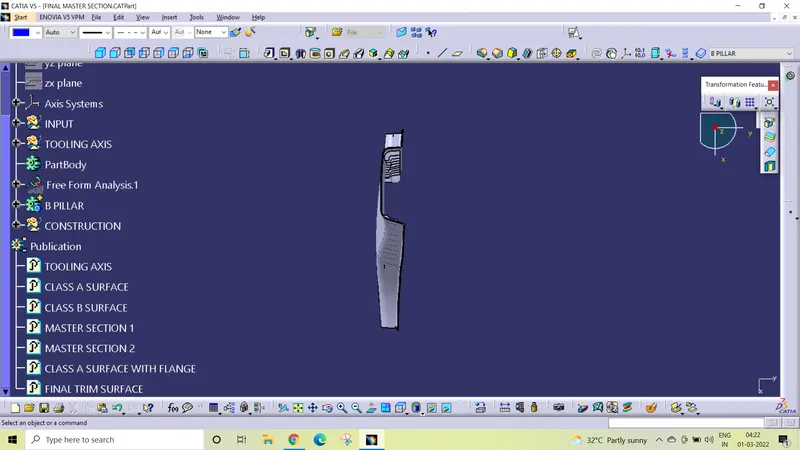
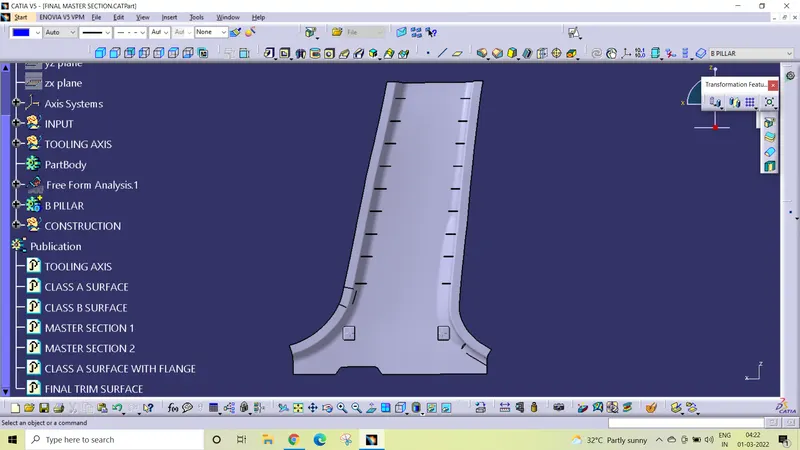
Draft analysis
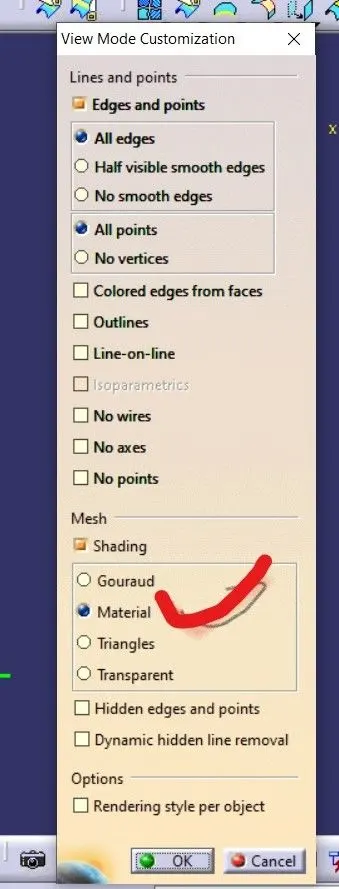
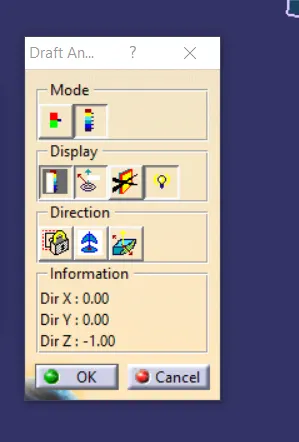
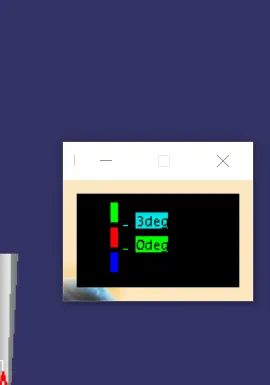
To perform the draft analysis on the B pillar , first set the view parameters to material mode.
Then go to menu bar select insert analysis feature draft analysis
To give the draft direction, use compass and align Z axis of it with the final tooling axis for the B pillar. Once it is properly aligned, lock the draft direction. Select the B pillar and it will show us the current draft angle of the model, set the draft value 3 degree under the color scale variant and press ok.
Using the draft analysis option we can perform draft analysis on Class A surface and final part of B pillar.
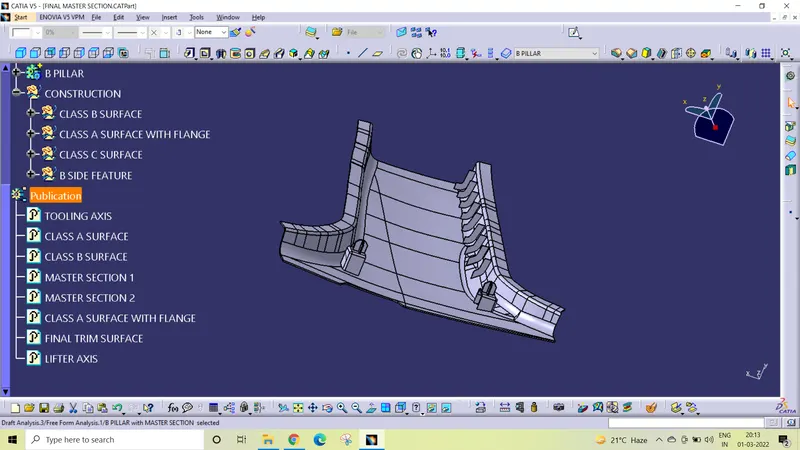
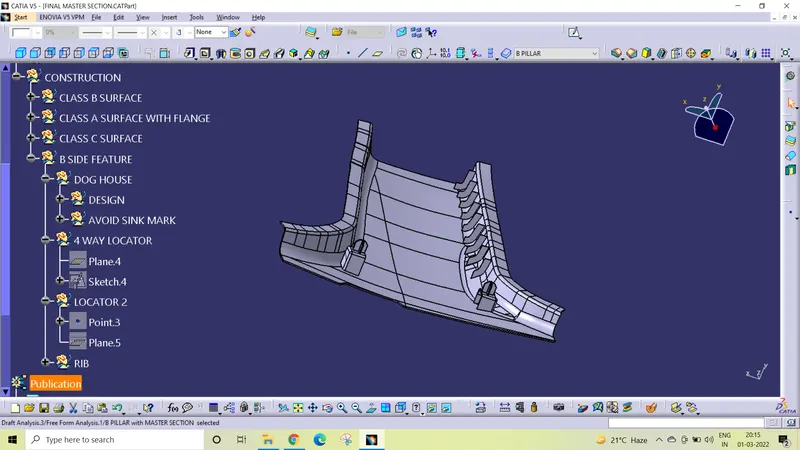
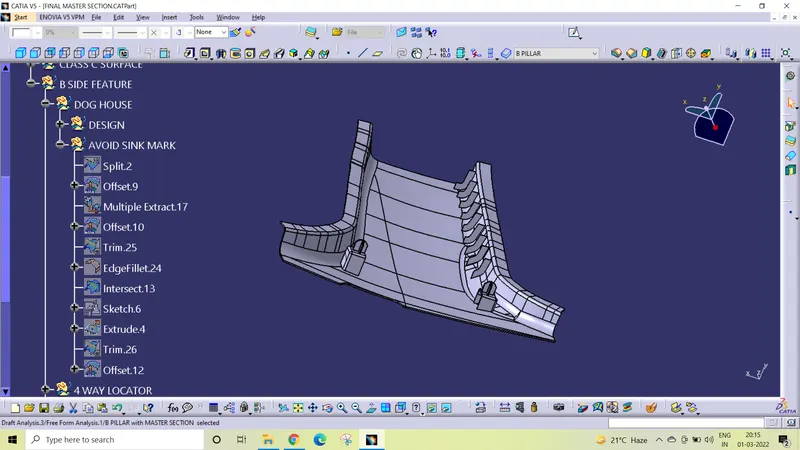
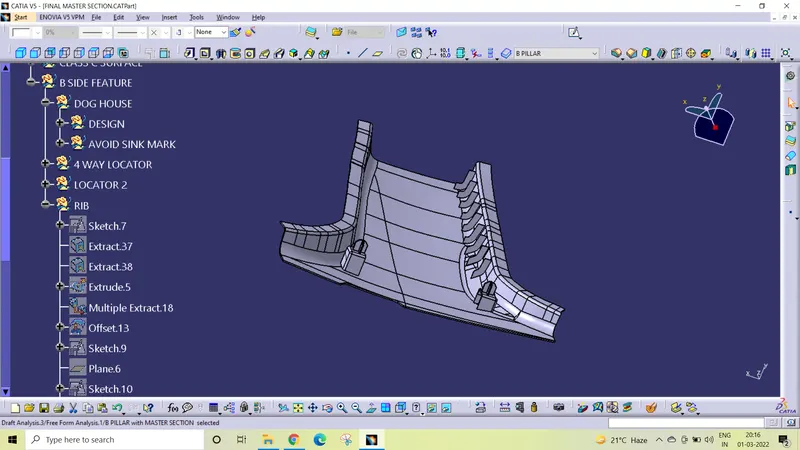
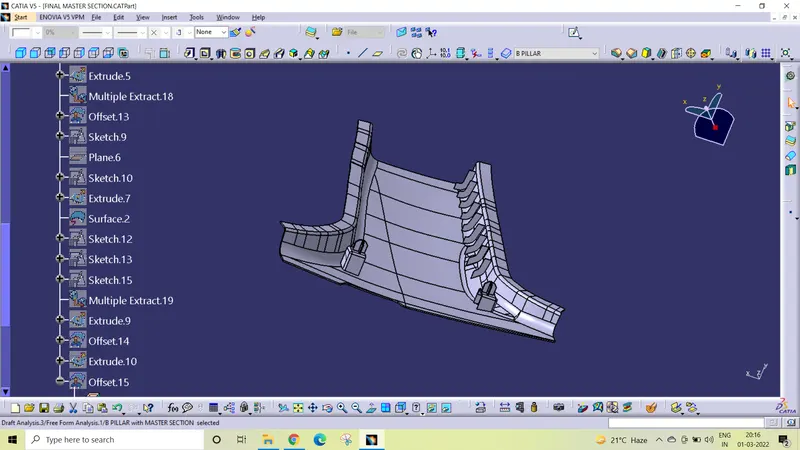
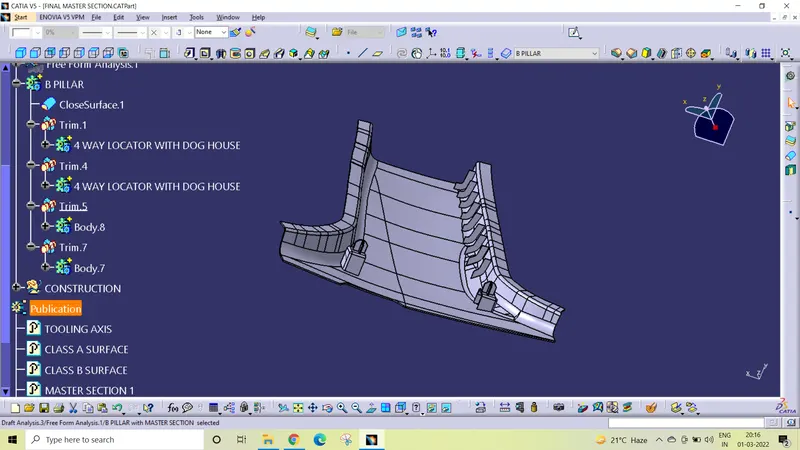
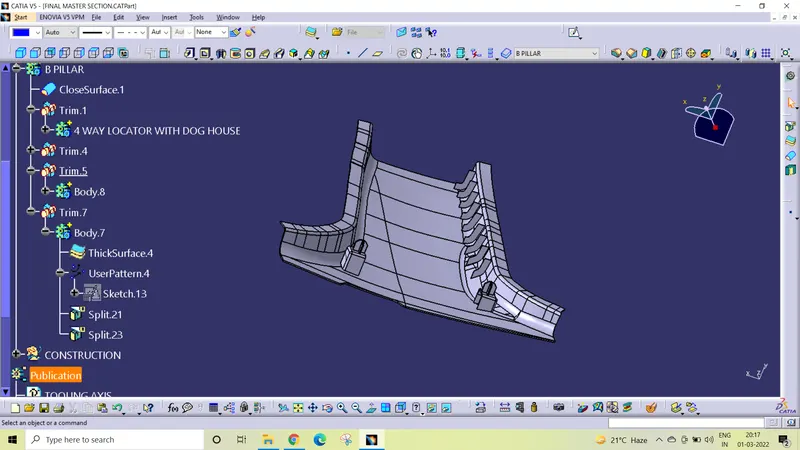
To publish the tooling axis and Class A, Class B and Class C surfaces first select the them and go to menu bar tools publication. This will publication tooling axis and Class A, Class Band Class C surfaces which will be available in tree structure.
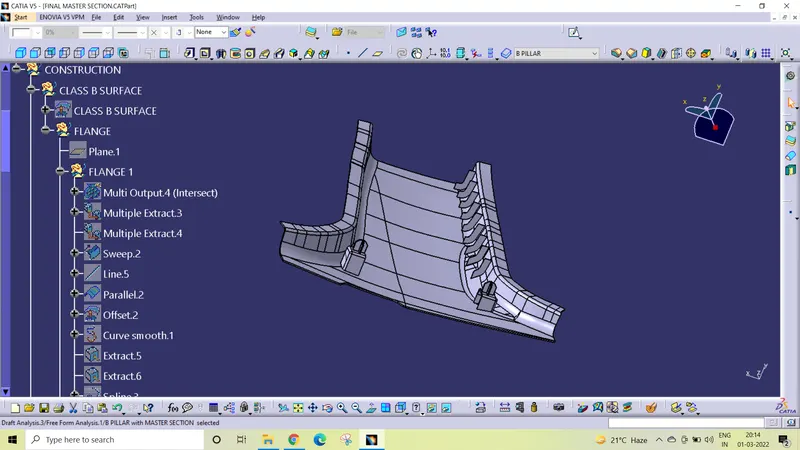
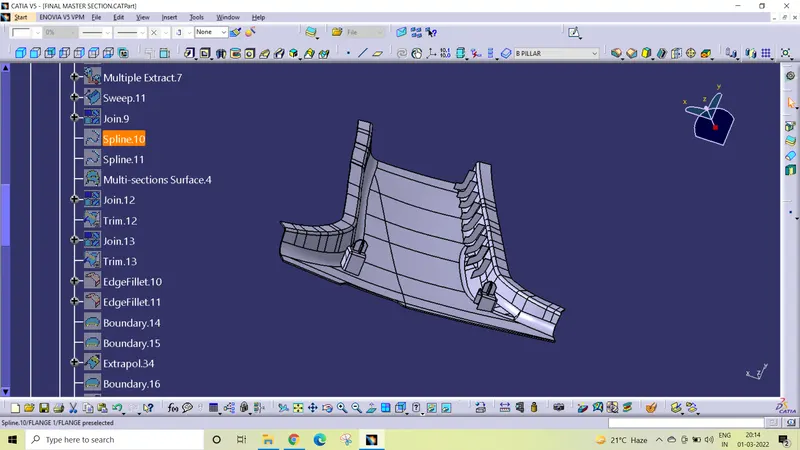
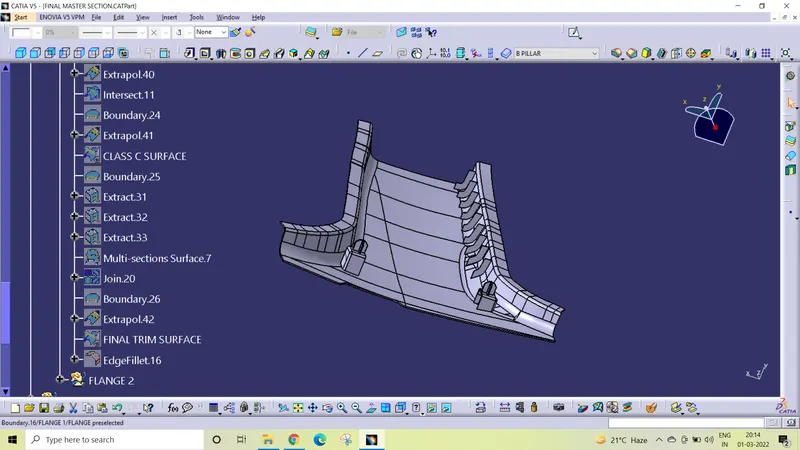
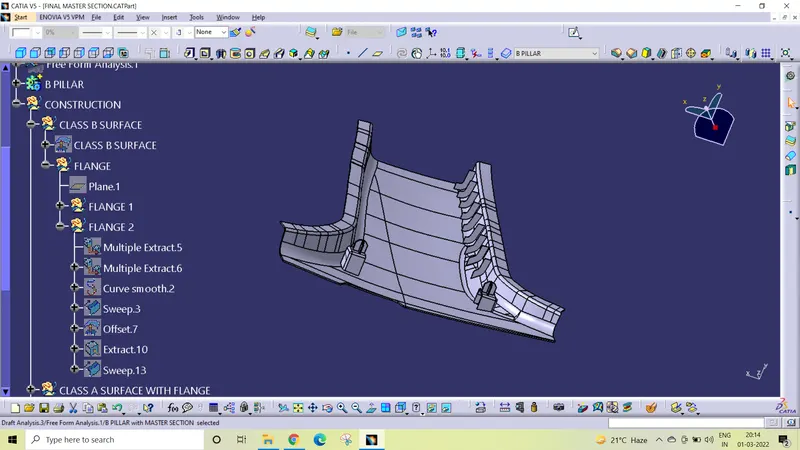
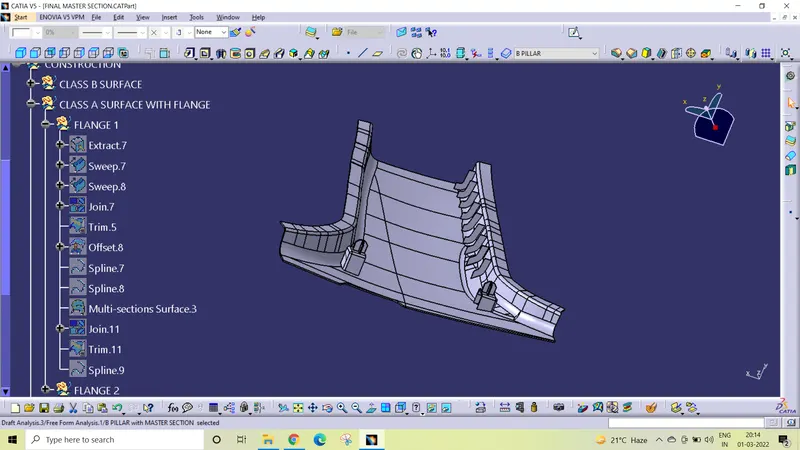
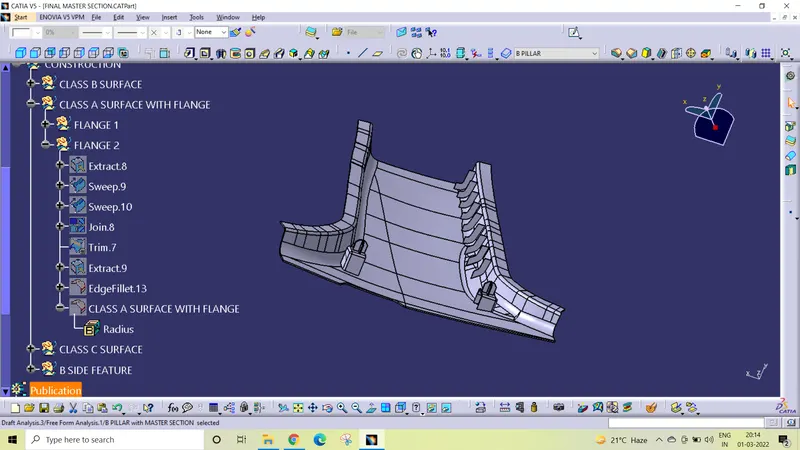
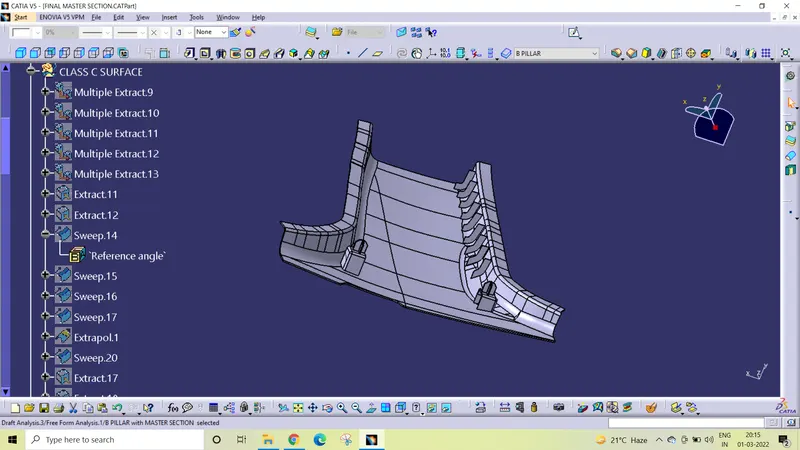
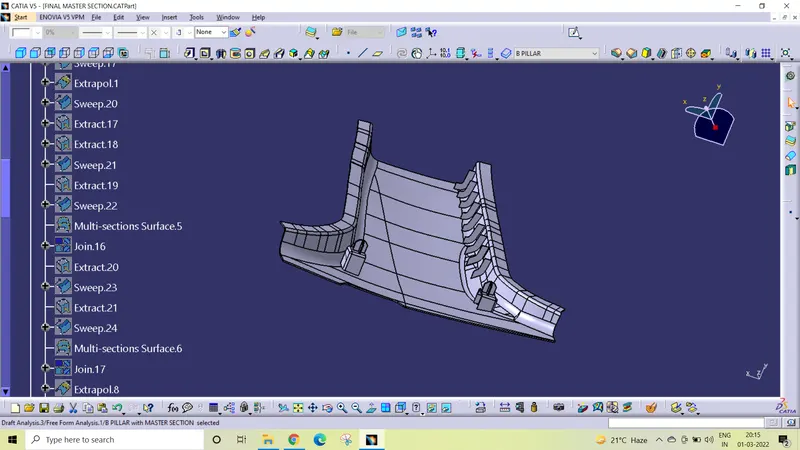
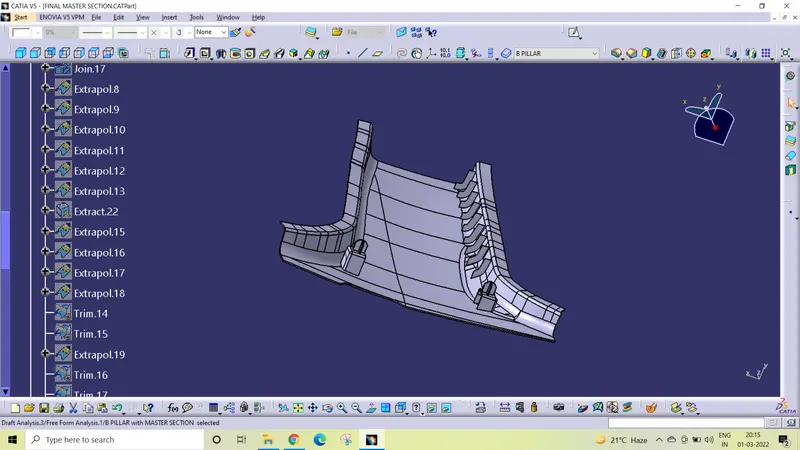
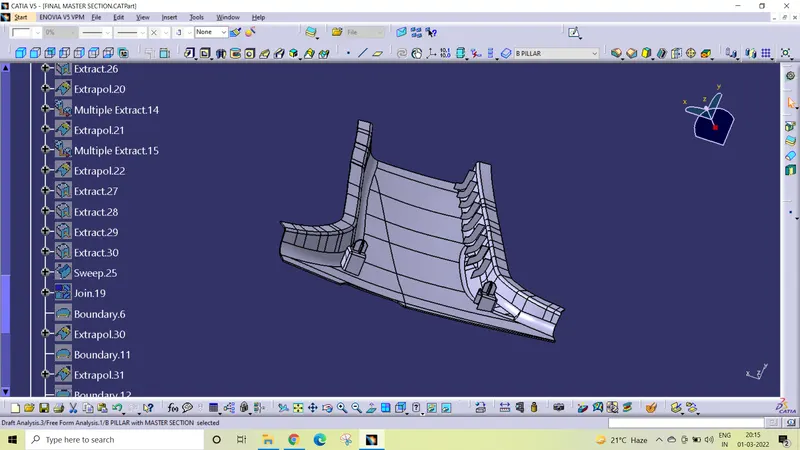
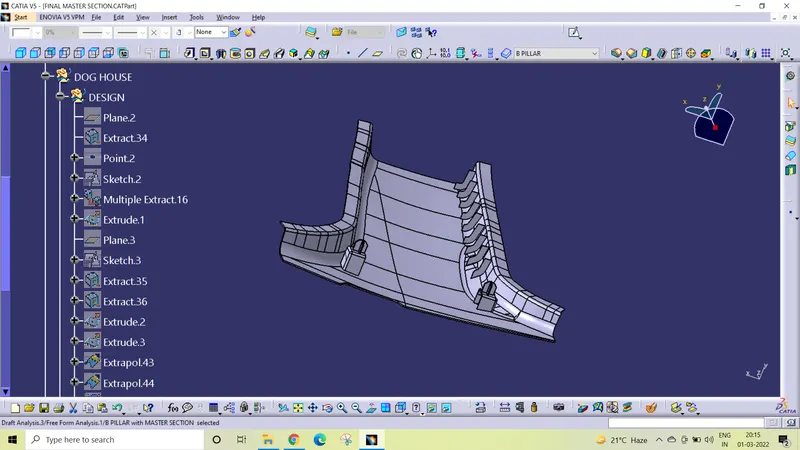
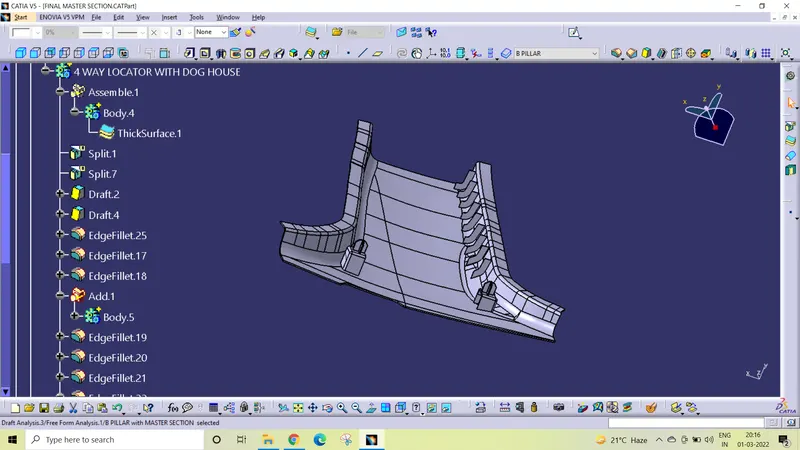
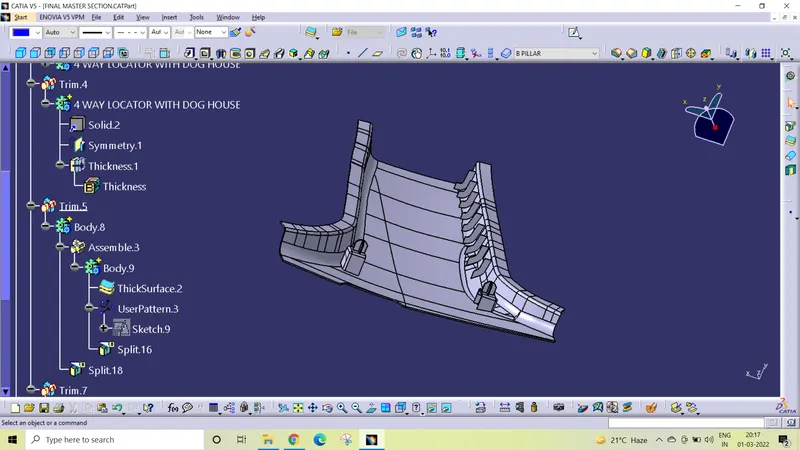
Tree structure
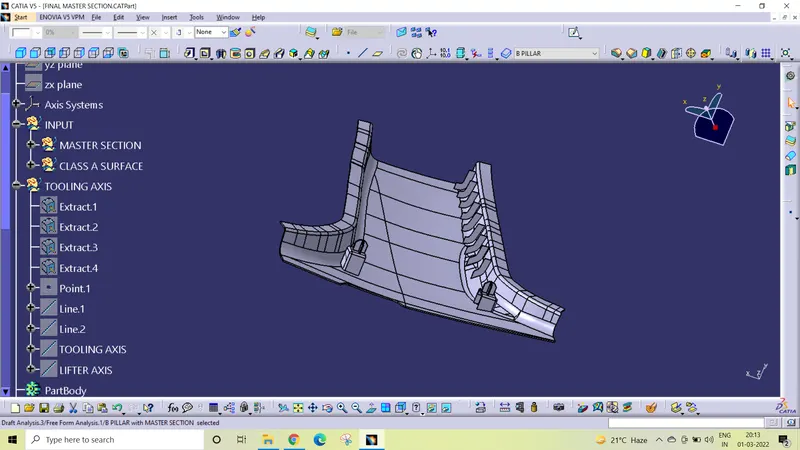
Conclusion
B pillar component using Class A surface have been successfully created and draft analysis have also been performed for the same.