Week 9 - Project - A pillar Design with Master Section
A pillar Design with Master Section
check the boundary of given class a
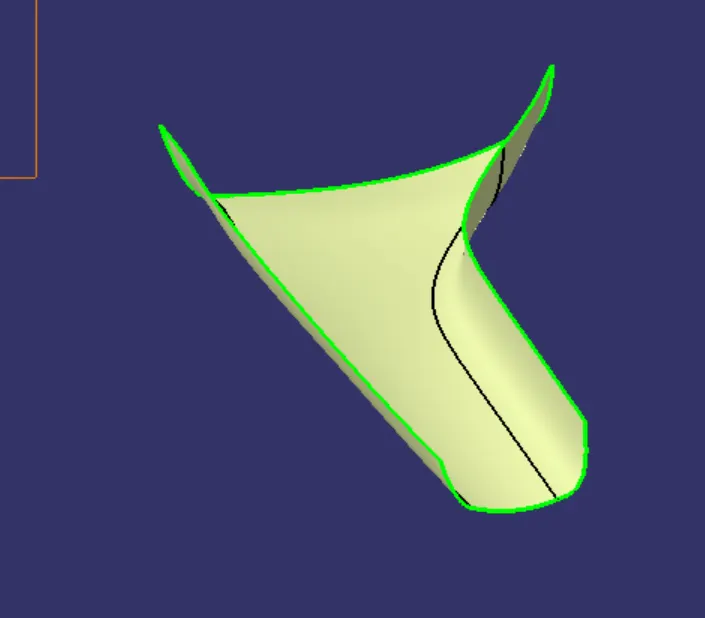
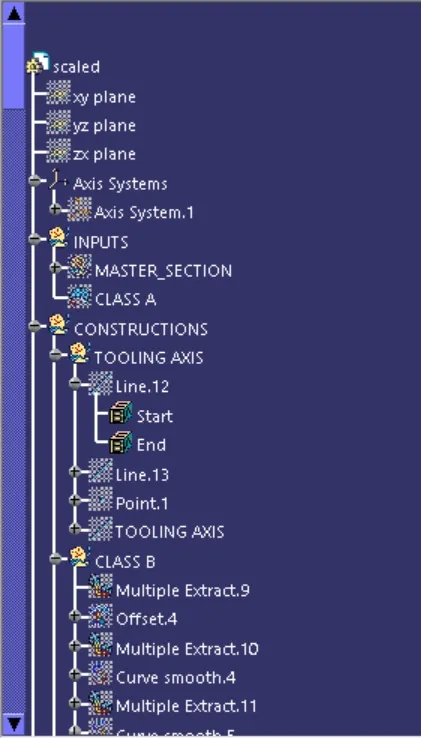
tooling axis:
taking 2 lines for refference as tooling axis creation
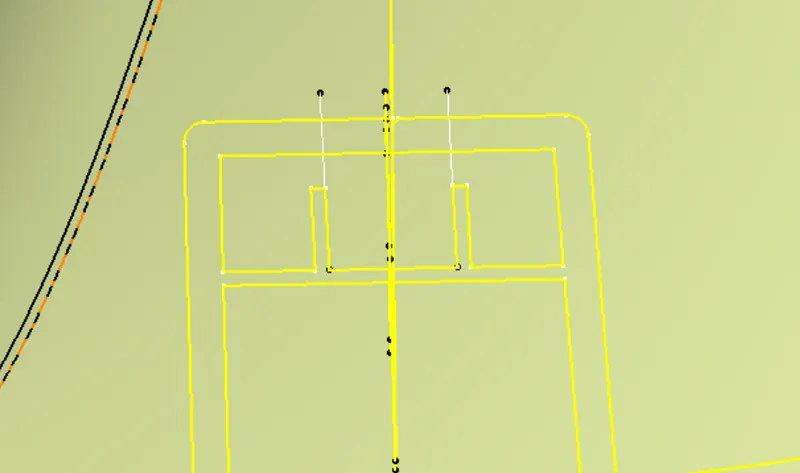
make point between the maked line
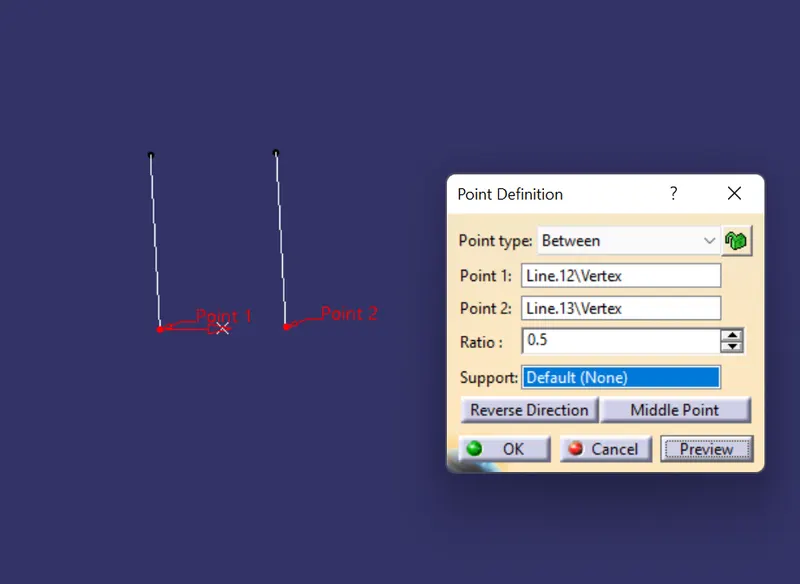
making line between 2 refference line by bisection line
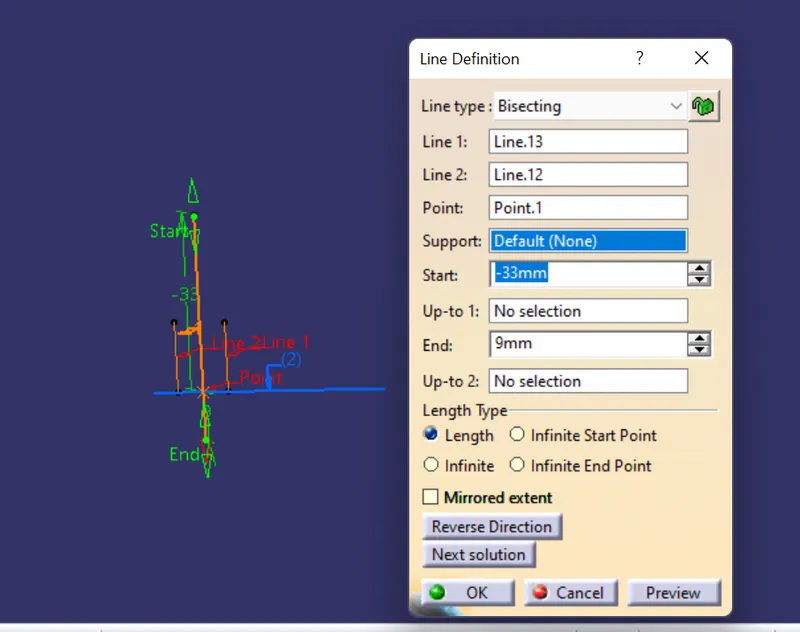
change the tooling axis color for common refference
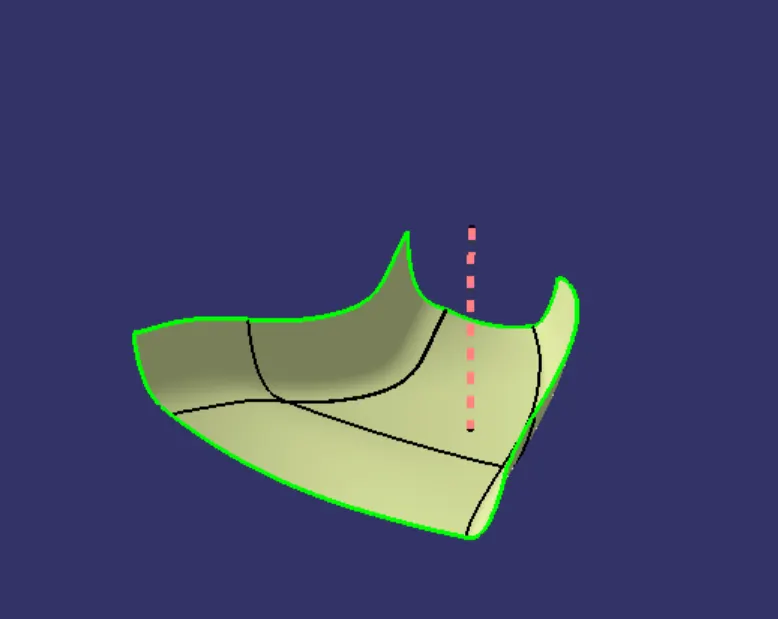
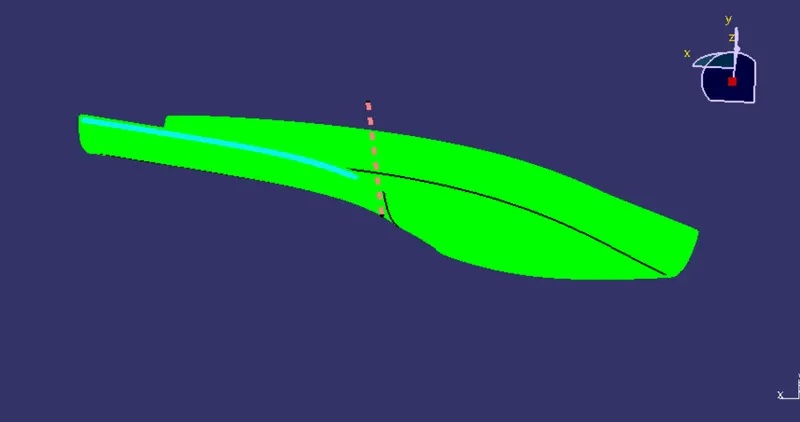
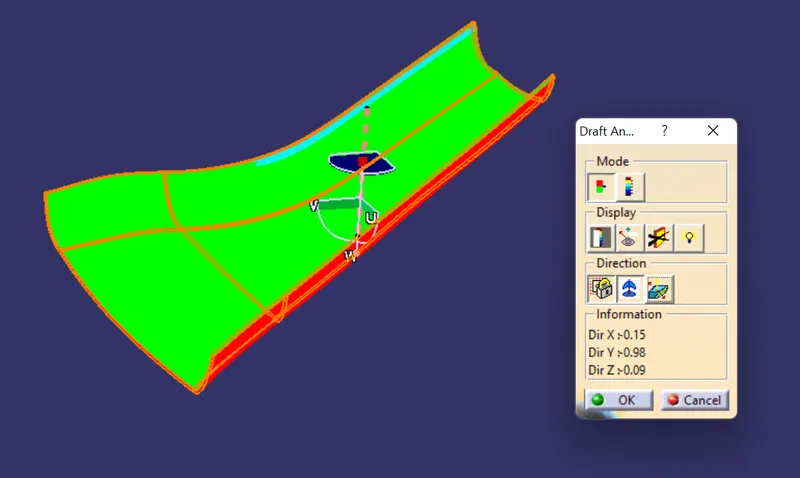
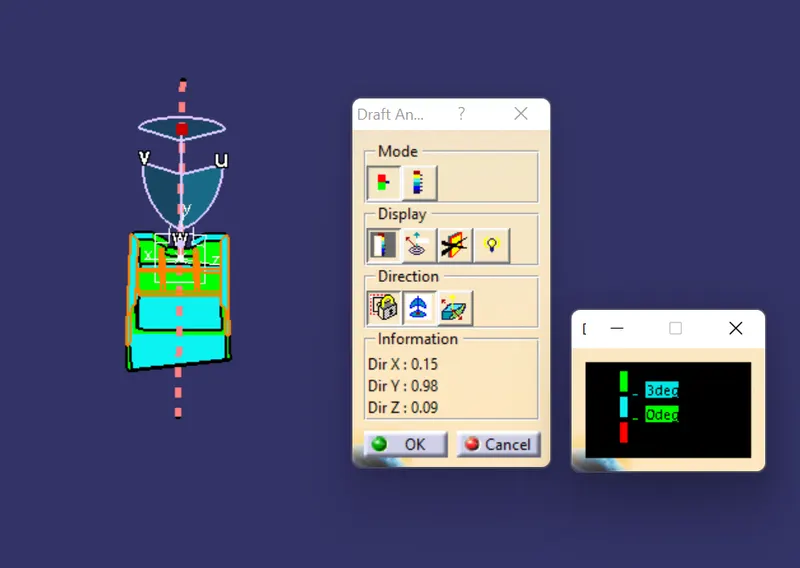
by using the tooling axis to check the draft analysis for given a class
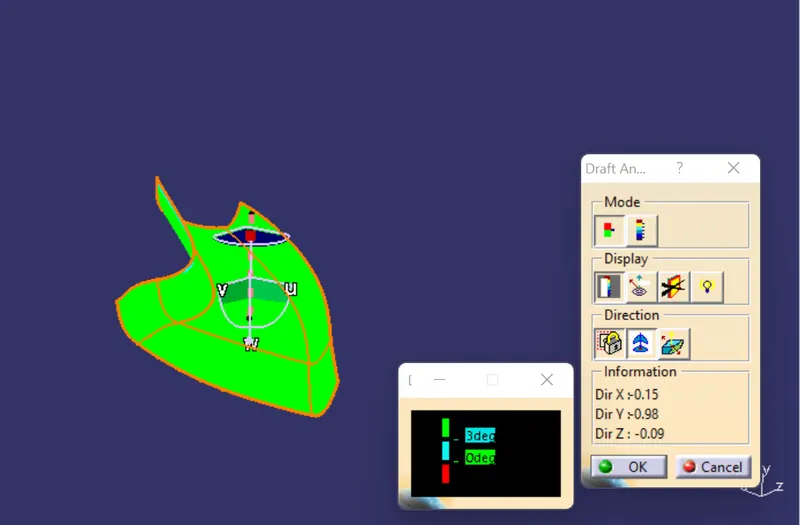
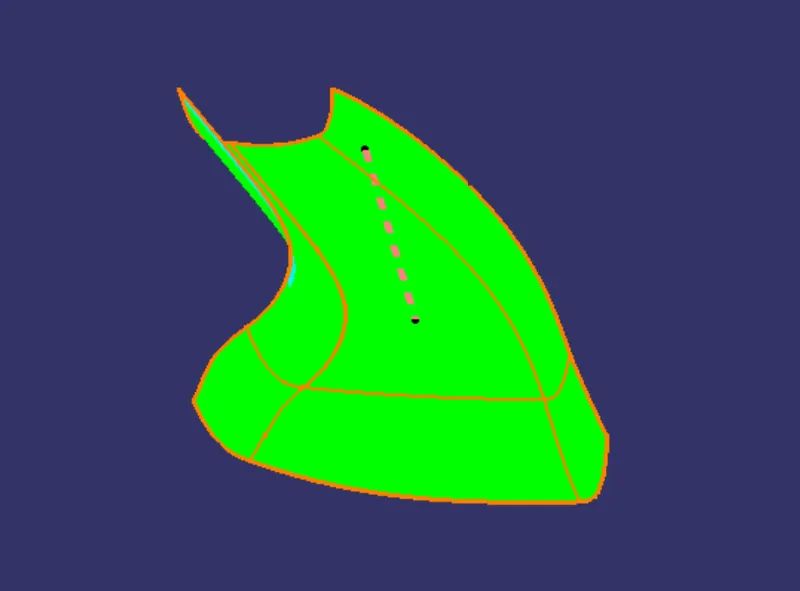
class b:
offset the class A upto 2.5 mmin inside direction
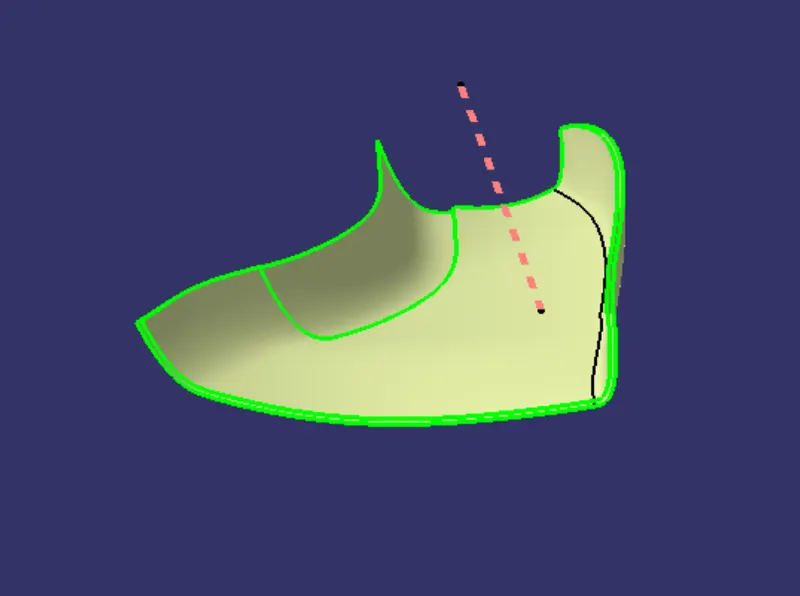
then the remaining part side can be extracted
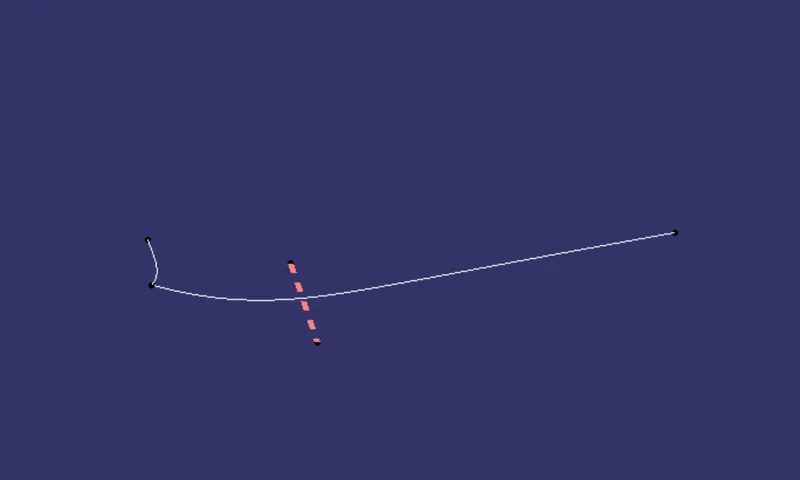
make the surfacesby using sweep command at line refference
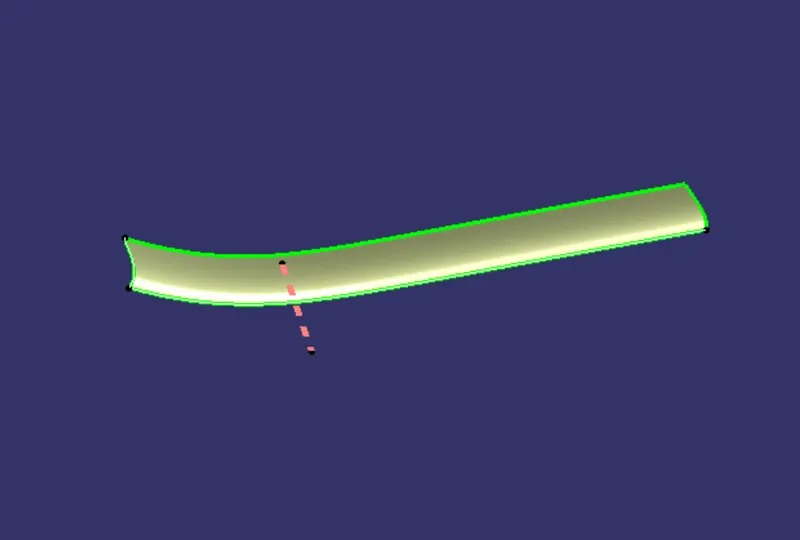
then comibene all b surface
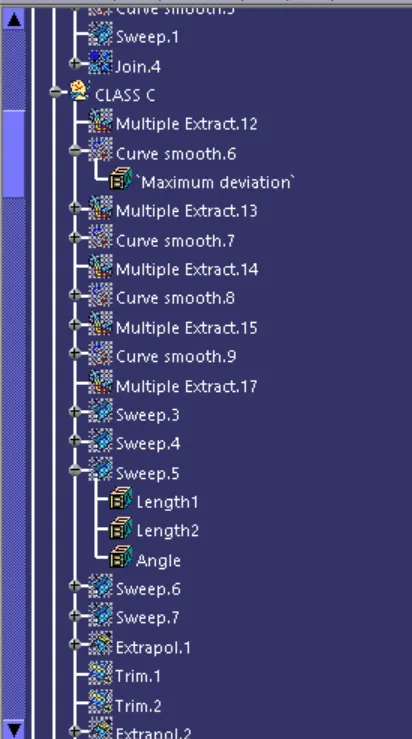
C surface :
extract the side edges of class A as given in below
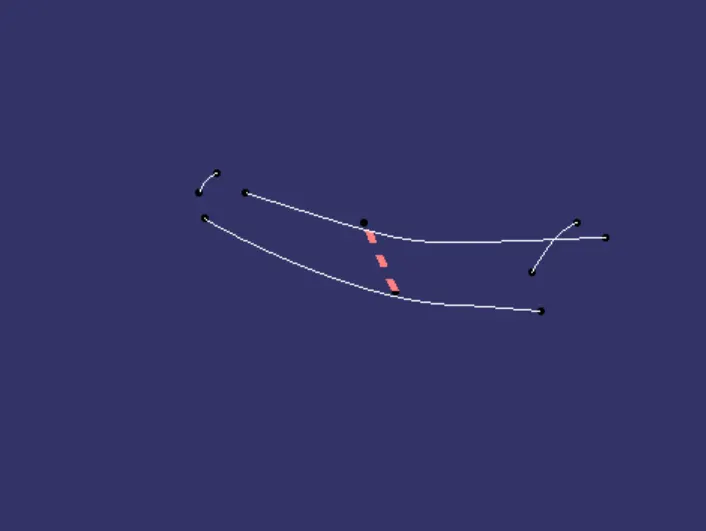
making the side surfaces at 3deg deviation from the tooling axis a sweep command
then the remaining portions can be makes by multiple surface
join thee surface with class a
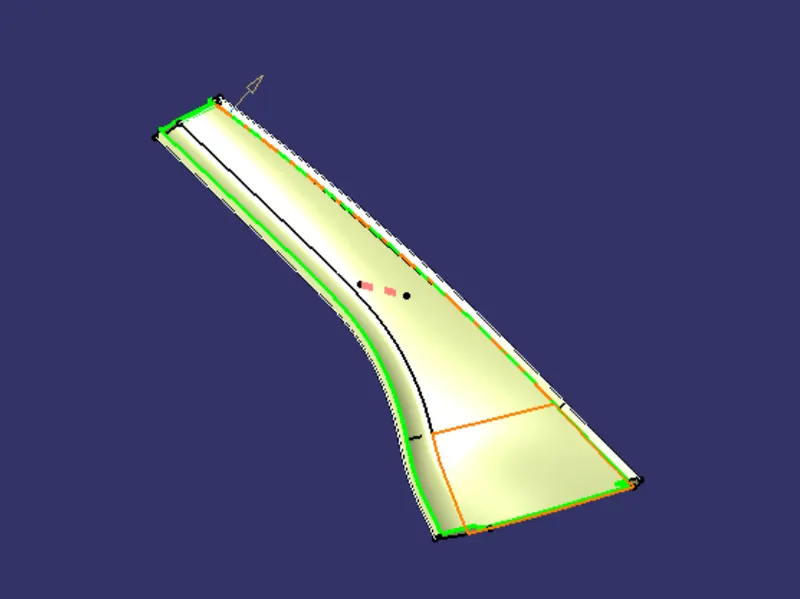
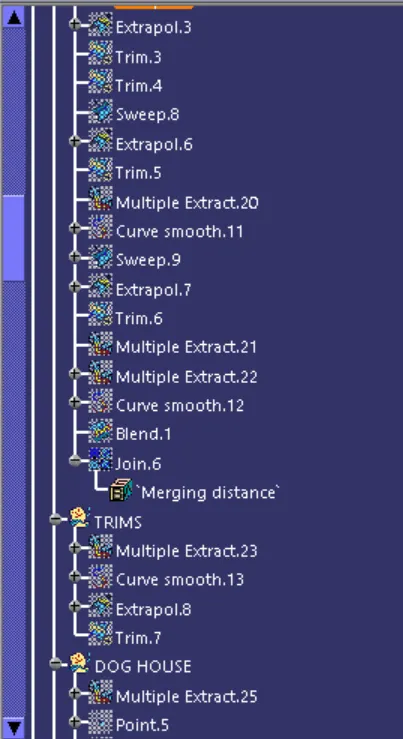
trim the class c and class b
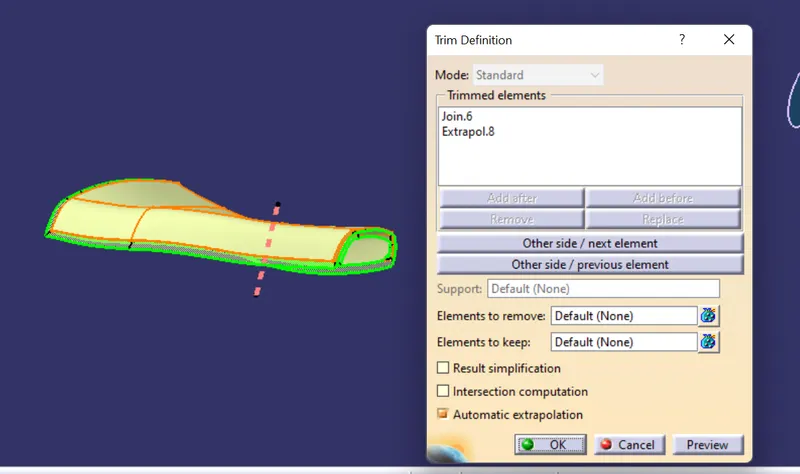
fill option used to makes solid body
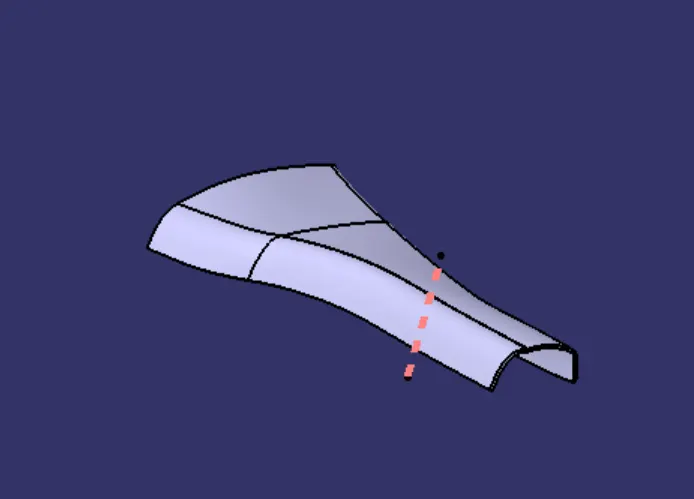
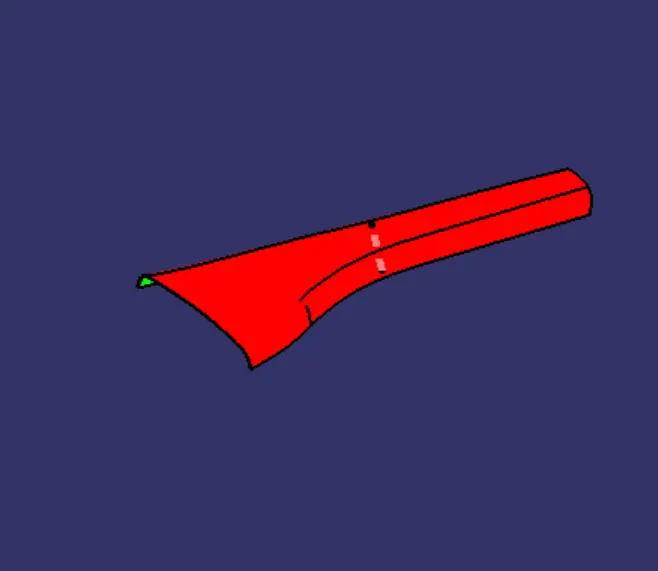
apply draft anlysis of solid bodyas tooling axis refference
any mistakes as shown , change as requirement
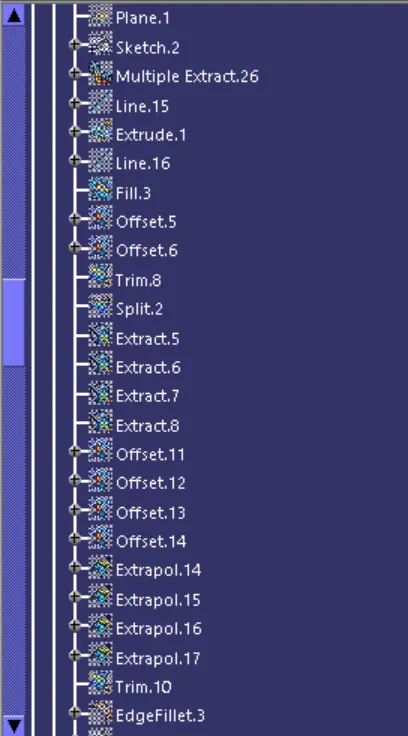
dog house:
extract the outer profilr from the master sketch
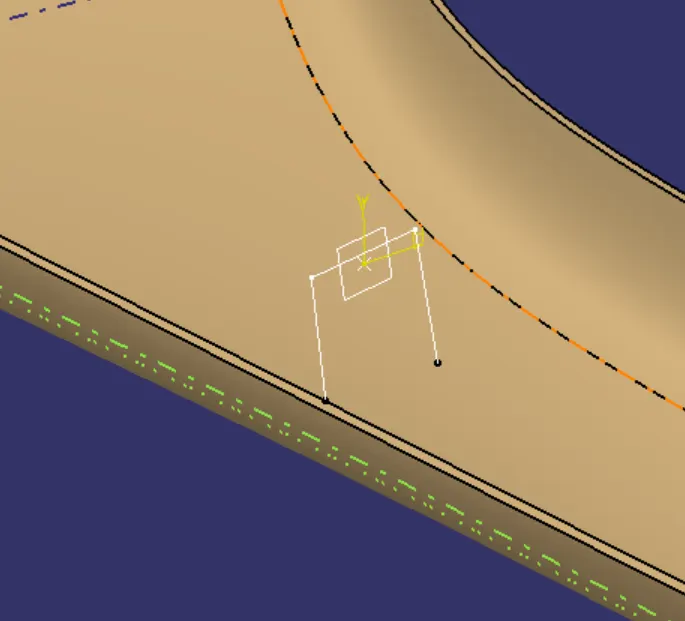
extruede the line
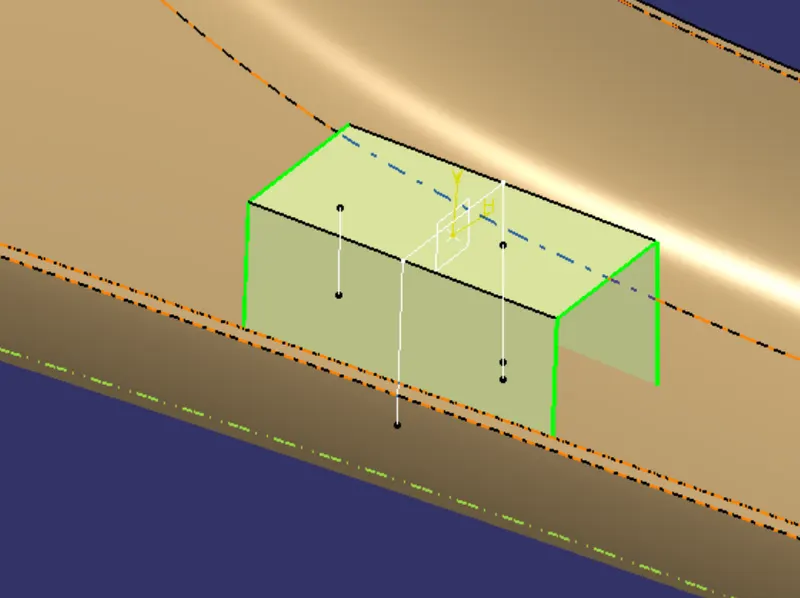
extract the limits of extrude by using refference in the master sketch
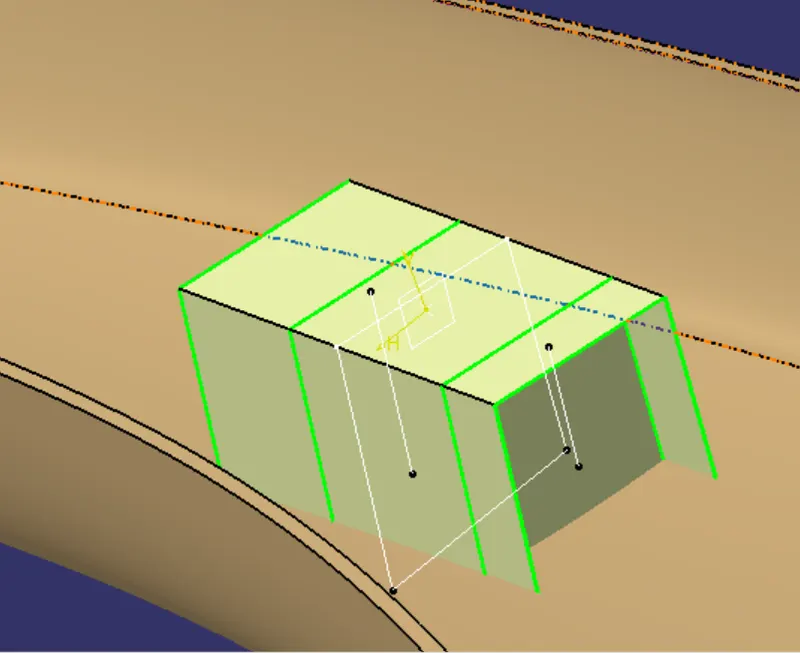
trim the onne side
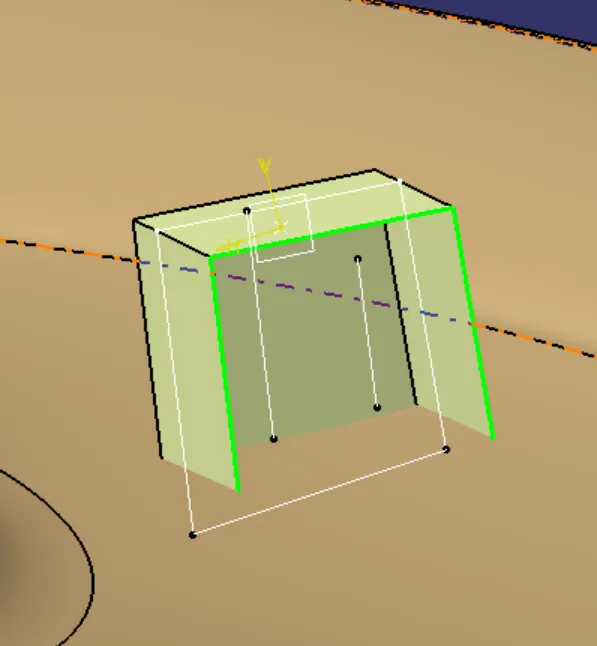
split appply on the other side as given refference
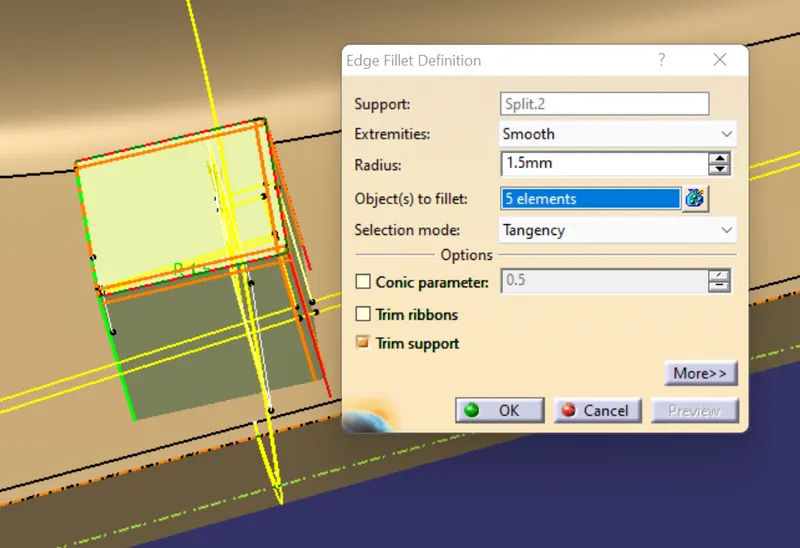
thicken the surface upto 2.5mm
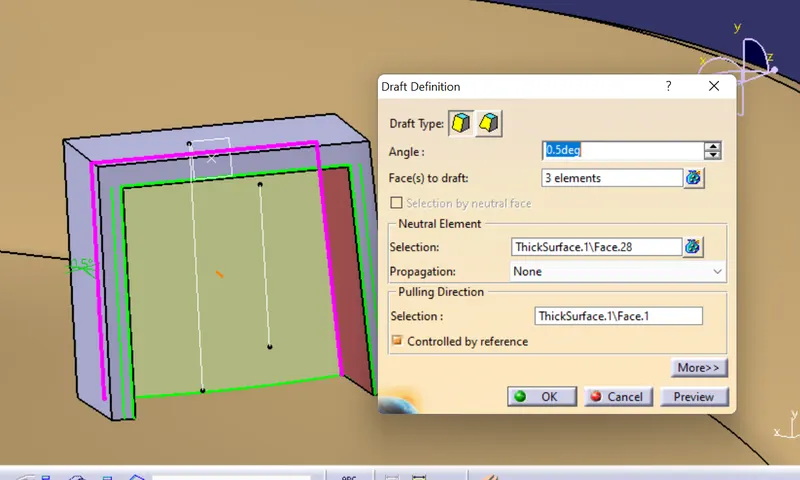
apply draf on inside surface as o.5deg
add fillets at 1.5mm
offsets the inside surfaces upto 1.25mm
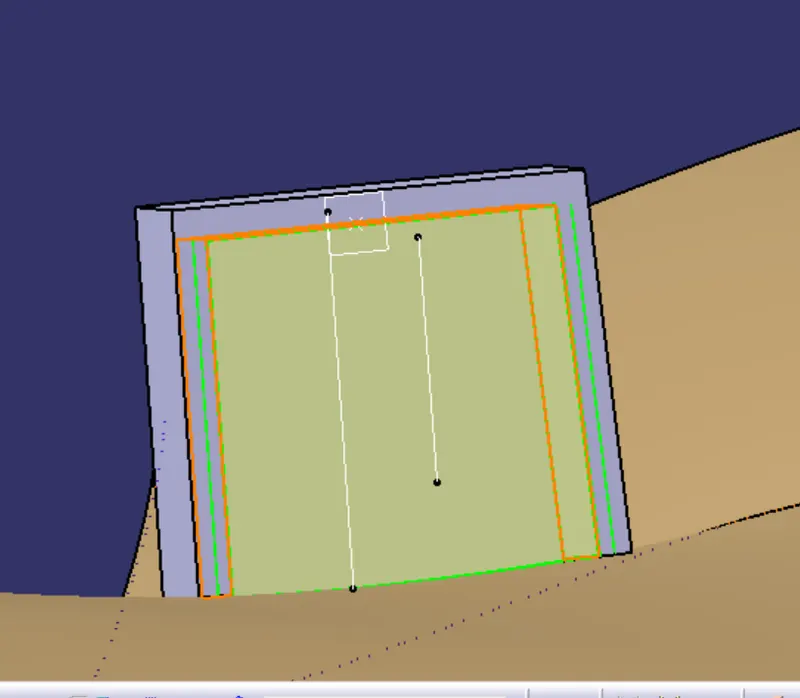
trim both of together
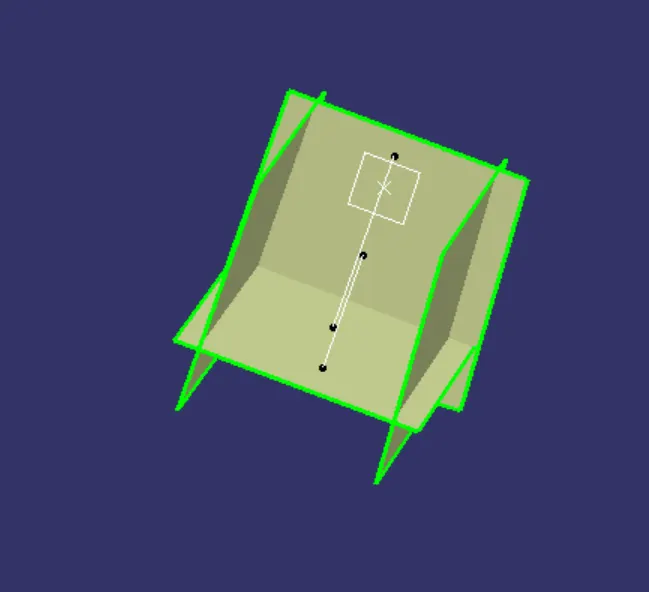
remove the unwandess portions from the dog house as above surface referrence
make sketch on the top surface of dog house as given dimension
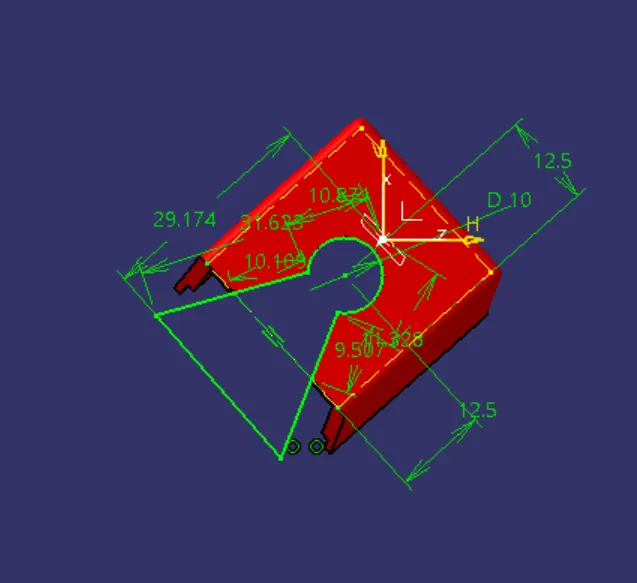
apply pad on the that sketch
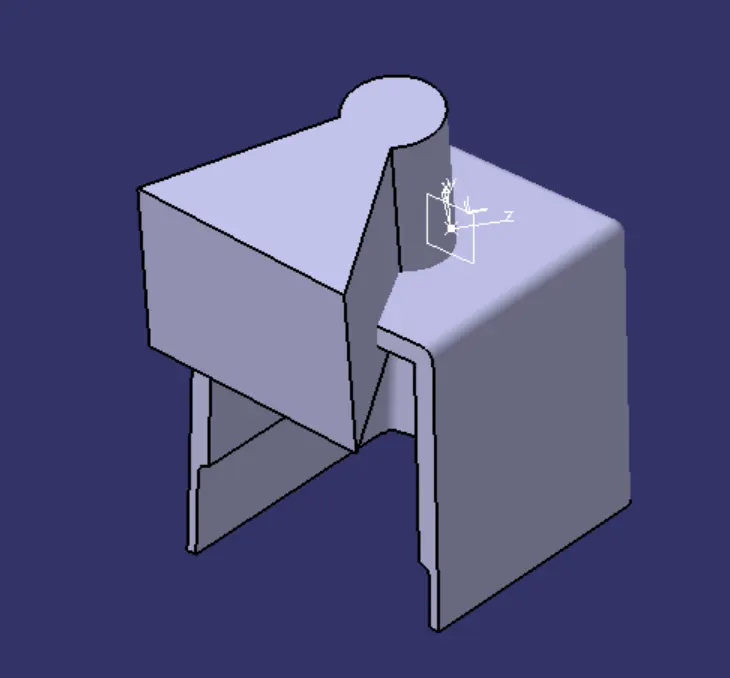
trmovr the extra potion fron the dog house
apply fillers of sharp sides
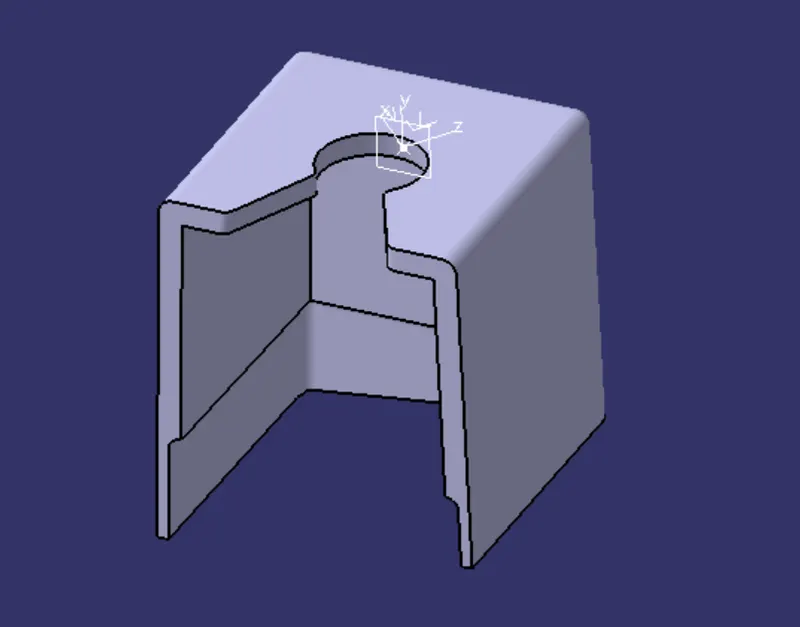
make skech for srface of ribs from the master sketch
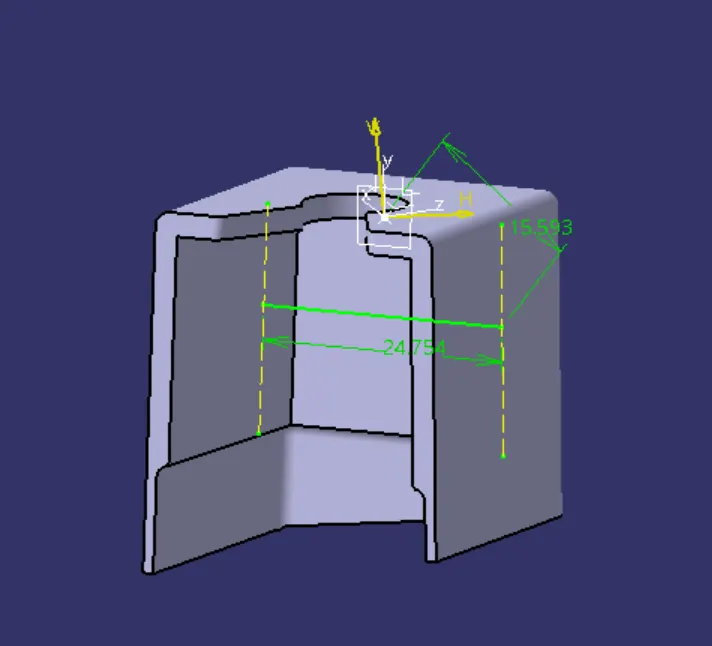
pad the line as required length
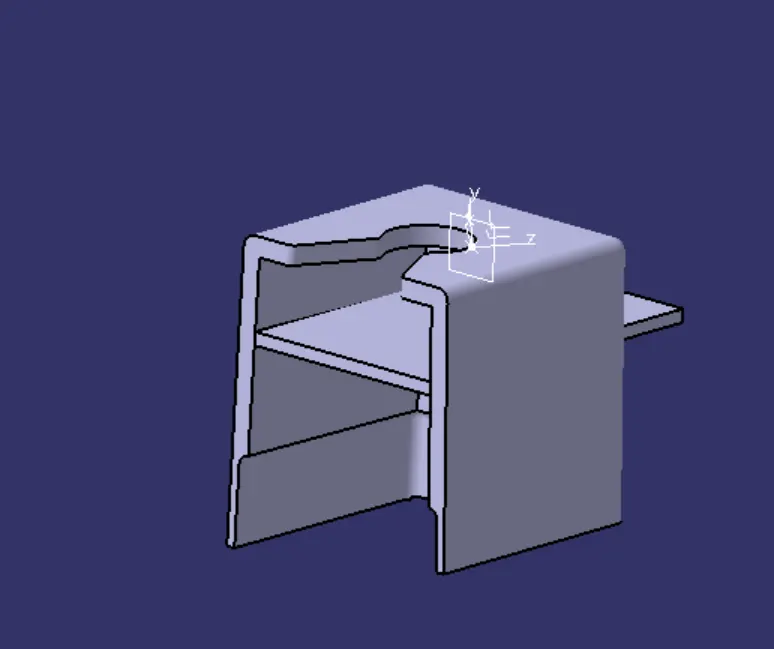
make another sketch for ribs
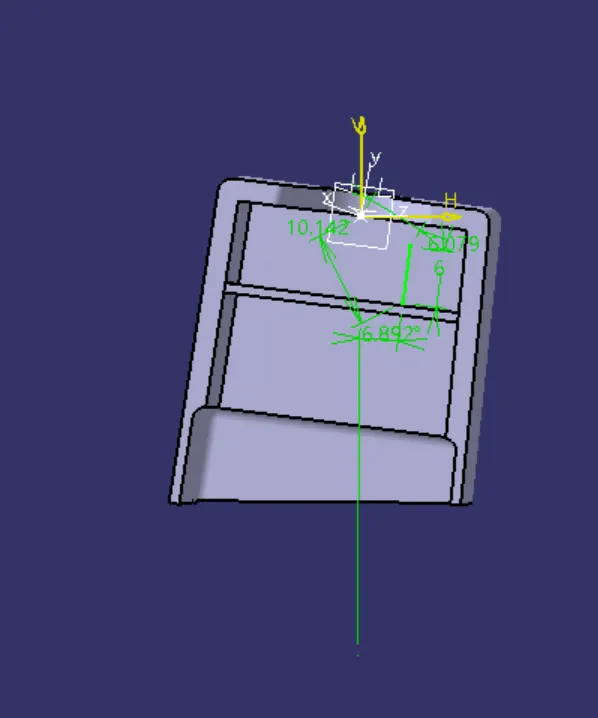
pad the ribs and apply draft angle upto 0.5deg
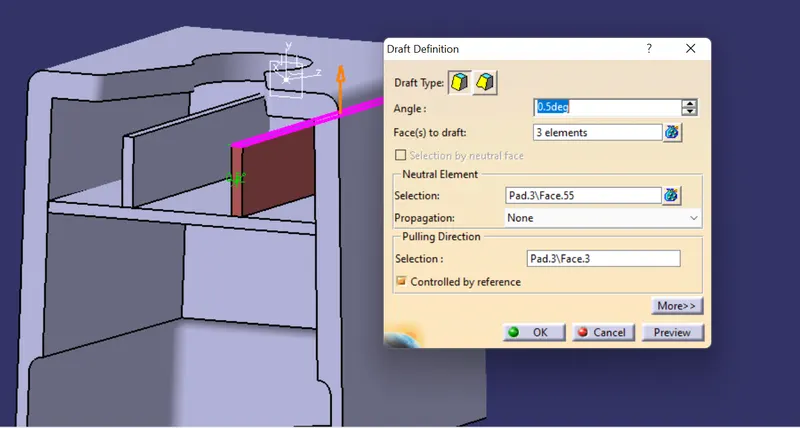
apply drft analysis of dog gouse
locators:
making sketch on as given refference
pad up to required length and thickness upto 1mm
apply draft on the all sides
then chamfer and fillets apply on the 0.25mm
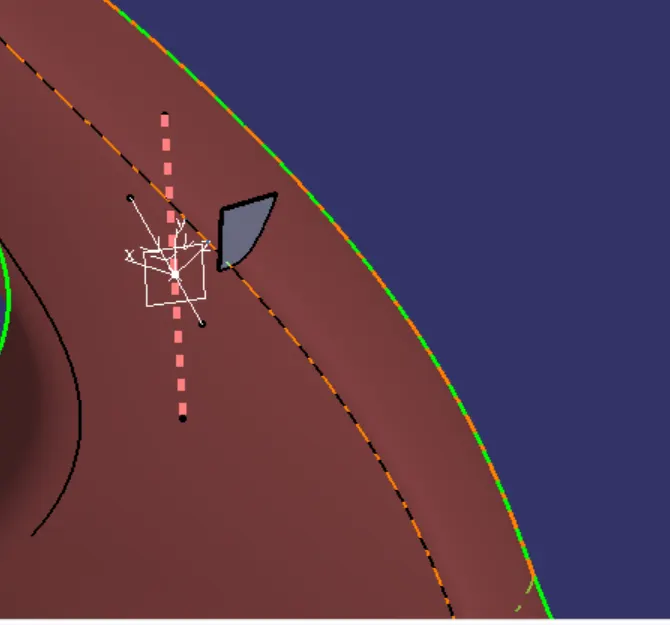
then make corner edge extract and makes points on required refference
then copy and past the locators
then transilate from point to point
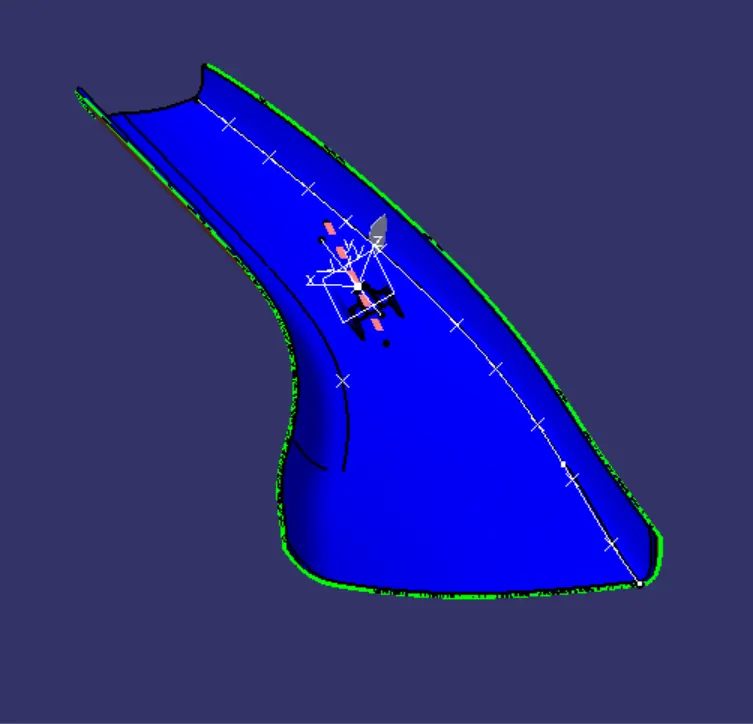
similarlly makes the loacators on the opposite side as above steps
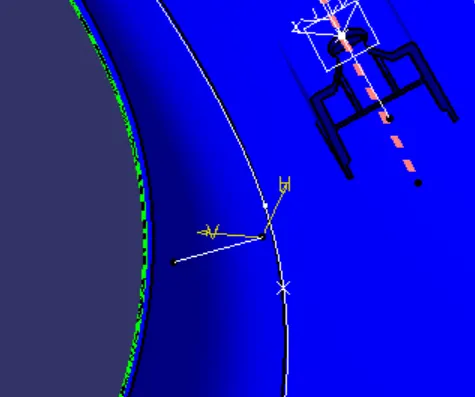
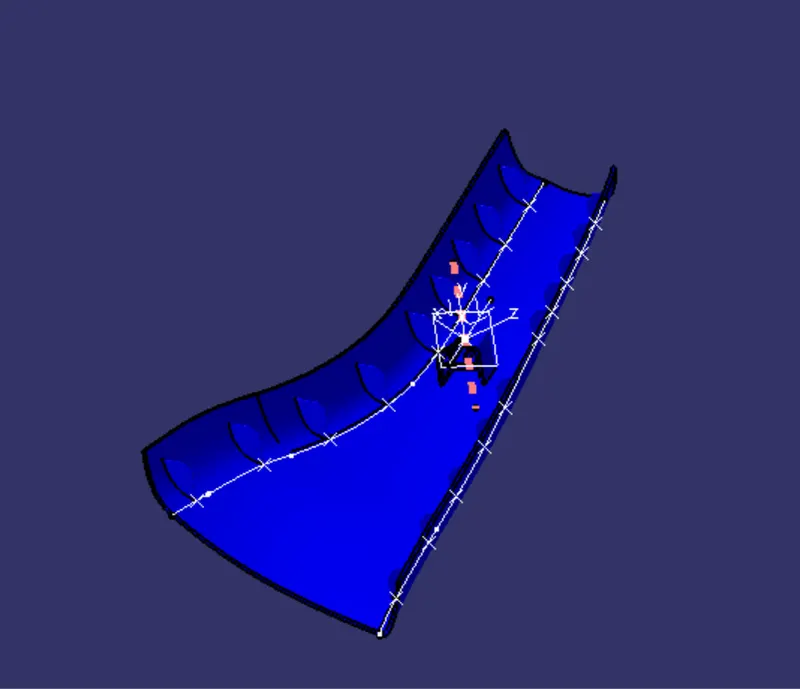
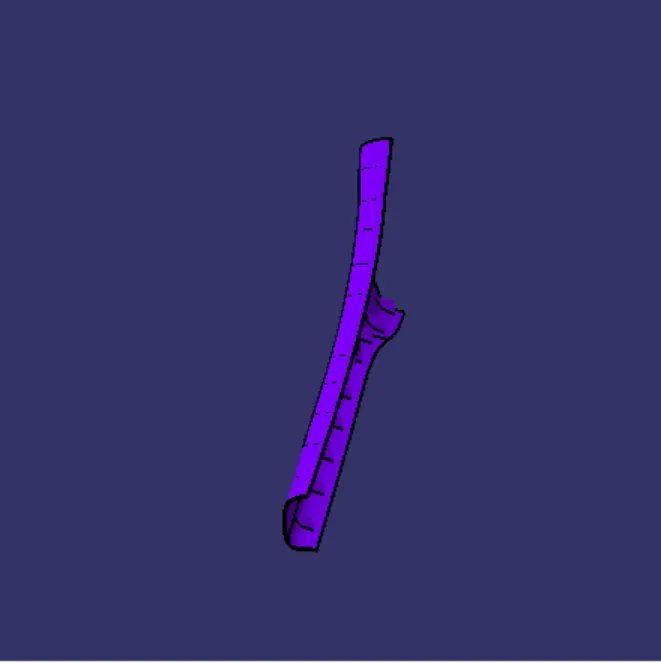
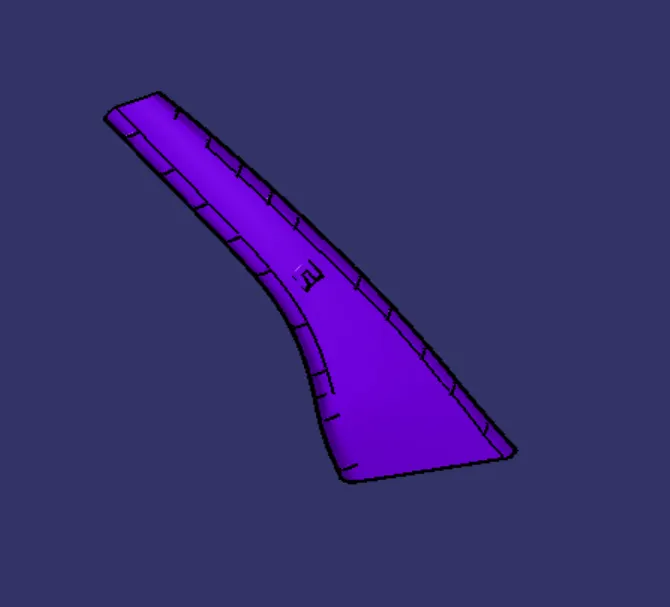
part model images
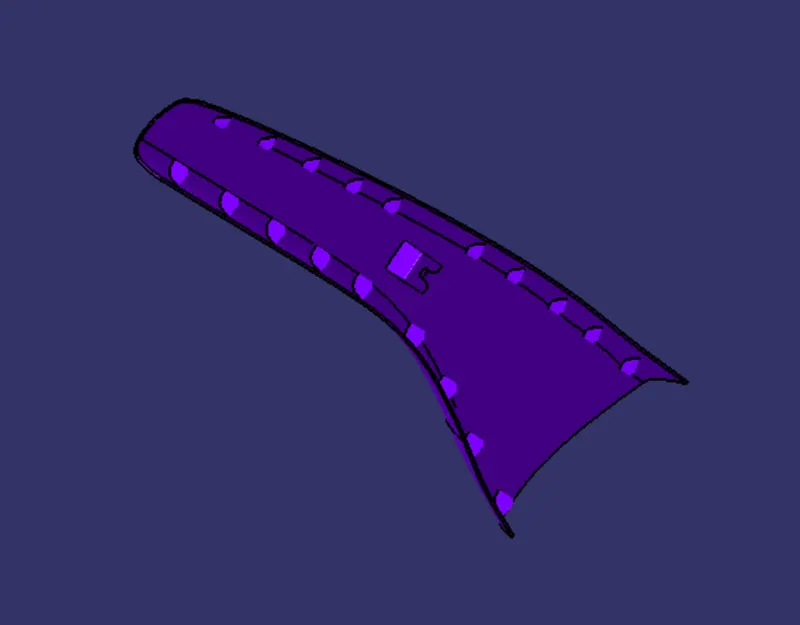
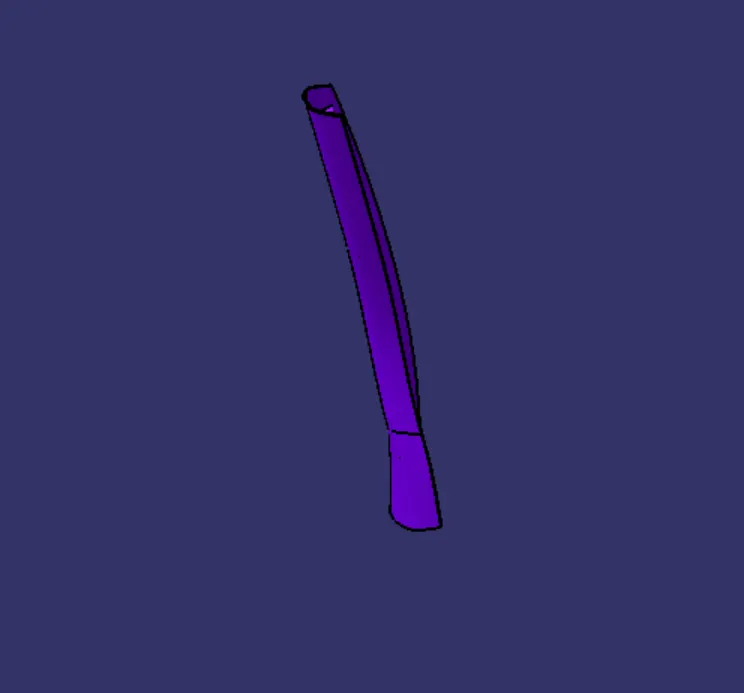
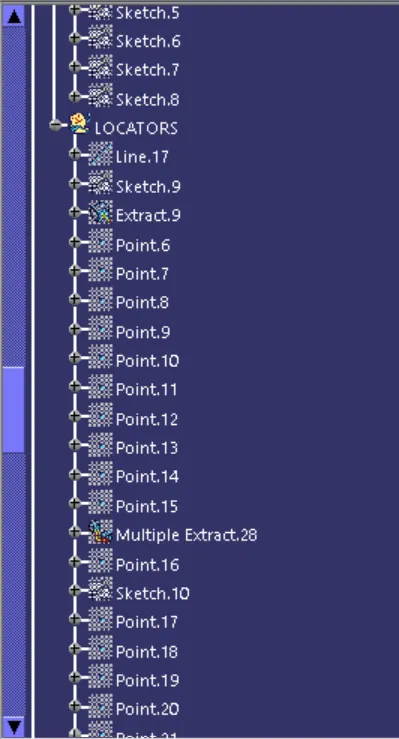
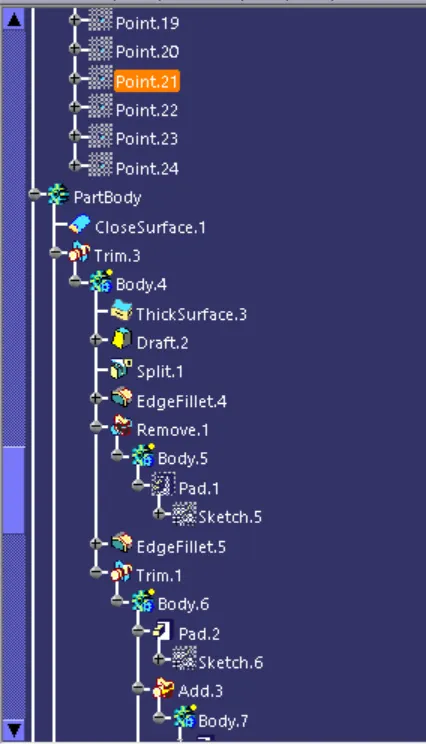
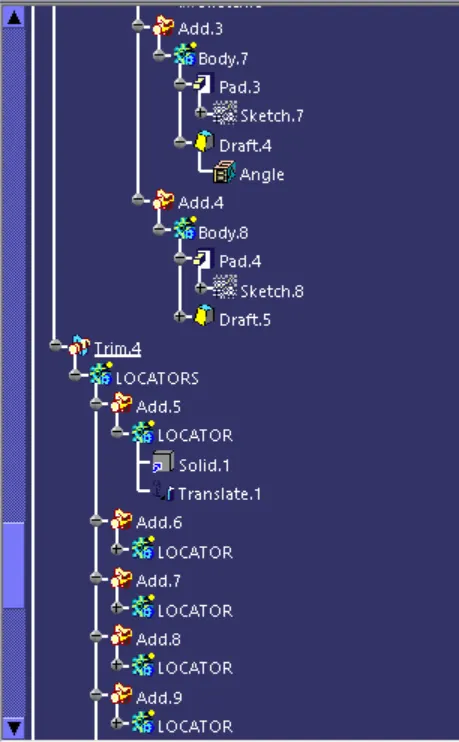
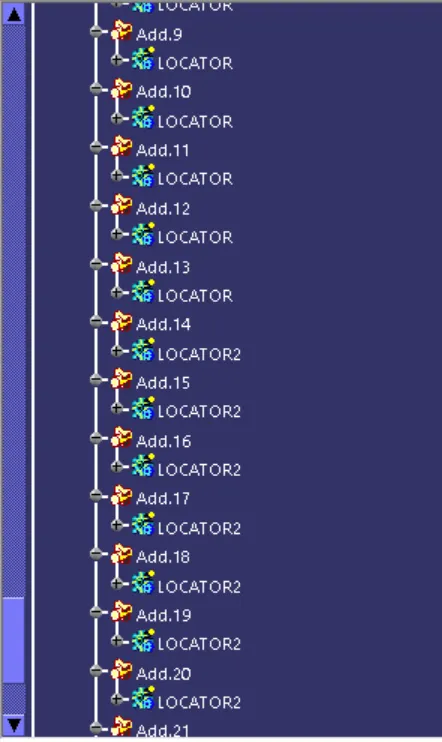
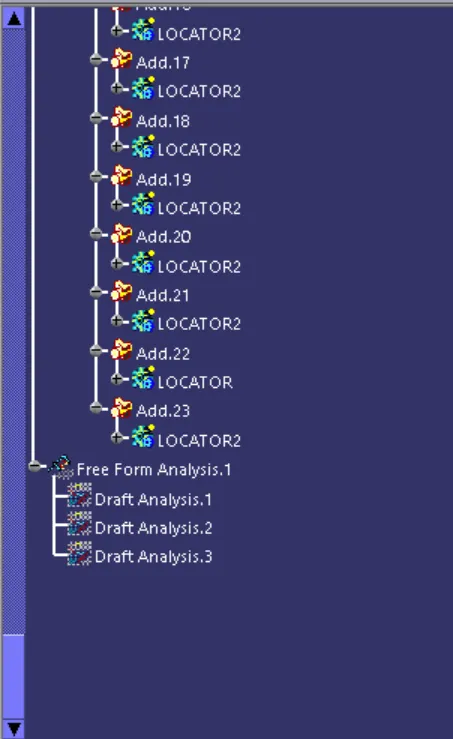
features tree images