Week 9 - Project - A pillar Design with Master Section
A PILLAR DESIGN WITH MASTER SECTION :-
Aim-
Create A Pillar design using given class A surface and master section considering all design standerds.
Use master section to create engineering feature.
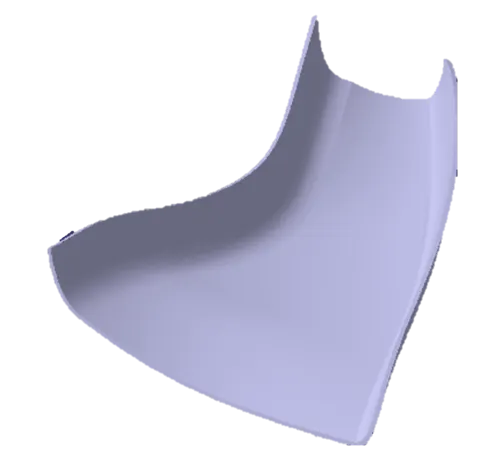
Given Class A-
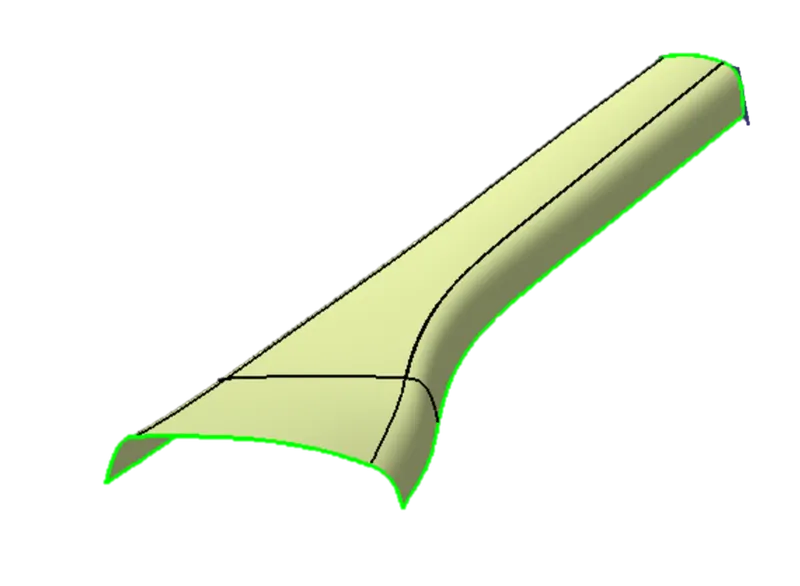
Class B Creation-
To create class B surface offset the class A with proper direction and distance. Here distance is the thickness of the component. we have to measure the thickness value from master section and after measuring, the thickness value is 2.5MM. Reasult after offseting-Perticulerly the marked area of the surface not offseted properly. So we will fill that area and the final surface is class B surface.
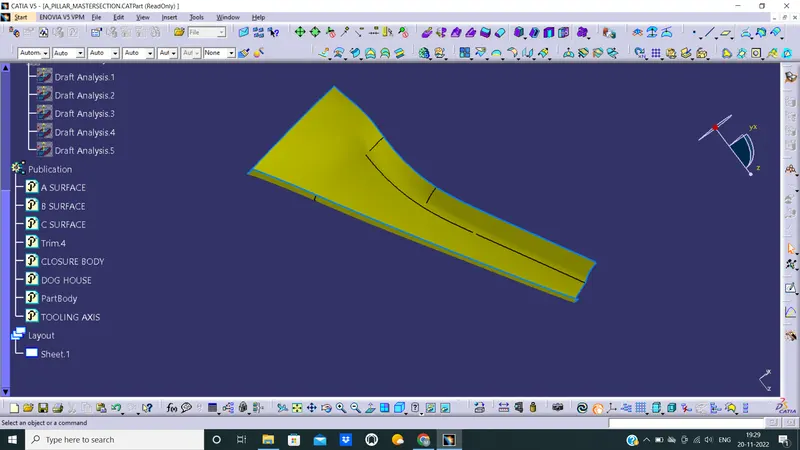
Class C Creation-
To create class C surface create boundary using class A surface boundary with 'Boundary' command in 5 parts. And use 'Sweep' command to create a surface that is in 90 deg. angle with class A surface. The reasulyent surface will be the class C surface.
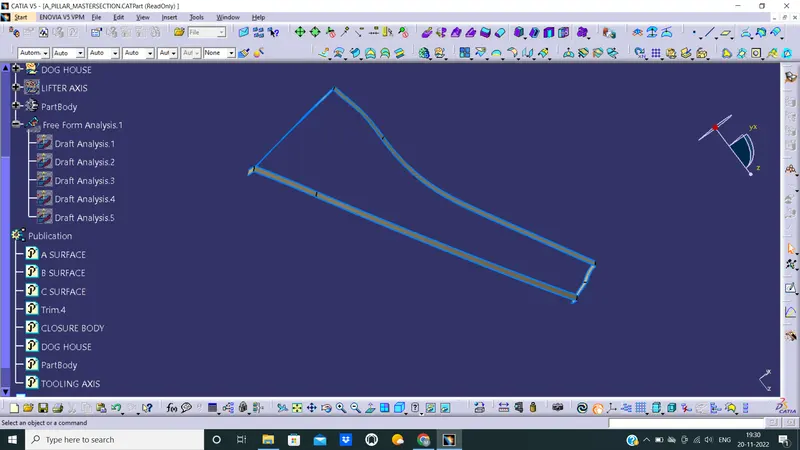
inal Closed Surface-
Class C surface trimmed with class B surface properly and joined with class A.
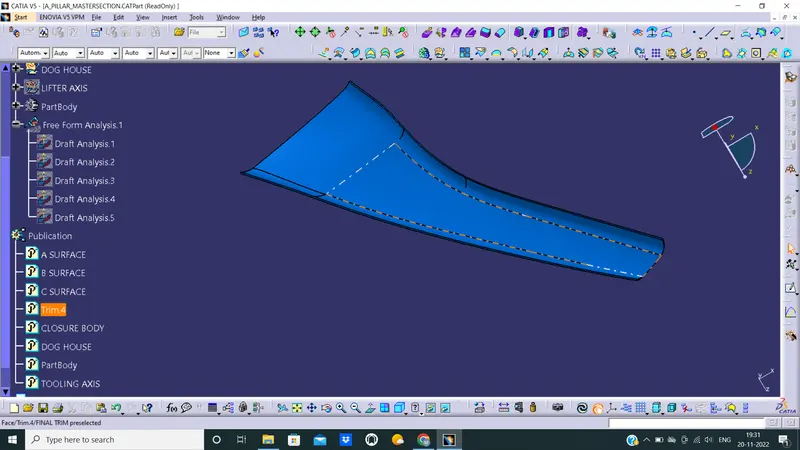
Solid Body-
Using 'Closed Surface' command of Part Workbench we have to make make the body solid.
Draft Analysis Of Class A & C Surface-
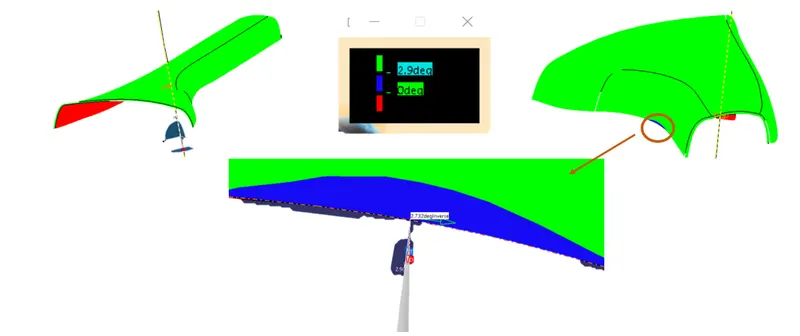
All surfaces of class A clearing the draft angle of minimum 3֯ except the marked blue area. For that marked blue area minimum draft angle is 2.73֯ and that is considerable for edges. For two side class C surface, that are along tooling axis, clearing draft angle of minimum 3֯ . So parting line will be along class B surface.