Week 9 - Project - A pillar Design with Master Section
A pillar Design with Master Section
Objective - To create an A piller section surfaces and dog house as per the master section given.
Aim - To Ensure using surface command and Use closed body command to create the solids.
Piller of cars - In the case of cars, “pillars” refer to roof pillars, and they're lettered front to back. A-Pillars straddle the windshield, B-Pillars are in the middle of the passenger compartment (just behind the front doors) and C-Pillars are those at the rear of the passenger compartment.
Design requirement-
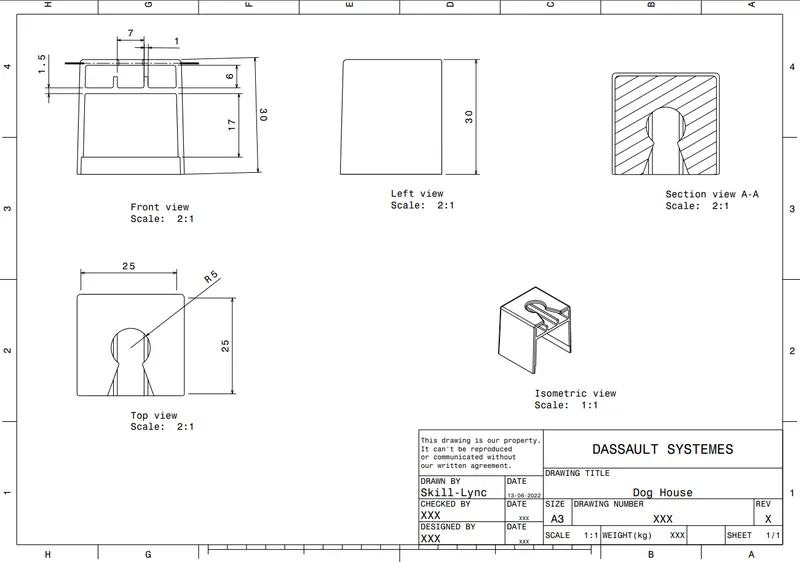
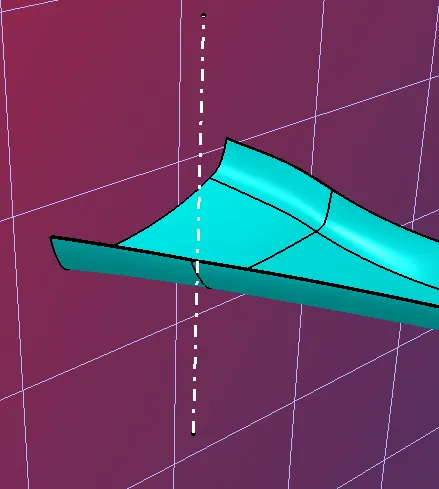
Catia model-
iso view top view side view bottom view
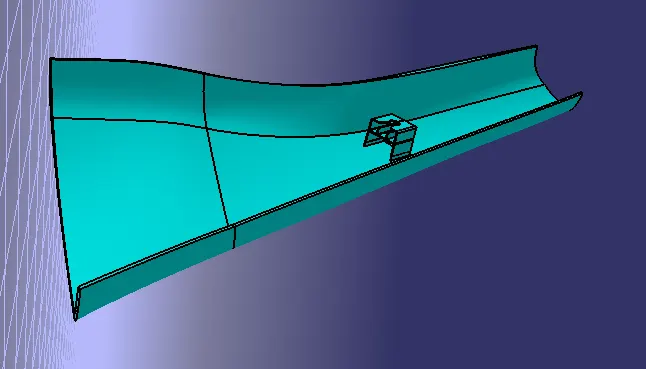
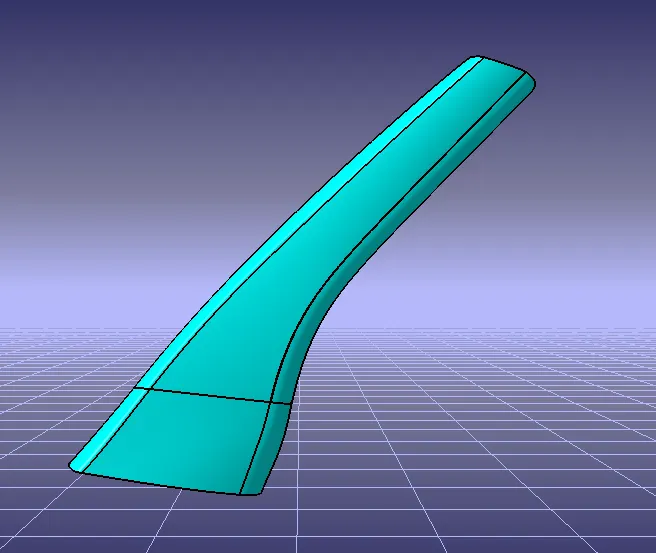
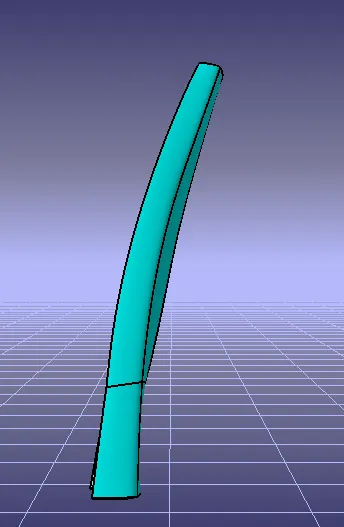
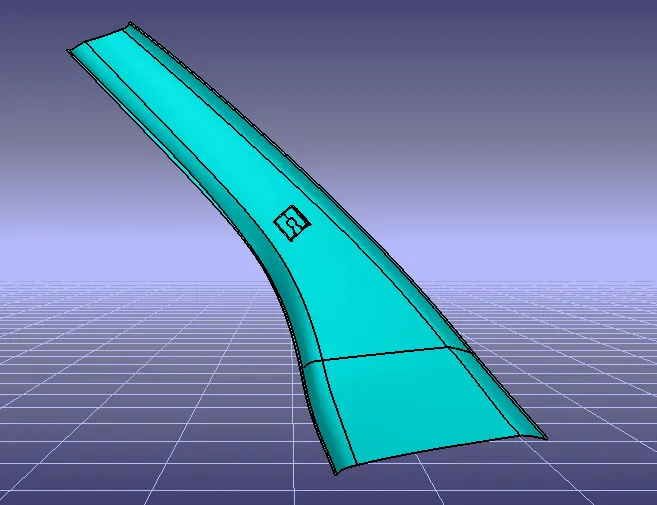
A surface-
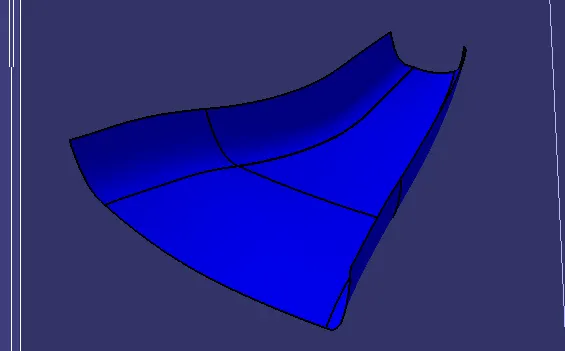
B surface-
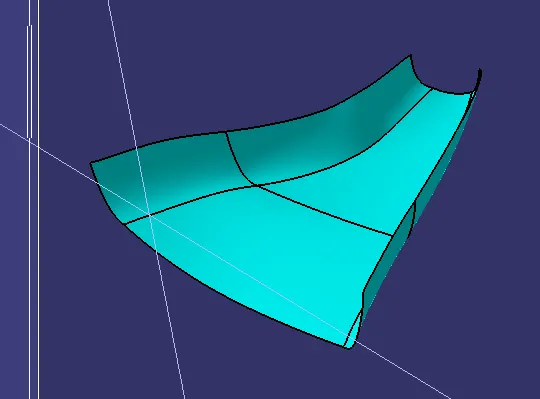
C surface-
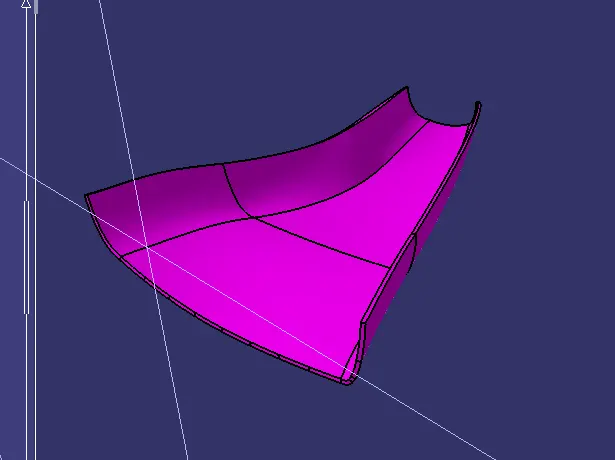
Dog house-
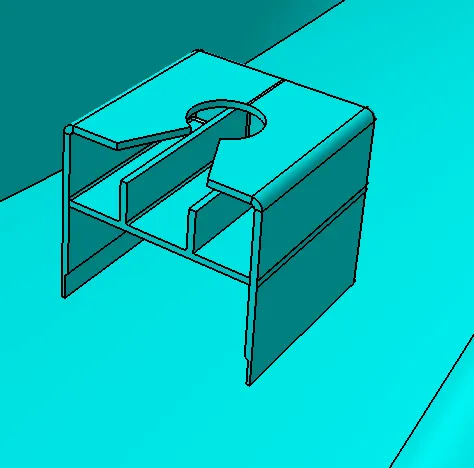
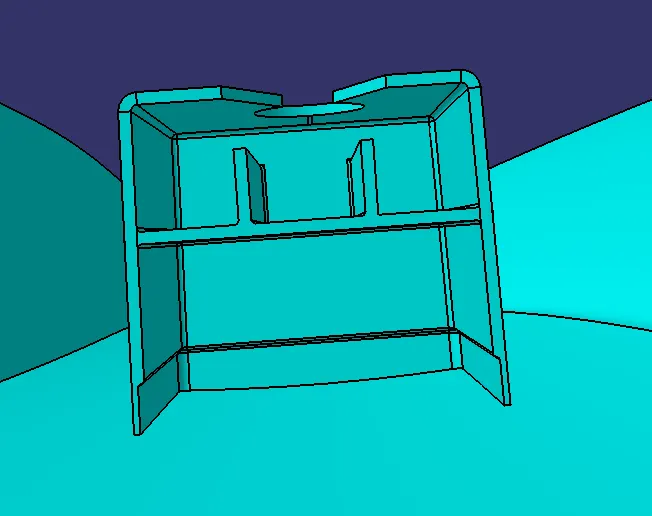
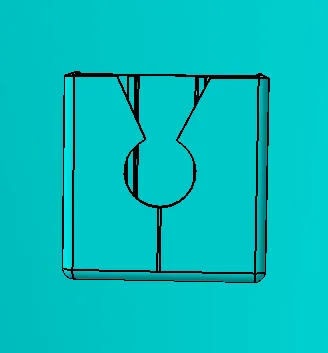
Draft analysis-
The Draft Analysis command enables you to detect if the part you drafted will be easily removed. This type of analysis is performed based on color ranges identifying zones on the analyzed element where the deviation from the draft direction at any point, corresponds to specified values.
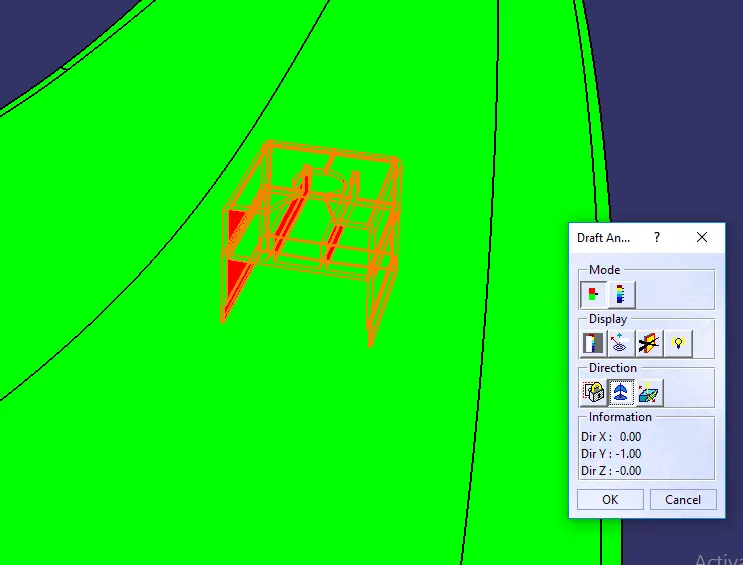
Tooling direction-
The Tooling Direction is basically the direction that the mold pulls apart. The mold is built in two separate pieces, basically. You have a Cavity side and you have the Core side. The Core pulls apart from the Cavity and that's the Dyeline or the Tooling Direction.
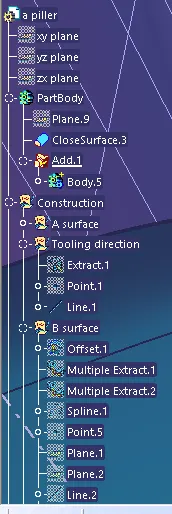
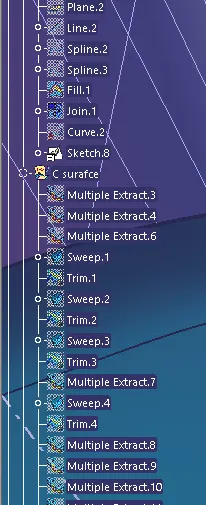
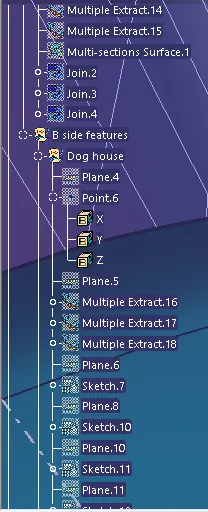
Tree structure-
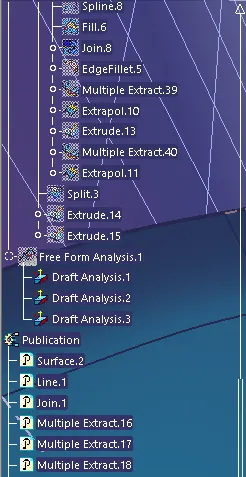
conclusion-
The model is suucesfully designed as per the design requirements.