Radar Mast & Final Assembly of Yacht
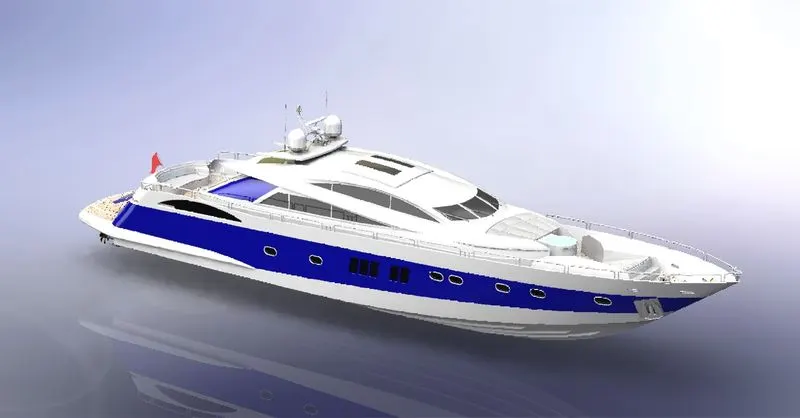
MODELING OF SUNSEEKER PREDATOR YACHT SOLIDWORKS
OBJECTIVES
- To learn and understand the basic and advanced tools and features available for creation of parts and assembly models in SOLIDWORKS
- To learn complex surfacing features in SOLIDWORKS
- To learn the assembly operation of the yacht parts
- To learn application of decals, setting up the scenes, cameras, perspective and lights etc.
- To render and make the realistic view of the yacht in the SOLIDWORKS visualize software
INTRODUCTION
SOLIDWORKS is a solid modeling computer-aided design and computer-aided engineering application.
It helps the designers quickly sketch out ideas, experiment with features and dimensions, and produce models and detailed drawings. This project focus on the modelling and rendering of the sunseeker yacht.
DESIGN METHODOLOGY
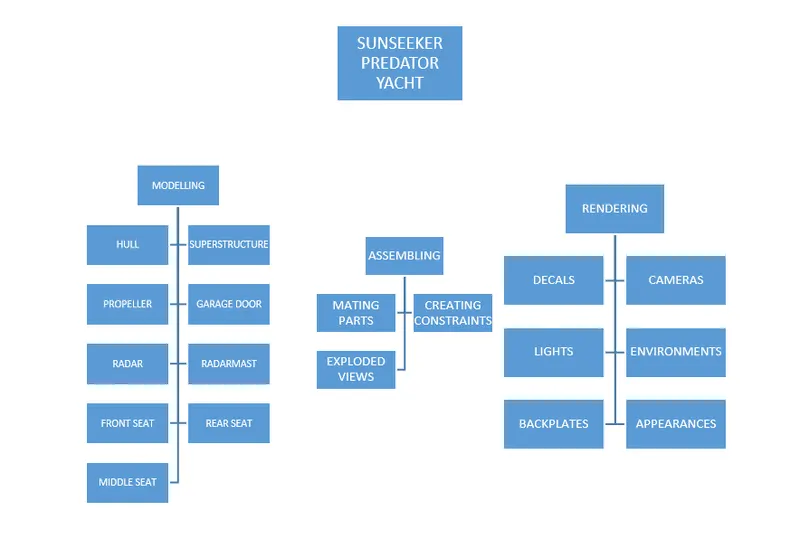
PART MODELLING DESCRIPTION
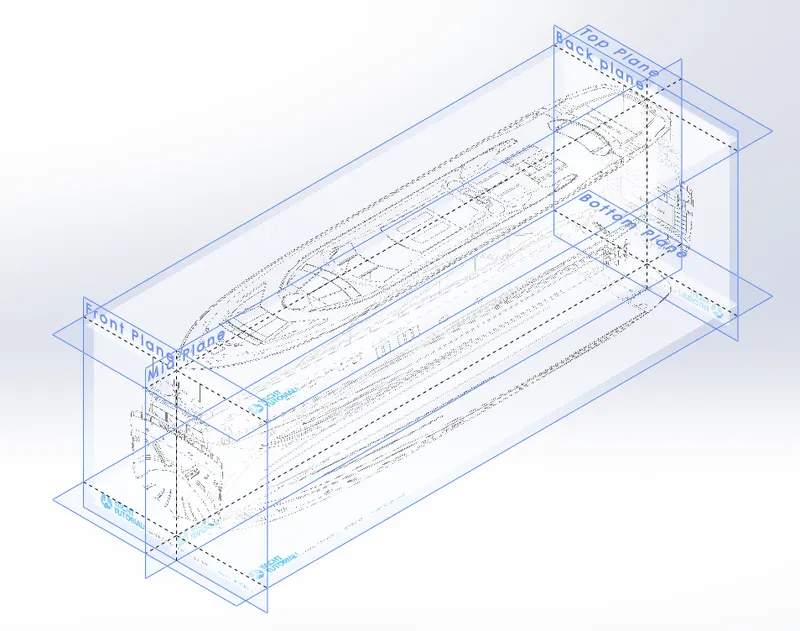
BLUE PRINT SETUP:
A blueprint is a helpful approach to make the modelling parts. technical drawing or engineering drawing using print process on light-sensitive sheets. A blueprint is guide for making something it’s a design or pattern that can be followed.
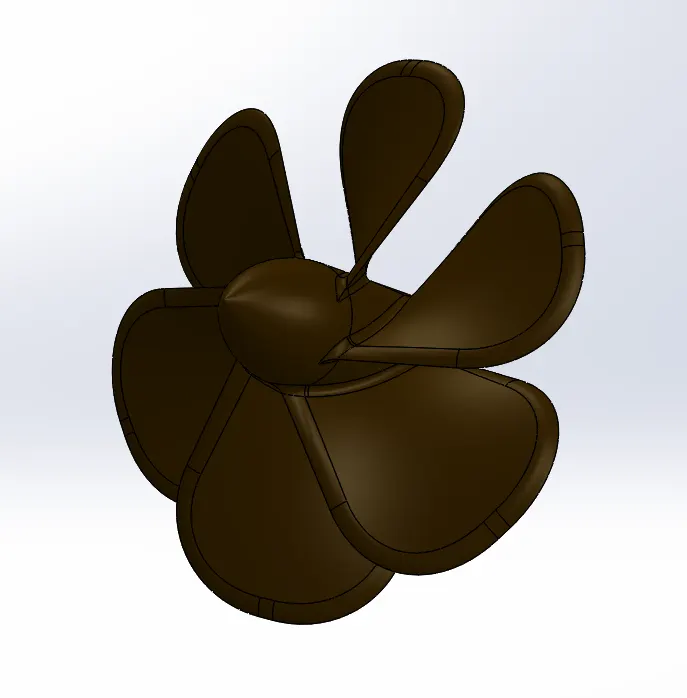
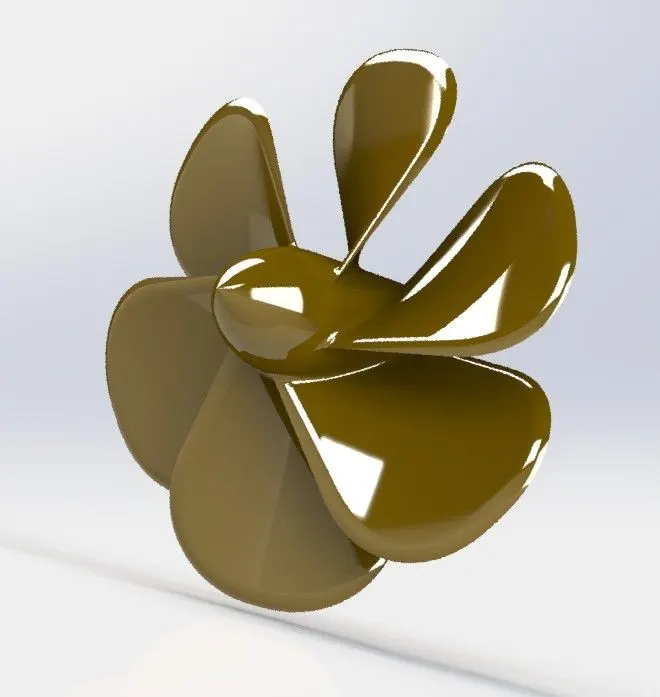
1.PROPELLER:
There are three propellers used for the yacht model. The propeller helps the boat move forward and rear.
COMMANDS USED TO MODEL:
SKETCH-
- Spline
- Circle
- Line
FEATURES-
- Revolve boss
- Lofted boss
- Extruded cut
- Reference plane
- Circular pattern
- Fillet
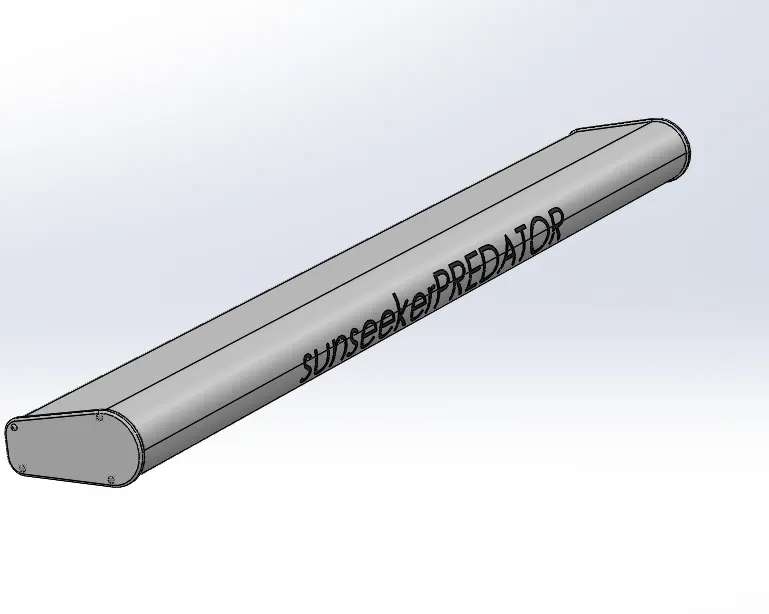
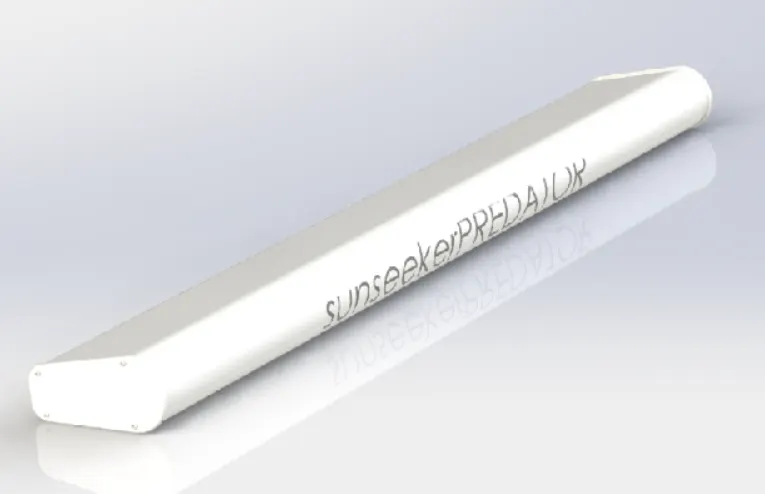
2.RADAR:
The radars are used to detect other ships and land obstacles, to provide bearing and distance for collision avoidance and navigation at sea.
COMMANDS USED TO MODEL:
SKETCH-
- Line
- Text
- Circle
- Point
FEATURTES-
- Extruded boss
- Extruded cut
- Sketch pattern
- Fillet
- Mirror
- Split line
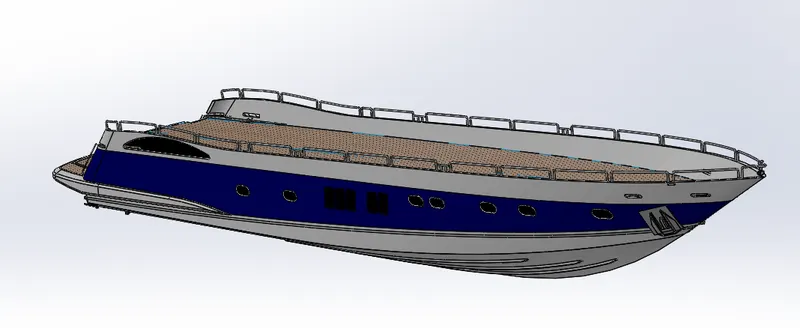
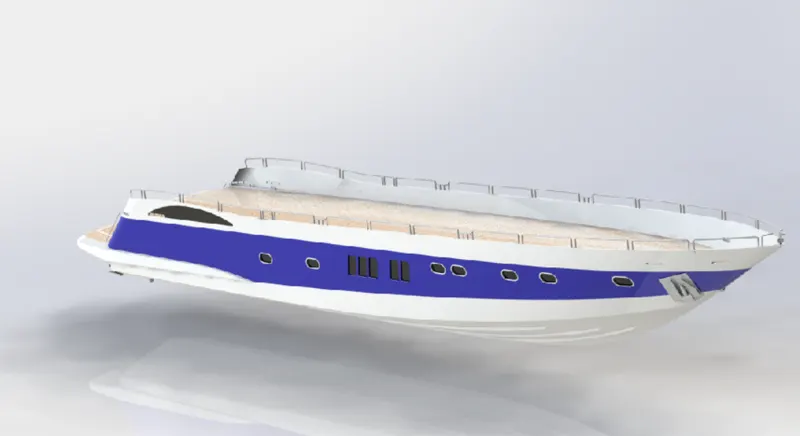
3.HULL:
A hull is the watertight body of the ship the major parts of the ship are assembled on the hull. The hull has several watertight decks and bulkhead
as the major transverse membrane. Grinders webs and stringers are the major parts of the hull.
COMMANDS USED TO MODEL:
SKETCH-
- Line
- Spline
- Circle
- Rectangle
- Arc
- Sot
- 3d sketch
SURFACES
- Extruded surface
- Revolved surface
- Lofted surface
- Surface trim
- Surface knit
- Delete face
FEATURES
- Project curve
- Chamfer
- Fillets
- Reference plane
- Split
- Split line
- Extruded boss
- Extruded cut
- Mirror
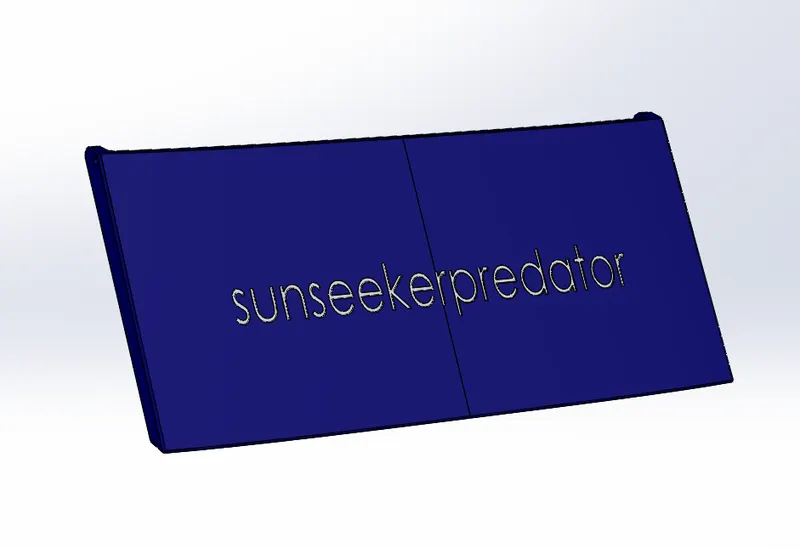
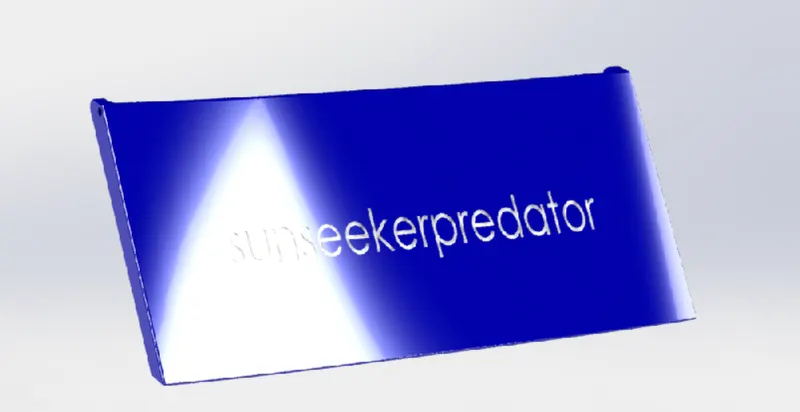
4.GARAGE DOOR:
A garage door is large door on a garage that opens either manually or by electric motor. These doors help the boats goods inside safe and secure.
They are made of wood,metal,fiberglass etc.
COMMANDS USED TO MODEL:
SKETCH-
- Line
- Spline
- Circle
- Text
FEATURES-
- Extruded cut
- Reference plane
- Fillet
- Shell
- Mirror
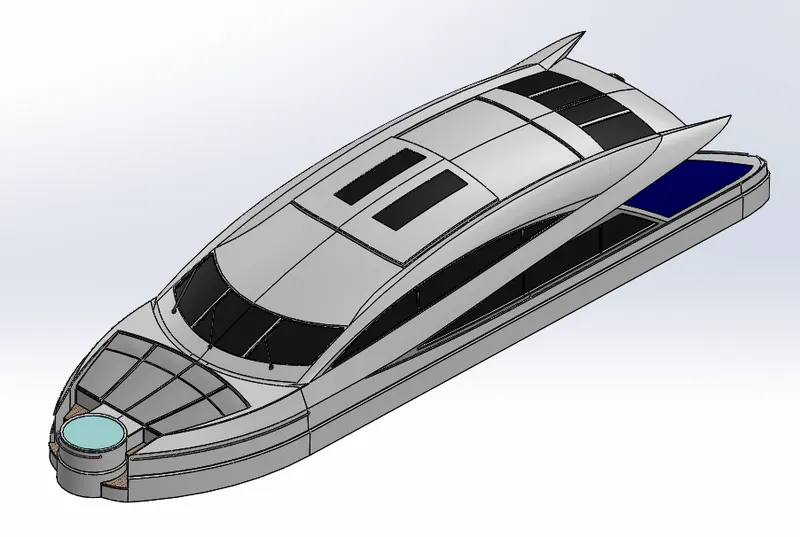
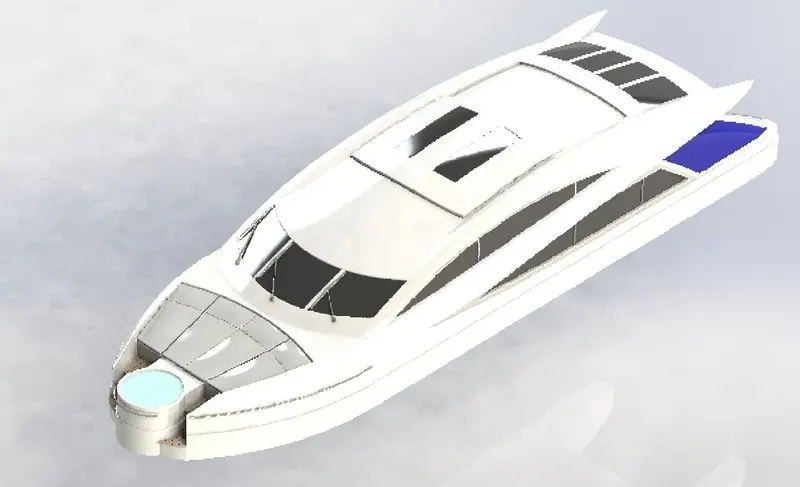
4.SUPERSTRUCTURE:
The superstructure is an upward extension of an existing structure above a baseline called ground level and it usually serves the purpose of the structures intended use.
A superstructure is a decked structure on the freeboard deck, extending from side to side of the ship.
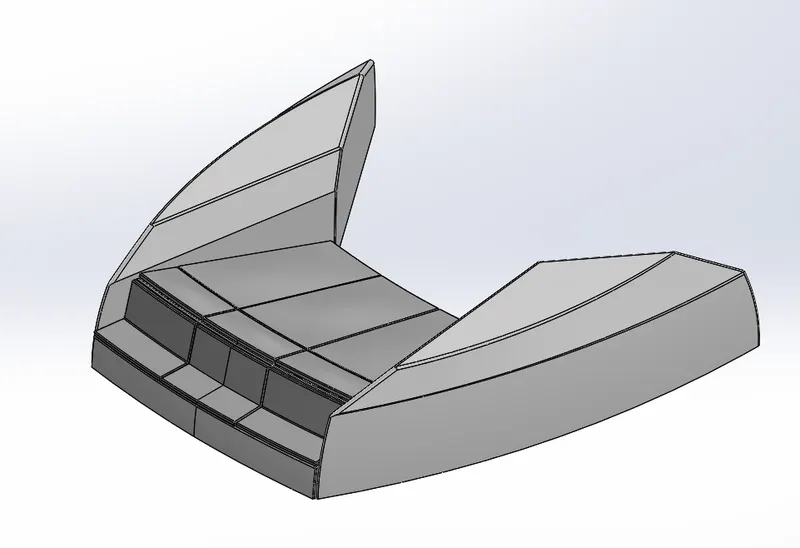
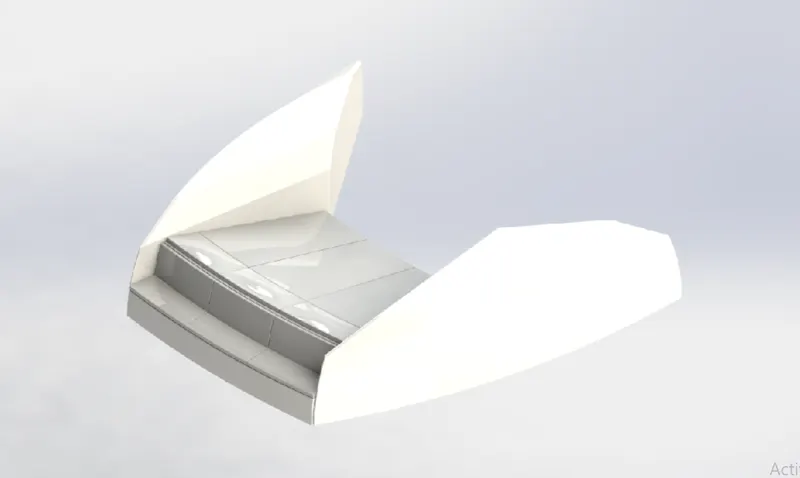
5.FRONT SEAT:
Front seat features two connected seats that are built to back from one other. They have built-in storage unit underneath them. Lounge seats can also fully recline right back to make it easier for
you to kick your feet up and get more comfortable. The model is placed before the superstructure.
COMMANDS USED TO MODEL:
SKETCH-
- Sketch picture
- Line
- Spline
- Circle
- Arcs
SURFACES-
- Extruded surface
- Lofted surface
- Trim surface
- Filled surface
- Knit surface
- Swept surface
- Revolved surface
FEATURE-
- Extruded cut
- Revolved boss
- Chamfer
- Fillet
- Mirror
- Dome
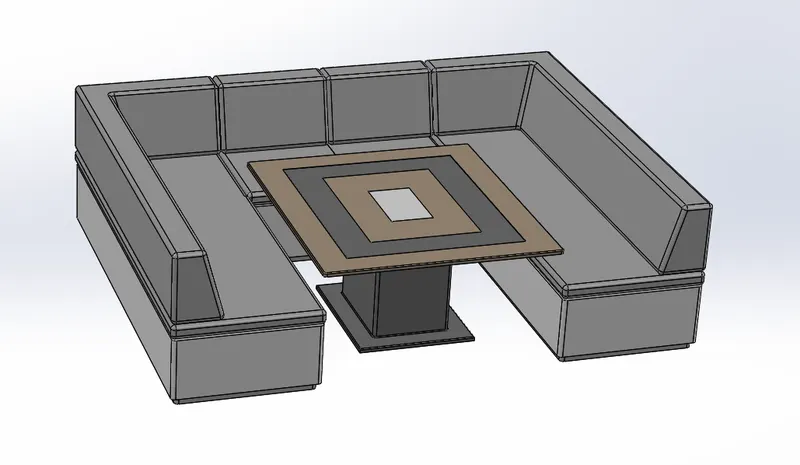
6.MIDDLE SEAT:
The middle seat model is placed just behind the superstructure.it provides with a luxury table to dine out.
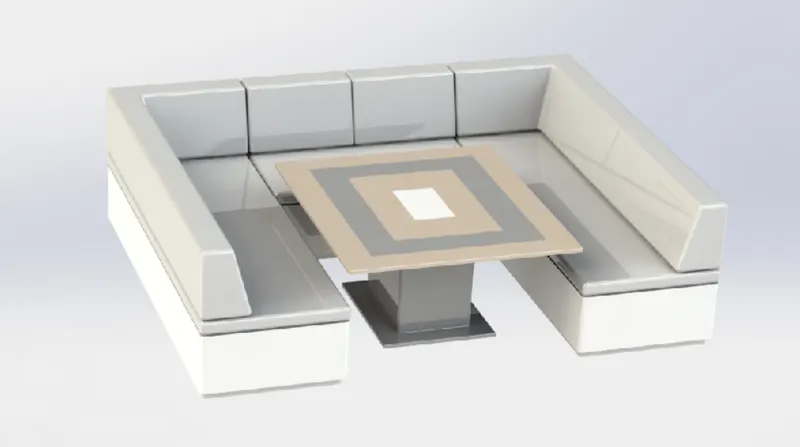
COMMANDS USED TO MODEL:
SKETCH-
- Sketch picture
- Line
- Rectangle
FEATURE-
- Extruded boss
- Chamfer
- Fillet
- Mirror
- Reference plane
7.REAR SEAT:
The rear seat was places at the end of the deck surface. The rear seat consists of locker racks and steel doors for the stairs. A flag is constructed on the rear seat. With glass mug holder on the sides
of the rear seat.
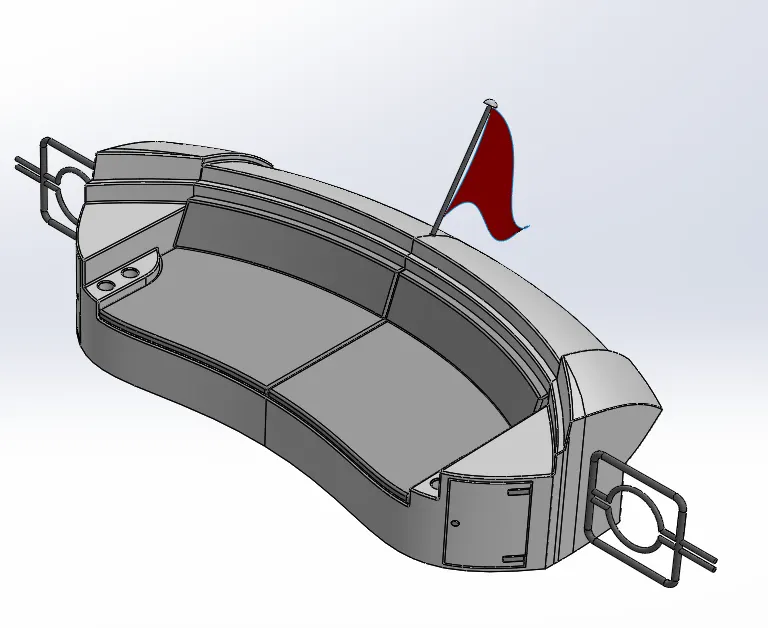
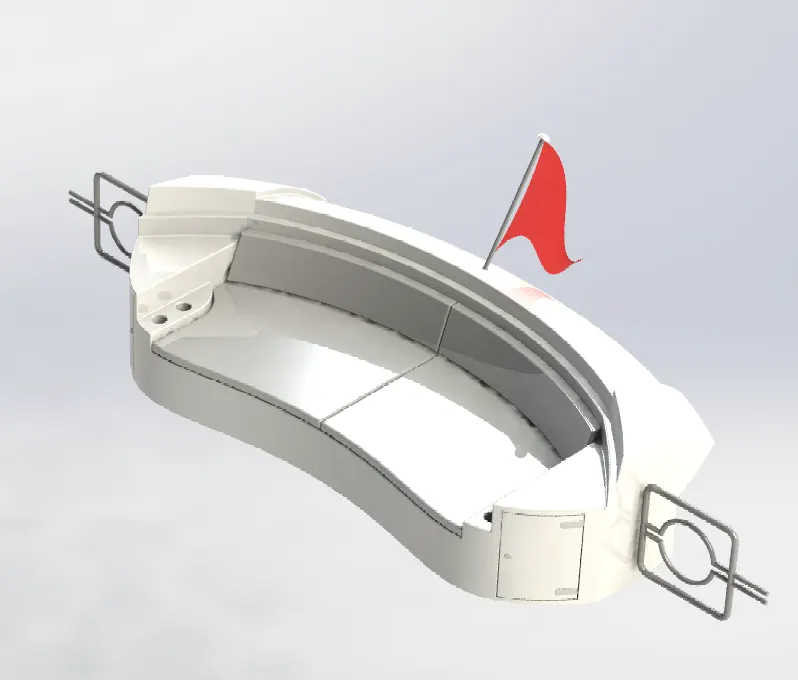
COMMANDS USED TO MODEL:
SKETCH-
- Sketch picture
- Line
- Spline
- Circle
- Arcs
- Rectangle
SURFACES-
- Swept surface
- Extruded surface
- Off-set surface
- Filled surface
- Knit surface
- Ruled surface
- Lofted surface
FEATURE-
- Reference plane
- Extruded boss
- Revolved boss
- Fillet
- Mirror
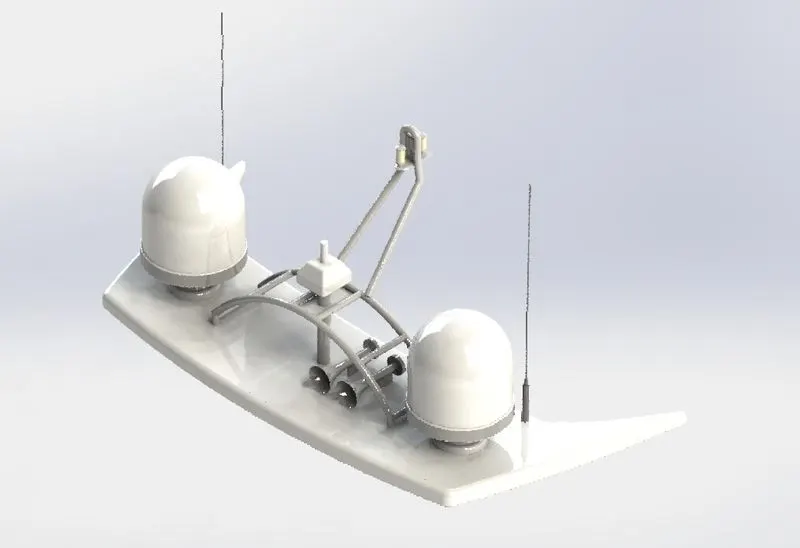
8.RADAR MAST:
A mast is a vertical ship structure mounted on top of bridge and forward of the forecastle towards the ships bow.it accounts for the support platform for the ships deck and necessary equipment such
as radars,navigation light and ships horn in case of foremast.
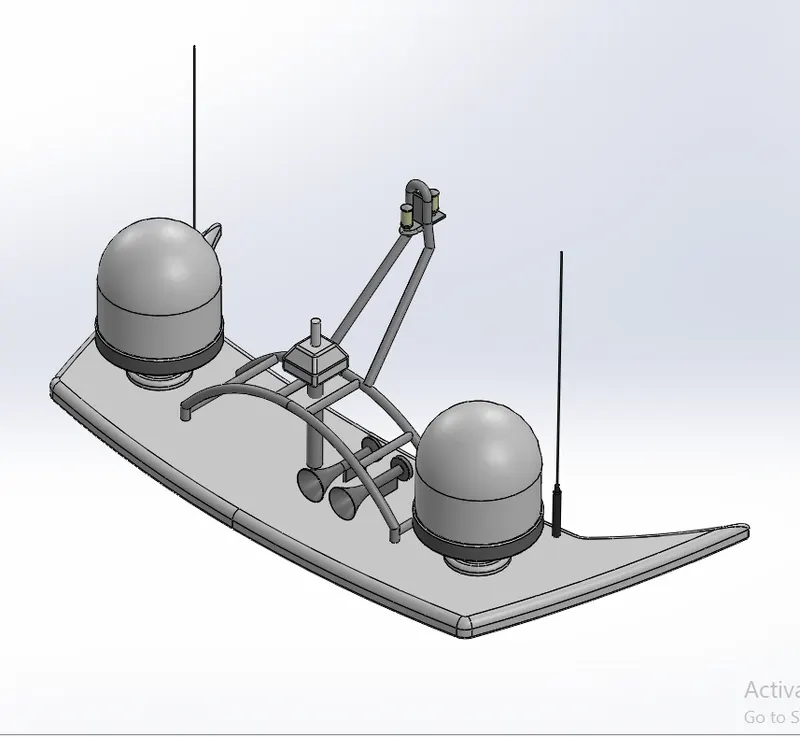
COMMANDS USED TO MODEL:
SKETCH-
- Sketch picture
- Line
- Spline
- Rectangle
- Arcs
FEATURE-
- Extruded boss
- Lofted boss
- Revolved boss
- Swept boss
- Reference curve
- Fillet
- Mirror
- Dome
- Shell
ASSEMBLY
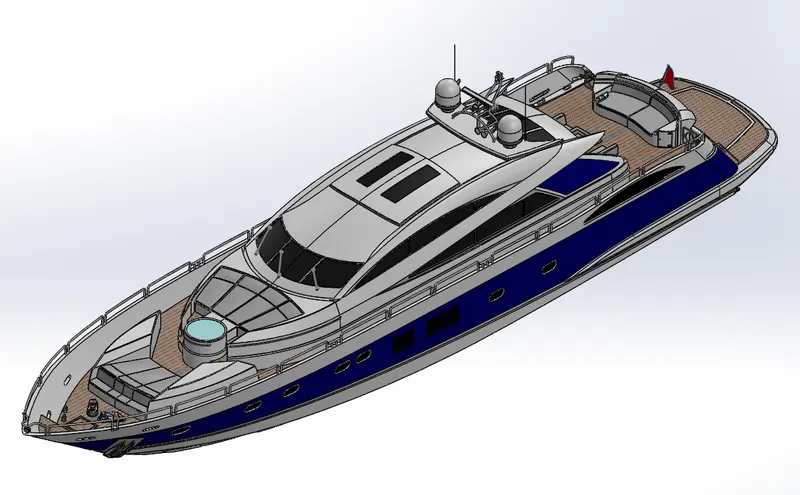
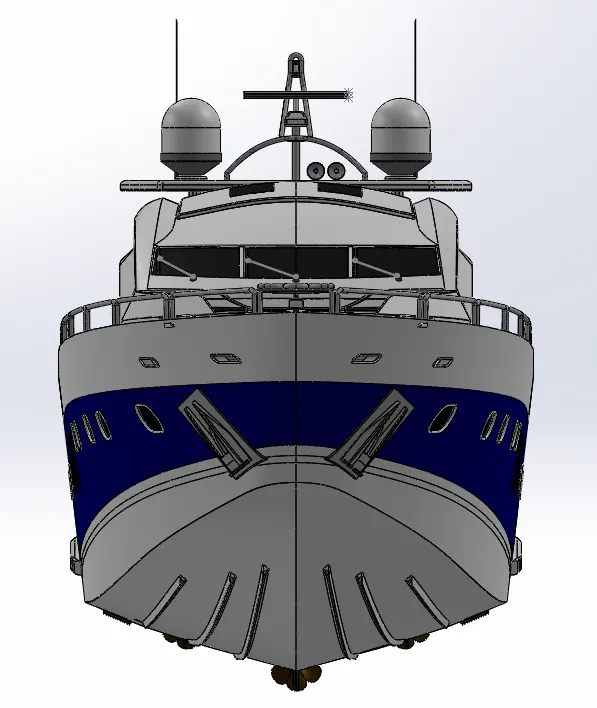
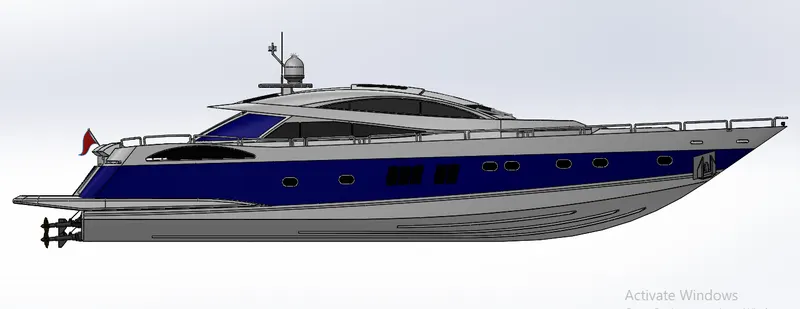
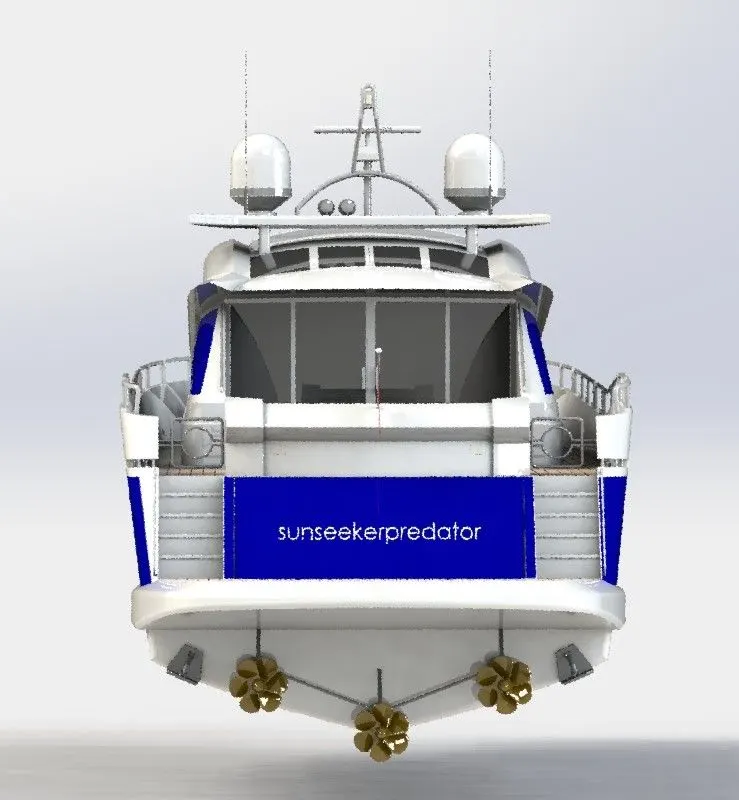
Assembly is a document in which parts, features, and other assemblies are mated together. The parts and subassemblies exist in documents separate from the assembly. The extension
of the SOLIDWORKD assembly file name is SLDASM.
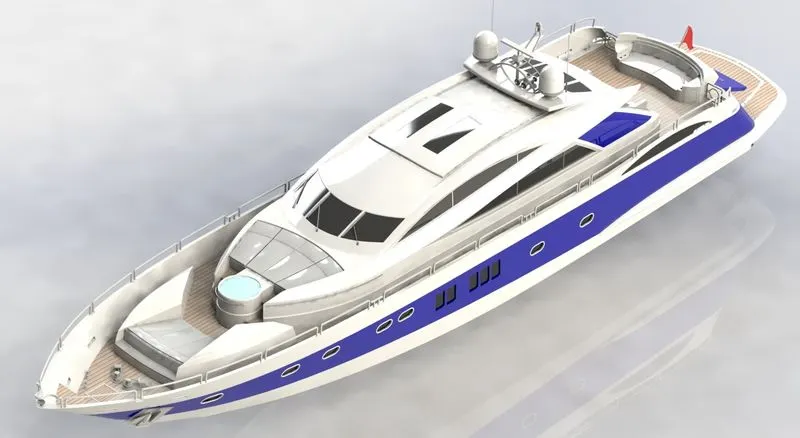
ISOMETRIC VIEW
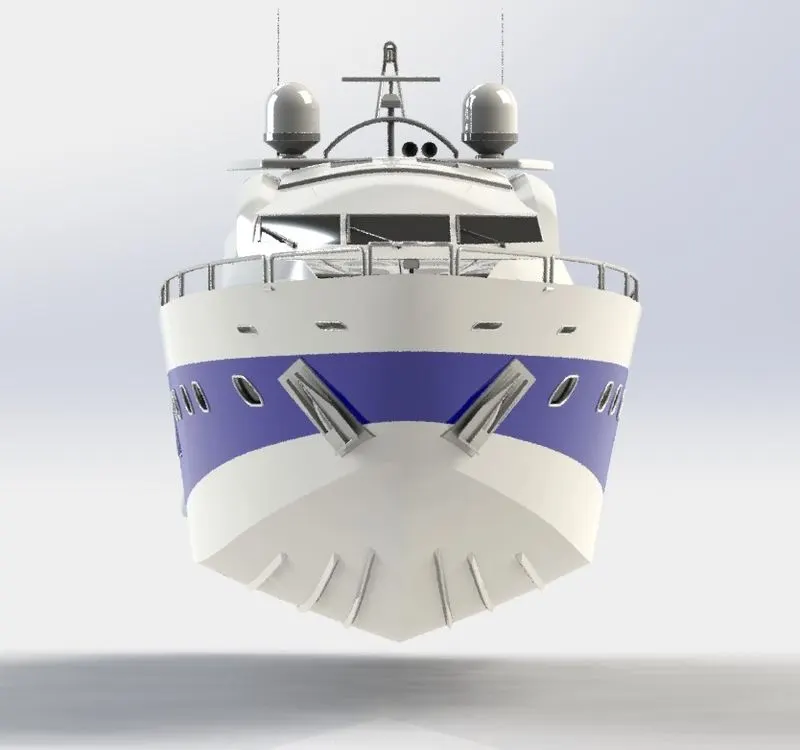
FRONT VIEW
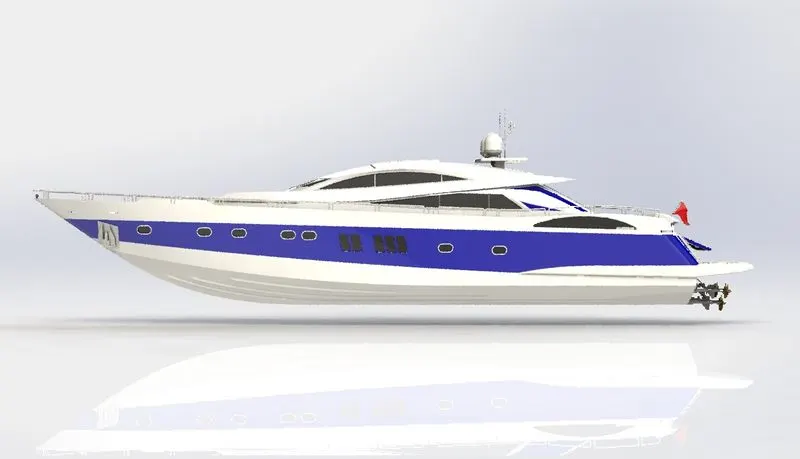
SIDE VIEW
COMMANDS USED TO ASSEMBLE:
- Smart mate
- Mate
- Mate group
- Sub assembly
- Insert components
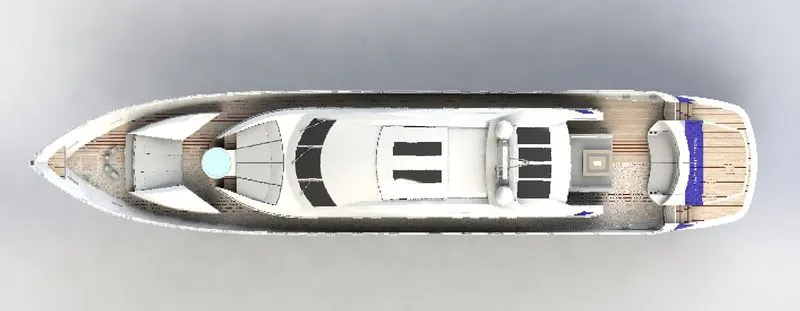
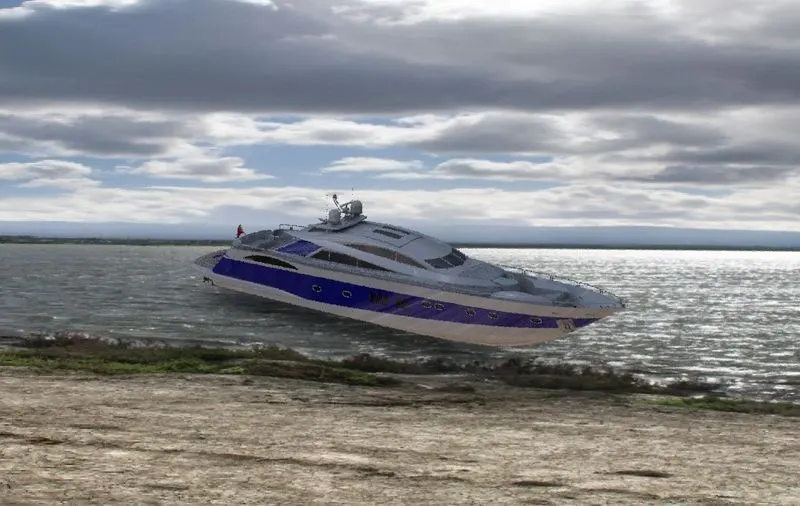
RENDERING
Rendering of the solid works model is done using the photo view 360 and solid works visualize. The photo view 360 is a visualization and rendering solution included with SOLIDWORKS.
the SOLIDWORKS visualize provides a suite of standalone software tools that combine industry leading rendering capabilities with visual design oriented features and workflows, allowing
easy and fast creation of visual content that communicates a design vision,passion,and emotion.
CONCLUSION
Thus the project Design, Assembly and Photorealistic rendering of sunseeker predator yacht was modelled and rendered successfully.