Week 9 - Project_1 - Door Trim Lower with Engineering Features
Report
Tooling direction- The Tooling Direction is the direction in which the mold pulls apart. The mold is built in two separate pieces, basically. You have a Cavity side and you have the Core side. The Core pulls apart from the Cavity and that's the Dyeline or the Tooling Direction.
Creation of tooling axis
Bisecting method
- Take a good look at the Class A surface and find the tooling direction. If there is a hole in the class A surface start from that. consider a dummy tooling axis perpendicular to that hole.
- if the is no hole then rotate the class A surface in different views so that you can find a good view of all surfaces in the particular view.
- after you identified the tooling direction create a dummy tooling axis with the help of surface extraction or point. the line must be in the direction of the tooling.
- create an intersection of Class a surface they find the lines that may create problems during manufacturing.
- draw the lines intersecting with these lines
- then draw a line that bisects these lines
- and perform this process in both X-Y directions. so at the end of this, you got 2 lines
- final step is to create a bisecting line between them
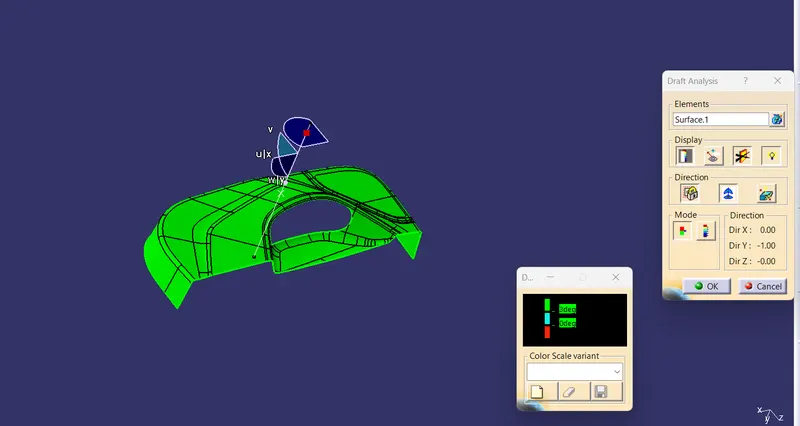
Draft analysis- Draft analysis is a common tool used in CAD (computer-aided design) software to determine the angles of sloped surfaces in a 3D model. The purpose of the draft analysis is to identify surfaces that do not have a uniform angle of inclination or draft angle, which can cause manufacturing and production issues in processes like injection molding, casting, or stamping.
steps
- open the CAD you want to do draft analysis on
- put materials option active inside customize view
- Then navigate the draft analysis (insert - analysis - draft analysis)
- Drag the compass and place it over the tooling axis
- select the compass option in the draft analysis and place it over the tooling axis
- select the part anywhere
- the appearance of that part will change
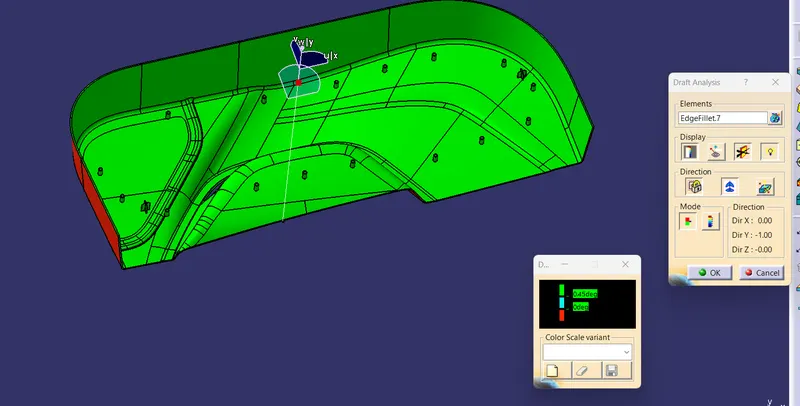
- it shows the colors for the draft
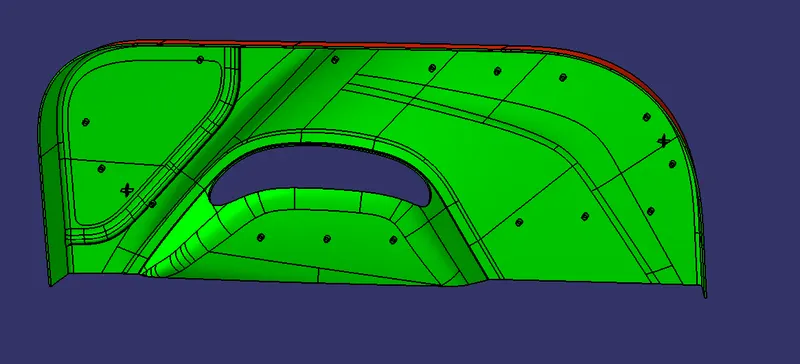
- green -ok (means the value you set for the draft is ok in the tooling. part can be manufacturable) Ex 3 deg
- Red - less than the given draft ( less than 3deg, greater than 0deg)
- Blue - not able to draft. the draft is negative (less than zero)
color is for representation we can change them according to our preference
Tooling Axis & Draft analysis
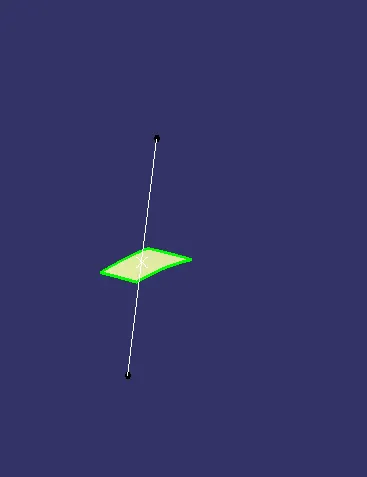
for this particular, I go with a different method ( I create the point on the surface and create a line in the Y direction )
Tooling Axis creation
Draft analysis
Class B creation
offset 2.5mm
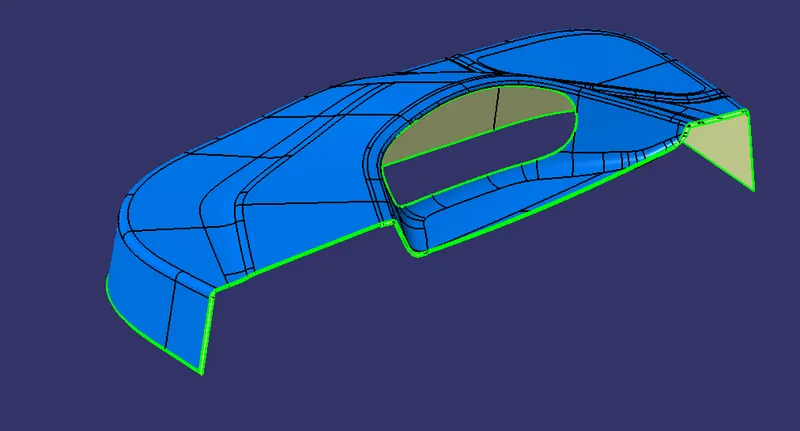
final B surface
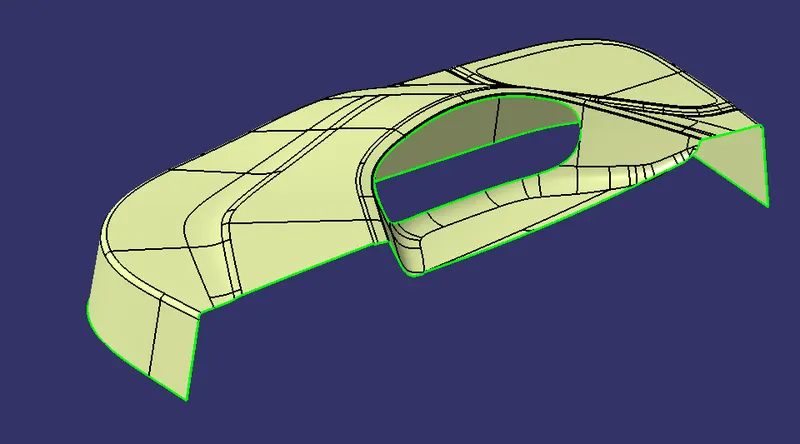
Class C surface
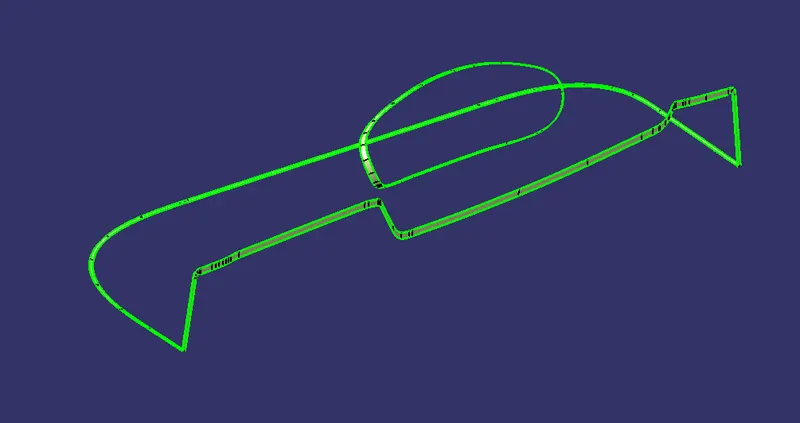
A+C
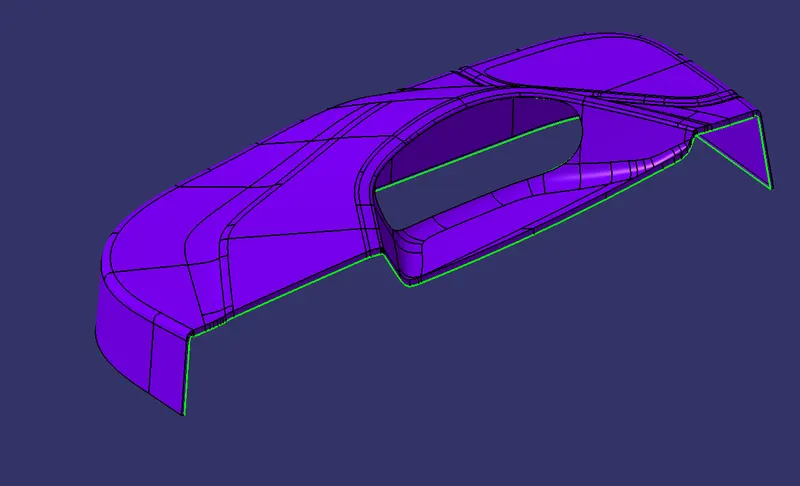
Close Surface AC+B
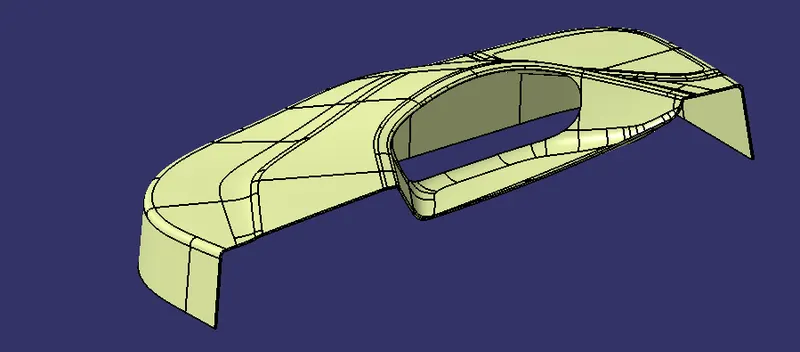
Part body creation
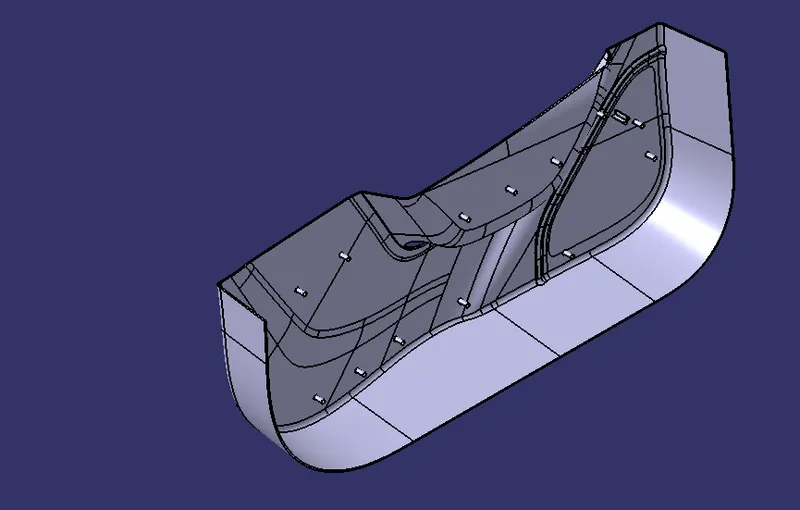
Heat stake Cration:- (plastic welding)
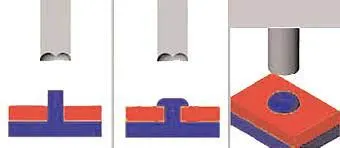
Heat staking also known as thermoplastic staking is the process of joining two dissimilar materials together. In heat staking, we use local heating and cooling to raise the temperature of plastic components and allow plastic reforming to be carried out.
It is performed to arrest all Degrees of freedom.
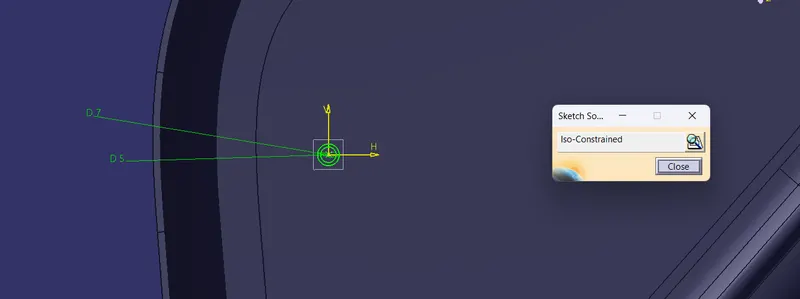
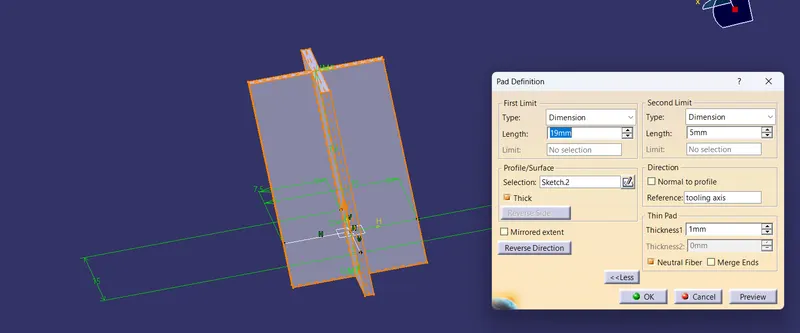
pad
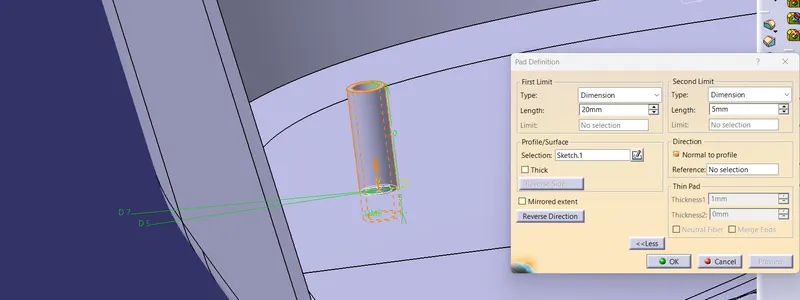
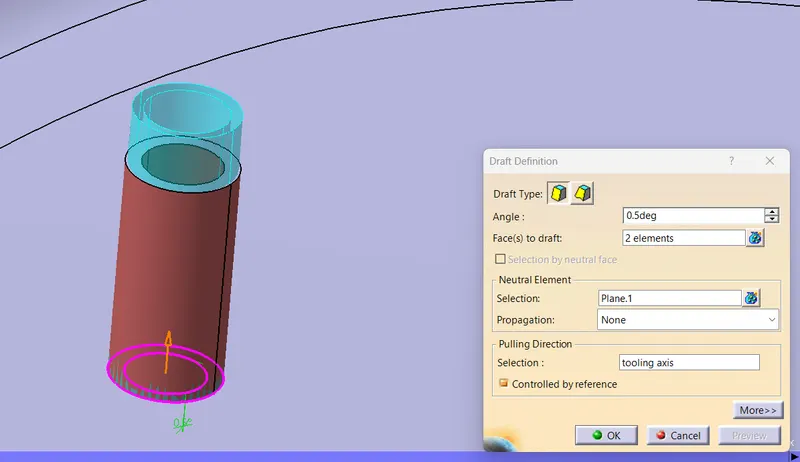
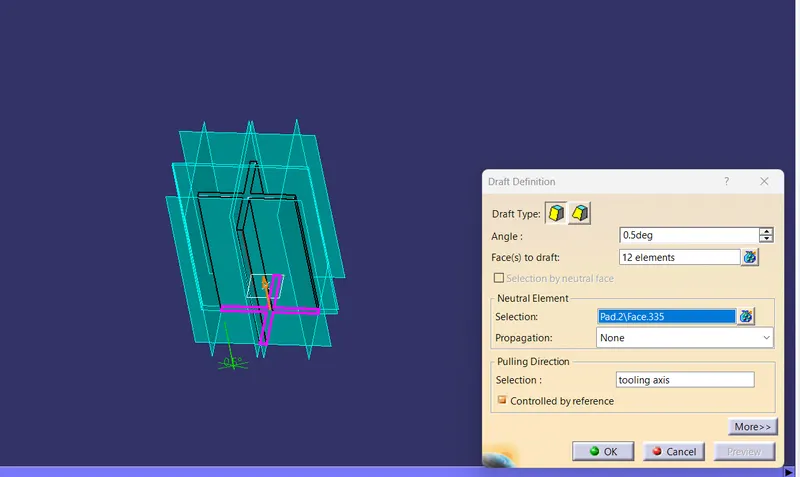
Draft- 0.5 deg draft is recommended
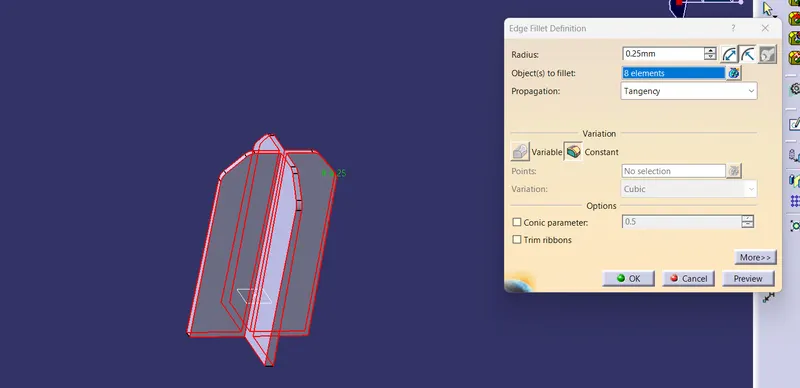
Fillet - 0.25
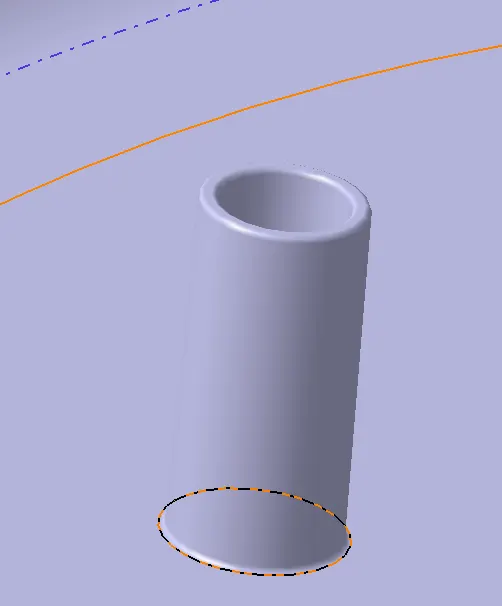
REASONS FOR HEAT STAKING:
1. Multiple staking shapes for different benefits.
2. Excellent durability.
3.No extra materials are needed.
4. Increased efficiency.
5. Easy Maintenance.
Principle 3-2-1
The 3-2-1 method is a work-holding principle where three pins are located on the 1st principle plane, i.e., either XY, YZ, or ZX. And two pins are located on the 2nd plane perpendicular to the 1st plane, and at last, one pin on the plane is mutually perpendicular to the 1st and 2nd planes. The aim is to constrain the movement of the workpiece along all three axes.
Locator
A Component Can Have 12 deg of freedom To arrest this Degree of freedom we use a locator & Heat stake.
A 2-way locating pin restricts motion along 1 axis (or 2 degrees of Freedom)
A 4-way locator pin prevents movement at 2 axes (+X, -X, +Y, and -Y) on the plane.
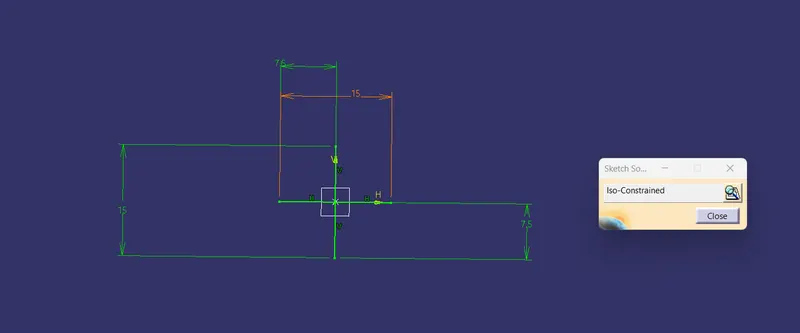
pad
draft 0.5deg along the tooling axis
entry Chamfer
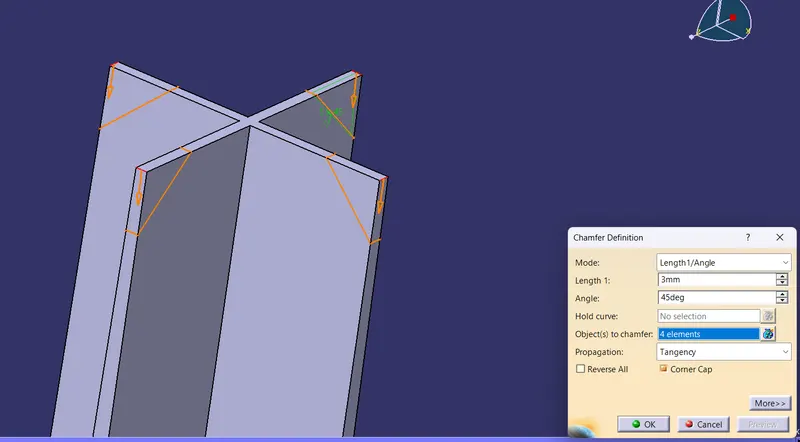
Fillet 0.25mm
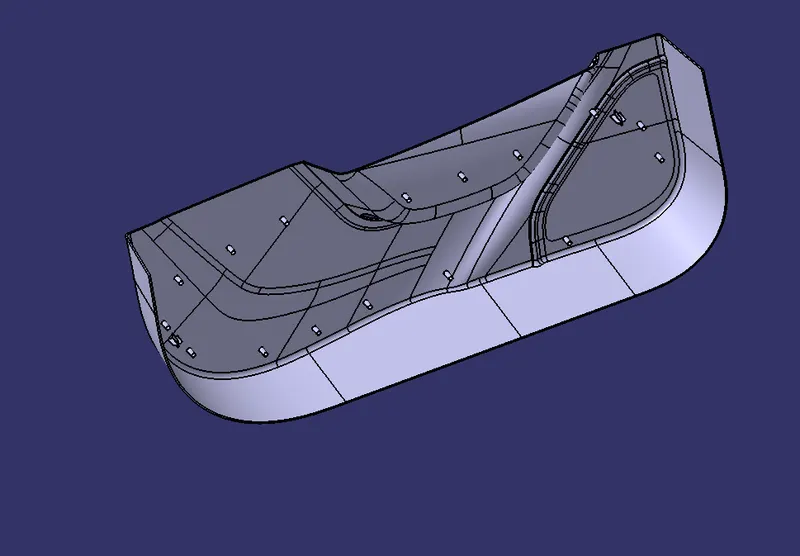
Draft analysis 0.45deg it clear
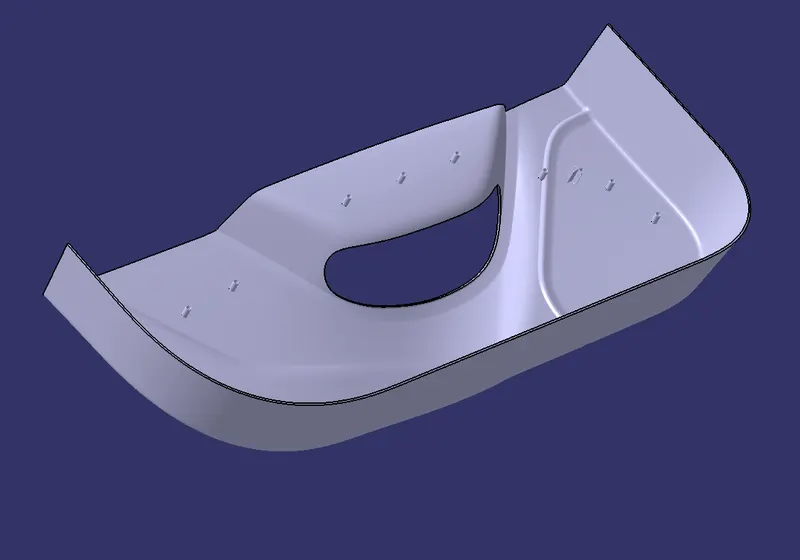
isometric view
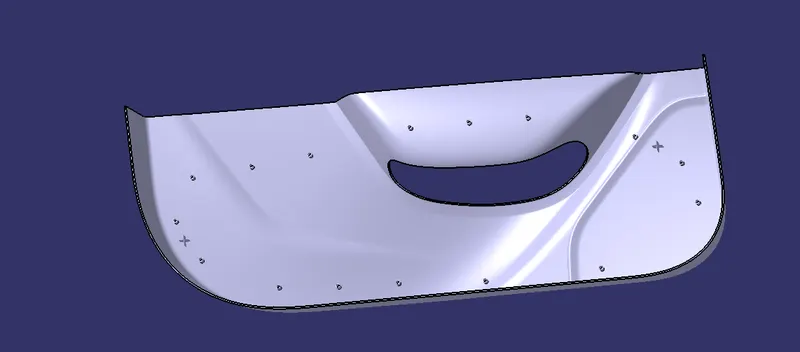
top
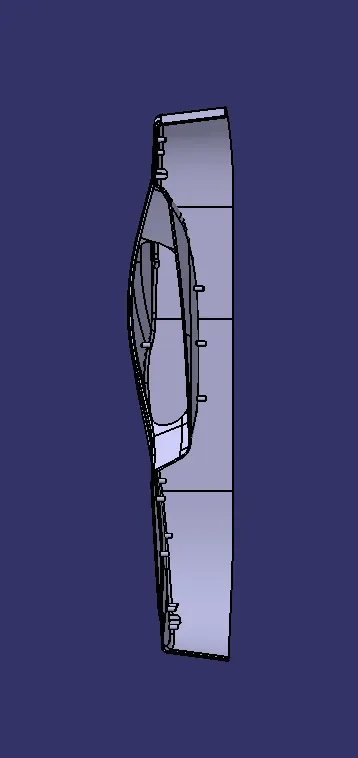
front
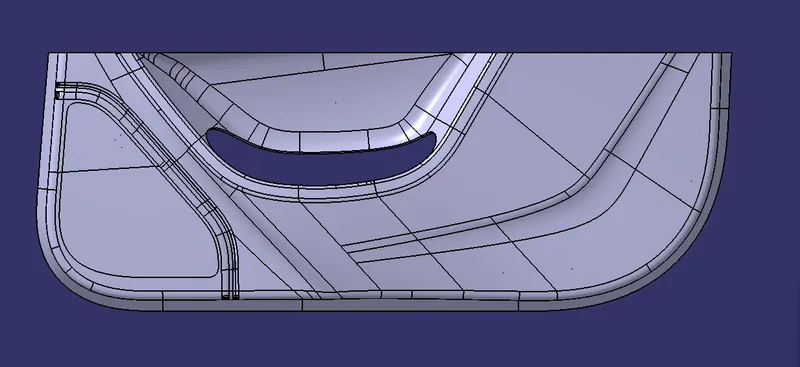
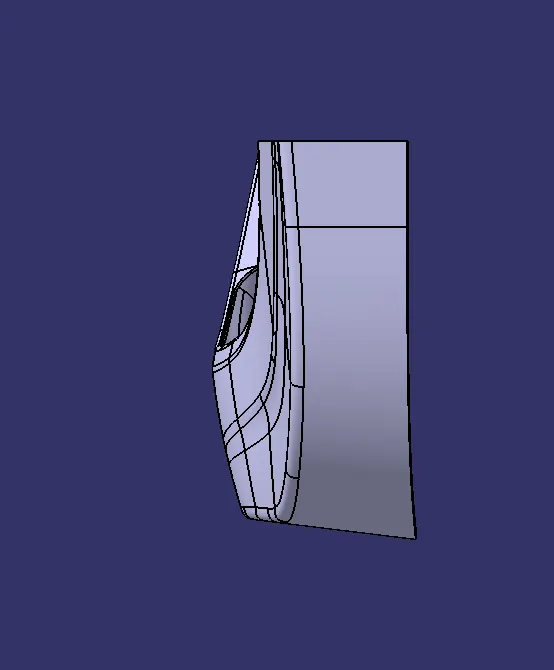
side
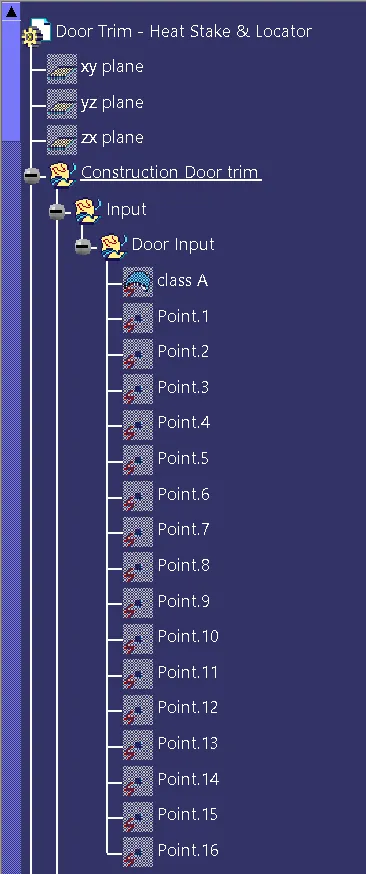
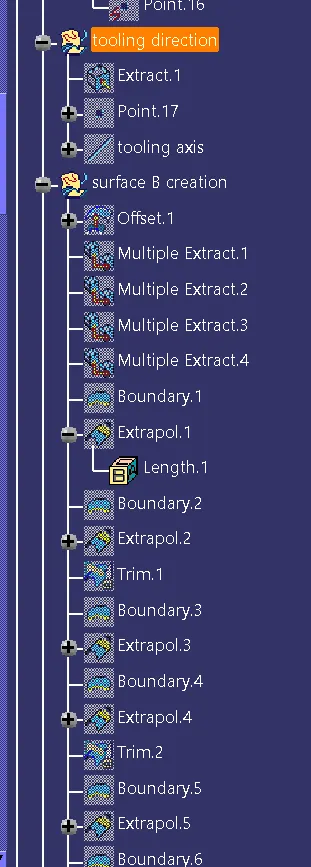
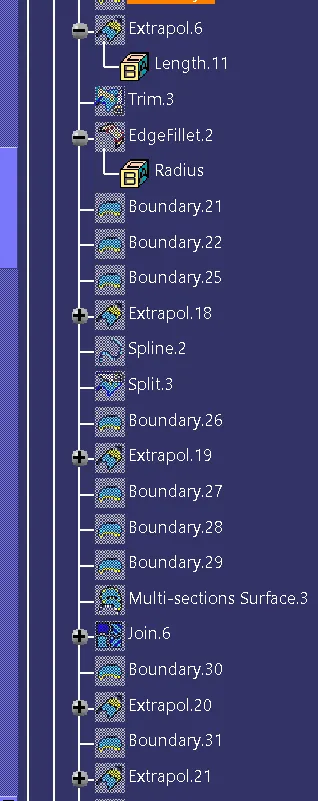
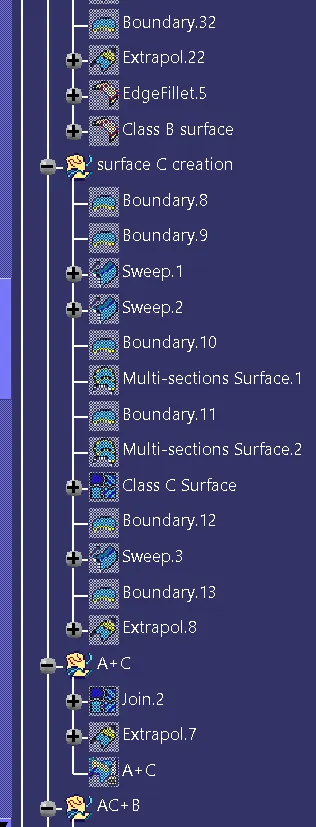
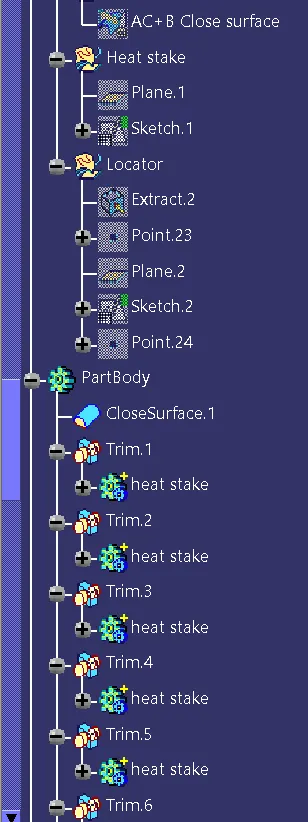
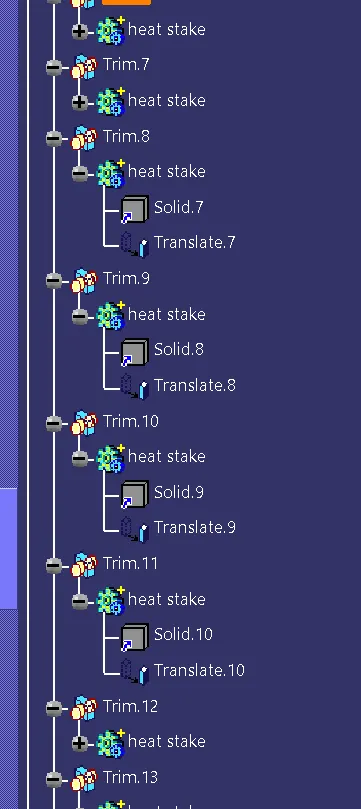
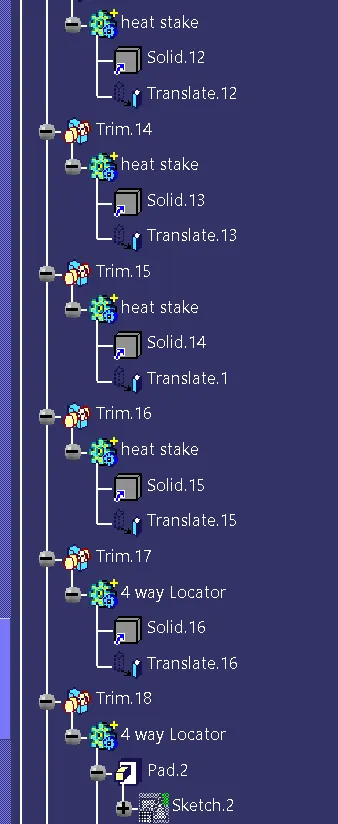
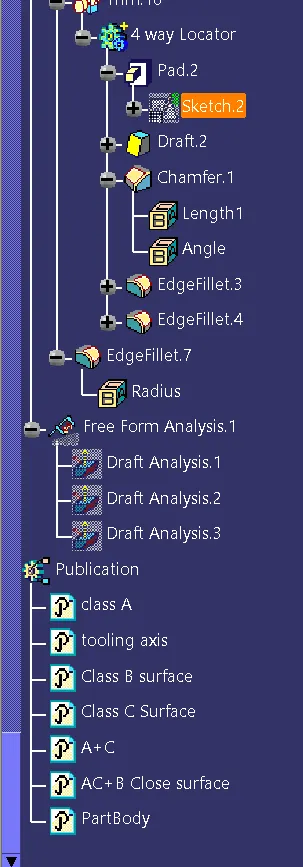
Tree