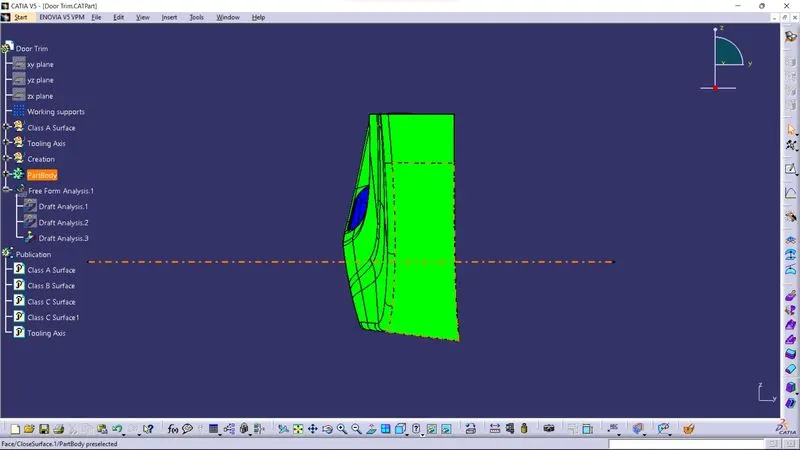
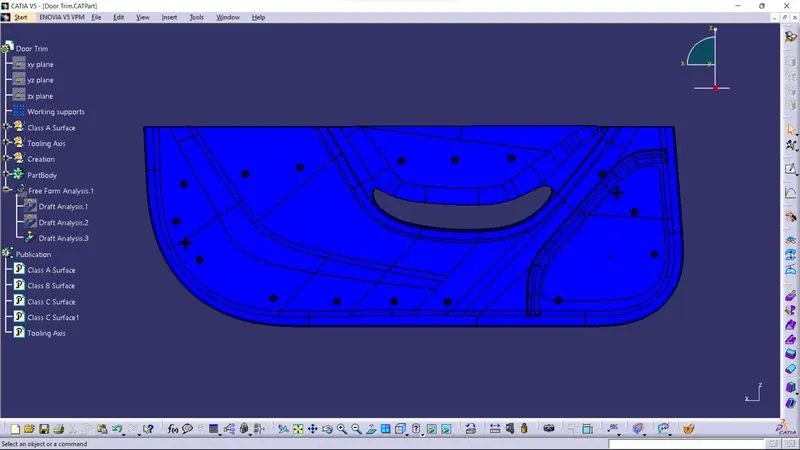
Week 9 - Project 1 - Door Trim Lower with Engineering Features
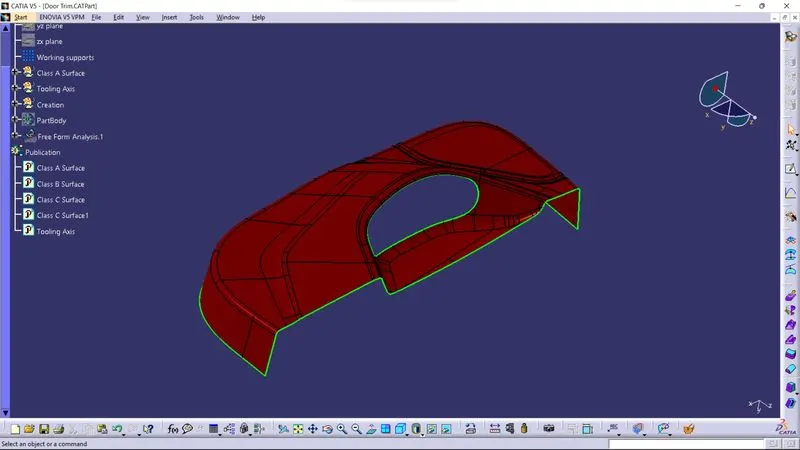
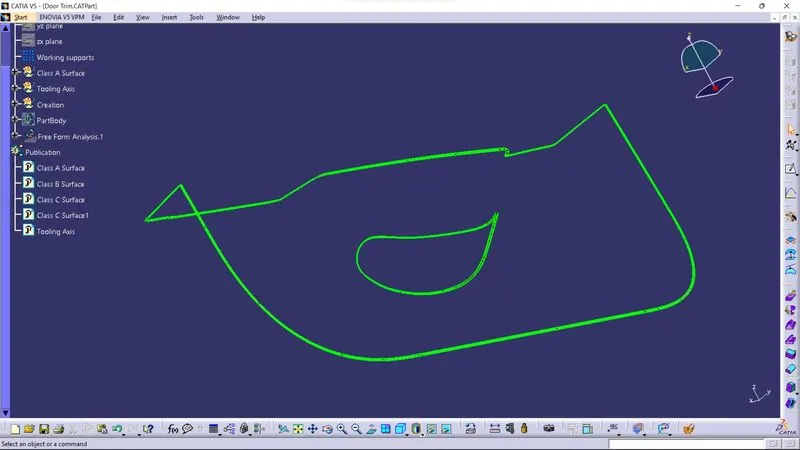
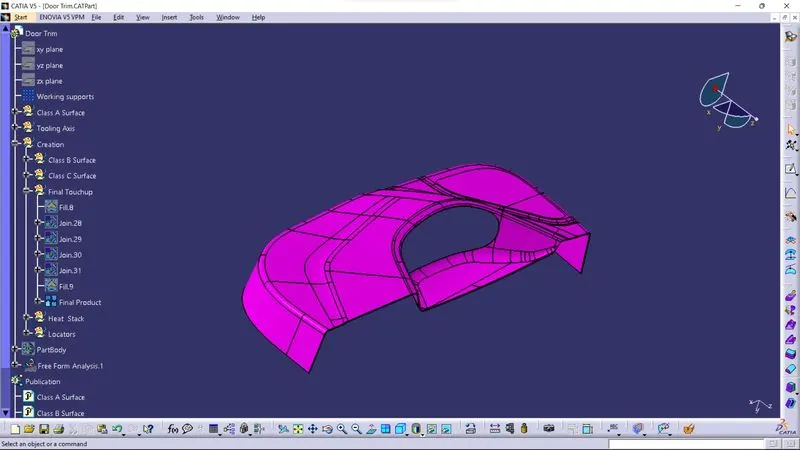
o Screenshots of the Draft analysis report for the given Class-A surface.
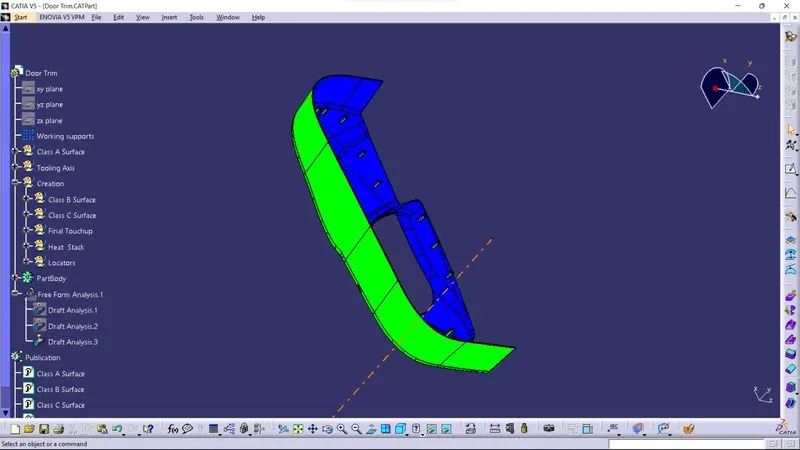
o As we get Tooling Axis, we can do Draft Analysis.
o Before do the Draft Analysis, we have to ensure that, we have kept component into
material view mode.
o Then click on Feature Draft Analysis tool, so we get two boxes shown in above image
at the right side.
o From there we have to select compass and this compass will be seen at screen, then
we have to align this compass with Tooling axis, by moving compass.
o Once compass is align with Tooling Axis, then click on lock symbol and then click on
Class A Surface. So we get Colour on surface.
o Green colour indicates, that draft angle is above 3 degrees.
o Red colour indicates, that draft angle is between 0 to 3 degrees.
o Blue colour indicates, that draft angle is below the 0 degrees or its negative.
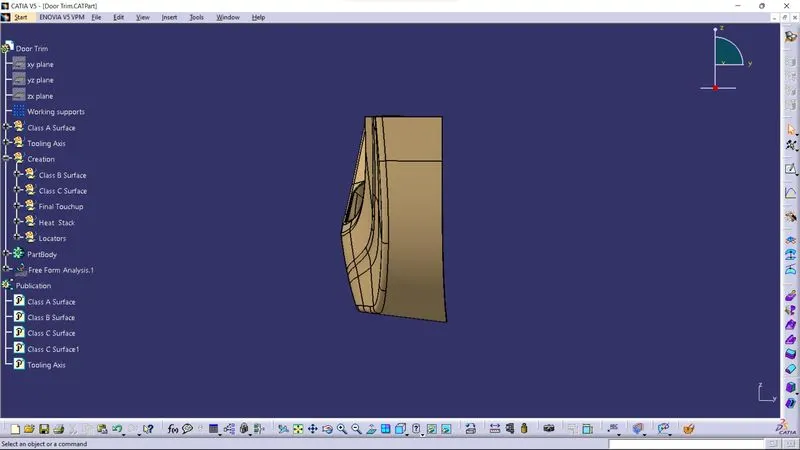
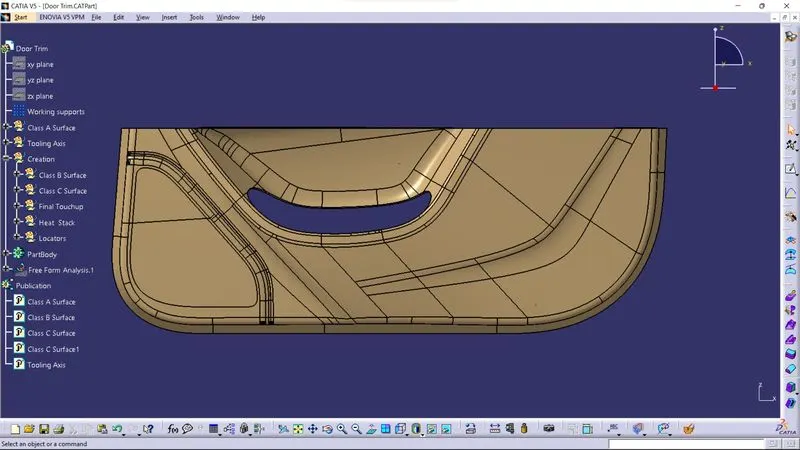
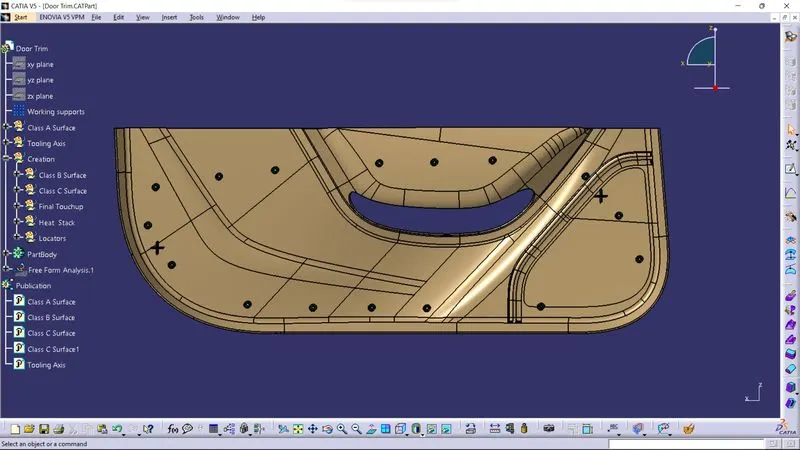
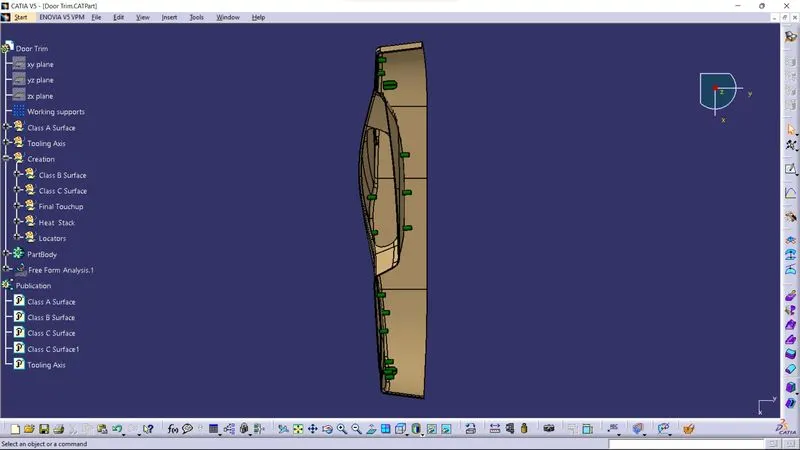
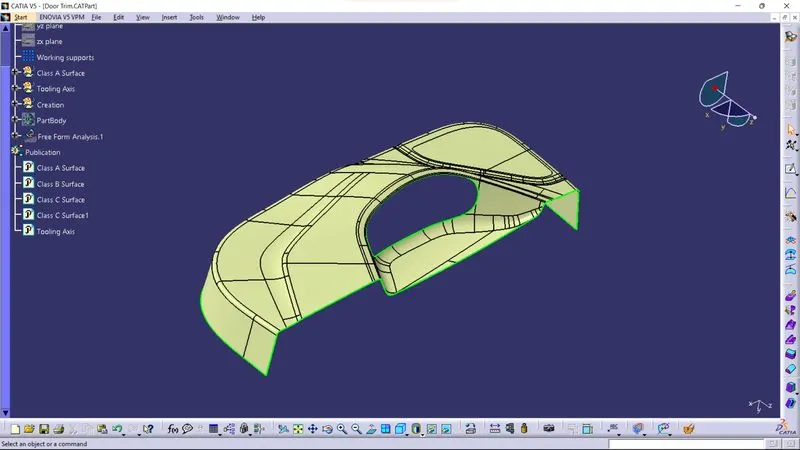
o Drfat Analysis for Final Plastic Component
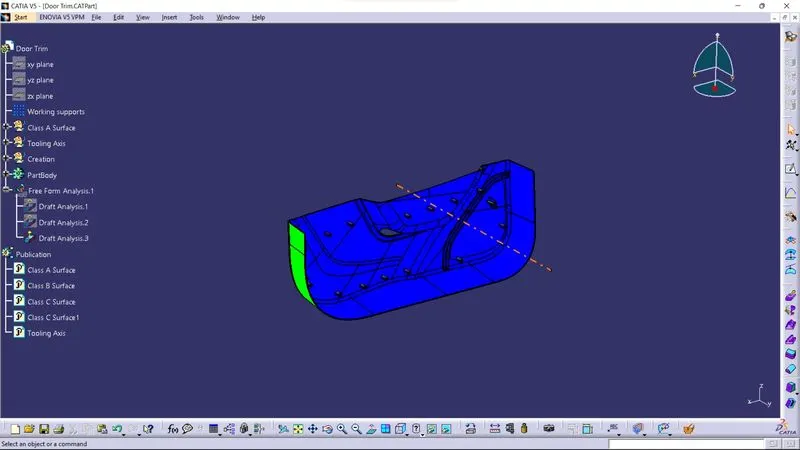
o Before do the Draft Analysis, we have to ensure that, we have kept component into
material view mode.
o Then click on Feature Draft Analysis tool, so we get two boxes shown in above image
at the right side.
o From there we have to select compass and this compass will be seen at screen, then
we have to align this compass with Tooling axis, by moving compass.
o Once compass is align with Tooling Axis, then click on lock symbol and then click on
Fianl Plastic Component. So we get Colour on surface.
o Green colour indicates, that draft angle is above 3 degrees.
o Red colour indicates, that draft angle is between 0 to 3 degrees.
o Blue colour indicates, that draft angle is below the 0 degrees or its negative.