Week 9 - Project 1 - Door Trim Lower with Engineering Features
Door Trim Lower with Engineering Features :-
Aim-
Create the Door Trim Lower Plastic component through the given Class-A surface. To begin with, the tooling axis for the given Class-A Surface should be created meeting the requirements of the draft angle and at the end perform the Draft analysis on the model. Create the Heat Stakes and the locators considering the design rules.
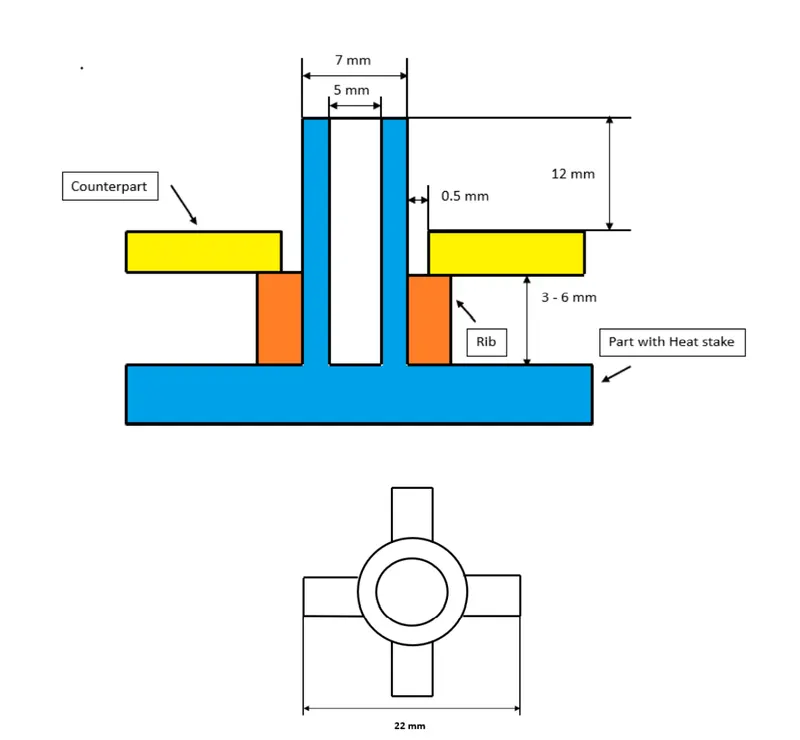
Heat Stakes design-
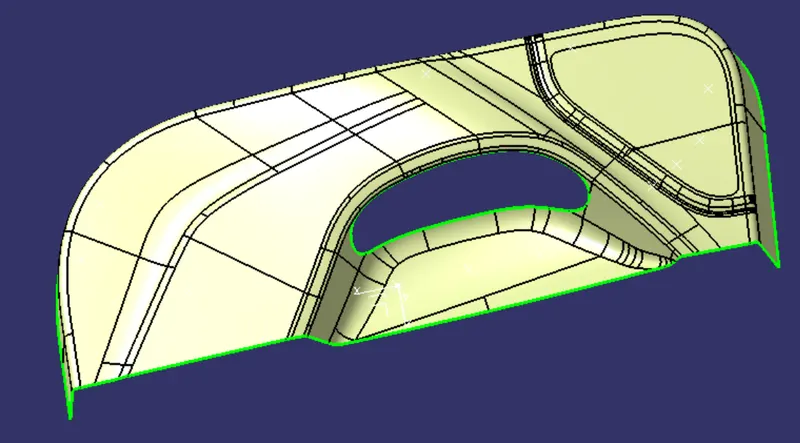
Given Class A Surface-
Class B Surface-
To create class B surface offset the class A with proper direction and distance. Here distance is the thickness of the component. As no given thickness is provided, so we are asuming the thickness value is 3MM. Reasult after offseting-
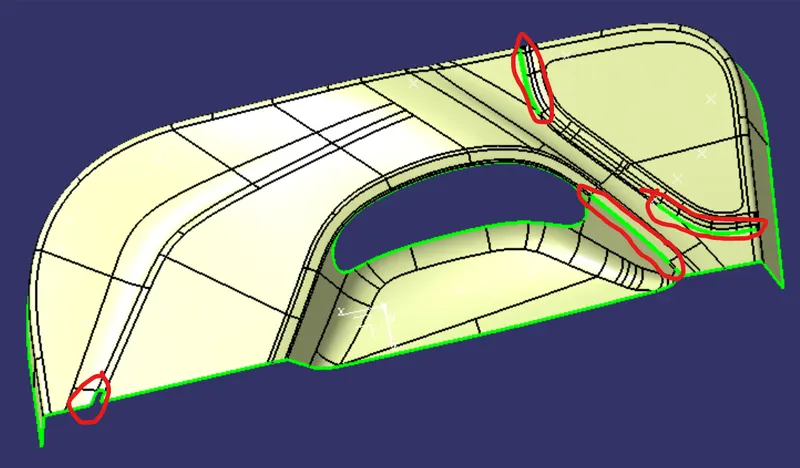
Perticulerly the marked area of the surface not offseted properly. So we will fill that area and the final surface is class B surface.
Class C Surface-
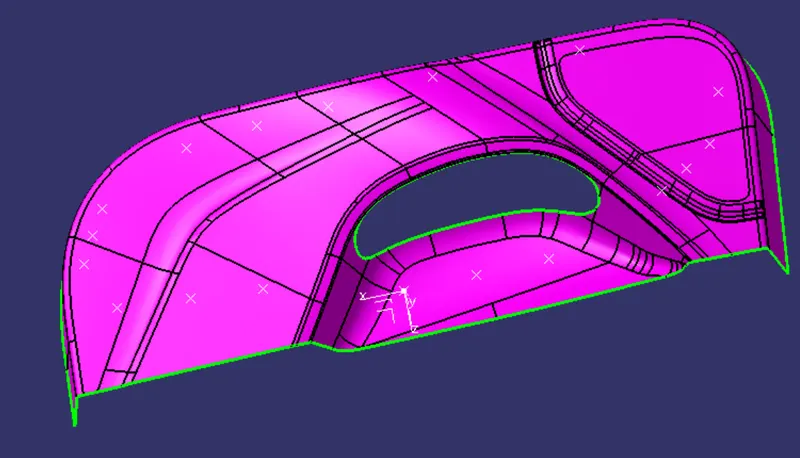
To create class C surface create boundary using class A surface boundary with 'Boundary' command in 5 parts. And use 'Sweep' command to create a surface that is in 90 deg. angle with class A surface. The reasulyent surface will be the class C surface.
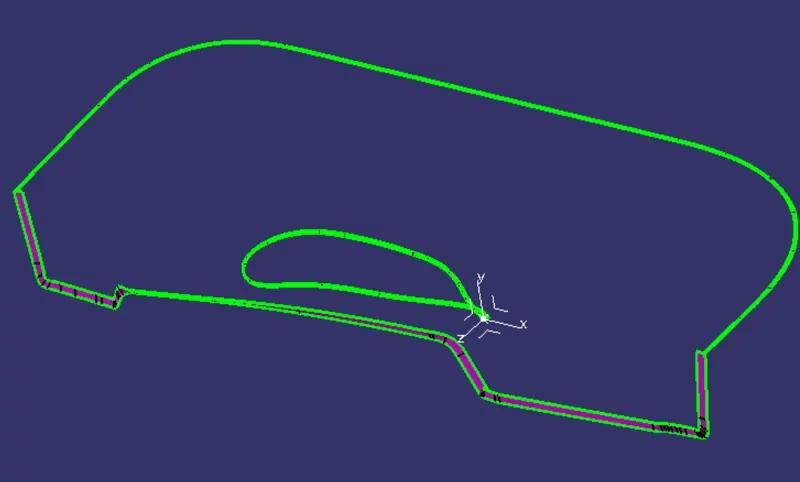
Final Closed Surface-
Class C surface trimmed with class B surface properly and joined with class A.
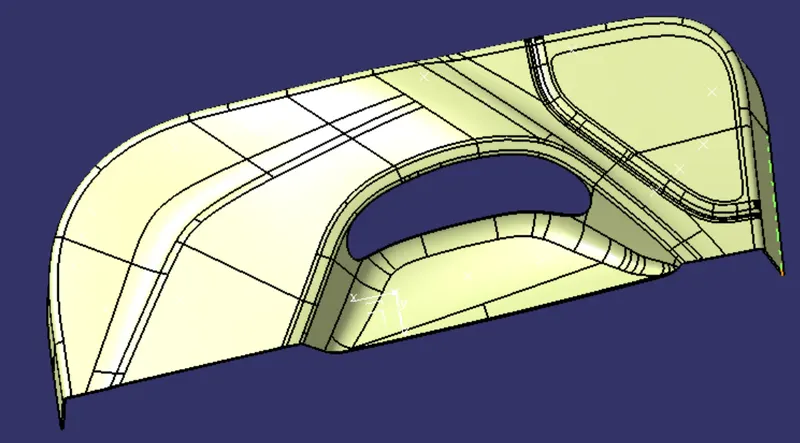
Solid Body-
Using 'Closed Surface' command of Part Workbench we have to make make the body solid.
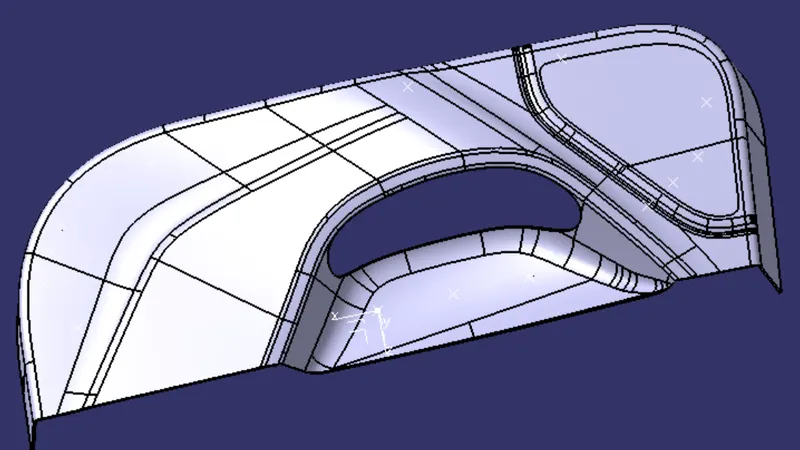
Draft Analysis-
Designers of plastic parts and mould tooling manufacturers can use the Draft Analysis tool to check the correct application of draft to the faces of their part. With draft analysis, you can verify draft angles, examine angle changes within a face, as well as locate parting lines, injection, and ejection surfaces in parts.
Class A Surface draft analysis-
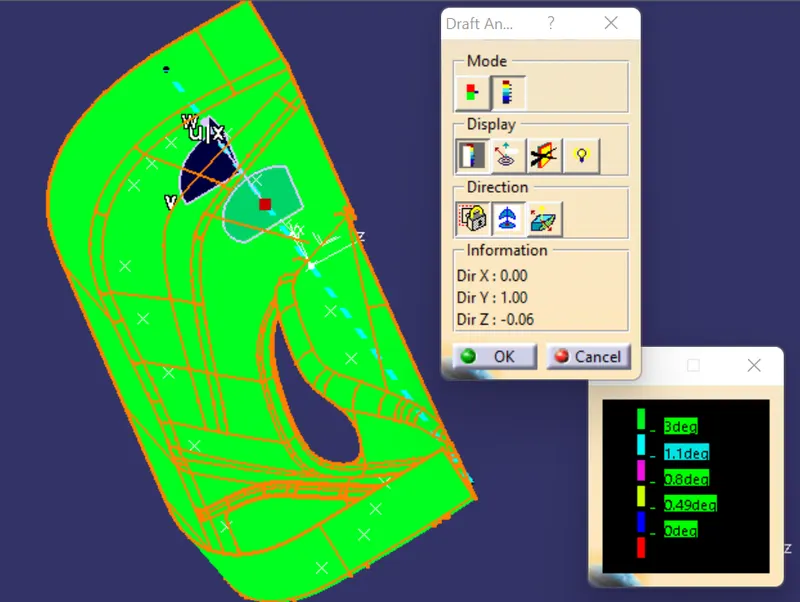
We can see that all surfaces are clearing the draft angle of 3 degree.