Week 9 - Project 1 - Door Trim Lower with Engineering Features
AIM
class-A surface from a vehicle door is provided to me to design a part model and validate it.
From this Door Lower part
Class - 'A' surface, first I need to check whether the surface has some boundary irregularities and
any open boundaries. After checking I need to create a Tooling Axis for the Class - 'A' surface
TOOLING AXIS
This type surface i have used normal to surface method to draw the tooling axis
first of all check the selected surface is clearing the all surface of the part and draw the normal to surface line
check the draft analysis for class a surface
DRAFT ANALYSIS FOR CLASS A SURFACE
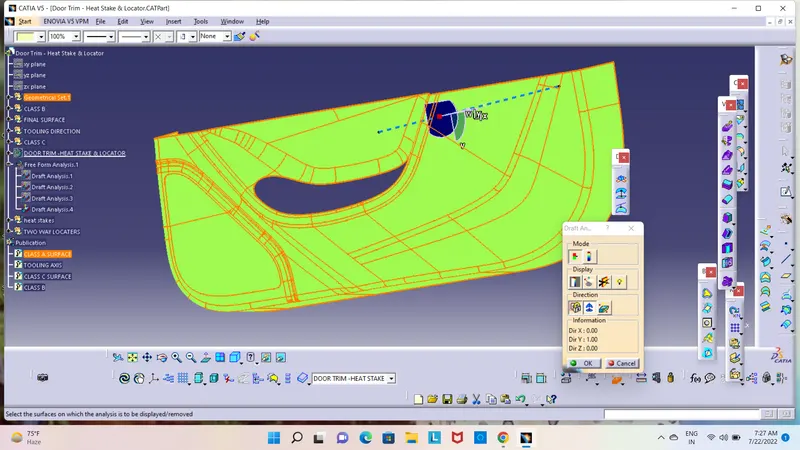
above image showing there is no negitive draft, it shows the 3 deg of draft .
CREATION OF CLASS B SURFACE
Using offset command offset the given class a surface 2.5 mm
and check the boundry ,any discontinous are find there jion the surface make sure only one boundry and also extrapolate the surface
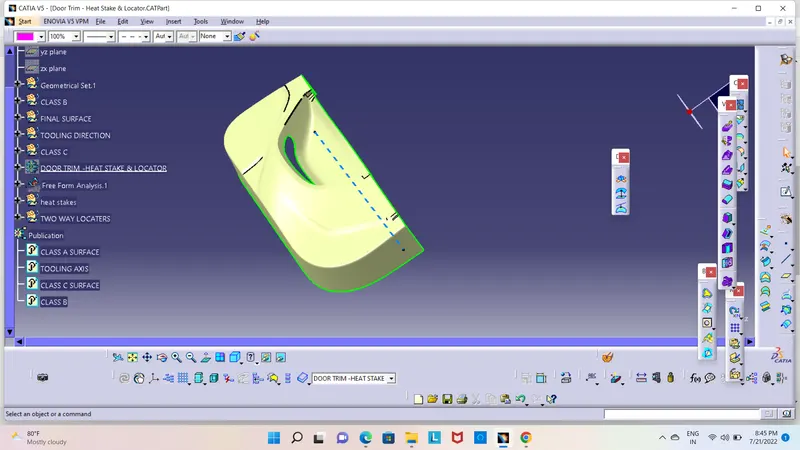
CREATION OF C SURFACE
Extract the boundry from class a surface using the sweep command sweep and sweep it 87 deg and jion with class a surface
and trim with class b surface
and go to the part design and close the surface
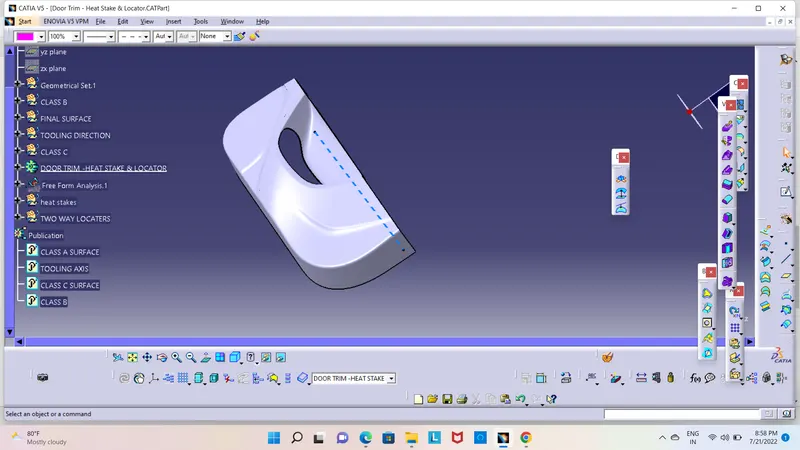
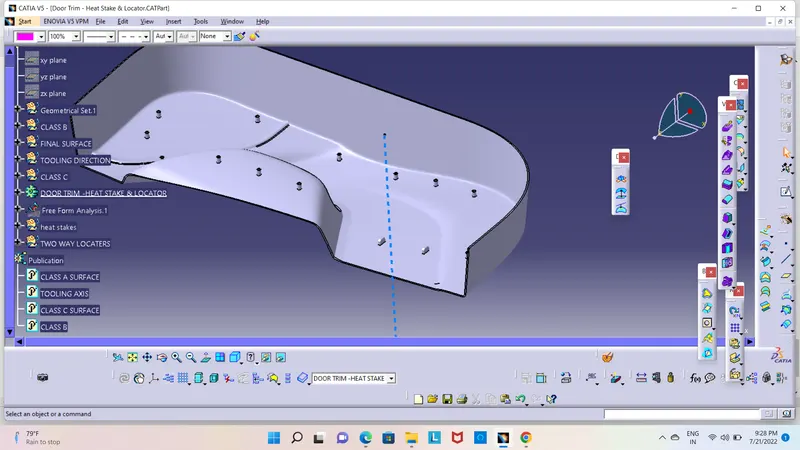
DESIGN OF HEAT STAKE
First select the surface and give the points in the edge of plastic component
and go to the sketch and draw the circles and constrained it
and go to the part design and pad it
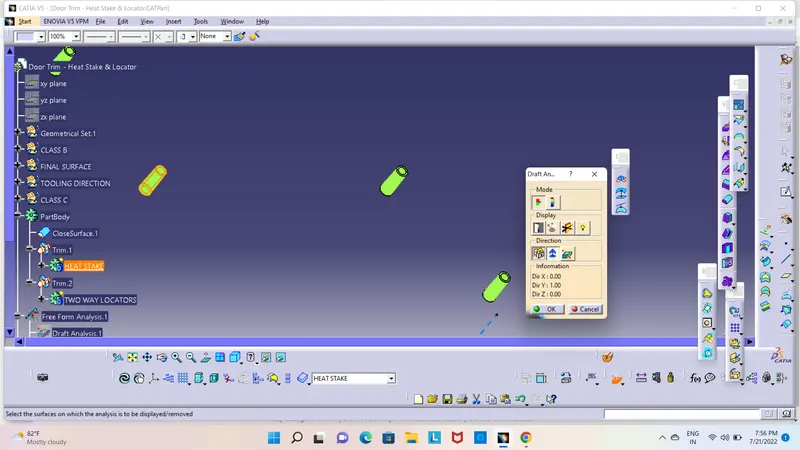
next draft the surface with 1.5 deg
and copy the body paste special using trnslartion command in point to pont type and add to all body to one body
and union trim with part body
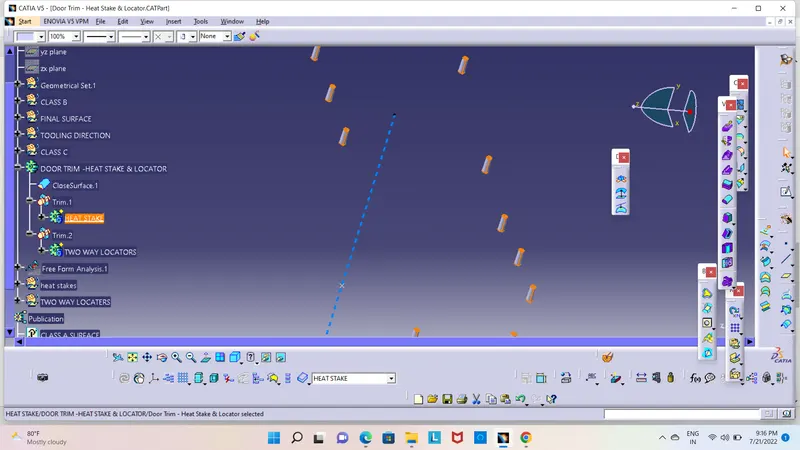
DESIGN OF LOCATERS
go to the sketch and draw the lines and constrained it
and go to the part design and pad it
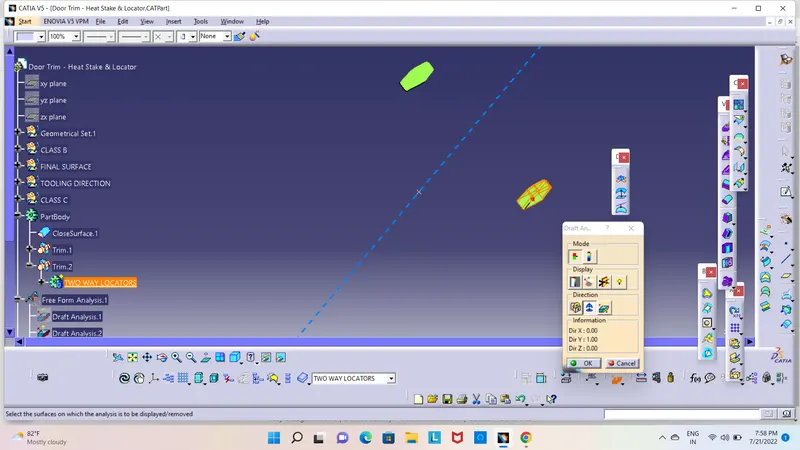
next draft the surface with 1.5 deg
and copy the body paste special using trnslartion command in point to pont type and add to all body to one body
and union trim with part body
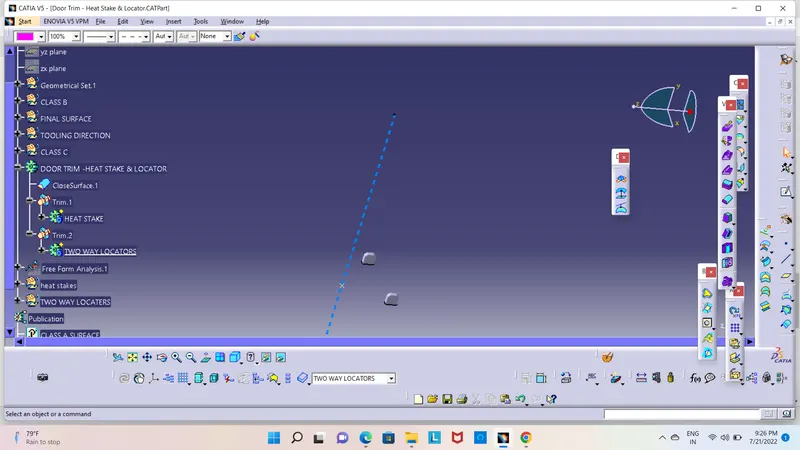
DRAFT ANALYSIS FOR LOCATERS
DRAFT ANALYSIS FOR HEAT STAKES
DRAFT ANALYSIS FOR FINAL PART
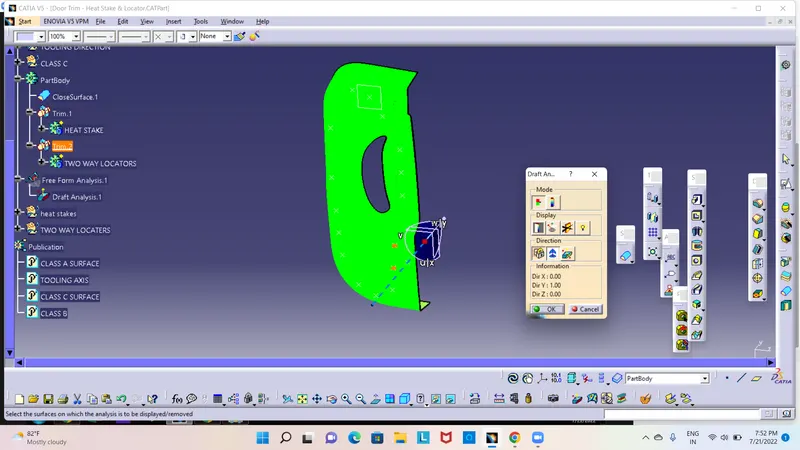
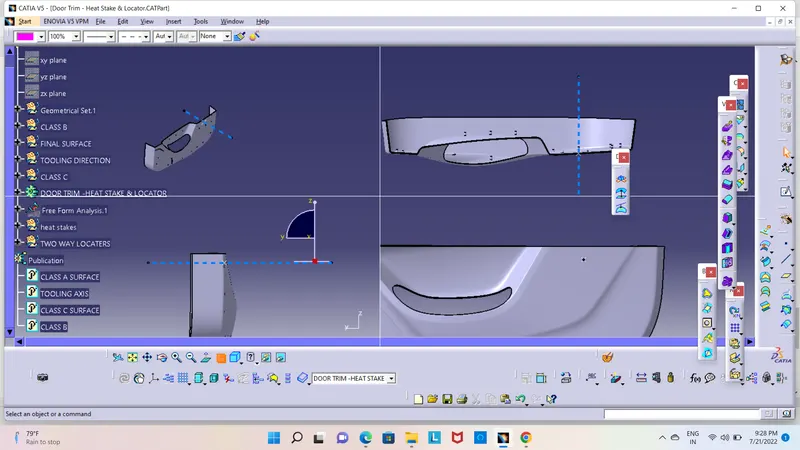
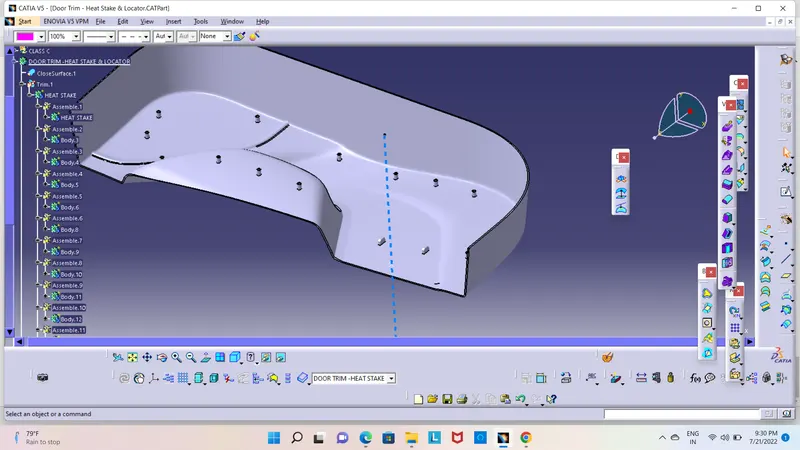
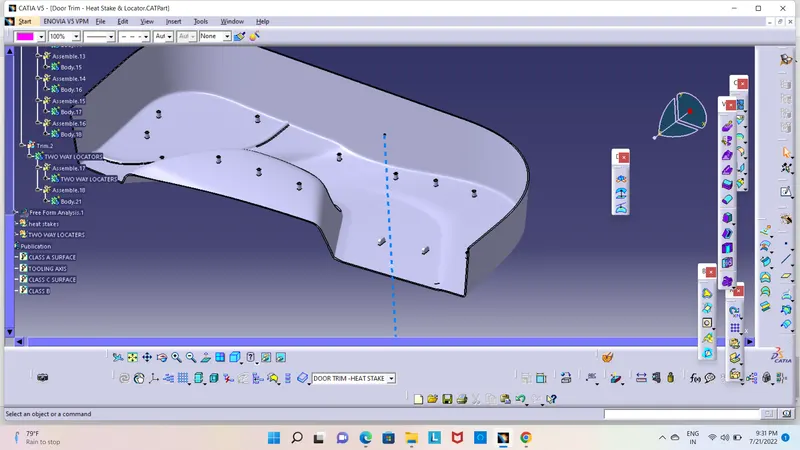
DIFFERENT VIEWS OF SOLID PART & TREE STRUCTURE