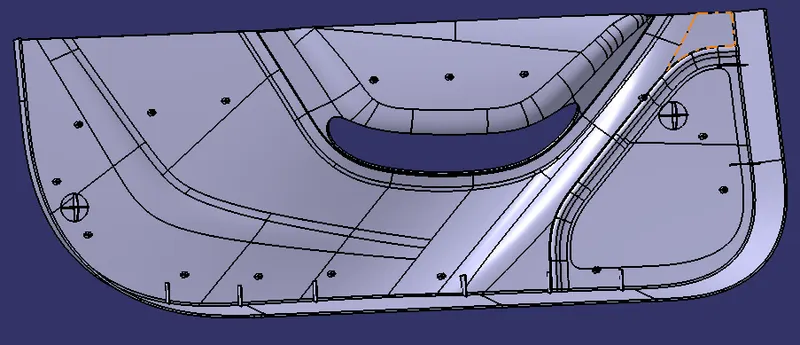
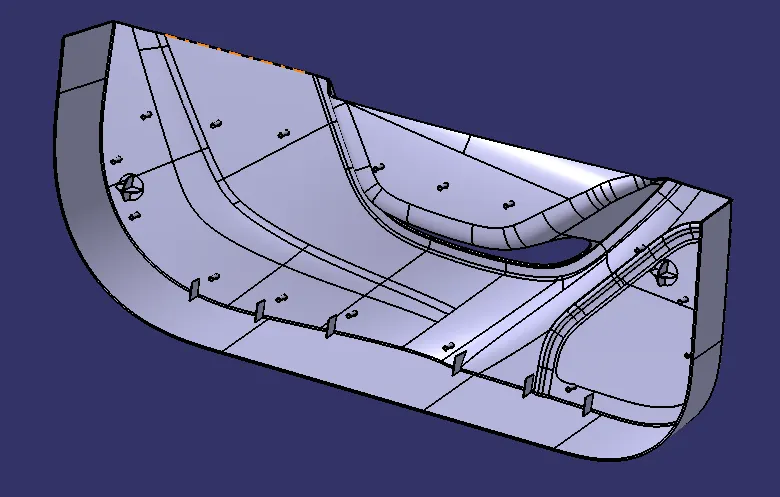
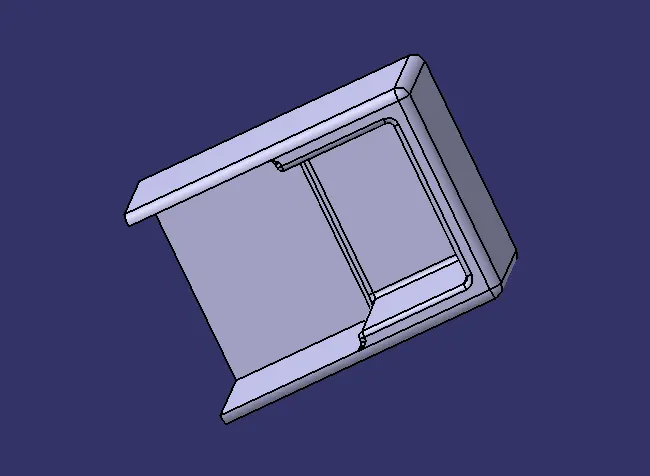
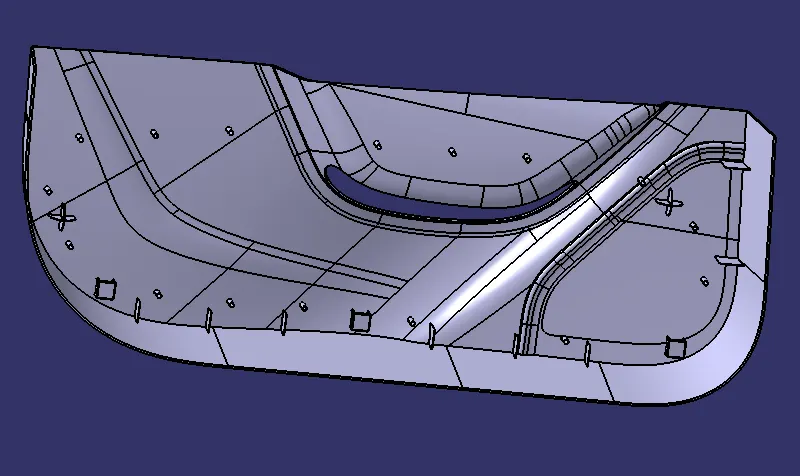
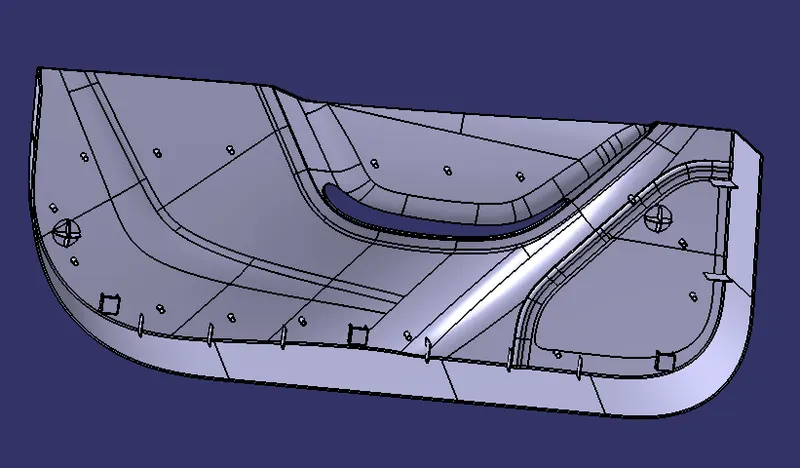
Week 9 - Project 1 - Door Trim Lower with Engineering Features
1. A detailed report should be done explaining the draft analysis at the Class A surface.
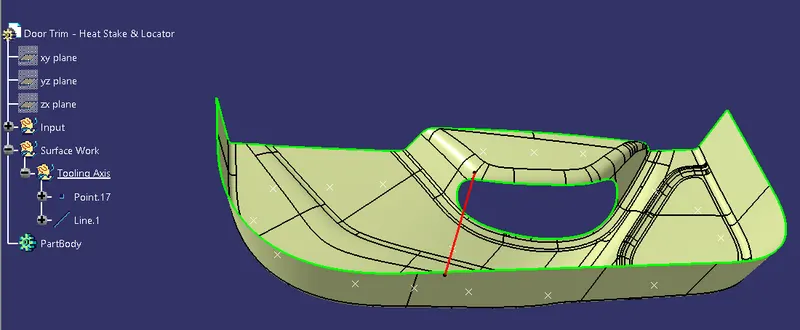
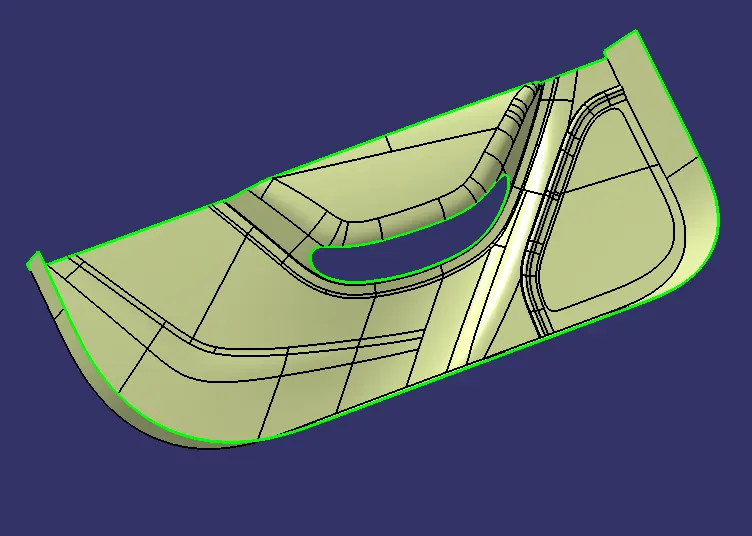
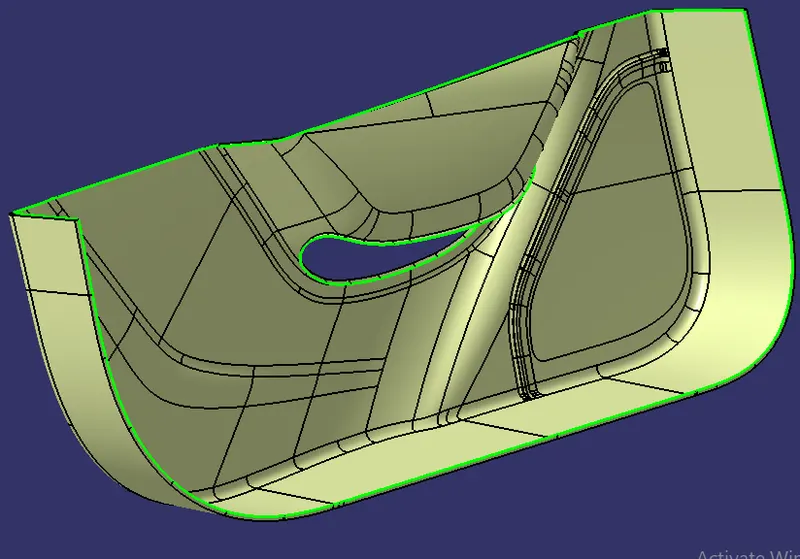
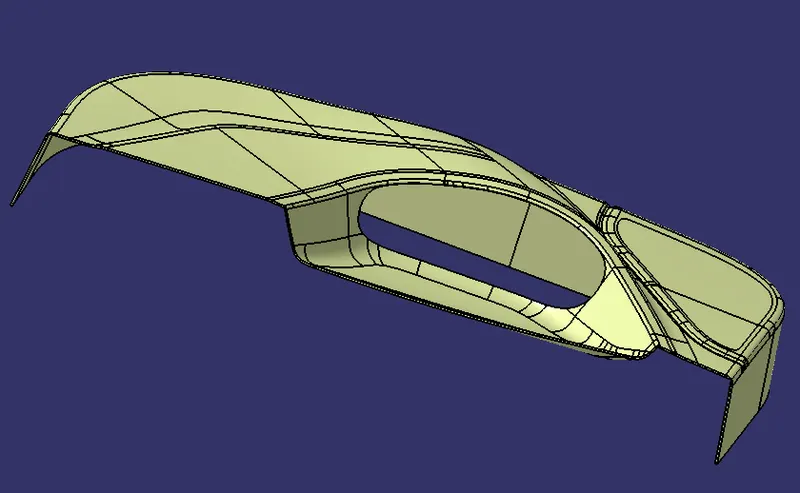
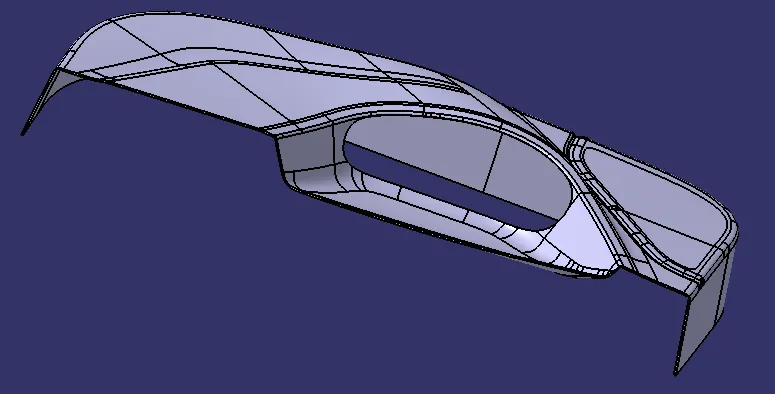
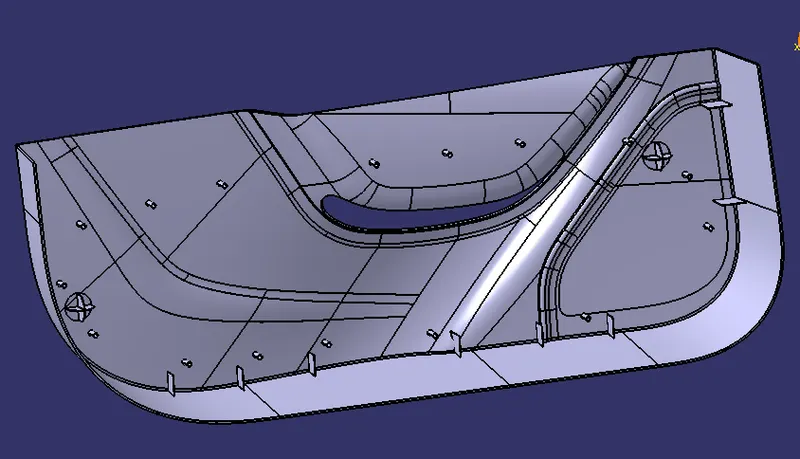
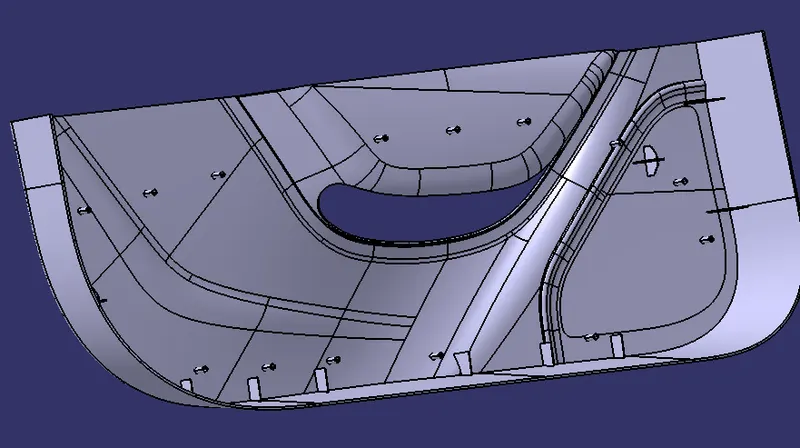
Draft analysis on Class A surface of Door trim Lower -
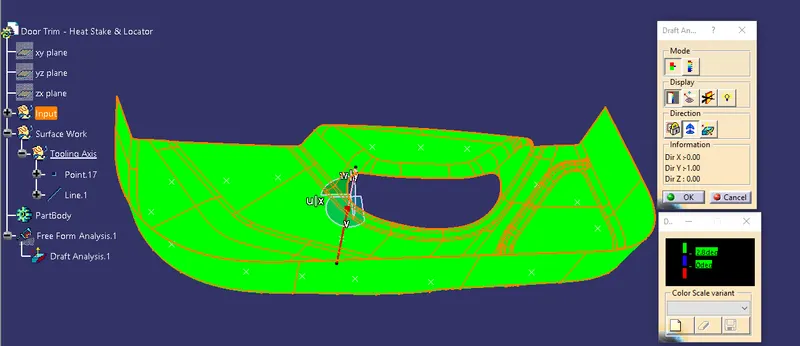
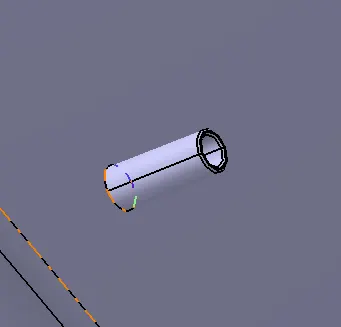
Step 1- Open draft analysis and move the compass to coincide with the Tooling axis
Step 2- Lock the compass and check the radius/angles using the running analysis option-
Step 3- Set the color code for the draft angle i.e green for above 3 degrees, Blue for 0-3 degrees, and red for angle value lesser than 0.
Step 4- Click on the surface using light effect, if the color goes green throughout means your draft analysis is good and ready for manufacture-