Week 8 - Challenge 4 - Bumper
1. A detailed report should be done explaining the draft analysis at the Class A surface.
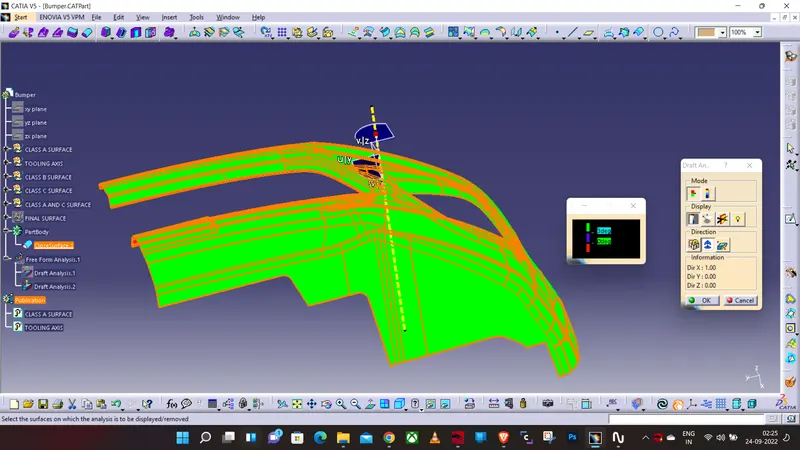
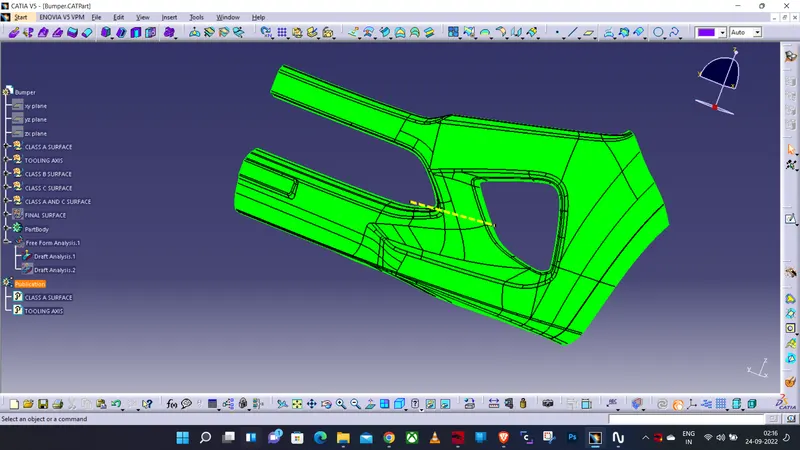
Draft analysis on Class A surface of Bumper-
Step 1- Open draft analysis and move the compass to coincide with the Tooling axis
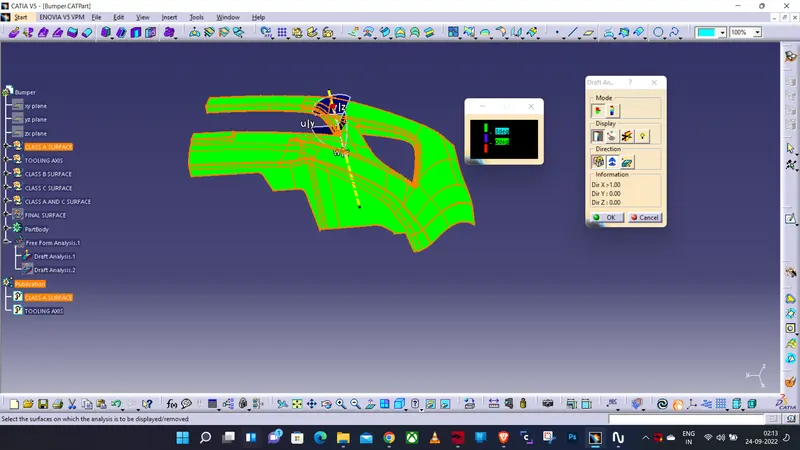
Step 2- Lock the compass and check the radius/angles using the running analysis option-
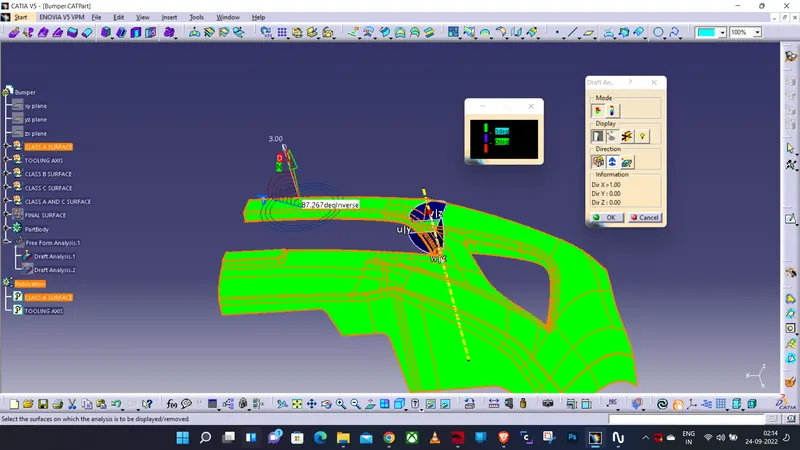
Step 3- Set the color code for the draft angle i.e green for above 3 degrees, Blue for 0-3 degrees, and red for angle value lesser than 0.
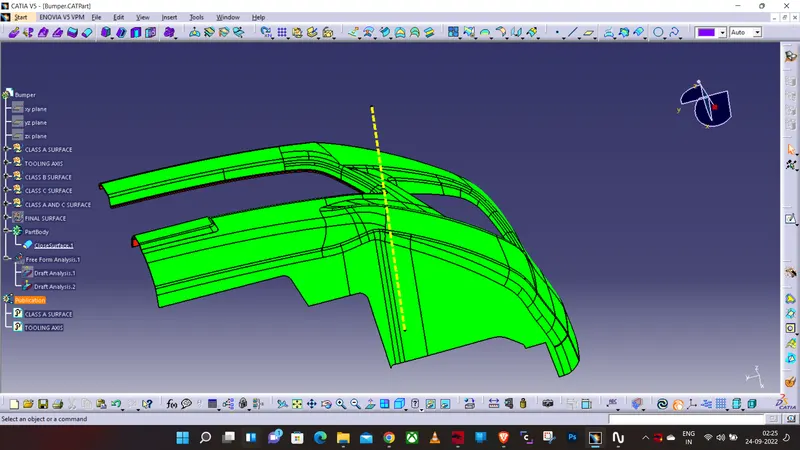
Step 4- Click on the surface using light effect, if the color goes green throughout means your draft analysis is good and ready for manufacture-
Now Creating Class B and Class C surface for Bumper-
2-An explanation should be given on the way of creating the tooling axis, particularly the Bisecting method.
ANS- Tooling Axis-
Now creating the tooling axis by using an intersection and a dummy axis-
1. open the file which contains the Class A surface, after creating a geometrical set "Tooling Axis" then select the most appropriate position, and in this select a base of the top flat surface.
2. Then create a point at the surface extracted then draw a dummy line on the z-axis.
3. After that create a plane on the point created with reference to the Z direction/ZX Plane.
4. Then select the intersect tool that gives the intersection on the Class A surface.
5. In this draw 2 lines using the point-point method below the screenshot.
6. the Last step creates a bisceting line using the 2 lines created, the common intersecting line will be used as the Tooling axis.
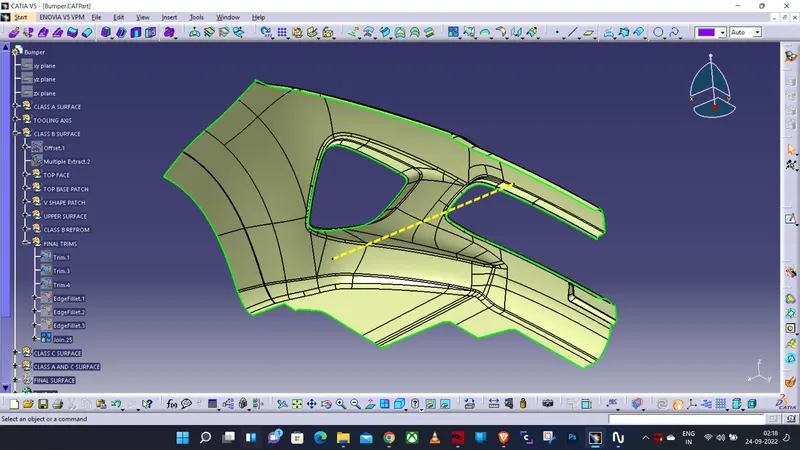
Creating B-Surface
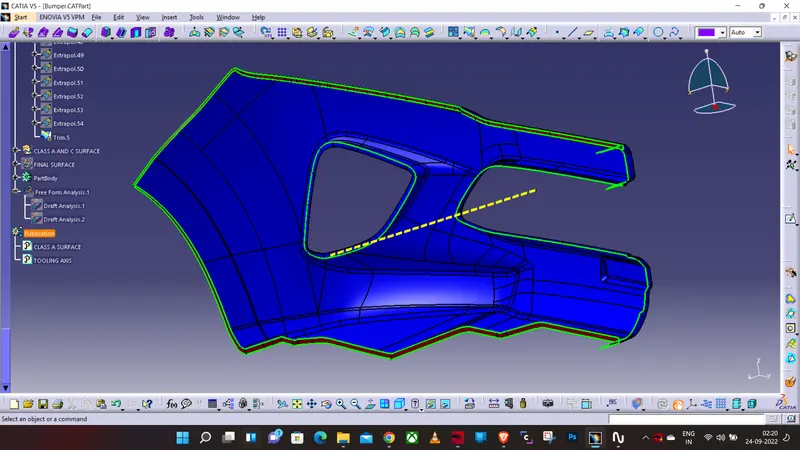
Creating Class-C Surface
Final Output
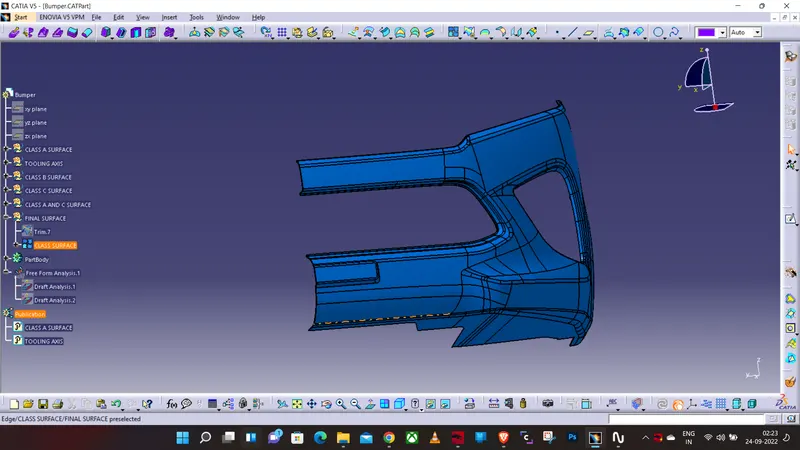
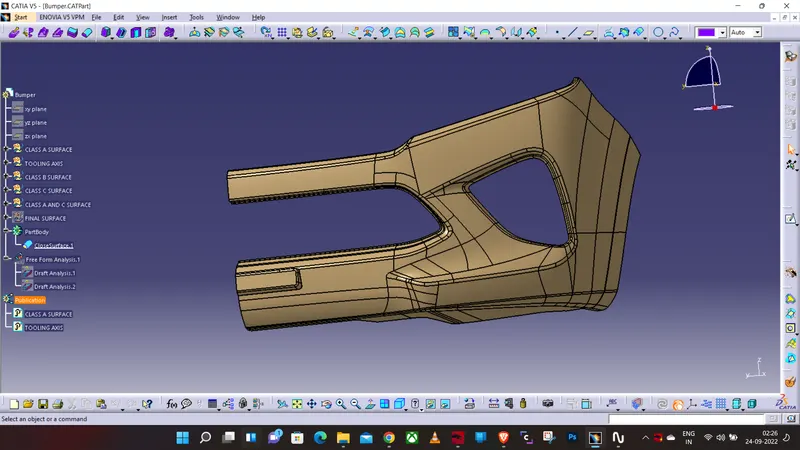
Draft Analysis on Solid Bumper Part-