Week 9 - Creating connection for Rear door
Aim: For the given Rear door model, create connections for all the components of model where it required.
Objectives:
- To check the geometrical errors in the CAD model.
- To check the CAD Topology and CAD Clean Up.
- To extract the Mid surface for all components of the CAD model and assign thickness to the mid surface.
- To achive mention qualitiy criteria and features of the model have to be captured properly with good mesh flow.
- To mesh the each mid surface for better mesh flow.
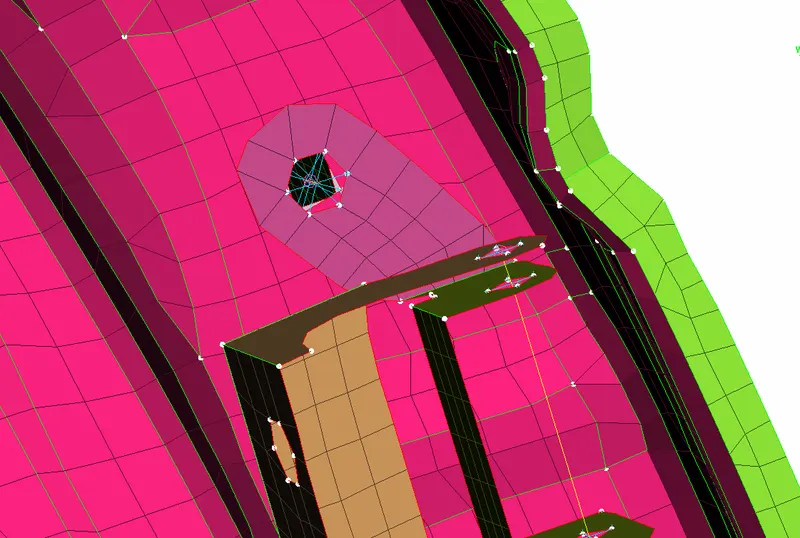
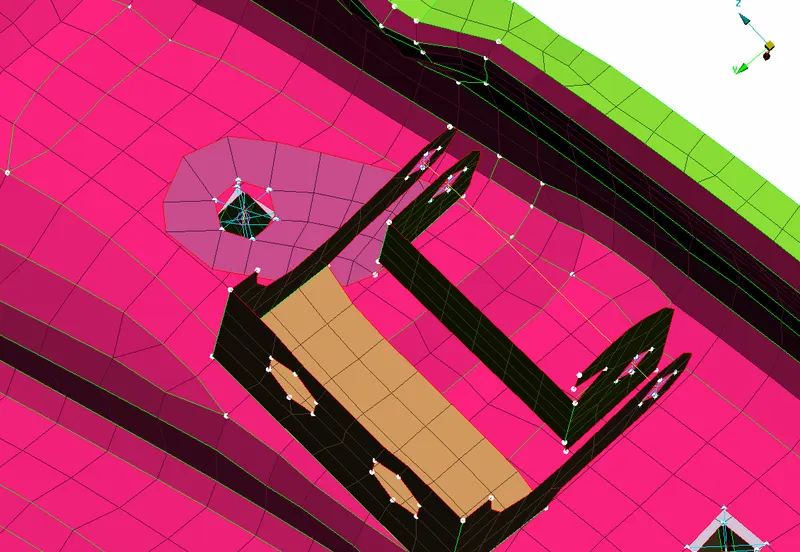
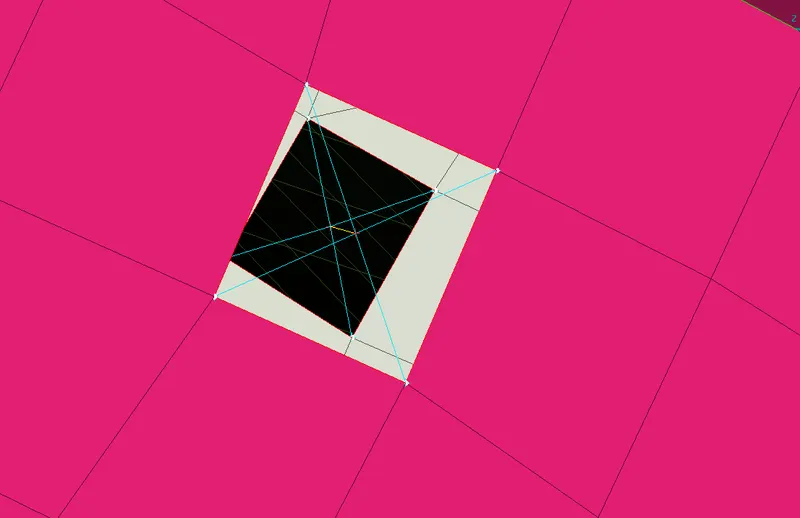
- To create suitable connection for Rear Door. TYPES OF CONNECTIONS: 1. BOLTS CONNECTION 2. SEAM WELD CONNECTION 3. SPOT WELD CONNECTION 4. C-BUSH CONNECTION 1.BOLT CONNECTION: Bolt connection is used to connect two or more than two mating parts temperary so in ANSA we have RBE2 to connects the bolts with the help of two or many node RBE2. In RBE 2 we require slave nodes and master nodes for making the connection.
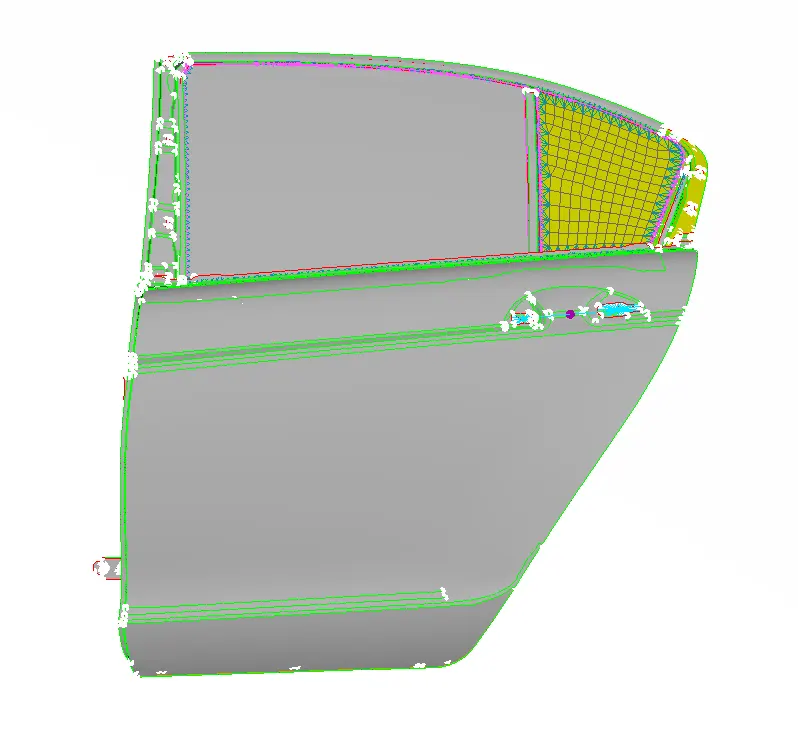
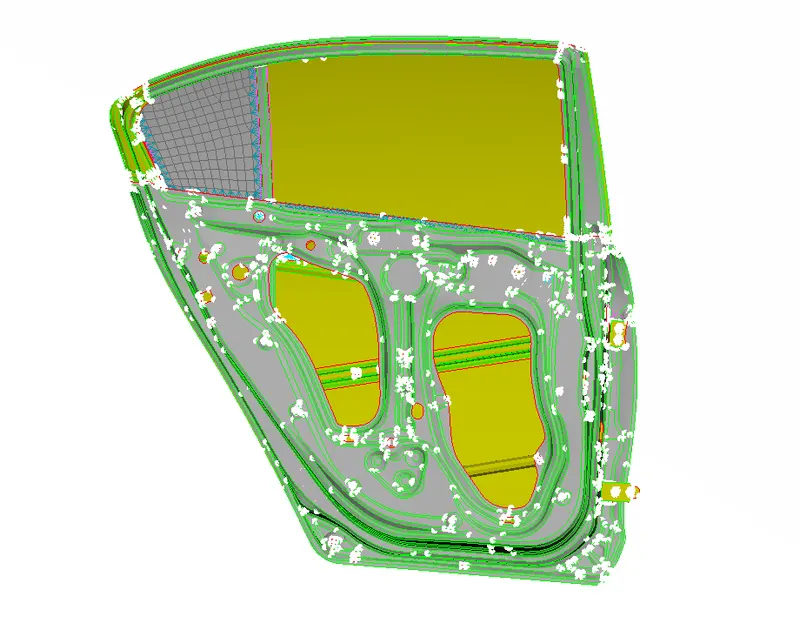
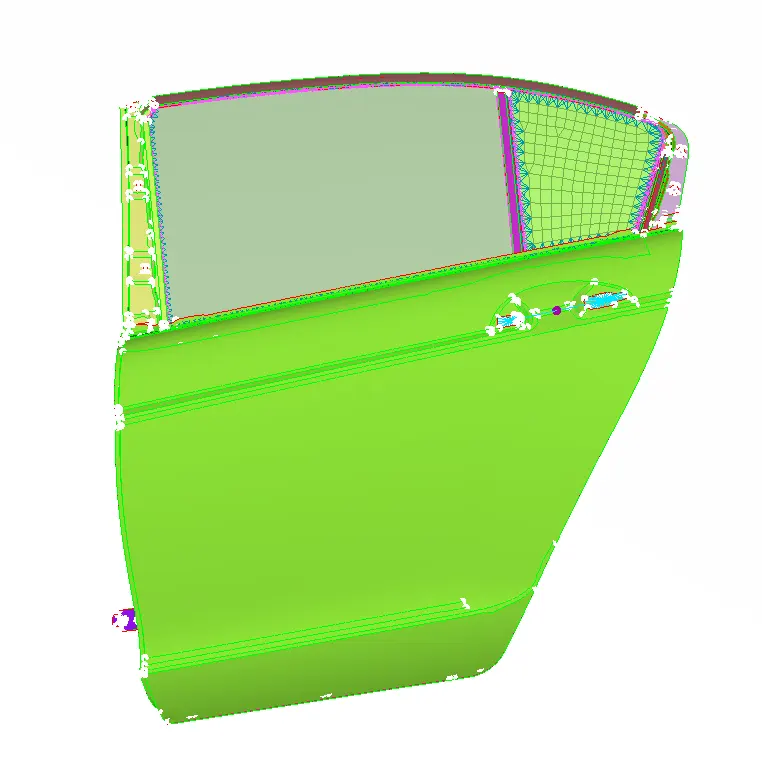
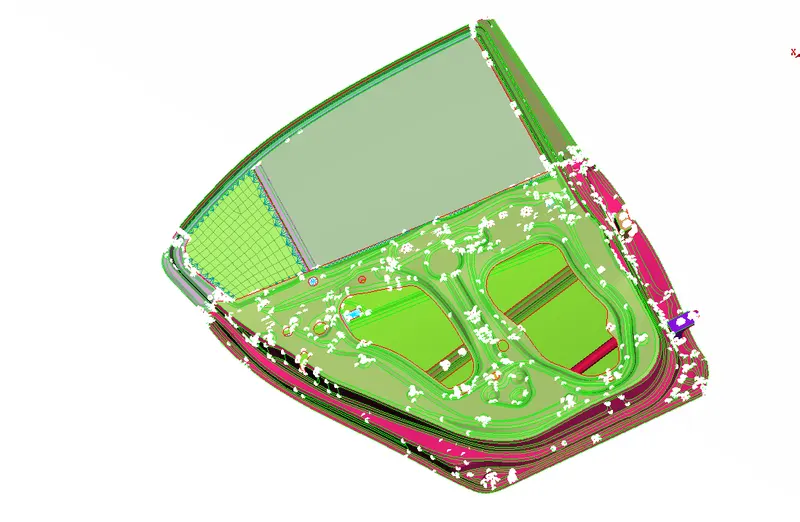
 2.SEAM WELD CONNECTION : Seam welding is a permanent joining process between two mating parts. In ANSA we have to know what is the lenght of connection so we create a curve and apply seam weld line on them and NASTRON dekh we use connection type as seam line and deplopy the connection in connection manager,seam weld line is created now, we select overlap seam weld in connection manager and seam weld RBE3 SEAM is created.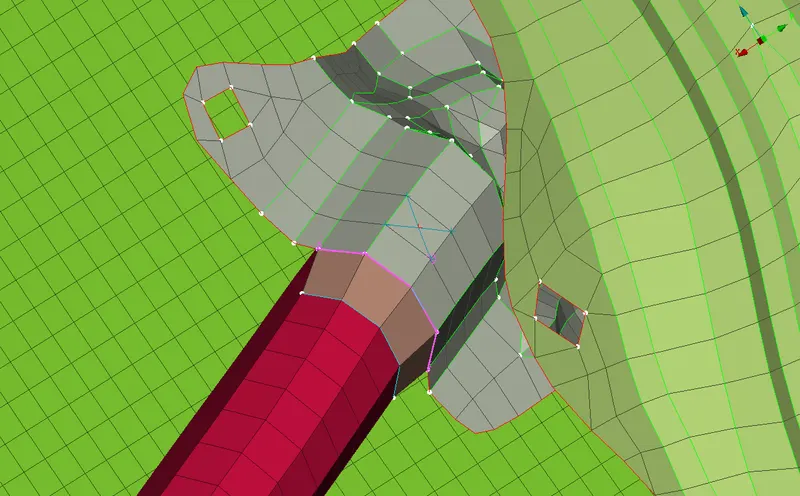
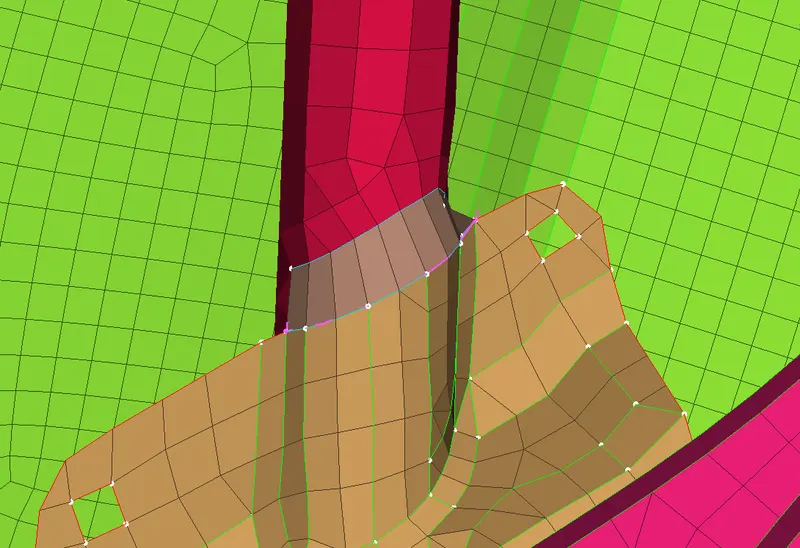
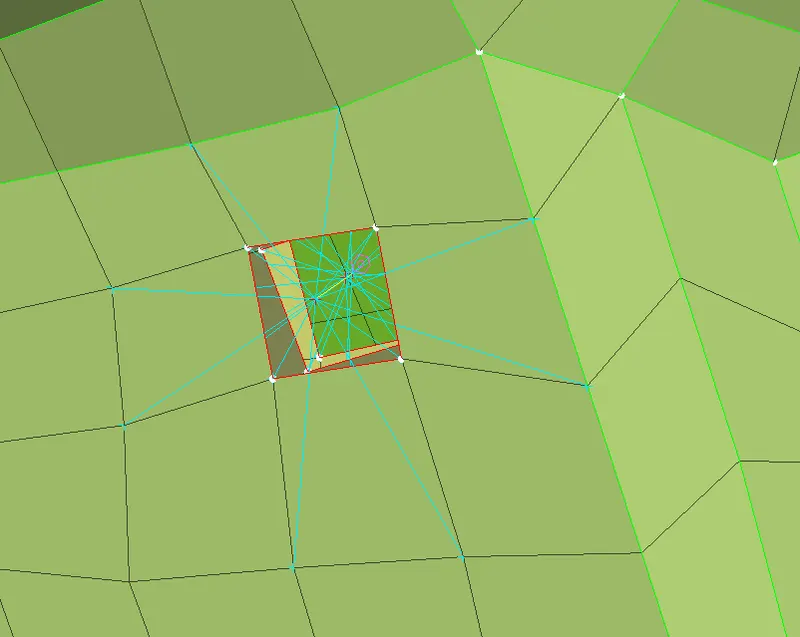
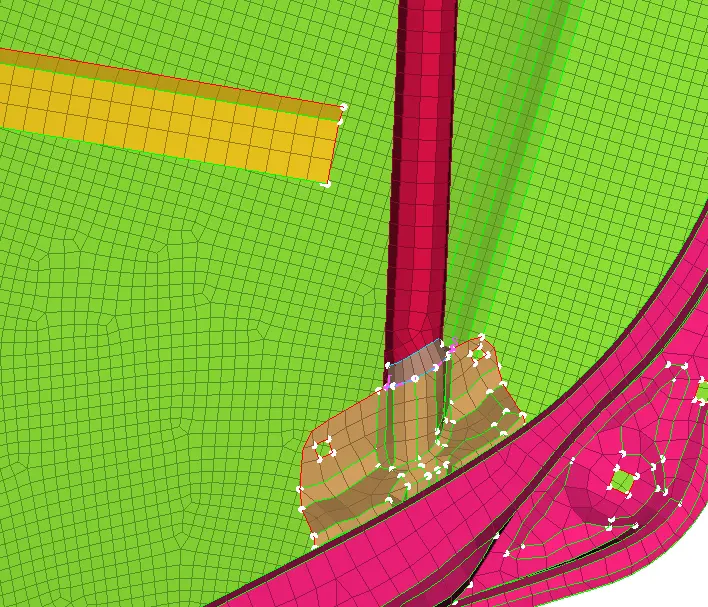 3.SPOT WELD CONNECTION: Spot weld is permanent joint between two mating part where we required more load carring capacity at a joint and represented by RBE3 HEXA.We set a COG point and apply spot weld after that we go connection maneger select part p1 and p2 and realise.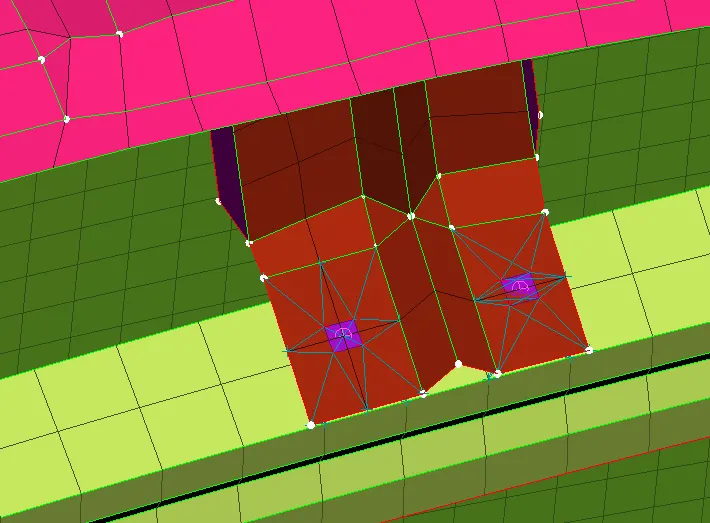
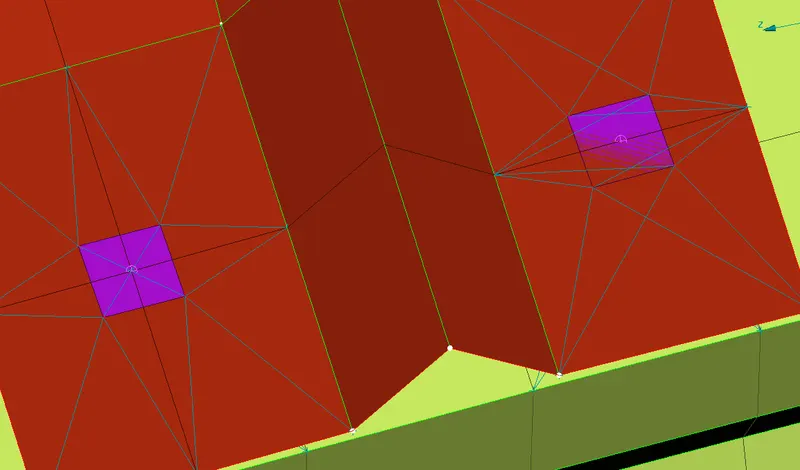 4.C-BUSH CONNECTION: C-BUSH CONNECTION is a type of connection is used to join the mirror with rear door.In ANSA it is represented by RBE3 BUSH RBE3.To create a C BUSE RBE3 we make a seam weld line with the help of curve option and then go to connection manager select the step,part P1 and P2 then select RBE3 BUSH RBE3 enter the distance then realise.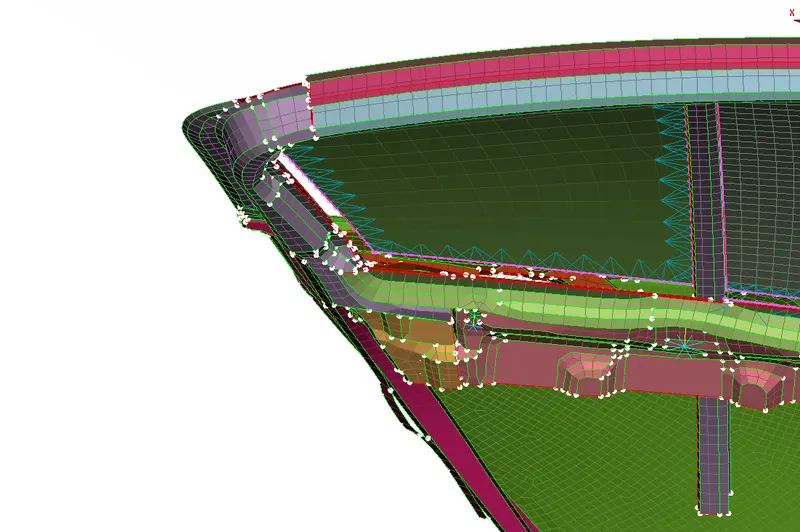
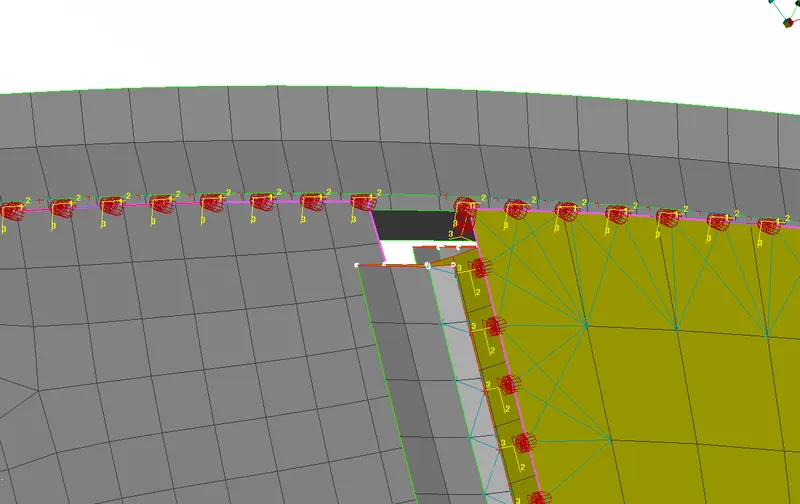
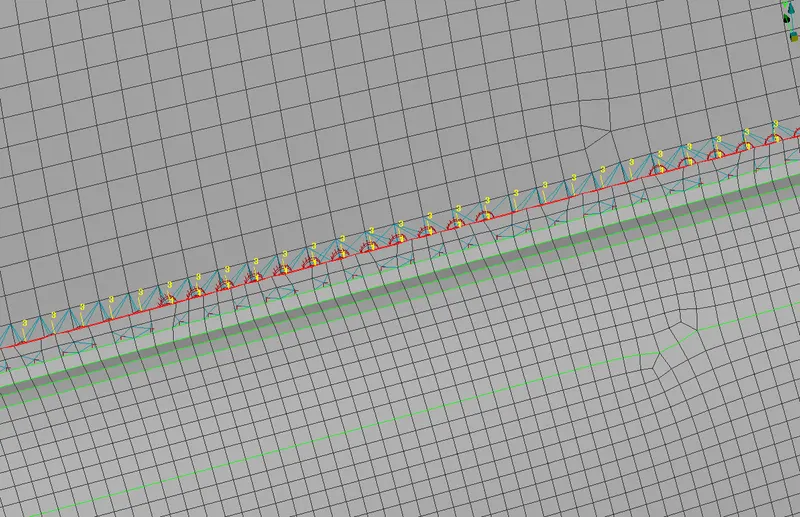
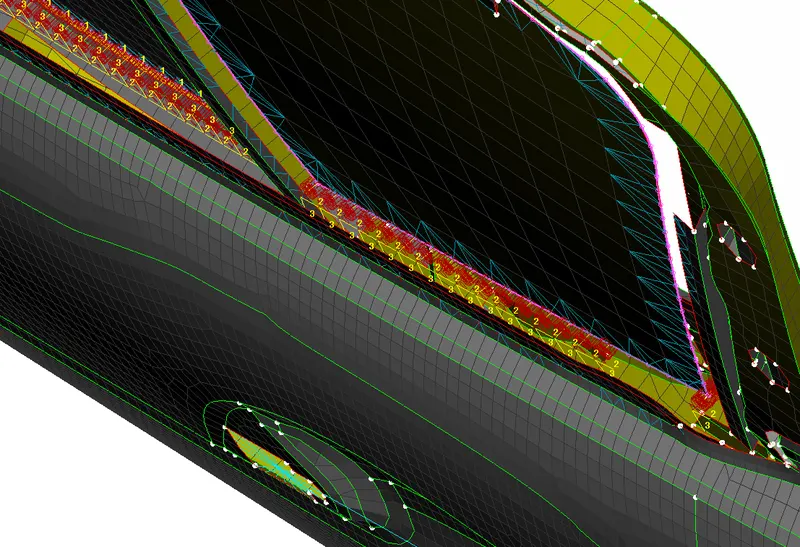
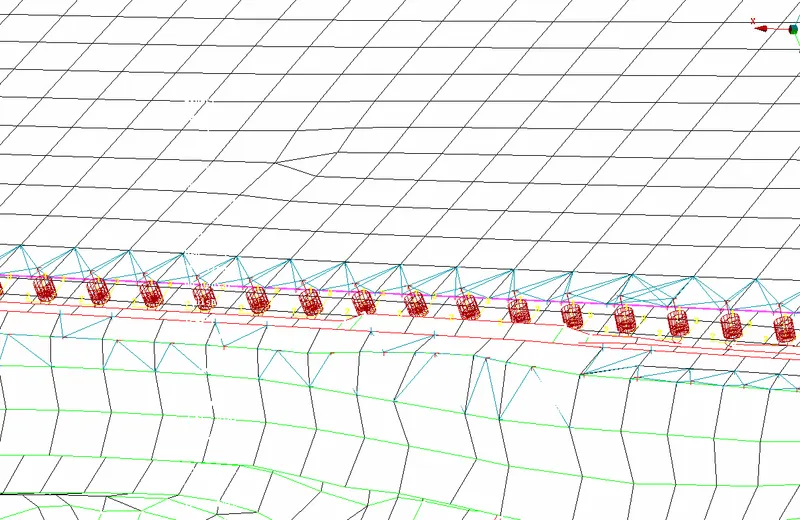
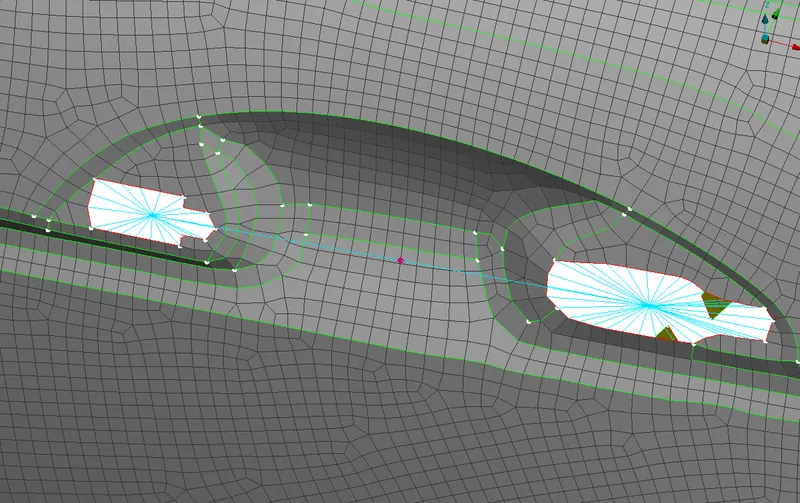
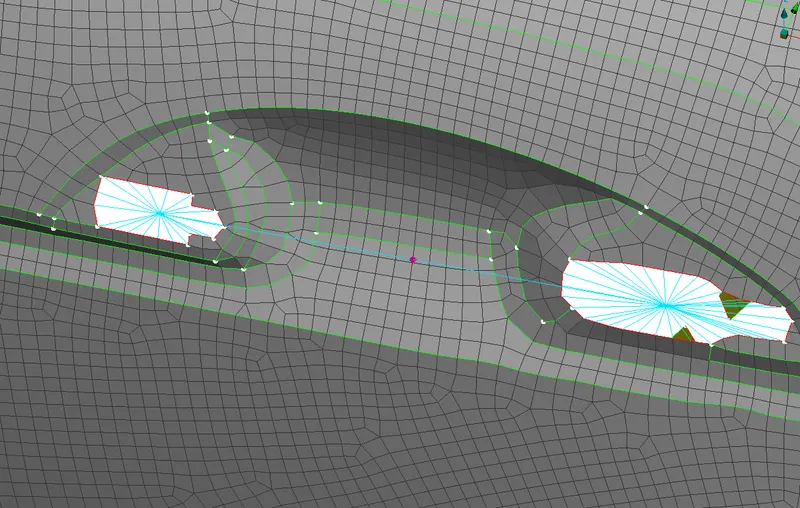 5.Result: we create diffrent types of connection where is required wirh the help of NASTRAN DECKH module in ANSA. 6. LEARNING OUTCOMES : We learn how to create conncrtion for rear door model,like weld, seam,bolt connection with connection manager. 8.Conclusion: we create a different types of connection for rear door.
- To create suitable connection for Rear Door. TYPES OF CONNECTIONS: 1. BOLTS CONNECTION 2. SEAM WELD CONNECTION 3. SPOT WELD CONNECTION 4. C-BUSH CONNECTION 1.BOLT CONNECTION: Bolt connection is used to connect two or more than two mating parts temperary so in ANSA we have RBE2 to connects the bolts with the help of two or many node RBE2. In RBE 2 we require slave nodes and master nodes for making the connection.