Week 9 - Creating connection for Rear door
Aim:-
To provide suaitable connections for rear door FE model.
Procedure:-
- Bolt Connection
1st method:-
- Open NASTRAN solver window.
- Select RBE2 in ELEMENTS and select 'many nodes' option.
- Then select slave nodes and click on next. Then by selecting 'covex hull centroid' click on next.
- Create new PID for connection and then click on finish. The bolt connection is deployed.
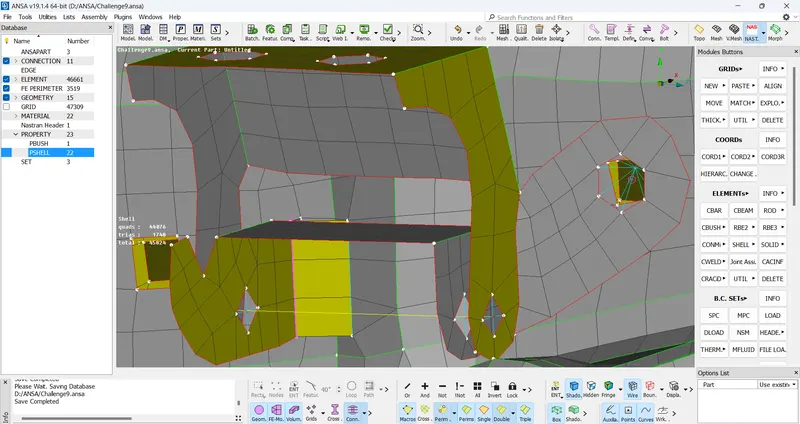
2nd method:-
- Create 3D point on centre of hole using 'On COG' option.
- Then convert 3D point into bolt using 'convert' option.
- Then go to connection manager, select bolt point then select part1 and part2. After that select FE Rep type as BOLT and enter search distance.
- Then clcik on realize. And bolt connection is generated.
- Seam Weld
- Select 'feat2curve' in PERIMETERS.
- Then select the edge and click middle of mouse. The curve is created.
- Then convert a curve into seam line using 'convert' option.
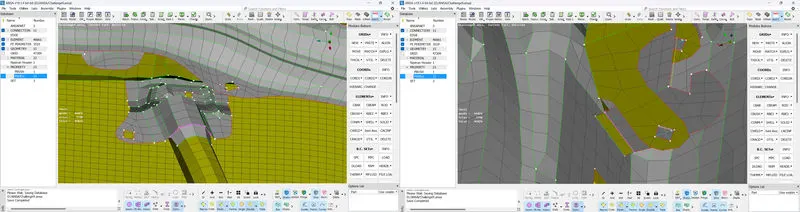
- Then go to connection manager, select the seam line. Then select part1 and part2. After that select FE Rep type as 'overlap shell' and enter search distance.
- Then click on realize and apply, seam weld connection is deployed.
- Handle
- Using option RBE2, create a master node for handle.
- To define mass to handle, use 'CONMi' option in Elements.
- Select the node where mass is to be applied and hit middle click.
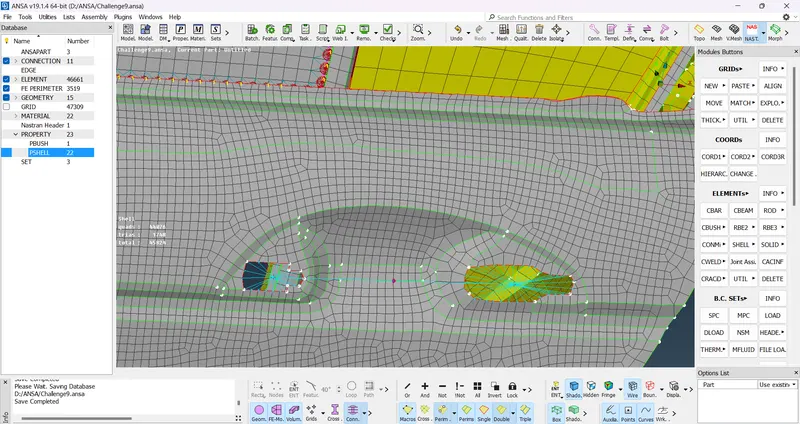
- Assume mass of handle is 100gm. Always set mass in tonnes. Therefore enter 0.001 tonne as a mass.
- Click on ok, mass is set to handle.
- Weather strips (CBush Connection)
- Select 'feat2curve' in PERIMETER.
- Then select the edge and click middle. The curve is created.
- Convert curve to spot weld line using 'convert' option.
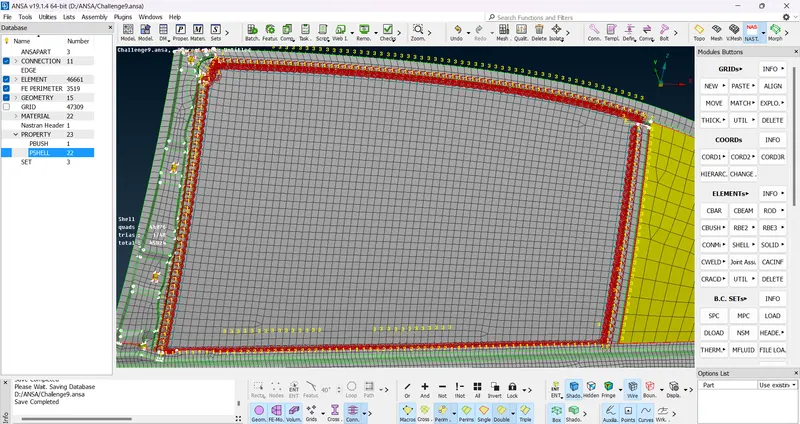
- Then go to connection manager, select window as part1 and door frame as part2.
- Select FE Rep type as 'RBE3-CBUSH-RBE3'. Enter search distance and switch on 'keep all branches'.
- Create new CBUSH ID and then click on realize. CBUSH connection is generated between door and window.
Conclusion:-
Hence we deployed bolt connection, weld connection and CBUSH connection successfully.