Week 9 - Creating connection for Rear door
Aim
To create connection for the rear door using NASTRAN deck.
Procedure :
1.Import the pre-meshed model in the ansa software.
2. Select rubber beading as a separete part as shown below, so that creating connections will be easy.
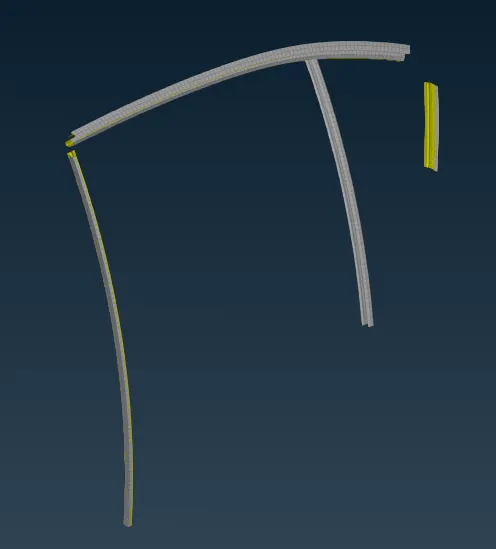
3.Go to Nastran deck - use RBG2 and select any one of the following
a. Many Node
b. Two Node
c. Set
d. Branch
4. Now use any of the above mode to create connections.
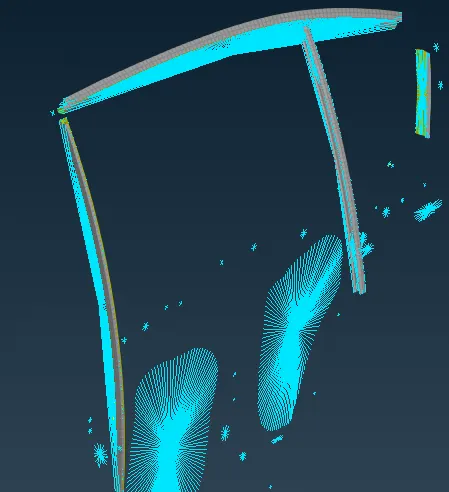
5. For holes connection use the same RBG2 and many nodes.
6. in features selct loop module, so that it will be easy to select the nodes in the holes.

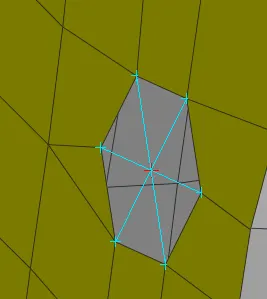
7. For bolt joints, use loop and select the first hole and create a connection and select another hole and create the connection as the previous one. Now slect the RBG2 select two node and select one center node in one hole and in another hole to create bolt connection as shown below
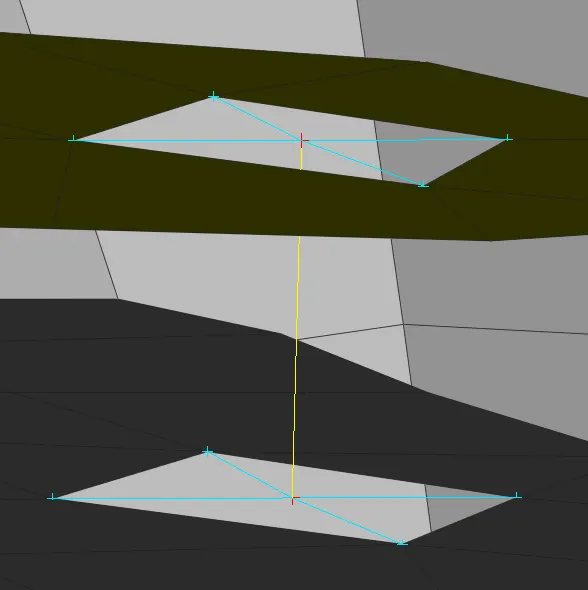
use RBG2 for connections, where ever required.
Leassons learned : how to create connects by using RBG2 - many node, two node, with loop and feature selections.