Week- 5 - Solid meshing
Aim:
To create soild mesh for the given rear mirror model.
Procedure :
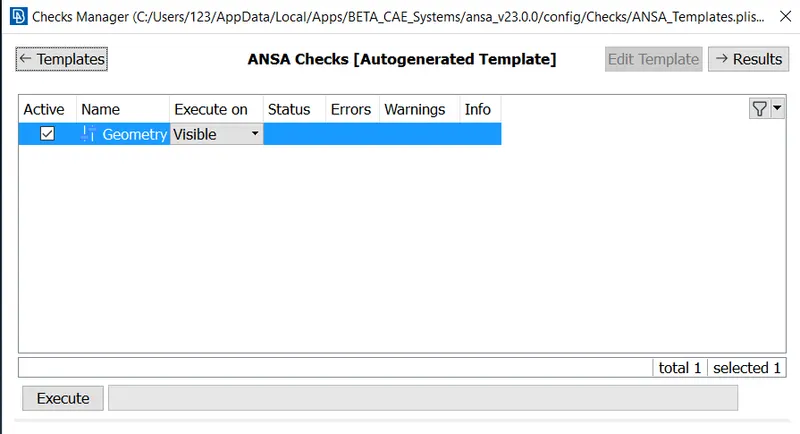
1. Geomentry check has to be checked and erroe has to be corrected.
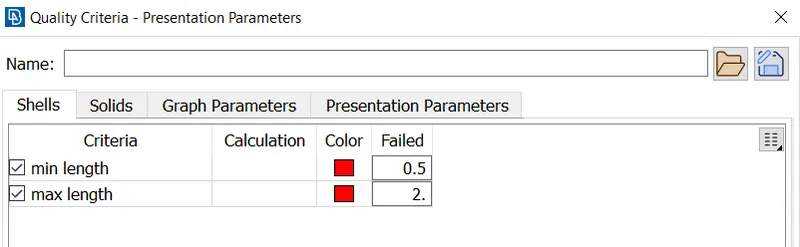
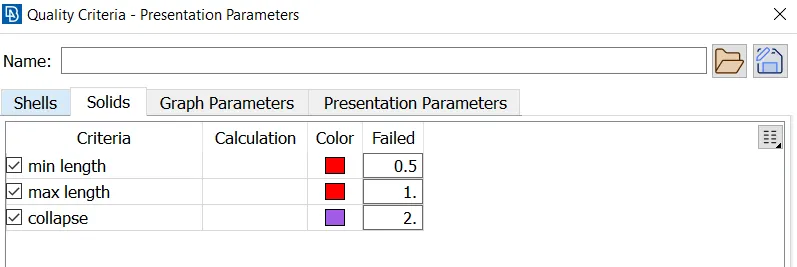
2. As per the given instruction, quality criteria has to be set in quality criteria for 2D mesh and 3D mesh
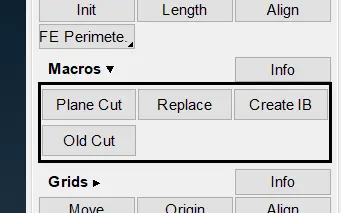
3.The model has to be divided in to two equal halfs by plane cut in classsic mesh -> macros -> plane cut.
4. Mesh has to done for the cut plane.
5. mesh has to be done on one face and ot has to be translated to another surface, so that same mesh profile will be appried on the other side of the plane.
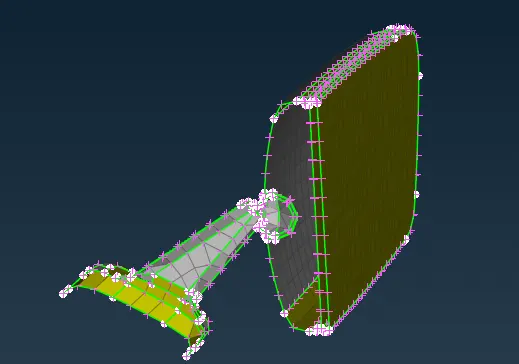
6. After 2D meshing, in volume mesh use extrude in structed mesh.
it convertvers the 2d mesh in to solid mesh
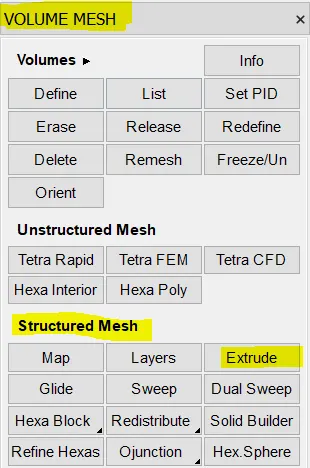
in extrude - select faces / shells in source window
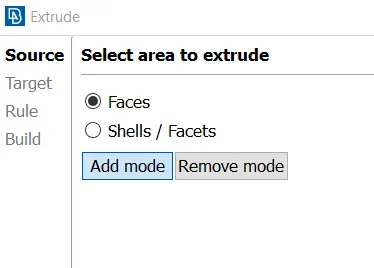
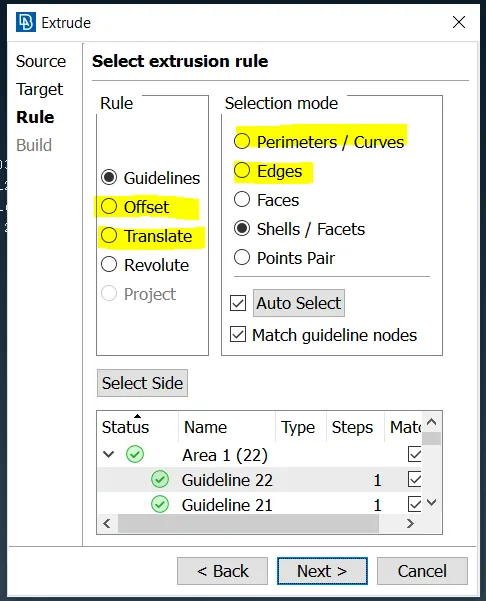
Then select face / shell in target window, then in next selection extrusion rule select the following option to extrude.
7. After succesfull extrude, select transform -> copy, then select as below
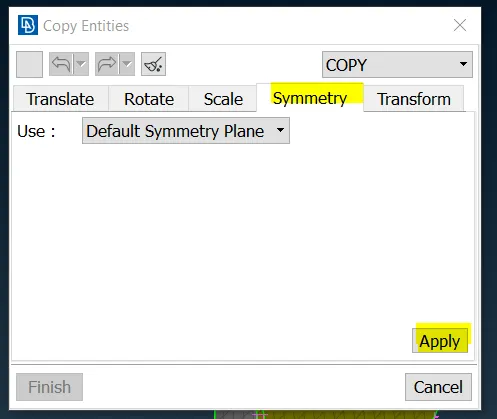
Then select as follows.
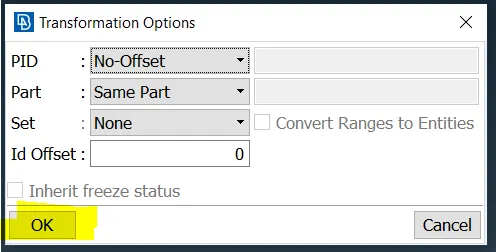
Conclusion : Finally the solid model has been created.
Leassons learned : how to create a solid model using volume mesh. used tool solid builder, how to delete or create a new block.