Week 4 - 2D Meshing for Sheet Metal
Aim:
To extract mid surface and mesh the given model with use of appropriate tools.
Procedure :
Import the given model
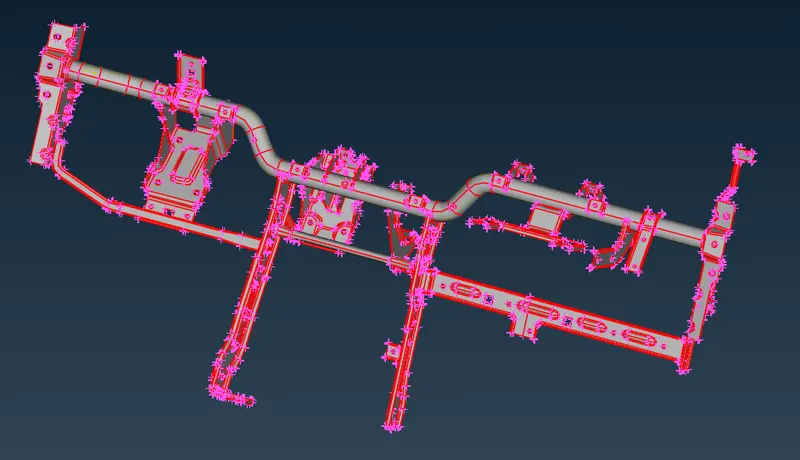
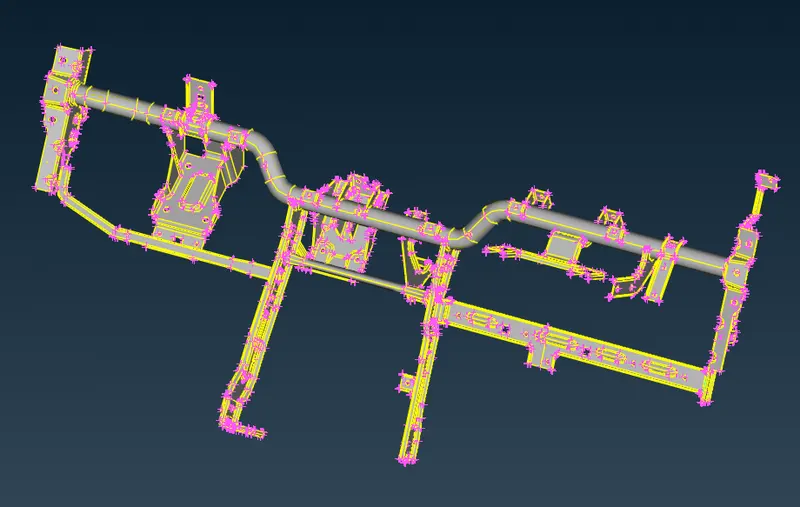
Execute topology for the model
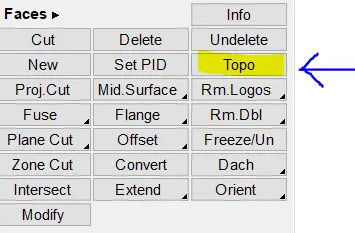
Below image after performing topo
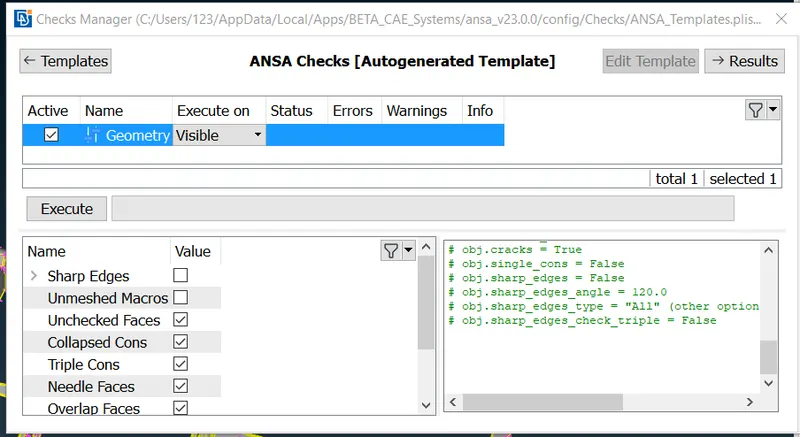
Then use checks manager to under go geomentry check
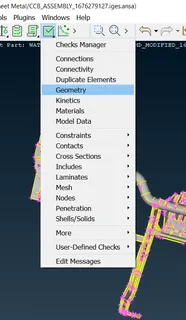
select execute to under go geomentry checks
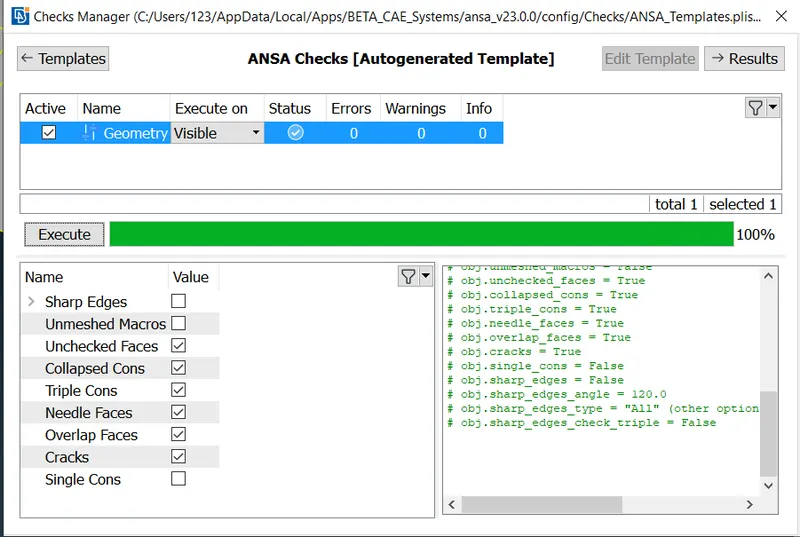
After excecuting geomentry check, no error should be arrived as shown below
Now extract mid surface using midsurface -> Skin.
Select the model or part in which the mid surface extracted
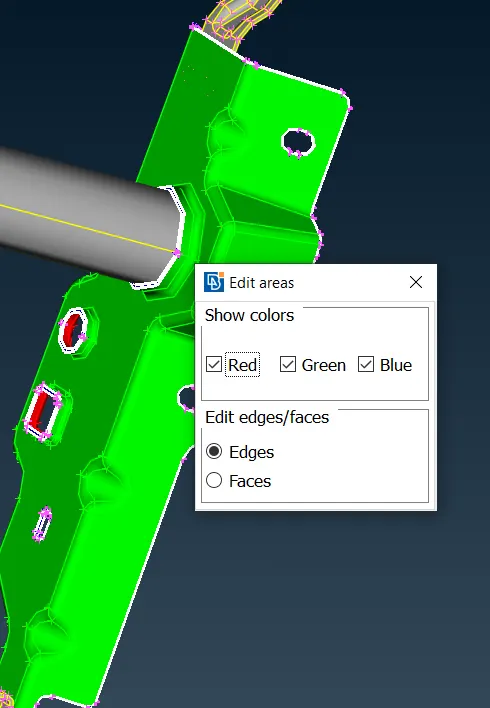
Ensure all the three colors are properly selected in the part as shown below 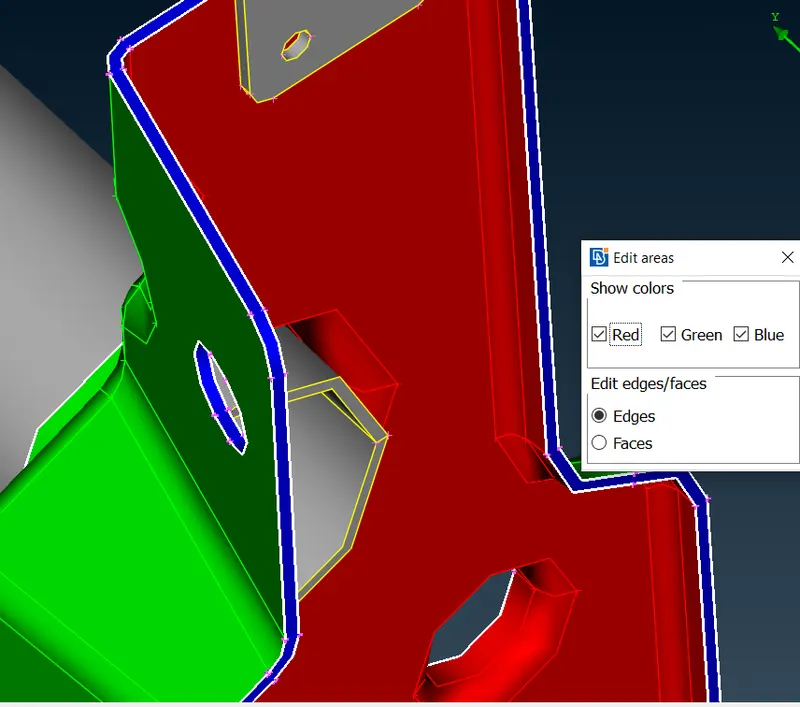
Now click the middle mouse to extract the midsurface automatically
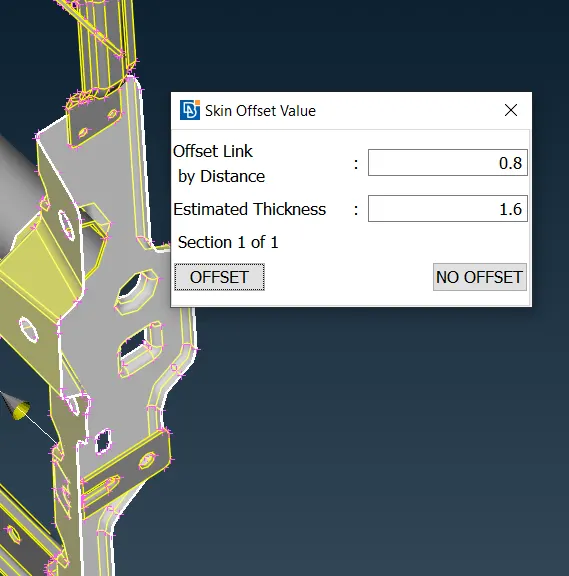
Now the mide surface is extracted, use the same method to extract the midsurface for other parts in the model.
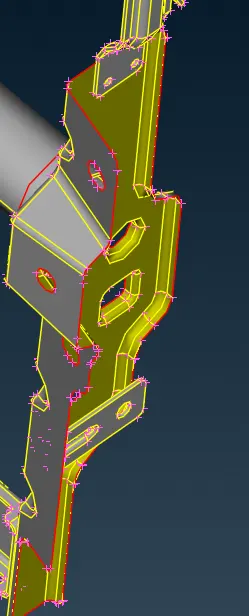
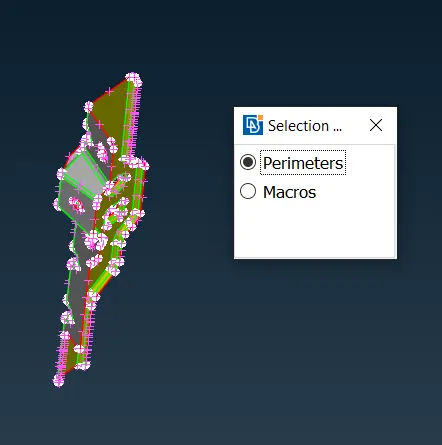
Now select select mesh module and select permeter -> length, to properly aline the space between the nodes.
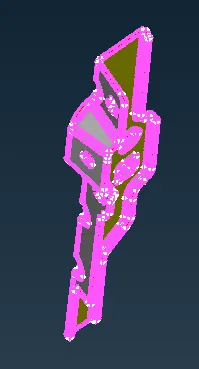
in length select both perimeters and Macros and enter the value 1 for both perimeter and macros.
use the same method for other parts in the model.
Next enter the quality criteria values in the quality criteria window as per the given input, and click ok
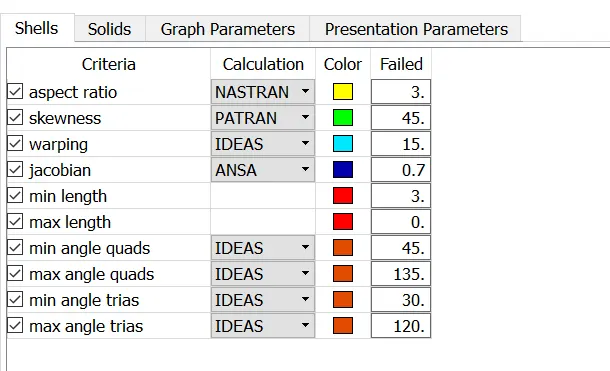
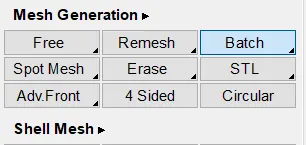
After applying the lent value for all parts in the model, Extract the mesh surface using mesh gerneration and batch mesh.
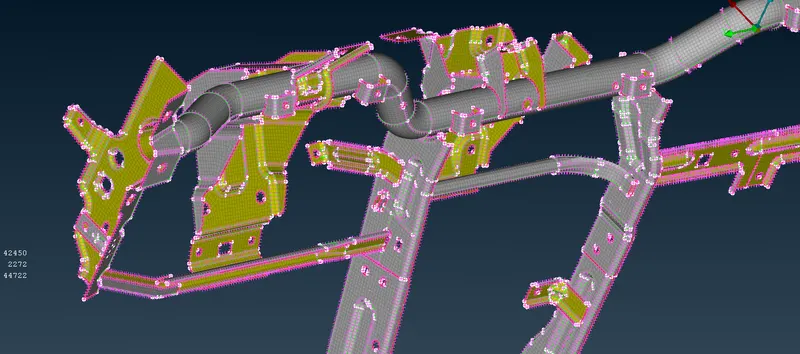
Now select the all the part in the model by draging the cursor over all parts in the window and click the middle mouse to generate the mesh surface for the model as shown below.
Conclusion:
Thus the mesh surface has been generated for the given model by using exact tools..