Week 9 Challenge
CPU FAN CASE SLIDERS AND INSERT
After the creation of the mold blocks we need to create 2 sliders for the undercuts present in the model.
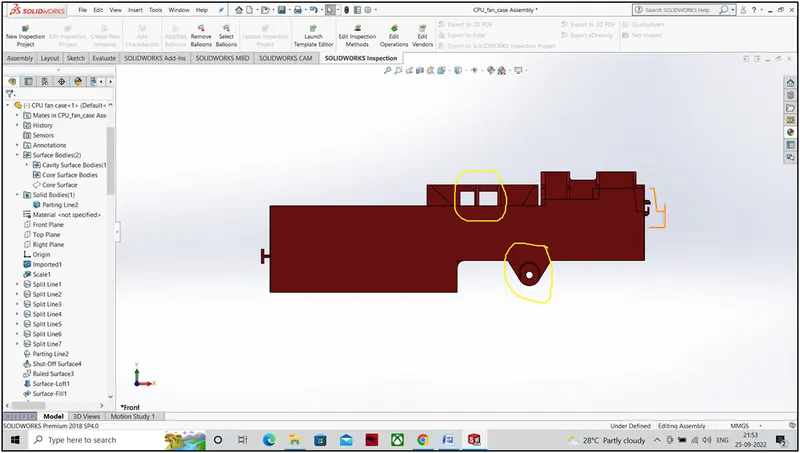
Fig 1. Undercuts marked in yellow
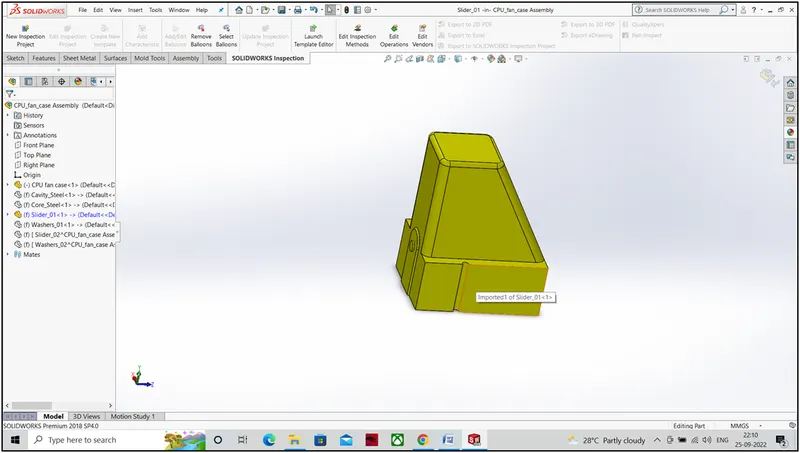
Fig 2. Slider
After creating the slider we have to edit the core and cavity block. Then we have to create the bolt and washers to lock the slider with the mold blocks and a locking arrangement.
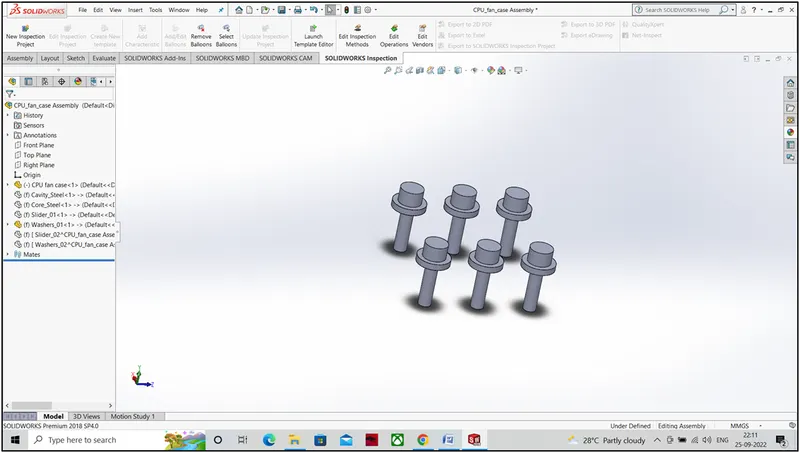
Fig 3. Bolts and Washers
Then we have to create another slider for the rectangular cut outs which will be in the cavity block. We have to create two splits in both the cavity and core blocks and the n combine both to get a single part.
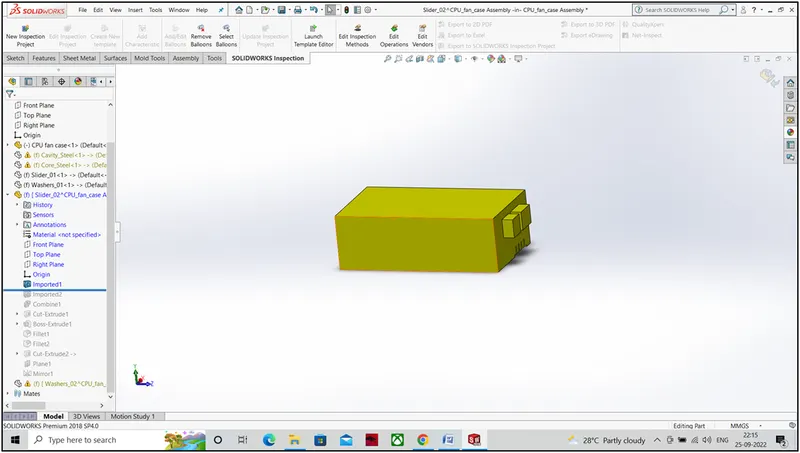
Fig 4. Split 1
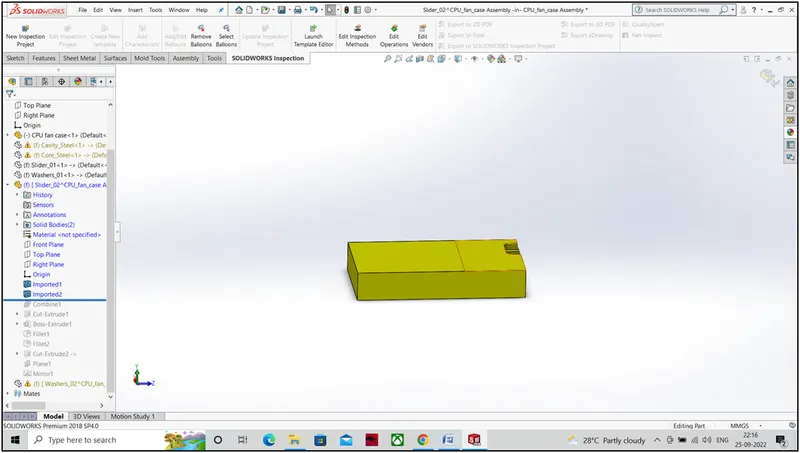
Fig 5. Split 2
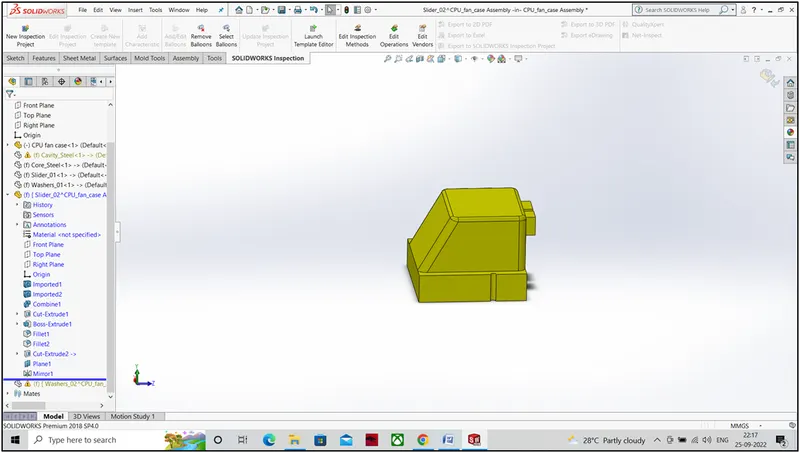
Fig 6. Slider
Now we have to create inserts for the deep cuts. Inserts are designed for the cuts which are very deep and narrow. Inserts are manufactured separately and during molding process it is assembled with the mold block.
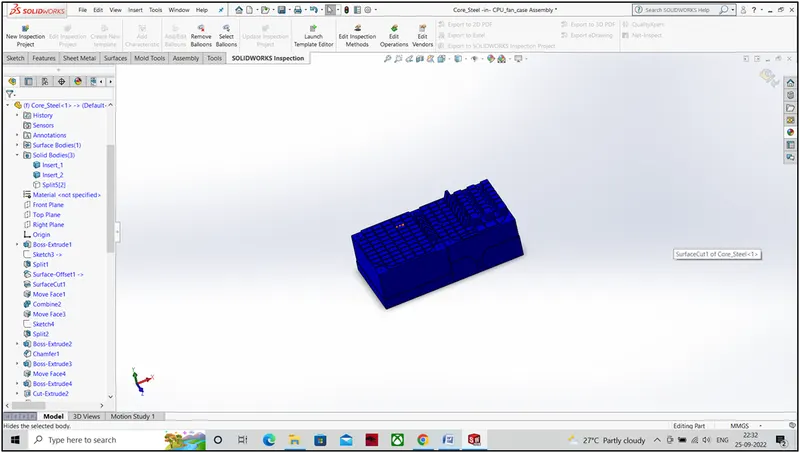
Fig 7. Insert
*********