Week 9 Challenge
Creation of sliders:
Sliders are generally present where the surfaces cannot be match the main tooling axis . The position of sliders is generally in cavity block.If the part contains more no.of features it has to be present in cavity block inself. The tooling axis of sliders should be perpendicular to the undercut surface.
Steps for creation of sliders:
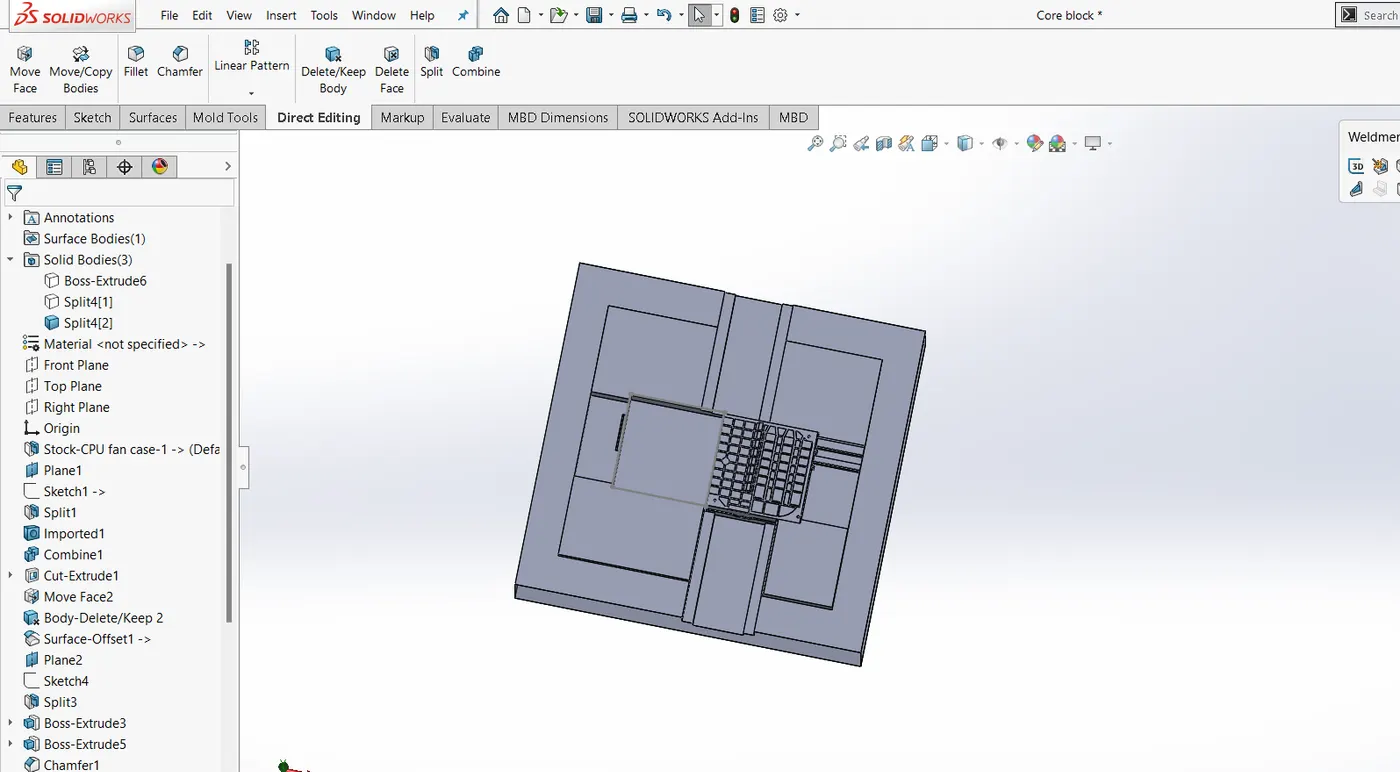
Step 1: create a plane on the undercut surface.
Step 2:Sketch box on the plane & select the split commant from direct editing box
Step 3:Select the respective portion of split, & 2 seperate bodies will be created
Step 4: Select the slider body after split & perform the necessary editing required.
STep 5: Select the slider body & save it in seperate part file.
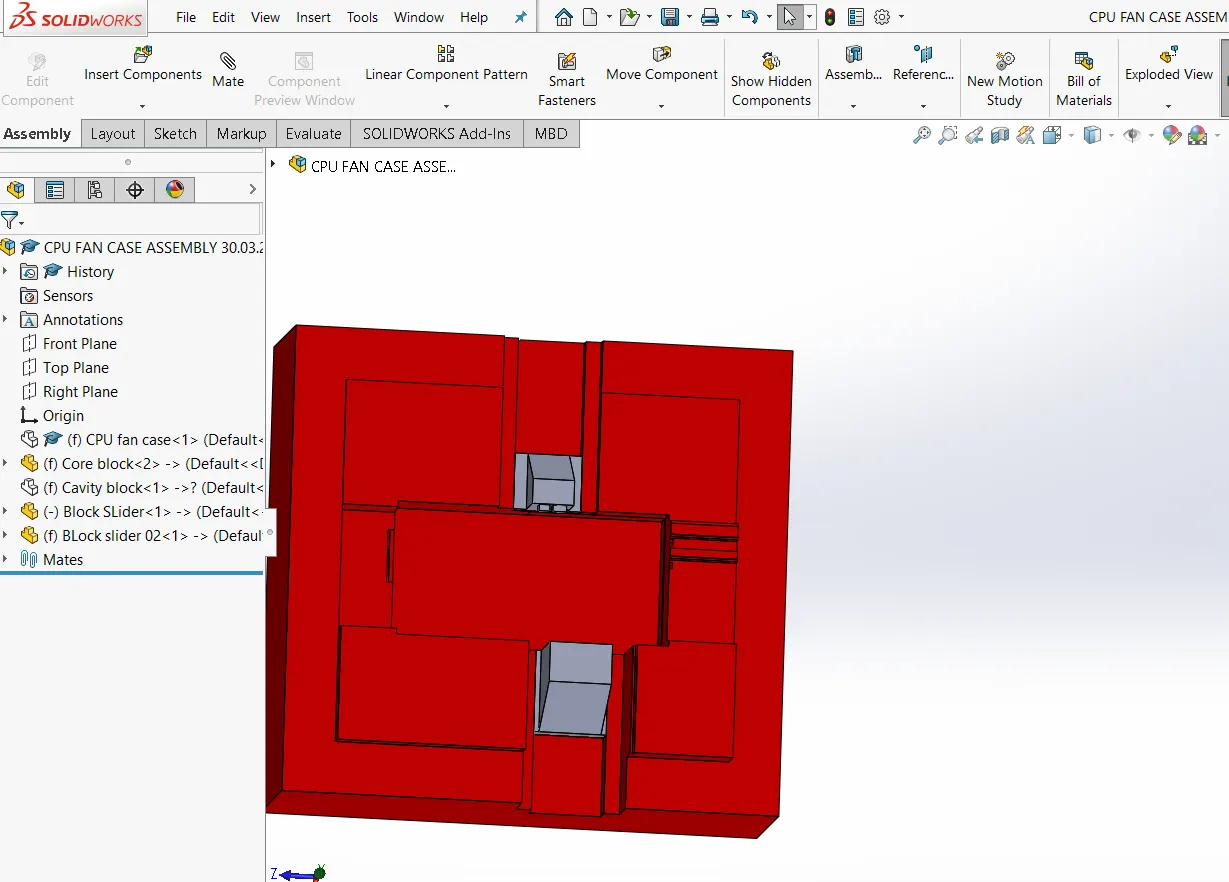
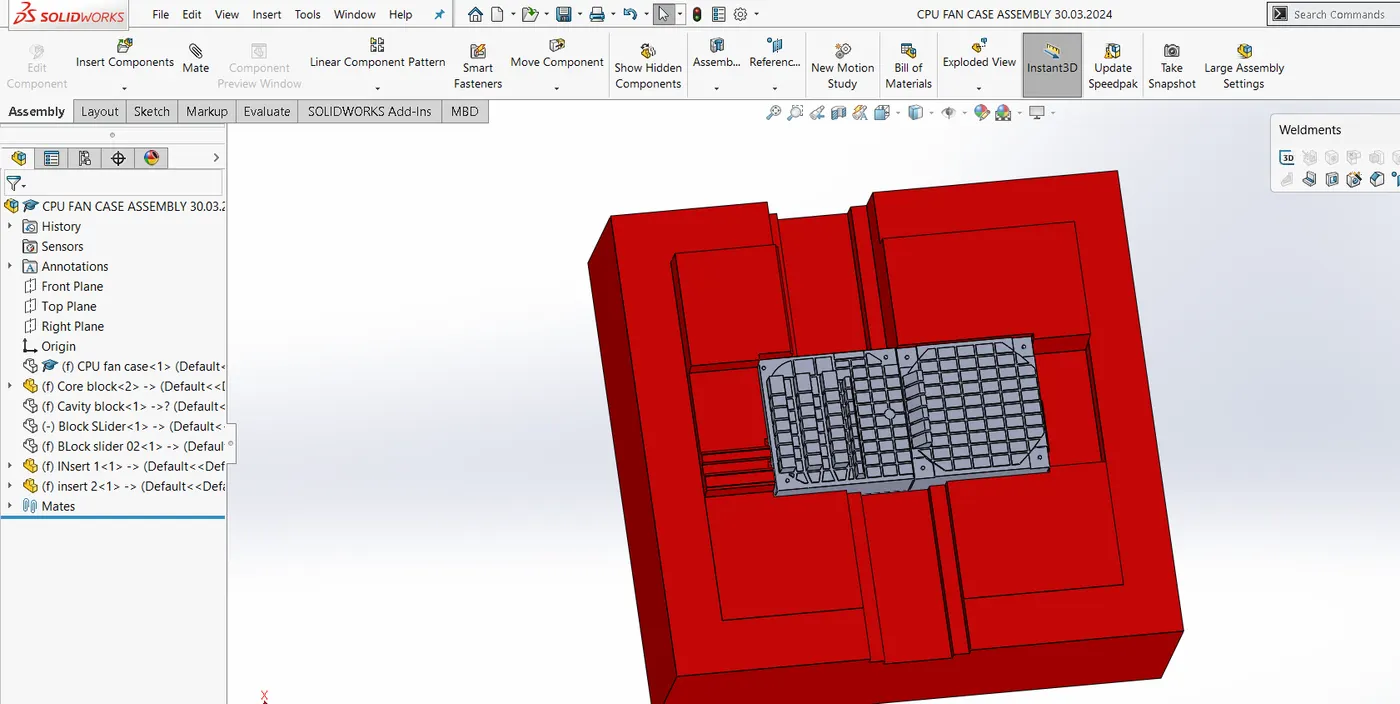
Step6: Combine subtract the slider body to achieve desirable results in core & cavity block.
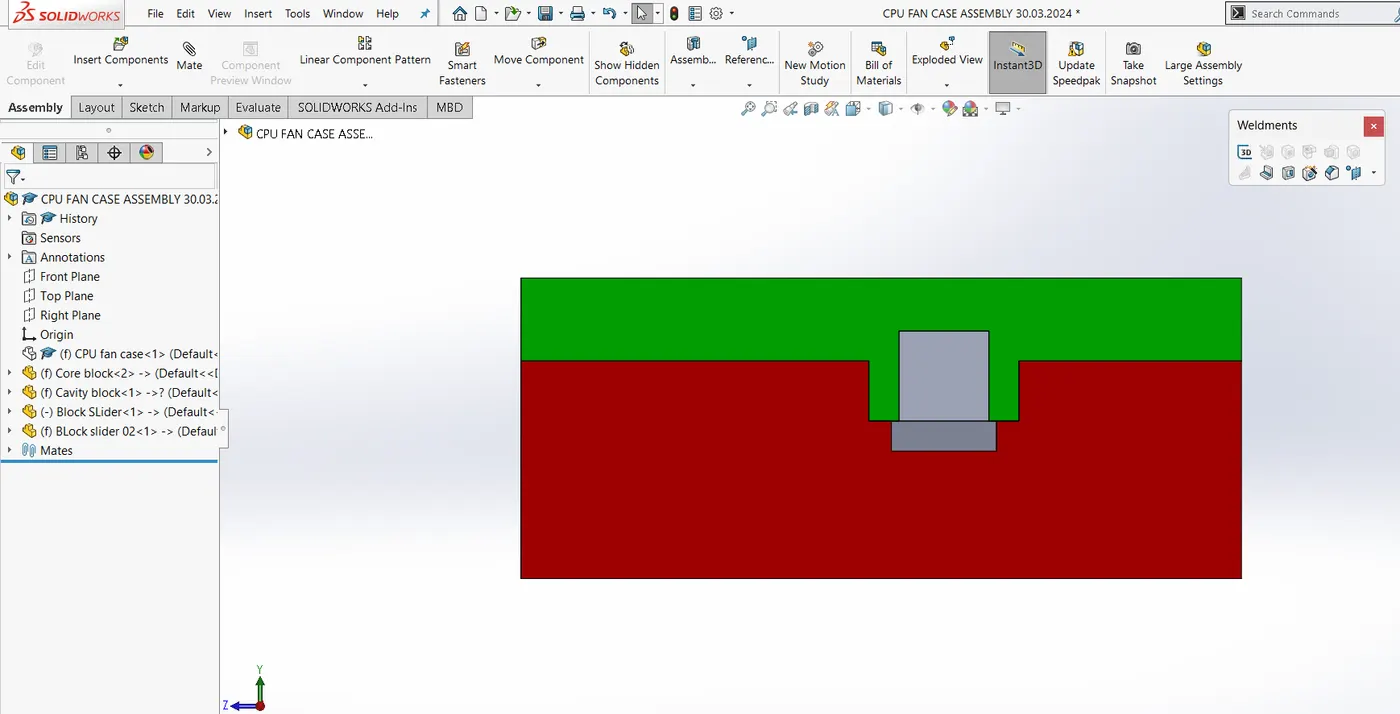
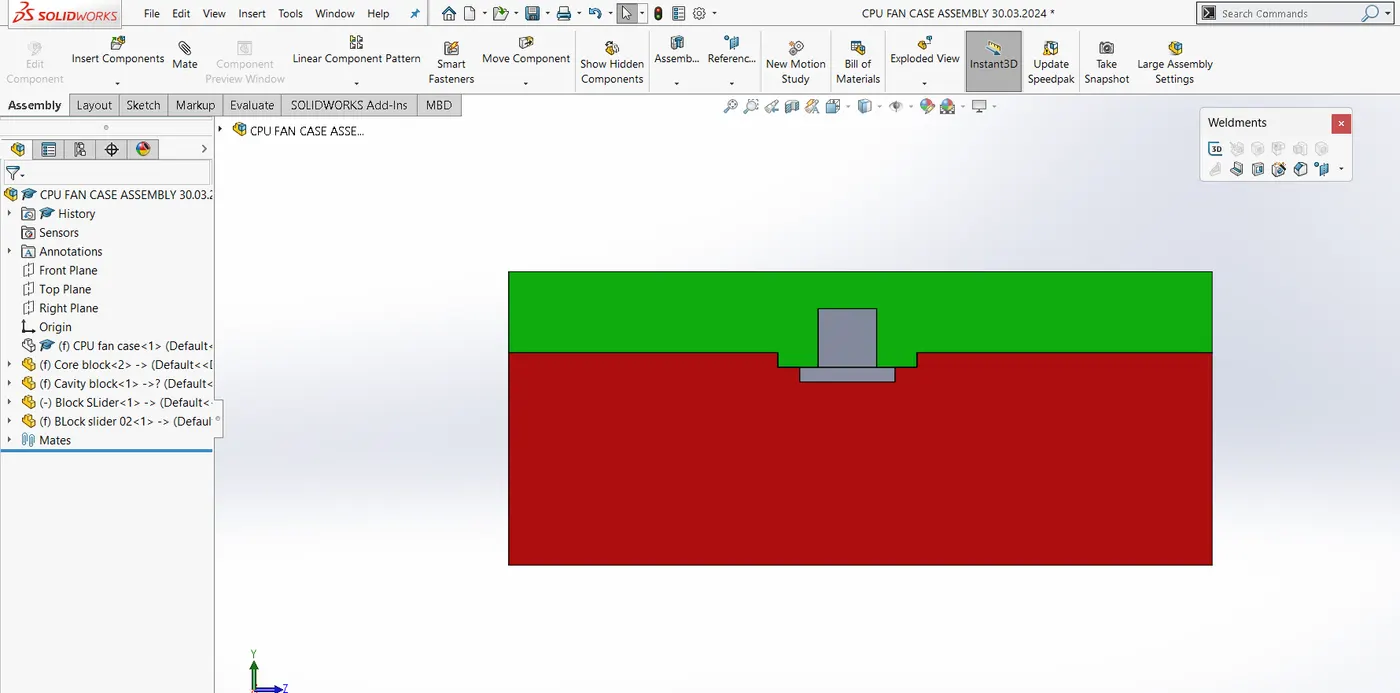
Step 7: Perform necessary addition & subtraction in core & cavity block, so that slider can move easily along its way.
Creation of Inserts:
* After Finishing the slider part, next step is to create inserts.
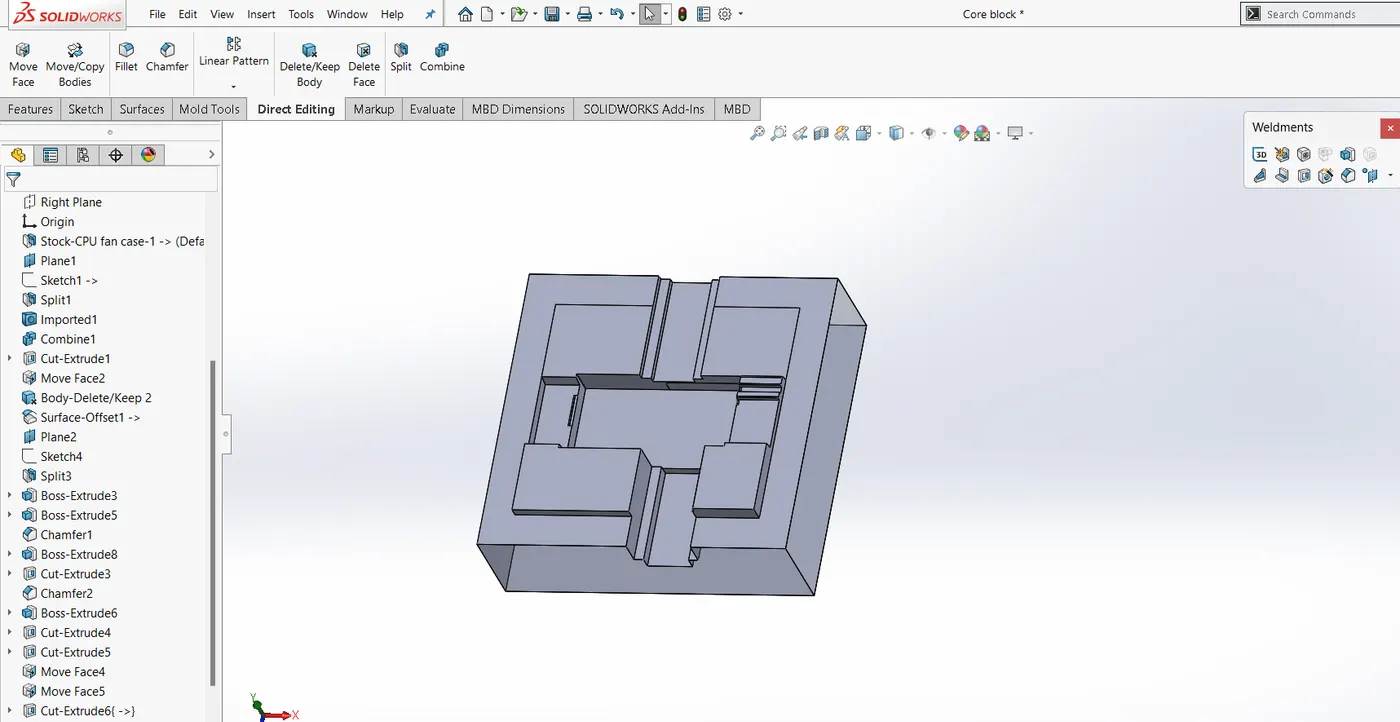
Step 1: Inserts are generally created in core block where the Height is greated then 20-25 mm. Here the depth is 35 mm therefore we will proceed with inserts.
Step2: In the following case, the base of core block to be 40-50mm away from base of insert, accordingly the thickness of insert block will be edited.
Step 3: Create the insert plane, & sketch the insert profile to obtain desirable results.
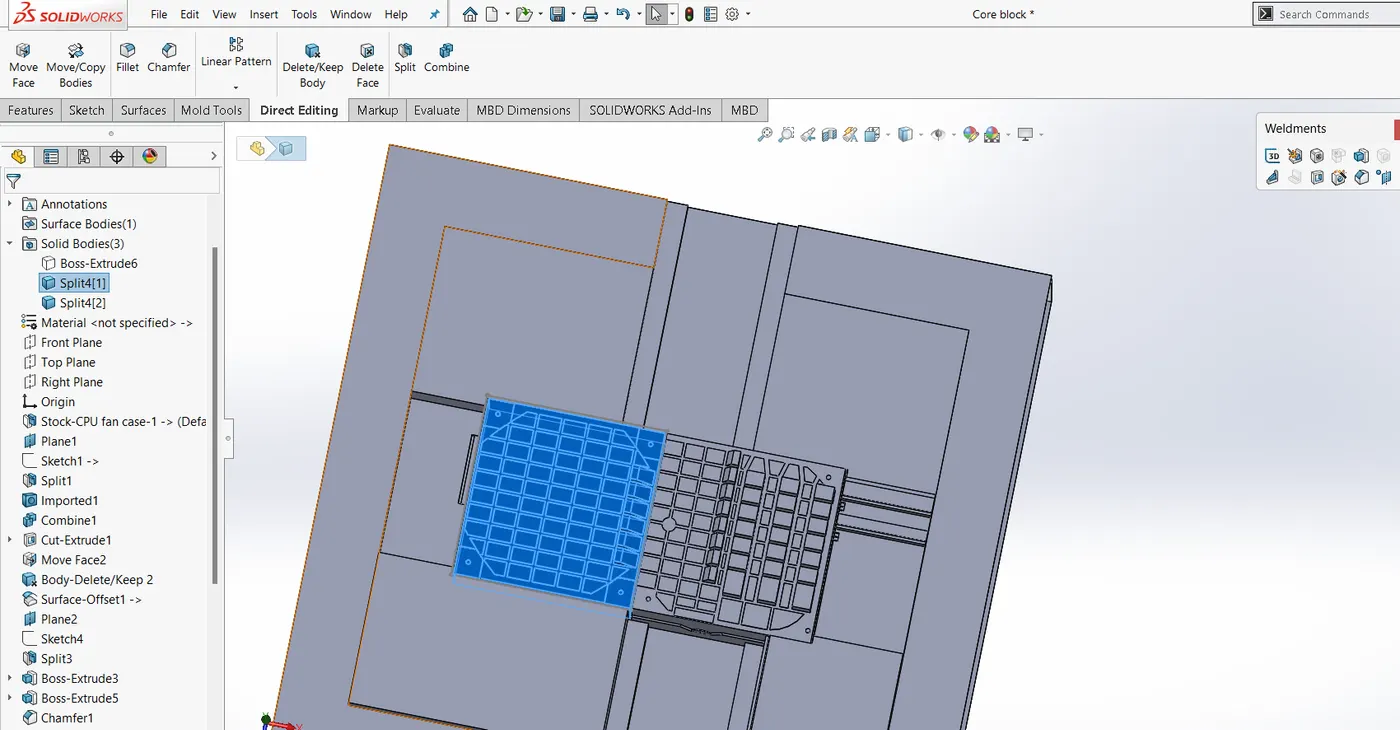
Step 4: Save the inserts in seperate part files.
https://drive.google.com/drive/folders/1nqOtOdpXUYs9gvLe0OkQrIhKAsHp065U?usp=sharing