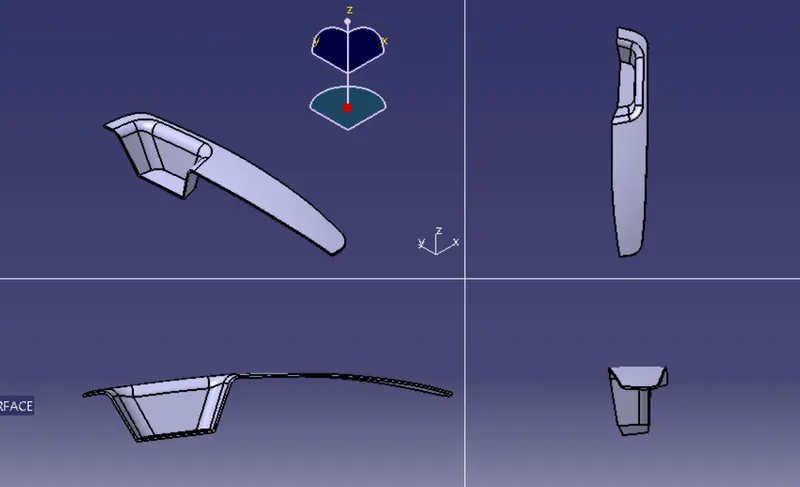
Week 9 - Challenge 2 - Switch Bezel Design
TOOLING AXIS
For tooling axis i did the two sketch
for that i shoud create a point
for that i extract the plan and createde point at the center
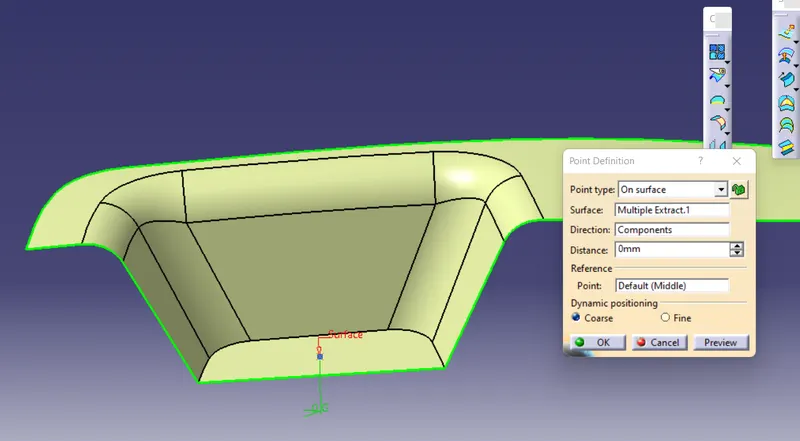
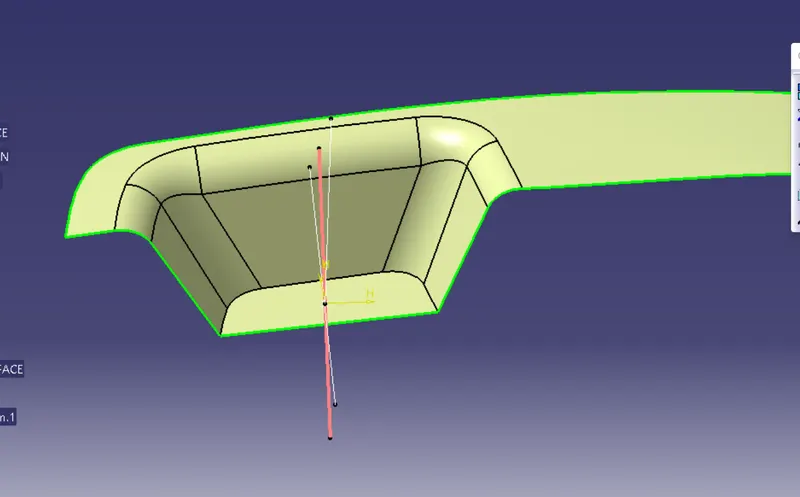
for sketch 1 i taken intersection of class A along with y direction and i draw two lines by using thise two lines i createde one bisecting line this is tooling axis for y direction
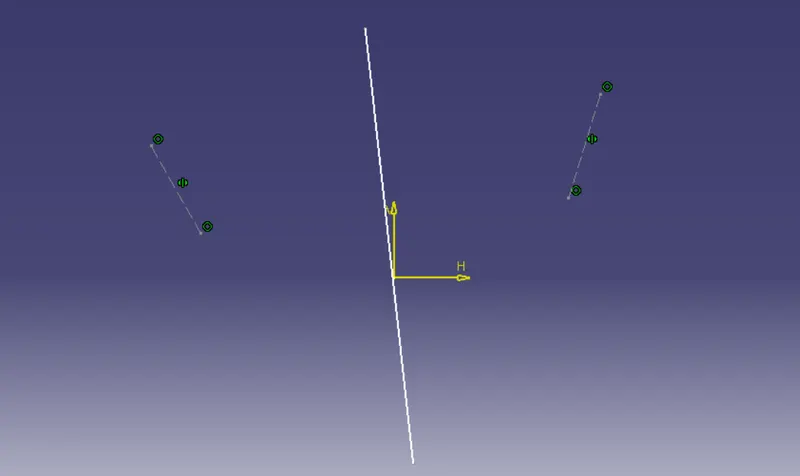
for sketch 2
this is tooling axis for x direction,i taken cut section and intersecting it and than i ceatede one line this shoud be touches with intersect
after that we dont have phase two draw a bisecting line, for that i draw line on my self, the angel is 3 degree for minimum tooling axis, latter we can change it.
for starting i geve the angal is 3 but at the i changed it for 6
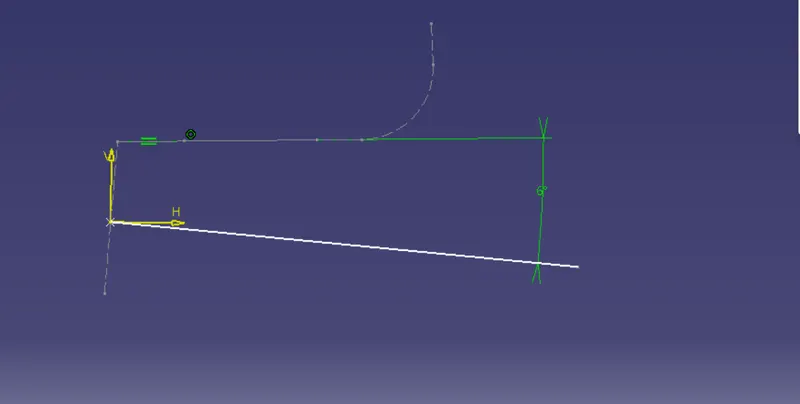
After that we get two line
By using this two line i createde one bisecting line. This is main tooling axis we use.
Draft analysis
for class A
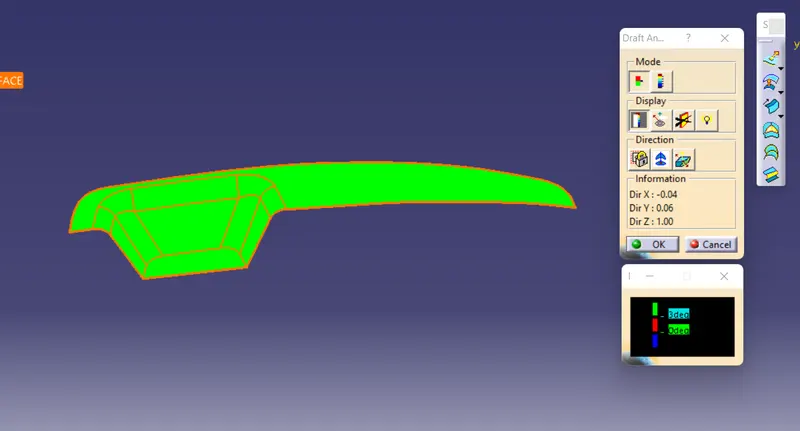
For final product we did the draft analysis
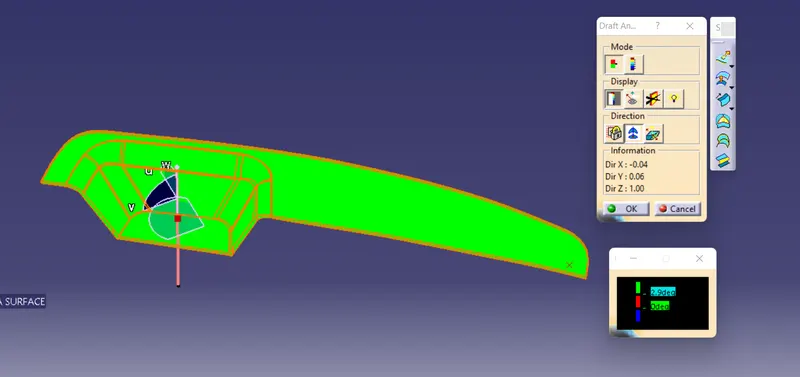
solid model with the proper color code of the draft angle in various orientations (Isometric, Front, Side, and Top View)
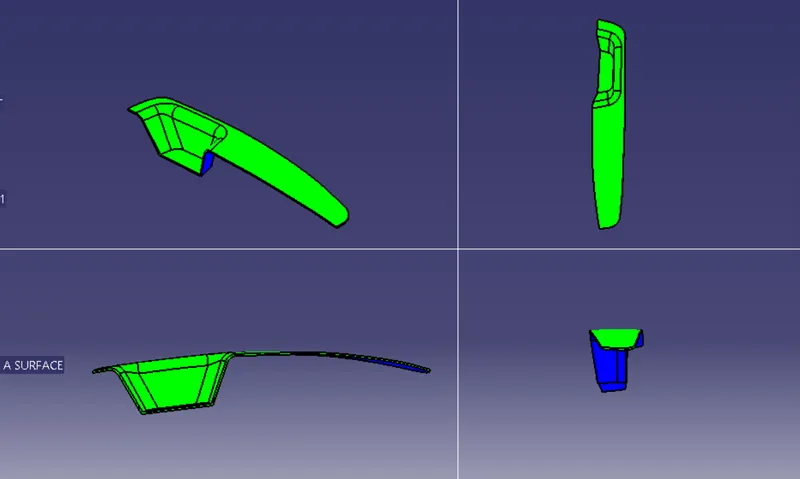
solid model without proper color code of the draft angle in various orientations (Isometric, Front, Side, and Top View)