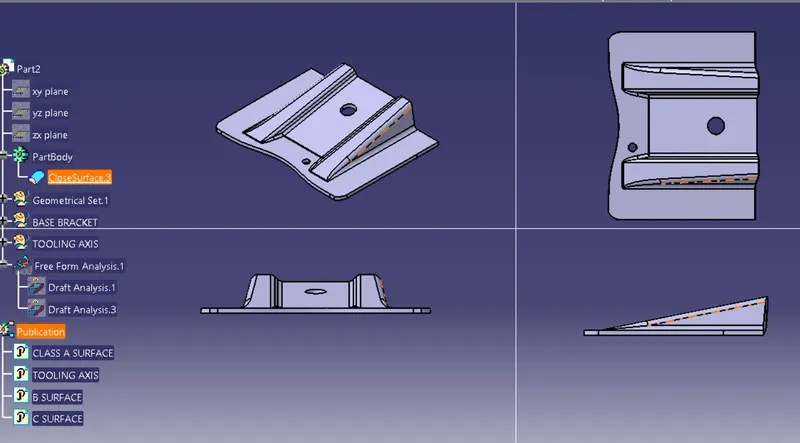
Week 9 - Challenge 1 - Base Bracket Design
Tooling axis creation
first we created center point on the circal
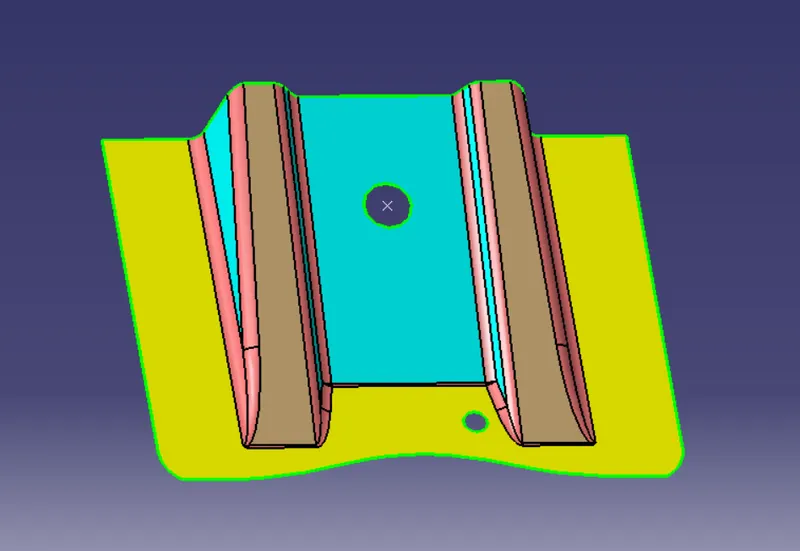
After that we create the plane on the point along yz plane
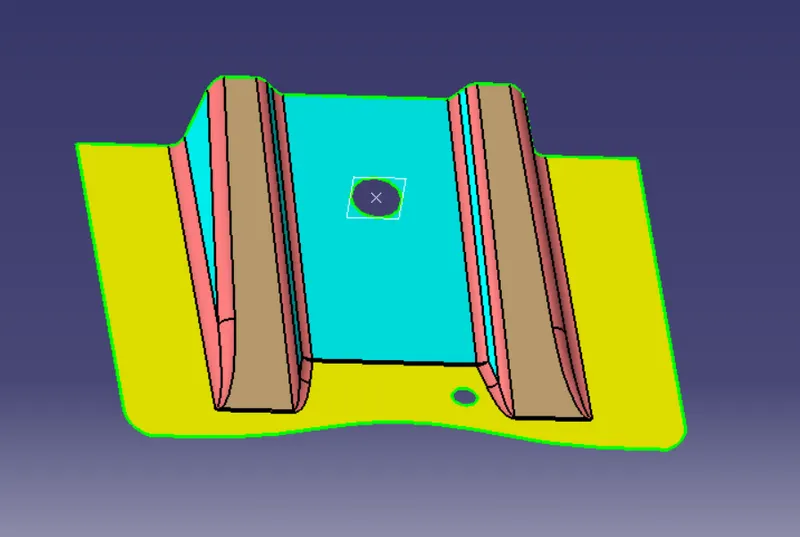
After that we intersect with that plane
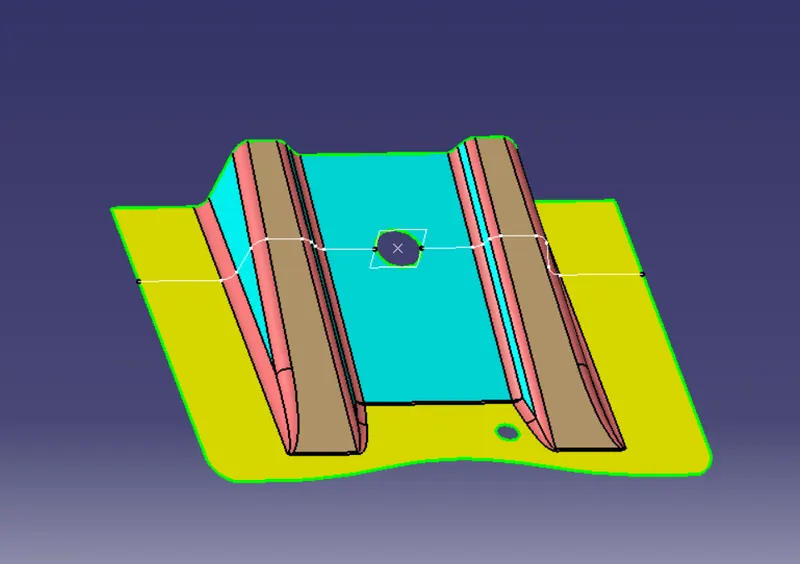
After that we created two line
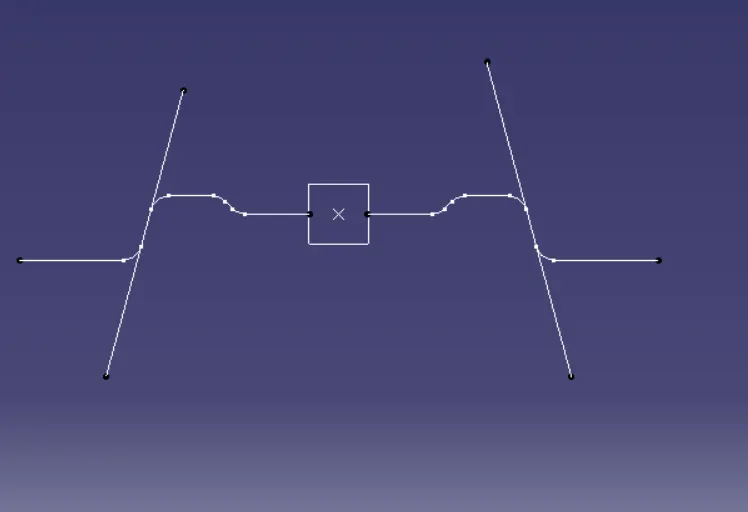
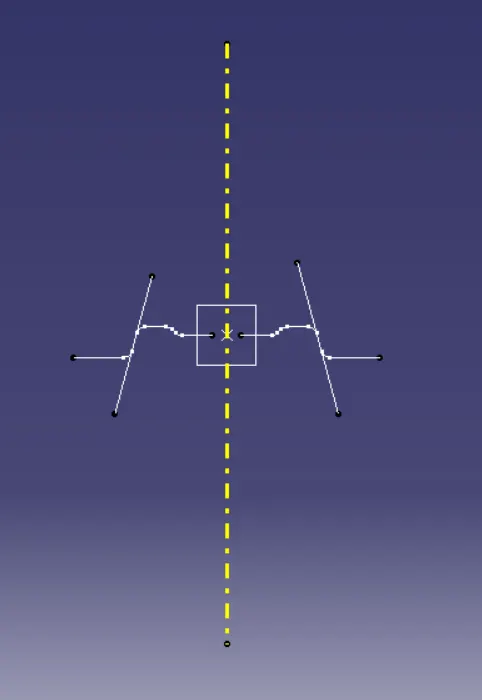
By using thise two lines we created the bisecting line and that will be the main tooling axis
Draft Analysis
Fisrt we click on draft analysis tool box and then we change the material mood
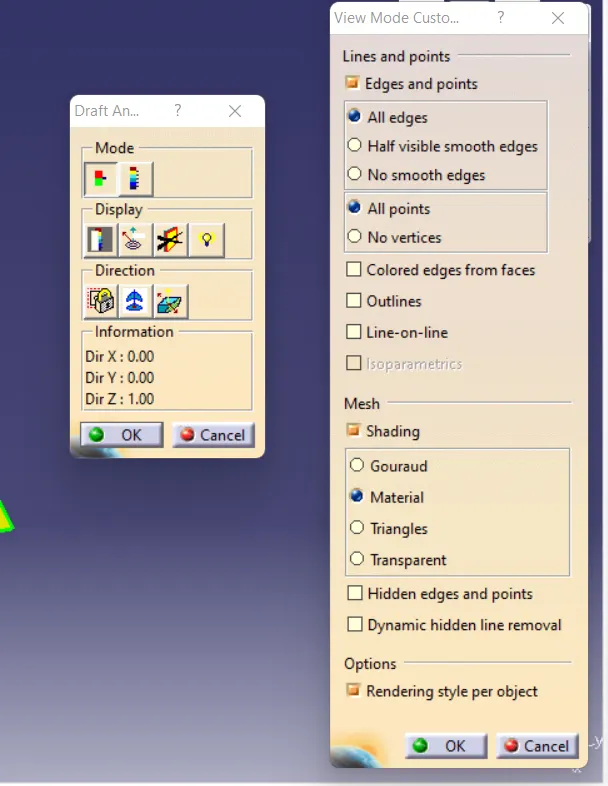
Aftre that we drag the plane and put it into the tooling axis and select the surface it will showe the fully green color, that means the minimum draft requide is 3 degree
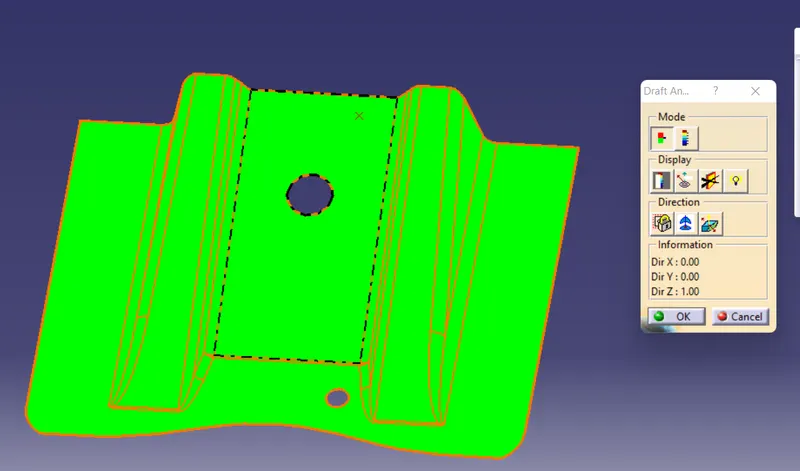
the above one class A
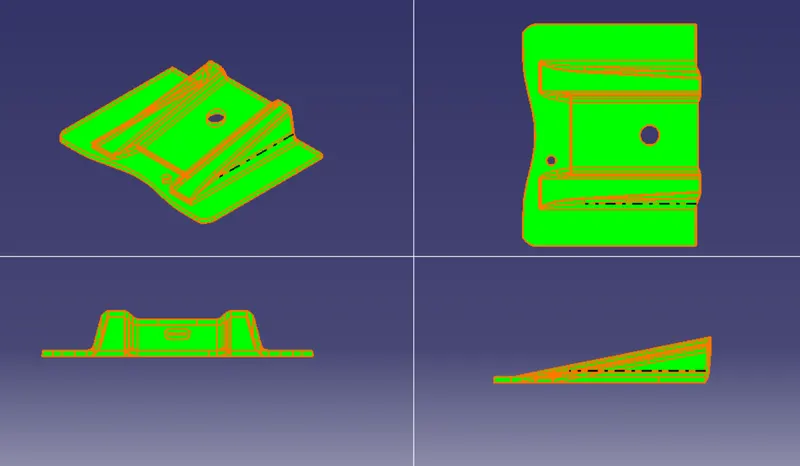
For final plastic component i did the drft analysis
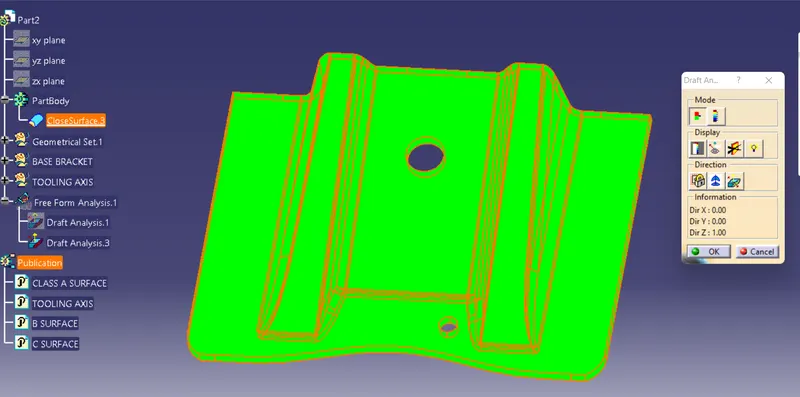
Solid model with the proper color code of the draft angle in various orientations (Isometric, Front, Side, and Top View)
Without color code of the draft angle in various orientations (Isometric, Front, Side, and Top View)