Week 9 - Challenge 2 - Switch Bezel Design
- Aim: Create the Switch Bezel Plastic component through the given Class-A surface.
- Objectives:
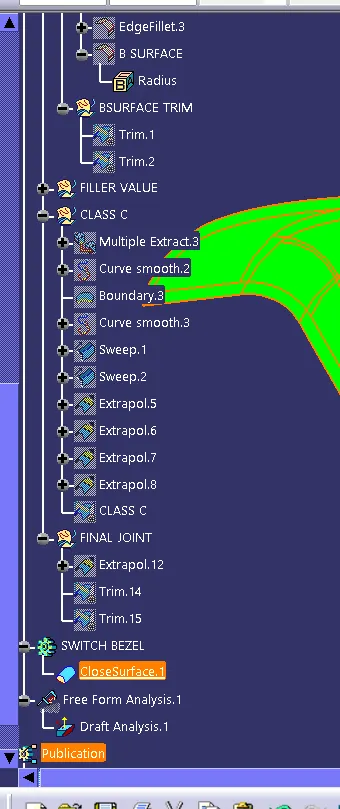
- To create class B & C surface for the given component.
- To form the tooling axis and capture the surface properly.
- To check the feasibility of the component with a draft of 3 degrees.
- Method:
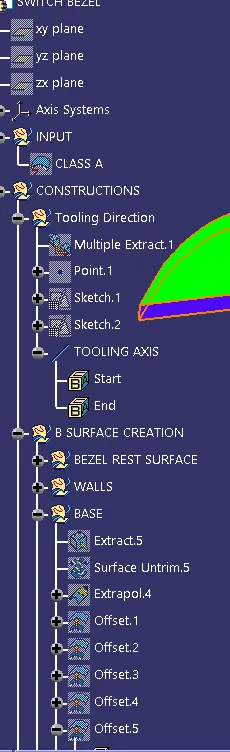
- In order to obtain the proper draft analysis tooling axis is required and the following steps show how it is done.
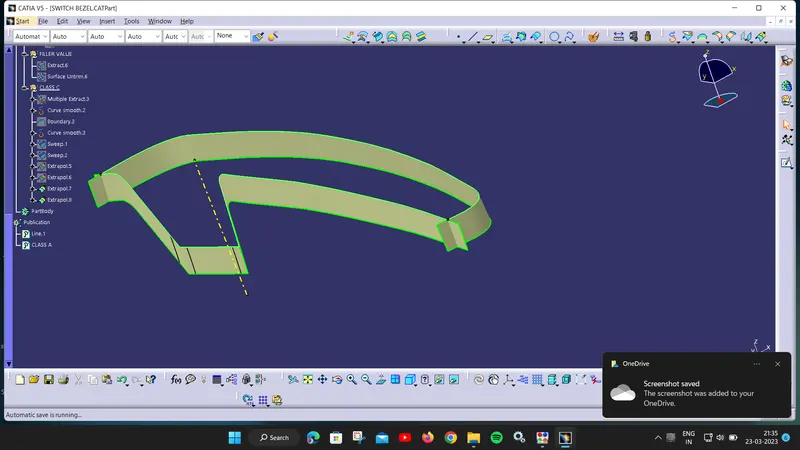
- As this component has 1 hole from where the tooling axis can be generated, however it does not have proper 4 walls to generate it. In this case, an approximation is made in order to obtain the tooling axis.
- First by using the two side walls a dummy axis is made. As it is known that the draft angle is 3 degrees, the second axis is taken as a 3 degrees to the given wall and using these two axis the tooling axis is made.
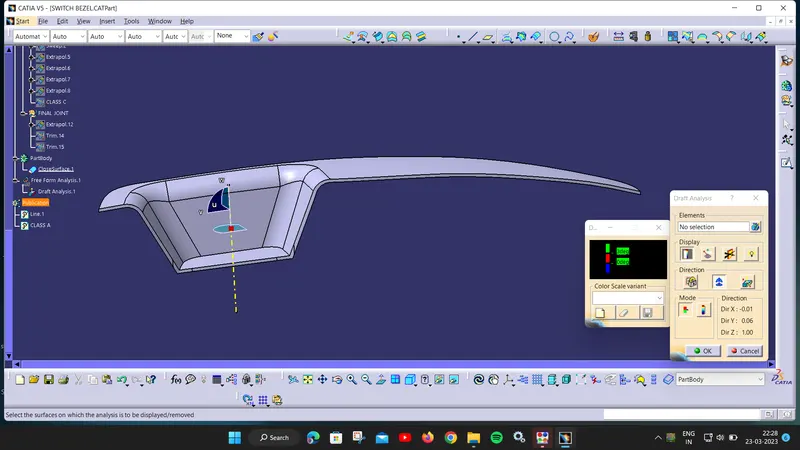
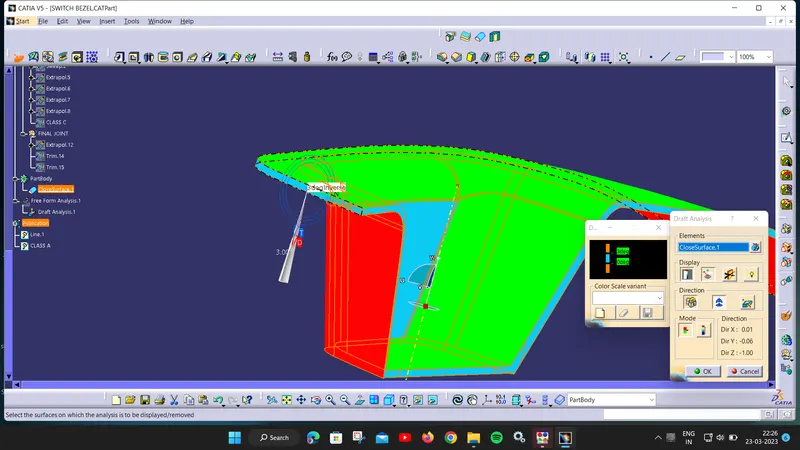
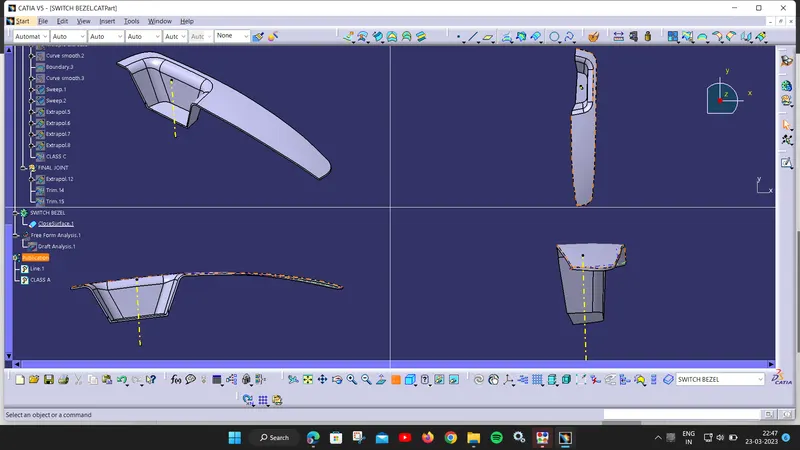
From the image, it can be seen that one wall of the part fails in the feasibility check, this happened due to the draft angle which is given to the axis at the beginning. To avoid this, again the angle has to be increased and update has to be done.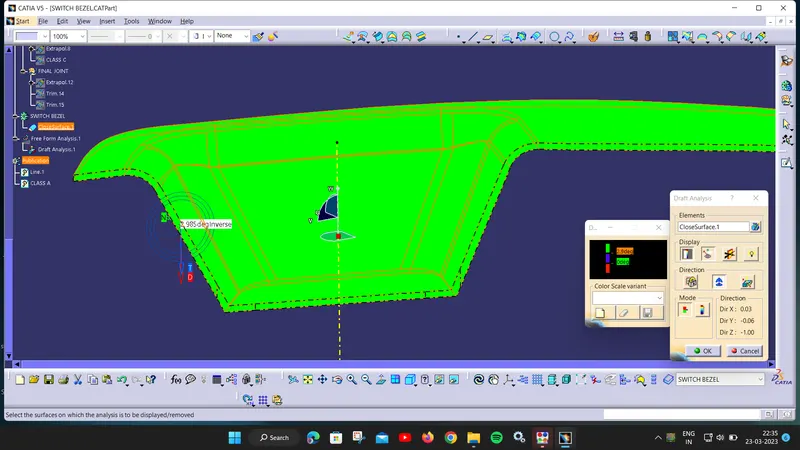
After increasing the angle it can be seen that there is no draft failure and now the component is feasible and can be manufactured
- Learning outcome:
- How to form the tooling axis when there are constraints on the number of walls.
- To capture class B and C properly.
- To check the feasibility of the component.