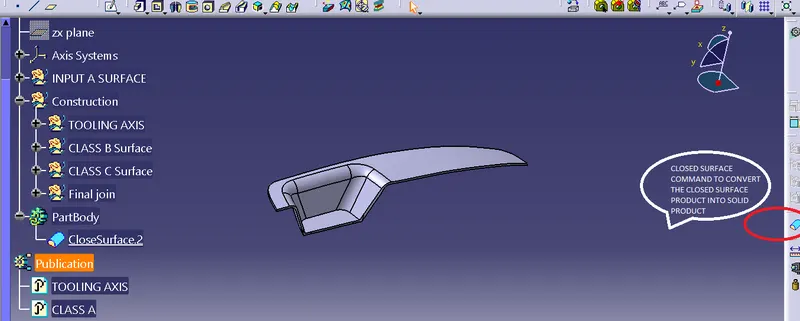
Week 9 - Challenge 2 - Switch Bezel Design
AIM: To create switch bezel solid part from class-A surface.
PROCEDURE TO CREATE TOOLING AXIS & DRAFT ANALYSIS:
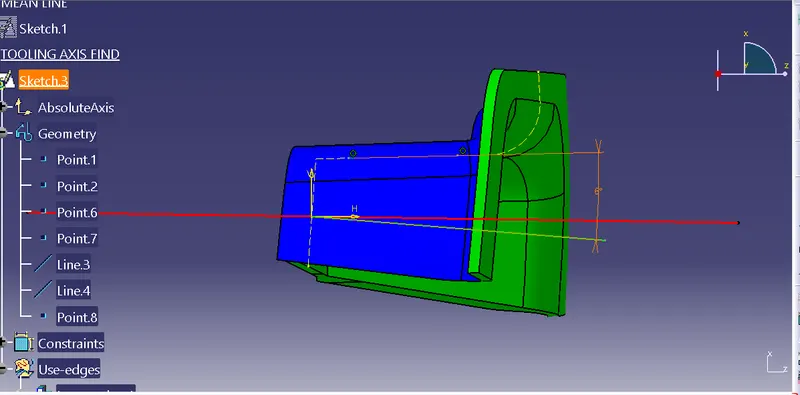
1.Select a pont at the base of cavity part of the swith bezel surface and 'intersect' the product.
2. By 'bisecting' command getting the tooling axis.
3.The 'bisectors' are given apart by 6 degree angle.
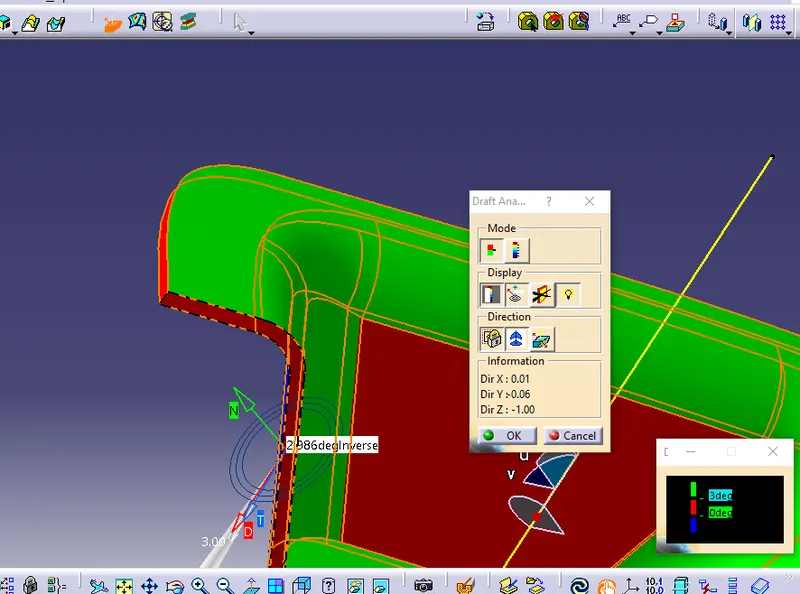
4. Draft Analysis by locking the compass along tooling axis and check the angle as green coloured by 3 degree.
PROCEDURE TO CREATE CLASS-B & C SURFACE:
1. Extract the surface from class-A.
2.Untrim and extrapolate them.
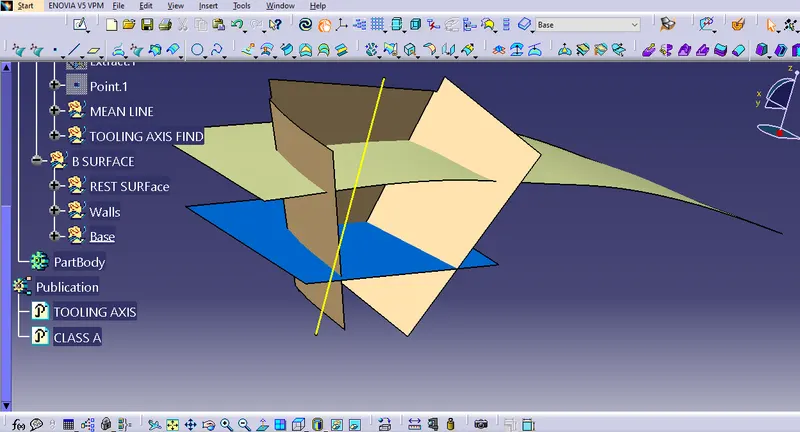
3. Trim the wall and base surfaces to each other and then this has been trimmed by top rest surface.
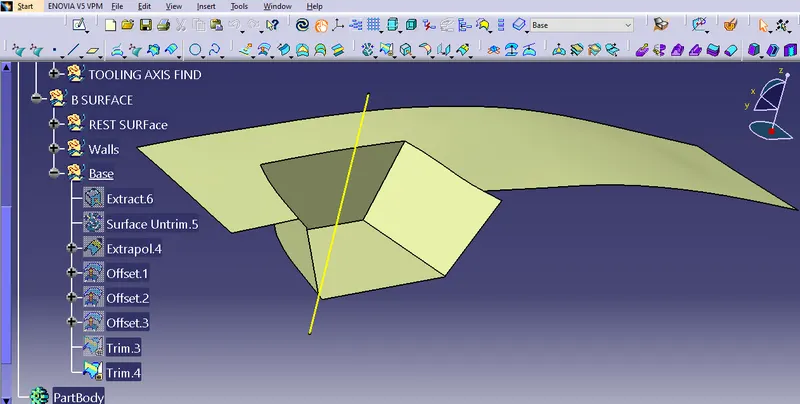
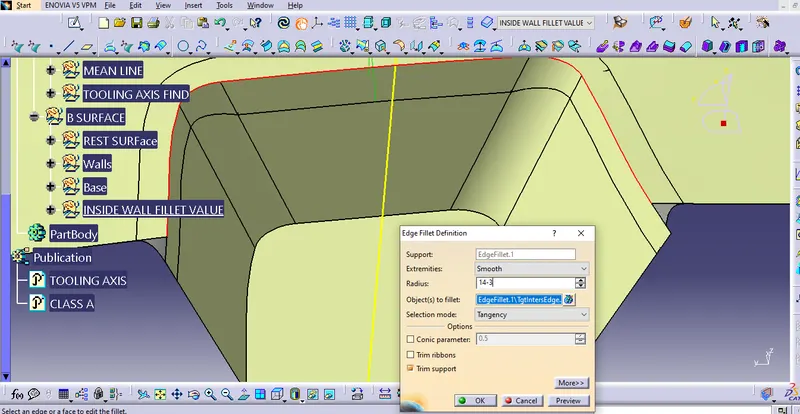
4.check the internal fillet values. As it is internal fillet therefore the offset surface fillet value is,
=class A surface fillet value-thickness/offset value.
5.Extract the edges from class-A and sweep it with draft direction command.
6.Using smoothning command to relieve the patches. Then extrapolate edges and trimmed it.
7.Join the class-A and class-C surface and trimmed it with class-B surface.
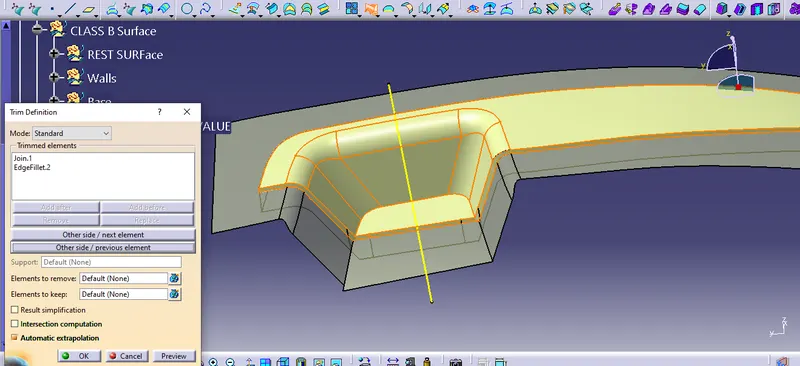
8.From mechanical part design module; using closed surface command.