Week 9 - Challenge 2 - Switch Bezel Design
SWITCH BEZEL:
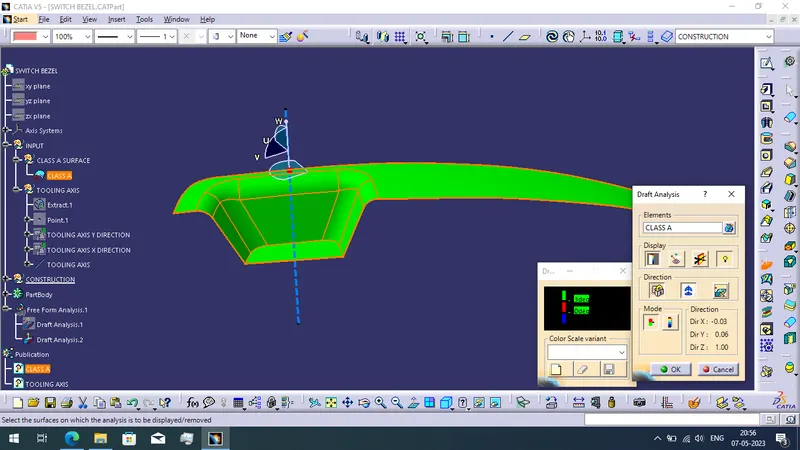
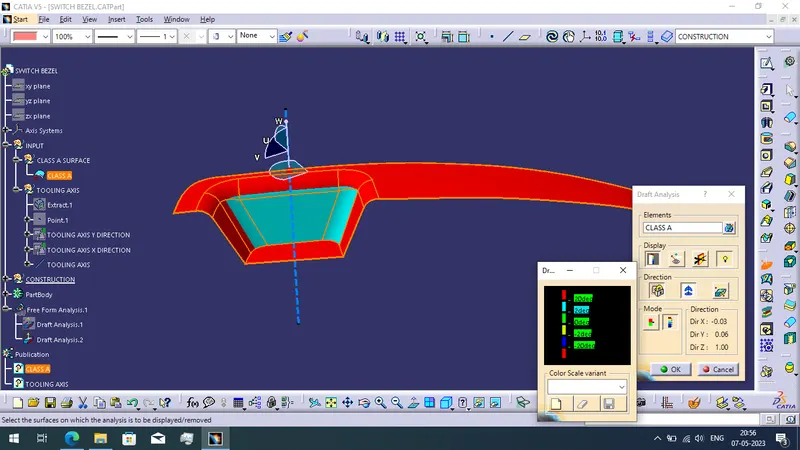
DRAFT ANALYSIS REPORT FOR THE CLASS A SURFACE:
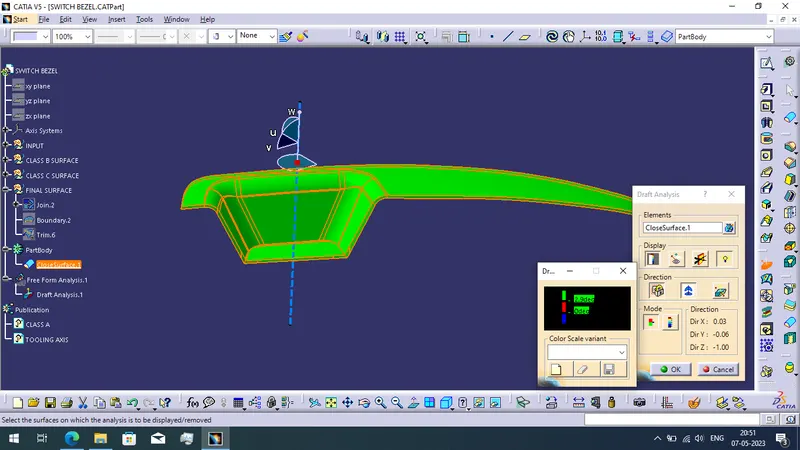
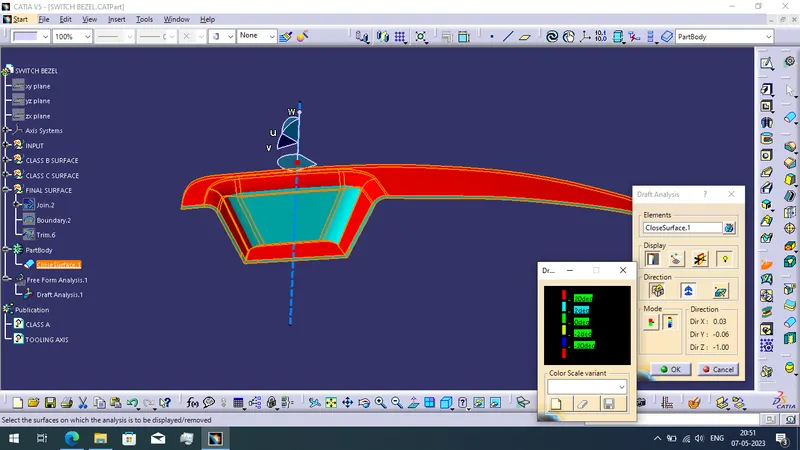
DRAFT ANALYSIS REPORT FOR THE FINAL PLASTIC COMPONENT:
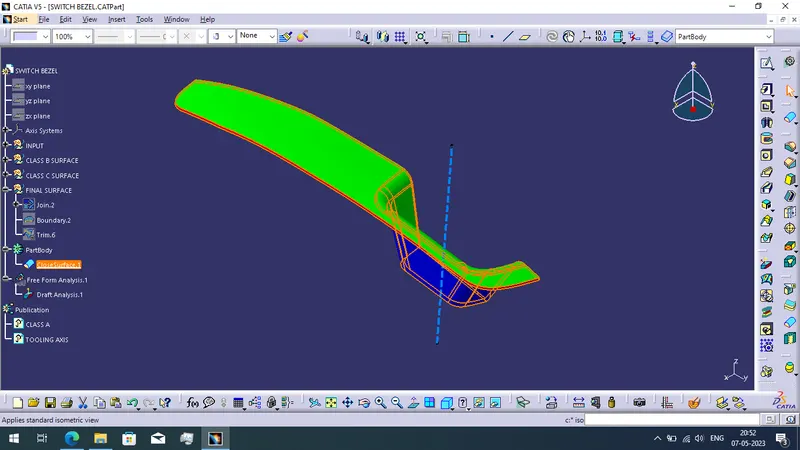
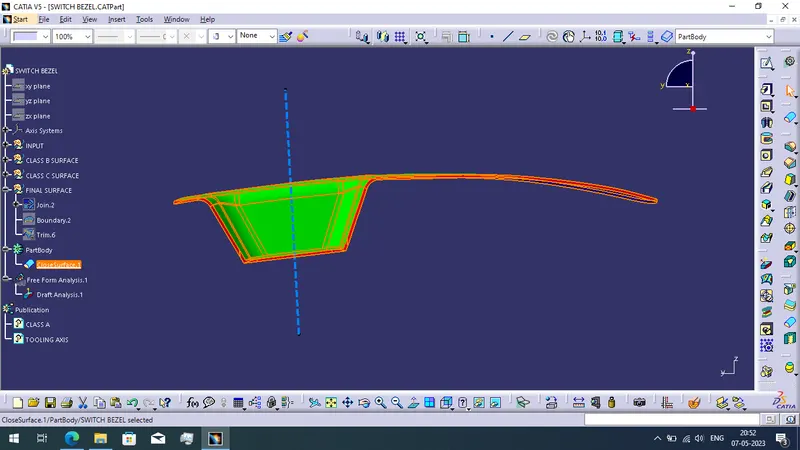
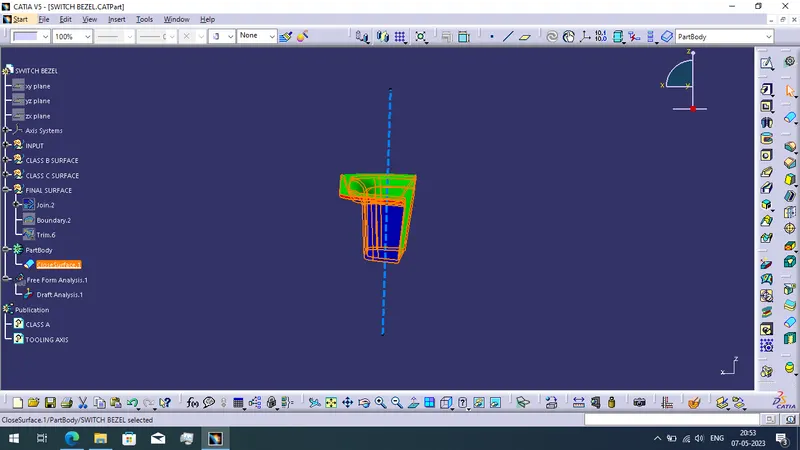
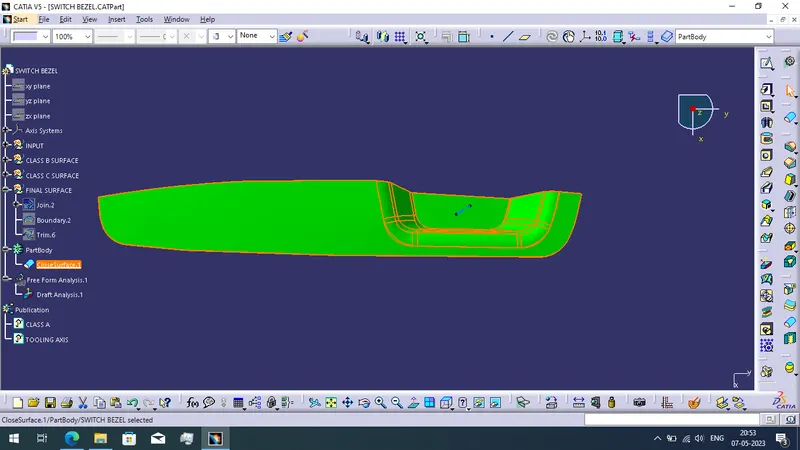
SOLID MODEL IN VARIOUS ORIENTATIONS:
ISOMETRIC VIEW:
FRONT VIEW:
SIDE VIEW:
TOP VIEW:
REPORT:
WRITTEN REPORT:
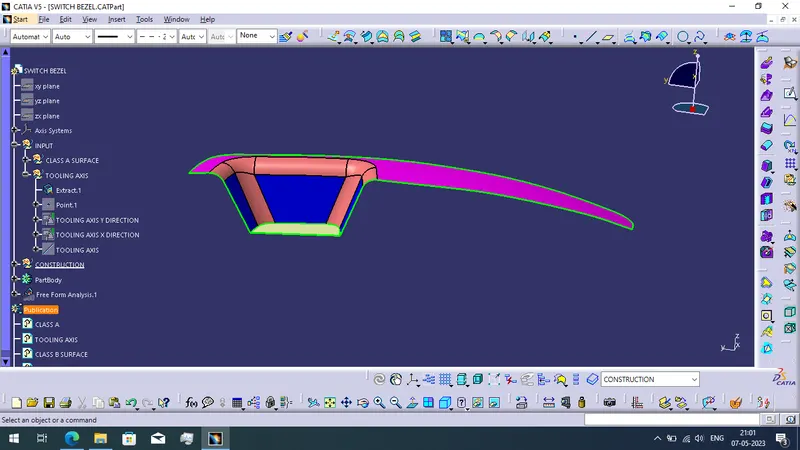
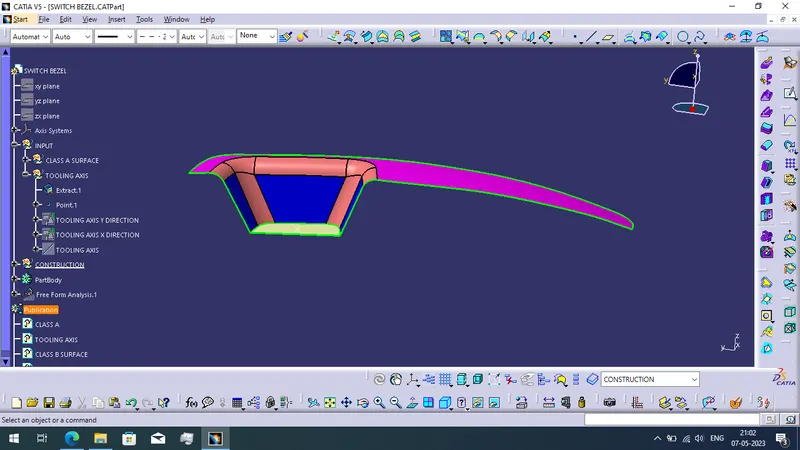
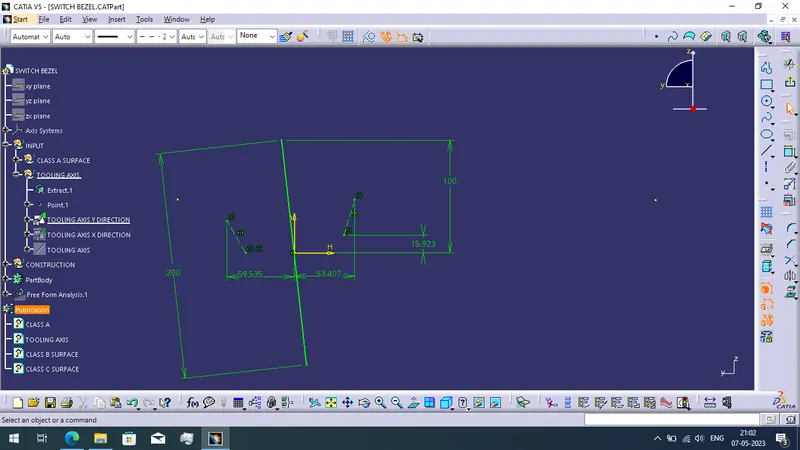
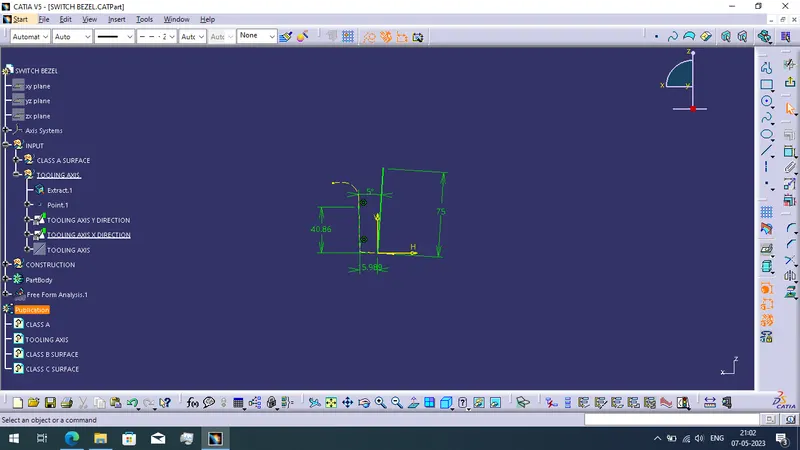
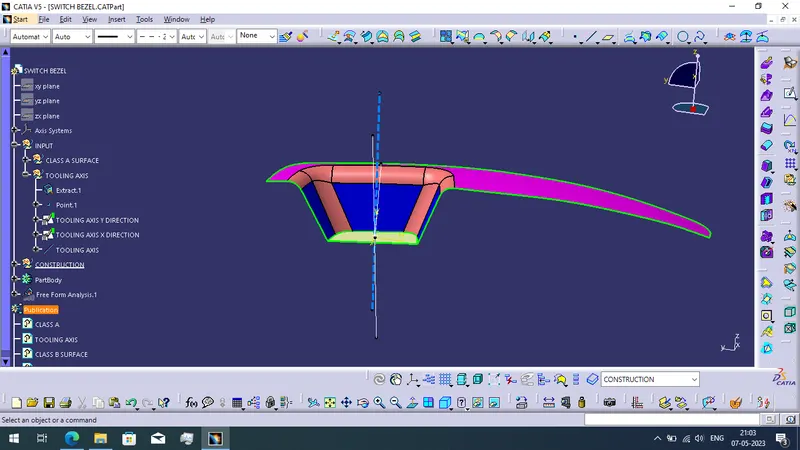
Firstly i received Class A Surface model then extract the base surface of the class A surface. Next i create the point on the extracted surface. And then create the Y-direction tooling axis with the method of position sketch method. Again i use the position sketch to create the X-direction tooling axis. Finally select bisecting line command and form tooling axis with help of two directional tooling axis. Once the tooling axis is created next i created the Class B Surface and then create Class C Surface. Finally use trim command to trim the Class C Surface to Class B Surface and use part design method to create close surface. Lastly i created the solid model.