Week 9 - Challenge 2 - Switch Bezel Design
Week 9 - Challenge 2 - Switch Bezel Design
Objective :- Create the Switch Bezel Plastic component through the given Class-A surface. To begin with, the tooling axis for the given Class-A Surface should be created meeting the requirements of the draft angle and at the end perform the Draft analysis on the model.
A Surface
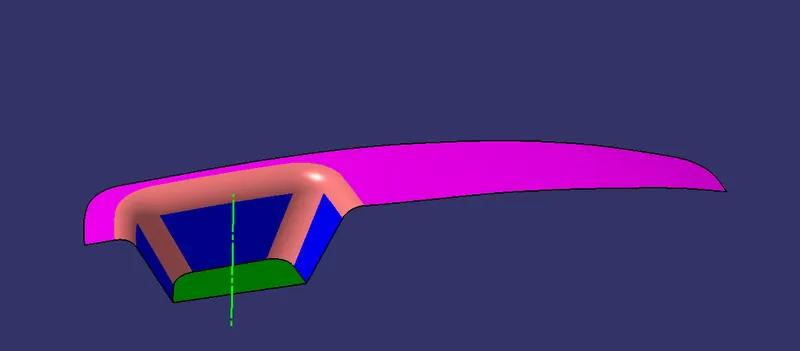
Tooling Axis Creation
- Interset the surface with the YZ plane
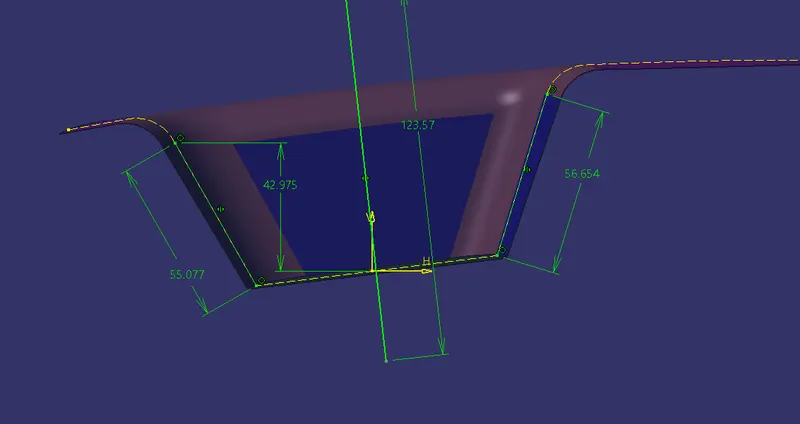
- Make another intersecting curve with ZX plane and create another bisecting line
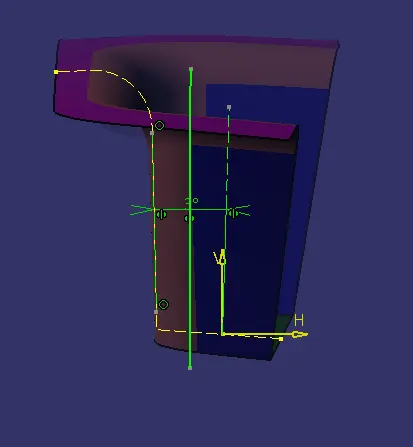
- Create bisecting line of last two bisecting lines
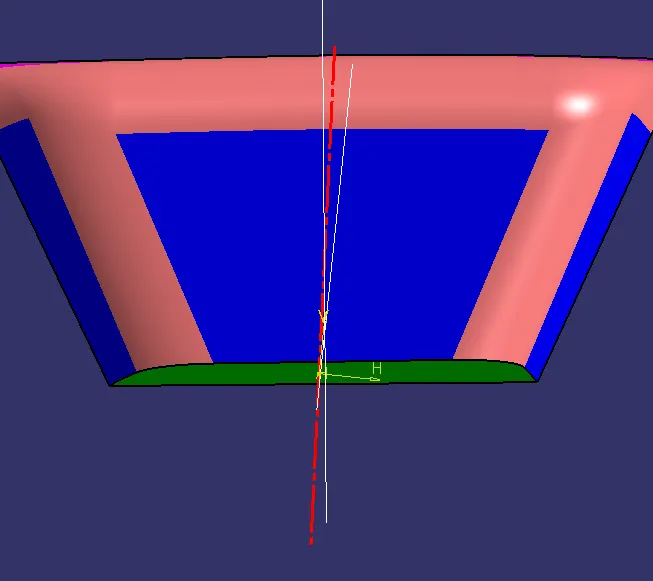
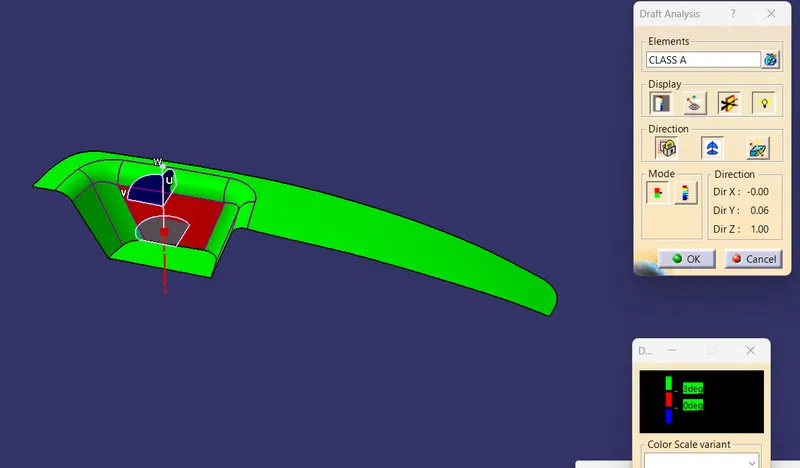
A Surface Draft Analysis
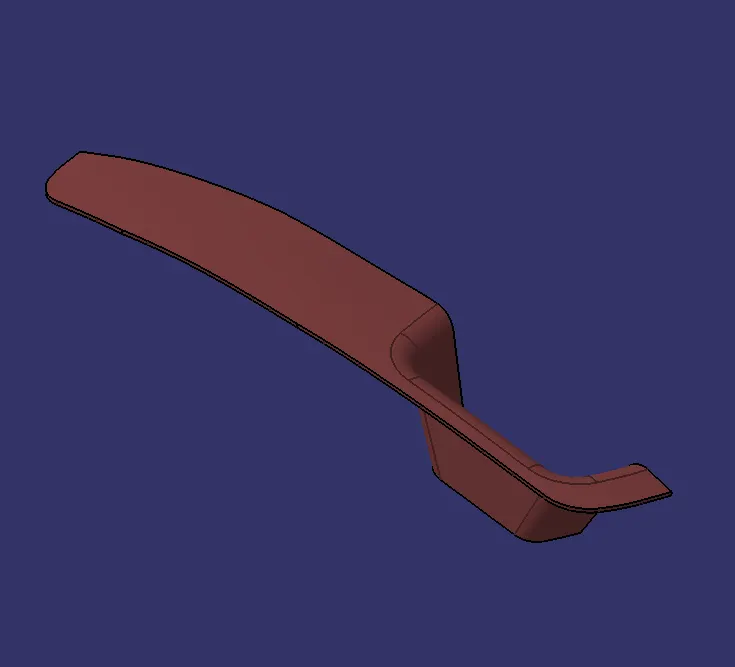
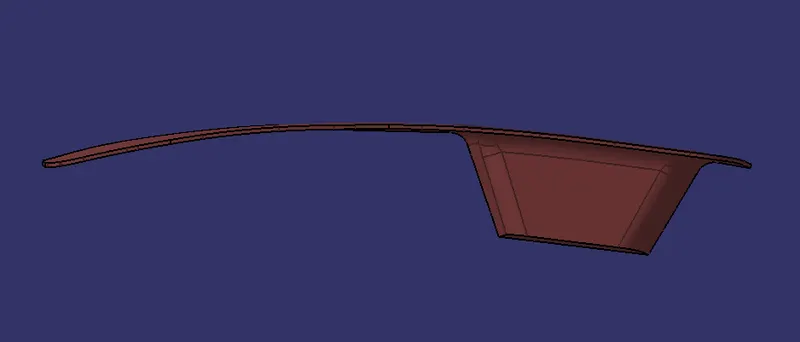
Solid Model With Various Orientations
ISOMETRIC VIEW
FRONT VIEW
SIDE VIEW
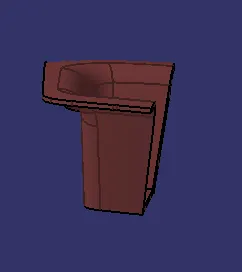
TOP VIEW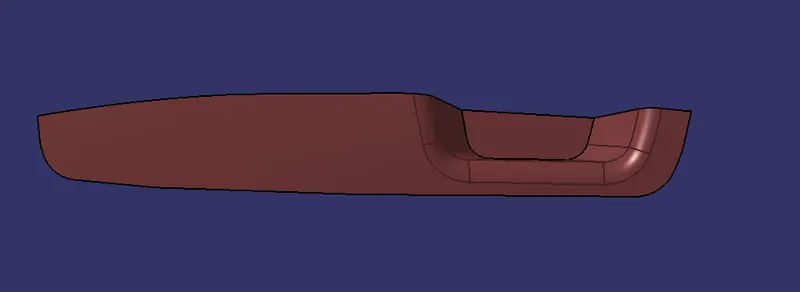
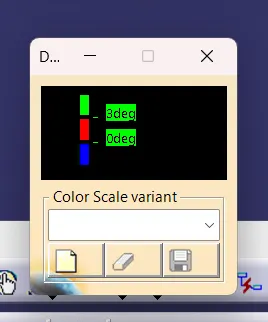
Draft Analysis For Solid Part
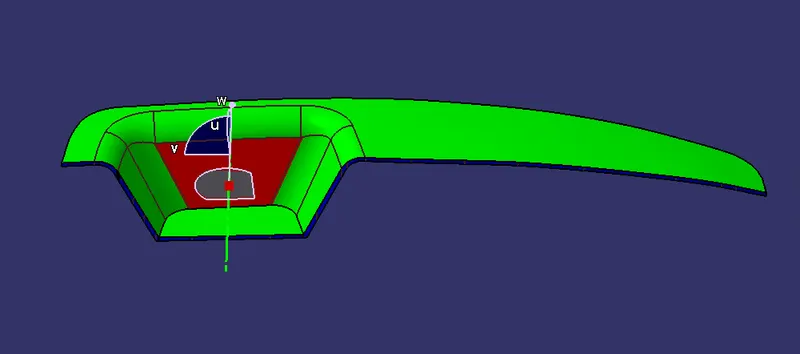
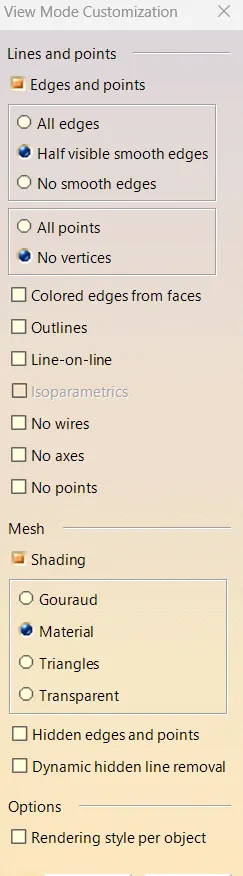
- 1st We nee to Change the part in to material view mode
- Then click the draft analysis icon Fix the compass on the Tooling Axis and again define the compass on the tooling axis and lock.Then click on the face of the body
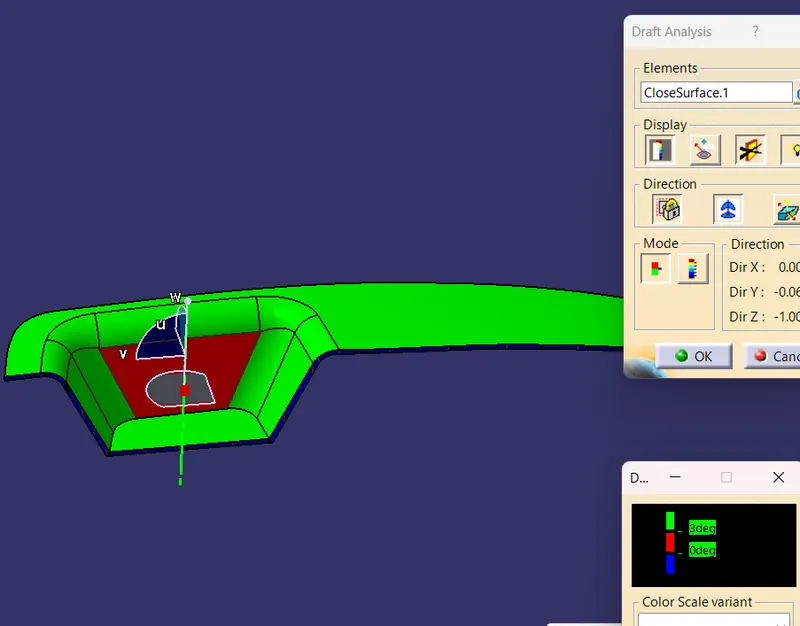
- The draft angle is 3°
Conclusion
Finally the Class - A , B& C surfaces with the tooling direction have been publised and the switch bezel is moved on to the
designing of the next operation - the creation of B - side features.