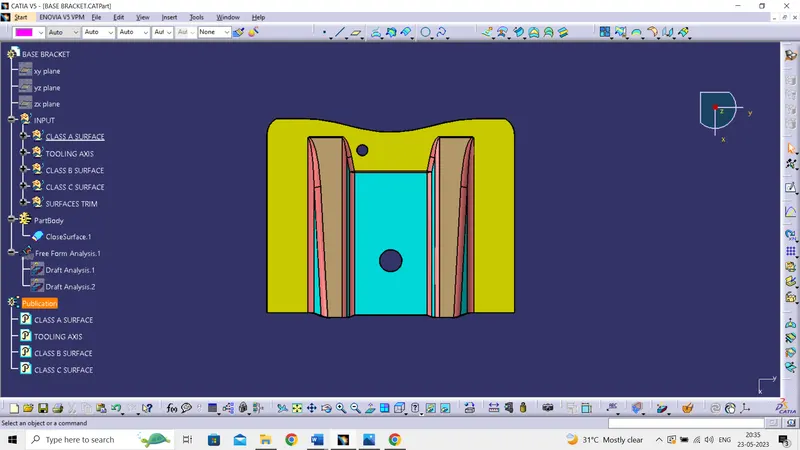
Week 9 - Challenge 1 - Base Bracket Design
Report:
Tool Axis Creation:
- For the Draft analysis need tool axis line by taking hole on the base-1 as reference created a point
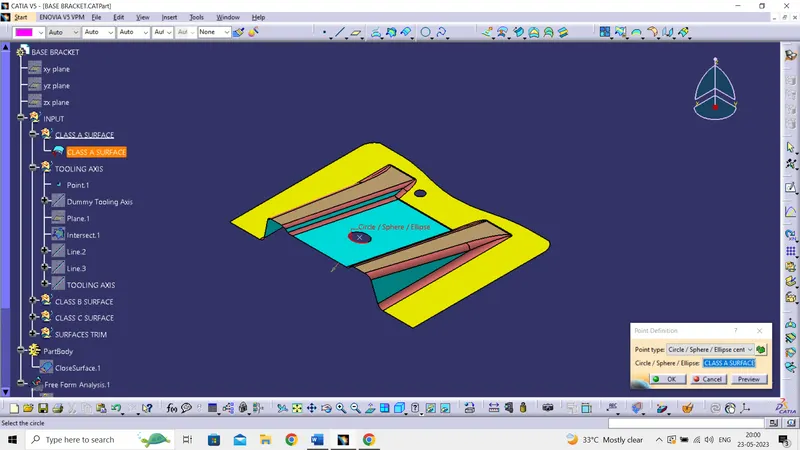
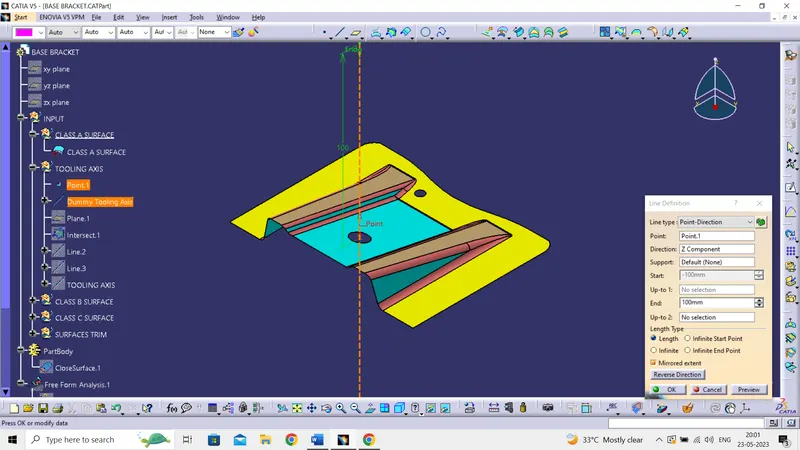
- Then crated a dummy axis for the reference, based on the point and direction along z axis
- Created a plane by taking point and yz plane as reference
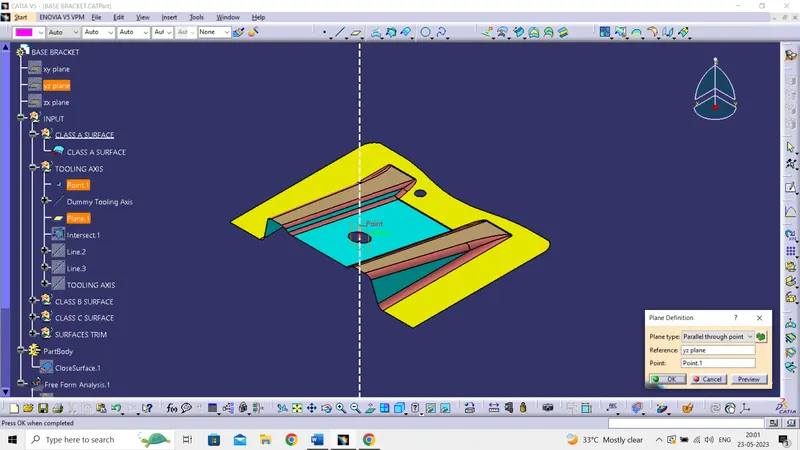
- By using intersection splitting the class A surface by plane
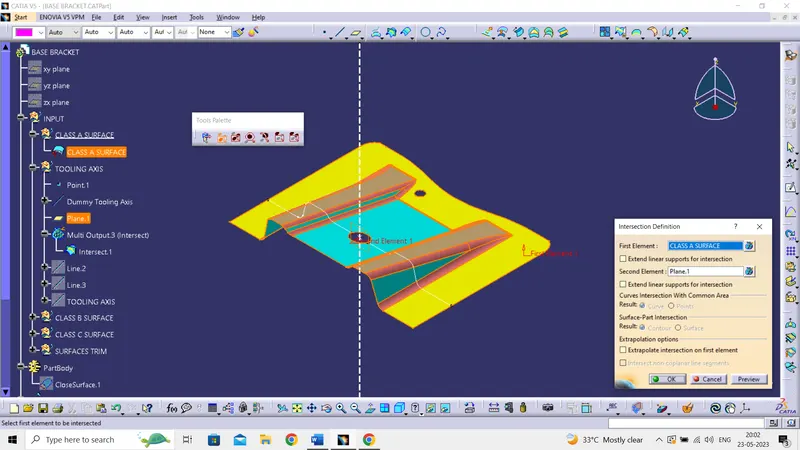
- The line which may causes error in the tool axis those lines are defined by point to point
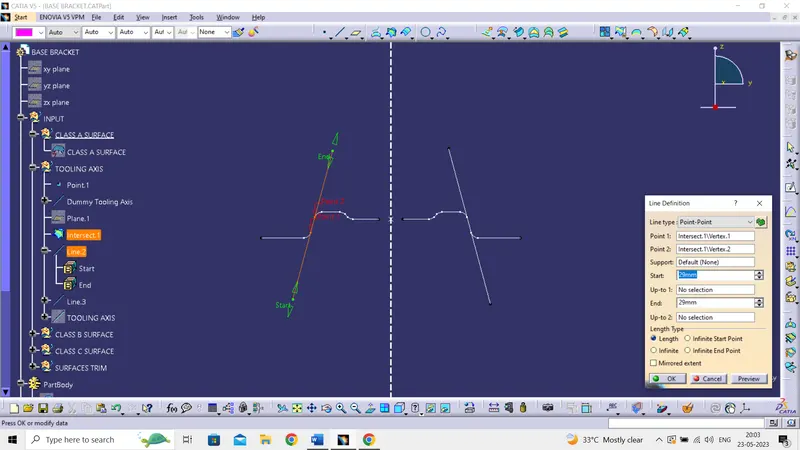
- After creating the lines, the axis is defined by using bisecting in the line definition by taking point and lines as reference
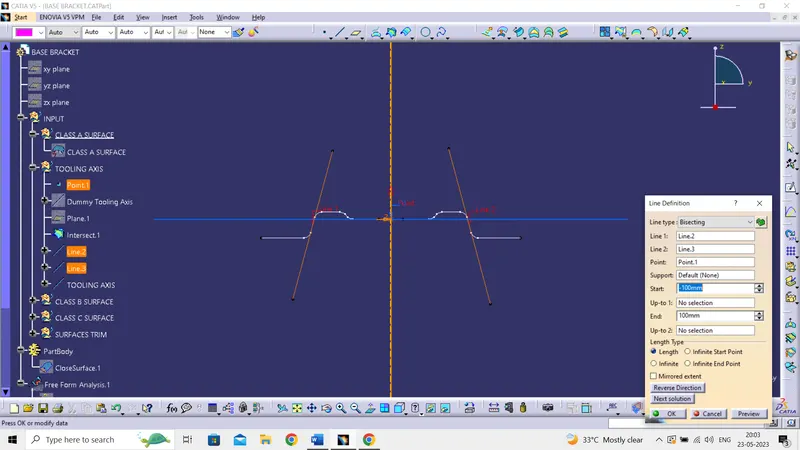
- Tool axis is created and published
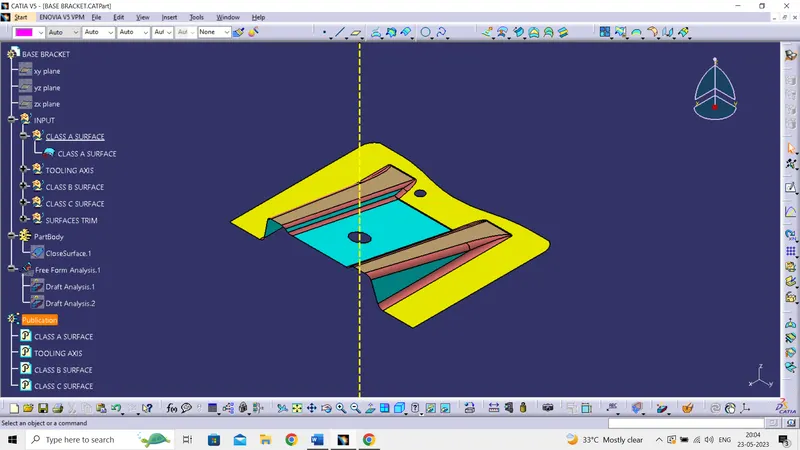
Draft Analysis:
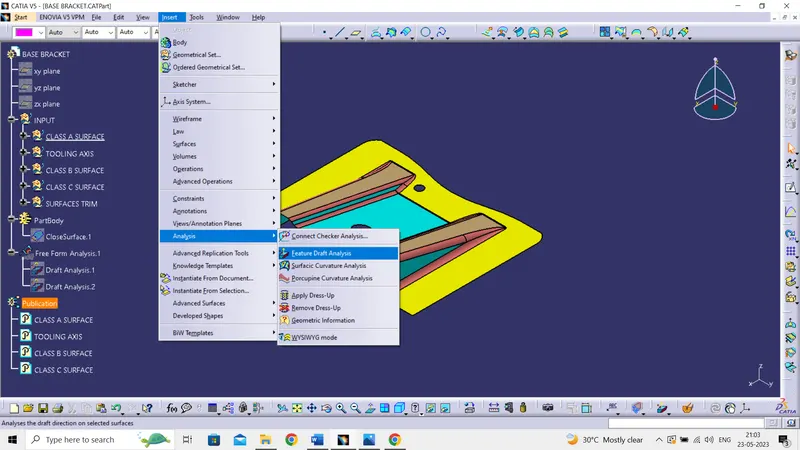
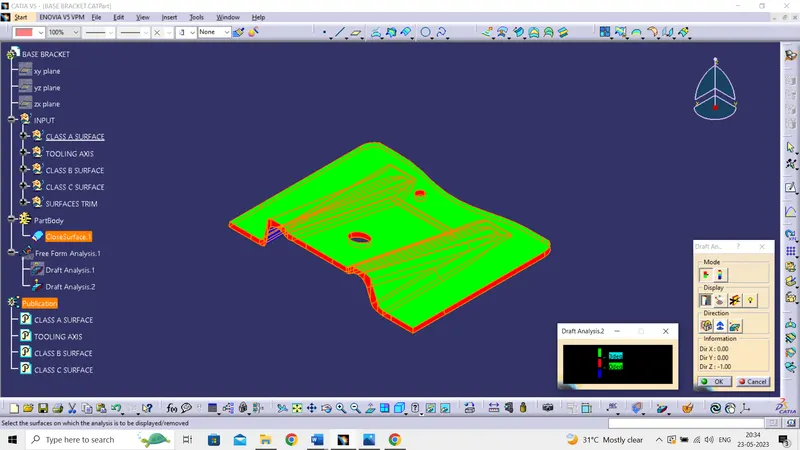
- After creating the tool axis then add the feature draft analysis in the insert section
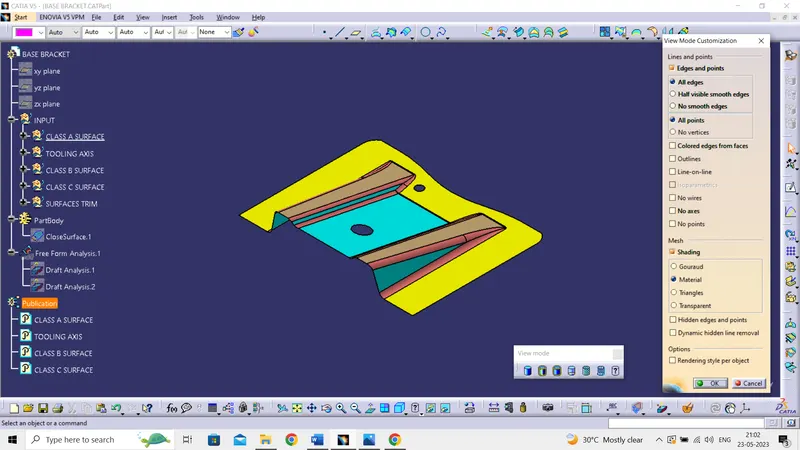
- Change the view mode into customize view parameter then in mesh section pick material
- switch to the qiuck analysis mode and display the color scale
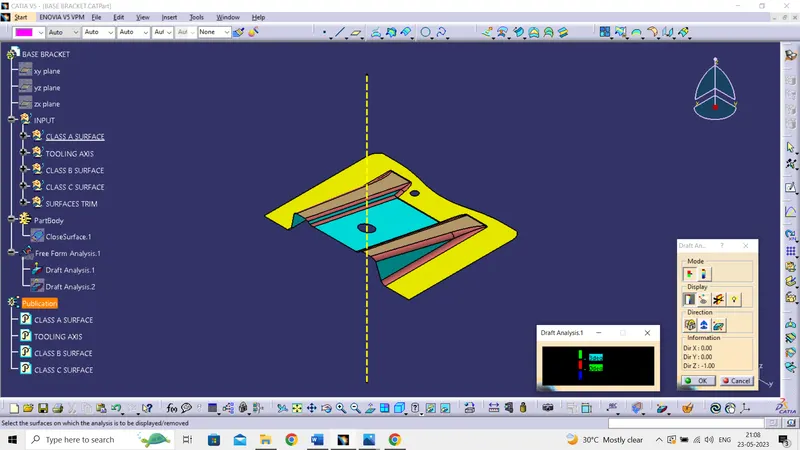
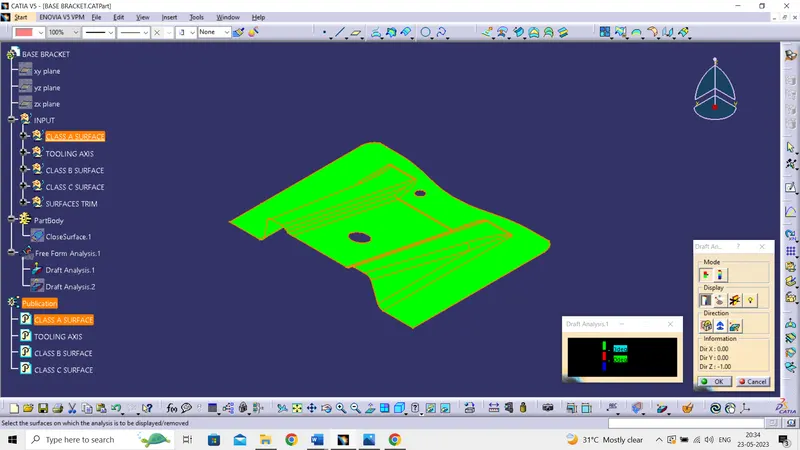
- Then in the direction section use the compass to define the draft direction by taking tool axis as reference and lock the direction
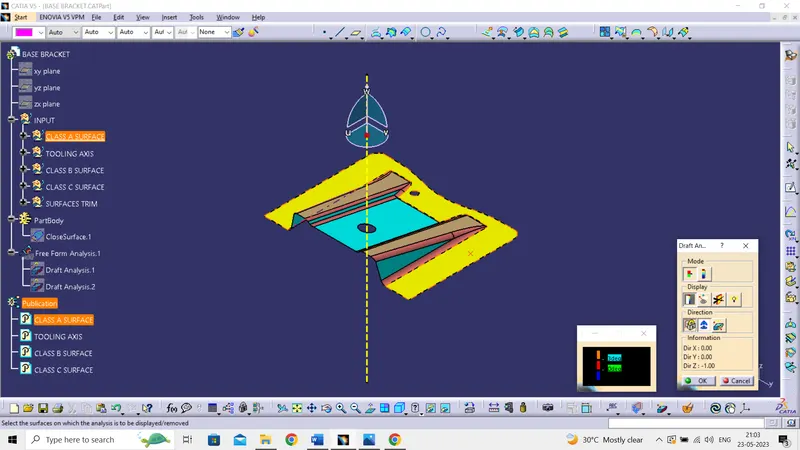
- After setting draft direction select the Class A surface which shoes the draft angle i.e., 3 deg
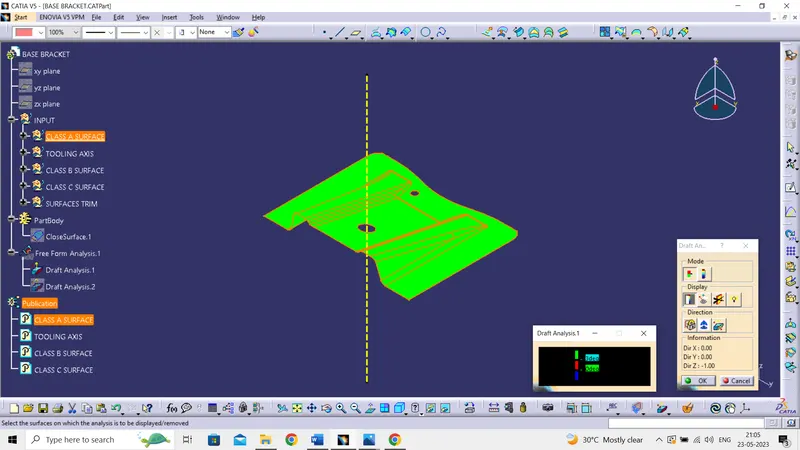
Tree Structure and Publications:
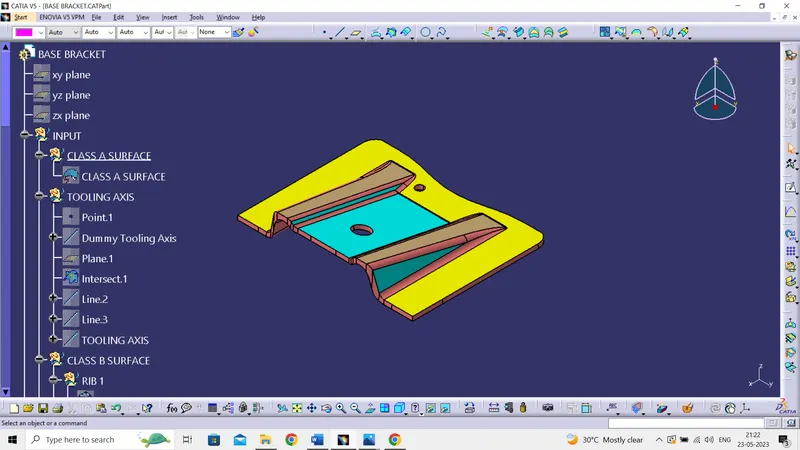
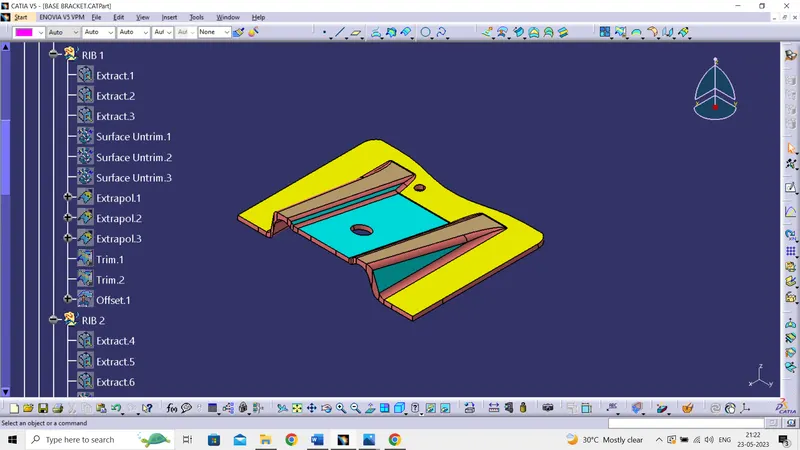
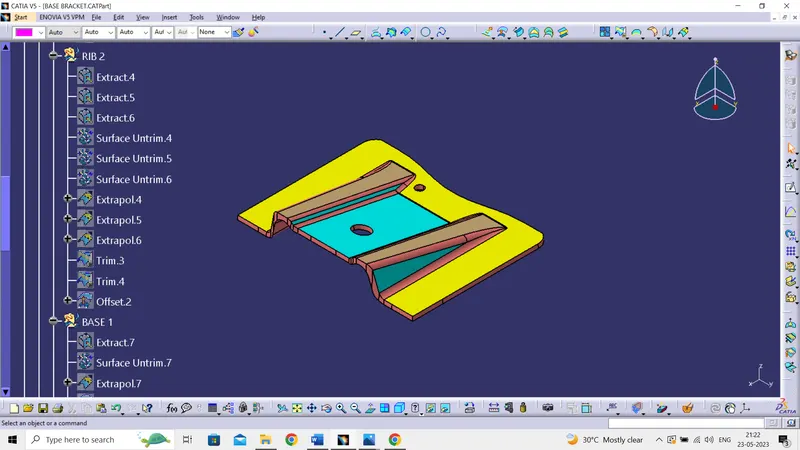
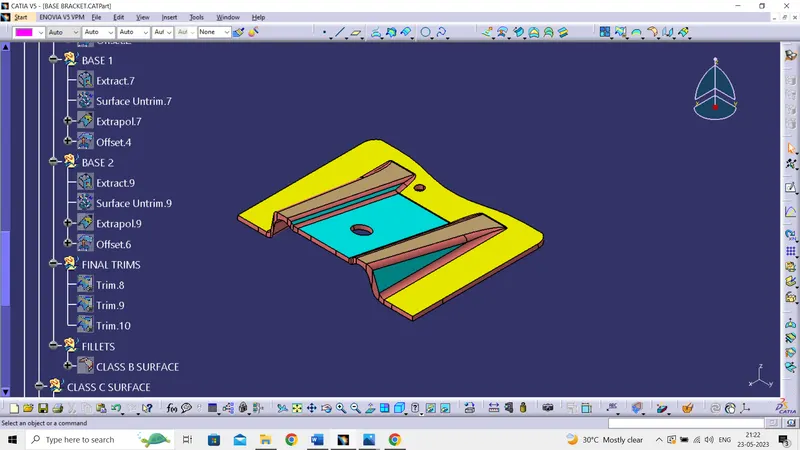
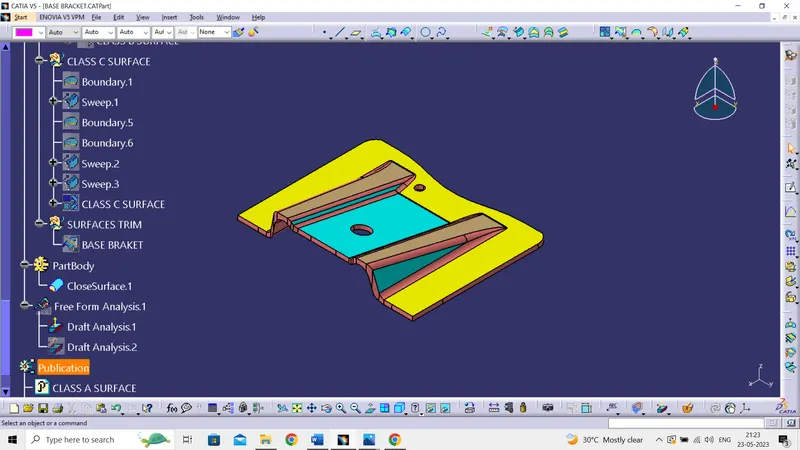
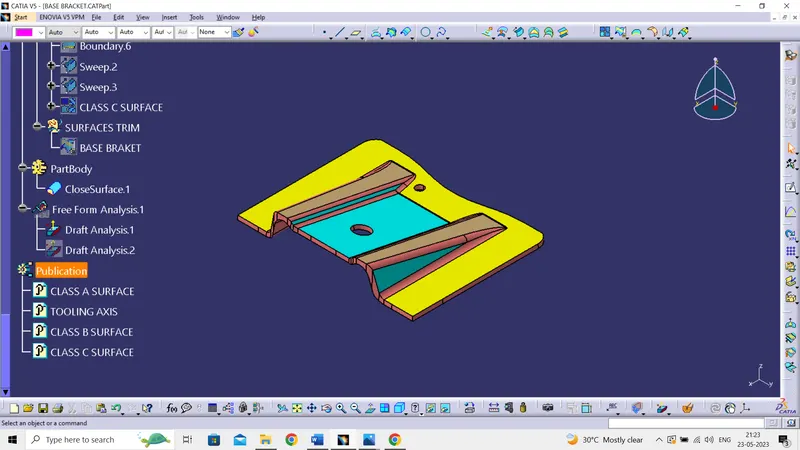
Draft Analysis
- Class A Surface
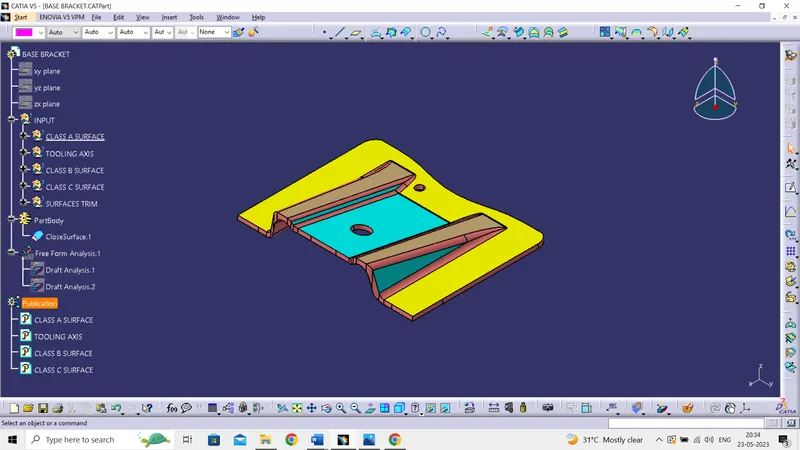
- Final plastic component
Plastic Model
- Isometric view
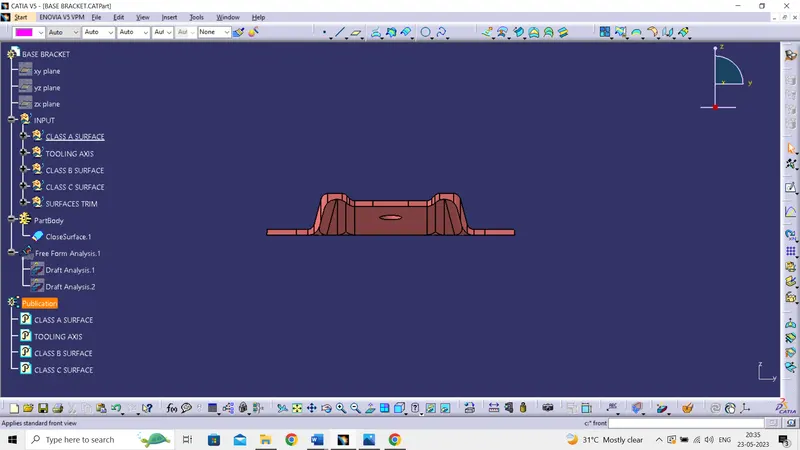
- Front view
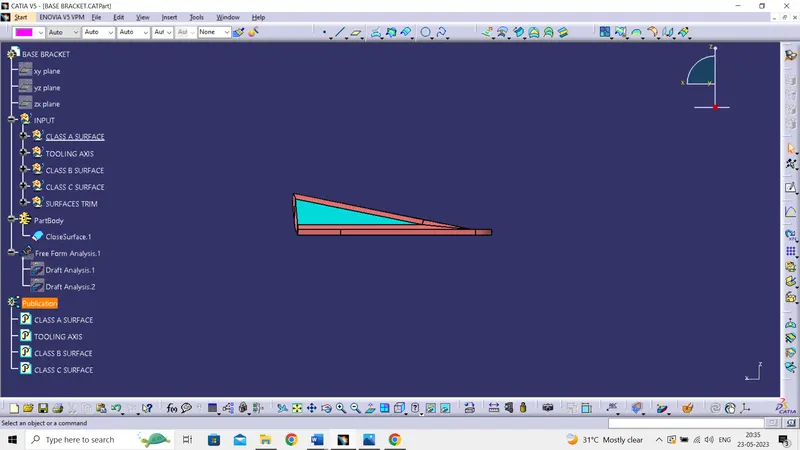
- Side view
- Top view