Week 9 - Attachment Feature Creation (Ribs & Screw Boss) - Challenge 1
Report
tooling axis creation
for this component, I use bisecting method. first I create a point on the extracted surface. then I use intersect command to intersect the component. I found the line then I create two lines coincident with intersecting lines.
after that use bisecting method to create a tooling axis
Draft analysis
Draft analysis is a common tool used in CAD (computer-aided design) software to determine the angles of sloped surfaces in a 3D model. The purpose of the draft analysis is to identify surfaces that do not have a uniform angle of inclination or draft angle, which can cause manufacturing and production issues in processes like injection molding, casting, or stamping.
this component has less than a 3 deg draft in some areas.
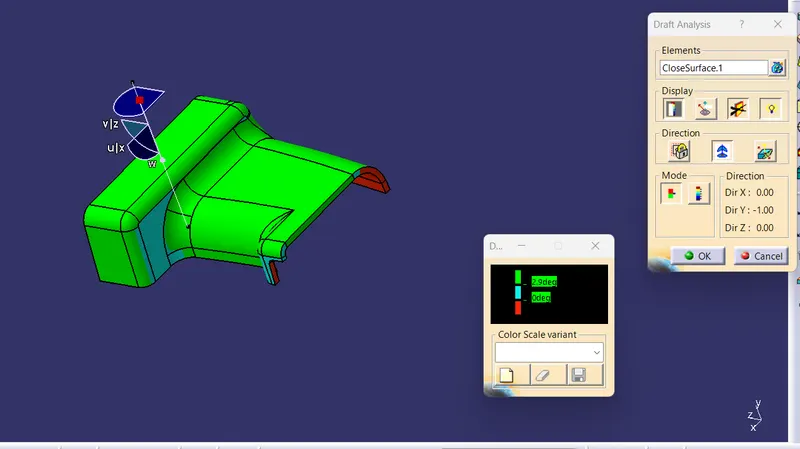
those areas have 0.9 deg draft
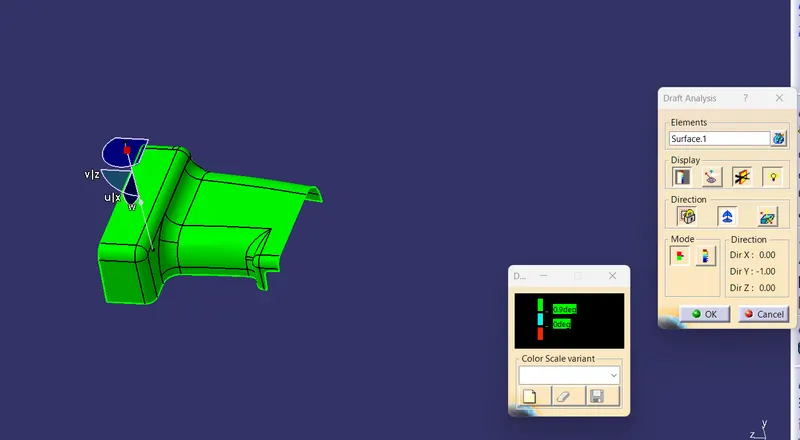
draft analysis for part body
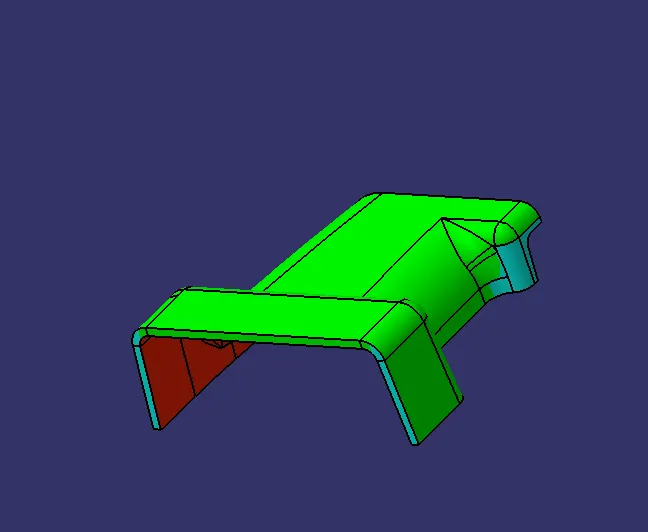
Class B surface creation
offset 2.5mm
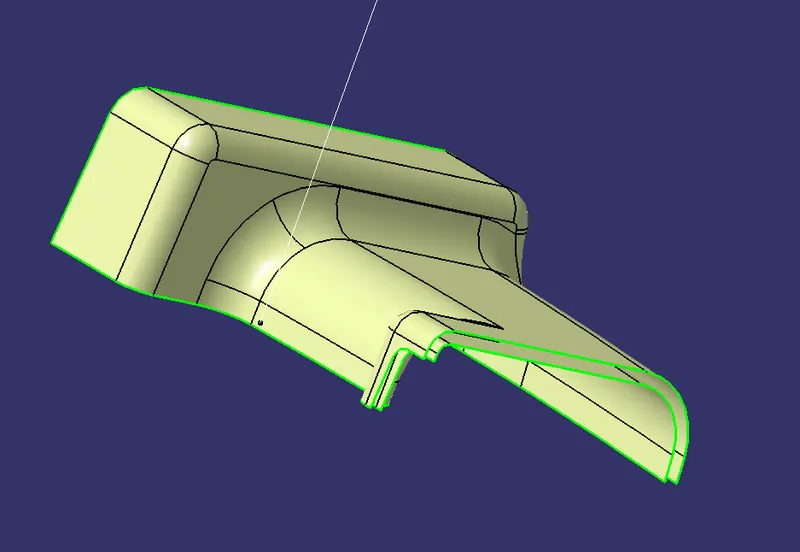
one patch is not properly offsetted
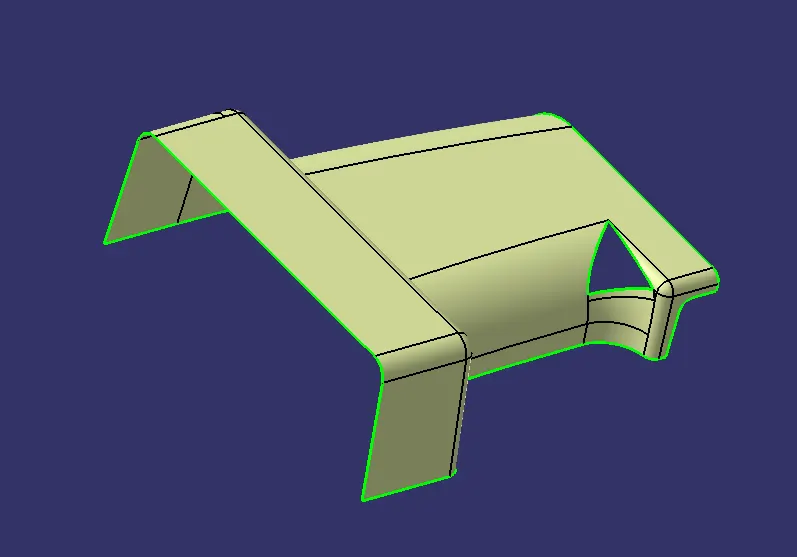
I performed Multisection over that patch
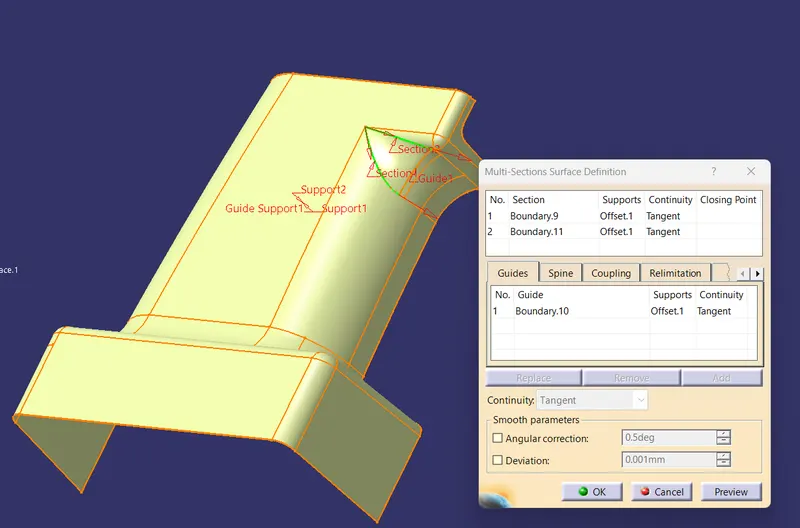
complete
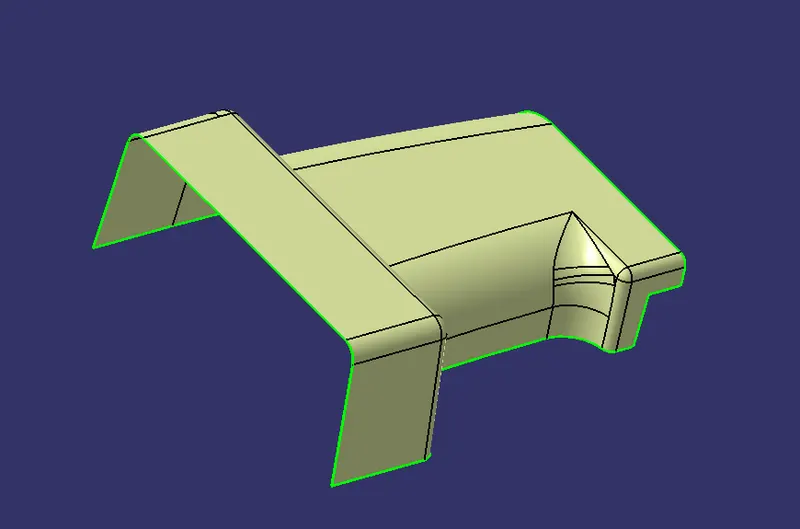
A+C surface
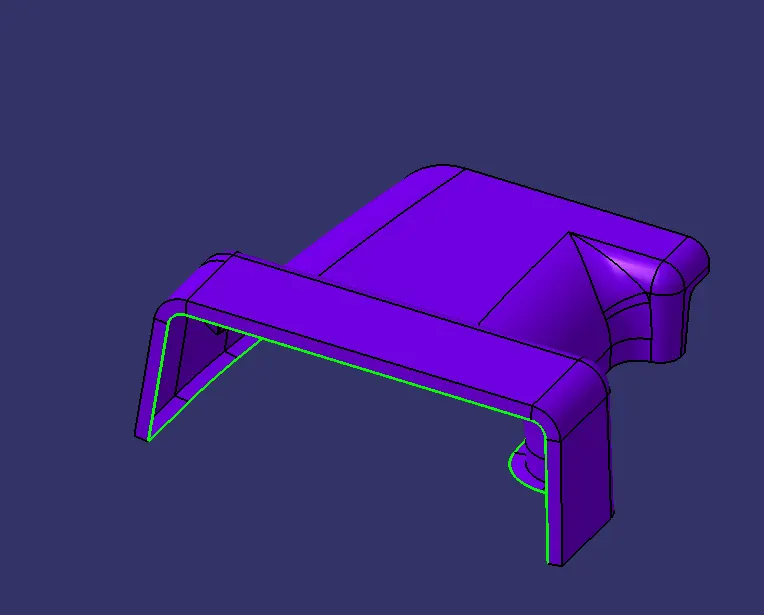
triming
AC+B
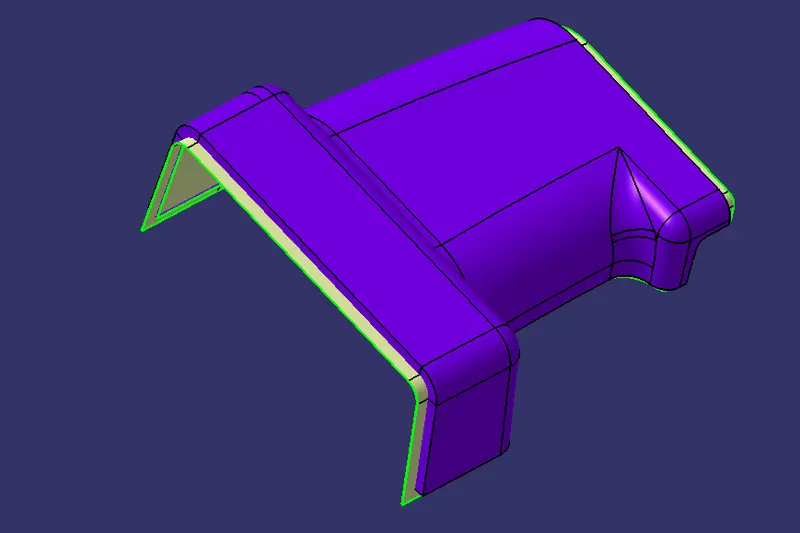
close surface
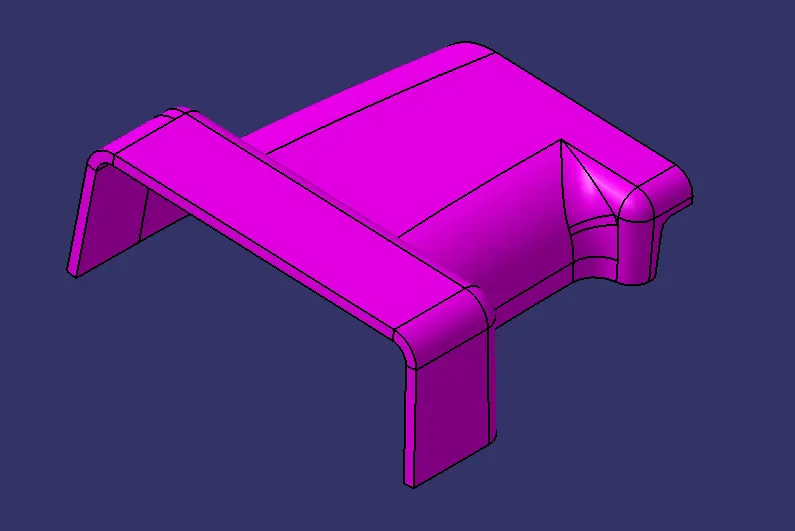
part body
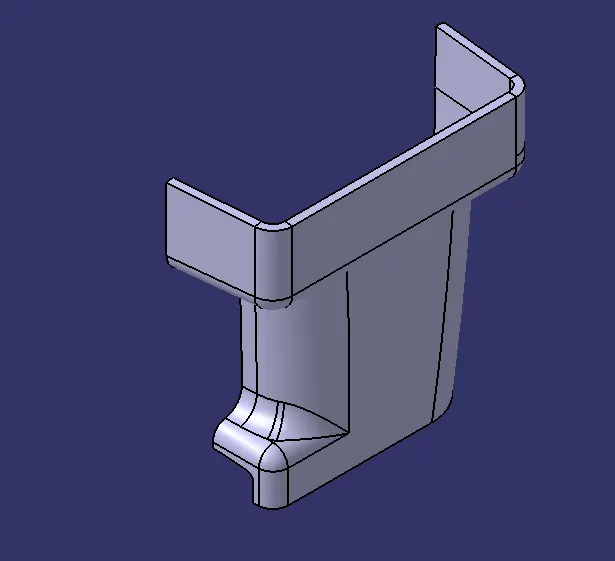
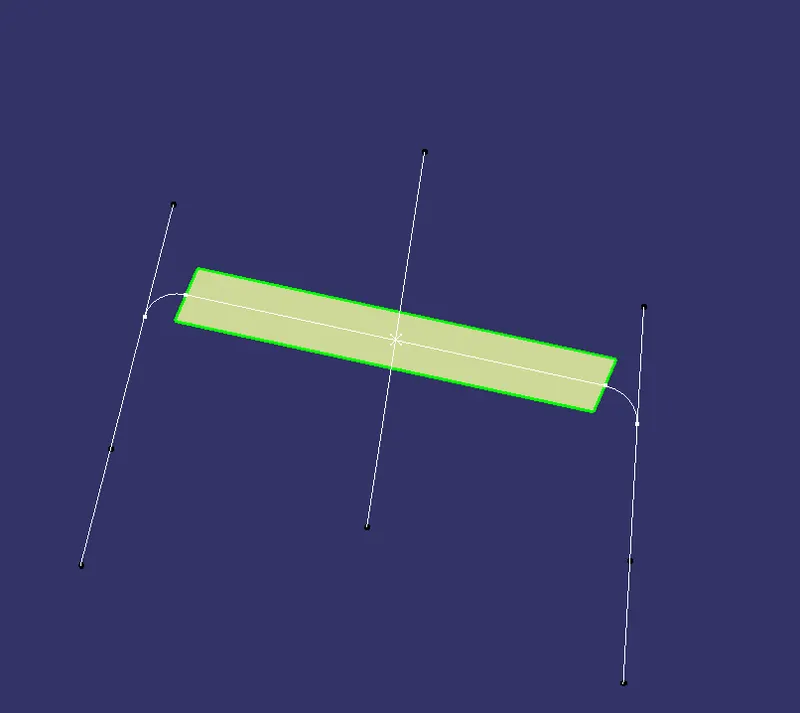
Rib creation
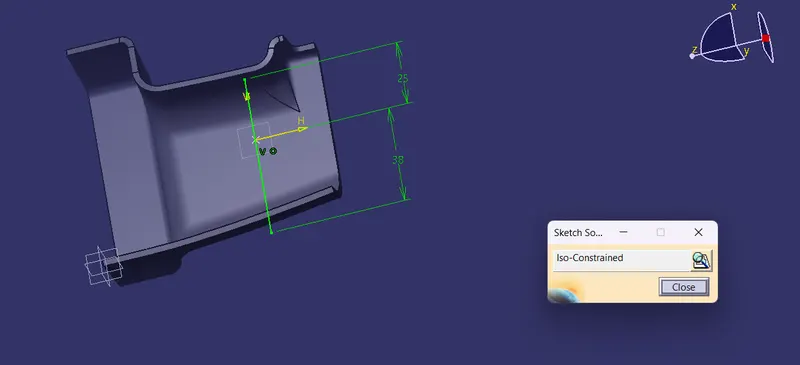
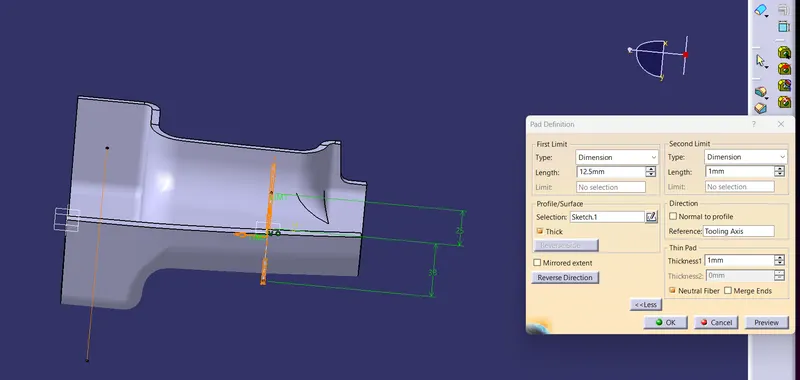
paded
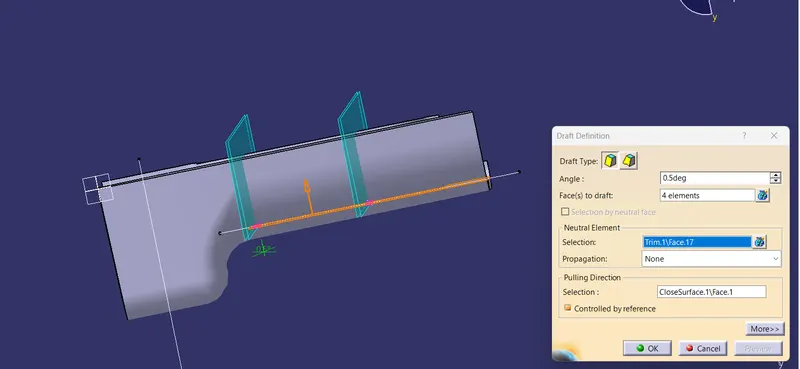
draft 0.5deg
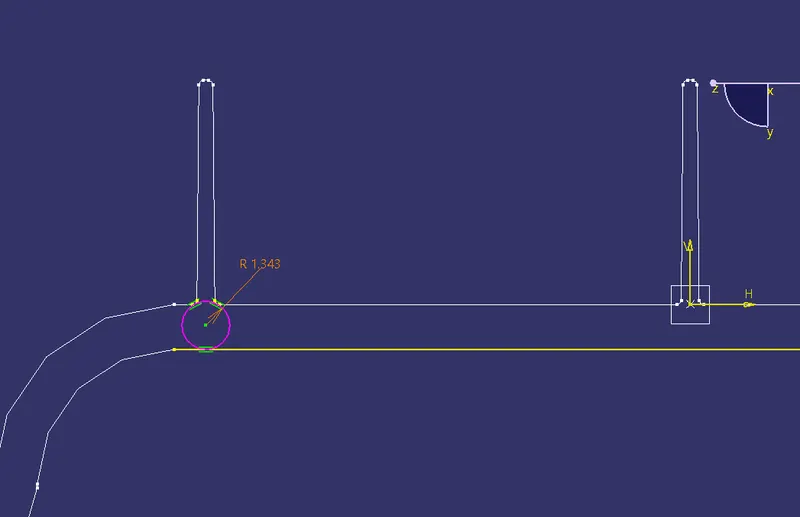
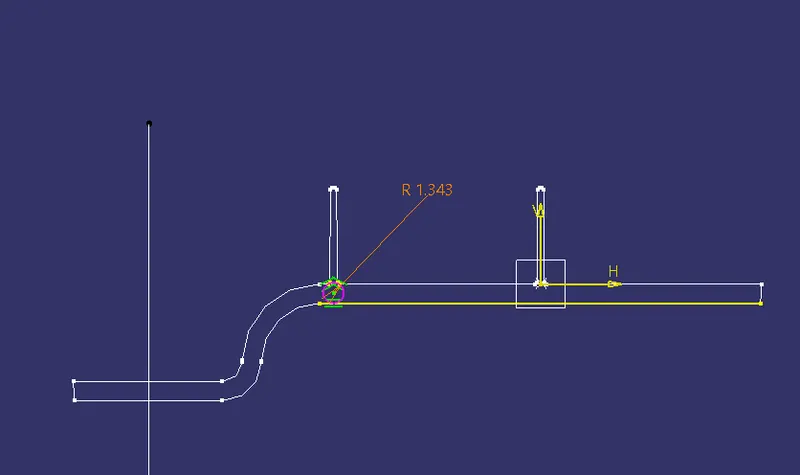
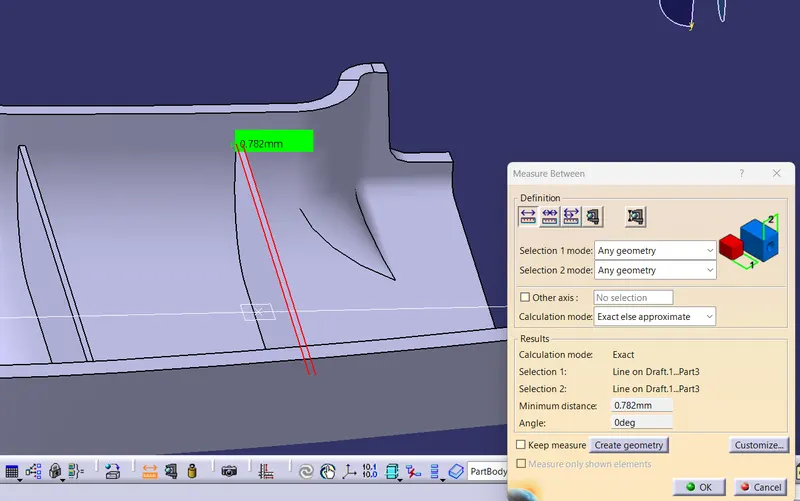
screw boss design
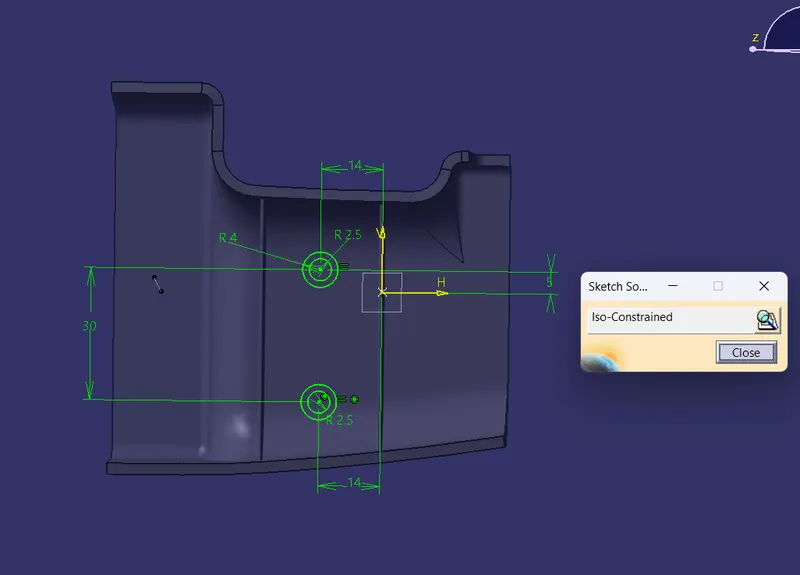
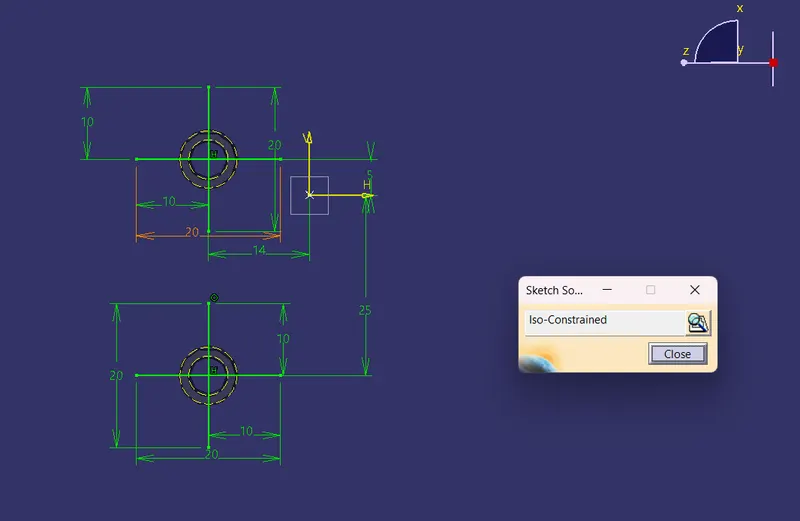
draft 0.5 deg
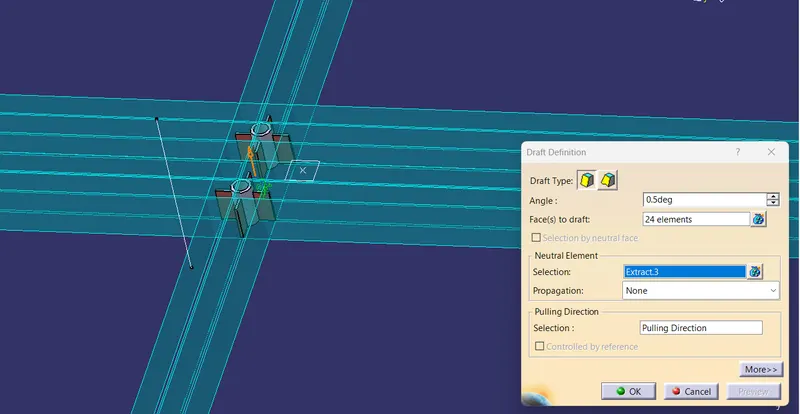
Uni trim RIB and Screw boss With the part body
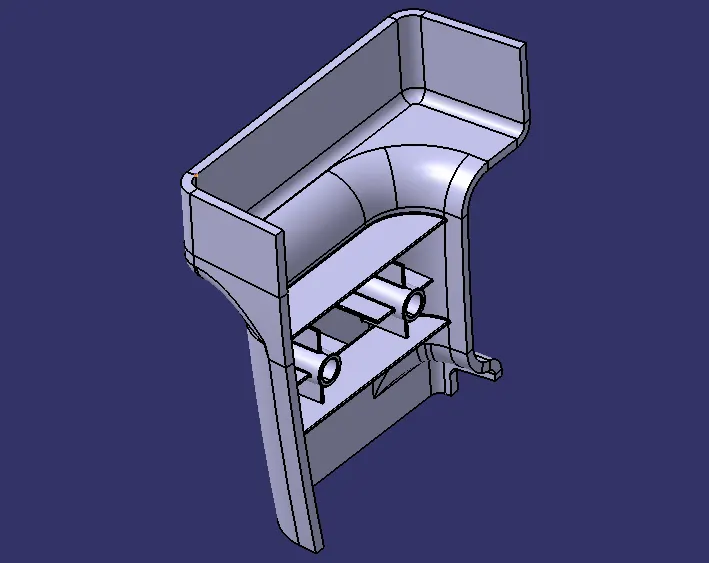
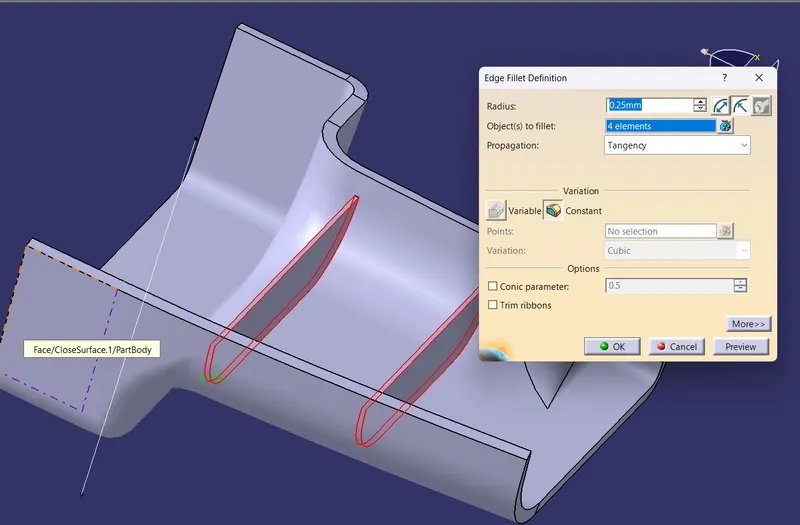
fillet 0.25mm
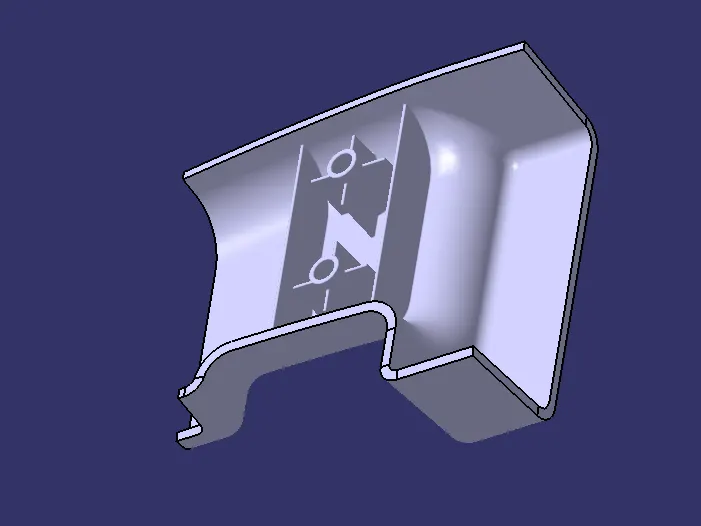
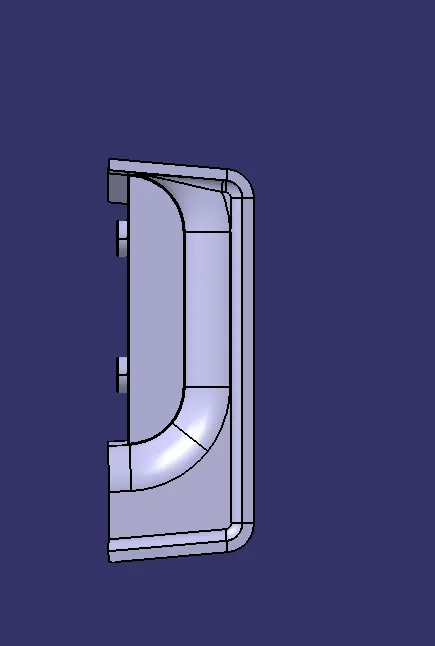
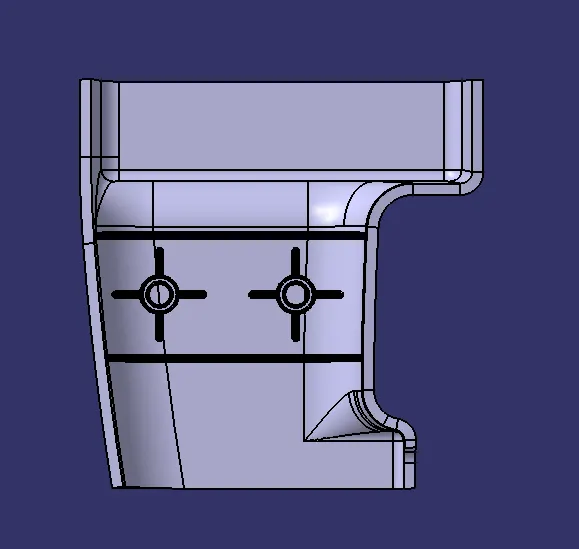
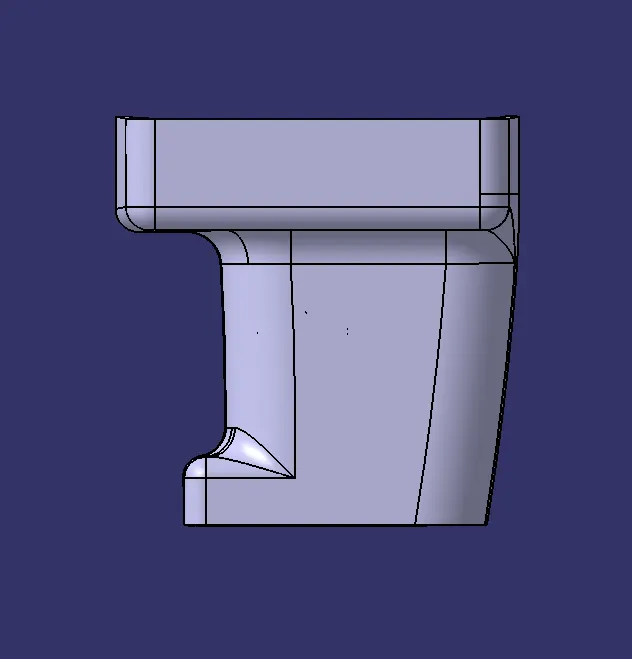
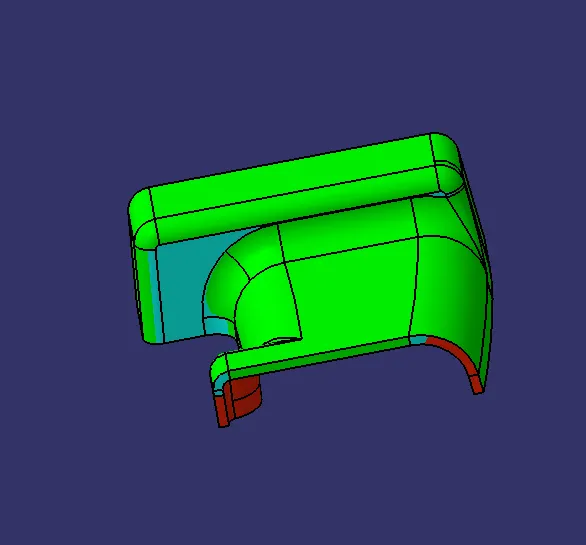
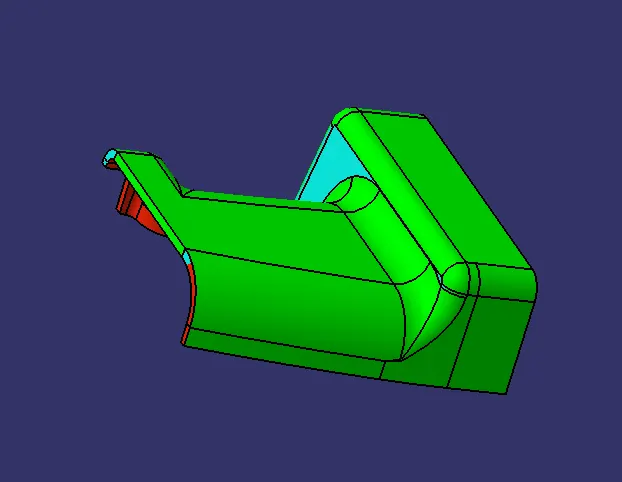
perform draft analysis on complete part on screw boss side
ribs and screw boss have 0.5 deg fillet
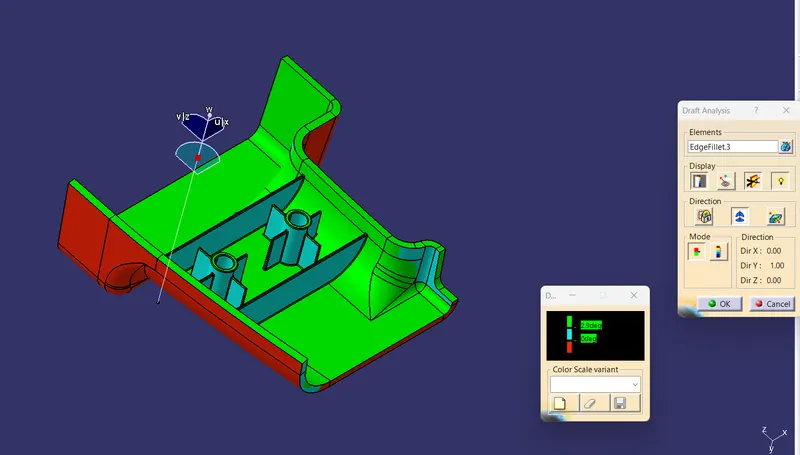
0.4deg
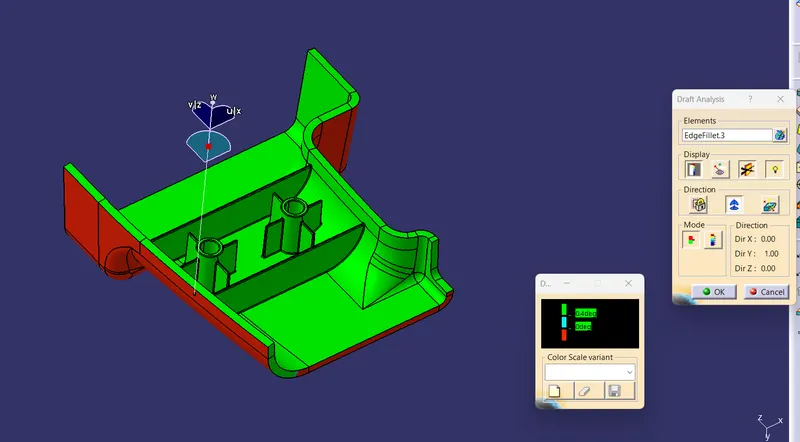
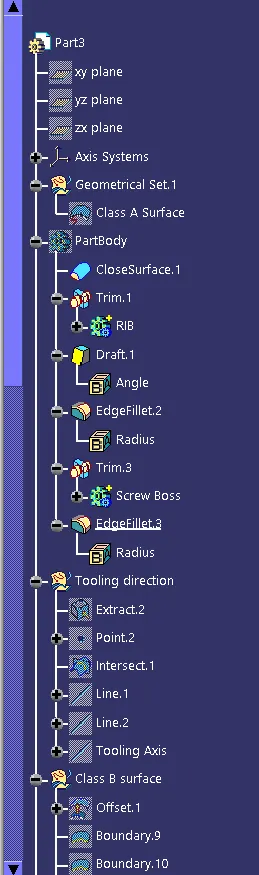
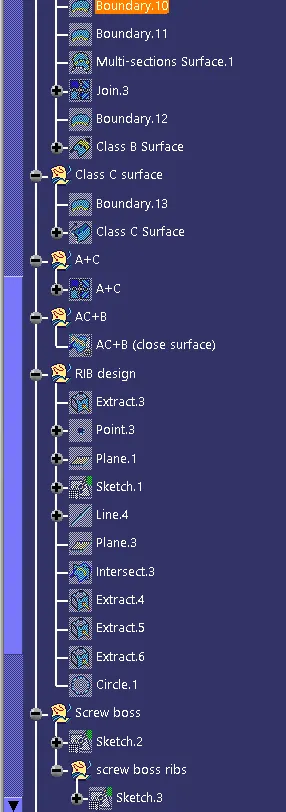
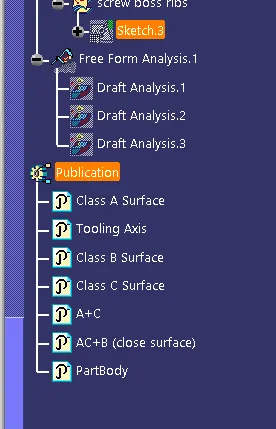
TREE