Week 9 - Attachment Feature Creation (Ribs & Screw Boss) - Challenge 1
AIM:
- To Create the Door Handle Component from the given Class-A surface.
- To Create the tooling axis for the given Class-A Surface meeting the requirements of the draft angle.
- To Attach B side Features in the component.
- To perform the Draft analysis on the model.
TOOLS USED:
- Boundary
- Join
- Multiple extract
- Bisecting line
- Trim
- Surface offset
- Draft analysis
- Intersect
- Surface sweep
- Close body surface
DESCRIPTION:-
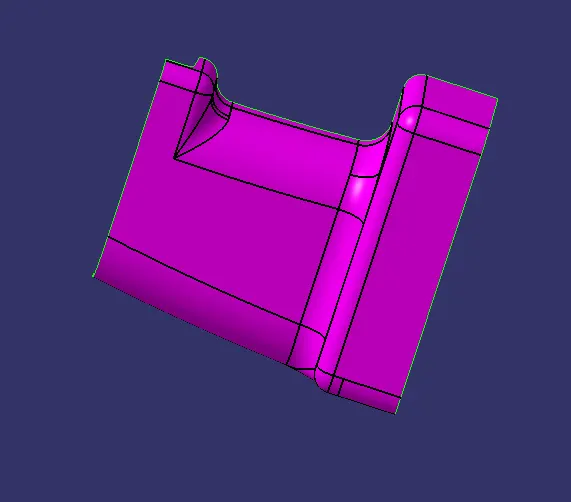
Given Classs A Surface:
Tooling Axis creation:-
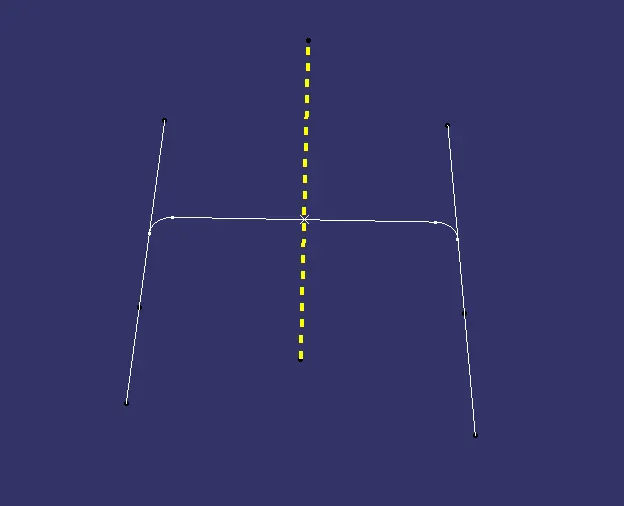
It is defined as the direction in which the mould/core and cavity open. Selection of the direction of the tooling axis depends on the ease at which components can be easily ejected.
By analysing the component the most easily ejectable direction is somewhere close to the Z direction,(might be inclined to it) so we have made a sketch on the YZ plane of Axis System) to create a bisecting line considering the 2 faces which might be difficult to be tooled.
Then resultant tooling axis is created using the bisecting method.
DRAFT ANALYSIS:-
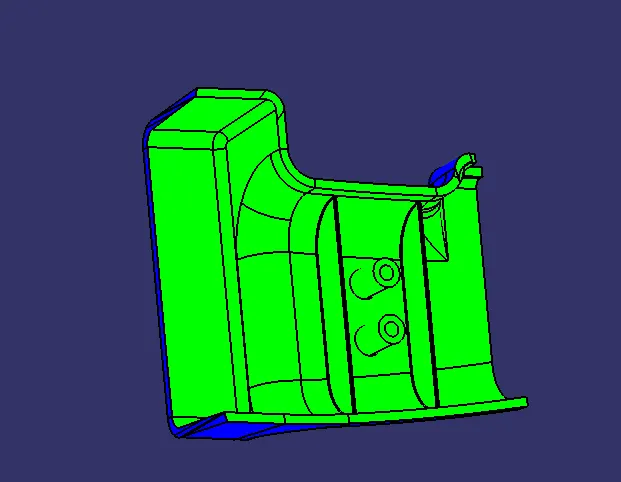
Draft analysis is a method used in design to check whether the component created in CAD is manufacturable based on the draft condition applied. The main reason behind the draft analysis is the part manufactured should be easily removed from the mold. It also gives an idea of the draft angle from the tooling direction. Here we are giving a tooling direction in order to eject the component easily from the tool. The ideal draft angle given in automotive industries for plastic components is 3 degrees.
Some of the components where draft analysis is done are hood, fenders, roof, side doors, etc.
The draft analysis is an important tool as it helps the user to analyze the draft on various surfaces, the draft analysis in CATIA uses the color codes for the identification of the draft. Each color has its own meaning for the minimum draft negative draft and under draft.
The draft analysis toolbar provides two modes for analysis of the draft, first is the quick analysis which basically has three colors for analyzing GREEN, RED, AND BLUE on the other hand other option is the full analysis mode which enables a few more details into the draft and is used in the complex components like the instrument panel, etc. In the above challenge, we have used the quick analysis made for analyzing the draft here. Now, bring the compass and align it with the tooling axis and click the lock button in the dialog box.
Class B Surface:-
- Extract the surfaces from the class A using multiple extract and untrim them.
- Use Extrapolate to make sure that all the untrims are properly intersected to trim and offset the surfaces to 2.5 mm to create the thickness.
- Trim the extra surfaces using trim command.
- Insert them into new geometrical set and name it with respective part names.
- Apply fillets to the model after creating the entire surface.
- If the edges are outside the fillet value will be added to the thickness of the component and if the edges are inside, the fillet value will be subtracted from the thickness of the component, for instance the thickness of the component Is 2.5mm the fillet value is 15mm so the outside portion value should be 17.5mm and inner eges should be filleted 12.5mm to get uniform thickness.
- Perform trims one at a time so that it will be clear to understand.
Class C Surface :-
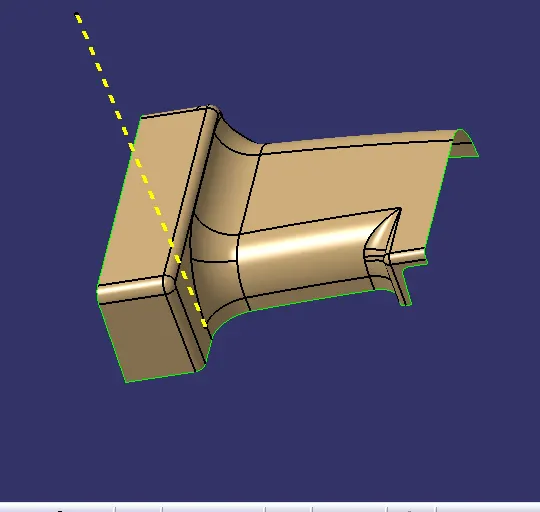
- Extract the boundary from the class A surface using boundary command.
- Using disassemble tool to divide the boundary as the boundary contains domains.
- Use sweep command > choose profile type line > subtype as with draft direction > choose guide curve and draft direction > draft angle as 3 degree > preview.
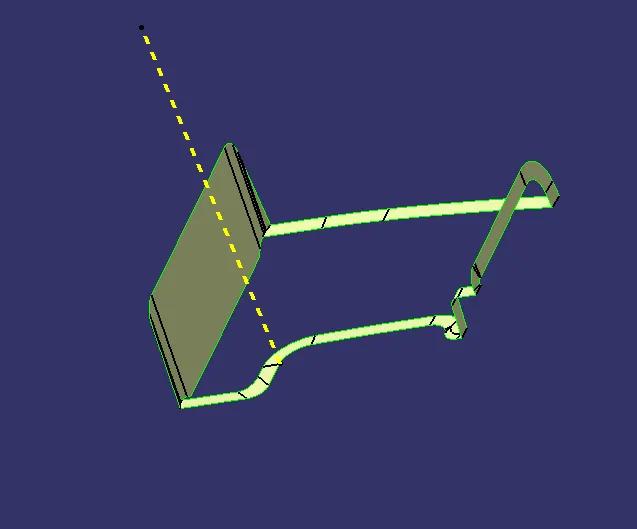
Class A&C Surface:
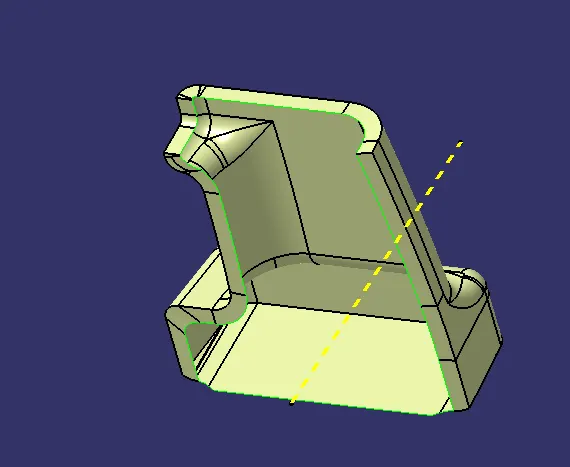
Closed Surface:-
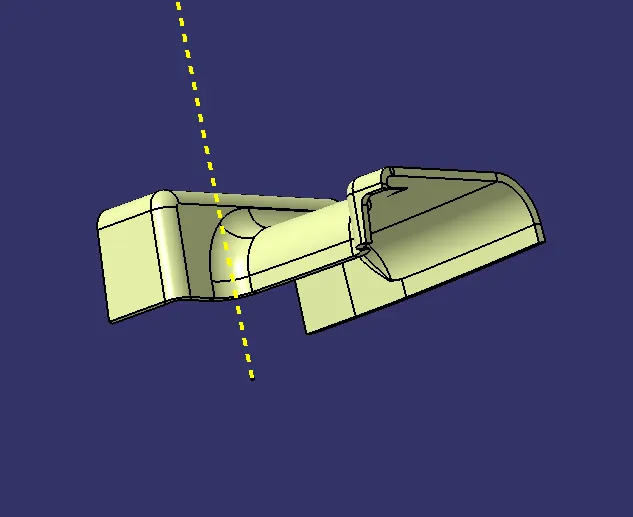
Rib Creation:-
- Design Principle for Rib Creation
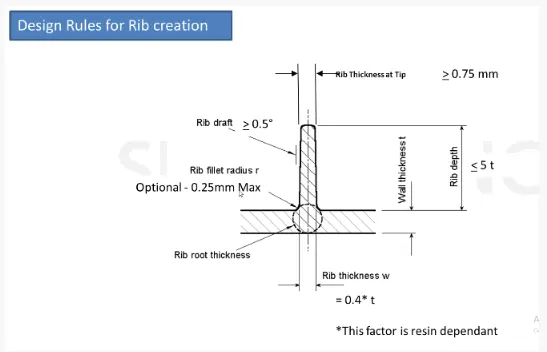
- Sketch Used For Rib Creation
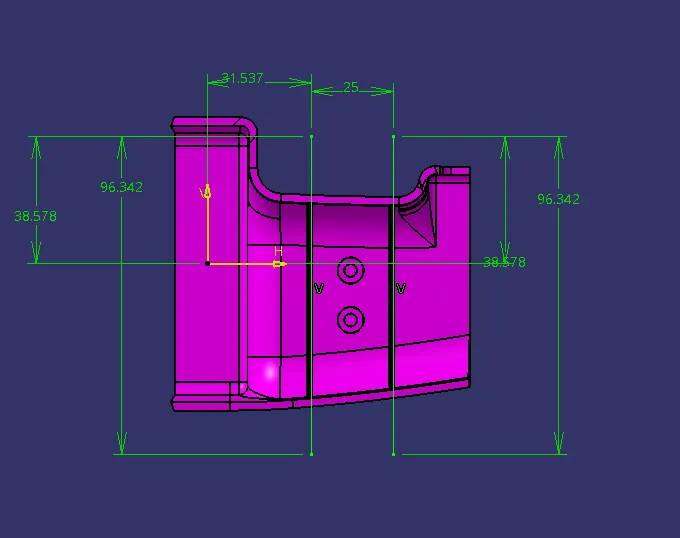
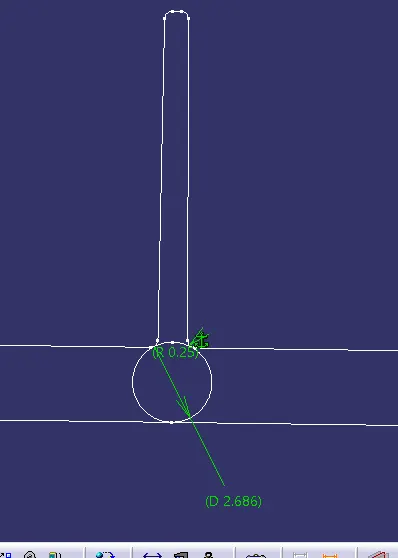
SCREW BOSS DESIGN
- Design Principle for Screw Boss Creation
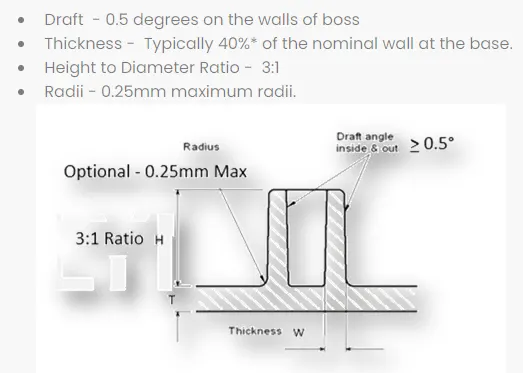
- Sketch Used For Screw Boss Creation
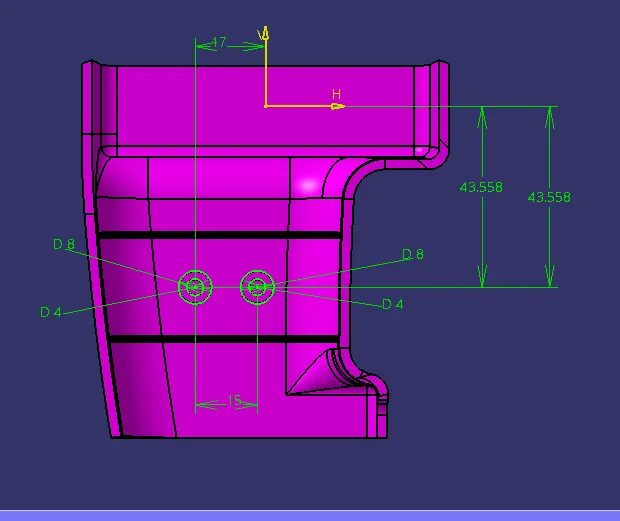
Rib And Screw Boss:-
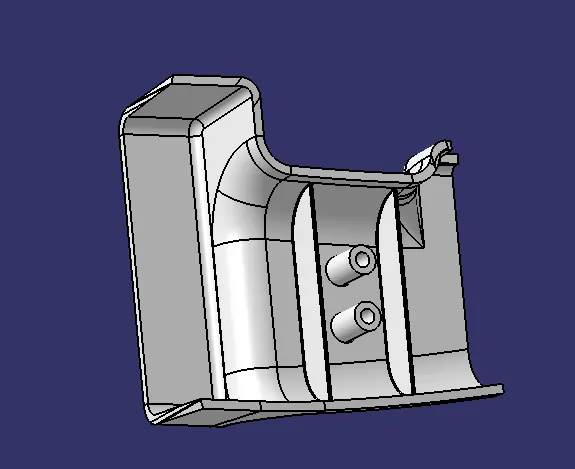
End Draft Analysis:-
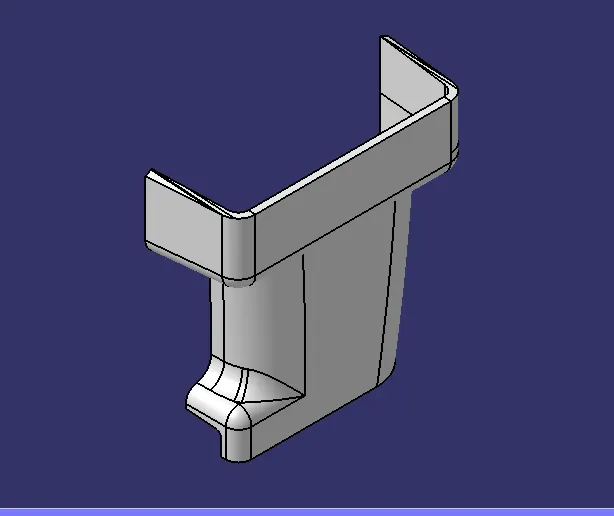
Isometric View:
Top View:-
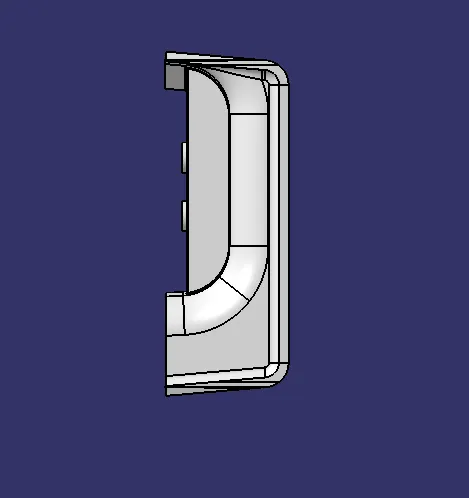
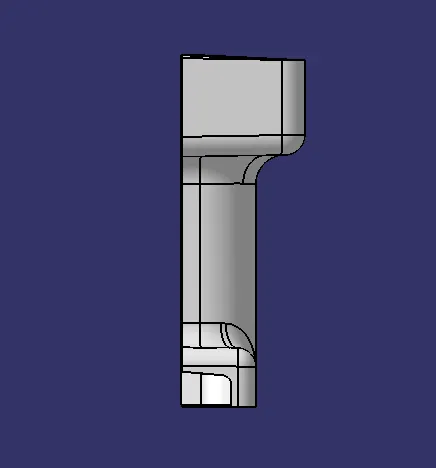
Side View:-
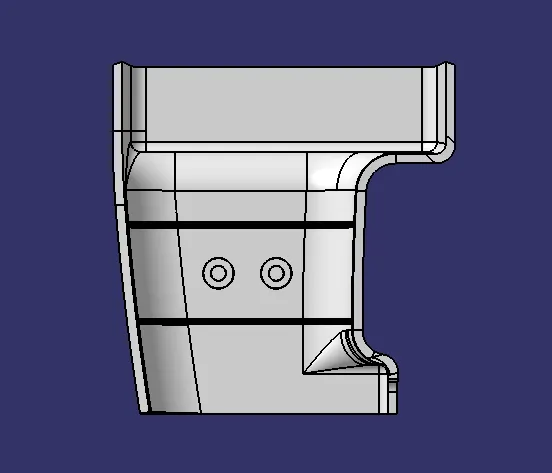
Front View:-
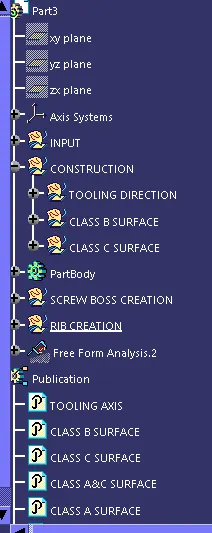
Expanded Tree Structure:-