Week 9 - Attachment Feature Creation (Ribs & Screw Boss) - Challenge 1
Front View
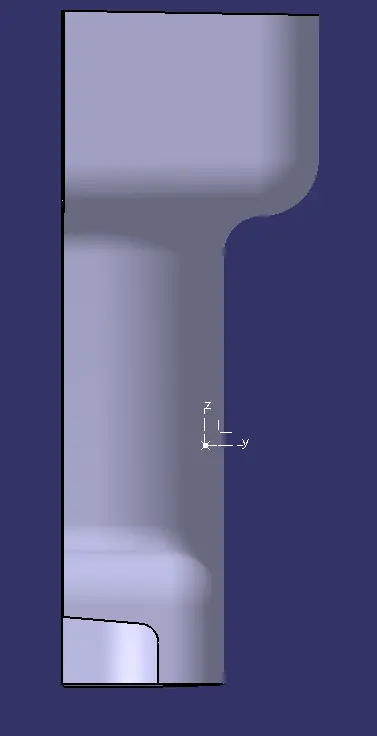
Side View
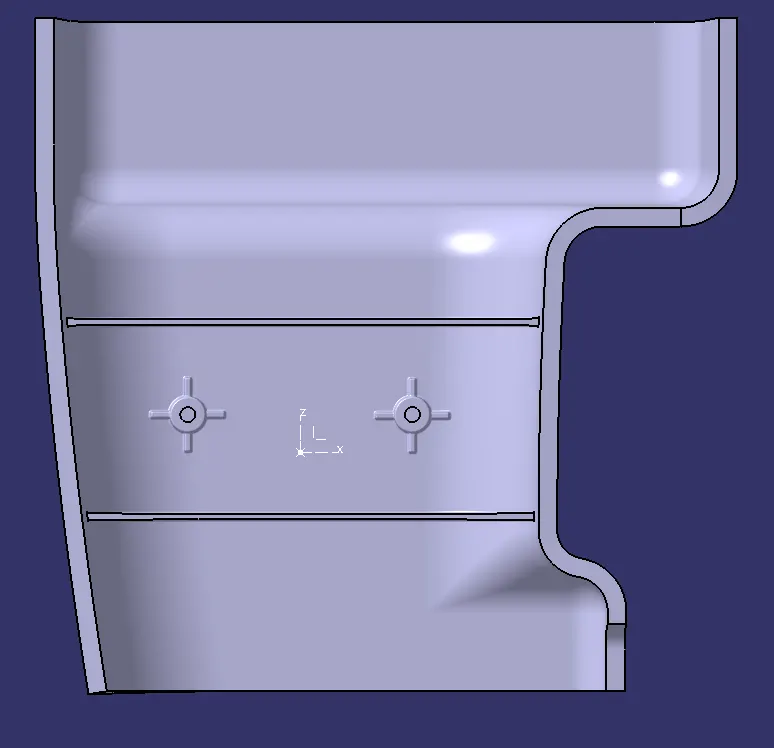
Top View
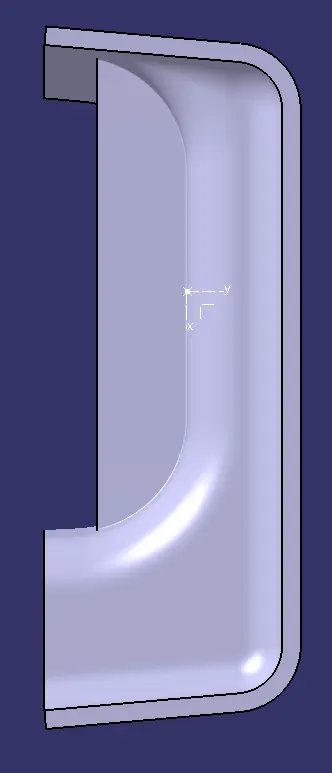
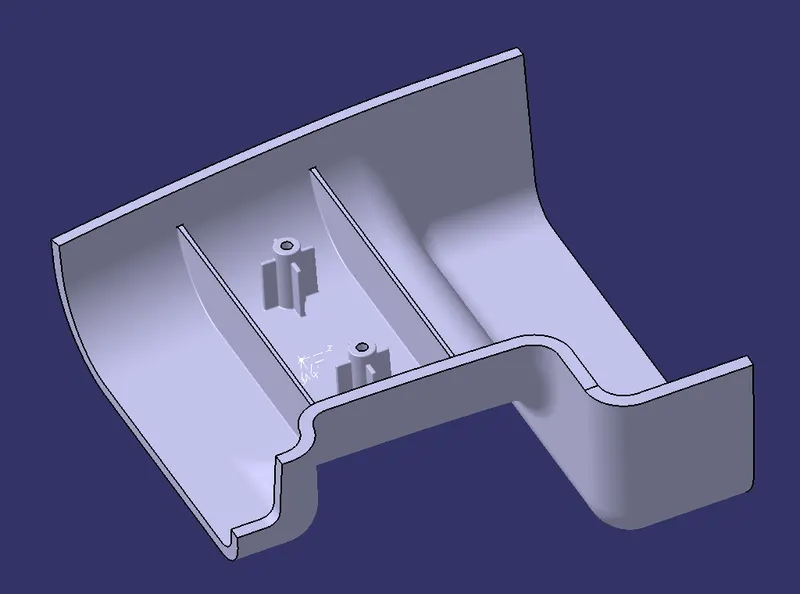
Isometric View
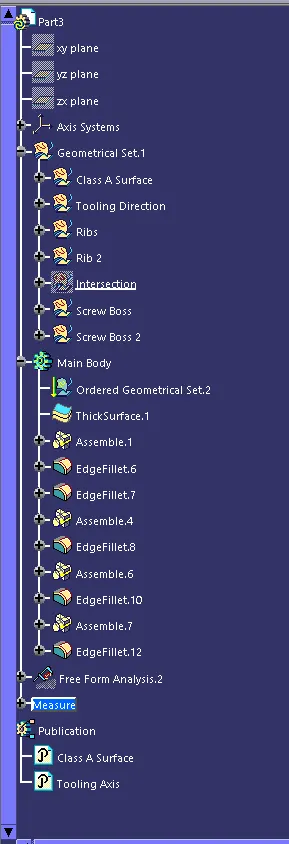
Structure Tree
Draft Analysis
What is Draft Analysis?
This analysis done on the CAD product to see whether the model is manufacturable or not. The plastic CAD model that are prepared in CAD software are manufactured in plastic mold, so it is necessary to check whether the part is manufacturable in mold or not. Because is part in not manufacturable in mold then CAD model fails.
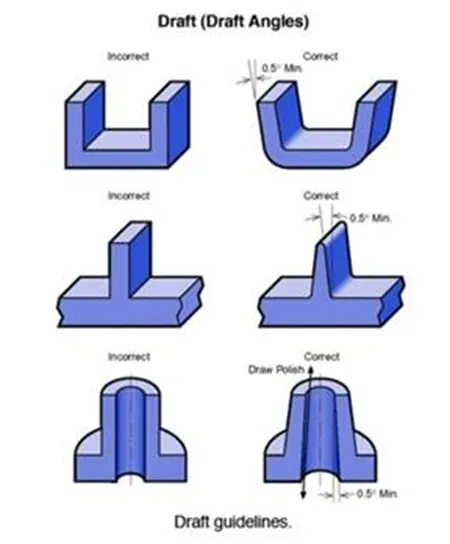
What is Draft Angle?
If part has a 90° of draft, then it cannot be manufactured in plastic mold, because on removal of part it may worn or tear as it creates friction on the part removal and will cause damage to the part. The recommended draft angle is prescribed as 3°, but it can be less or more depend on the accuracy needed on the model. For screw holes draft angle should not be more as it will not give perfect fit for the screw.
Draft Analysis
In this model the tooling axis is created on the plane surface as there screw boss are on the surface which has holes in it. First, we took the intersection of the surface to create the bisecting line.
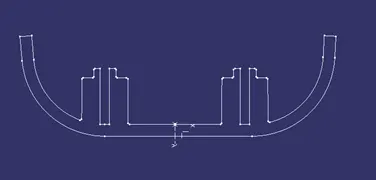
After that we took a bisecting line between two angled walls to create bisecting line.
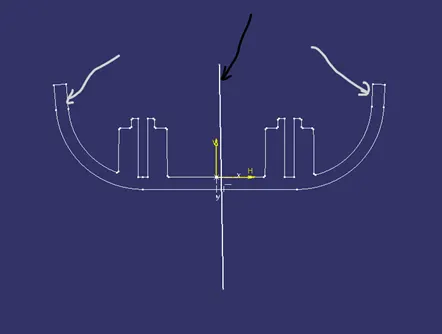
Where grey lines are angles walls and black line is bisecting line also our tooling axis.
Draft Analysis
When we change the draft angle to 0.5° then we get the better draft analysis. We have to change to 0.5° as our draft angles are 0.5°.
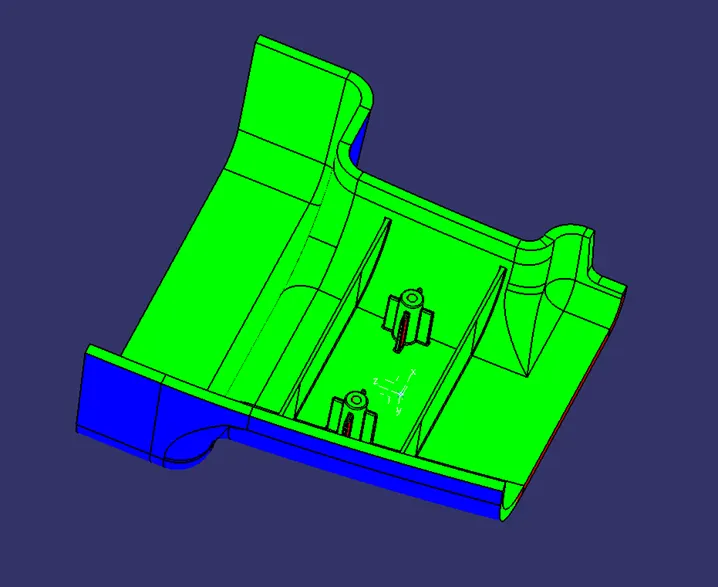
This is the final draft analysis result and the complete modeling of the Rib and Screw Boss design.