Week 9 - Attachment Feature Creation (Ribs & Screw Boss) - Challenge 1
Aim: To create a plastic door handle component from the given Class A surface
Methodology: The steps followed are as mentioned below
- Tooling axis is created
- Draft analysis is performed
- Class-B surface is generated
- Class-C surface is generated
- A closed solid model is created from the surfaces.
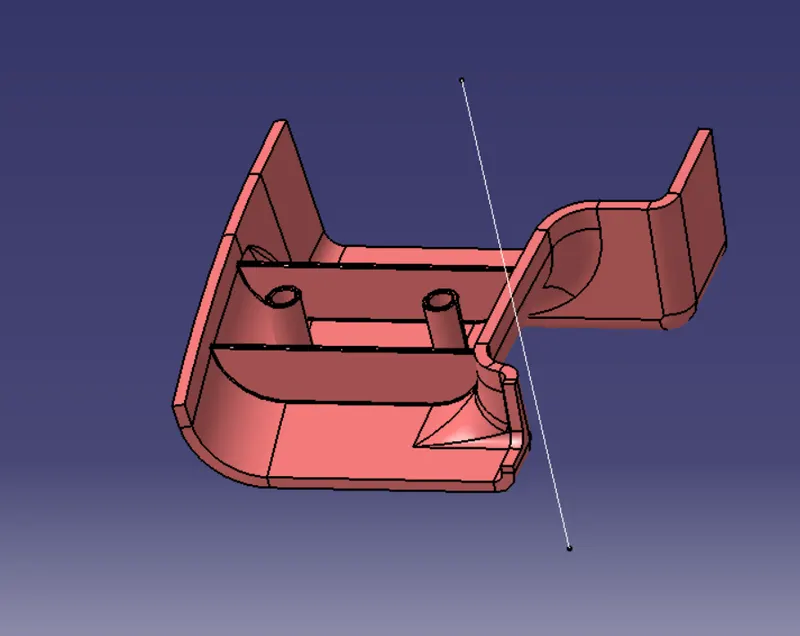
- create ribs and boss screw
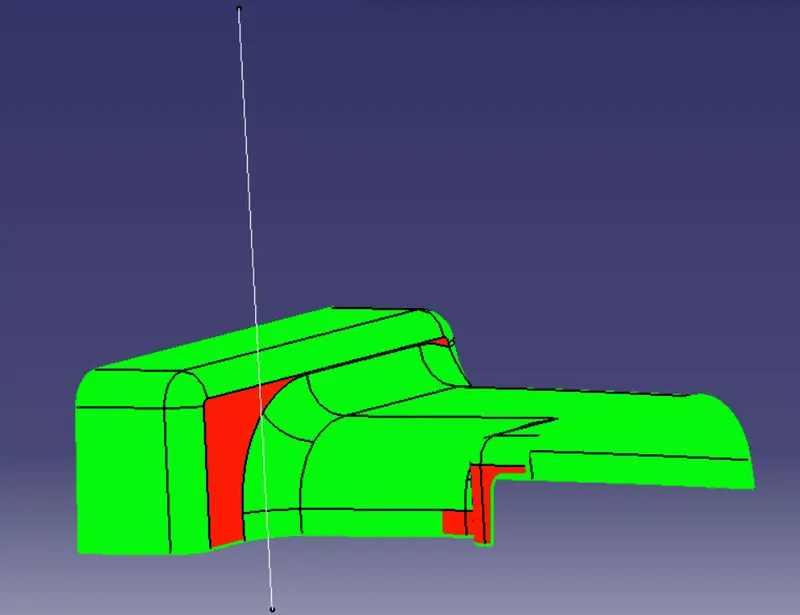
Draft analysis
- The surface to the analysed is selected and the material options is turned on in the customize option.
- The feature draft analysis tool is opened.
- The compass is aligned with the tooling direction.
- It is made sure that the pulling direction is correct. Otherwise it is flipped from the open toolbar.
- The surface is selected to make sure that the draft values are in permissible limits on all faces.
Draft analysis of class A surface
ribs calculation
closed body thickness t = 2.5
rib thickness W=0.4*2.5= 1
rib depth d = 5*2.5= 12.5
draft angle = 0.5 deg
fillet radius = 0.25 mm
tip thickness=0.71 mm
boss screw calculation
m6 drill diameter= 5mm
boss screw Thickness T= 0.4*2.5= 1mm
boss screw height H= 3*5= 15mm(3:1)
draft angle = 0.5 deg
fillet radius = 0.25 mm
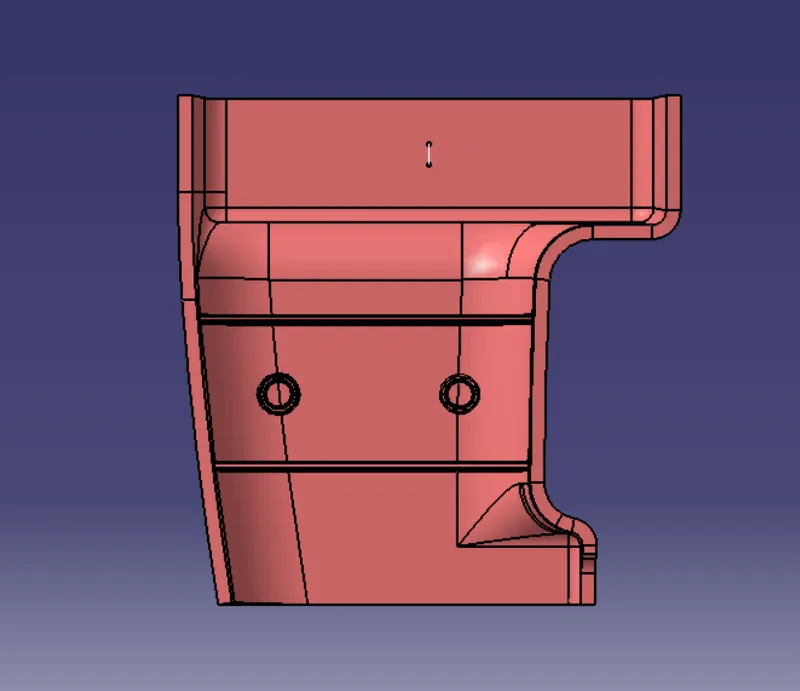
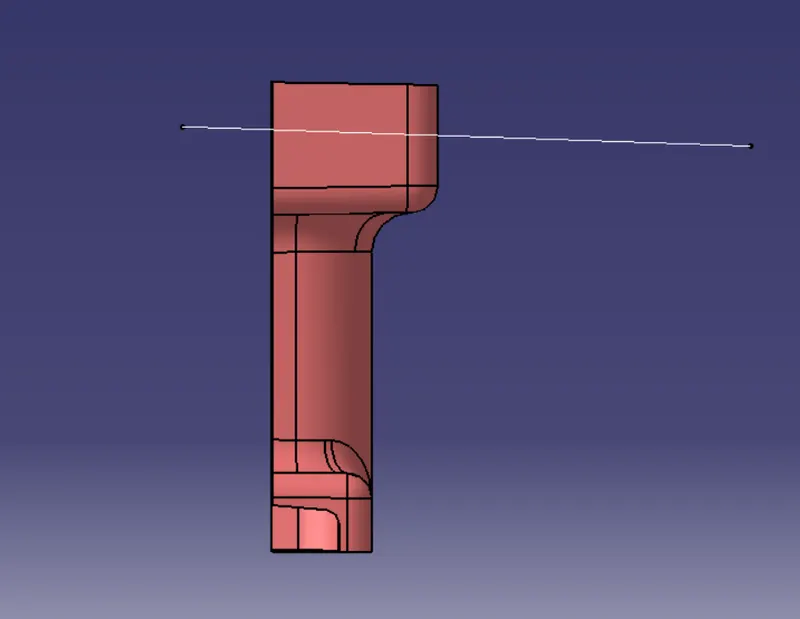
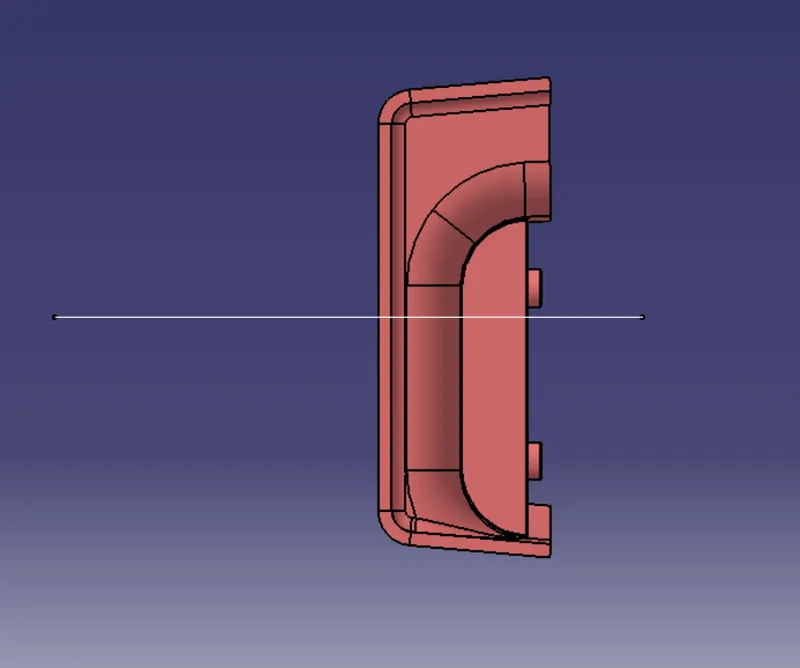
different view of object
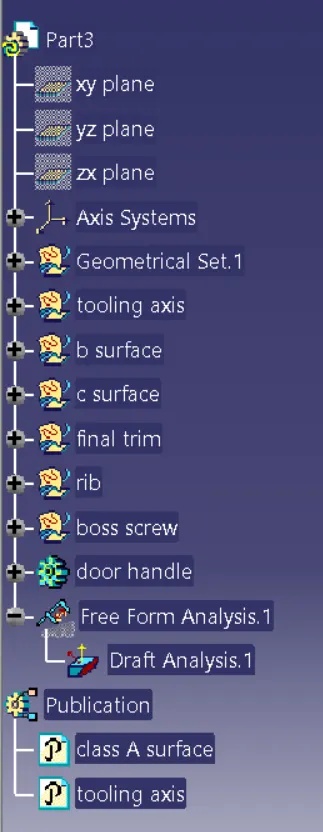
design tree