Week 9 - Attachment Feature Creation (Ribs & Screw Boss) - Challenge 1
ATTACHMENT FEATURES
AIM:
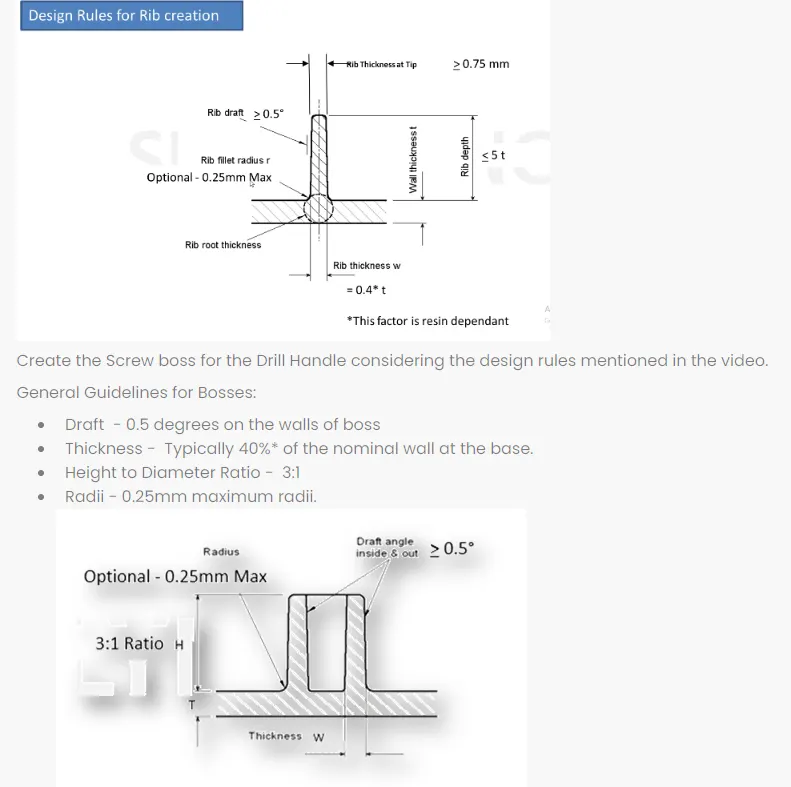
To create the rib and screw boss for the Drill Handle considering the design rules
OBJECTIVES:
The design should be considering the following rules
DRAFT ANALYSIS:
1) It is a tool that allows the user to ‘see’ whether the part they are designing can be removed from the tool being used to make it.
2)In the case of plastic injection molded parts it also allows the designer to see if there is enough draft on the part to ensure that it can be correctly grained.
3) we always use the tool with the axis direction method. Put the main axis on the draft direction line with Z being parallel to it. Select the tool then select the part body. You may need to reposition the axis again.
4) The results window has 2 options 1 with just 3 colour variants and the other with many variants. They can be edited by double clicking on them to give you the result you desire. The colours show the different draft angles.
5) We have to use following path for drafting anaylsis
Tools- Anaylsis- Feature draft anaylsis
6) At starting of drafting anaylsis we have to set compus which is show in direction row (2nd number option). During this w of compus is set towards the drafting angle.
7)After this we have to click on component. Now component become green as shown in below image and also if it become blue then flip direction of compus using flip option in direction row.
8) Finally set drafting angle at 2.9 degree and measure drafting angle at different faces of component by using display row.
9) If your component is green then drafting anaylsis process is completed.
TOOLING AXIS CREATION:
1. By observing part or component we have to choose direction of drafting. while doing this we have to consider geomety of component. All holes, fillets, chamfer etc have to take in our consideration and we have to choose direction of drafting. In this case we have selected z axis for drafting direction.
2. we have selected middle whole for create dummy axis. In this whole we have add one point at center of hole and from this point we have create one line. We have consider this line as a dummy axis.
3. Now by observing component geometry, we have to choose direction or plane to create axis for bisecting the component. Here we have choose zy plane or y direction and generate plane parellel to zy plane with respect to center point of hole.
4. After this we have to intersect plane or axis system with component. It will provide you one shape of geometry.
5. Now we have to draw two lines from extreme outer two points of bisecting line or from extreme outer line.
6. By using line option, we have to create bisecting lines from those two final lines.Here in bisecting line option we have to choose correct line from horizantal or vertical line according to our drafting direction line.
7. This line will provide you final tooling axis line.
ORIENTATIONS:
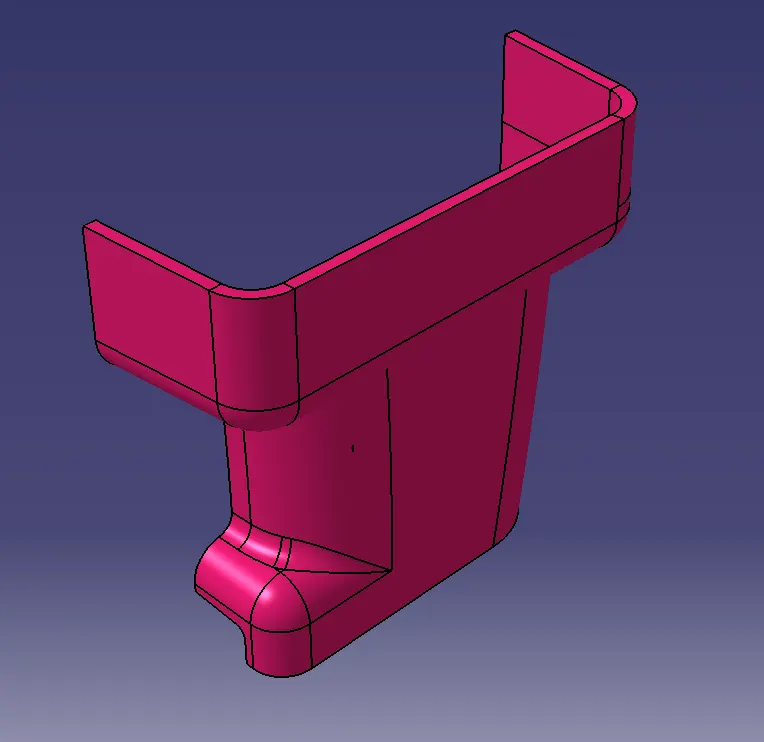
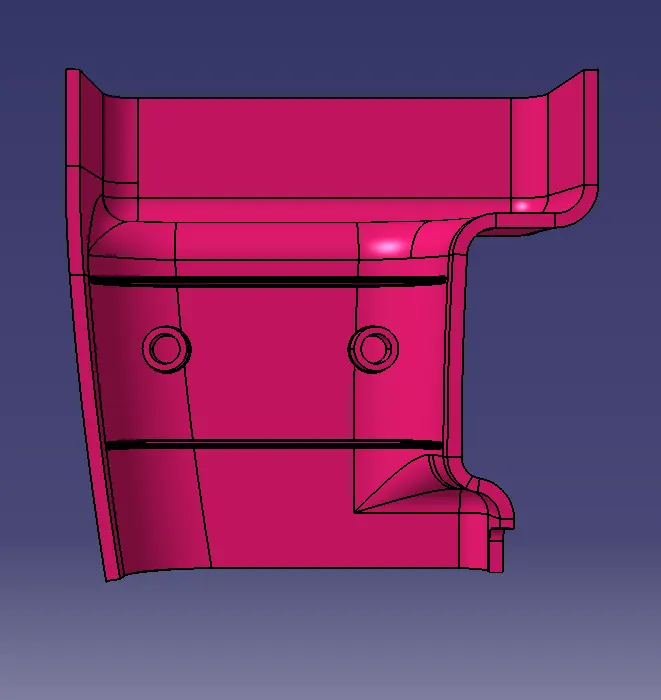
ISOMETRIC VIEW:
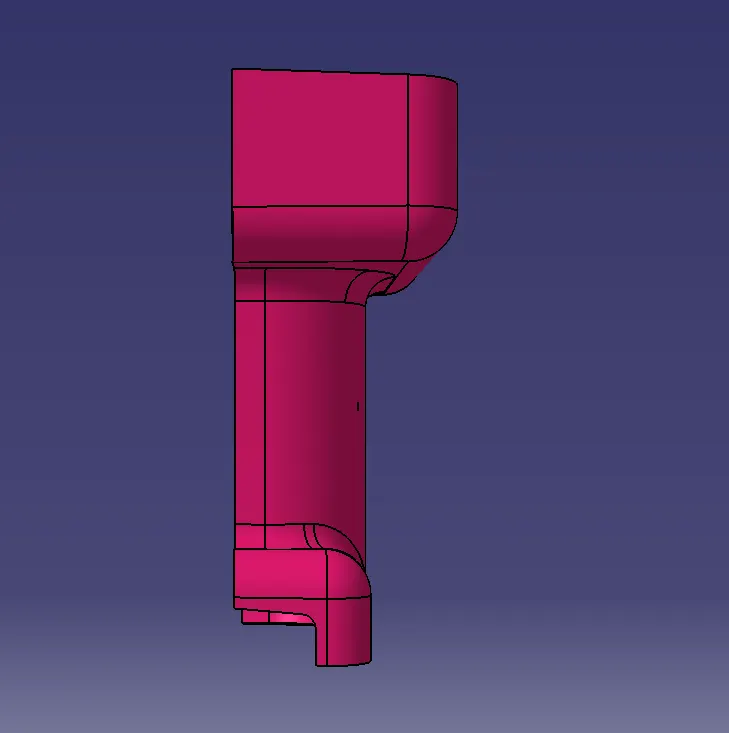
FRONT VIEW:
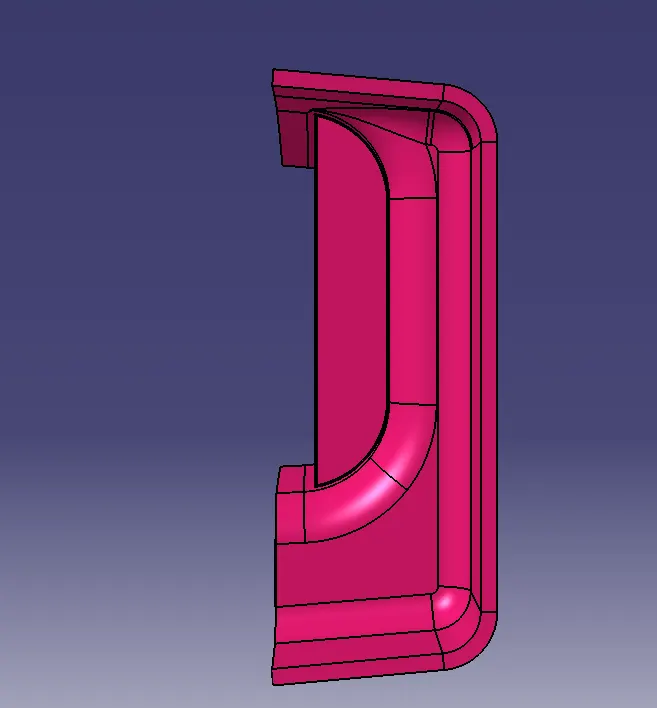
TOP VIEW:
SIDE VIEW:
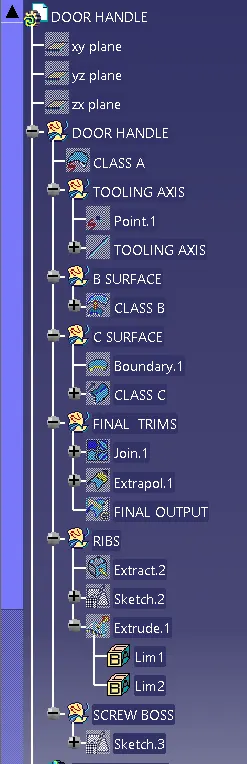
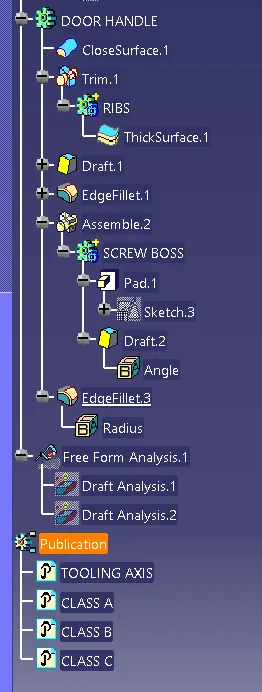
FEATURE TREE:
CONCLUSION:
Thus the screw boss and rib feature for the given door handle is created considering all the rules..