Week 9 - Attachment Feature Creation (Ribs & Screw Boss) - Challenge 1
Attachment Feature Creation (Ribs & Screw Boss)
Aim
Create the Screw boss for the Drill Handle considering the design rules.
Objective
To Design a Door handle and attach some engineering features on the B side of the component in CATIA V5 using the given Class A surface and design parameters.
Input data
We use class-A-surface as input data.
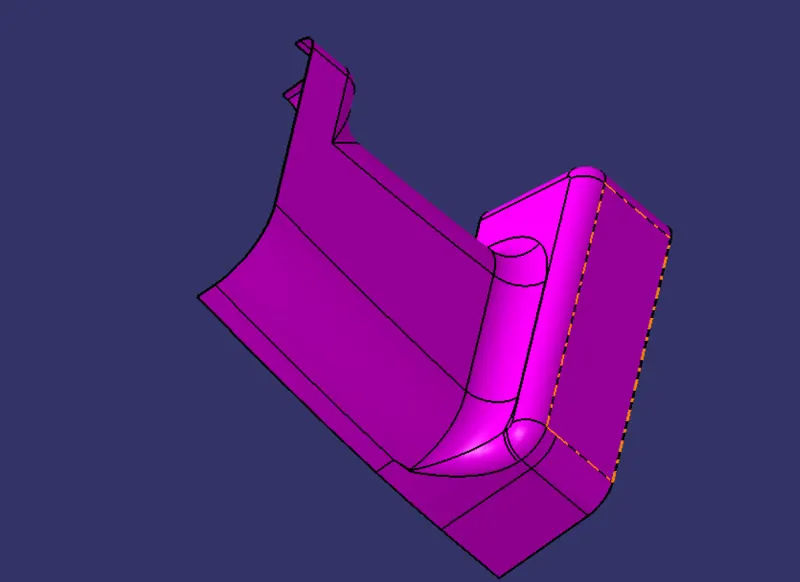
Tooling direction
Tooling direction in which 2 halves of the mold get separated against each other. for this model am going to use the normal-to-face method instead of bisecting method because my tooling direction is Y axis and i get a flatter surface at the number plate region so , am extracted the flat face and create a point at the centre of the extracted surface and i create the tooling axis through the surface along with point which created before. and this method clears the draft analysis so am continuing with this method.
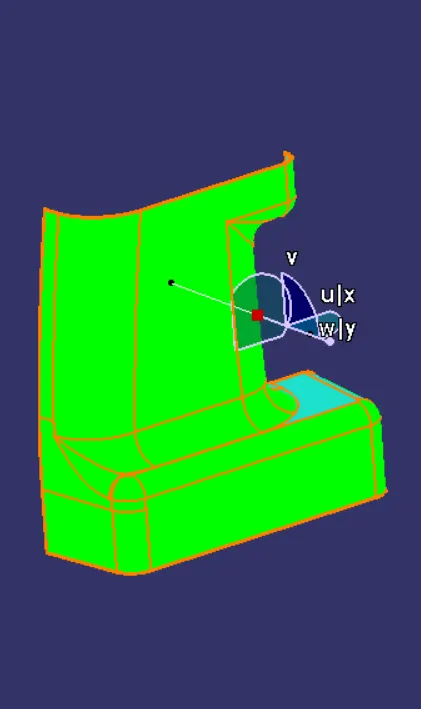
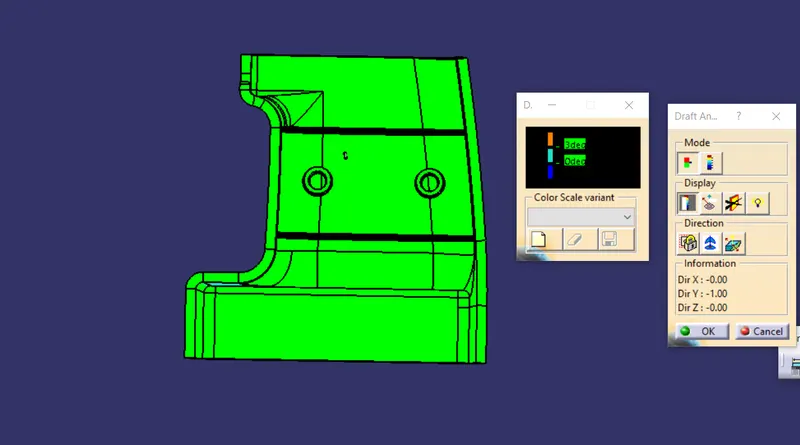
My tooling direction clears the minimum draft requirement of 3 Degree ,but you can see some faces not clears in the draft analysis test we can't do anything for that because thats our input we dont make anychanges on it.
B-Surface creation
As usual B surface is created using the standard procedure by extract, , extrapolate, join, Trim, split, and offset ,multiple extract, multi section surface commands. The B-surface is created parallel to the A-surface
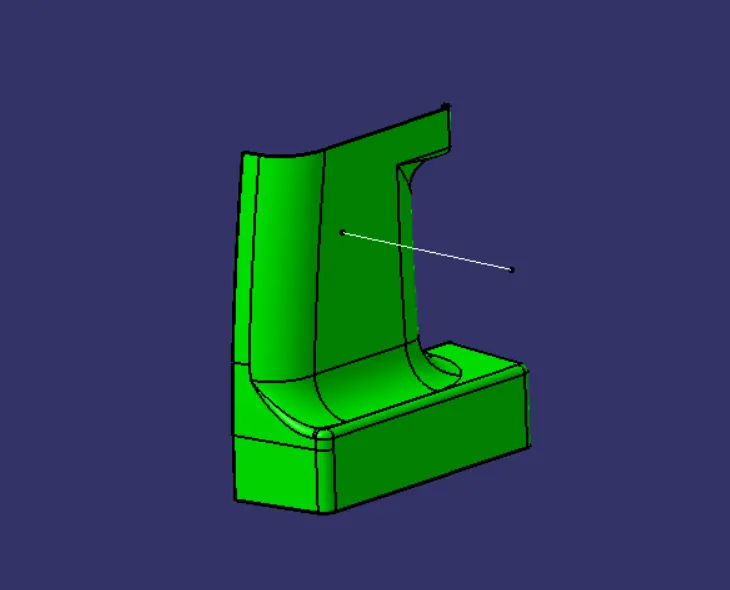
Note: (The Thickness of the component is 3mm(here we need to offset our B surface to 3mm)
C-Surface creation
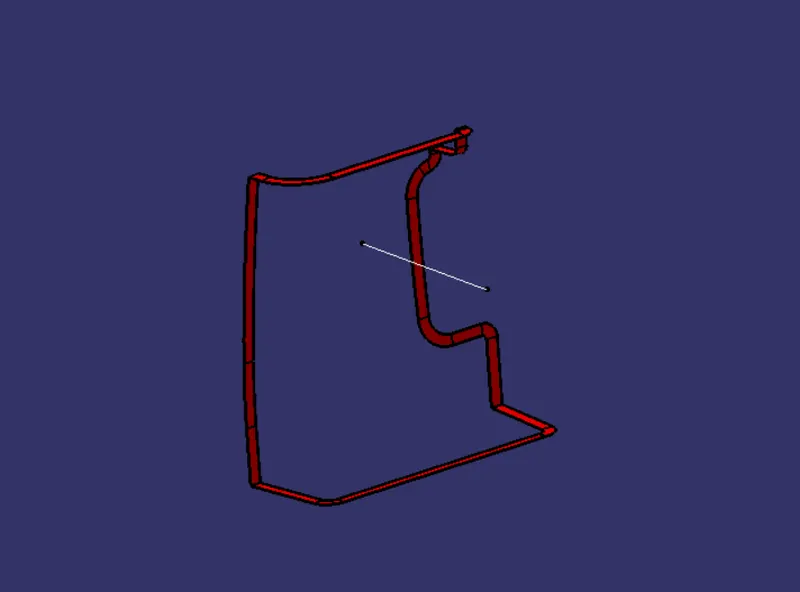
Class C surface for this component is created using the sweep command. All the ends of the component surface were facing parallel, so the C surface will create perpendicular to B surface.
To create a C-surface we need to extract the boundary of the A surface by using the Boundary(point continuity )command then create a swept it is perpendicular to the class-A-Surface outer edges.
Converting into the solid model
Once all surfaces are created Class A, B, and C surfaces are joined together to get the final closed volume. The closed volume is then converted into a solid body using the closed volume command in the part design workbench
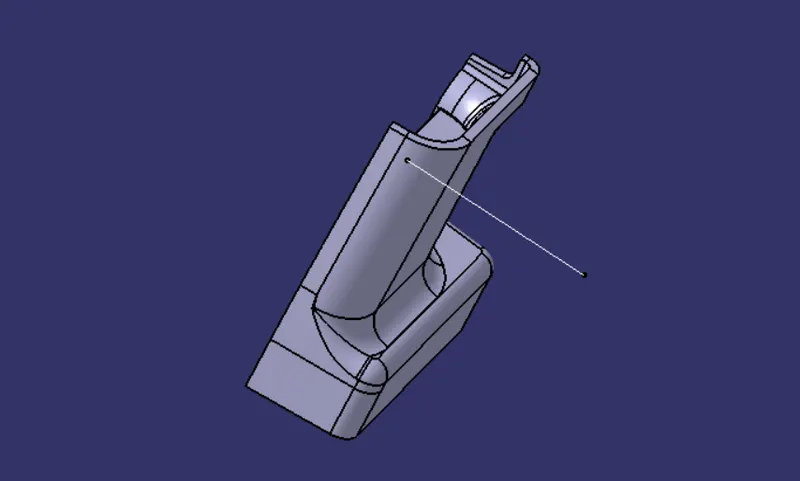
Attachment of Ribs Screw boss
What is Rib?
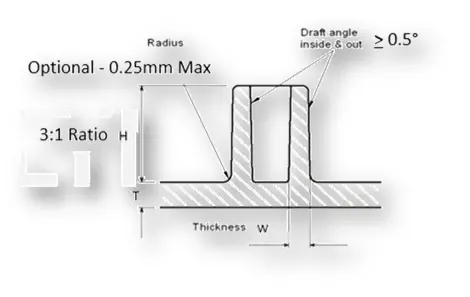
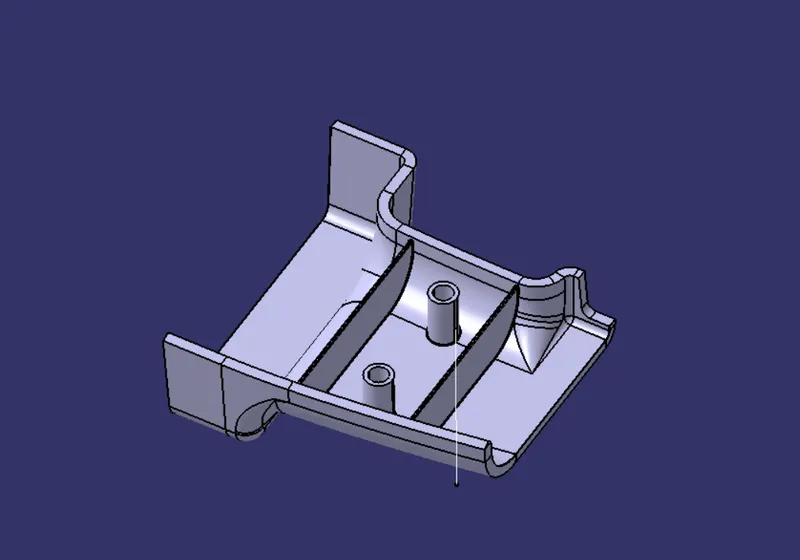
Ribs are indispensable functional structures on many plastic parts. It can effectively improve the rigidity and strength of plastic parts like the H beam. By using ribs, it is not necessary to greatly increase the wall thickness of the plastic parts, and ribs are not undercut structures like the H beam whose structure will be difficult to make for plastic injection molding. So ribs work well for plastic parts that are subject to pressure, torsion and bending. Ribs can also act as internal flow passages to aid in the plastic melt filling flow, which is of great help to the formation of complex and large plastic parts.Ribs are generally designed on the non-appearing surface of the plastic part, and its direction is as close as possible to the flow direction of plastic melt filling. Ribs should neither be too long nor too thick, otherwise, it will increase the difficulty of injection molding, causing problems such as voids and sink marks on the back.
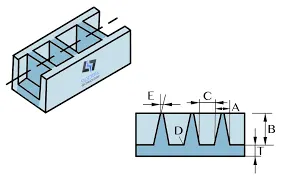
What is screw boss?
Bosses are common structures on plastic parts in home appliances and interior and exterior of automobiles, mainly for positioning and fastening.
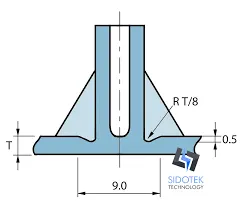
Inputs for Ribs and Screw boss
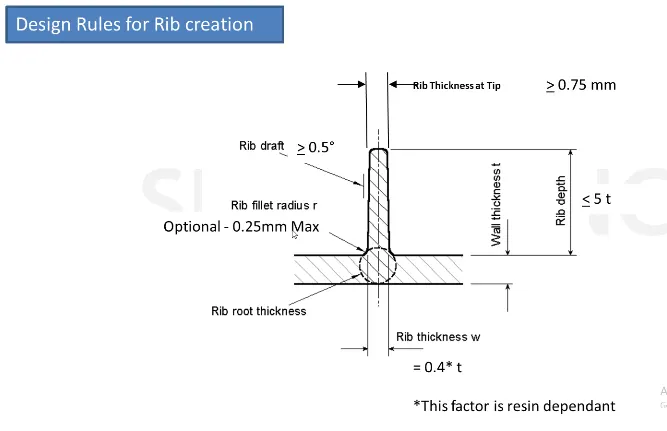
Sketch Used For Rib Creation
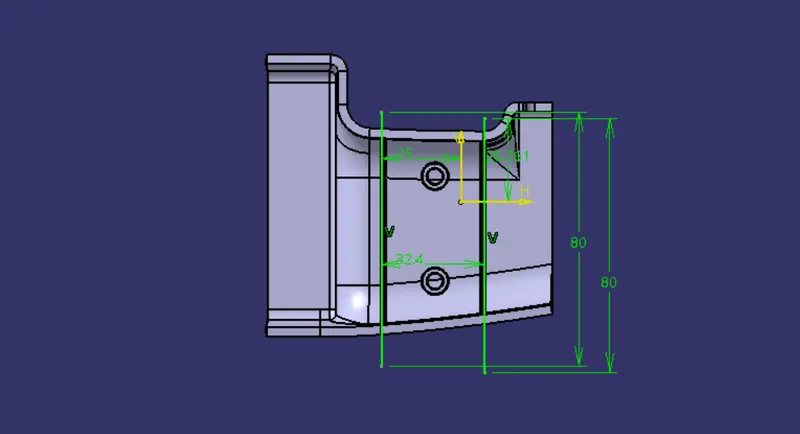
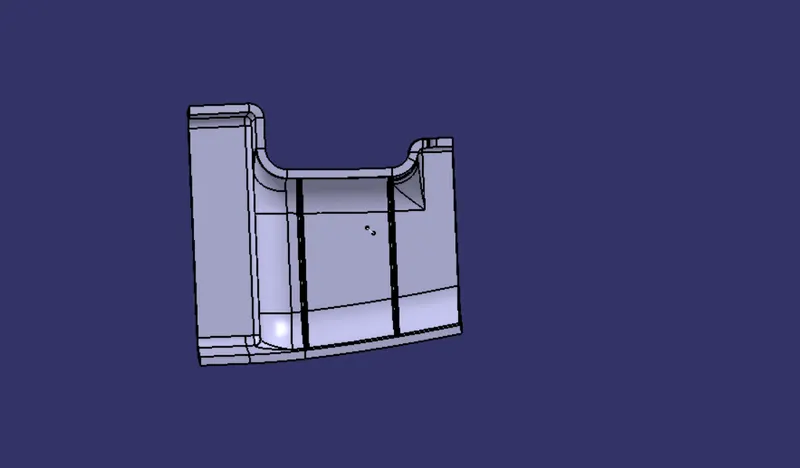
Rib
Sketches used for Screw Boss
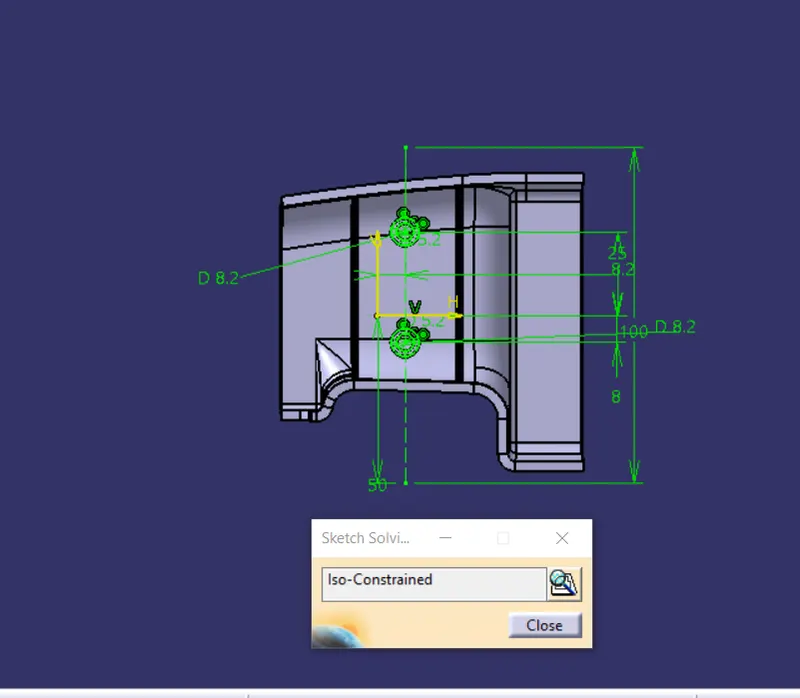
Screw boss
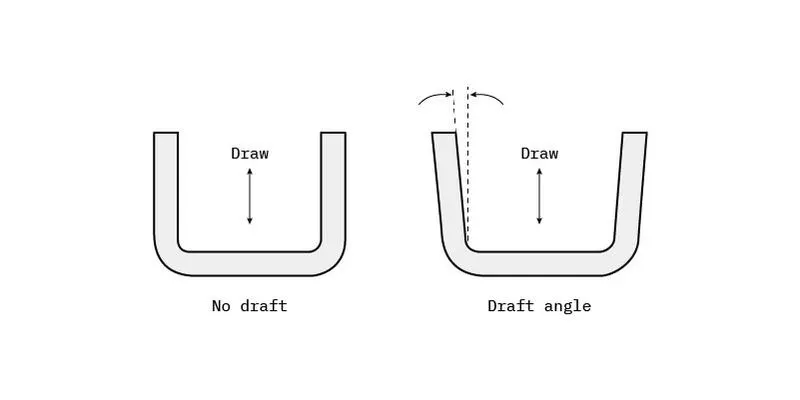
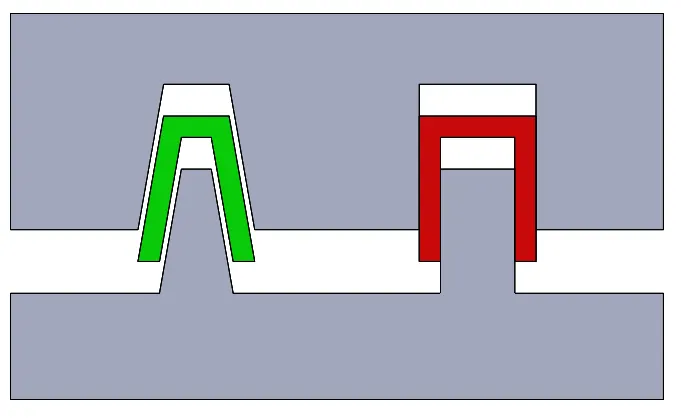
why we need Draft angle?
A draft angle allows you to use a simple push on the ejector pins to pop your part out of the mold. This way, you will prevent the part's surfaces from being dragged along the mold when ejected.
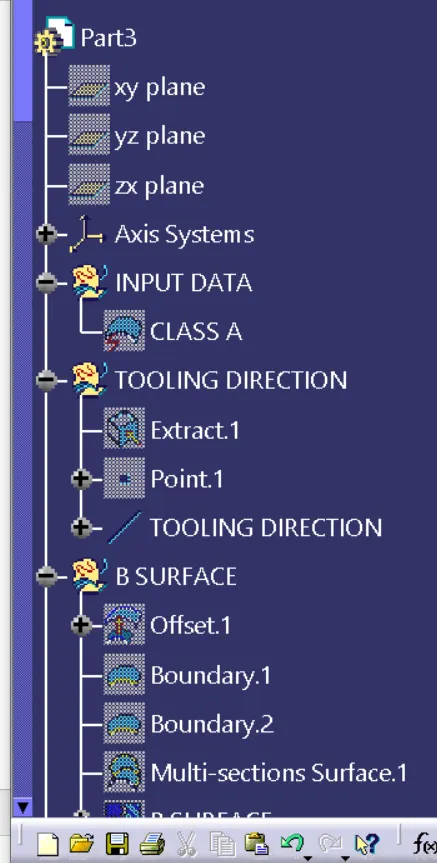
Feature tree
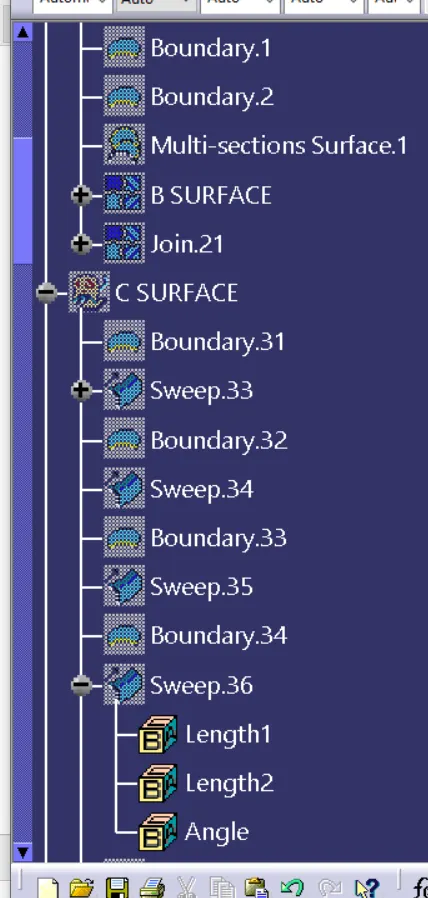
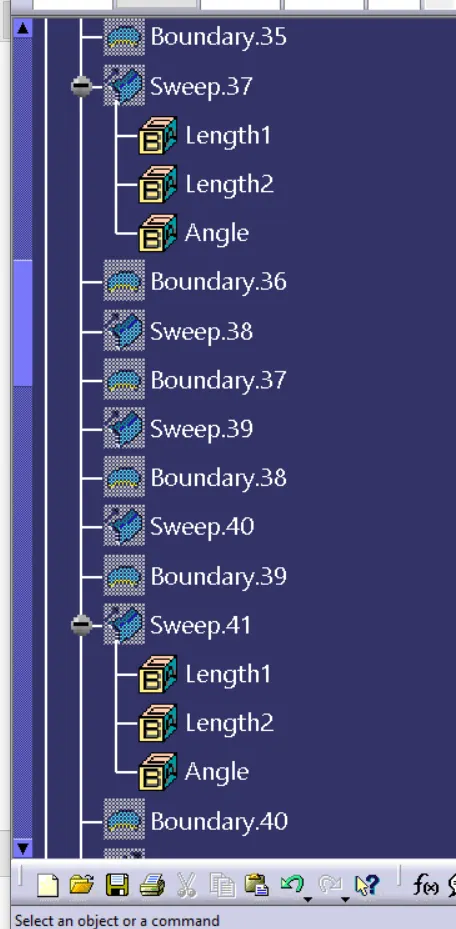
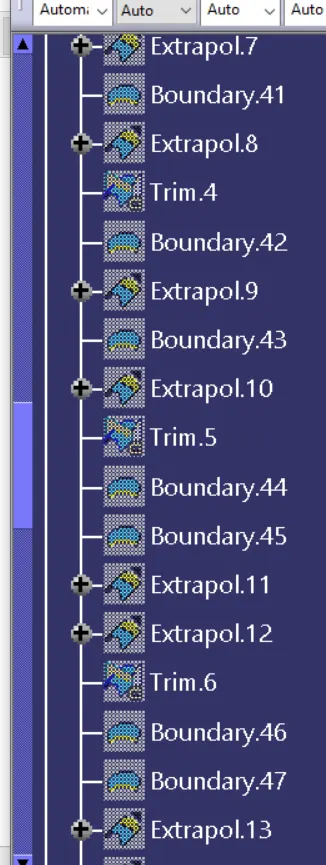
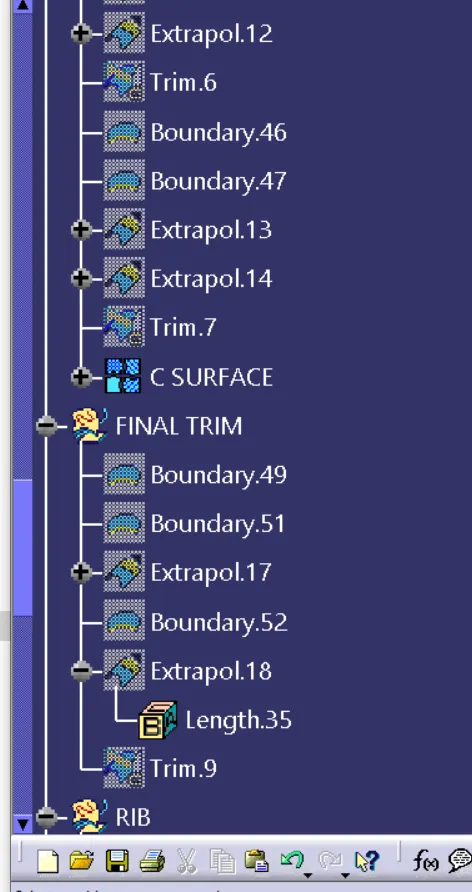
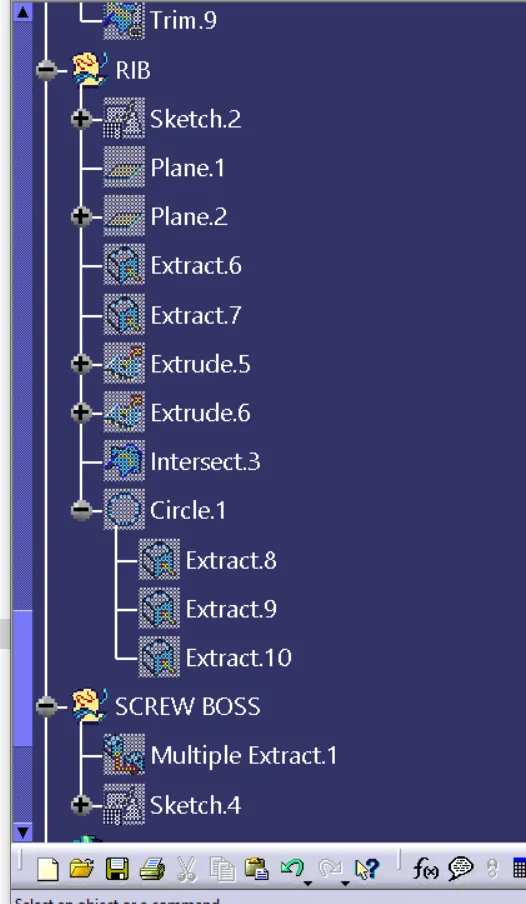
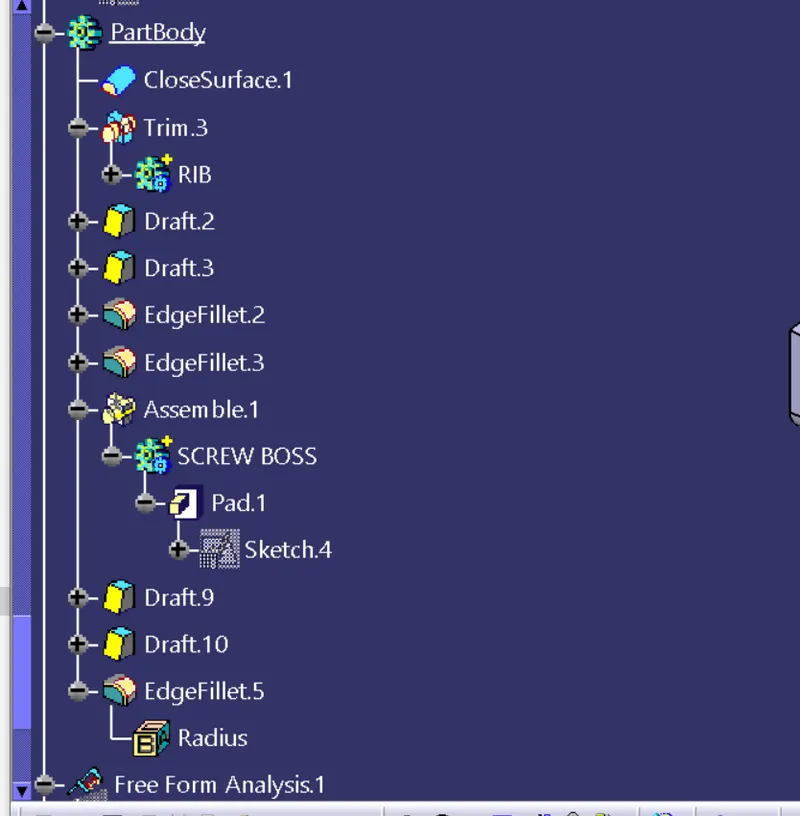
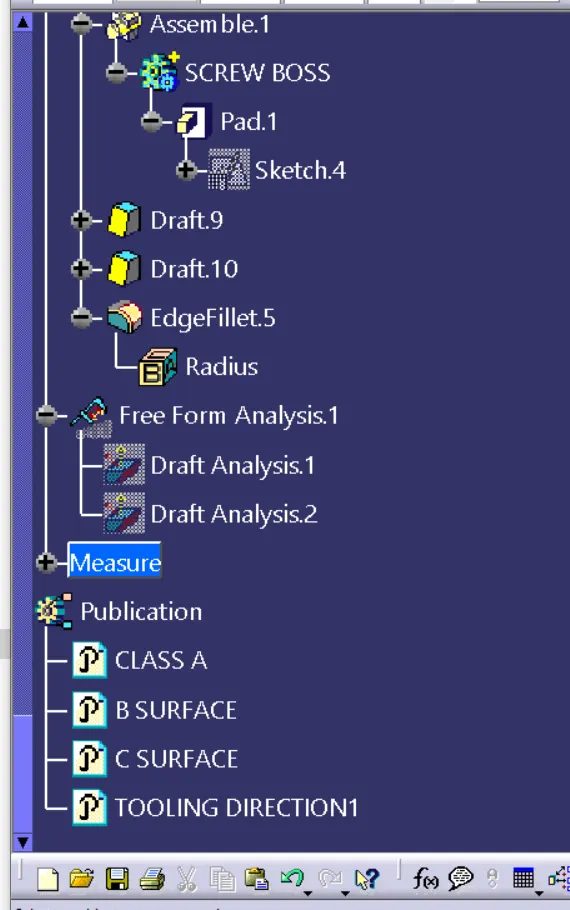
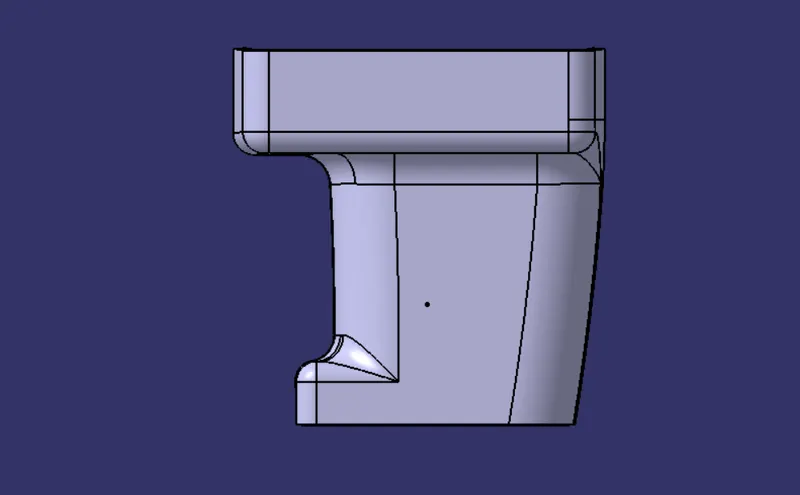
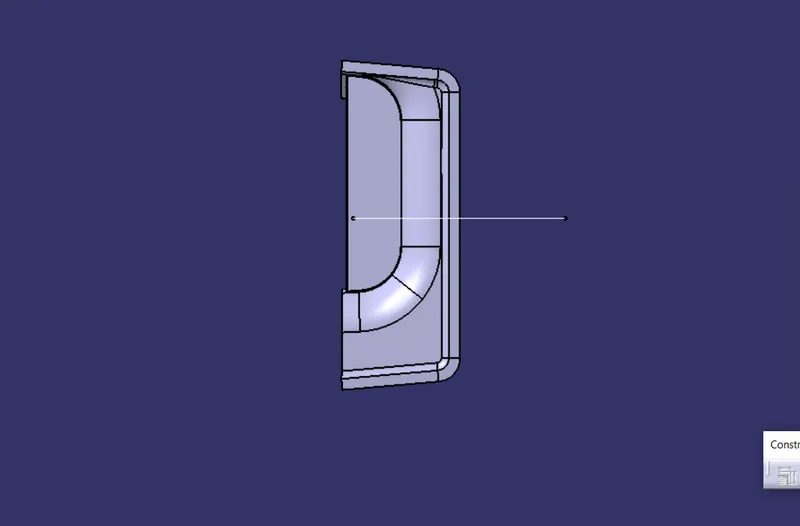
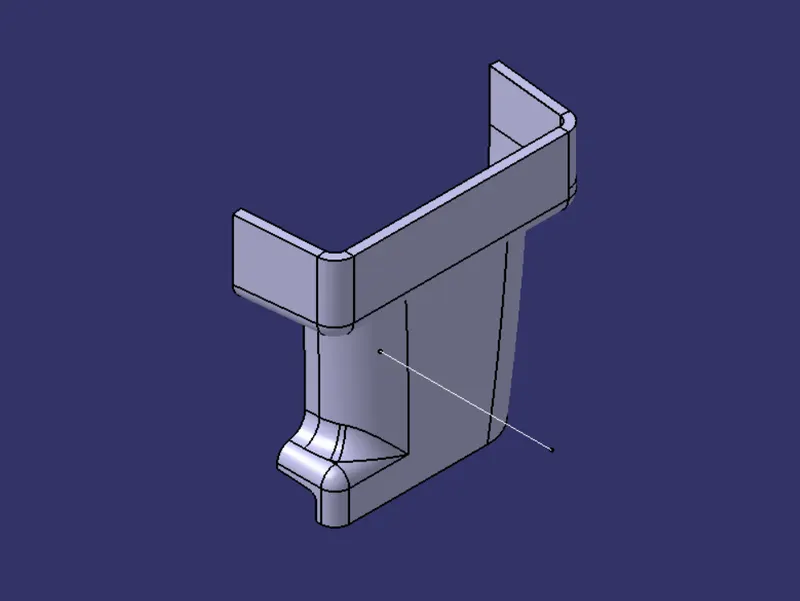
Different Views of the model
Front view
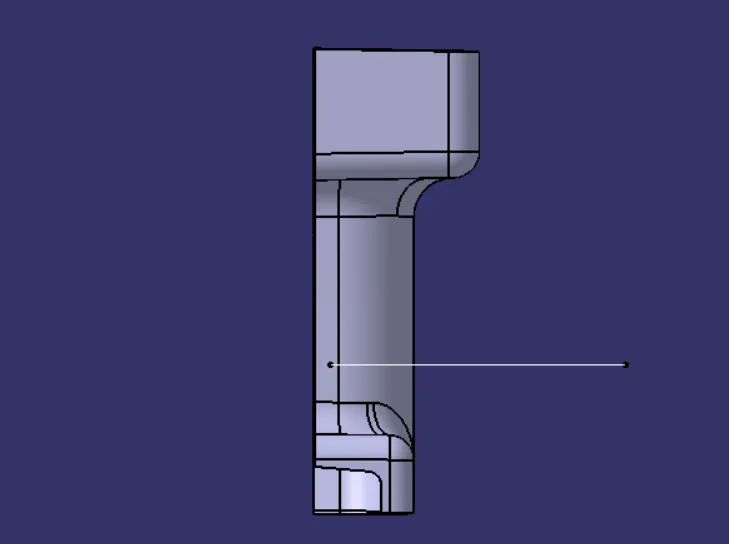
Right view
Top view
Isometric
Draft Analysis
The Draft Analysis allows the user to easily analyze a part for a proper draft angle and check to the manufacturability of the component.
Conclusion
I have successfully completed the Door handle design challenge by using CATIA V5