Week 9 - Attachment Feature Creation - Challenge 2
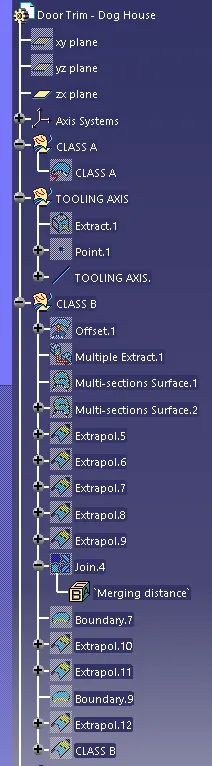
CREATING TOOLING AXIS
1. Extract surface and take a point on that.
2. create line using normal to surface.
CLASS B
class b surface is created by using offset command .
During creating some patches are formed to closed that we used fill commaand with guide.
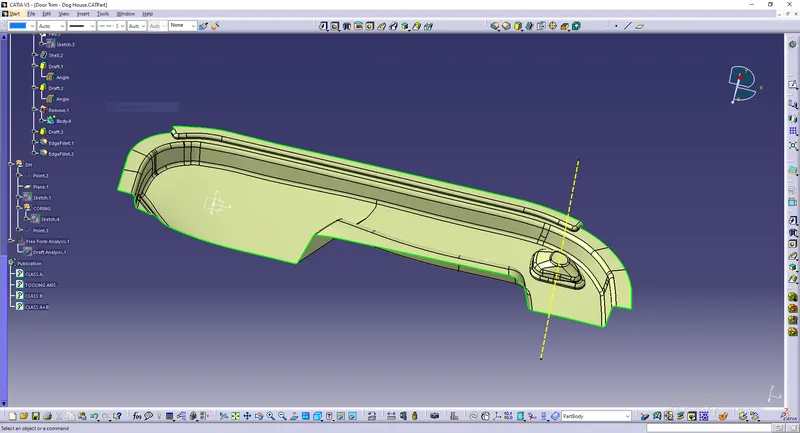
CLASS C
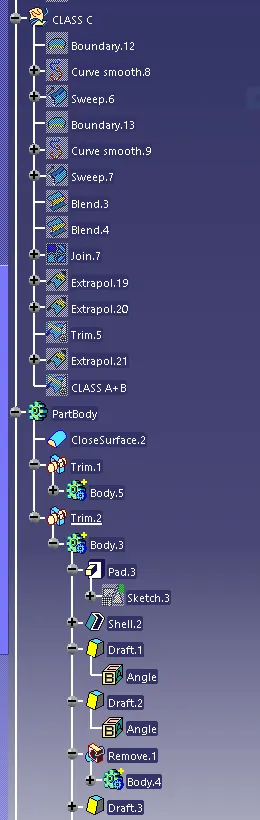
The class c surface is created with reference to surface at angle at 90 degree.
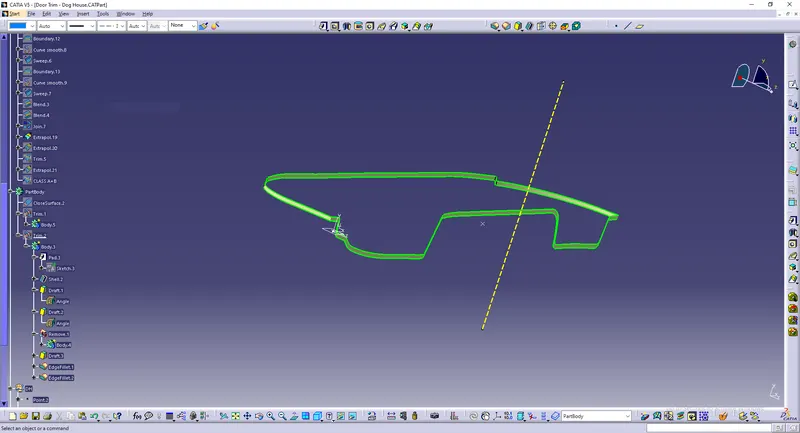
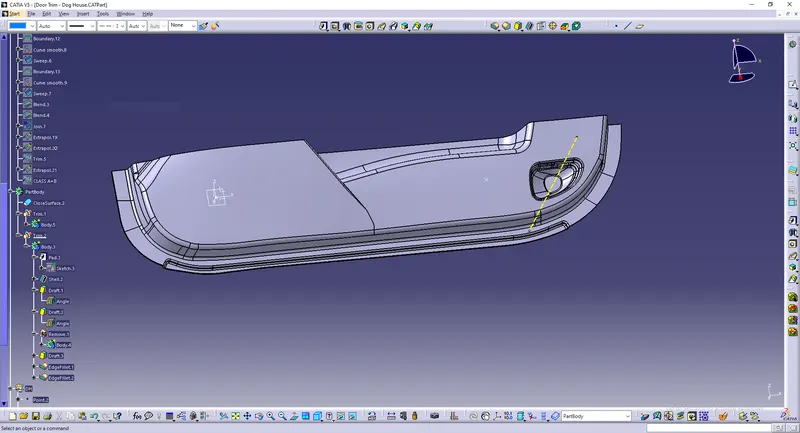
closed surface
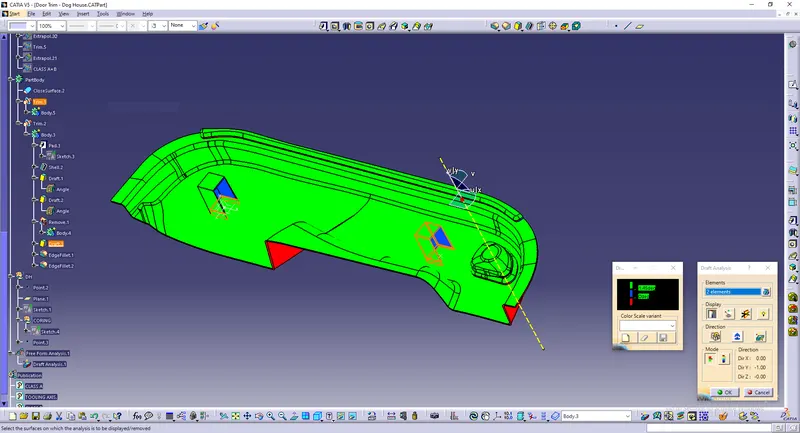
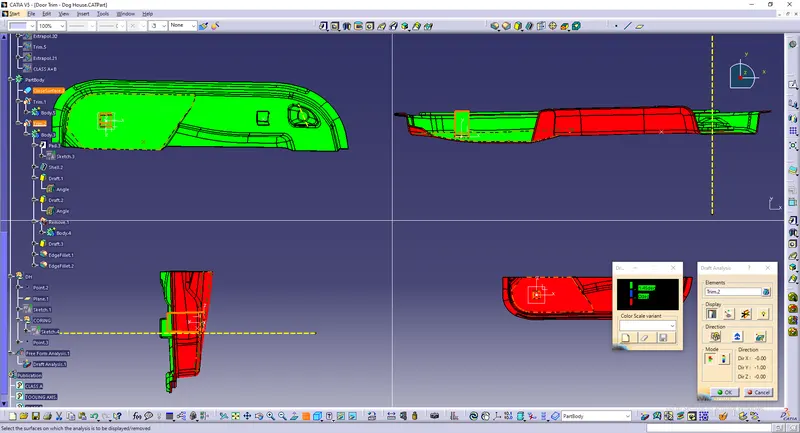
Draft analysis
- Take a compass and placed on the tooling axis and go to featured draft analysis.
- The green colour shows drafting angle 2.9 and above 2.9.
- Red colour indicates the angle zero degree.
- Blue colour indicates the negative draft angle.
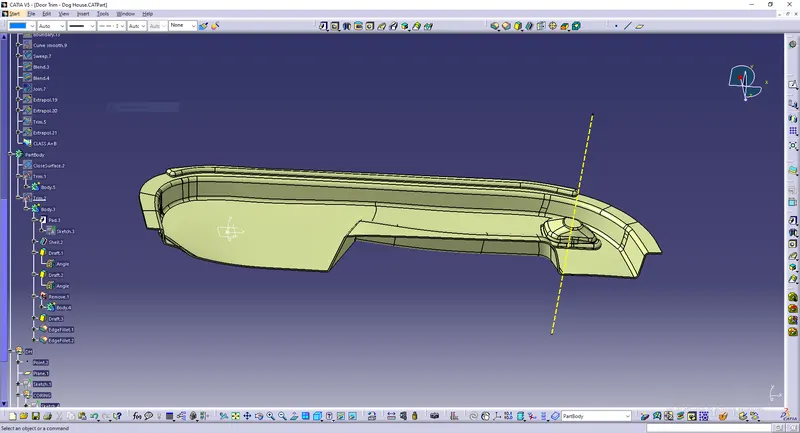
For the dog house the new axis system is created
1. The point has been taken on the surface
2. The line normal to the dog house is created.
shown below
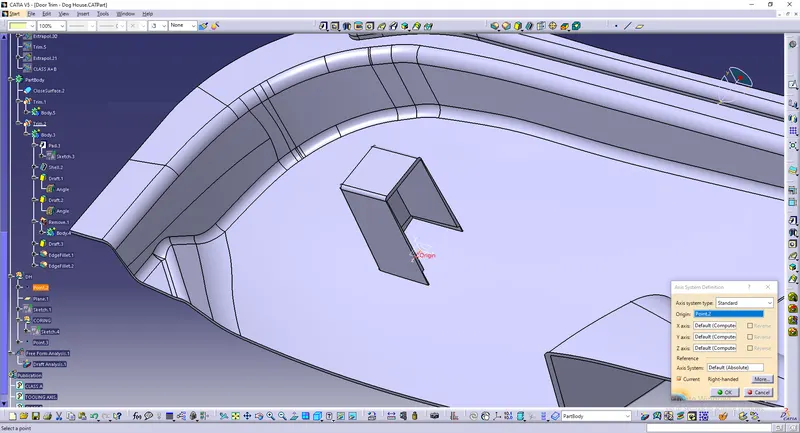
DOG HOUSE ANALYSIS
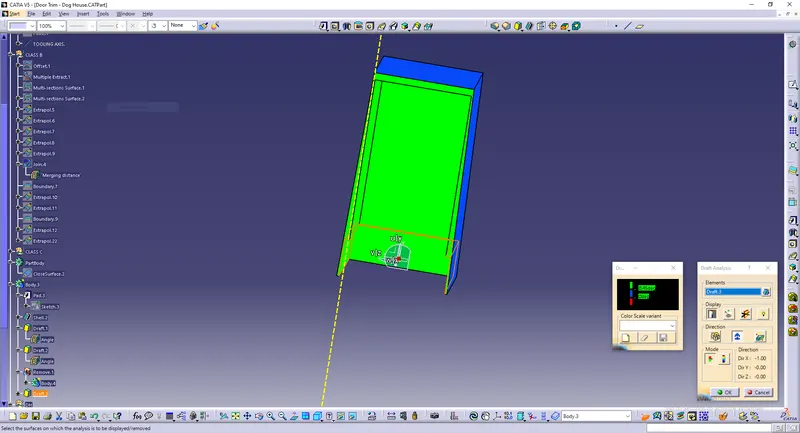
The draft angle is given 3 degree to the dog house with the neutral base.
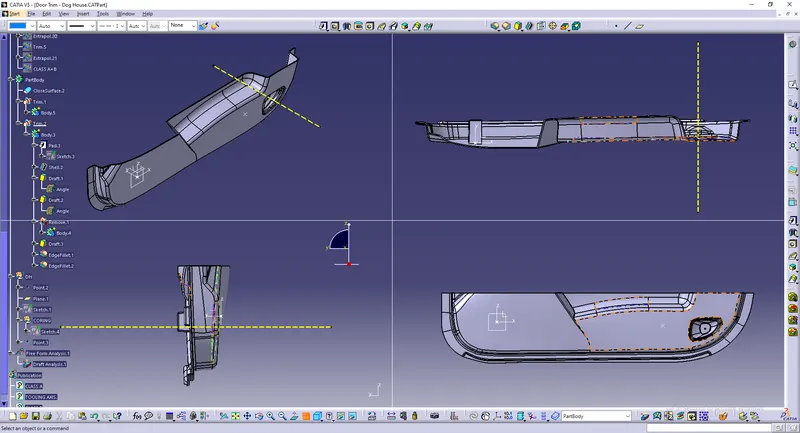
Screenshots of the completed design in various orientations
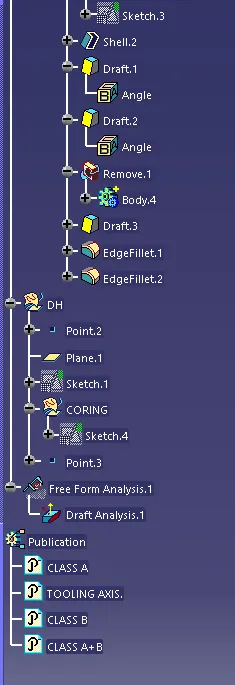
Tree: