Week 9 - Attachment Feature Creation - Challenge 2
Creating Tolling Axis:-
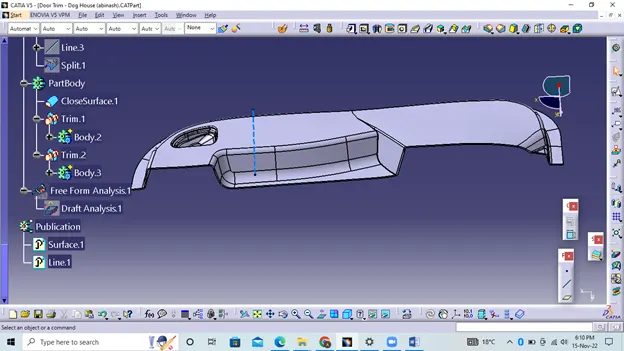
The machining direction is basically the direction in which the mold pulls the part. The mold is basically built from two separate parts. You have a cavity side and you have a core side. The Core separates from the Cavity and this is the Dye line or Tooling Direction.
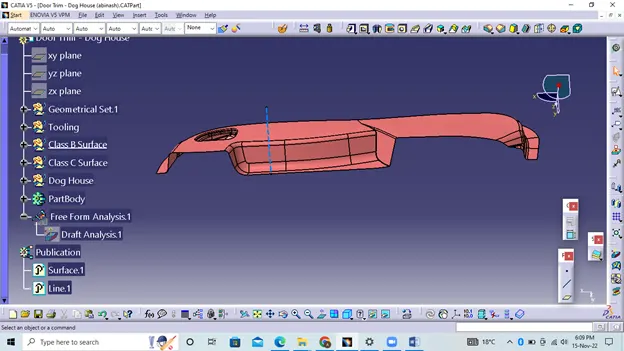
Draft Analysis Of Class A Surface:-
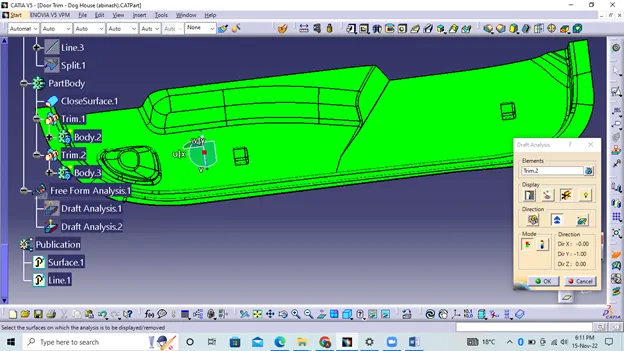
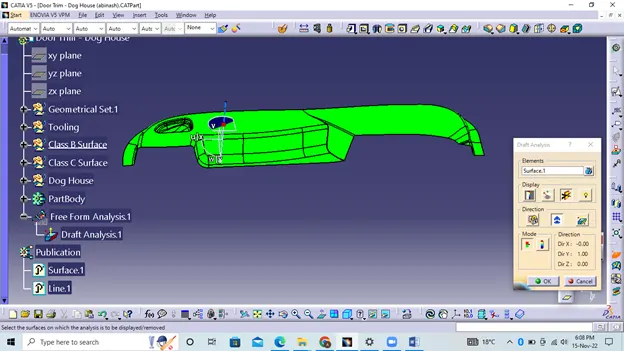
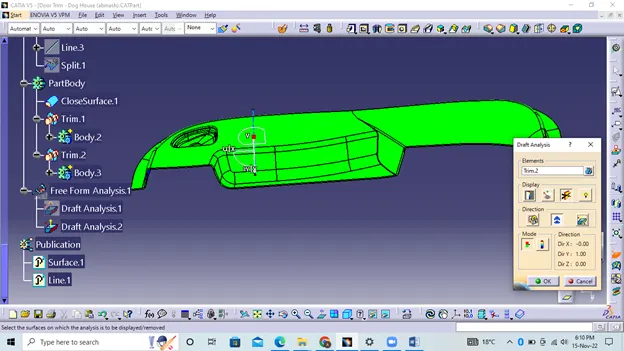
The Bevel Analysis command lets you see if the part you've created will be easily removed. This type of analysis is performed based on color ranges identifying zones on the analyzed element where the deviation from the dip direction at any point corresponds to the specified values.
i.Before going to analyze drawing, go to custom view parameter under mesh check material and then click OK button.
ii.Use a compass to define the direction of the bevel.
iii.In the color scale, change the bevel angle to 3 degrees.
iv.The component will turn green to indicate the passing bevel angle.
v.Use the intermediate point to check the angle on the part.
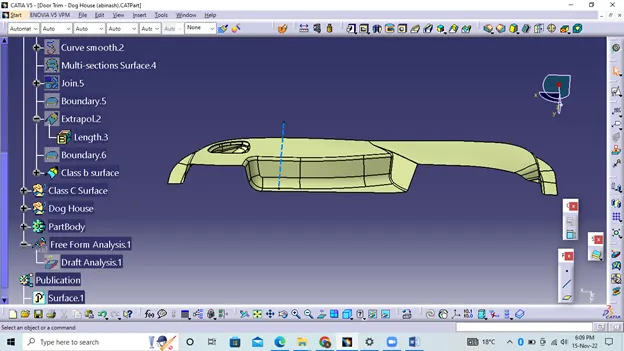
Creation Of Class b Surface:-
i.Extract surfaces from class A using multiple extraction and clip them.
ii.Use Extrapolate to ensure all untrimmed edges are properly intersected to trim and offset the surfaces by 2.5mm to create the thickness.
iii.Trim additional surfaces using the trim command.
iv.Place them in a new geometry set and name it with the appropriate component names.
v.After creating the entire surface, apply a fillet to the model.
vi.If the edges are outside, the fillet value is added to the thickness of the part, and if the edges are inside, the fillet value is subtracted from the thickness of the part, for example, the thickness of the part is 2.5 mm, the fillet value is 15 mm, so the value of the outer part should be 17.5 mm and the inner edges should be rounded 12.5 mm to achieve a uniform thickness.
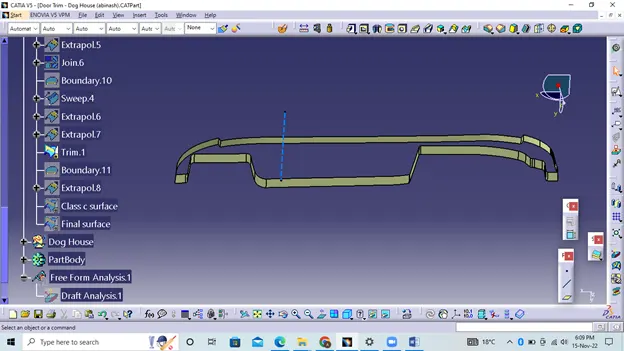
Creation Of Class C Surface:-
i.Extract the boundary from the class A surface using the boundary command.
ii.Using the disassembly tool to split the boundary because the boundary contains domains.
iii.Use drag command select profile type line subtype as bevel direction > select guide curve and bevel angle of bevel direction as 3 degrees
Close Surface:-
Draft Analysis Of Close Surface:-
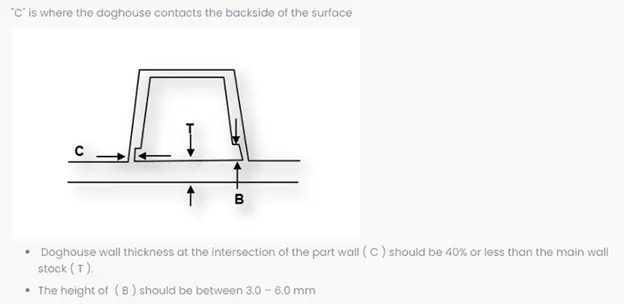
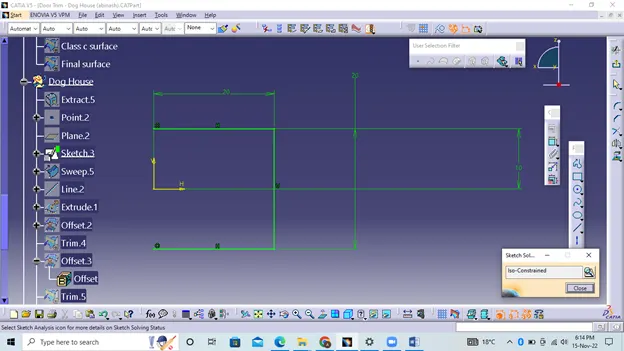
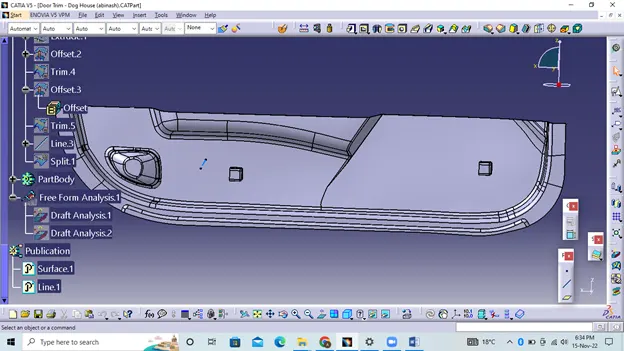
Dog House:-