Week 9 - Attachment Feature Creation - Challenge 2
AIM:
To Create the Dog House for the Door Trim considering the design rules
CLASS A SURFACE:
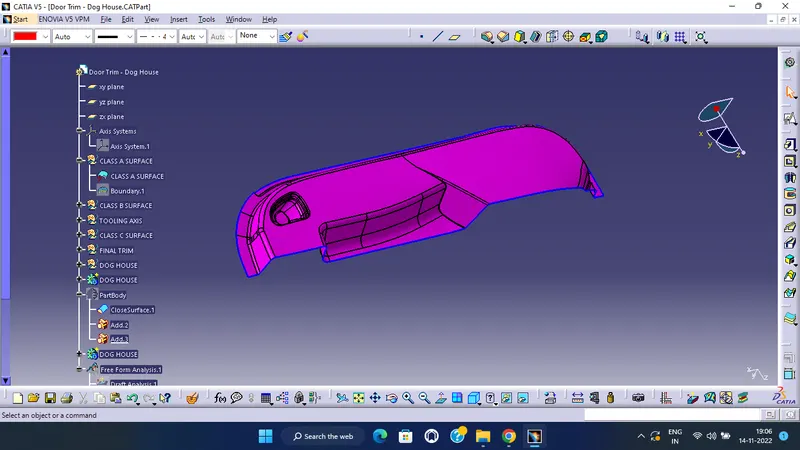
Import the given catpart file.
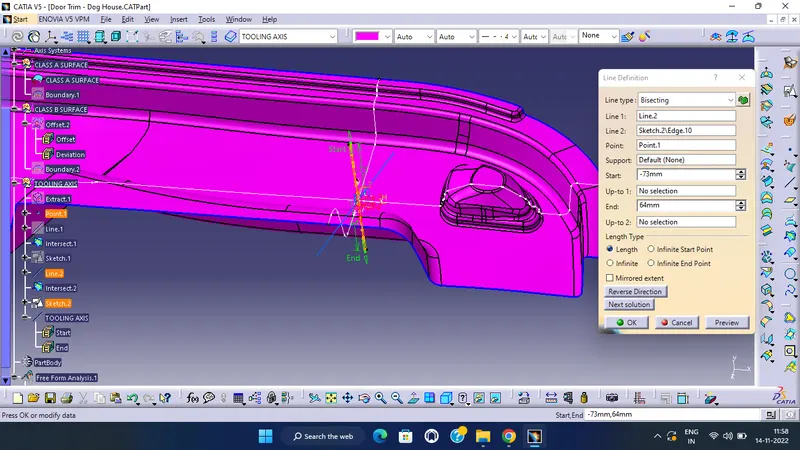
Tooling axis creation:
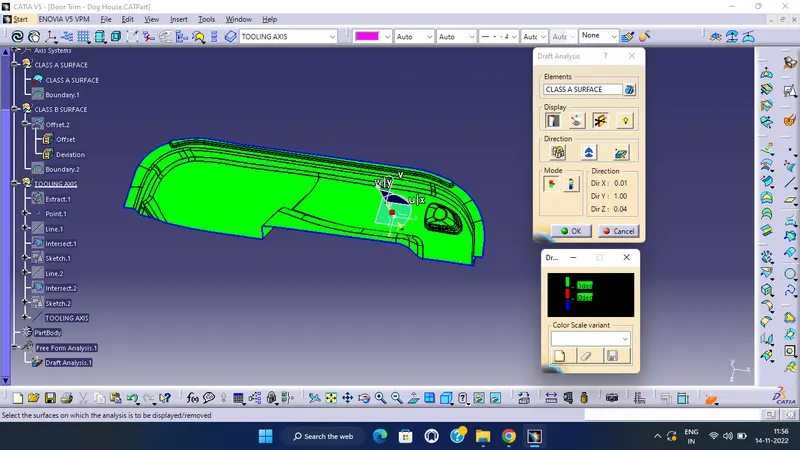
Class A draft:
Class B Surface Creation-
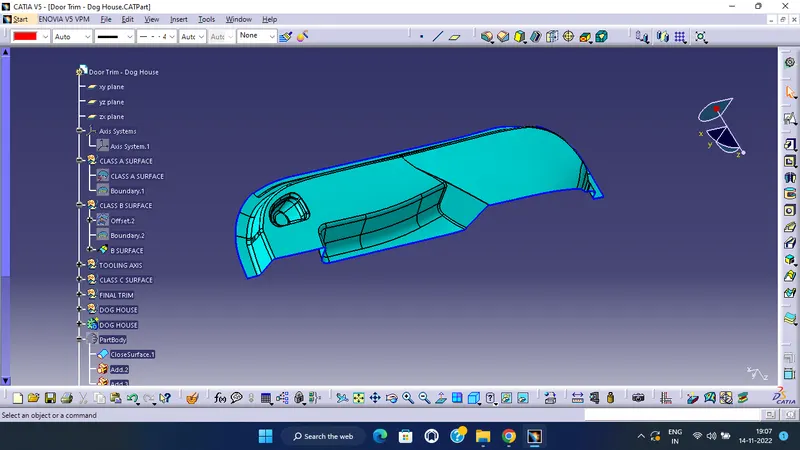
To create class B surface offset the class A with proper direction and distance. Here distance is the thickness of the component. As no given thickness is provided, so we are assuming the thickness value is 2.5MM. Result after offsetting-
Class C Surface Creation-
To create class C surface create boundary using class A surface boundary with 'Boundary' command in 5 parts. And use 'Sweep' command to create a surface that is in 90 deg. angle with class A surface. The reasulyent surface will be the class C surface.
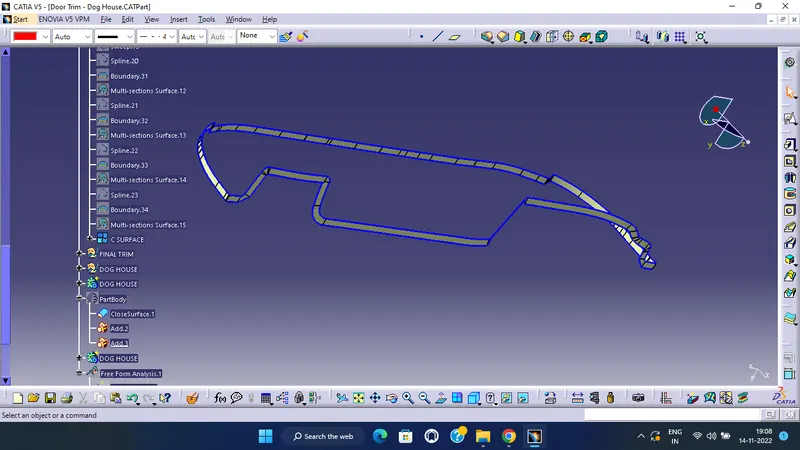
Final Closed Surface-
Class C surface trimmed with class B surface properly and joined with class A.
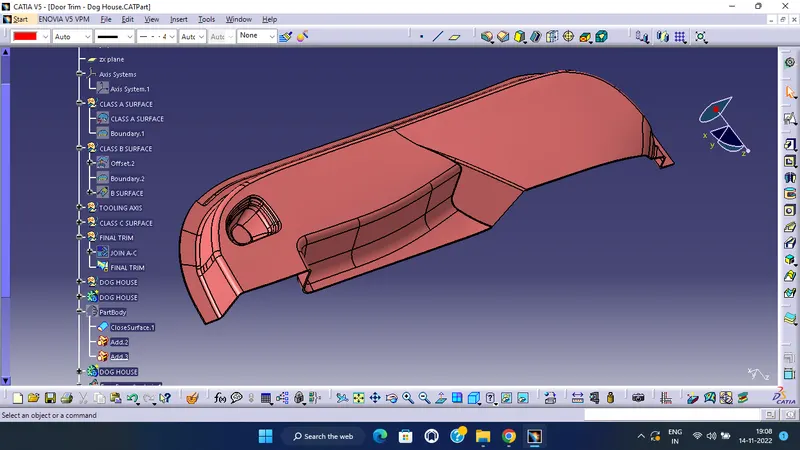
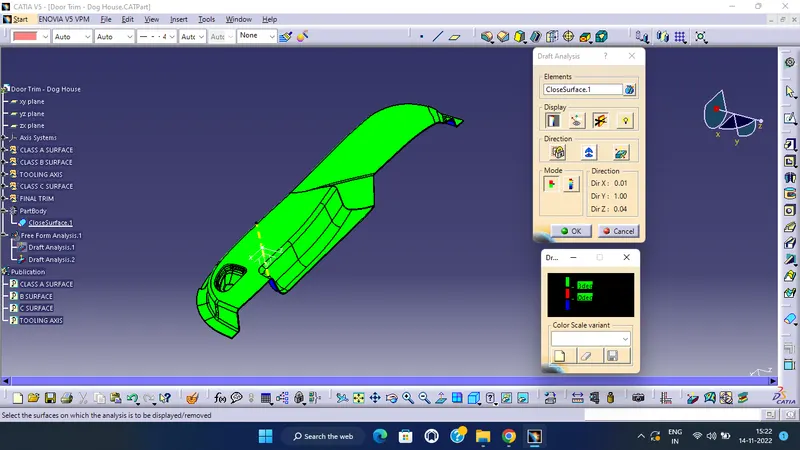
solid draft analysis:
Dog House creation:
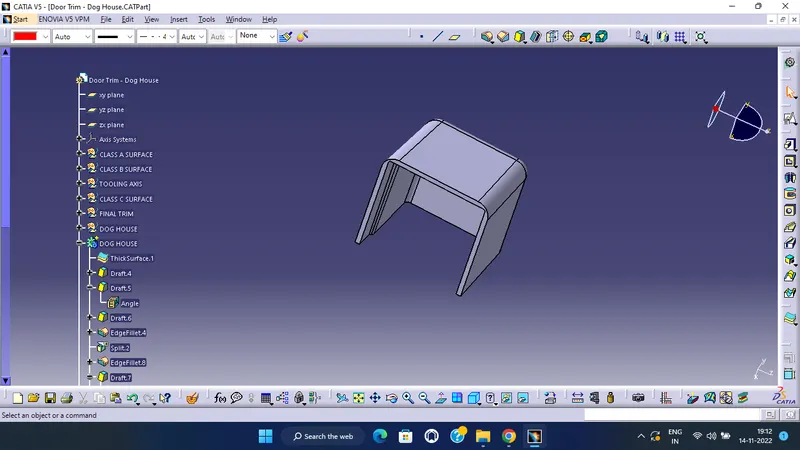
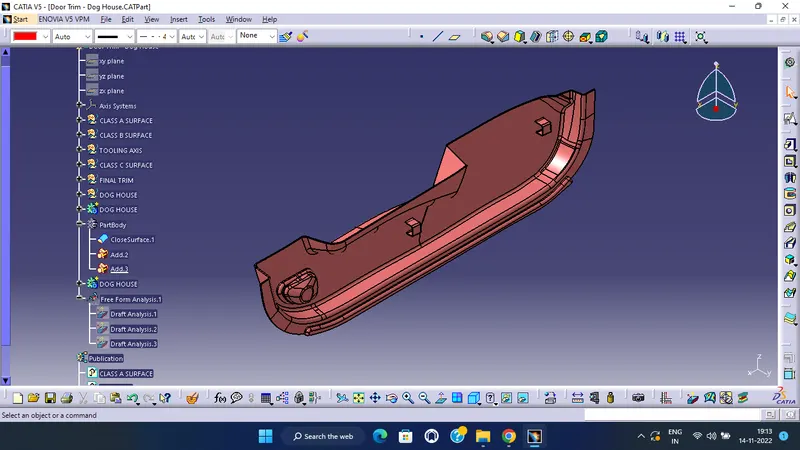
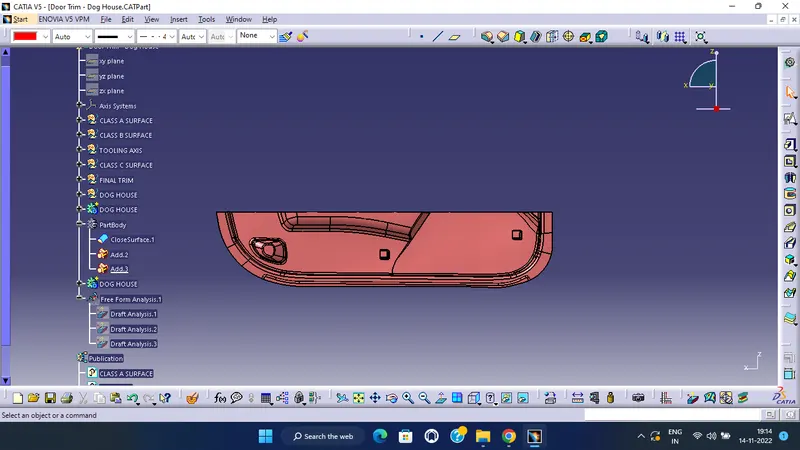
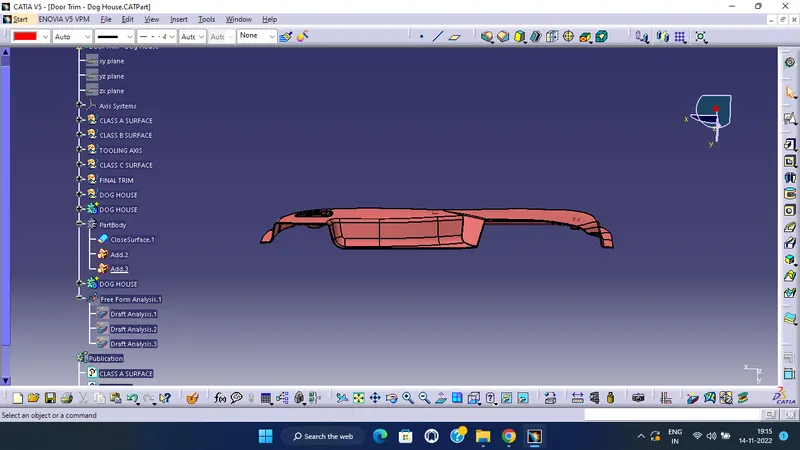
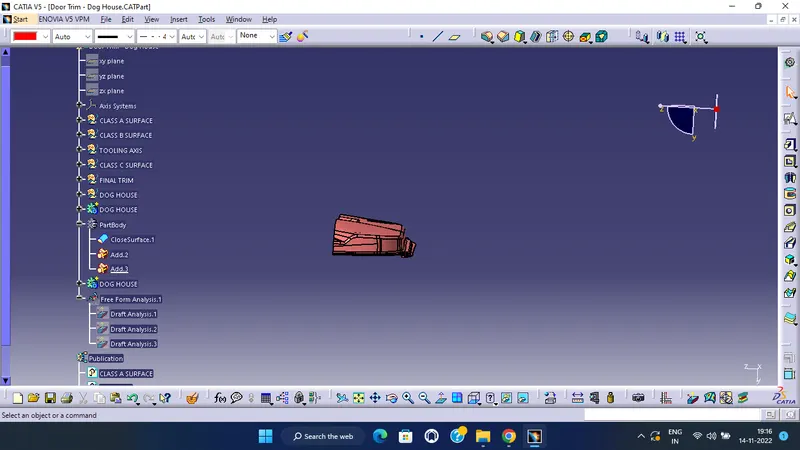
- Screenshots of the completed design in various orientations (Isometric, Front, Side, and Top View)
Isometric view
Front view
Top view
Side view
Conclusion :
Hence the Door trim dog house plastic part created and Draft analysis is also performed for the final component is successfully done.