Week 9 - Attachment Feature Creation - Challenge 2
AIM:
- CREATION OF DOG HOUSE AND SCREW BOSS ON THE COIN HOLDER COMPONENT TO PERFORM THE DRAFT ANALYSIS ON DOG HOUSE AND SCREW BOSS AS WELL AS ON COIN HOLDER.
OBJECTIVE:
- The main objective is to create a dog house under design rules the dog house should follow the design rules. also the creation of tooling axis and to perform the draft analysis on the whole combined component.
PROCEDURE:
- DESIGN RULES WE MUST CONSIDER IN THE BEGINNING.
1.DESIGN RULES FOR SCREW BOSS.
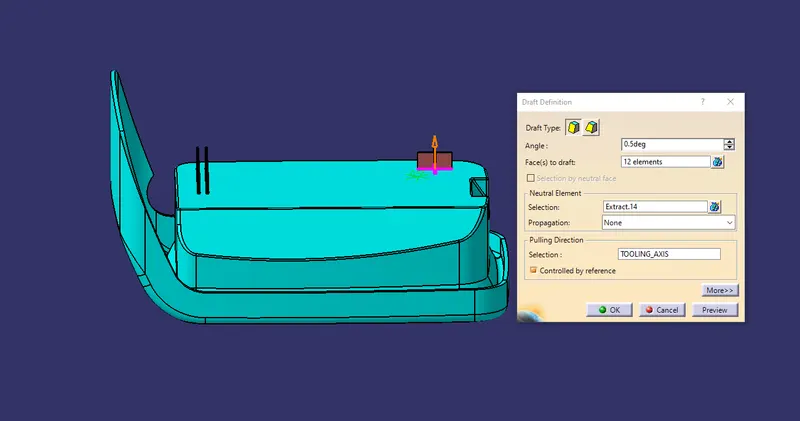
- Draft -0.5 degree on walls of boss.
- Thickness-typically 40% of the nominal wall at the base.
- Height to diameter ratio -3:1.
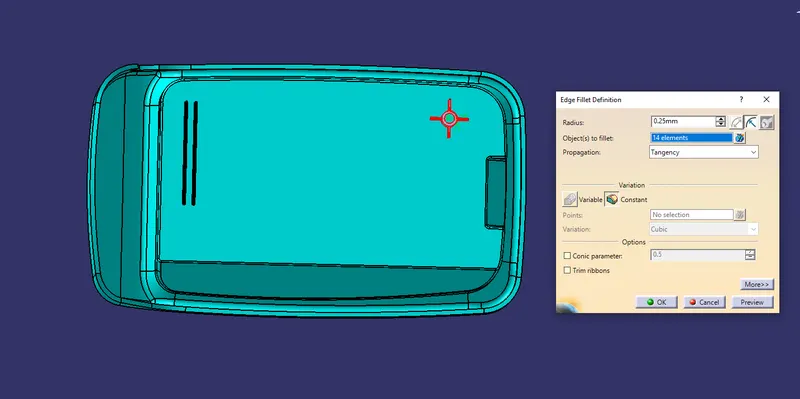
- Radii-0.25mm maximum radi.
2.DESIGN RULE OF DOG HOUSE.
- Dog house wall thickness at the intersection of the part wall should be 40 % or less than the main wall stock.
- The height of B should 3.0-6.0mm.
SCREW BOSS CREATION:
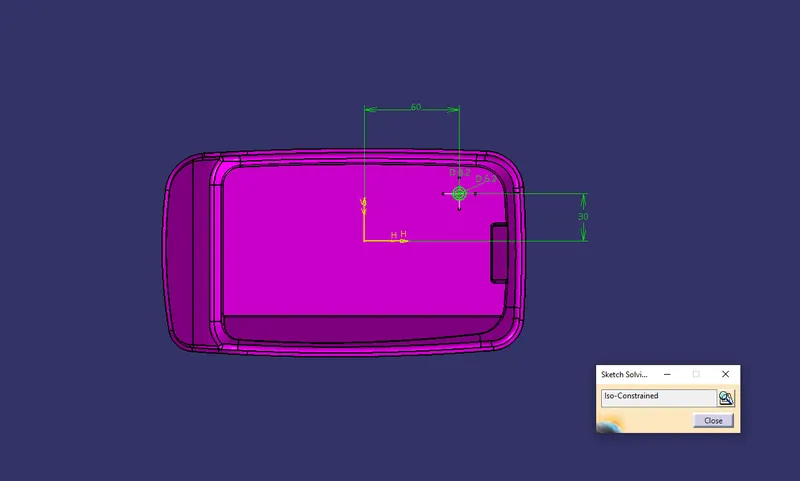
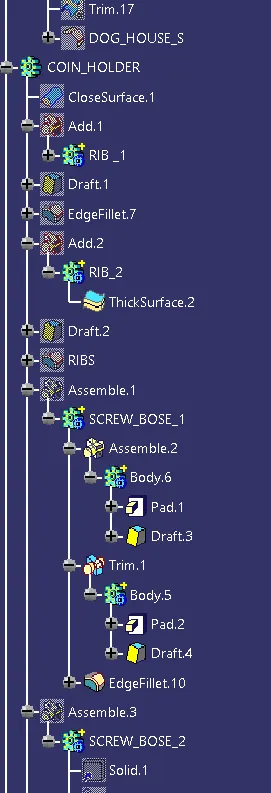
- Create a sketch on the coin holder two circles with 5.2 and 8.2 radius.
- After than padding the sketch, with Imm.
- Give the Draft - 0.5 degrees on walks of boss.
- Give the radius of the edge fillets is 0.25. and height is 11.5.
- Height to Diameter Ratio - 3:1.
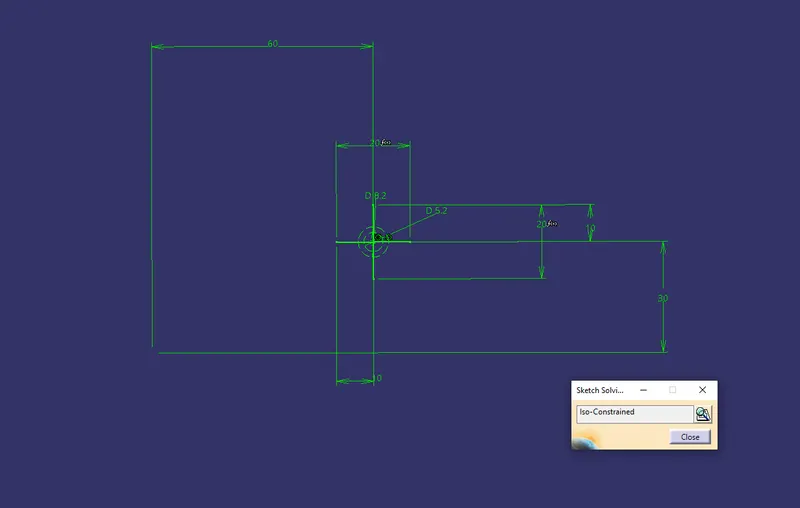
- Create the ribs for extra strengh getting to the srew boss.
- Create sketch for the ribs as shown in below dimensions.
- Gives thicking 0.5mm for the ribs.
- After creatining the ribs define the screw boss and unitrim the ribs finally add srew boss in part body.
Dog House Creation:
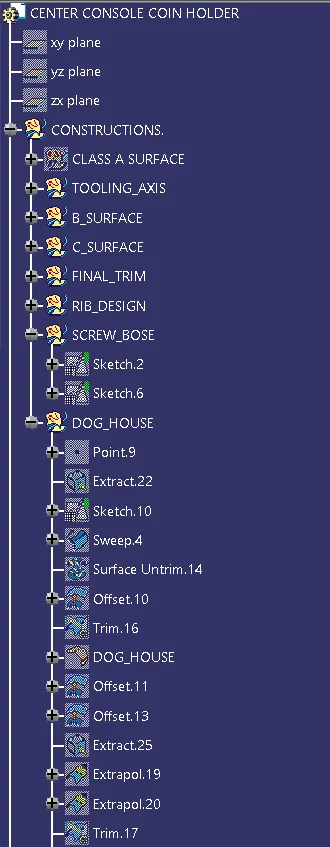
- Extract the base surface of the coin holeder model draw a rectangular sketch.
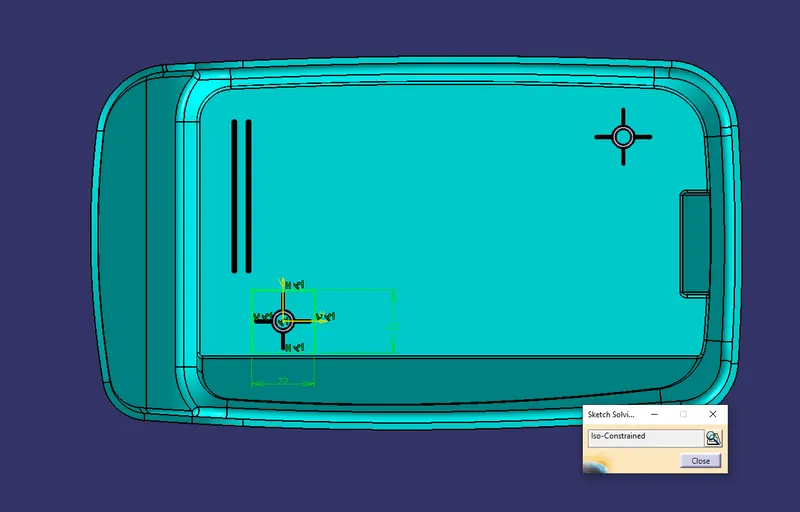
- sweep the line up 12mm upwards offset the surface 20mm than trim the surfaces.
- give the edge filetes 1mm.
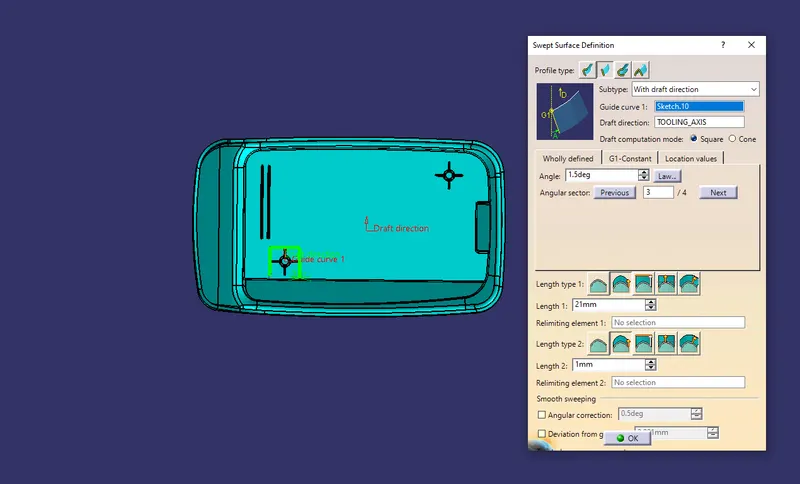
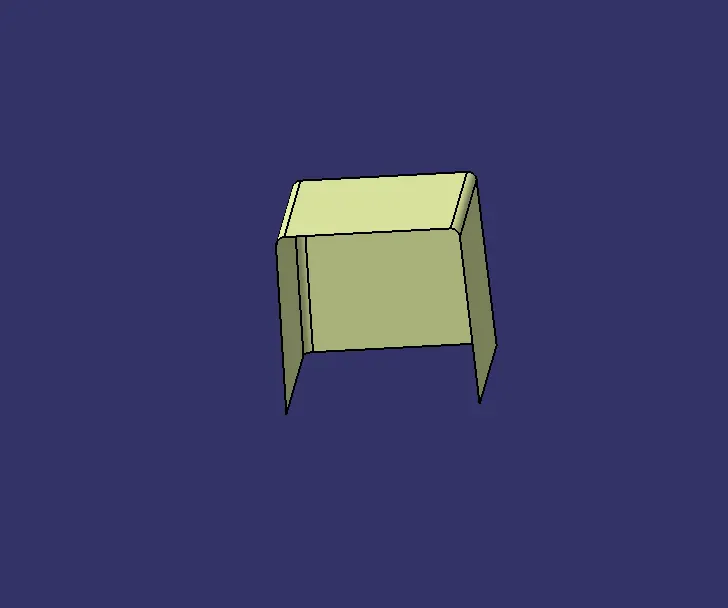
- Then will go to part design and give the tickning 2mm ou side.
- create C angle on bottom surface off set 4mm of the untrim surface upward direction.
- offset the walls Imm. and go to part design split the surface.
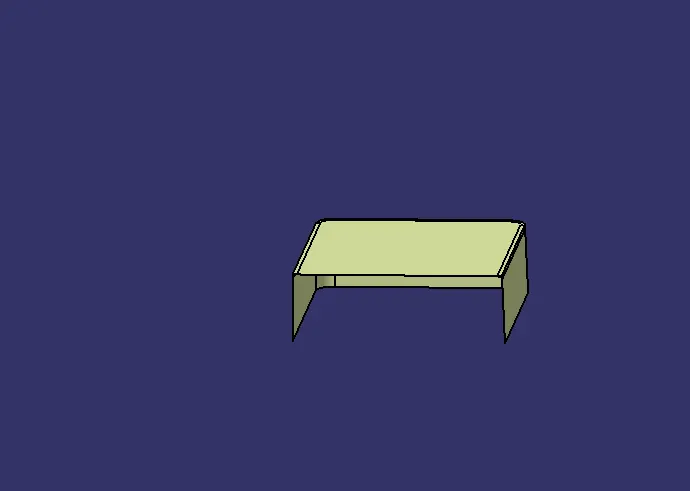
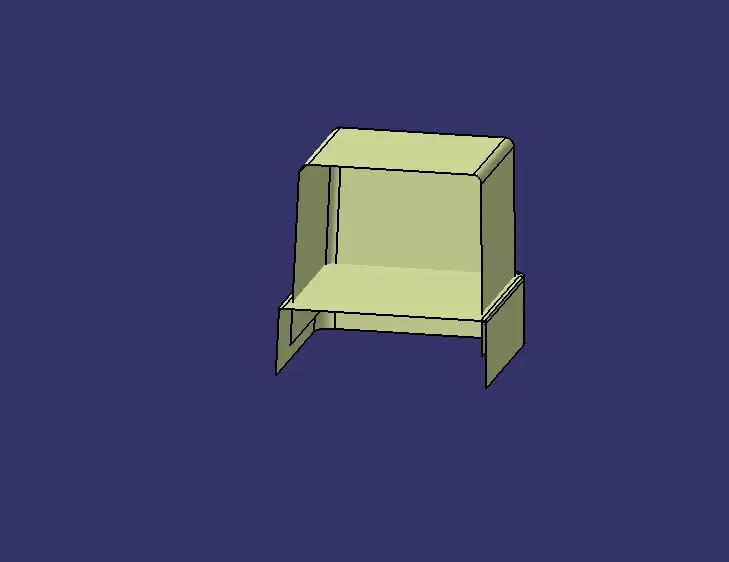
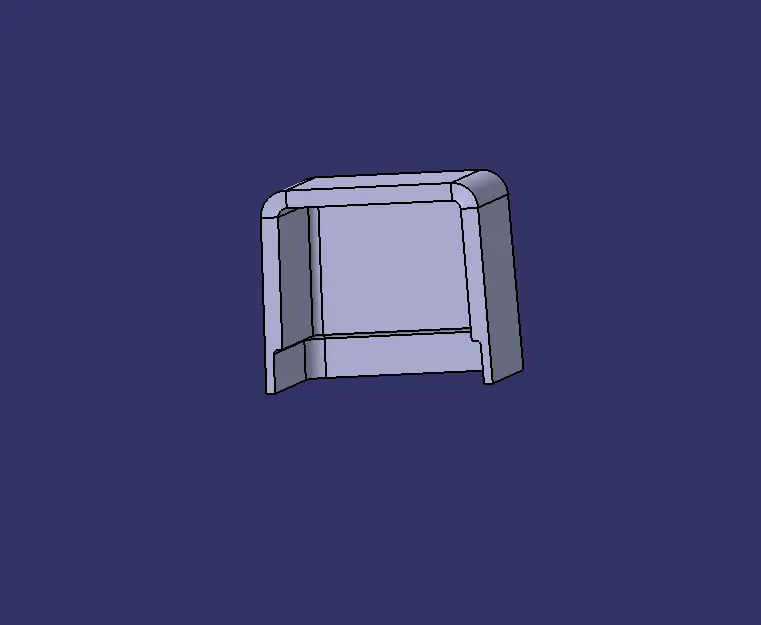
- arrange the screw boss top of the doghouse with using moves to coardinates.
- join the doghouse in part body.
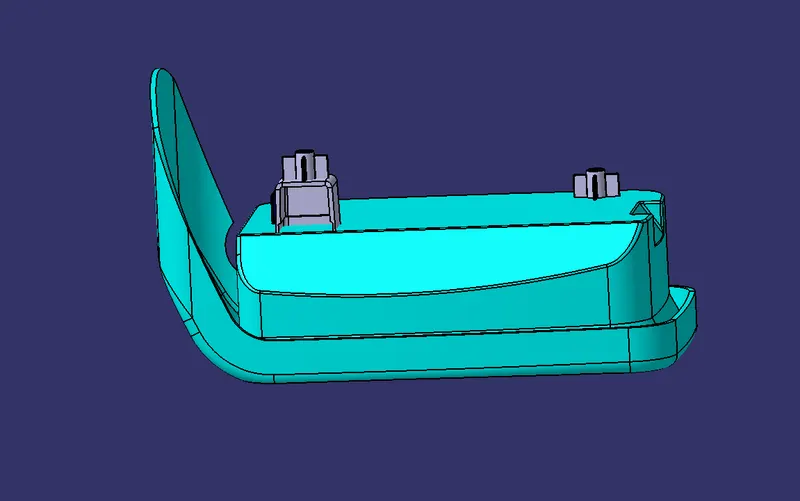
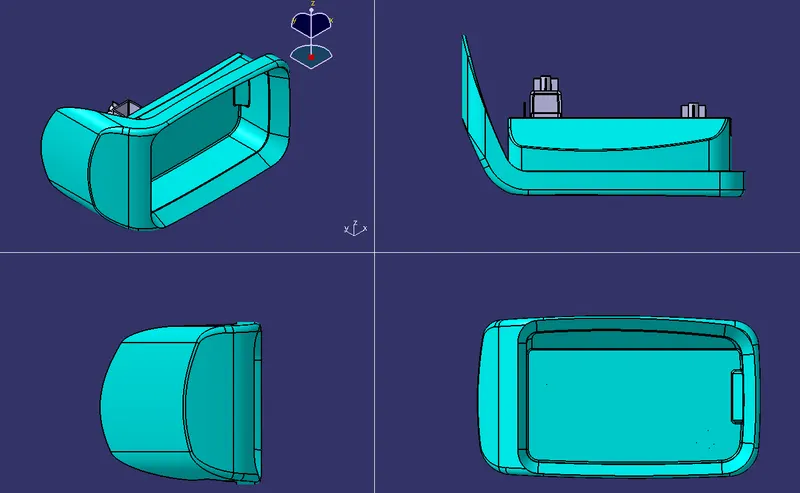
DIFFERENT VIEWS:
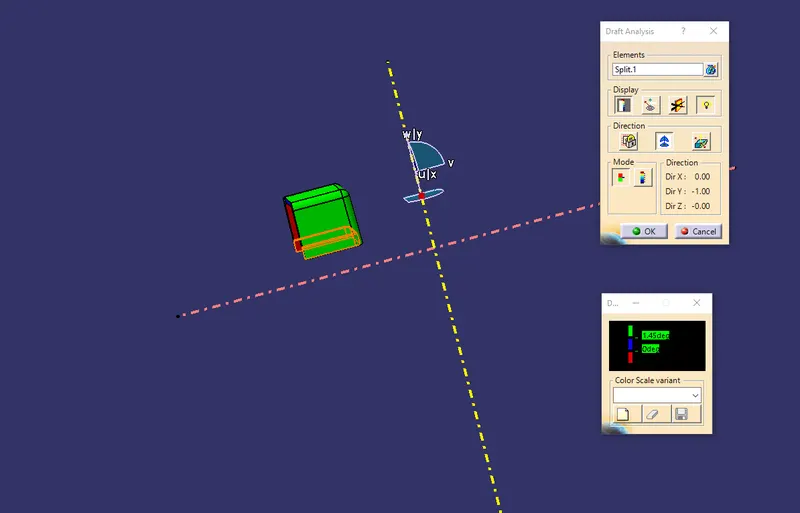
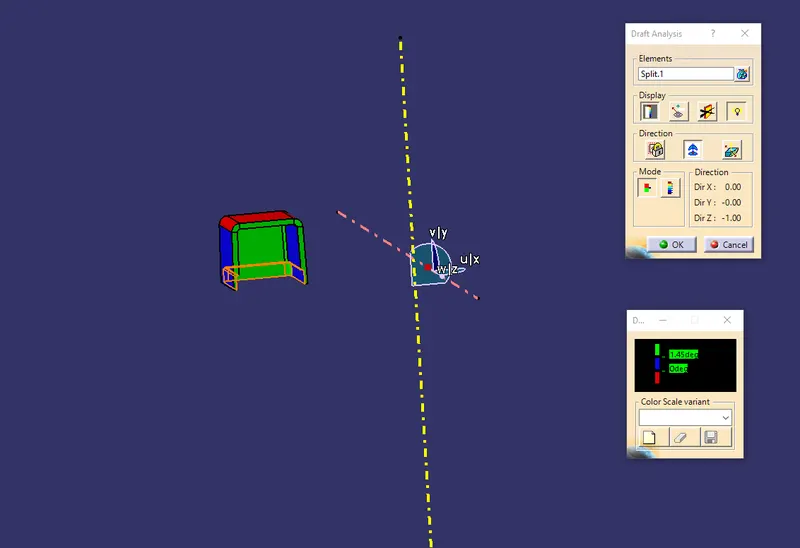
DRAFT ANALYSIS:
- Open the Draft analysis by Insert Analysis Feature Draft Analysis.
- Select the Compass-Direction in Draft Analysis and align it to the Tooling Axis and then lock it.
- After locking it a cross symbol will occur at the pointer select the surface and the surface selected tums into green.
- In Draft Analysis 2 bax select the green column to change the draft angle to 15 degrees.
- The color should be green in colour.
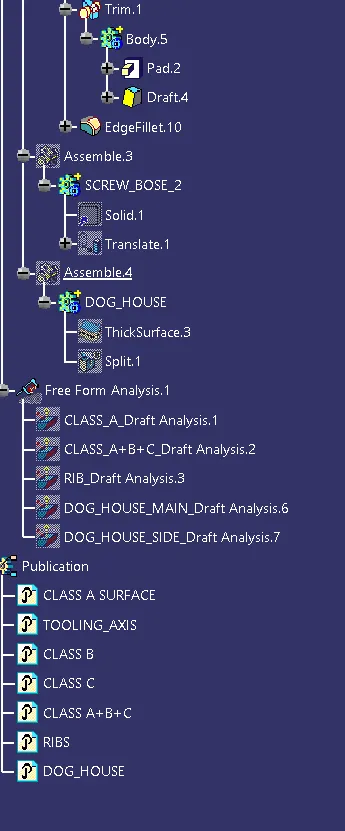
TREE STRUCTURE:
CONCLUSION:
- SREW BOSS AND DOGHOUSES ARE CREATED ON CON IN HOLDER CONSIDERING THE DESIGN RULES.